
Computer Science and an introduction to Pascal A
- Slides: 13
Computer Science and an introduction to Pascal A Level Computing – Mr Sheehan (MSH)
Logging in � (To be completed for helping external students log in) � (We are liaising with IT support how to get round this)
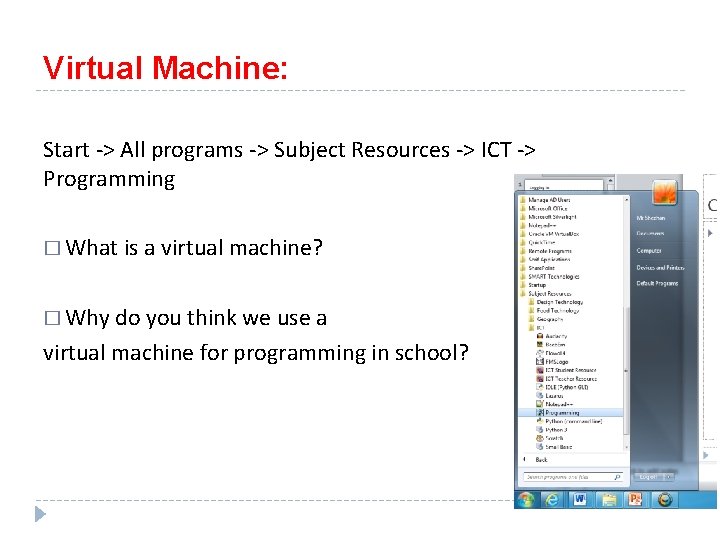
Virtual Machine: Start -> All programs -> Subject Resources -> ICT -> Programming � What is a virtual machine? � Why do you think we use a virtual machine for programming in school?
IDE and Programming Language The programming language we will be using in class is Pascal. Most would of you would have used Python for GCSE and so this will give you the experience of another language. The IDE we currently use in lessons is Lazarus version 1. 6. This can be downloaded for free here: https: //www. lazarus-ide. org/index. php? page=downloads � What is an IDE?
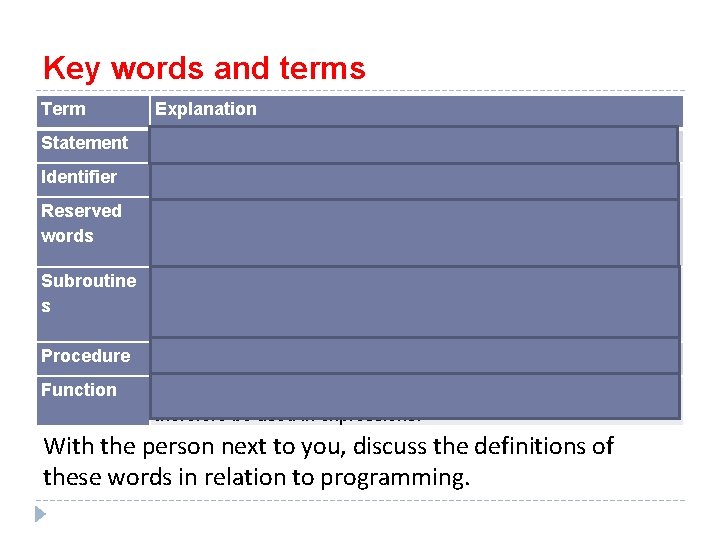
Key words and terms Term Explanation Statement any individual step/instruction in the code Identifier A name for your variables, functions etc. Reserved words Words which are reserved for a specific purpose in the programming language and so can’t be used as an identifier. e. g. IF… WHILE… DO… Subroutine s Procedure Function a sub-program, a set of statements written to perform a given task as part of solving the main problem. It can be called by using its identifier. a subroutine which performs a task but has no return value specifically a subroutine which returns a single value and can therefore be used in expressions. With the person next to you, discuss the definitions of these words in relation to programming.
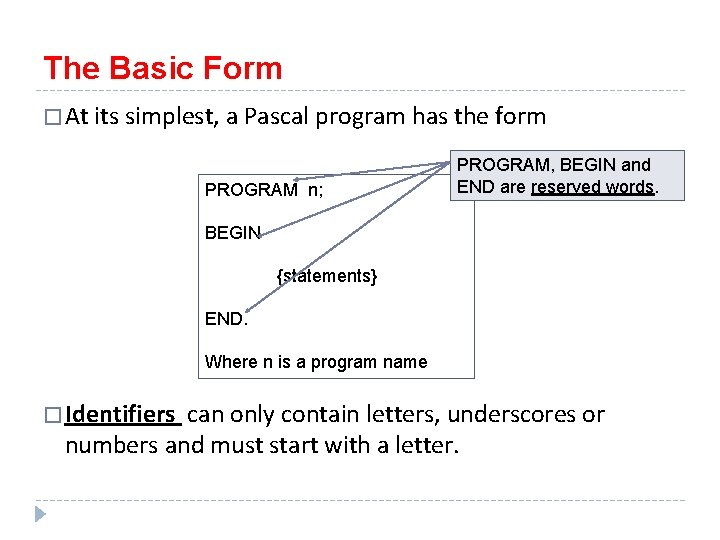
The Basic Form � At its simplest, a Pascal program has the form PROGRAM n; PROGRAM, BEGIN and END are reserved words. BEGIN {statements} END. Where n is a program name � Identifiers can only contain letters, underscores or numbers and must start with a letter.
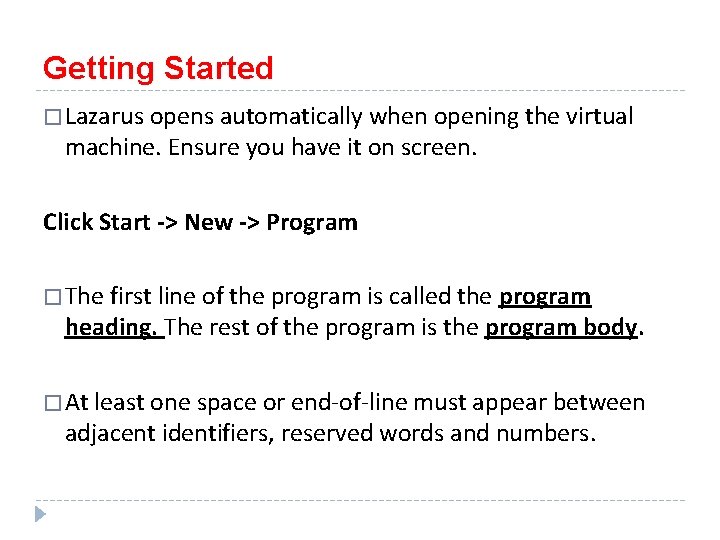
Getting Started � Lazarus opens automatically when opening the virtual machine. Ensure you have it on screen. Click Start -> New -> Program � The first line of the program is called the program heading. The rest of the program is the program body. � At least one space or end-of-line must appear between adjacent identifiers, reserved words and numbers.
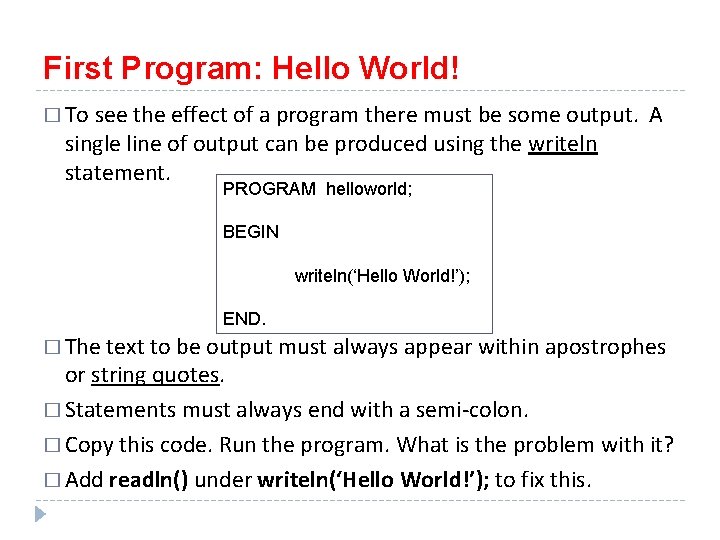
First Program: Hello World! � To see the effect of a program there must be some output. single line of output can be produced using the writeln statement. A PROGRAM helloworld; BEGIN writeln(‘Hello World!’); END. � The text to be output must always appear within apostrophes or string quotes. � Statements must always end with a semi-colon. � Copy this code. Run the program. What is the problem with it? � Add readln() under writeln(‘Hello World!’); to fix this.
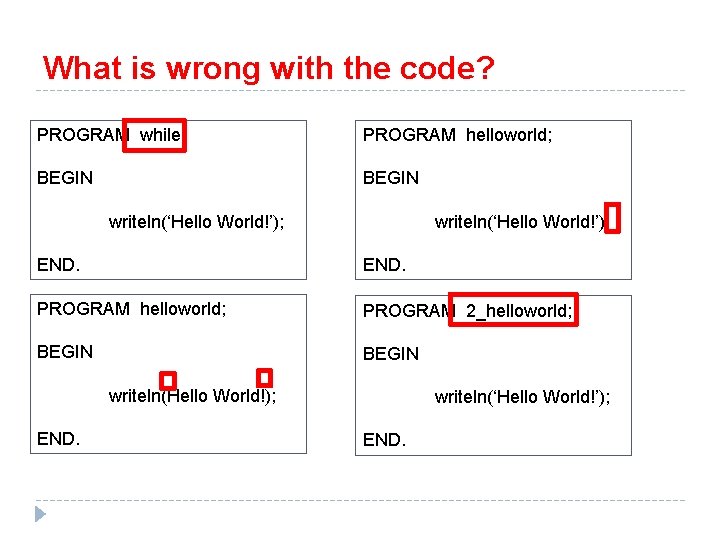
What is wrong with the code? PROGRAM while; PROGRAM helloworld; BEGIN writeln(‘Hello World!’); writeln(‘Hello World!’) END. PROGRAM helloworld; PROGRAM 2_helloworld; BEGIN writeln(Hello World!); END. writeln(‘Hello World!’); END.
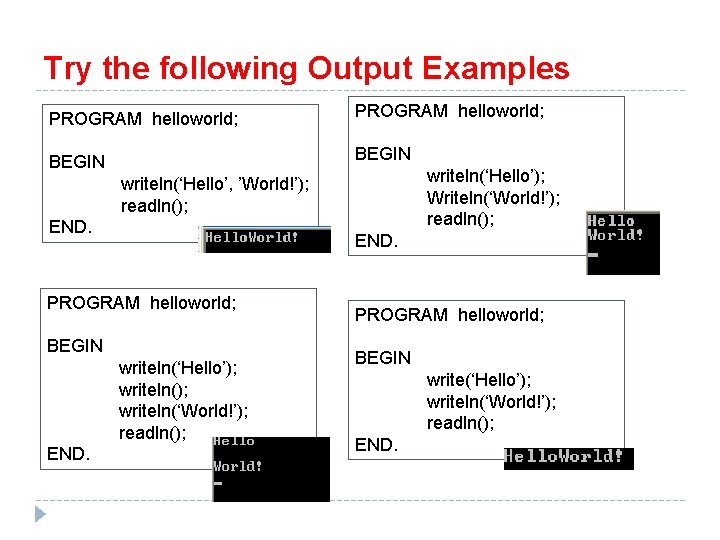
Try the following Output Examples PROGRAM helloworld; BEGIN writeln(‘Hello’); Writeln(‘World!’); readln(); writeln(‘Hello’, ’World!’); readln(); END. PROGRAM helloworld; BEGIN writeln(‘Hello’); writeln(‘World!’); readln(); END. PROGRAM helloworld; BEGIN write(‘Hello’); writeln(‘World!’); readln(); END.
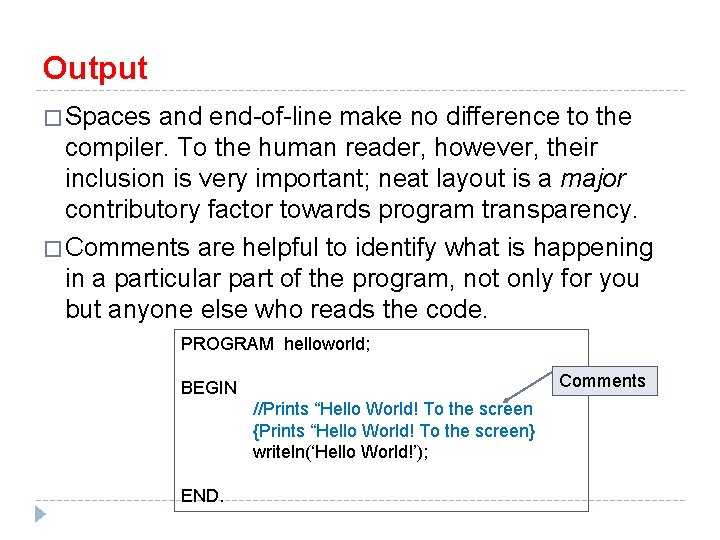
Output � Spaces and end-of-line make no difference to the compiler. To the human reader, however, their inclusion is very important; neat layout is a major contributory factor towards program transparency. � Comments are helpful to identify what is happening in a particular part of the program, not only for you but anyone else who reads the code. PROGRAM helloworld; Comments BEGIN //Prints “Hello World! To the screen {Prints “Hello World! To the screen} writeln(‘Hello World!’); END.
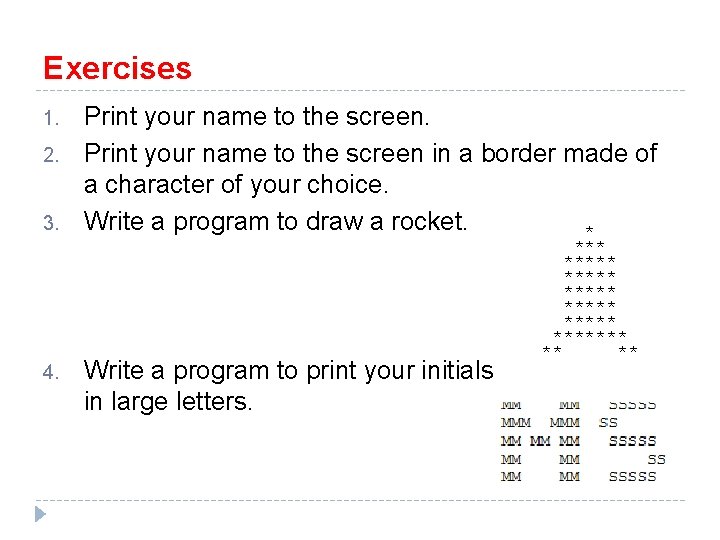
Exercises 1. 2. 3. 4. Print your name to the screen in a border made of a character of your choice. Write a program to draw a rocket. * Write a program to print your initials in large letters. ***** ******* ** **
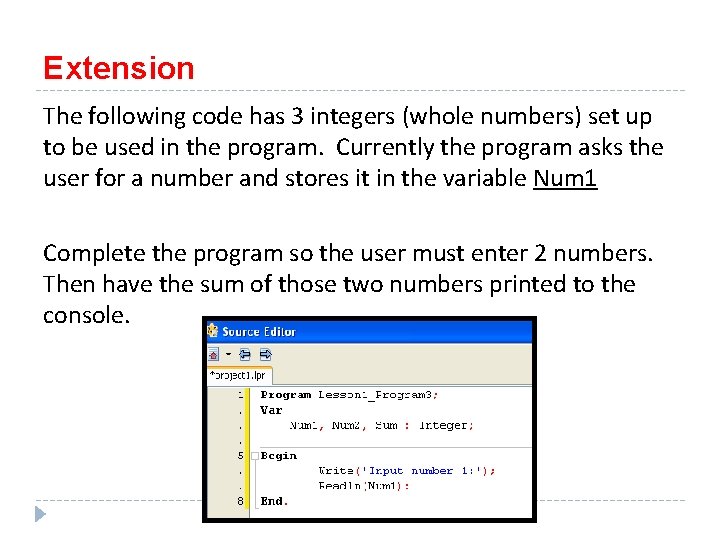
Extension The following code has 3 integers (whole numbers) set up to be used in the program. Currently the program asks the user for a number and stores it in the variable Num 1 Complete the program so the user must enter 2 numbers. Then have the sum of those two numbers printed to the console.