
Computer Science 1 Break down the first Java
Computer Science 1 • Break down the first Java program • Be able to use your notes and resources to create a Java program from scratch • Read over using Variables in Java
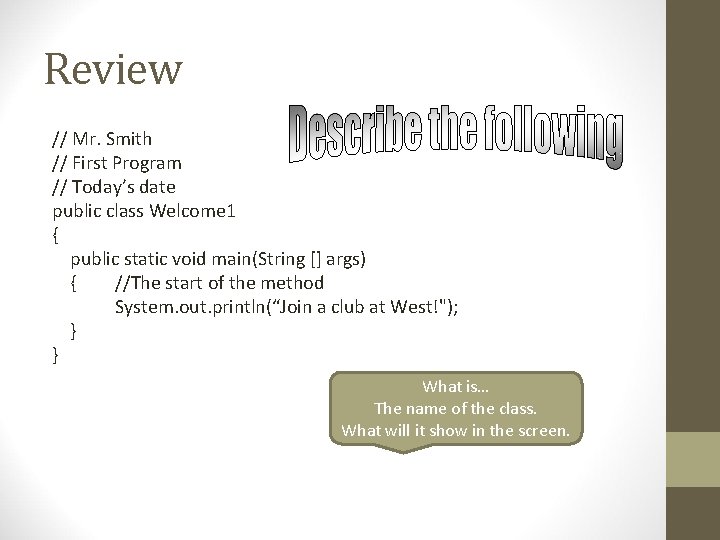
Review // Mr. Smith // First Program // Today’s date public class Welcome 1 { public static void main(String [] args) { //The start of the method System. out. println(“Join a club at West!"); } } What is… The name of the class. What will it show in the screen.
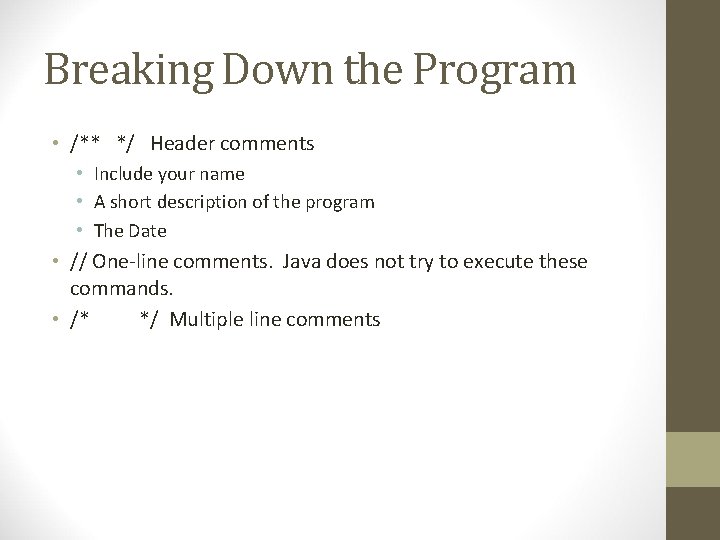
Breaking Down the Program • /** */ Header comments • Include your name • A short description of the program • The Date • // One-line comments. Java does not try to execute these commands. • /* */ Multiple line comments
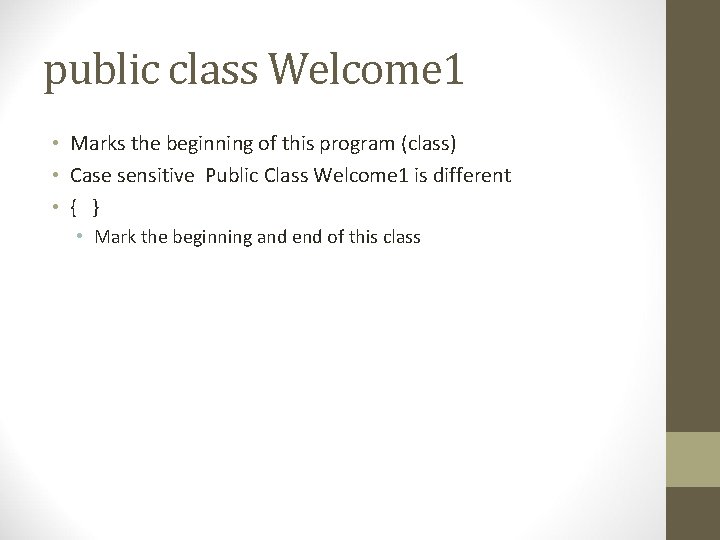
public class Welcome 1 • Marks the beginning of this program (class) • Case sensitive Public Class Welcome 1 is different • { } • Mark the beginning and end of this class
![public static void main(String args[]) • This is the starting point of every java](http://slidetodoc.com/presentation_image_h2/4291d0dd4ce6b0f1715e7a0e4df93b3f/image-5.jpg "public static void main(String args[]) • This is the starting point of every java")
public static void main(String args[]) • This is the starting point of every java application • (Main body of the program) • () after main indicate it is a method. • Java classes usually contain more than one method • Exactly one of these methods must be called main and defined as above for the program to run. • Methods perform tasks and return information. • void indicates that it will return nothing. • String args[] is required for the main's definition. More details later.
{ • Marks the beginning of the main body of the class. • Needs to match up with a } • Indent between the {}
System. out. println("Welcome to Java programming!"); • Displays information on the output screen and moves down to the next line. • Put words, … inside the “” • System. out. print("Welcome to Java programming!"); • Displays information and stays on the same line. • System. out. print(“Hello”); • System. out. println(“World”);
Showing Multiple lines public class Welcome 1 { //main method begins execution of Java application public static void main(String [] args) { //The start of the method System. out. println(“Welcome nto n. Java nprogramming”); }//End of method main } //End of class Welcome 1
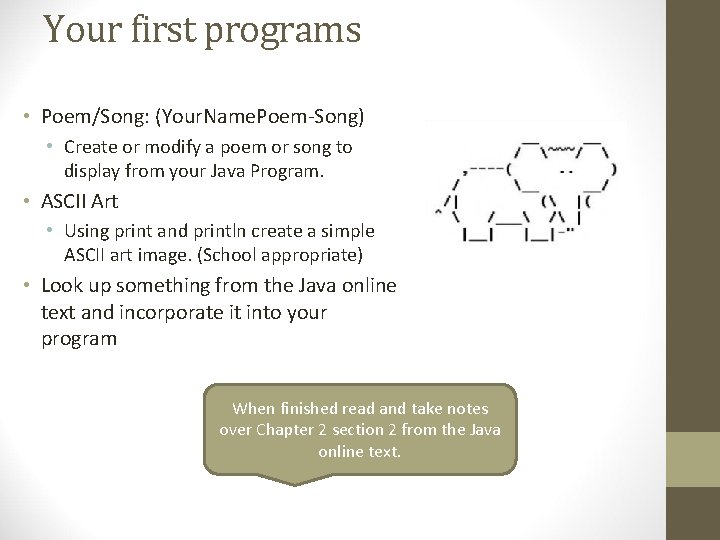
Your first programs • Poem/Song: (Your. Name. Poem-Song) • Create or modify a poem or song to display from your Java Program. • ASCII Art • Using print and println create a simple ASCII art image. (School appropriate) • Look up something from the Java online text and incorporate it into your program When finished read and take notes over Chapter 2 section 2 from the Java online text.
- Slides: 9