
Computer Programming1 CSC 111 Chapter 1 Introduction Chapter
- Slides: 27
Computer Programming-1 CSC 111 Chapter 1 : Introduction
Chapter Outline What a computer is What a computer program is The Programmer’s Algorithm How a program that you write in Java is changed into a form that your computer can understand • Characteristics of Java • • Page 2 Dr. S. GANNOUNI & Dr. A. TOUIR Introduction to OOP
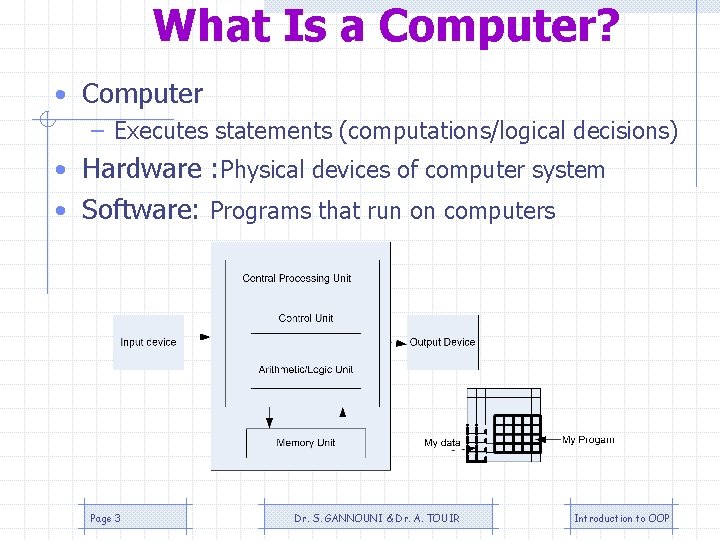
What Is a Computer? • Computer – Executes statements (computations/logical decisions) • Hardware : Physical devices of computer system • Software: Programs that run on computers Page 3 Dr. S. GANNOUNI & Dr. A. TOUIR Introduction to OOP
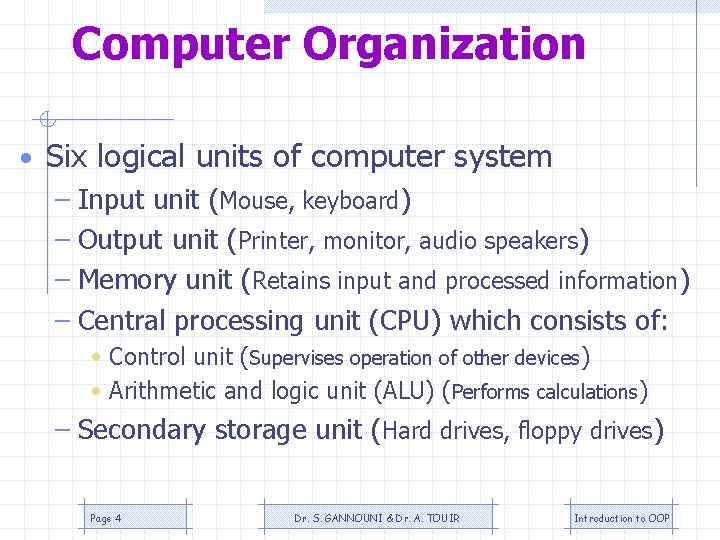
Computer Organization • Six logical units of computer system – Input unit (Mouse, keyboard) – Output unit (Printer, monitor, audio speakers) – Memory unit (Retains input and processed information) – Central processing unit (CPU) which consists of: • Control unit (Supervises operation of other devices) • Arithmetic and logic unit (ALU) (Performs calculations) – Secondary storage unit (Hard drives, floppy drives) Page 4 Dr. S. GANNOUNI & Dr. A. TOUIR Introduction to OOP
What a computer program is? • For a computer to be able to perform specific tasks (i. e. print what grade a student got on an exam), it must be given instructions to do the task. • The set of instructions that tells the computer to perform specific tasks is known as a computer program Page 5 Dr. S. GANNOUNI & Dr. A. TOUIR Introduction to OOP
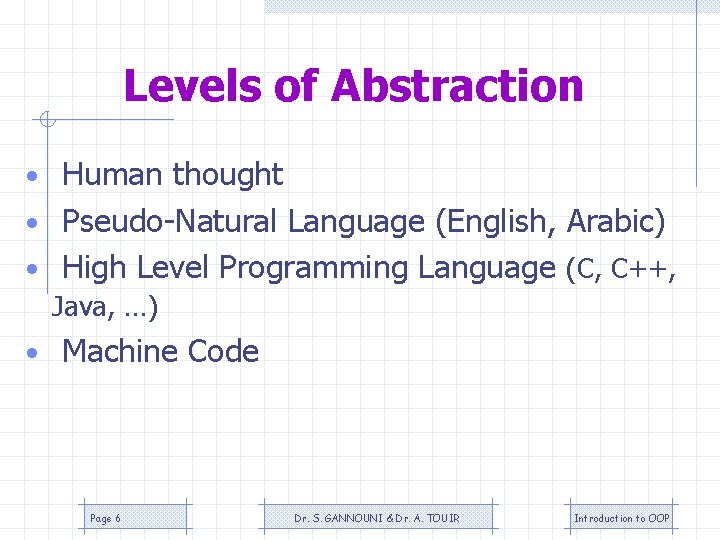
Levels of Abstraction • Human thought • Pseudo-Natural Language (English, Arabic) • High Level Programming Language (C, C++, Java, …) • Machine Code Page 6 Dr. S. GANNOUNI & Dr. A. TOUIR Introduction to OOP
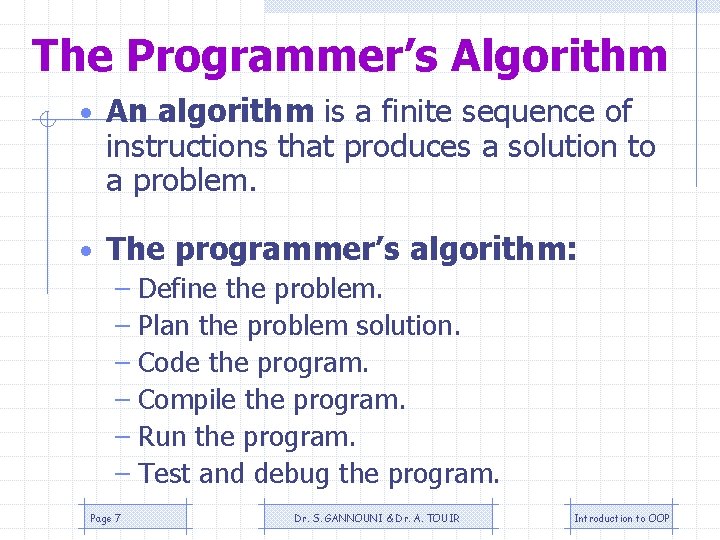
The Programmer’s Algorithm • An algorithm is a finite sequence of instructions that produces a solution to a problem. • The programmer’s algorithm: – Define the problem. – Plan the problem solution. – Code the program. – Compile the program. – Run the program. – Test and debug the program. Page 7 Dr. S. GANNOUNI & Dr. A. TOUIR Introduction to OOP
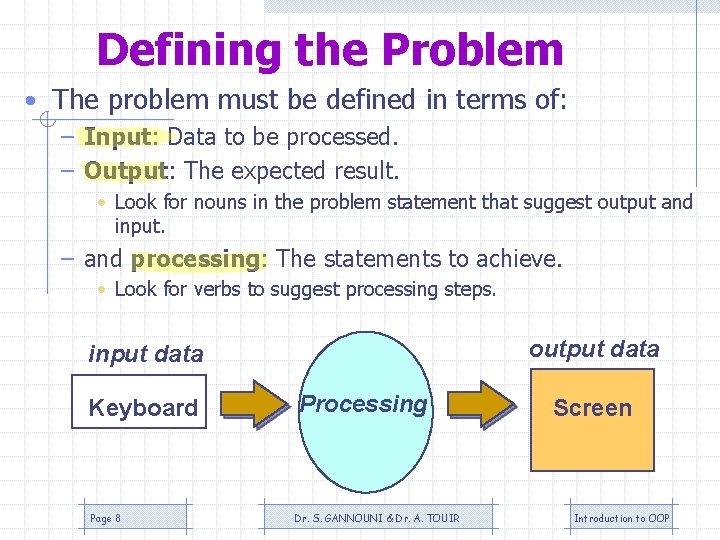
Defining the Problem • The problem must be defined in terms of: – Input: Data to be processed. – Output: The expected result. • Look for nouns in the problem statement that suggest output and input. – and processing: The statements to achieve. • Look for verbs to suggest processing steps. output data input data Keyboard Page 8 Processing Dr. S. GANNOUNI & Dr. A. TOUIR Screen Introduction to OOP
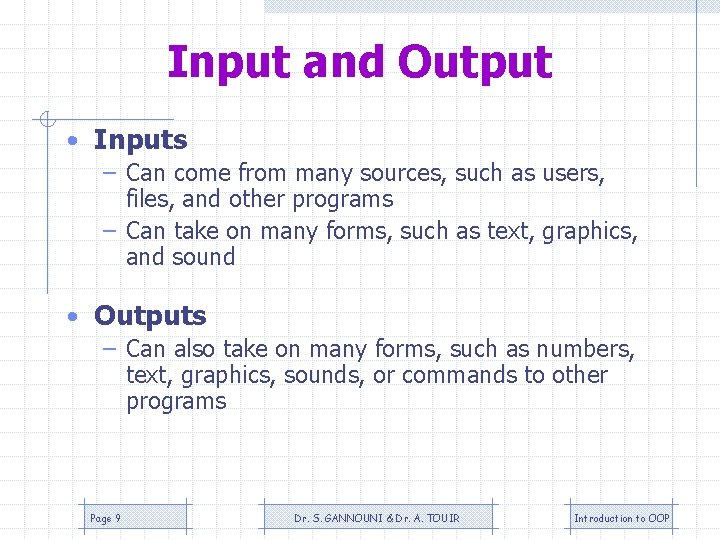
Input and Output • Inputs – Can come from many sources, such as users, files, and other programs – Can take on many forms, such as text, graphics, and sound • Outputs – Can also take on many forms, such as numbers, text, graphics, sounds, or commands to other programs Page 9 Dr. S. GANNOUNI & Dr. A. TOUIR Introduction to OOP
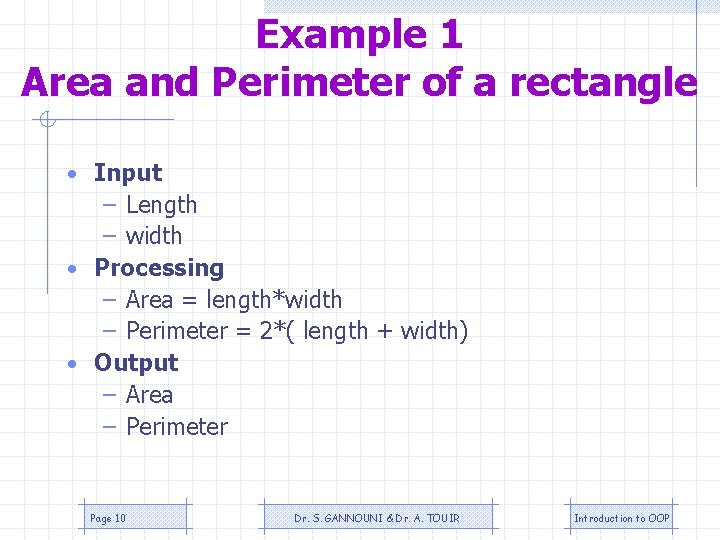
Example 1 Area and Perimeter of a rectangle • Input – Length – width • Processing – Area = length*width – Perimeter = 2*( length + width) • Output – Area – Perimeter Page 10 Dr. S. GANNOUNI & Dr. A. TOUIR Introduction to OOP
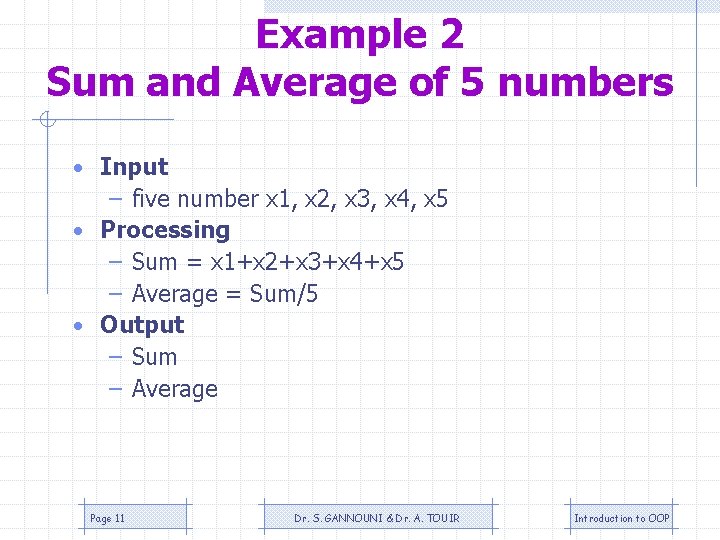
Example 2 Sum and Average of 5 numbers • Input – five number x 1, x 2, x 3, x 4, x 5 • Processing – Sum = x 1+x 2+x 3+x 4+x 5 – Average = Sum/5 • Output – Sum – Average Page 11 Dr. S. GANNOUNI & Dr. A. TOUIR Introduction to OOP
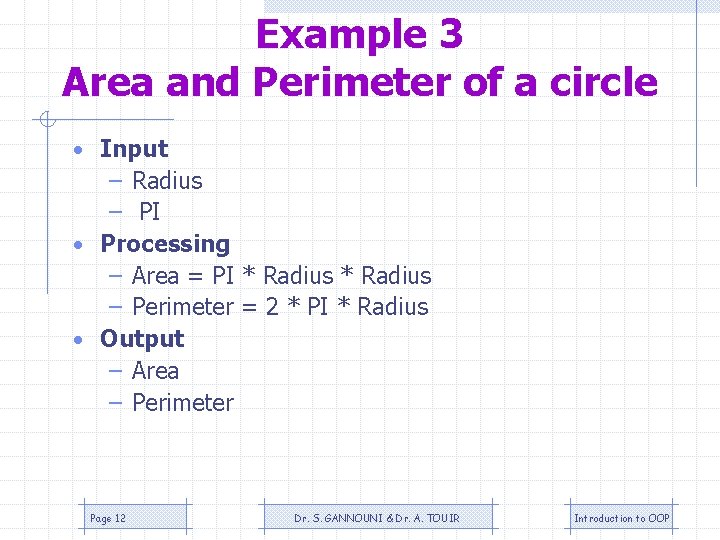
Example 3 Area and Perimeter of a circle • Input – Radius – PI • Processing – Area = PI * Radius – Perimeter = 2 * PI * Radius • Output – Area – Perimeter Page 12 Dr. S. GANNOUNI & Dr. A. TOUIR Introduction to OOP
Planning the Solution • When planning, algorithms are used to outline the solution steps using Englishlike statements, called pseudocode. Page 13 Dr. S. GANNOUNI & Dr. A. TOUIR Introduction to OOP
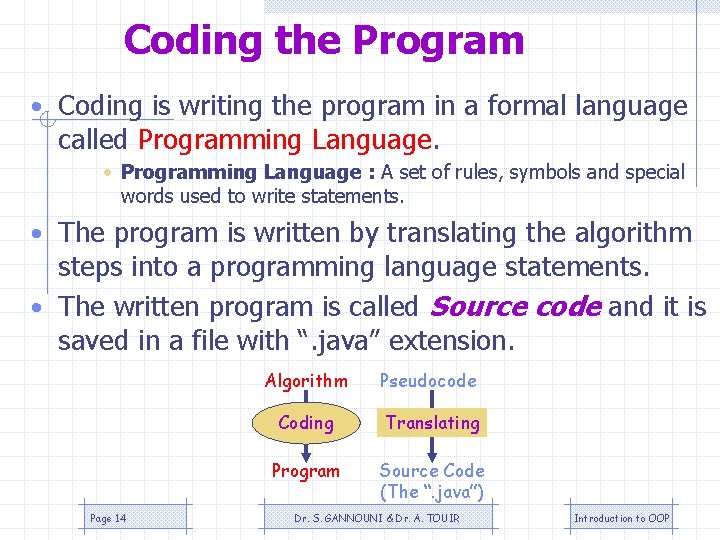
Coding the Program • Coding is writing the program in a formal language called Programming Language. • Programming Language : A set of rules, symbols and special words used to write statements. • The program is written by translating the algorithm steps into a programming language statements. • The written program is called Source code and it is saved in a file with “. java” extension. Page 14 Algorithm Pseudocode Coding Translating Program Source Code (The “. java”) Dr. S. GANNOUNI & Dr. A. TOUIR Introduction to OOP
Why Coding in Programming Languages • We write computer programs (i. e. a set of instructions) in programming languages such as C, C++, and Java. • We use these programming languages because they are easily understood by humans • But then how does the computer understand the instructions that we write? Page 15 Dr. S. GANNOUNI & Dr. A. TOUIR Introduction to OOP
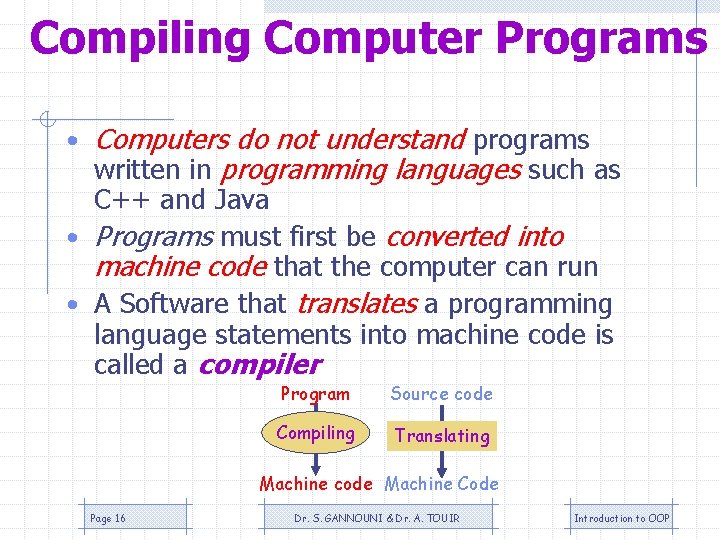
Compiling Computer Programs • Computers do not understand programs written in programming languages such as C++ and Java • Programs must first be converted into machine code that the computer can run • A Software that translates a programming language statements into machine code is called a compiler Program Source code Compiling Translating Machine code Machine Code Page 16 Dr. S. GANNOUNI & Dr. A. TOUIR Introduction to OOP
Programming Language Compiler • A compiler is a software that: – Checks the correctness of the source code according to the language rules. • Syntax errors are raised if some rules were violated. – Translates the source code into a machine code if no errors were found. Page 17 Dr. S. GANNOUNI & Dr. A. TOUIR Introduction to OOP
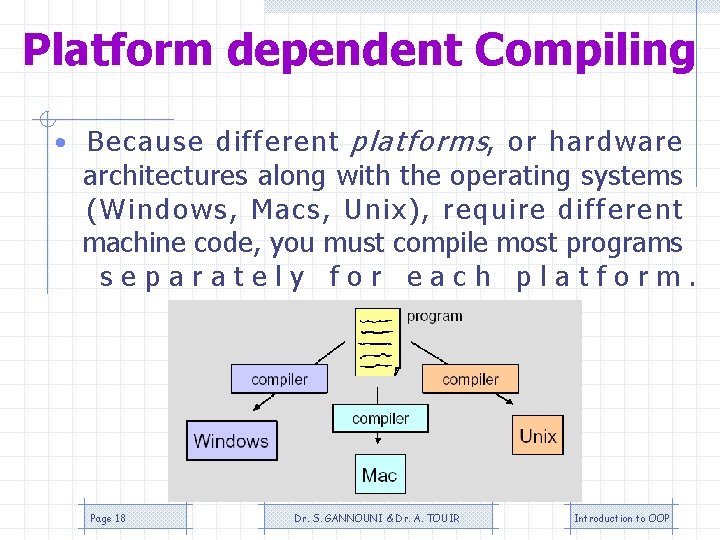
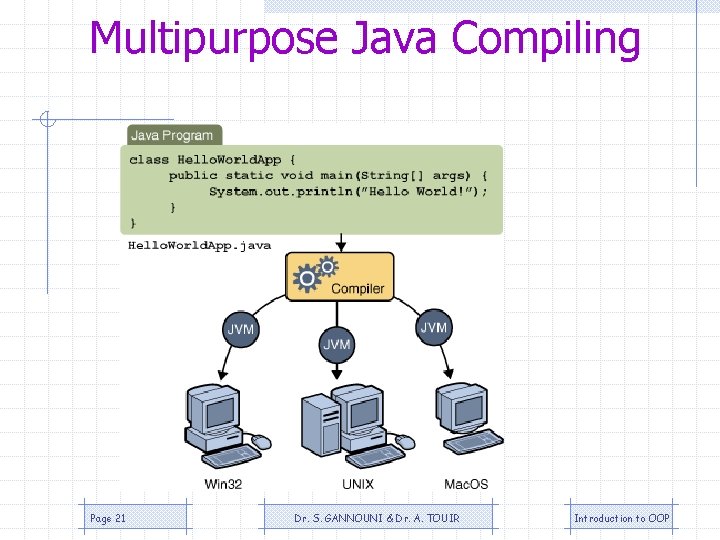
Platform dependent Compiling • Because different platforms, or hardware architectures along with the operating systems (Windows, Macs, Unix), require different machine code, you must compile most programs separately for each platform. Page 18 Dr. S. GANNOUNI & Dr. A. TOUIR Introduction to OOP
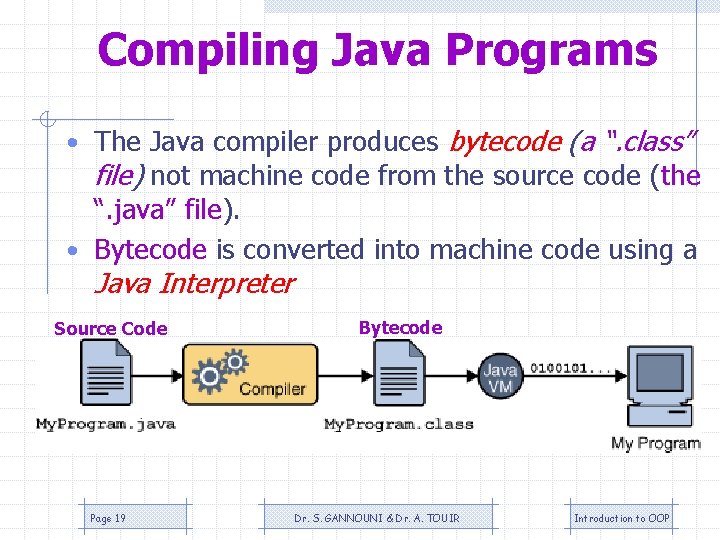
Compiling Java Programs • The Java compiler produces bytecode (a “. class” file) not machine code from the source code (the “. java” file). • Bytecode is converted into machine code using a Java Interpreter Source Code Page 19 Bytecode Dr. S. GANNOUNI & Dr. A. TOUIR Introduction to OOP
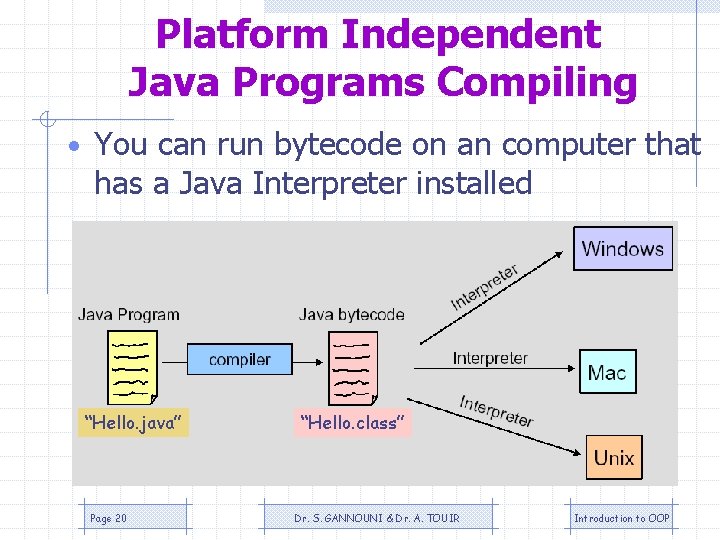
Platform Independent Java Programs Compiling • You can run bytecode on an computer that has a Java Interpreter installed “Hello. java” Page 20 “Hello. class” Dr. S. GANNOUNI & Dr. A. TOUIR Introduction to OOP
Multipurpose Java Compiling Page 21 Dr. S. GANNOUNI & Dr. A. TOUIR Introduction to OOP
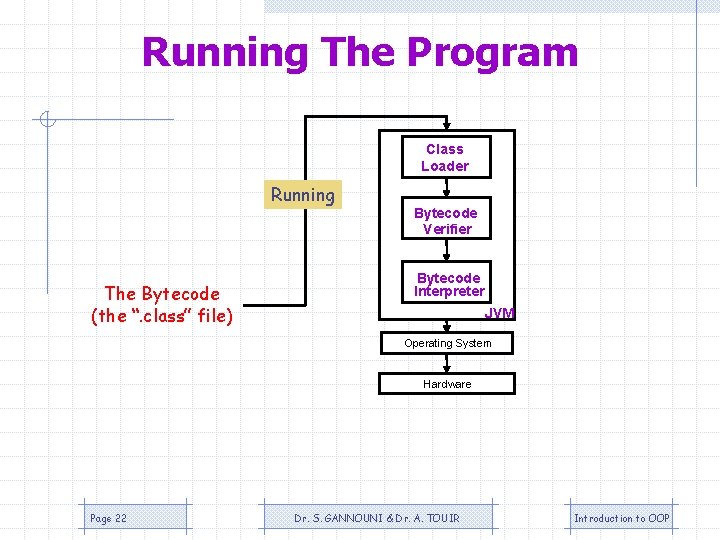
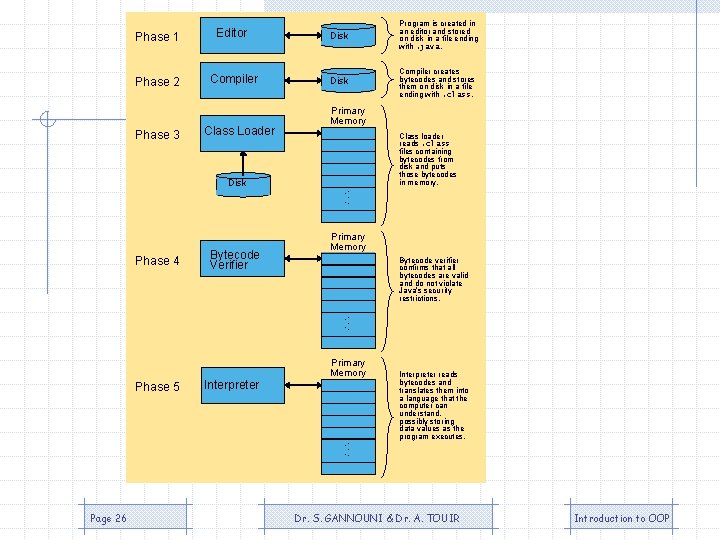
Running The Program Class Loader Running The Bytecode (the “. class” file) Bytecode Verifier Bytecode Interpreter JVM Operating System Hardware Page 22 Dr. S. GANNOUNI & Dr. A. TOUIR Introduction to OOP
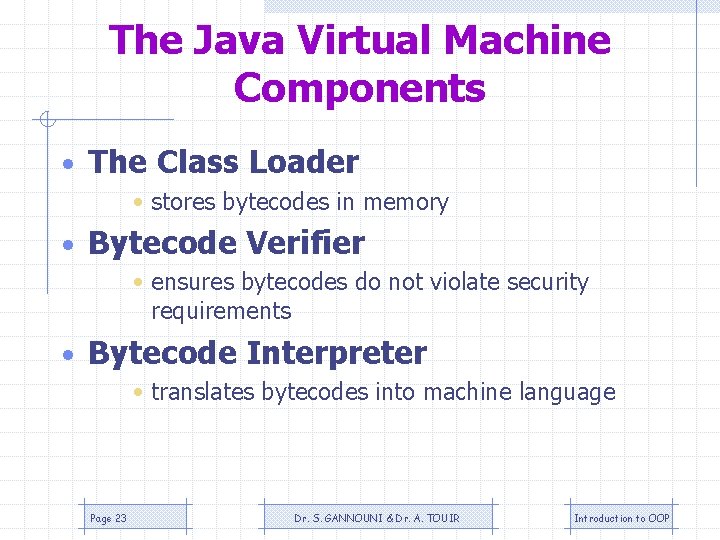
The Java Virtual Machine Components • The Class Loader • stores bytecodes in memory • Bytecode Verifier • ensures bytecodes do not violate security requirements • Bytecode Interpreter • translates bytecodes into machine language Page 23 Dr. S. GANNOUNI & Dr. A. TOUIR Introduction to OOP
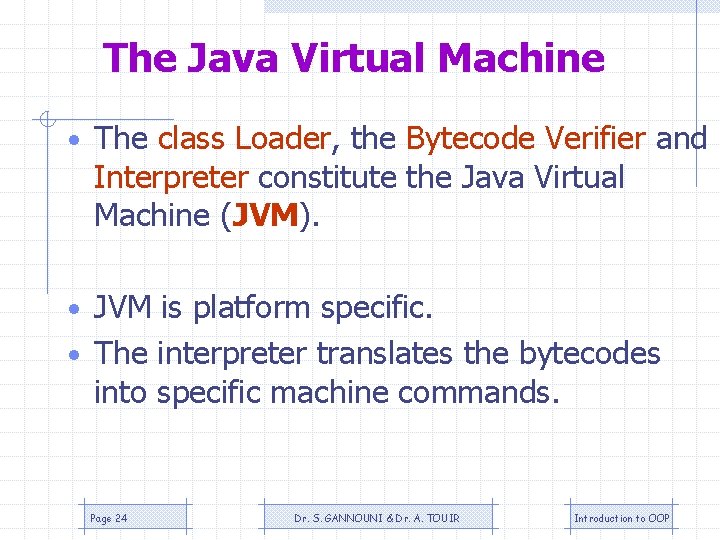
The Java Virtual Machine • The class Loader, the Bytecode Verifier and Interpreter constitute the Java Virtual Machine (JVM). • JVM is platform specific. • The interpreter translates the bytecodes into specific machine commands. Page 24 Dr. S. GANNOUNI & Dr. A. TOUIR Introduction to OOP
Testing and Debugging the Program • Testing – Be sure that the output of the program conforms with the input. – There are two types of errors: • Logical Errors: The program run but provides wrong output. • Runtime errors: The program stop running suddenly when asking the OS executing a non accepted statement (divide by zero, etc). • Debugging – Find, Understand correct the error Page 25 Dr. S. GANNOUNI & Dr. A. TOUIR Introduction to OOP
Phase 1 Editor Disk Program is created in an editor and stored on disk in a file ending with. java. Phase 2 Compiler Disk Compiler creates bytecodes and stores them on disk in a file ending with. class. Phase 3 Class Loader Disk Phase 4 Bytecode Verifier Primary Memory . . . Class loader reads. class files containing bytecodes from disk and puts those bytecodes in memory. Primary Memory Bytecode verifier confirms that all bytecodes are valid and do not violate Java’s security restrictions. . . . Phase 5 Interpreter Primary Memory . . . Page 26 Interpreter reads bytecodes and translates them into a language that the computer can understand, possibly storing data values as the program executes. Dr. S. GANNOUNI & Dr. A. TOUIR Introduction to OOP
Some Characteristics of Java • Object-Oriented – – Combines data and behavior into one unit objects Provides Data abstraction and encapsulation Decompose program into objects. Programs are collections of interacting and cooperating objects. • Platform-independent – Portable – Architecture neutral – ”Write-once, run-anywhere” • Secure – The bytecode verifier of the JVM : • checks untrusted bytecode • controls the permissions for high level actions. Page 27 Dr. S. GANNOUNI & Dr. A. TOUIR Introduction to OOP