
COMPUTER PROGRAMMING 3 k e e W Learning
- Slides: 14
COMPUTER PROGRAMMING 3 k e e W Learning Objective: • To be able to use #Comments in your Code • To understand what =variables are • To be able to use = to assign variables
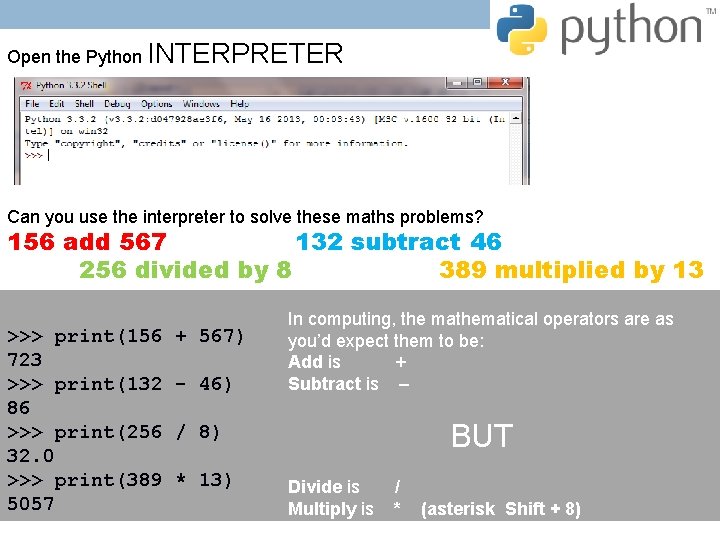
Open the Python INTERPRETER Can you use the interpreter to solve these maths problems? 156 add 567 132 subtract 46 256 divided by 8 389 multiplied by 13 >>> print(156 723 >>> print(132 86 >>> print(256 32. 0 >>> print(389 5057 + 567) - 46) In computing, the mathematical operators are as you’d expect them to be: Add is + Subtract is – BUT / 8) * 13) Divide is Multiply is / * (asterisk Shift + 8)
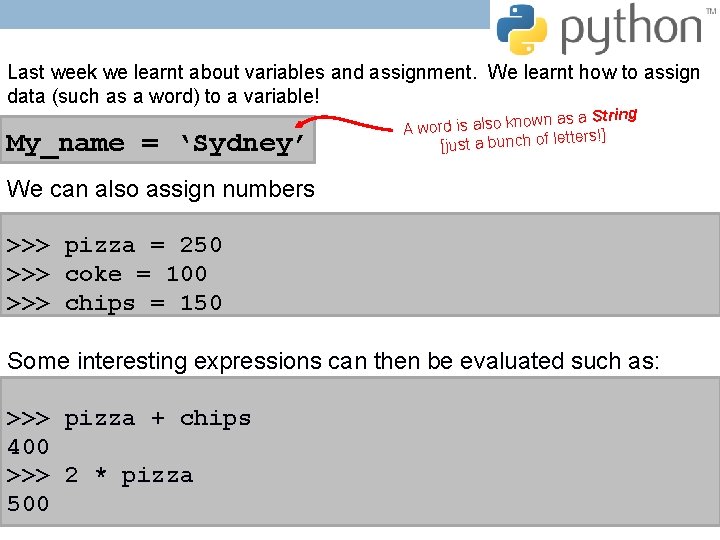
Last week we learnt about variables and assignment. We learnt how to assign data (such as a word) to a variable! My_name = ‘Sydney’ as a String n w o n k o ls a is A word tters!] [just a bunch of le We can also assign numbers >>> pizza = 250 >>> coke = 100 >>> chips = 150 Some interesting expressions can then be evaluated such as: >>> pizza + chips 400 >>> 2 * pizza 500
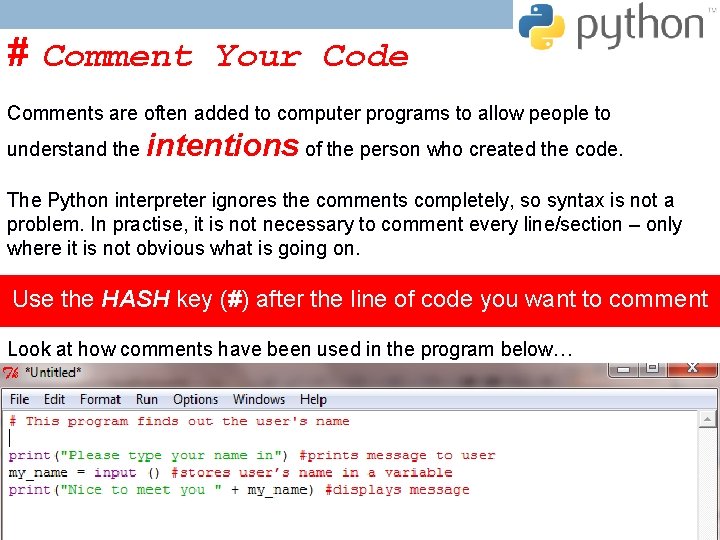
# Comment Your Code Comments are often added to computer programs to allow people to understand the intentions of the person who created the code. The Python interpreter ignores the comments completely, so syntax is not a problem. In practise, it is not necessary to comment every line/section – only where it is not obvious what is going on. Use the HASH key (#) after the line of code you want to comment Look at how comments have been used in the program below…
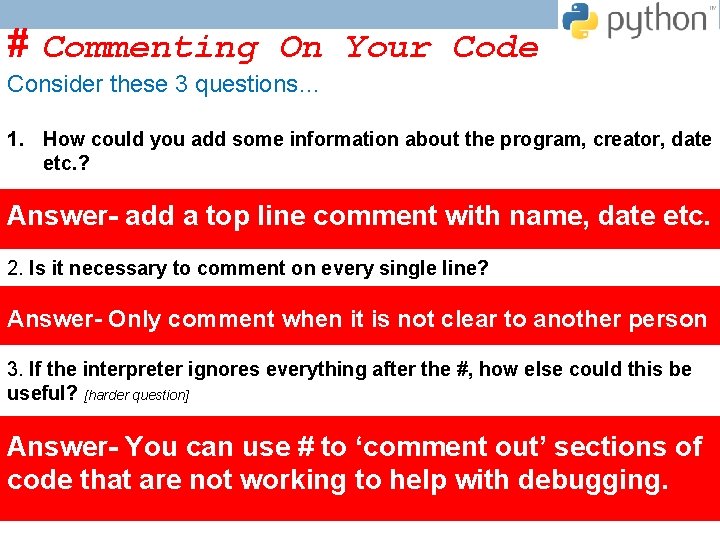
# Commenting On Your Code Consider these 3 questions… 1. How could you add some information about the program, creator, date etc. ? Answer- add a top line comment with name, date etc. 2. Is it necessary to comment on every single line? Answer- Only comment when it is not clear to another person 3. If the interpreter ignores everything after the #, how else could this be useful? [harder question] Answer- You can use # to ‘comment out’ sections of code that are not working to help with debugging.
# Comment Your Code Locate your Python program called Interactive. Program. py and open it. Use comments to add… • your name and date [at the top] • The purpose of the program [on the second line] • Meaning to any line of code so it makes sense to someone else reading it. • line of code you wan #####
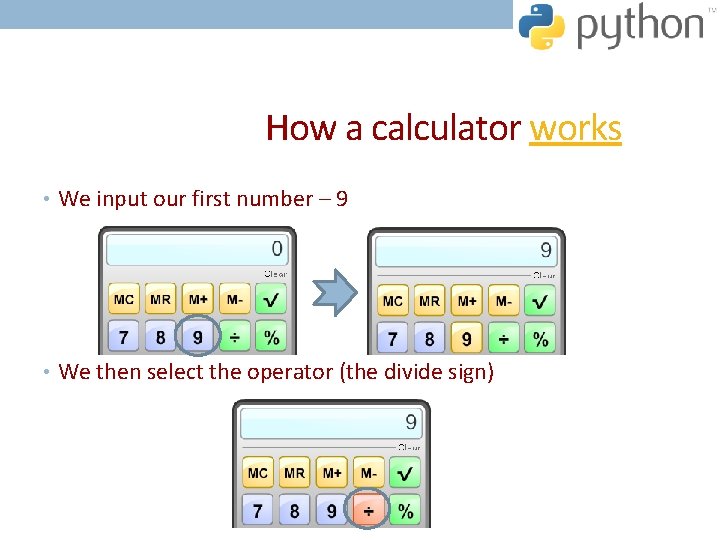
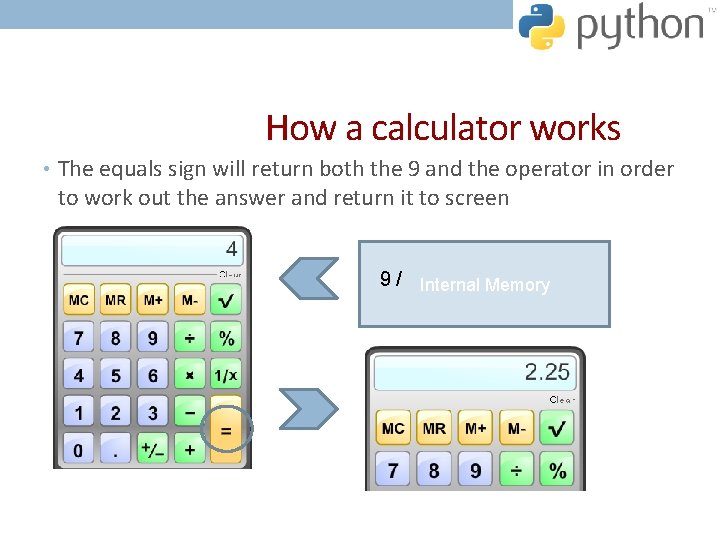
How a calculator works • We input our first number – 9 • We then select the operator (the divide sign)
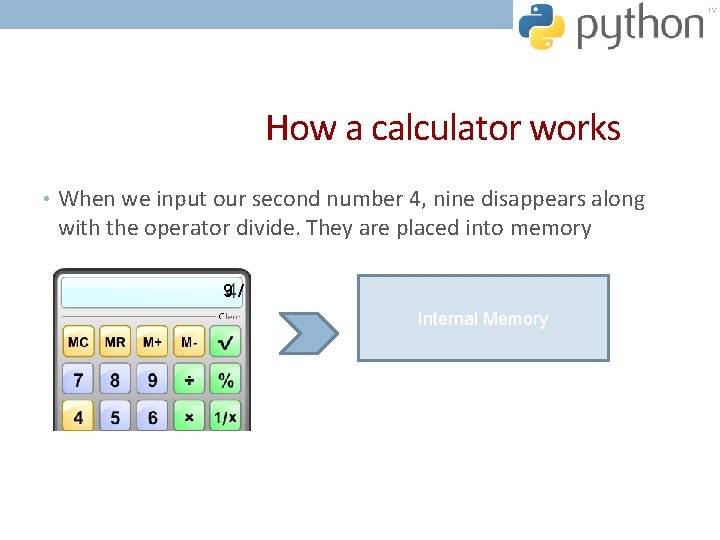
How a calculator works • When we input our second number 4, nine disappears along with the operator divide. They are placed into memory 9/ Internal Memory
How a calculator works • The equals sign will return both the 9 and the operator in order to work out the answer and return it to screen 9 / Internal Memory
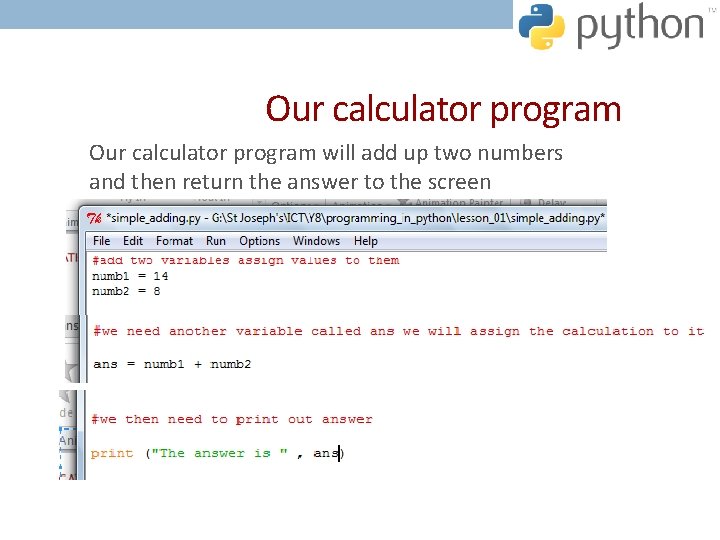
Our calculator program will add up two numbers and then return the answer to the screen
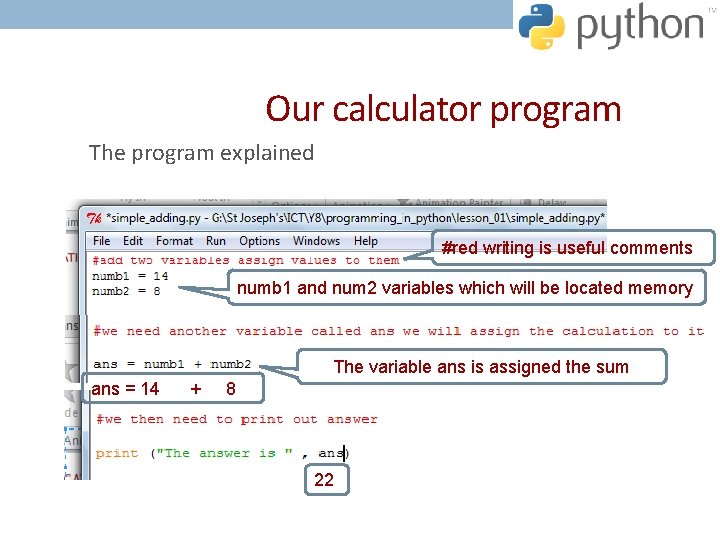
Our calculator program The program explained #red writing is useful comments numb 1 and num 2 variables which will be located memory The variable ans is assigned the sum ans = 14 + 8 ans will be printed as 22 22
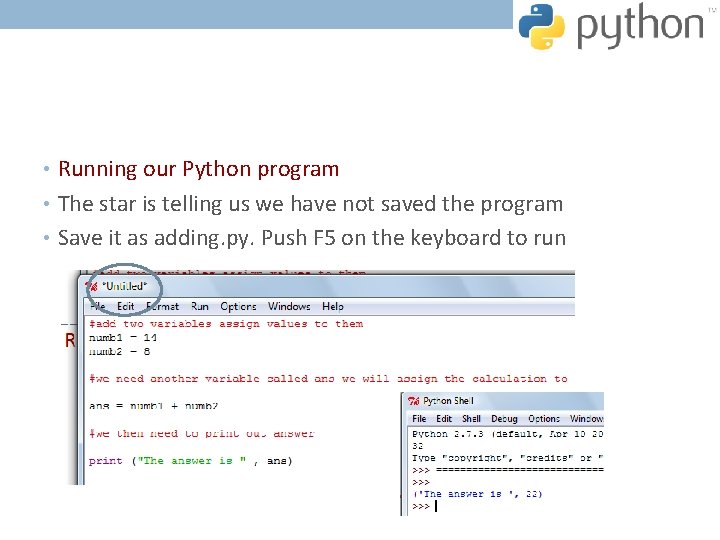
• Running our Python program • The star is telling us we have not saved the program • Save it as adding. py. Push F 5 on the keyboard to run
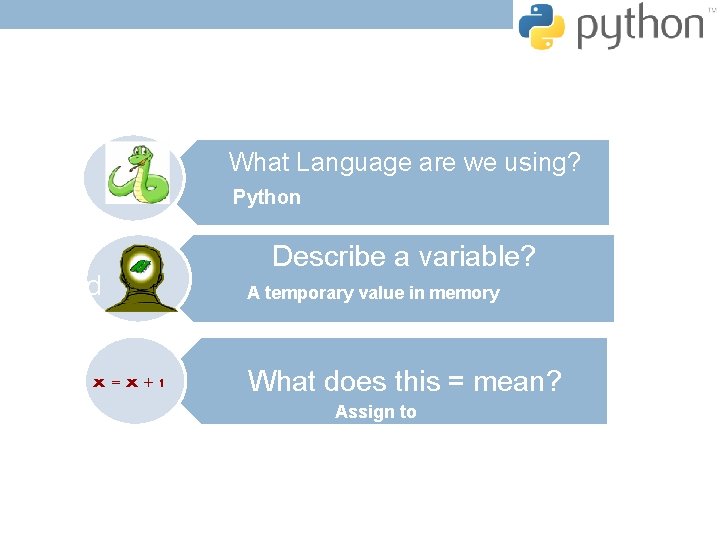
What Language are we using? Python sound x=x+1 Describe a variable? A temporary value in memory What does this = mean? Assign to
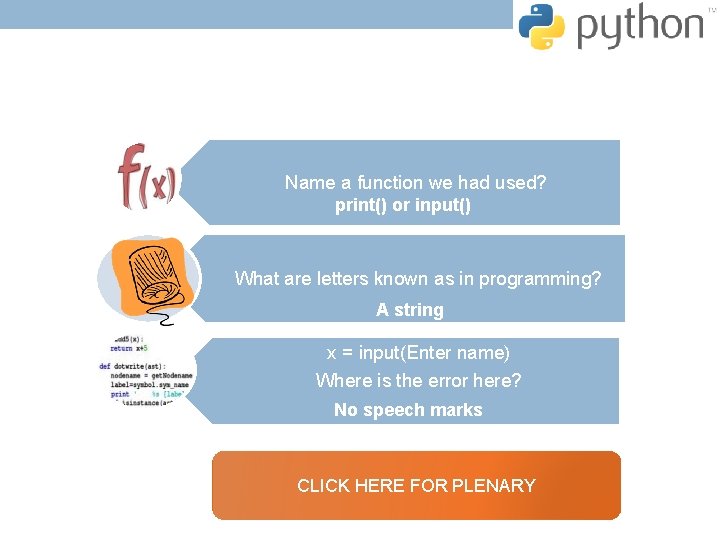
Name a function we had used? print() or input() What are letters known as in programming? A string x = input(Enter name) Where is the error here? No speech marks CLICK HERE FOR PLENARY