
Computer Performance Storage Devices Computer Technology 2 Computer
- Slides: 22
Computer Performance & Storage Devices Computer Technology #2
Computer Performance
Boot Process ¢ Sequence of events that occurs between the time you turn on a computer and the time that it becomes ready to accept commands. l Purposes • Runs a diagnostic test to make sure everything is working. • Loading the operating system, so the computer can carry out basic operations.
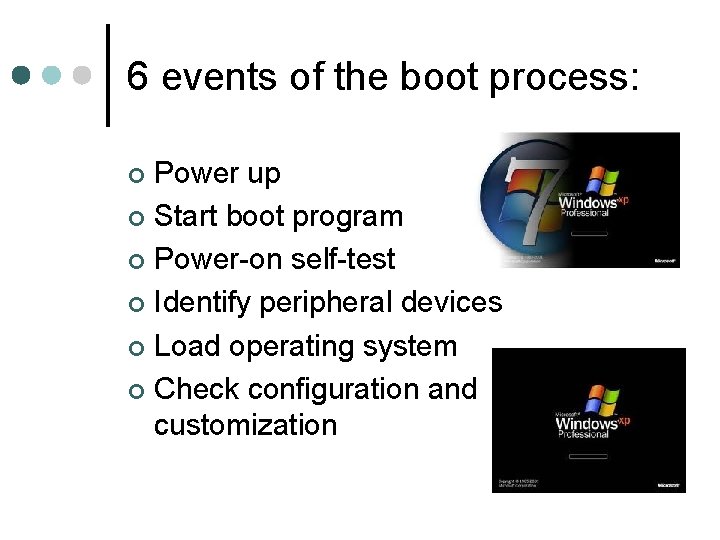
6 events of the boot process: Power up ¢ Start boot program ¢ Power-on self-test ¢ Identify peripheral devices ¢ Load operating system ¢ Check configuration and customization ¢
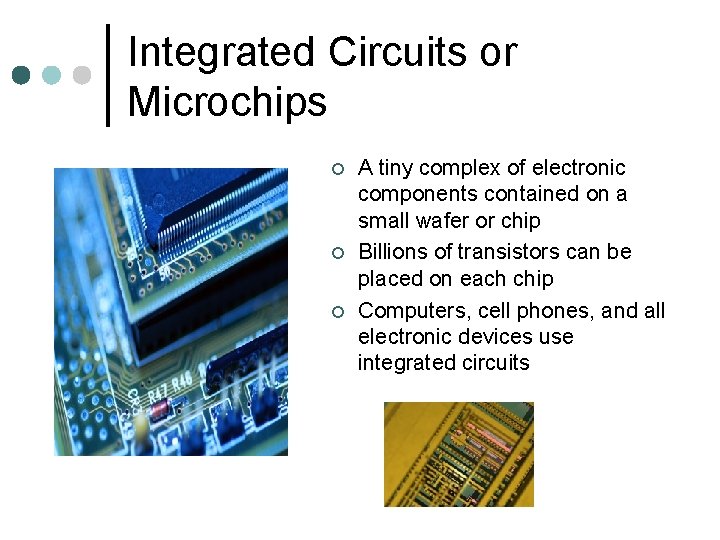
Integrated Circuits or Microchips ¢ ¢ ¢ A tiny complex of electronic components contained on a small wafer or chip Billions of transistors can be placed on each chip Computers, cell phones, and all electronic devices use integrated circuits
Silicon Chip ¢ ¢ Silicon is melted sand. The circuits are embedded into silicon
Hertz (not the car rental company) ¢ ¢ ¢ A measurement used to describe the speed of the system clock, or how fast the computer can complete its tasks. A megahertz is equal to one million cycles (or pulses) per second. 3 GHz (gigahertz) means that the microprocessor’s clock operates at a speed of 3 BILLION cycles per second.
Names of Processors ¢ ¢ Processors for Personal Computers are manufactured by Intel (Pentium) and AMD. Examples: l l Intel 286 (1982) operated at 12. 5 MHz Intel Pentium III (1999) operated at 500 MHz Intel Core 2 (2008) operates at 3. 2 GHz AMD Phenom II (2010) operates at 3. 2 GHz
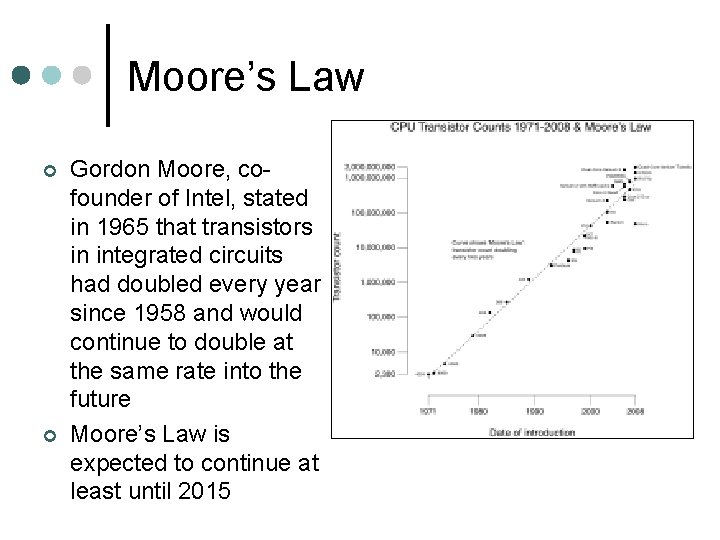
Moore’s Law ¢ ¢ Gordon Moore, cofounder of Intel, stated in 1965 that transistors in integrated circuits had doubled every year since 1958 and would continue to double at the same rate into the future Moore’s Law is expected to continue at least until 2015
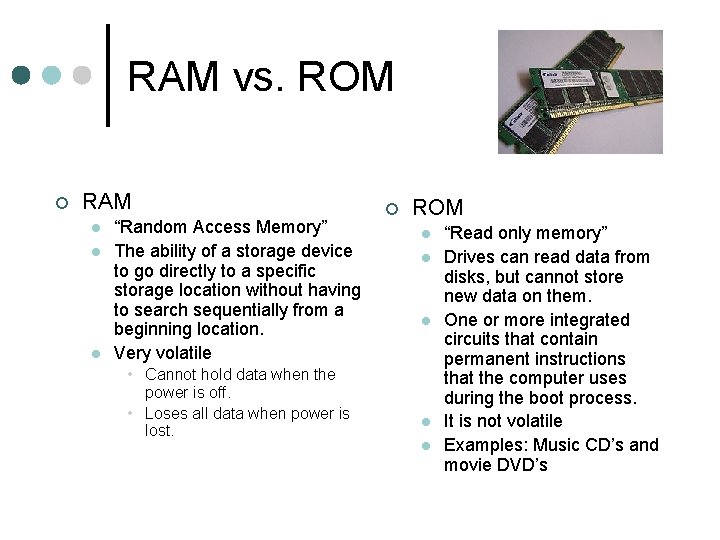
RAM vs. ROM ¢ RAM l l l “Random Access Memory” The ability of a storage device to go directly to a specific storage location without having to search sequentially from a beginning location. Very volatile • Cannot hold data when the power is off. • Loses all data when power is lost. ¢ ROM l l l “Read only memory” Drives can read data from disks, but cannot store new data on them. One or more integrated circuits that contain permanent instructions that the computer uses during the boot process. It is not volatile Examples: Music CD’s and movie DVD’s
Binary Number System ¢ A method for representing letters or numbers using only two digits, 0 and 1. l Bit • Each 0 or 1 l Byte • 8 bits, or about 1 character ¢ ¢ Also referred to as Base 2 Binary Code or just “digital” Computers cannot understand anything EXCEPT binary
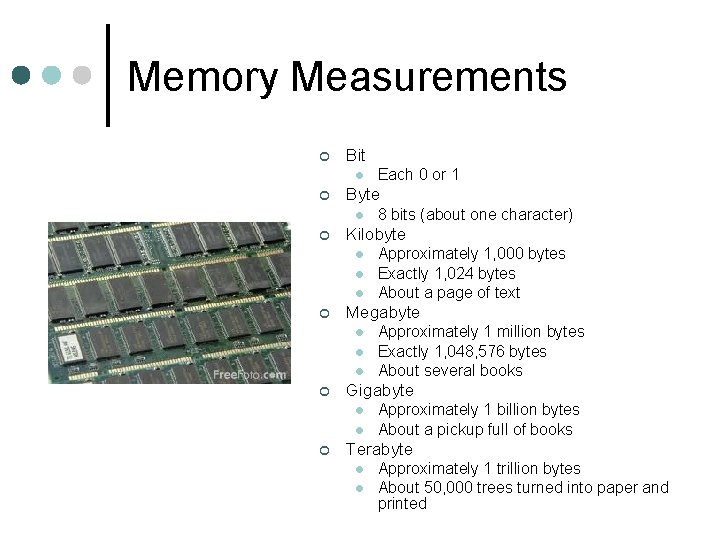
Memory Measurements ¢ Bit l ¢ Byte l ¢ l l Approximately 1 million bytes Exactly 1, 048, 576 bytes About several books Gigabyte l l ¢ Approximately 1, 000 bytes Exactly 1, 024 bytes About a page of text Megabyte l ¢ 8 bits (about one character) Kilobyte l ¢ Each 0 or 1 Approximately 1 billion bytes About a pickup full of books Terabyte l l Approximately 1 trillion bytes About 50, 000 trees turned into paper and printed
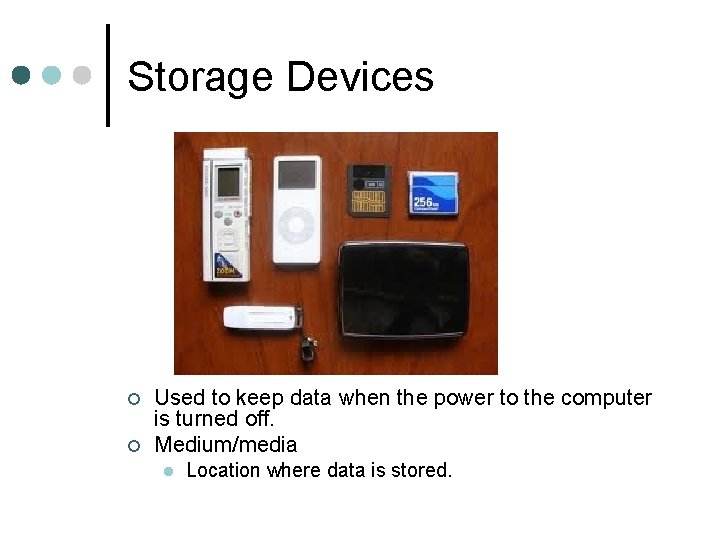
Storage Devices ¢ ¢ Used to keep data when the power to the computer is turned off. Medium/media l Location where data is stored.
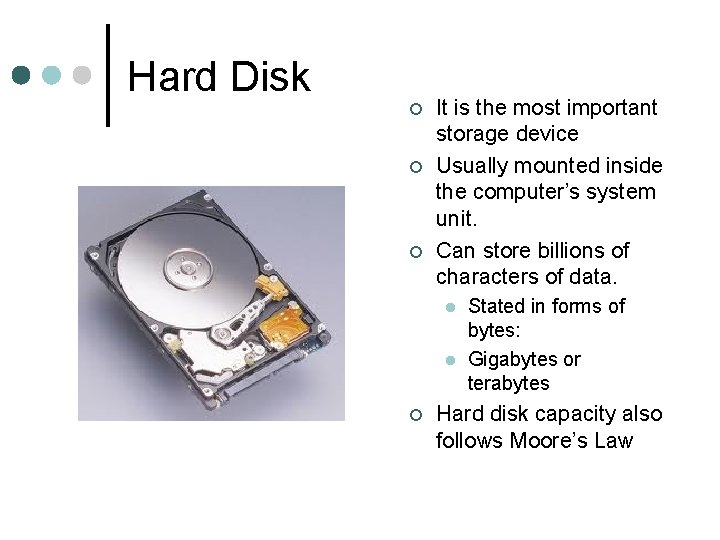
Hard Disk ¢ ¢ ¢ It is the most important storage device Usually mounted inside the computer’s system unit. Can store billions of characters of data. l l ¢ Stated in forms of bytes: Gigabytes or terabytes Hard disk capacity also follows Moore’s Law
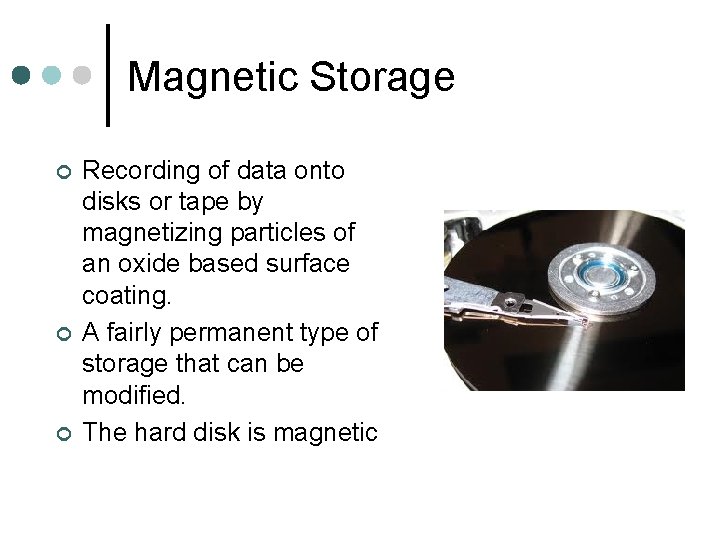
Magnetic Storage ¢ ¢ ¢ Recording of data onto disks or tape by magnetizing particles of an oxide based surface coating. A fairly permanent type of storage that can be modified. The hard disk is magnetic
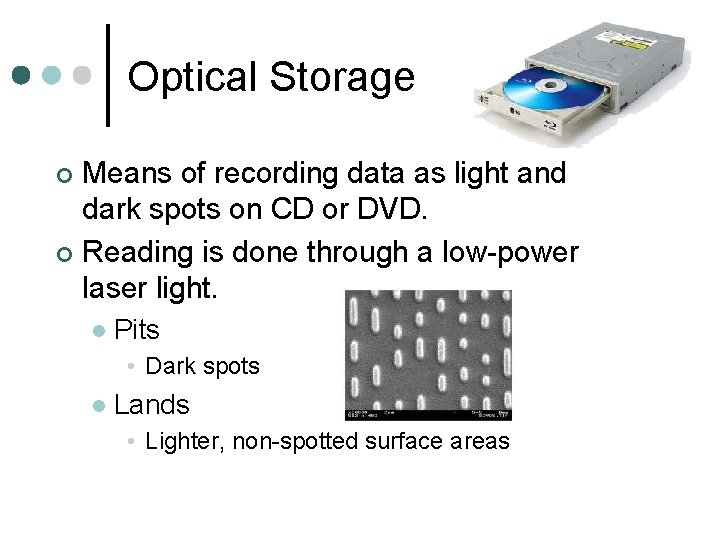
Optical Storage Means of recording data as light and dark spots on CD or DVD. ¢ Reading is done through a low-power laser light. ¢ l Pits • Dark spots l Lands • Lighter, non-spotted surface areas
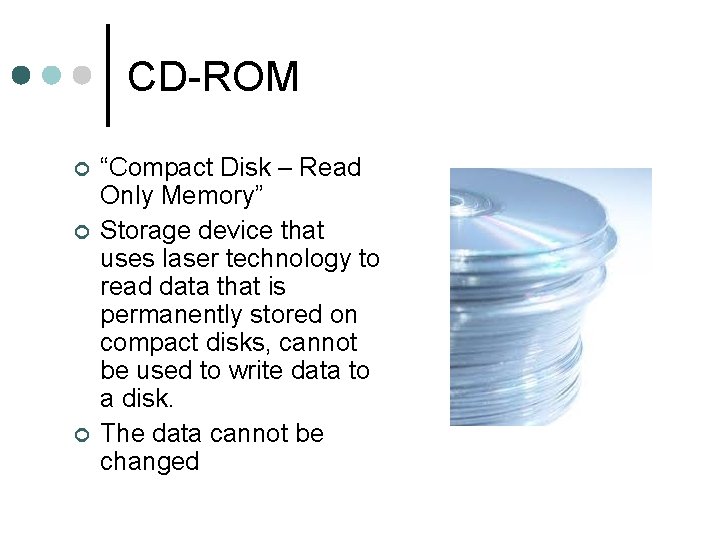
CD-ROM ¢ ¢ ¢ “Compact Disk – Read Only Memory” Storage device that uses laser technology to read data that is permanently stored on compact disks, cannot be used to write data to a disk. The data cannot be changed
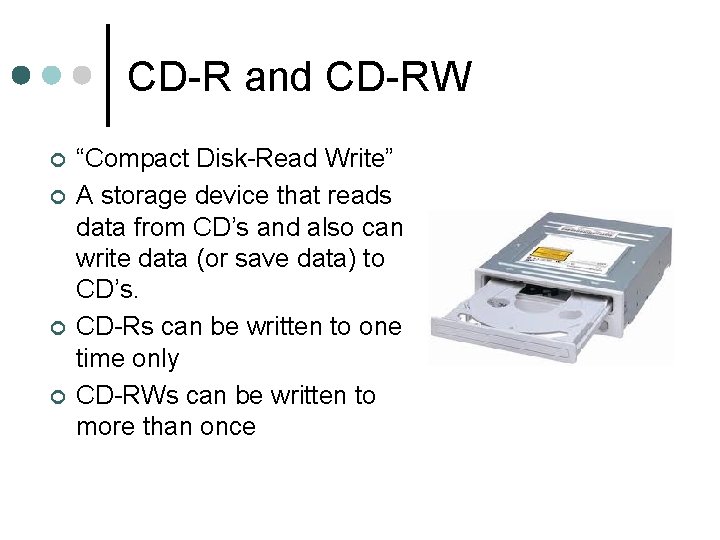
CD-R and CD-RW ¢ ¢ “Compact Disk-Read Write” A storage device that reads data from CD’s and also can write data (or save data) to CD’s. CD-Rs can be written to one time only CD-RWs can be written to more than once
DVD-ROM ¢ ¢ “Digital Video Disks – Read Only Memory” Reads data from CD’s (audio and data) and DVD’s (data or movie) Cannot be used to write data to a disk. There also DVD-Rs and DVD-RWs, which can write data to a DVD
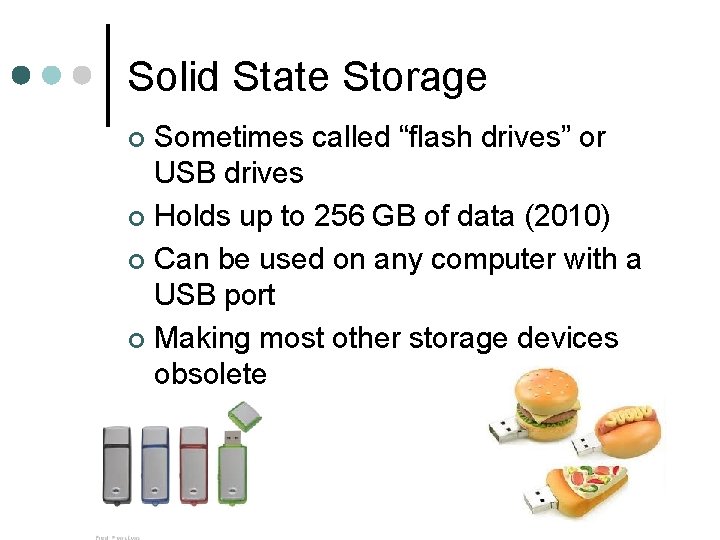
Solid State Storage Sometimes called “flash drives” or USB drives ¢ Holds up to 256 GB of data (2010) ¢ Can be used on any computer with a USB port ¢ Making most other storage devices obsolete ¢
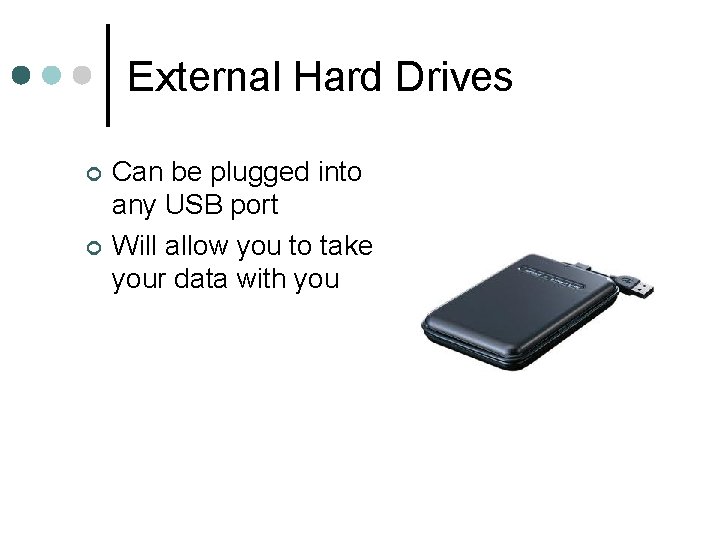
External Hard Drives ¢ ¢ Can be plugged into any USB port Will allow you to take your data with you
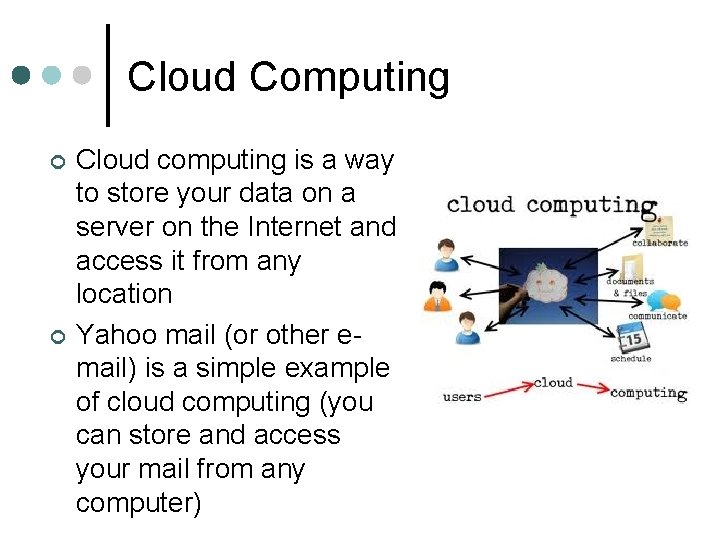
Cloud Computing ¢ ¢ Cloud computing is a way to store your data on a server on the Internet and access it from any location Yahoo mail (or other email) is a simple example of cloud computing (you can store and access your mail from any computer)