
Computer Organization CS 345 David Monismith Based upon
Computer Organization CS 345 David Monismith Based upon notes by Dr. Bill Siever and notes from the Patternson and Hennessy Text
Last Time • Reviewed arrays • Discussed the lw (load word) and sw (store word) instructions • Discussed the li (load immediate) instruction • We saw that there are different ways to store arrays
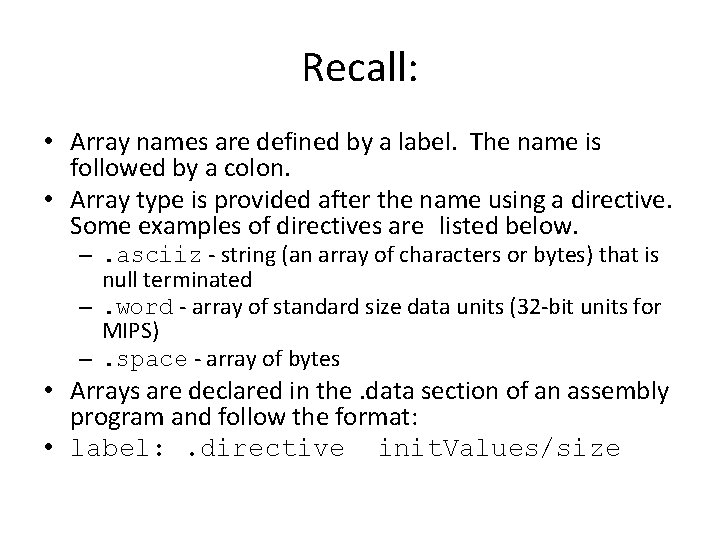
Recall: • Array names are defined by a label. The name is followed by a colon. • Array type is provided after the name using a directive. Some examples of directives are listed below. –. asciiz - string (an array of characters or bytes) that is null terminated –. word - array of standard size data units (32 -bit units for MIPS) –. space - array of bytes • Arrays are declared in the. data section of an assembly program and follow the format: • label: . directive init. Values/size
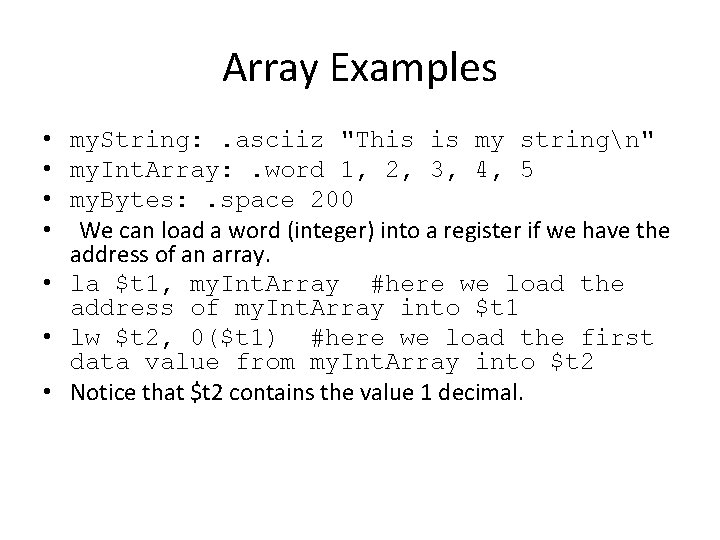
Array Examples • my. String: . asciiz "This is my stringn" • my. Int. Array: . word 1, 2, 3, 4, 5 • my. Bytes: . space 200 • We can load a word (integer) into a register if we have the address of an array. • la $t 1, my. Int. Array #here we load the address of my. Int. Array into $t 1 • lw $t 2, 0($t 1) #here we load the first data value from my. Int. Array into $t 2 • Notice that $t 2 contains the value 1 decimal.
Arrays • We can store a value at a position in the integer array. • li $t 3, 432 • sw $t 3, 8($t 1) • Here we store the value 432 in place of the value 3 in location 2 of the my. Integer. Array.
Conversions • This time we will continue with decimal to binary conversions. • We've seen how to convert from binary to decimal (multiply by 2) • 1001001 = 2^0 + 2^3 + 2^6 = 1 + 8 + 64 = 73 • We've seen how to convert from binary to hex • But how do we convert from decimal to binary?
Decimal to binary • • • 0=0 1=1 2 = 10 3 = 11 4 = 100. . . Notice how the division by 2 method works 4%2=0 2%2=0 1 -> 100 binary = 4 decimal By repeatedly taking our value modulo 2, dividing by 2 and repeating, we can find the binary value of a decimal number.
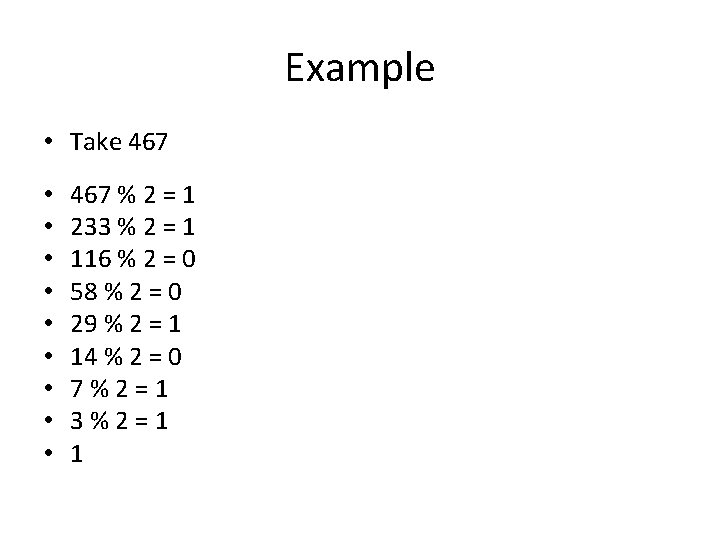
Example • Take 467 • • • 467 % 2 = 1 233 % 2 = 1 116 % 2 = 0 58 % 2 = 0 29 % 2 = 1 14 % 2 = 0 7%2=1 3%2=1 1
Result • • Result: 1 1101 0011 Let's check our result. 1 D 3 hex • 256 + 13*16 + 3 = 256 + 208 + 3 = 256 + 211 = 467 • Recall that every four binary digits represent a hex digit.
Questions for next time: • What is the issue with plain binary numbers? – Signs must be represented – We need an extra bit to do that • How do we account for overflow? That is, what if we add two very large binary numbers? – We need to be careful about adding very large numbers and consider different number representations. • How do we represent instructions? – There are three formats that MIPS uses to represent instructions. – R format - all registers – I format - using registers and a 16 bit integer – J format - using one instruction and a 26 bit address
- Slides: 10