
Computer Organisation IB COMPUTER SCIENCE HL Topics 1

Computer Organisation IB COMPUTER SCIENCE
HL Topics 1 -7, D 1 -4 1: System design 2: Computer Organisation 3: Networks 4: Computational thinking 5: Abstract data structures 6: Resource management 7: Control D: OOP

1: System design 2: Computer Organisation 3: Networks 4: Computational thinking 5: Abstract data structures 6: Resource management 7: Control D: OOP HL & SL 2 Overview Computer architecture 2. 1. 1 Outline the architecture of the central processing unit (CPU) and the functions of the arithmetic logic unit (ALU) and the control unit (CU) and the registers within the CPU 2. 1. 2 Describe primary memory. 2 Distinguish between random access memory (RAM) and read- only memory (ROM), and their use in primary memory 2. 1. 3 Explain the use of cache memory 2. 1. 4 Explain the machine instruction cycle Secondary memory 2. 1. 5 Identify the need for persistent storage Operating systems and application systems 2. 1. 6 Describe the main functions of an operating system 2. 1. 7 Outline the use of a range of application software 2. 1. 8 Identify common features of applications Binary representation 2. 1. 9 Define the terms: bit, byte, binary, denary/decimal, hexadecimal 2. 1. 10 Outline the way in which data is represented in the computer Simple logic gates 2. 1. 11 Define the Boolean operators: AND, OR, NOT, NAND, NOR and XOR 2. 1. 12 Construct truth tables using the above operators 2. 1. 13 Construct a logic diagram using AND, OR, NOT, NAND, NOR and XOR gates
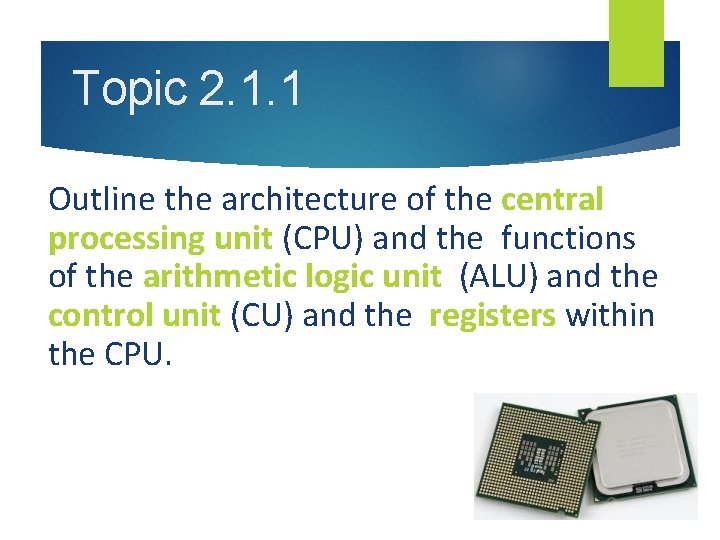
Topic 2. 1. 1 Outline the architecture of the central processing unit (CPU) and the functions of the arithmetic logic unit (ALU) and the control unit (CU) and the registers within the CPU.

Key terms • CPU = Central Processing Unit • ALU = Arithmetic Logic Unit • CU = Control Unit • Registers = small temporary storage spaces inside the CPU
Central Processing Unit Video: How are CPUs made
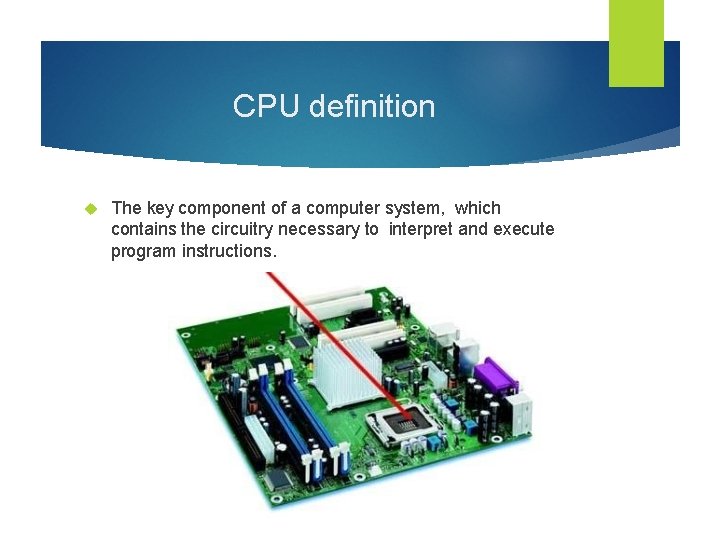
CPU definition The key component of a computer system, which contains the circuitry necessary to interpret and execute program instructions.

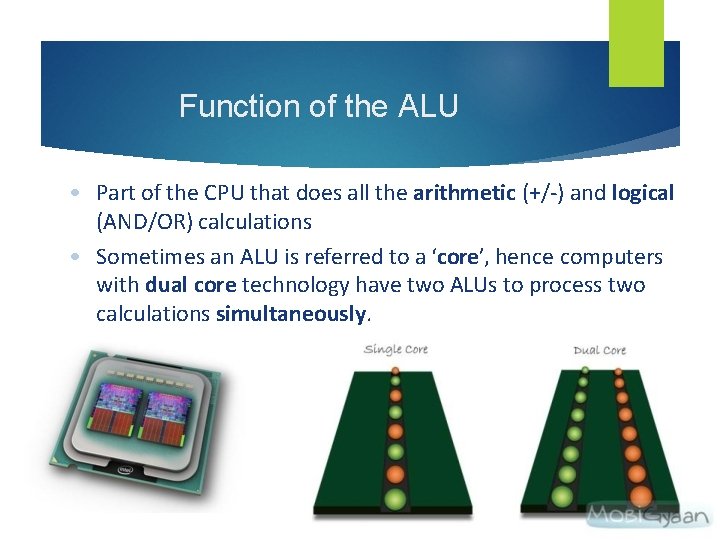
Function of the ALU • Part of the CPU that does all the arithmetic (+/-) and logical (AND/OR) calculations • Sometimes an ALU is referred to a ‘core’, hence computers with dual core technology have two ALUs to process two calculations simultaneously.
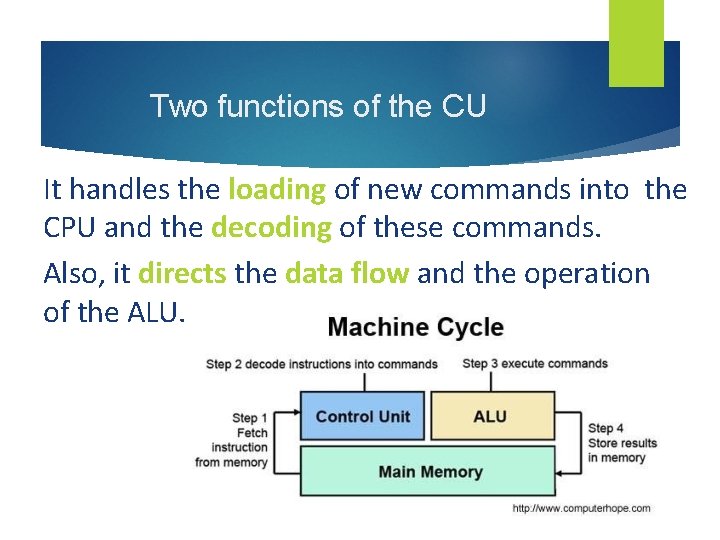
Two functions of the CU It handles the loading of new commands into the CPU and the decoding of these commands. Also, it directs the data flow and the operation of the ALU.
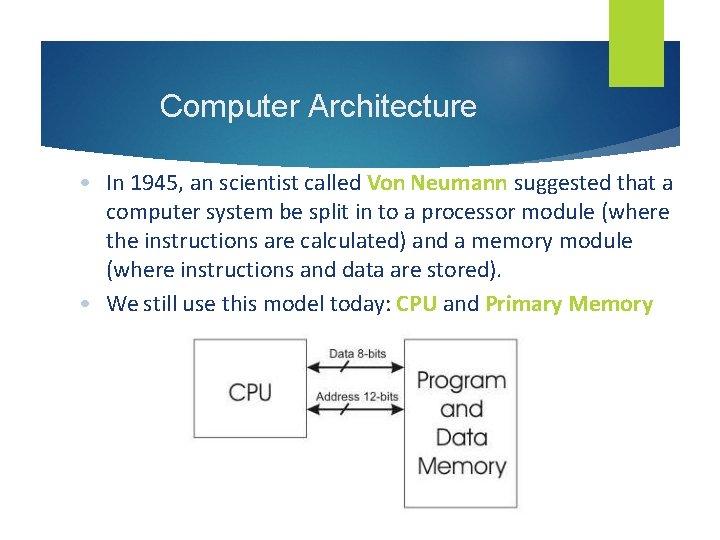
Computer Architecture • In 1945, an scientist called Von Neumann suggested that a computer system be split in to a processor module (where the instructions are calculated) and a memory module (where instructions and data are stored). • We still use this model today: CPU and Primary Memory
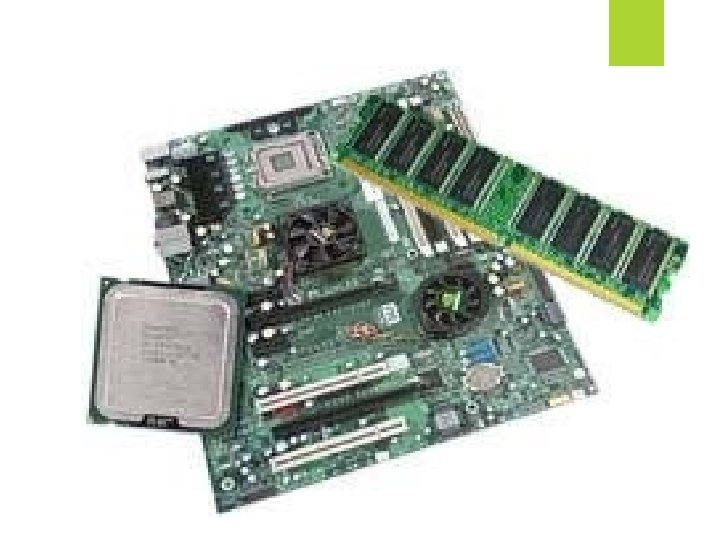
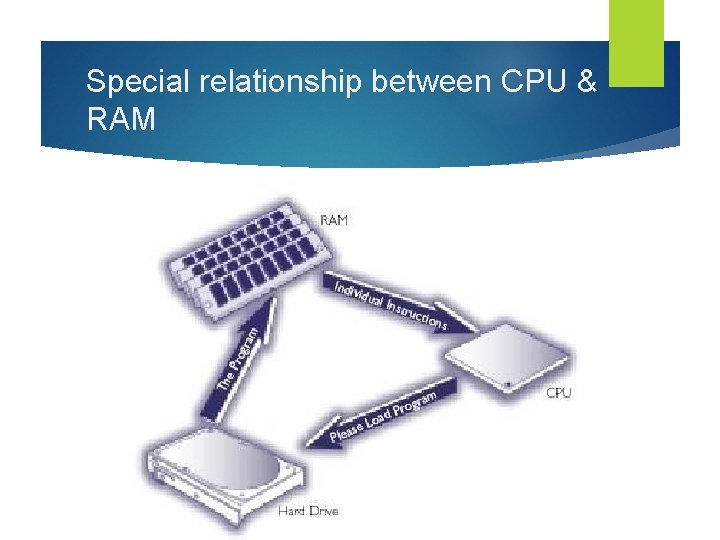
Special relationship between CPU & RAM
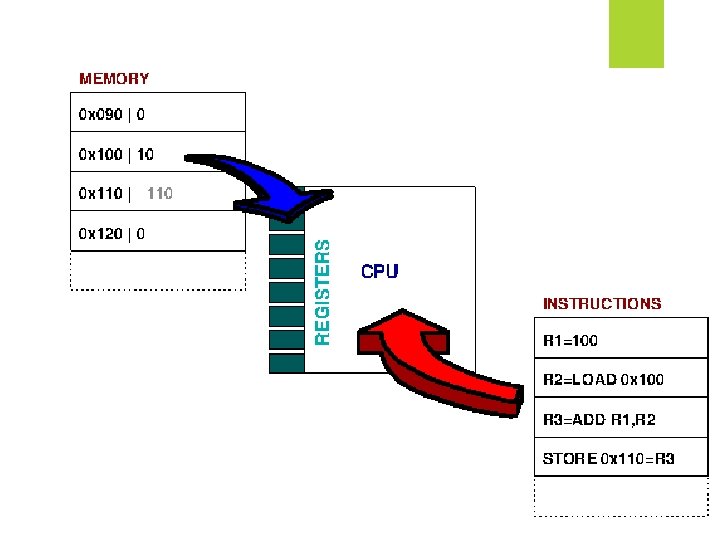
CPU needs it’s own ‘memory’ • Registers: they are small, very fast circuits that store intermediate values from calculations or instructions inside the CPU. • There are many small units, but the four most important ones are: – MAR – MDR – Accumulator – Program Counter
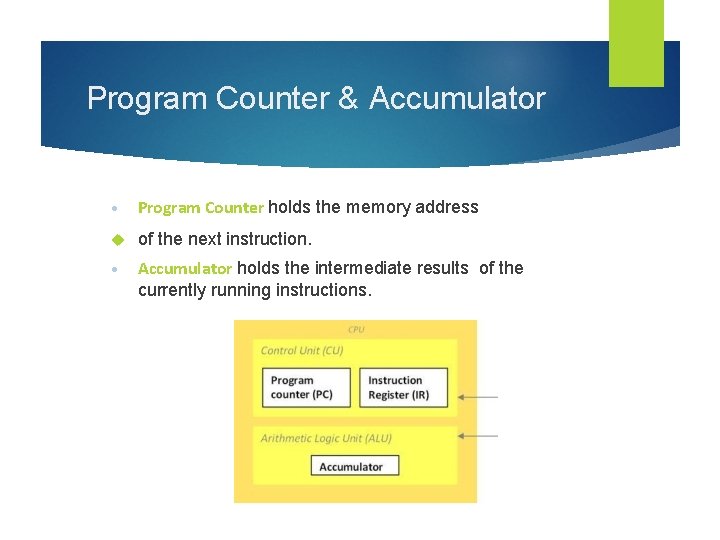
Program Counter & Accumulator • Program Counter holds the memory address of the next instruction. • Accumulator holds the intermediate results of the currently running instructions.
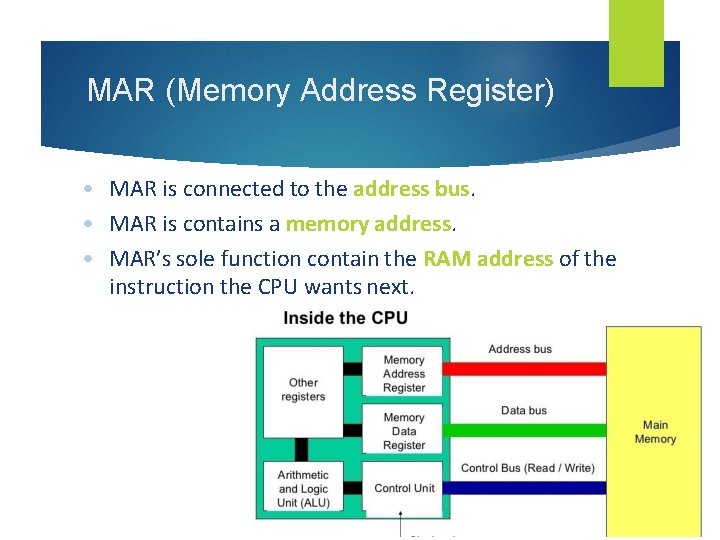
MAR (Memory Address Register) • MAR is connected to the address bus. • MAR is contains a memory address. • MAR’s sole function contain the RAM address of the instruction the CPU wants next.
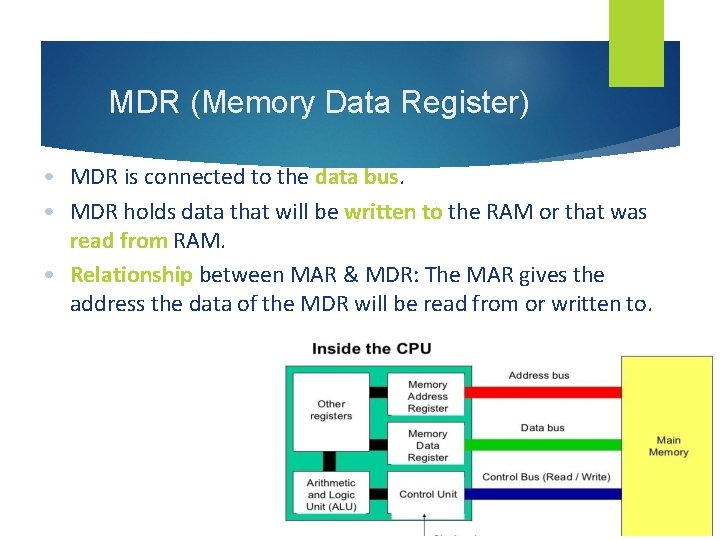
MDR (Memory Data Register) • MDR is connected to the data bus. • MDR holds data that will be written to the RAM or that was read from RAM. • Relationship between MAR & MDR: The MAR gives the address the data of the MDR will be read from or written to.
- Slides: 18