
Computer Networks Topic 3 Lecture 2 Wireless Networking
- Slides: 40
Computer Networks Topic 3 – Lecture 2: Wireless Networking Standards V 1. 0
Wireless Networking Standards Topic 3 - 3. 21 Wireless Standards • IEEE 802. 11 series – Wireless LAN • Bluetooth/IEEE 802. 15 - Wireless Personal Area Network • IEEE 802. 16 - Wireless Metropolitan Area Networks • IEEE 802. 20 - Mobile Broadband Wireless V 1. 0
Wireless Networking Standards Topic 3 - 3. 22 Why Do We Need Standards? • There a number of key reasons for creating and adhering to standards for wireless networking. • Interoperability – Different devices work together • Many equipment manufacturers – Customers can switch for better price or features • Allocation of frequencies – The radio wave spectrum is used for many applications V 1. 0
Wireless Networking Standards Topic 3 - 3. 23 The IEEE 802. 11 standards • WLAN or Wi. Fi • Wireless LAN Media Access Control and Physical Layer specification • Contains a number of revisions and interpretations: – 802. 11 a, b, g, etc. are amendments to the original 802. 11 standard • Products that implement 802. 11 standards must pass tests and are referred to as "Wi-Fi certified”. V 1. 0
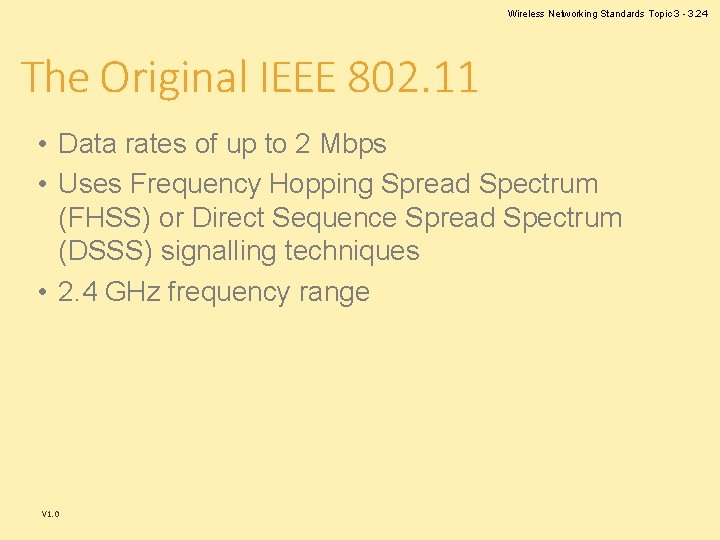
Wireless Networking Standards Topic 3 - 3. 24 The Original IEEE 802. 11 • Data rates of up to 2 Mbps • Uses Frequency Hopping Spread Spectrum (FHSS) or Direct Sequence Spread Spectrum (DSSS) signalling techniques • 2. 4 GHz frequency range V 1. 0
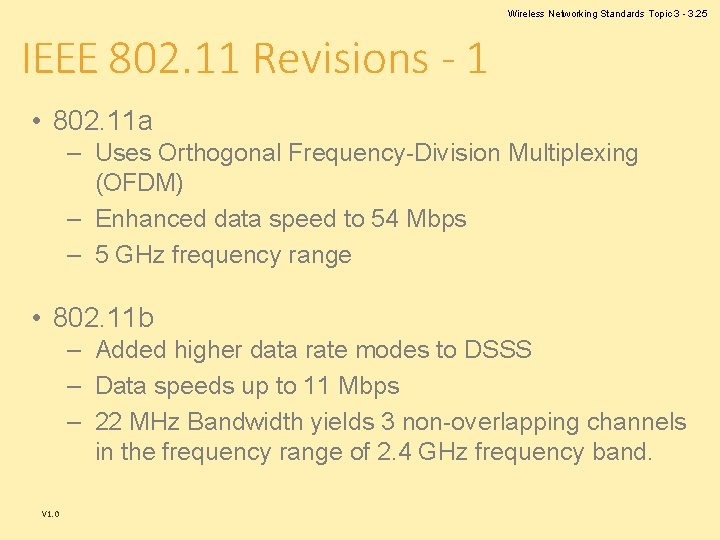
Wireless Networking Standards Topic 3 - 3. 25 IEEE 802. 11 Revisions - 1 • 802. 11 a – Uses Orthogonal Frequency-Division Multiplexing (OFDM) – Enhanced data speed to 54 Mbps – 5 GHz frequency range • 802. 11 b – Added higher data rate modes to DSSS – Data speeds up to 11 Mbps – 22 MHz Bandwidth yields 3 non-overlapping channels in the frequency range of 2. 4 GHz frequency band. V 1. 0
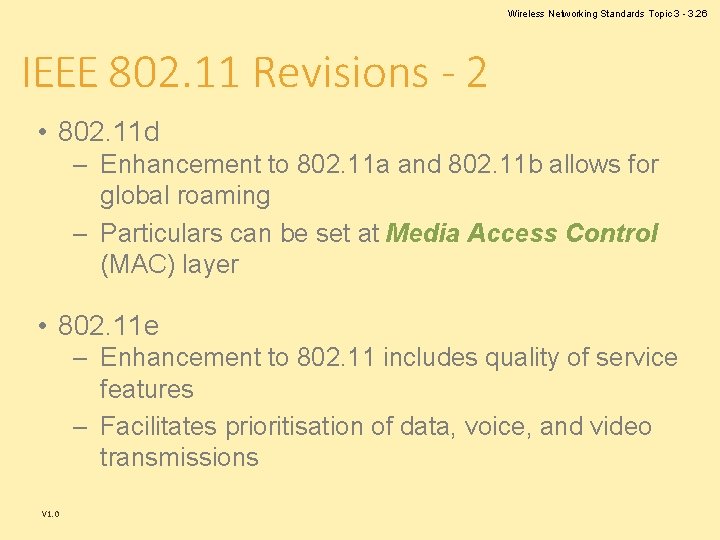
Wireless Networking Standards Topic 3 - 3. 26 IEEE 802. 11 Revisions - 2 • 802. 11 d – Enhancement to 802. 11 a and 802. 11 b allows for global roaming – Particulars can be set at Media Access Control (MAC) layer • 802. 11 e – Enhancement to 802. 11 includes quality of service features – Facilitates prioritisation of data, voice, and video transmissions V 1. 0
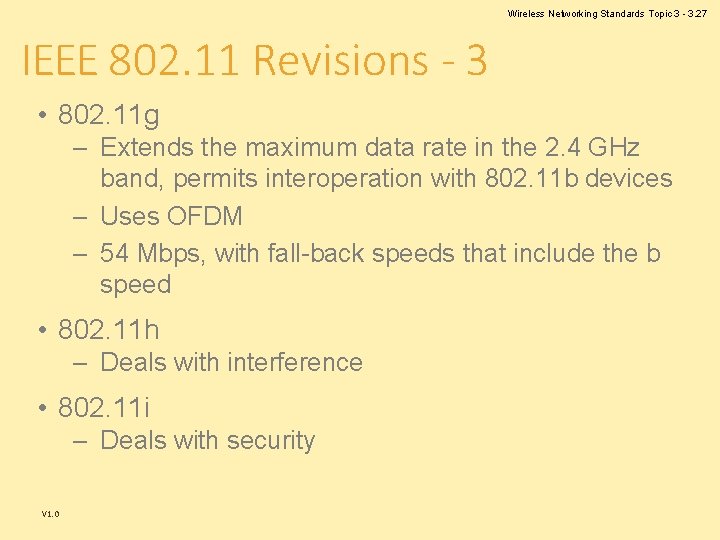
Wireless Networking Standards Topic 3 - 3. 27 IEEE 802. 11 Revisions - 3 • 802. 11 g – Extends the maximum data rate in the 2. 4 GHz band, permits interoperation with 802. 11 b devices – Uses OFDM – 54 Mbps, with fall-back speeds that include the b speed • 802. 11 h – Deals with interference • 802. 11 i – Deals with security V 1. 0
Wireless Networking Standards Topic 3 - 3. 28 IEEE 802. 11 Revisions - 4 • 802. 11 n – High speed WLAN – Can theoretically operate at bandwidths up to 600 Mbps – Applications supporting 100 Mbps using the TCP/IP protocol are available. – Uses Multiple-Input Multiple-Output (MIMO) technology – Uses 5 GHz band V 1. 0
Wireless Networking Standards Topic 3 - 3. 29 Which Version? • Most modern wireless routers will support 802. 11 n plus 802. 11 b and 802. 11 g • Older routers may only support 802. 11 b and 802. 11 g • Higher speed networks should use 802. 11 n V 1. 0
Wireless Networking Standards Topic 3 - 3. 30 IEEE 802. 15/Bluetooth • IEEE 802. 15 covers Wireless Personal Area Networks (WPAN). • Working Group 1 (IEEE 802. 15. 1) is a standard based upon Bluetooth version 1. 1. • The Bluetooth Special Interest Group (SIG) is a separate non-profit organisation that oversees the Bluetooth standards. • The Bluetooth SIG and IEEE are not related – No IEEE standards match recent Bluetooth standards V 1. 0
Wireless Networking Standards Topic 3 - 3. 31 Bluetooth • • • V 1. 0 Open wireless technology standard Exchanges data over short distances Uses short wavelength radio transmissions Used in fixed and mobile devices Creates Personal Area Networks (PANs)
Wireless Networking Standards Topic 3 - 3. 32 Bluetooth Range • The range is specific to the application. • The Core Specification states a minimum range of 10 metres or 30 feet. • However, there is no set limit. • Manufacturers are allowed to tune their devices to provide the range they require. V 1. 0
Wireless Networking Standards Topic 3 - 3. 33 Bluetooth Spectrum • Operates in the unlicensed industrial, scientific and medical (ISM) band • Frequencies 2. 4 to 2. 485 GHz are used • Uses a spread spectrum, frequency hopping, fullduplex signal at a nominal rate of 1600 hops/sec. • The 2. 4 GHz ISM band is available and unlicensed in most countries. V 1. 0
Wireless Networking Standards Topic 3 - 3. 34 Bluetooth Interference • Adaptive frequency hopping (AFH) reduces interference between wireless technologies sharing the 2. 4 GHz spectrum. • The technology detects other devices in the spectrum and avoids the frequencies they are using. V 1. 0
Wireless Networking Standards Topic 3 - 3. 35 Bluetooth Range • Range depends on class of radio used: – Class 3 radios have a range of up to 1 metre or 3 feet – Class 2 radios, most commonly found in mobile devices, have a range of 10 metres or 33 feet – Class 1 radios, used primarily in industrial devices, have a range of 100 metres or 300 feet V 1. 0
Wireless Networking Standards Topic 3 - 3. 36 IEEE 802. 16 • Mobile Broadband Wireless Access • Also known as Wi. MAX (from "Worldwide Interoperability for Microwave Access") • Provides up to 40 Mbps • Currently working on the IEEE 802. 16 m update – Expected to offer up to 1 Gbps fixed speed – Required for 4 G networks V 1. 0
Wireless Networking Standards Topic 3 - 3. 37 Wi. MAX Usage • Provides mobile broadband or at-home broadband connectivity across whole cities or countries. • Deploying a Wi. MAX network has low cost in comparison to DSL or Fibre-Optic. • Can provide broadband in remote locations V 1. 0
Wireless Networking Standards Topic 3 - 3. 38 Comparison with Wi. Fi • Wi. MAX covers many km and uses an unlicensed spectrum to provide access to a local network. • Wi-Fi is more popular in end user devices. • 802. 11 supports direct, ad hoc or peer-to-peer networking between end user devices without an access point, while 802. 16 end user devices must be in range of the base station. V 1. 0
Wireless Networking Standards Topic 3 - 3. 39 IEEE 802. 20 • Mobile Broadband Wireless Access (MBWA) • Aims to enable worldwide deployment of interoperable mobile broadband wireless access networks, including: – – V 1. 0 Mobile and ubiquitous Internet access Transparent support of Internet applications Access to enterprise intranet services Transparent access to infotainment and location services
Wireless Networking Standards Topic 3 - 3. 40 IEEE 802. 20 Detail • • Bandwidths of 5, 10, and 20 MHz Peak data rates of 80 Mbps Uses MIMO Supports low-bit rates efficiently, carrying up to 100 phone calls per MHz • Allows network access whilst travelling at speeds of 250 km/h V 1. 0
Computer Networks Topic 3 – Lecture 3: Issues for Wireless Networks V 1. 0
Wireless Networking Standards Topic 3 - 3. 42 Wireless Issues • There a number of issues that may cause concern for those using radio frequencies for network media rather than physical cables, these include: – Range – Interference – Security V 1. 0
Wireless Networking Standards Topic 3 - 3. 43 Range • The range where wireless signals can be reliably transmitted and received is a key parameter for a wireless network. • In ideal conditions, a WLAN can have a range of 300 m or more. • Real world conditions are not ideal. • In an office/home, range can drop as low as 10 m. V 1. 0
Wireless Networking Standards Topic 3 - 3. 44 Indoor Range • WLANs are normally implemented indoors and a number of factors will affect the range of the network: – – V 1. 0 Building design Construction materials Room layout The location and type of other electrical devices
Wireless Networking Standards Topic 3 - 3. 45 Installation • Technically simple regarding installation and configuration • Installation does need to take into account the location of: – access points – networked devices – obstacles V 1. 0
Wireless Networking Standards Topic 3 - 3. 46 Interference • Radio frequency signals can be negatively affected by other radio signals in the same frequency band. • There are two main sources of such signals: – Reflected signals from the wireless network itself – Other electrical equipment V 1. 0
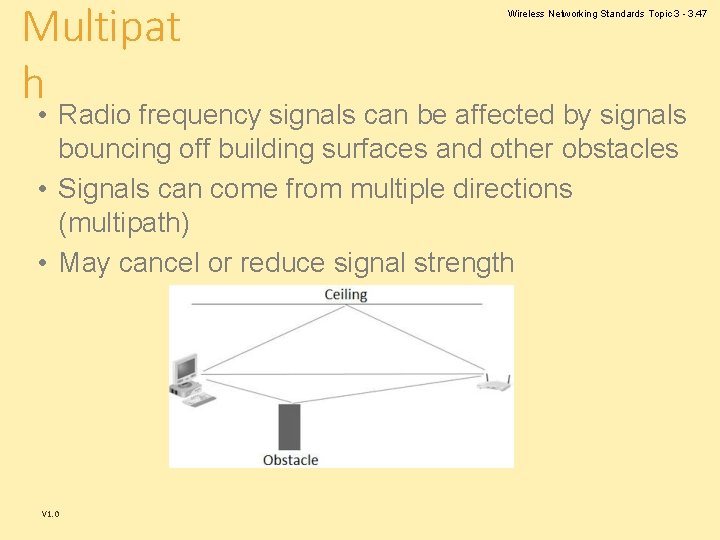
Multipat h Wireless Networking Standards Topic 3 - 3. 47 • Radio frequency signals can be affected by signals bouncing off building surfaces and other obstacles • Signals can come from multiple directions (multipath) • May cancel or reduce signal strength V 1. 0
Wireless Networking Standards Topic 3 - 3. 48 Eliminating Multipath • Most access appointments include software tools that analyse signal strength. • These can be used to test signal strength of networked computers. • Most networked equipment can be moved to improve signal strength. V 1. 0
Wireless Networking Standards Topic 3 - 3. 49 External Interference • Radio emissions from other devices using the same frequency band are a source of interference • There are particular industries where this is a problem – Hospitals use a lot of monitoring equipment that may use the same frequency • Equipment may need to be isolated to prevent the interference. V 1. 0
Wireless Networking Standards Topic 3 - 3. 50 Security Issues • Security can be compromised in different ways from hard-wired networks. • Radio transmission cannot be limited to within the network premises. • Therefore, the transmitted signals can be intercepted by devices outside of a building and this data could include sensitive business or personal data. V 1. 0
Wireless Networking Standards Topic 3 - 3. 51 Drive–by Hacking • Any IEEE 802. 11 receiving device using the relevant standard could pick up a transmitted signal. • A hacker could be located near a business premises and pick up these signals. • As the signals are broadcast, there would be no way of knowing that an unauthorised person had accessed the signal. V 1. 0
Wireless Networking Standards Topic 3 - 3. 52 Wired Equivalent Privacy (WEP) • The first major attempt to make wireless networks as secure as wired networks • Susceptible to eavesdropping • Has been deprecated by IEEE as it does not meet its security goals • Still widely in use V 1. 0
Wireless Networking Standards Topic 3 - 3. 53 Wi. Fi Protected Access (WPA) • Brought in as an improvement on WEP • WPA is more secure and comes in two forms – A form using pre-shared keys for home networks – A more secure form using an authentication server for business networks • WPA has also been cracked and been replaced by WPA 2 which is more secure. V 1. 0
Wireless Networking Standards Topic 3 - 3. 54 Bluetooth Security • There a number of known security flaws with Bluetooth devices and these include: – – V 1. 0 Bluejacking Bluesnarfing Bluebugging Bluetoothing
Wireless Networking Standards Topic 3 - 3. 55 Bluejacking • The hacker sends a phone contact or business card to another nearby phone. • The ‘name' field of the contact can be misused by replacing it with a suggestive text. • This is equivalent to spam email since both are unsolicited messages displayed on recipients' end without consent. V 1. 0
Wireless Networking Standards Topic 3 - 3. 56 Bluesnarfing • Accesses or steals data like messages, such as a calendar or phone book from the target device. • There have been reports of the tools that use methods such as device address guessing and brute force in order to break-in, even when device is configured as ‘invisible‘. V 1. 0
Wireless Networking Standards Topic 3 - 3. 57 Bluebugging • The target device is controlled by the attacker who sends commands as if they had physical access. • Similar to a trojan V 1. 0
Wireless Networking Standards Topic 3 - 3. 58 Bluetoothing • Short range social networking • Harassment of individuals within range V 1. 0
Wireless Networking Standards Topic 3 - 3. 59 Securely Using Bluetooth • Keep devices in the disabled state, enable it only when needed • Keep the device in non-discoverable mode • Do not accept any unknown and unexpected request for pairing your device • Use non regular patterns as PIN keys • Keep a check of all paired devices and delete any paired device which you are not sure about • Register your device at the manufacturer site V 1. 0