
Computer Networks Network Types Local Area Network Covers
- Slides: 17
Computer Networks
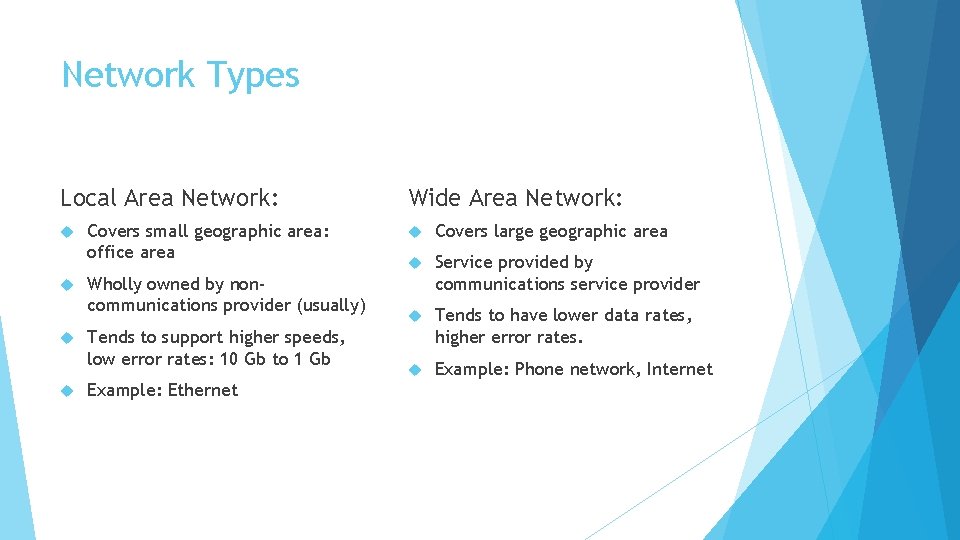
Network Types Local Area Network: Covers small geographic area: office area Wholly owned by noncommunications provider (usually) Tends to support higher speeds, low error rates: 10 Gb to 1 Gb Example: Ethernet Wide Area Network: Covers large geographic area Service provided by communications service provider Tends to have lower data rates, higher error rates. Example: Phone network, Internet
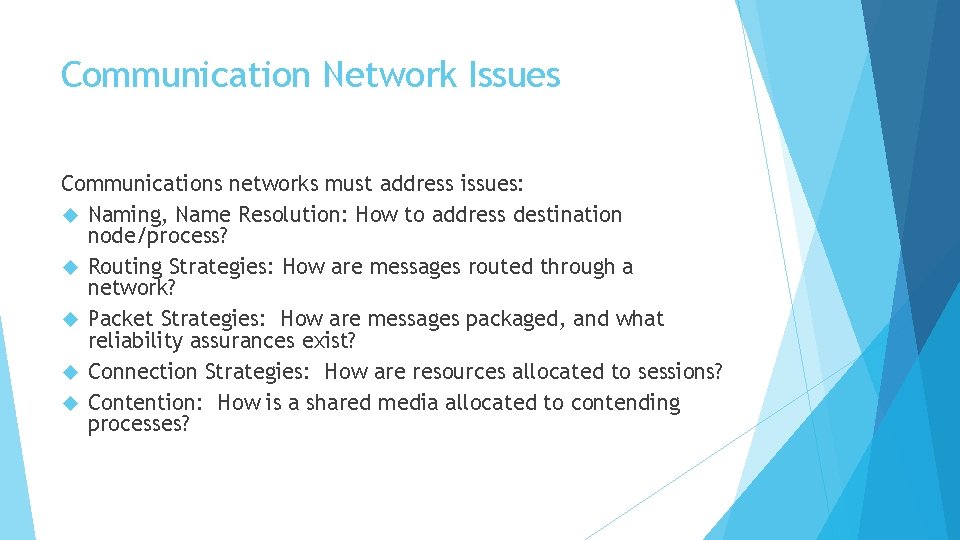
Communication Network Issues Communications networks must address issues: Naming, Name Resolution: How to address destination node/process? Routing Strategies: How are messages routed through a network? Packet Strategies: How are messages packaged, and what reliability assurances exist? Connection Strategies: How are resources allocated to sessions? Contention: How is a shared media allocated to contending processes?
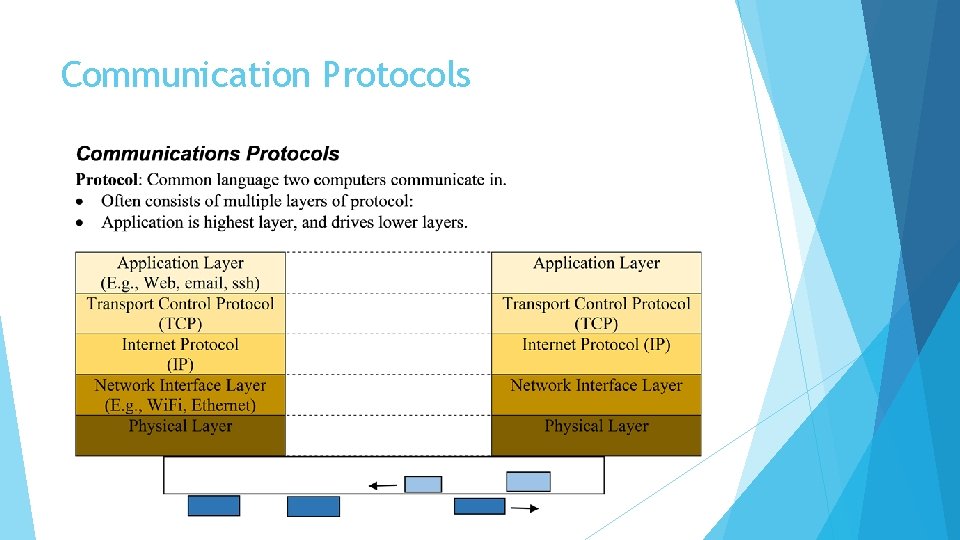
Communication Protocols
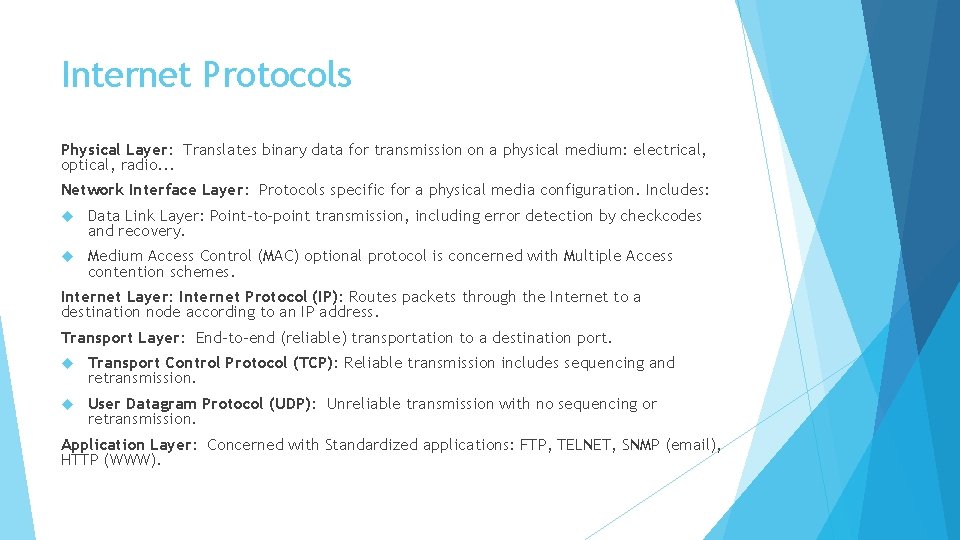
Internet Protocols Physical Layer: Translates binary data for transmission on a physical medium: electrical, optical, radio. . . Network Interface Layer: Protocols specific for a physical media configuration. Includes: Data Link Layer: Point-to-point transmission, including error detection by checkcodes and recovery. Medium Access Control (MAC) optional protocol is concerned with Multiple Access contention schemes. Internet Layer: Internet Protocol (IP): Routes packets through the Internet to a destination node according to an IP address. Transport Layer: End-to-end (reliable) transportation to a destination port. Transport Control Protocol (TCP): Reliable transmission includes sequencing and retransmission. User Datagram Protocol (UDP): Unreliable transmission with no sequencing or retransmission. Application Layer: Concerned with Standardized applications: FTP, TELNET, SNMP (email), HTTP (WWW).
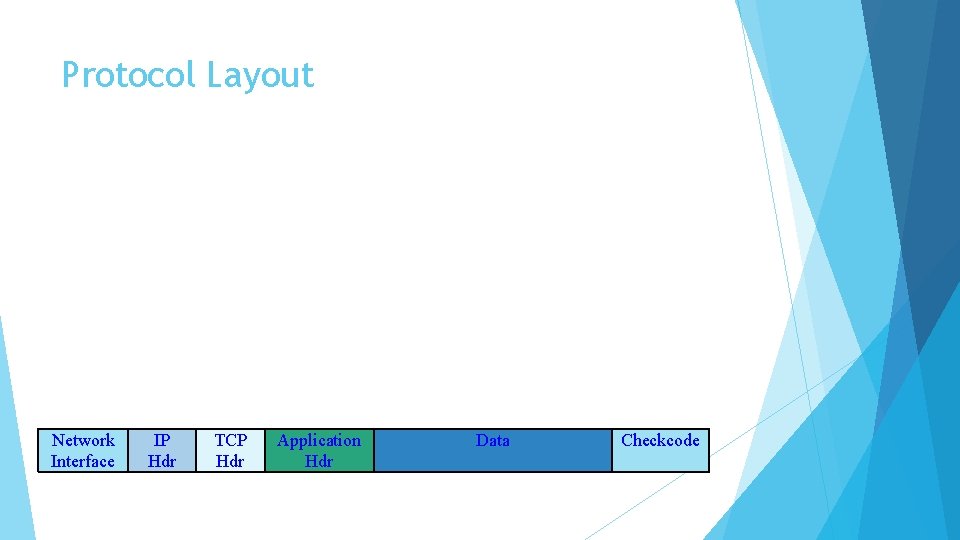
Protocol Layout Network Interface IP Hdr TCP Hdr Application Hdr Data Checkcode
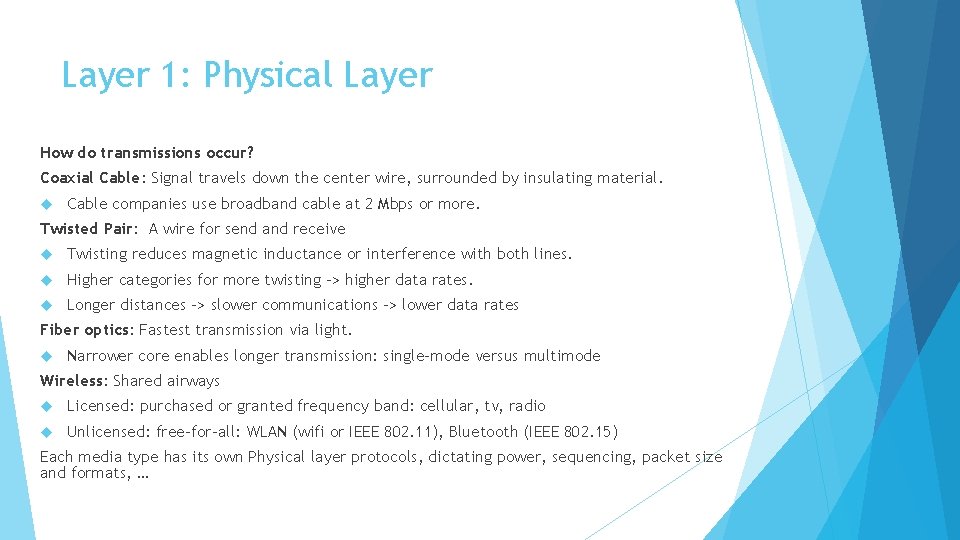
Layer 1: Physical Layer How do transmissions occur? Coaxial Cable: Signal travels down the center wire, surrounded by insulating material. Cable companies use broadband cable at 2 Mbps or more. Twisted Pair: A wire for send and receive Twisting reduces magnetic inductance or interference with both lines. Higher categories for more twisting -> higher data rates. Longer distances -> slower communications -> lower data rates Fiber optics: Fastest transmission via light. Narrower core enables longer transmission: single-mode versus multimode Wireless: Shared airways Licensed: purchased or granted frequency band: cellular, tv, radio Unlicensed: free-for-all: WLAN (wifi or IEEE 802. 11), Bluetooth (IEEE 802. 15) Each media type has its own Physical layer protocols, dictating power, sequencing, packet size and formats, …
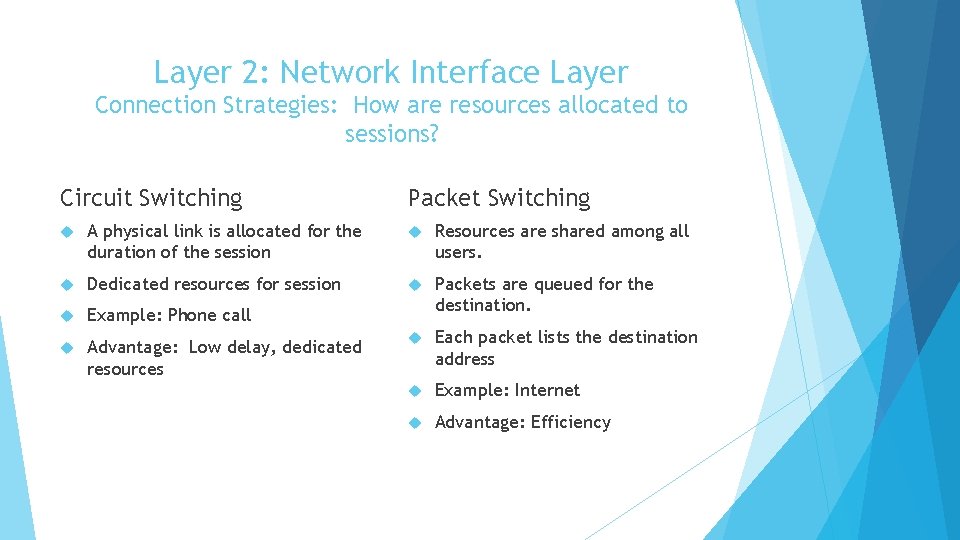
Layer 2: Network Interface Layer Connection Strategies: How are resources allocated to sessions? Circuit Switching Packet Switching A physical link is allocated for the duration of the session Resources are shared among all users. Dedicated resources for session Example: Phone call Packets are queued for the destination. Advantage: Low delay, dedicated resources Each packet lists the destination address Example: Internet Advantage: Efficiency
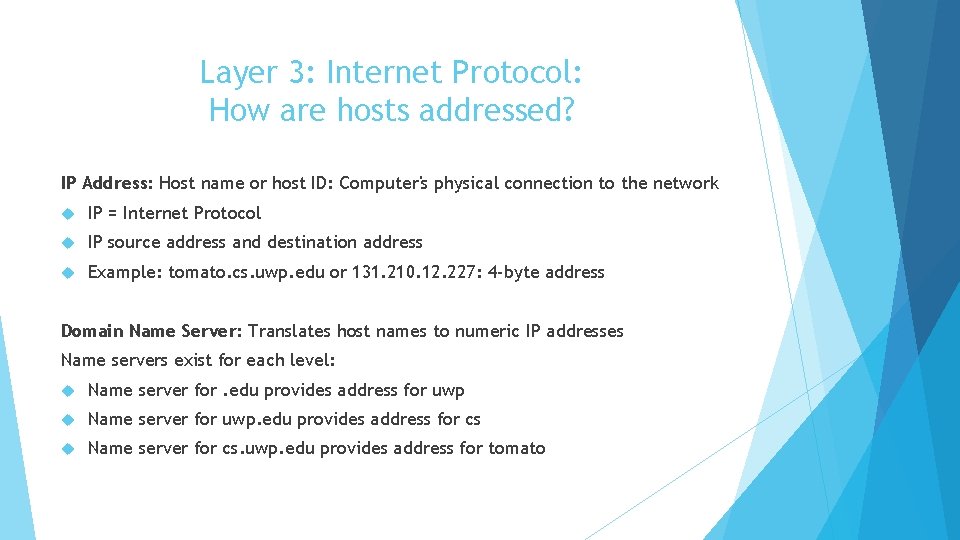
Layer 3: Internet Protocol: How are hosts addressed? IP Address: Host name or host ID: Computer's physical connection to the network IP = Internet Protocol IP source address and destination address Example: tomato. cs. uwp. edu or 131. 210. 12. 227: 4 -byte address Domain Name Server: Translates host names to numeric IP addresses Name servers exist for each level: Name server for. edu provides address for uwp Name server for uwp. edu provides address for cs Name server for cs. uwp. edu provides address for tomato
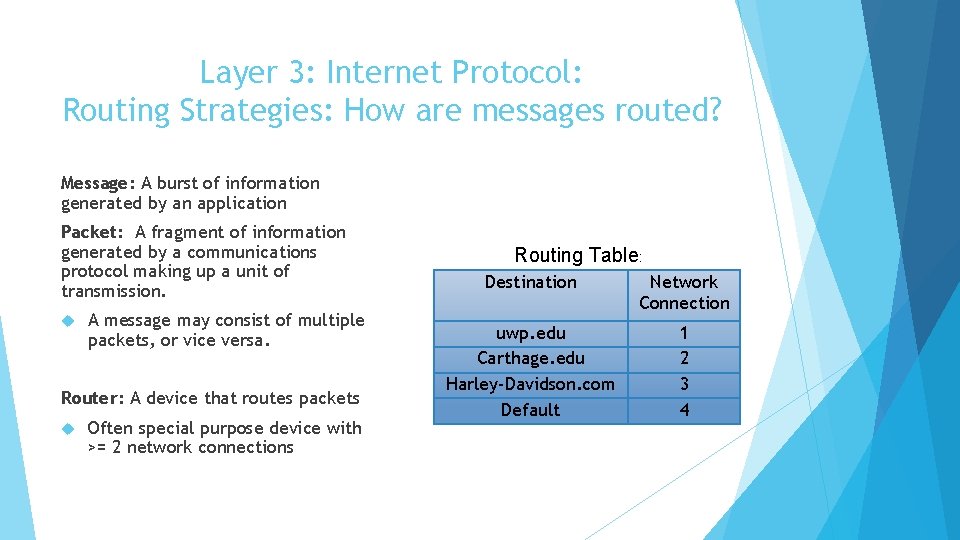
Layer 3: Internet Protocol: Routing Strategies: How are messages routed? Message: A burst of information generated by an application Packet: A fragment of information generated by a communications protocol making up a unit of transmission. A message may consist of multiple packets, or vice versa. Router: A device that routes packets Often special purpose device with >= 2 network connections Routing Table: Destination Network Connection uwp. edu Carthage. edu Harley-Davidson. com Default 1 2 3 4
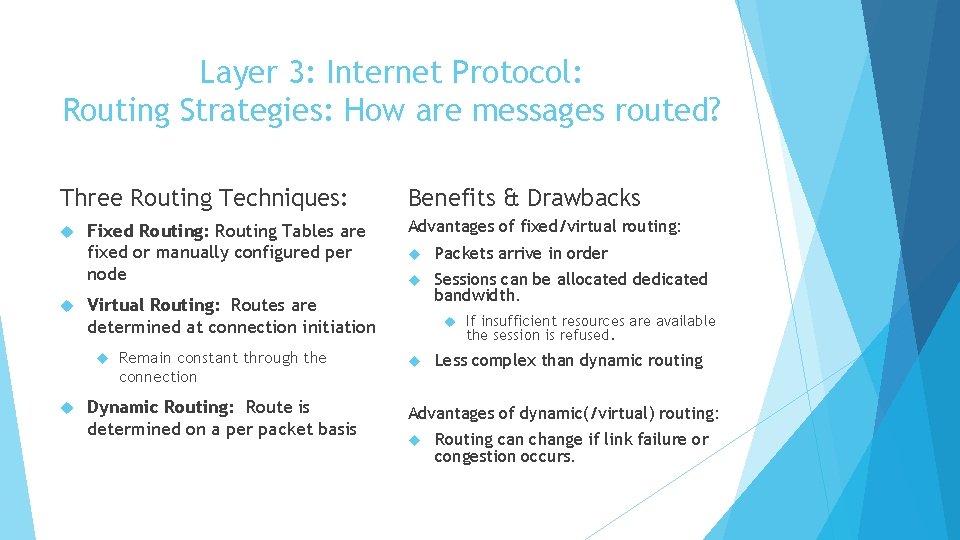
Layer 3: Internet Protocol: Routing Strategies: How are messages routed? Three Routing Techniques: Fixed Routing: Routing Tables are fixed or manually configured per node Advantages of fixed/virtual routing: Packets arrive in order Sessions can be allocated dedicated bandwidth. Virtual Routing: Routes are determined at connection initiation Benefits & Drawbacks Remain constant through the connection Dynamic Routing: Route is determined on a per packet basis If insufficient resources are available the session is refused. Less complex than dynamic routing Advantages of dynamic(/virtual) routing: Routing can change if link failure or congestion occurs.
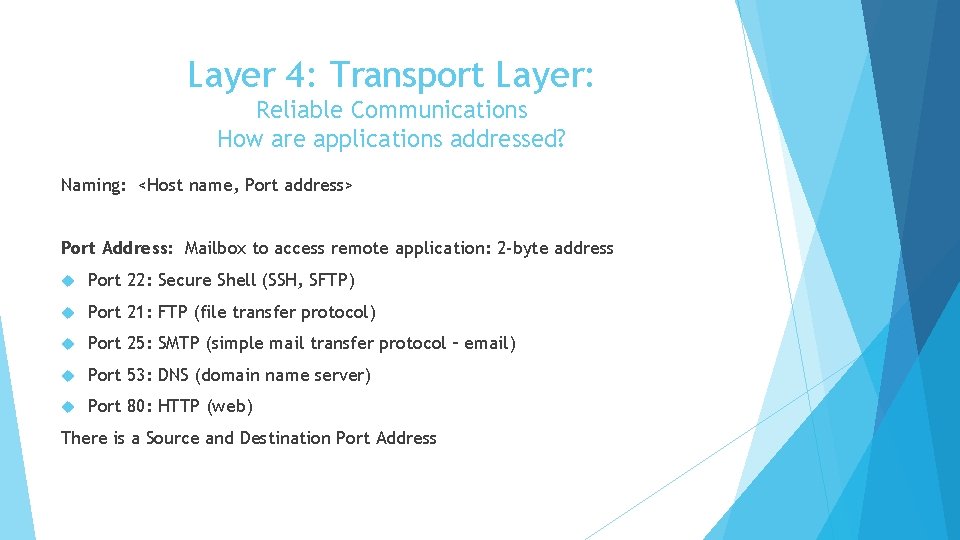
Layer 4: Transport Layer: Reliable Communications How are applications addressed? Naming: <Host name, Port address> Port Address: Mailbox to access remote application: 2 -byte address Port 22: Secure Shell (SSH, SFTP) Port 21: FTP (file transfer protocol) Port 25: SMTP (simple mail transfer protocol – email) Port 53: DNS (domain name server) Port 80: HTTP (web) There is a Source and Destination Port Address
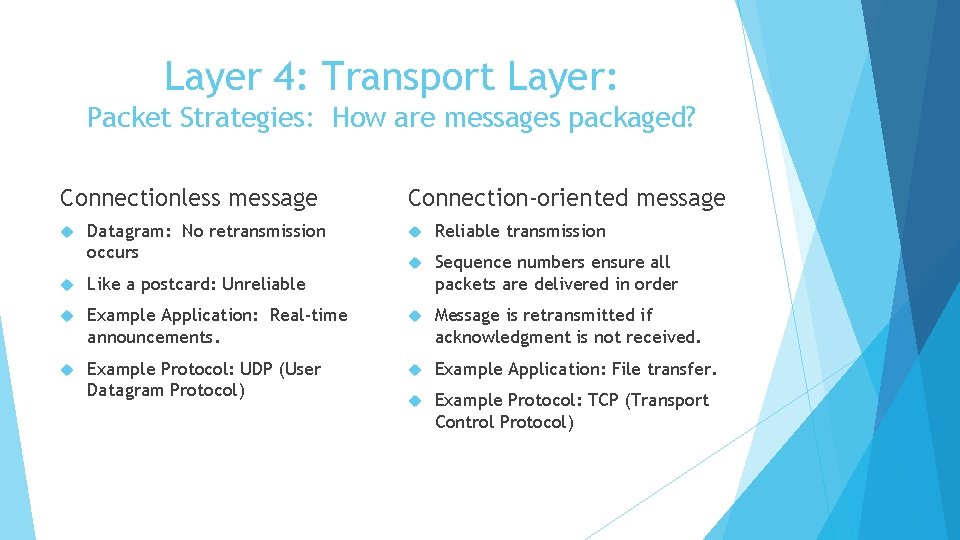
Layer 4: Transport Layer: Packet Strategies: How are messages packaged? Connectionless message Datagram: No retransmission occurs Connection-oriented message Reliable transmission Sequence numbers ensure all packets are delivered in order Like a postcard: Unreliable Example Application: Real-time announcements. Message is retransmitted if acknowledgment is not received. Example Protocol: UDP (User Datagram Protocol) Example Application: File transfer. Example Protocol: TCP (Transport Control Protocol)
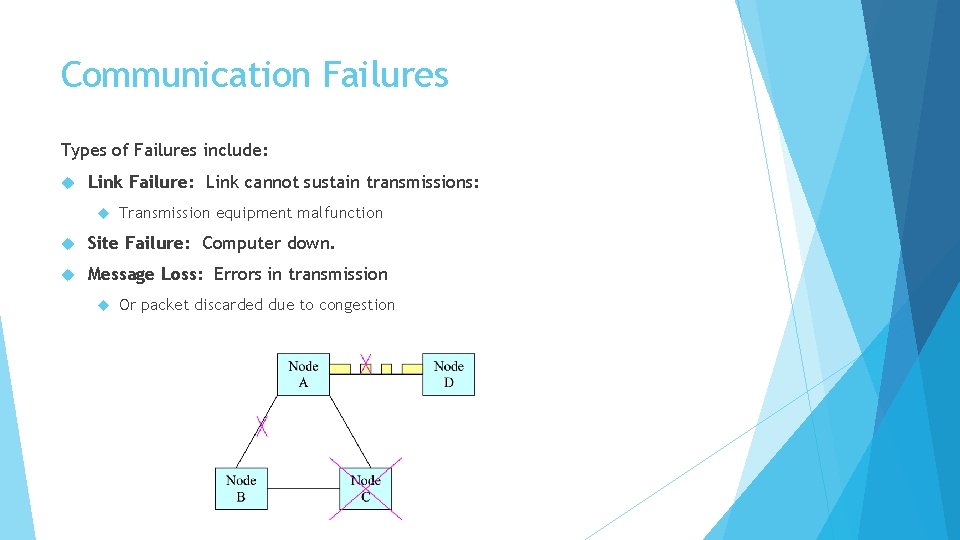
Communication Failures Types of Failures include: Link Failure: Link cannot sustain transmissions: Transmission equipment malfunction Site Failure: Computer down. Message Loss: Errors in transmission Or packet discarded due to congestion
Dealing with Failures Link and Site Failure detection: Heartbeat messages: Periodic: Are you there? … Are you there? When messages are no longer received, the site/link has failed Routing tables in neighboring nodes are updated to indicate link/site failure If a site has multiple links, a link failure != a site failure Message Loss detection: Errors include: Packet loss due to transmission errors or congestion, packets out-of -order, duplicate packets Solutions include: Sequence numbers, retransmissions within a reliable protocol
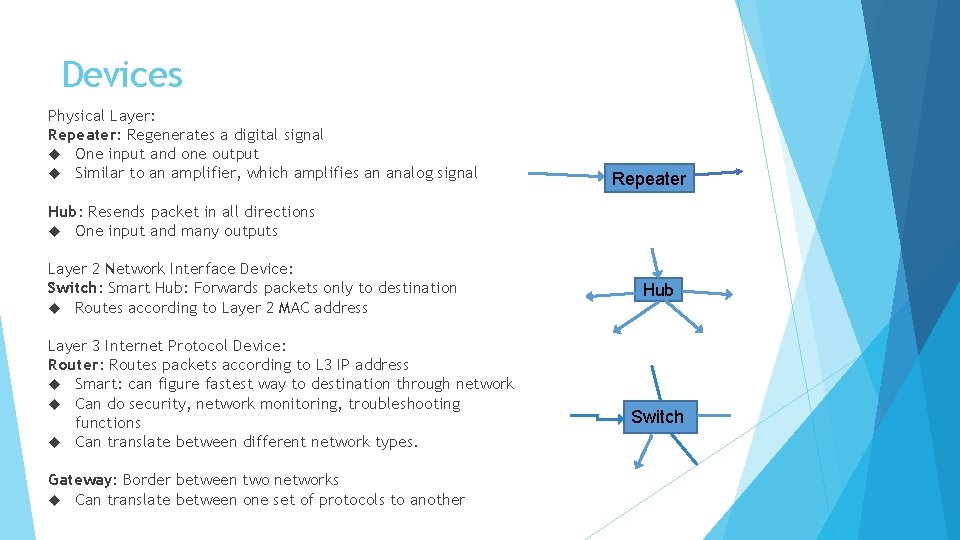
Devices Physical Layer: Repeater: Regenerates a digital signal One input and one output Similar to an amplifier, which amplifies an analog signal Repeater Hub: Resends packet in all directions One input and many outputs Layer 2 Network Interface Device: Switch: Smart Hub: Forwards packets only to destination Routes according to Layer 2 MAC address Layer 3 Internet Protocol Device: Router: Routes packets according to L 3 IP address Smart: can figure fastest way to destination through network Can do security, network monitoring, troubleshooting functions Can translate between different network types. Gateway: Border between two networks Can translate between one set of protocols to another Hub Switch
Conclusion Each protocol layer has its own functions: Layer 1: Transmission on physical medium Layer 2: Coordinating who transmits when, error checking Layer 3 (IP): Node addressing, routing Layer 4 (TCP): Error control: sequencing, retransmissions, flow control Layer 5: Application