
Computer Networks LAN Local Area Network o LAN






- Slides: 18
Computer Networks
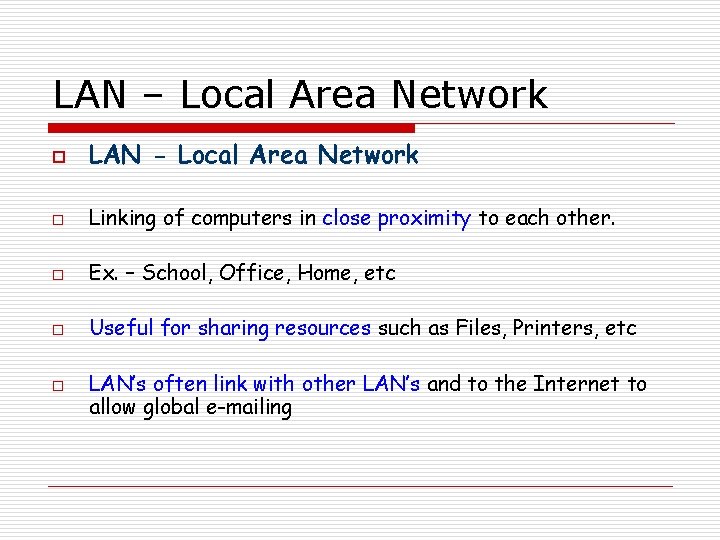
LAN – Local Area Network o LAN - Local Area Network o Linking of computers in close proximity to each other. o Ex. – School, Office, Home, etc o Useful for sharing resources such as Files, Printers, etc o LAN’s often link with other LAN’s and to the Internet to allow global e-mailing
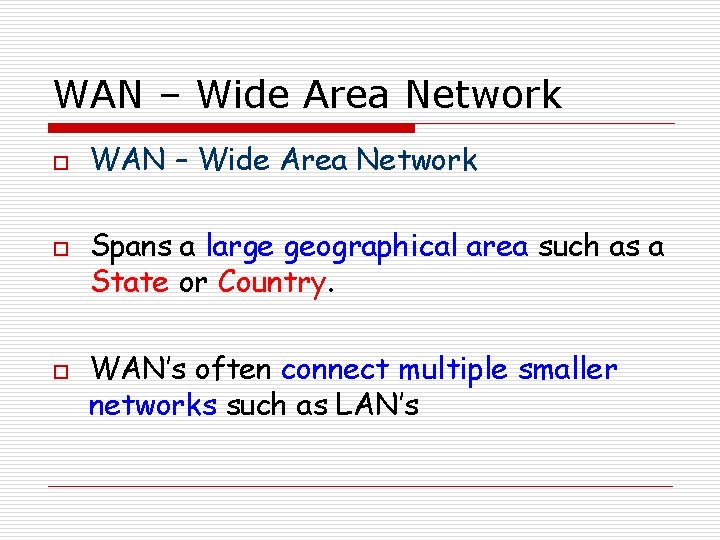
WAN – Wide Area Network o o o WAN – Wide Area Network Spans a large geographical area such as a State or Country. WAN’s often connect multiple smaller networks such as LAN’s
The Internet o o A global network of networks where many LAN’s and WAN’s are connected together. The Internet is known as the ‘Mother’ of all networks.
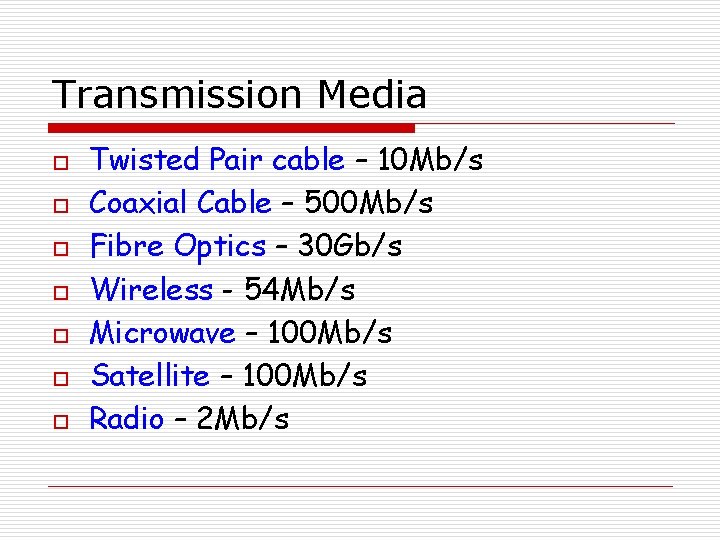
Transmission Media o o o o Twisted Pair cable – 10 Mb/s Coaxial Cable – 500 Mb/s Fibre Optics – 30 Gb/s Wireless - 54 Mb/s Microwave – 100 Mb/s Satellite – 100 Mb/s Radio – 2 Mb/s
LAN Transmission Media o o Twisted Pair, Coaxial Cable, Fibre Optics, and Wireless media. The above can all be used to link up a LAN
WAN Transmission Media o Microwave o Satellite o Radio o These 3 can all be used to create a WAN
Functions of a LAN o o A LAN allows users to share data files, applications, and peripherals. Users can access their work from any number of machines linked to the LAN. Different levels of access can be granted to different levels of user. Users can communicate through e-mail.
Functions of a WAN o Allows users to share data, files, and equipment. o Permits ‘live’ chat o Allows users to e-mail each other. o Allows video conferencing o Allows access to databases o E-Commerce o Entertainment
Client Server Networks o o o 1 Computer acts as a central resource for the others. This computer (SERVER) will normally have a faster processor, more RAM, and a greater amount of backing storage. The SERVER stores the programs and files that can be accessed by the client stations.
Client Server Networks o The CLIENTS are the individual computers that are linked to the SERVER. CLIENT CLIENT PRINTER
Client Server Networka o o o The CLIENT station runs its programs using it’s own processor. The CLIENT has to contact the SERVER for access to any files or shared resources. There are many benefits of this type of Network
Client Server Networks o Benefits include: - Tampering is prevented through restricted access rights. - Personal work is saved in private spaces on had disks that are password protected. - Data files, peripherals, and programs can be shared. - Communication improved: e-mail, chat. - Centralised backup of files - Stations can be managed remotely.
Hyperlinks o o o Allow any page on the web to connect to any other. Normally identified in blue and underlined and once clicked this colour will change. An example is shown below: http: //www. bbc. co. uk
Search Engines o o Examples include Google and Yahoo. These search engines run programs called web crawlers to gather information about pages on the Web. The crawler sends the URL along with extracts of the content back to the site, where it is stored on a database. Like programming you can use AND and OR to help you find specific information.
Browsers o o Software that lets the user browse the World Wide Web. Examples include Internet Explorer, Netscape Navigator, and Mozilla Firefox.
Email o E-mail is the exchange of computer-stored messages by telecommunications. o Usually encoded using ASCII o Attachments = non-text files o Many e-mail systems are now web based. o E-mail address and domain names
TASK: Exercises 5 and 6 in the LTS notes