
COMPUTER NETWORKS 4 TH Edition BY Andrew s
COMPUTER NETWORKS 4 TH Edition BY Andrew s. Tanenbaum Chapter 1 INTRODUCTION & TYPES OF NETWORKS 1
Introduction to Networks 2
What is a network ? • A number of nodes connected together. • They share information and resources. • Examples: Roads, Telephones , Computers 3
What is a computer network? • A computer network is computers and devices connected together. • The capabilities of a computer are increased when connected with other devices to form a computer network. 4
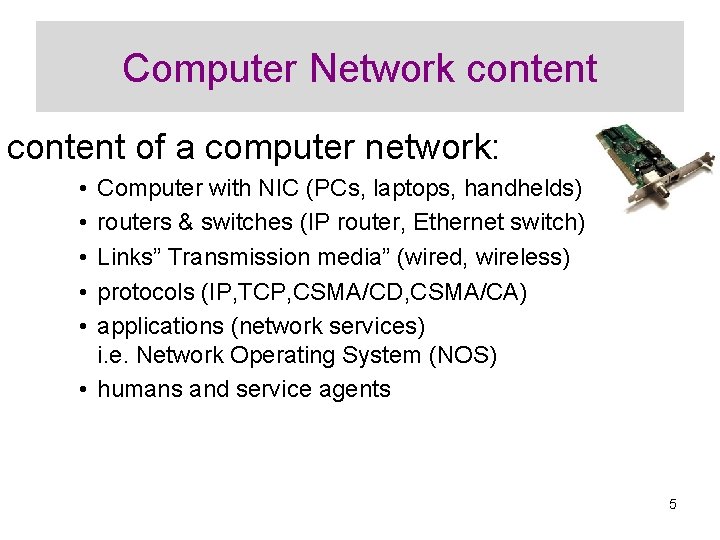
Computer Network content of a computer network: • • • Computer with NIC (PCs, laptops, handhelds) routers & switches (IP router, Ethernet switch) Links” Transmission media” (wired, wireless) protocols (IP, TCP, CSMA/CD, CSMA/CA) applications (network services) i. e. Network Operating System (NOS) • humans and service agents 5
Purpose of a Computer Network • • • Summarized in a single word: sharing. Individual computers are isolated. Networked computers can share resources. Three types of resources can be shared 1. Software 2. data 3. hardware 6
Share Software and Data Application and utility software: can be shared by all users across the network. This requires only a single software copy to be purchased and maintained. Data files: Can also be shared. This makes data more accessible and maintains integrity. 7
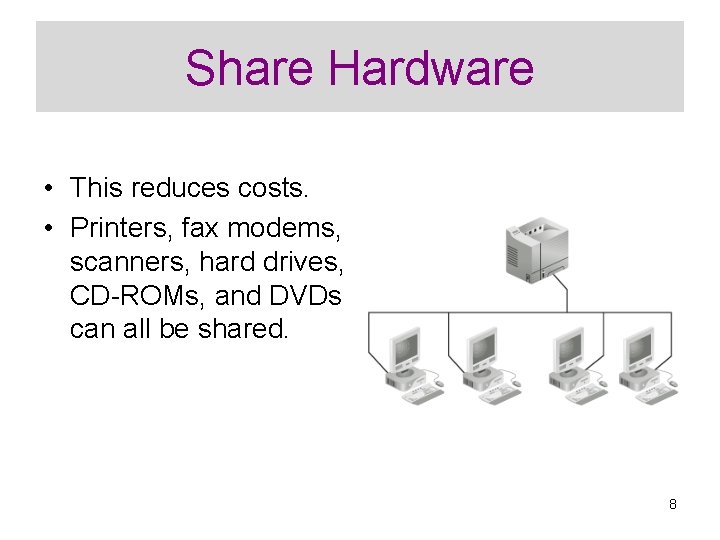
Share Hardware • This reduces costs. • Printers, fax modems, scanners, hard drives, CD-ROMs, and DVDs can all be shared. 8
Improve Communications • Communication is essential in today’s businesses. • E-mail, electronic calendars, and video conferencing are available. 9
Centralize Management • Computer networks allow computers to be managed from one central location. • Software updates can be “pushed” to users’ computers. • Problems can be diagnosed over the network. • Training can be done over the network. 10
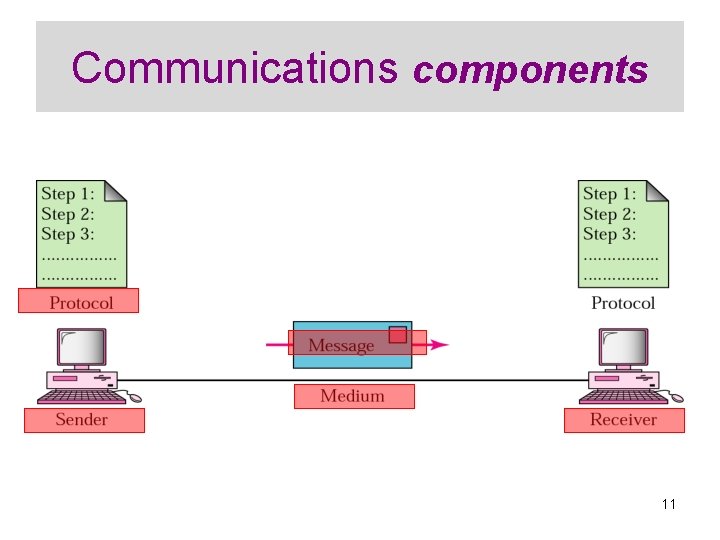
Communications components 11
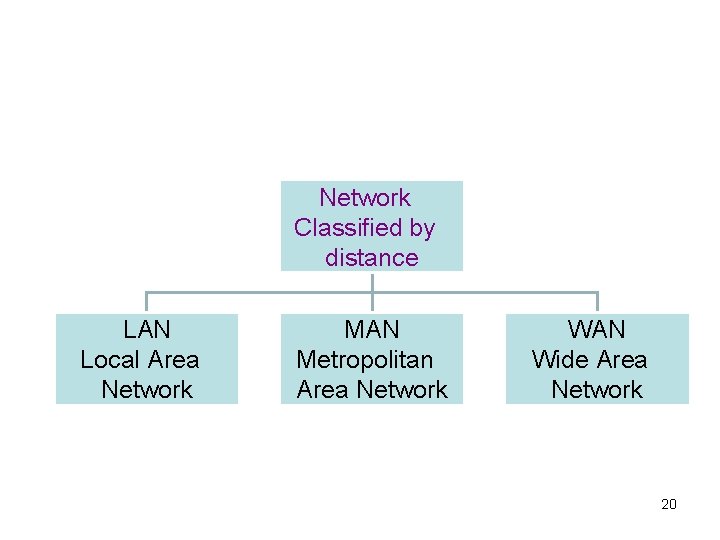
Types of Networks Two types of network classifications: • Classified by device that controls network • Classified by distance between devices 12
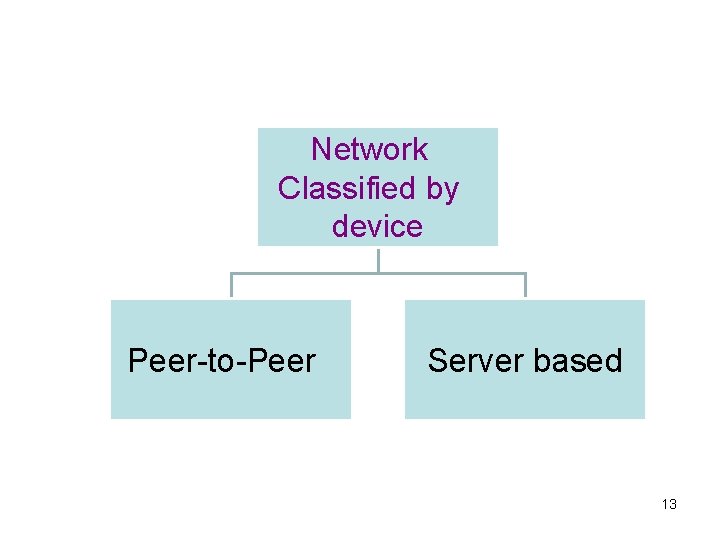
Network Classified by device Peer-to-Peer Server based 13
I. Peer-to-Peer Network • • • No single computer controls the network. Each computer is the same (a peer) to all others. It is suitable for small offices. Called “ work group”. Each user controls the access to his own computer ( read only , hide files). Its suitable when : • 10 or less computers. • All computers in the same place. • Security is not an issue. • No network upgrading plans. 14
I. Peer-to-Peer Network Advantages : • Limited cost. • No software needed. • No powerful computers needed. • Easy to install and setup. Disadvantages: Not suitable for large networks 15
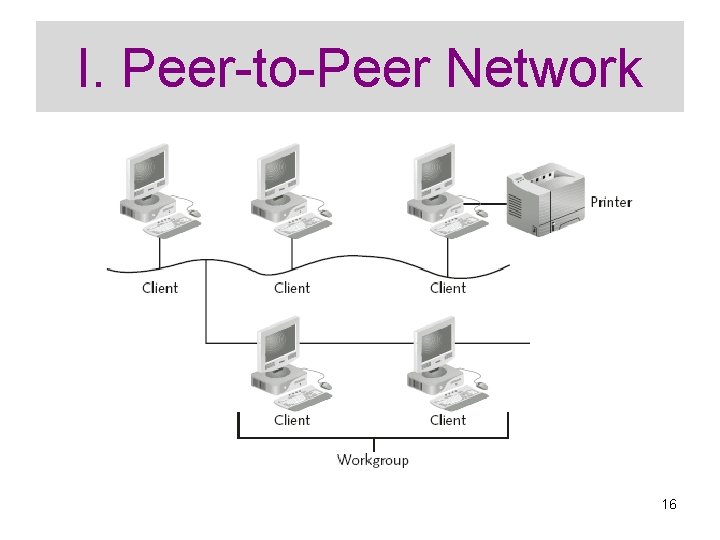
I. Peer-to-Peer Network 16
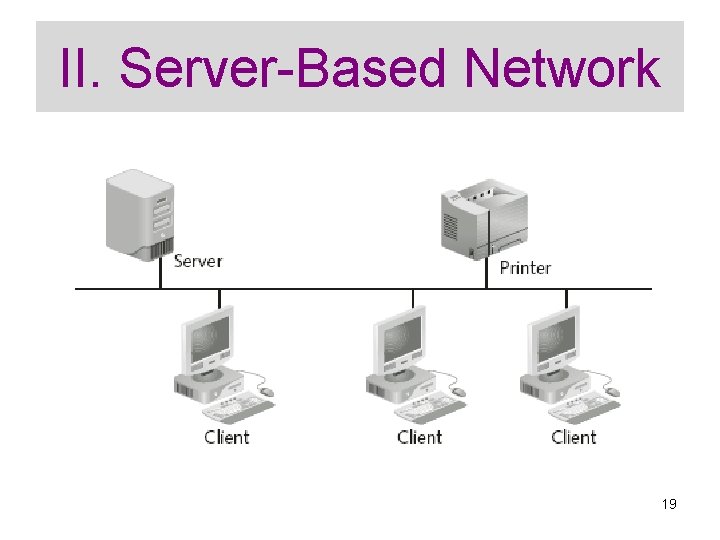
II. Server-Based Network • The network is controlled by a special high-powered server. • The server is dedicated to running the network. • The server never work as a client. • If the number of computers connected together is large , another server is used. Types: q Print and file servers q Application servers q Communication servers q Directory service servers 17
II. Server-Based Network Advantages: • Data is safe • Thousands of users • Any type of computers can be connected. • Easy to access and manage data. • Security ( to have an administrator) 18
II. Server-Based Network 19
Network Classified by distance LAN Local Area Network MAN Metropolitan Area Network WAN Wide Area Network 20
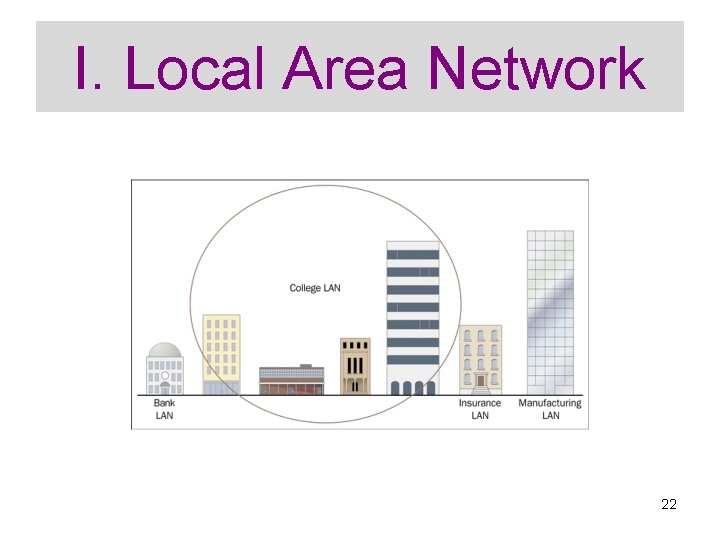
I. Local Area Network • Network computers are located relatively close to each other. • They are generally limited to buildings owned by one organization. • They operate at high speeds (10 -1000 mbps) • They are low-cost networks. 21
I. Local Area Network 22
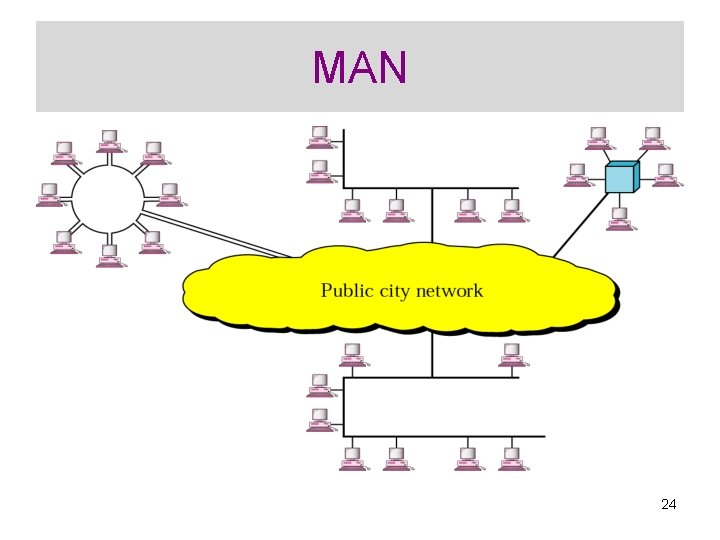
II. Metropolitan Area Network • A MAN is a data communication system covering an area the size of a town or city. • A very fast LAN. • Uses fiber optics as a media. • Covers an area from 20 to 100 meters. 23
MAN 24
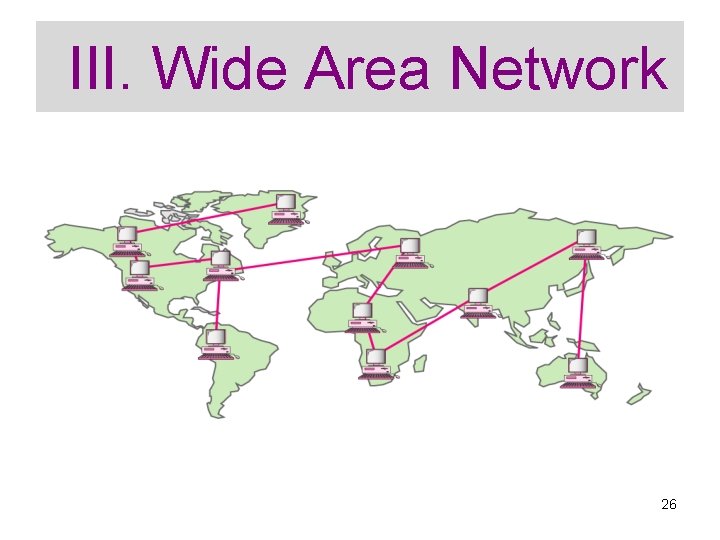
III. Wide Area Network • Network computers are spread out over a larger area. • They are often managed by public carriers. • They operate at lower speeds. • They are a higher-cost network. 25
III. Wide Area Network 26
- Slides: 26