
Computer Networking L1 Intro to Computer Networks Outline

![Internet[work] • A collection of interconnected networks • Host: network endpoints (computer, PDA, light](https://slidetodoc.com/presentation_image/0832de440f19ae4ae43a33dc7d4f055f/image-15.jpg "Internet[work] • A collection of interconnected networks • Host: network endpoints (computer, PDA, light")
![Internet[work] • A collection of interconnected networks • Host: network endpoints (computer, PDA, light](https://slidetodoc.com/presentation_image/0832de440f19ae4ae43a33dc7d4f055f/image-17.jpg "Internet[work] • A collection of interconnected networks • Host: network endpoints (computer, PDA, light")
![Internet[work] • A collection of interconnected networks • Host: network endpoints (computer, PDA, light](https://slidetodoc.com/presentation_image/0832de440f19ae4ae43a33dc7d4f055f/image-18.jpg "Internet[work] • A collection of interconnected networks • Host: network endpoints (computer, PDA, light")
- Slides: 36
Computer Networking L-1 Intro to Computer Networks
Outline • Administrivia • Layering 2
Who’s Who? • Professor: kamran. nishat@gmail. com • kamran. nishat@pafkiet. edu. pk • Office hours: by appt. 3
Objectives • Understand the state-of-the-art in network protocols, architectures and applications • Understand how networking research is done • Teach the typical constraints and thought processes used in networking research • How is class different from undergraduate networking • Training network programmers vs. training network researchers 4
Course Materials • Research papers • • Links to ps or pdf on Web page Combination of classic and recent work ~15 papers Optional readings • Recommended textbooks • For students not familiar with networking • Peterson & Davie, Kurose & Ross, Tanenbaum & Wetherall 5
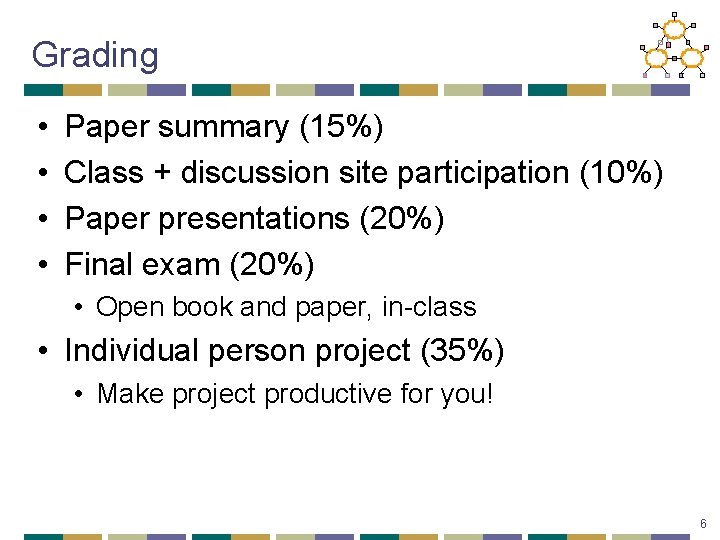
Grading • • Paper summary (15%) Class + discussion site participation (10%) Paper presentations (20%) Final exam (20%) • Open book and paper, in-class • Individual person project (35%) • Make project productive for you! 6
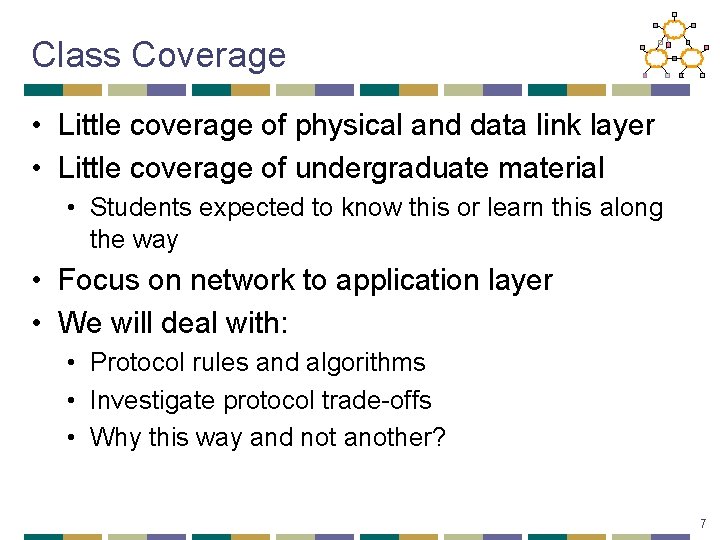
Class Coverage • Little coverage of physical and data link layer • Little coverage of undergraduate material • Students expected to know this or learn this along the way • Focus on network to application layer • We will deal with: • Protocol rules and algorithms • Investigate protocol trade-offs • Why this way and not another? 7
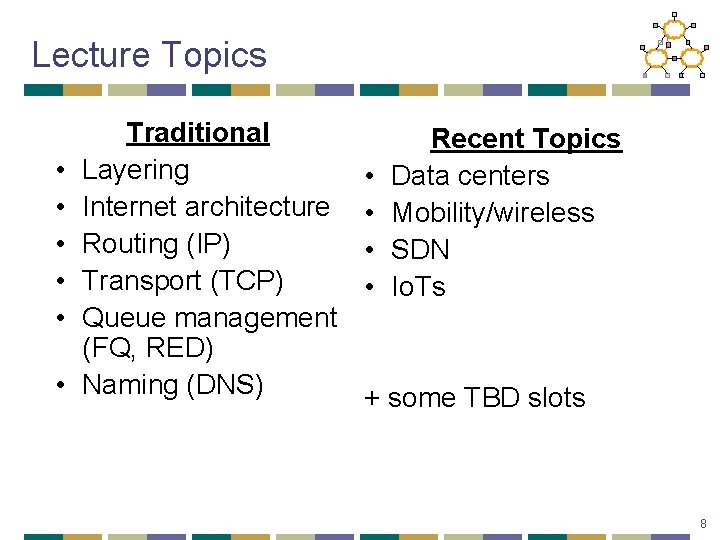
Lecture Topics • • • Traditional Layering Internet architecture Routing (IP) Transport (TCP) Queue management (FQ, RED) Naming (DNS) • • Recent Topics Data centers Mobility/wireless SDN Io. Ts + some TBD slots 8
Outline • Administrivia • Layering 9
This/Friday Lecture: Design Considerations • How to determine split of functionality • Across protocol layers • Across network nodes • Assigned Reading • [SRC 84] End-to-end Arguments in System Design • [Cla 88] Design Philosophy of the DARPA Internet Protocols • Optional Reading • [CT 90] Architectural Considerations for a New Generation of Protocols 10
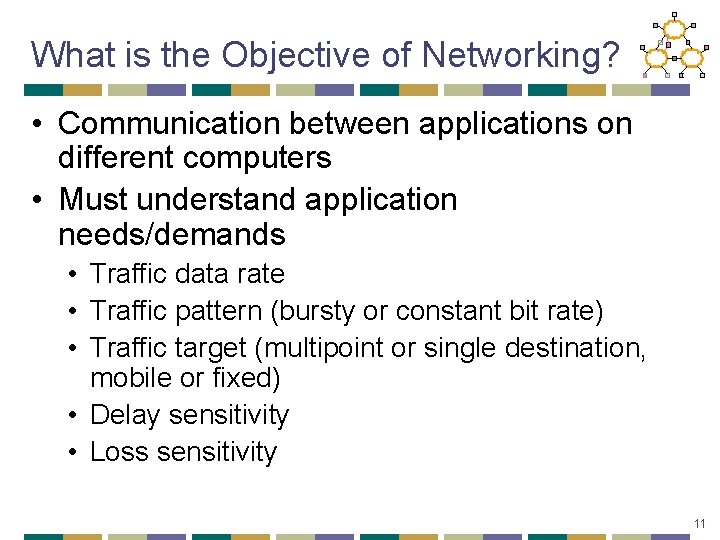
What is the Objective of Networking? • Communication between applications on different computers • Must understand application needs/demands • Traffic data rate • Traffic pattern (bursty or constant bit rate) • Traffic target (multipoint or single destination, mobile or fixed) • Delay sensitivity • Loss sensitivity 11
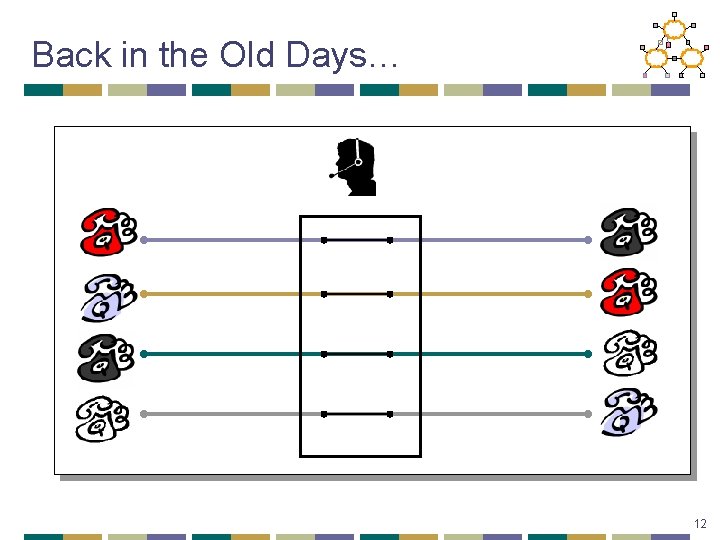
Back in the Old Days… 12
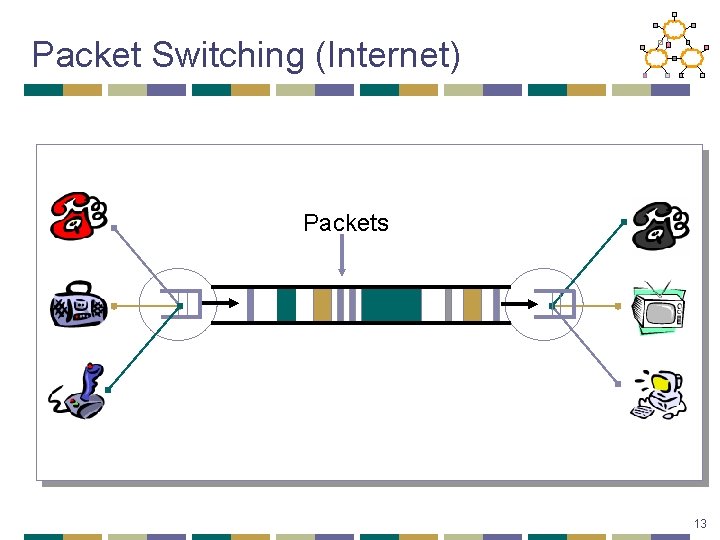
Packet Switching (Internet) Packets 13
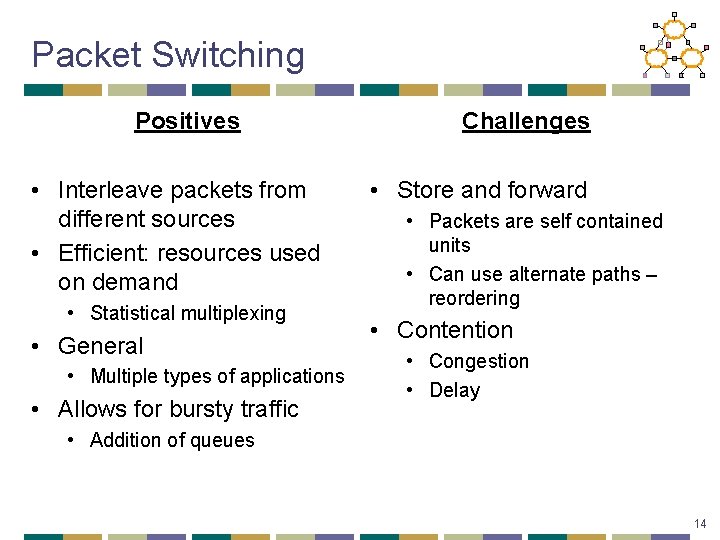
Packet Switching Positives • Interleave packets from different sources • Efficient: resources used on demand • Statistical multiplexing • General • Multiple types of applications • Allows for bursty traffic Challenges • Store and forward • Packets are self contained units • Can use alternate paths – reordering • Contention • Congestion • Delay • Addition of queues 14
Internet[work] • A collection of interconnected networks • Host: network endpoints (computer, PDA, light switch, …) Internet[work] 15
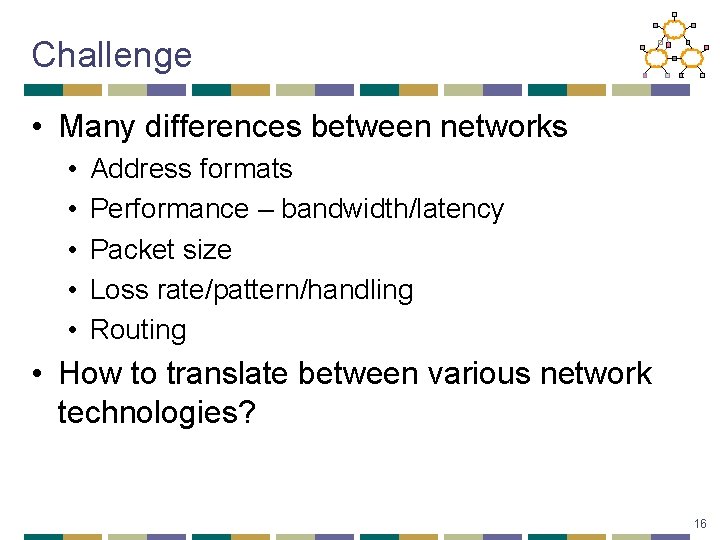
Challenge • Many differences between networks • • • Address formats Performance – bandwidth/latency Packet size Loss rate/pattern/handling Routing • How to translate between various network technologies? 16
Internet[work] • A collection of interconnected networks • Host: network endpoints (computer, PDA, light switch, …) Internet[work] 17
Internet[work] • A collection of interconnected networks • Host: network endpoints (computer, PDA, light switch, …) • Router: node that connects networks Internet[work] • How do we translate? 18
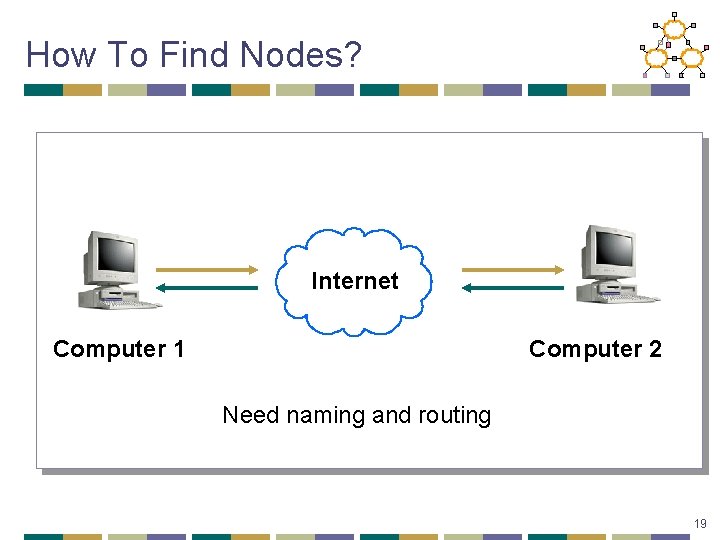
How To Find Nodes? Internet Computer 1 Computer 2 Need naming and routing 19
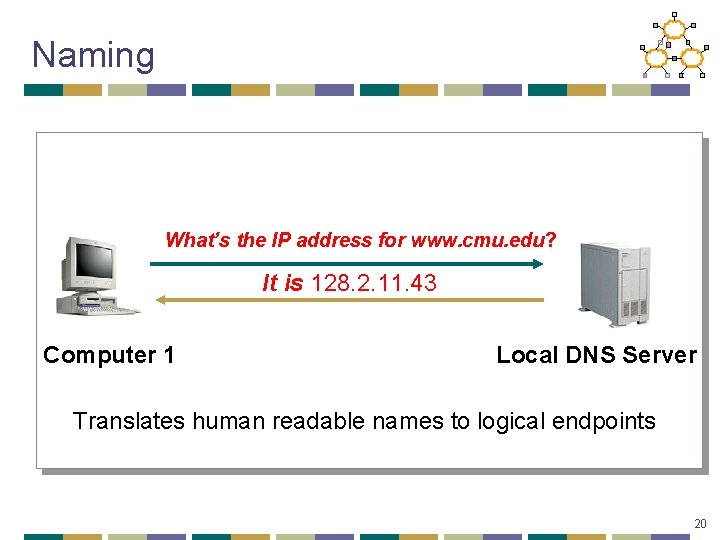
Naming What’s the IP address for www. cmu. edu? It is 128. 2. 11. 43 Computer 1 Local DNS Server Translates human readable names to logical endpoints 20
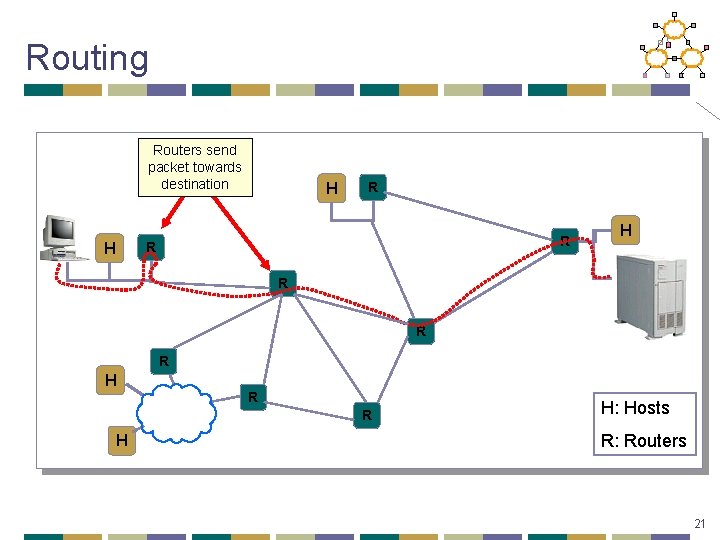
Routing Routers send packet towards destination H R R R H H: Hosts R: Routers 21
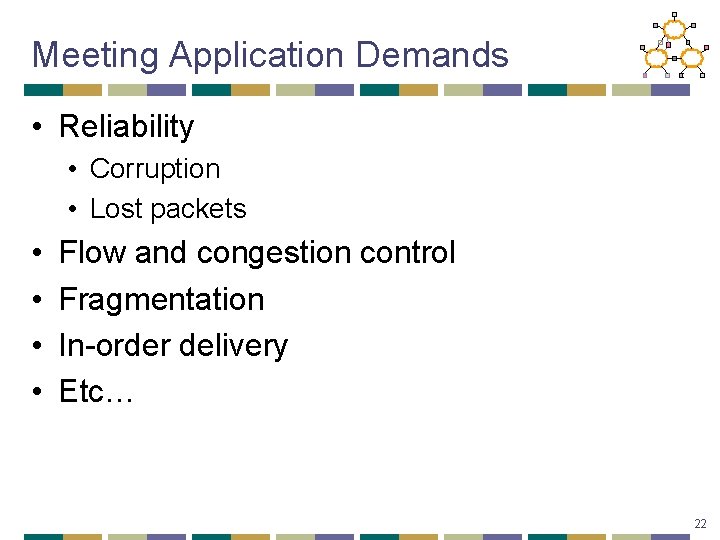
Meeting Application Demands • Reliability • Corruption • Lost packets • • Flow and congestion control Fragmentation In-order delivery Etc… 22
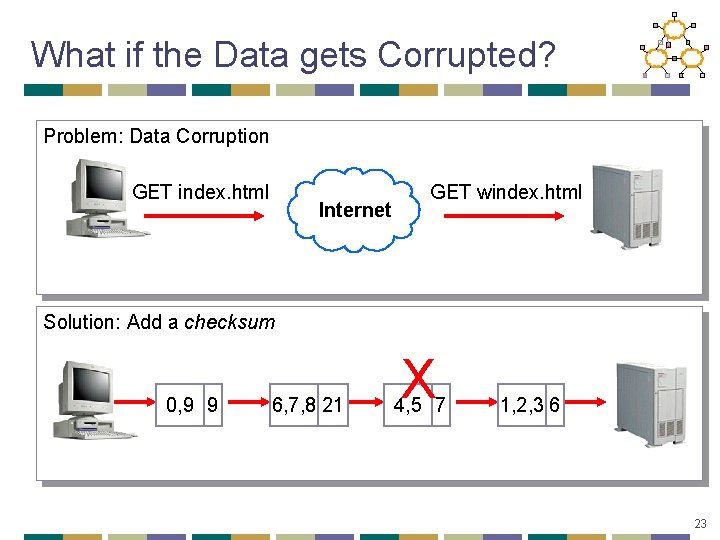
What if the Data gets Corrupted? Problem: Data Corruption GET index. html Internet GET windex. html Solution: Add a checksum 0, 9 9 6, 7, 8 21 X 4, 5 7 1, 2, 3 6 23
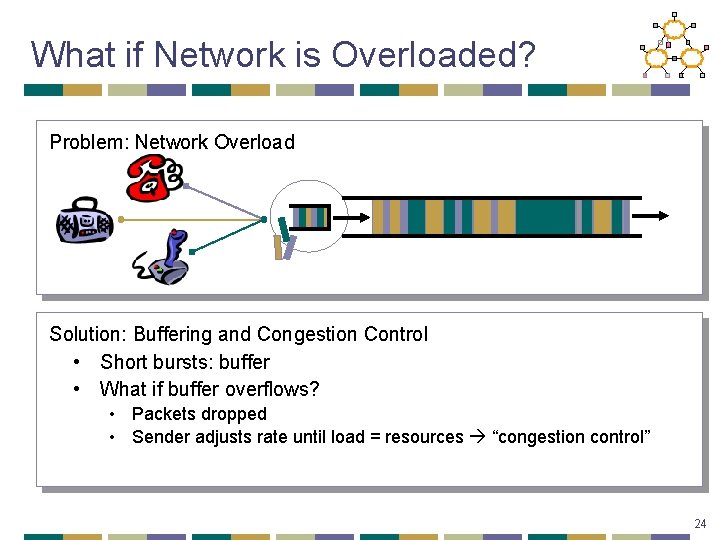
What if Network is Overloaded? Problem: Network Overload Solution: Buffering and Congestion Control • Short bursts: buffer • What if buffer overflows? • Packets dropped • Sender adjusts rate until load = resources “congestion control” 24
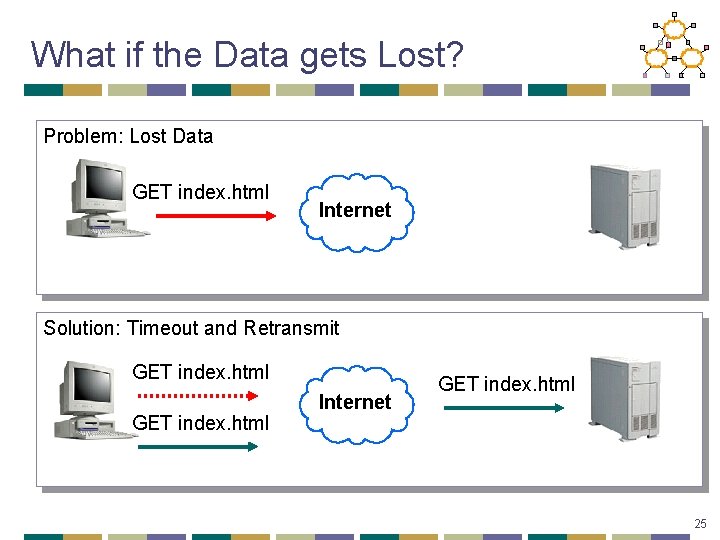
What if the Data gets Lost? Problem: Lost Data GET index. html Internet Solution: Timeout and Retransmit GET index. html Internet GET index. html 25
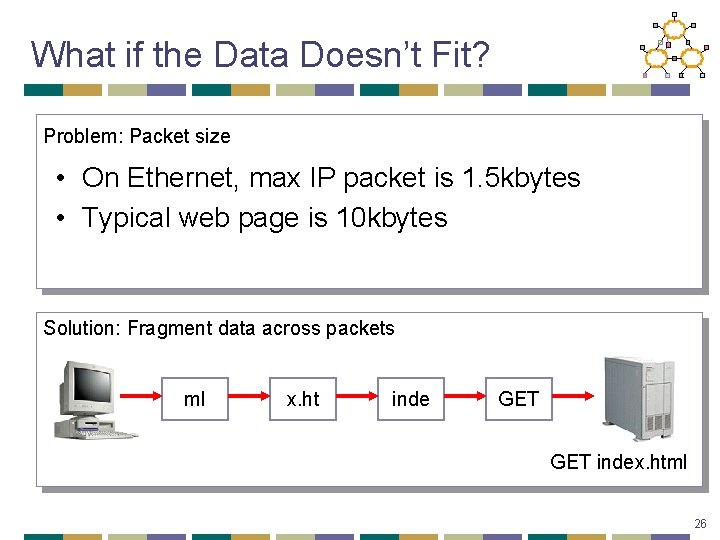
What if the Data Doesn’t Fit? Problem: Packet size • On Ethernet, max IP packet is 1. 5 kbytes • Typical web page is 10 kbytes Solution: Fragment data across packets ml x. ht inde GET index. html 26
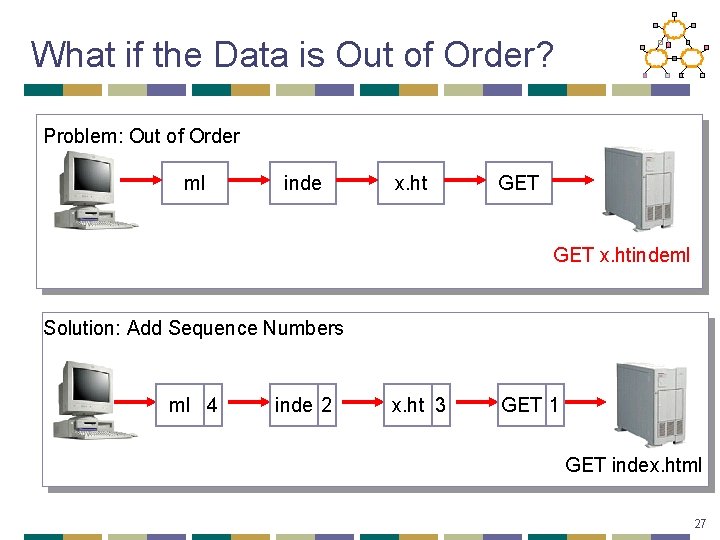
What if the Data is Out of Order? Problem: Out of Order ml inde x. ht GET x. htindeml Solution: Add Sequence Numbers ml 4 inde 2 x. ht 3 GET 1 GET index. html 27
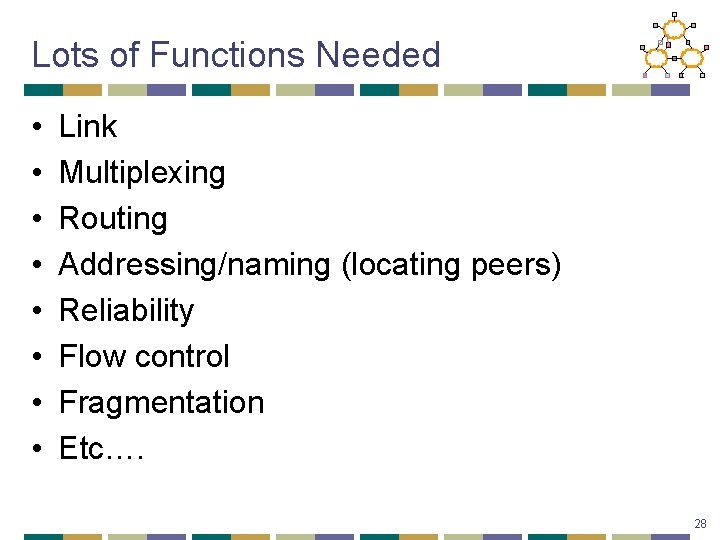
Lots of Functions Needed • • Link Multiplexing Routing Addressing/naming (locating peers) Reliability Flow control Fragmentation Etc…. 28
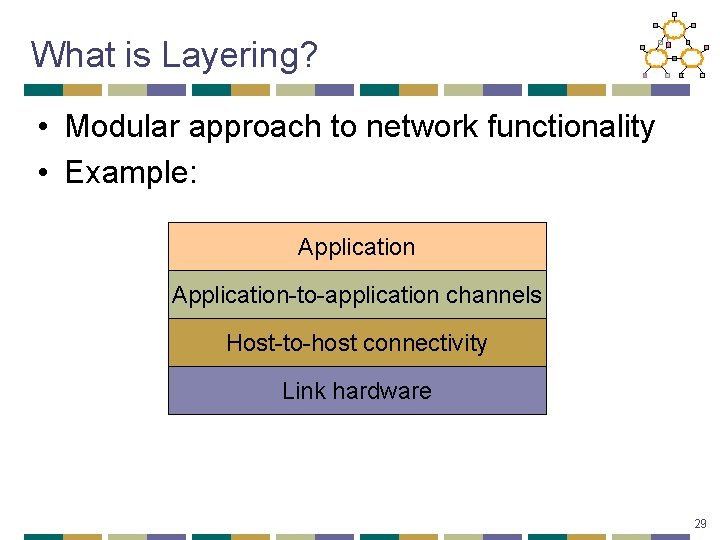
What is Layering? • Modular approach to network functionality • Example: Application-to-application channels Host-to-host connectivity Link hardware 29
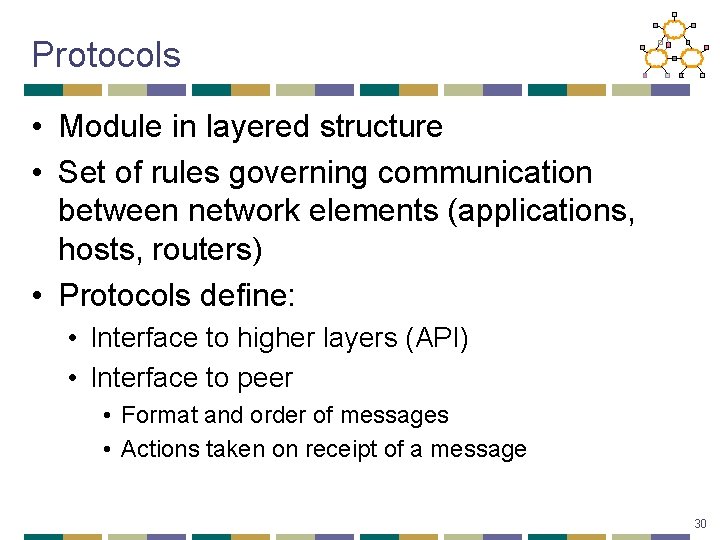
Protocols • Module in layered structure • Set of rules governing communication between network elements (applications, hosts, routers) • Protocols define: • Interface to higher layers (API) • Interface to peer • Format and order of messages • Actions taken on receipt of a message 30
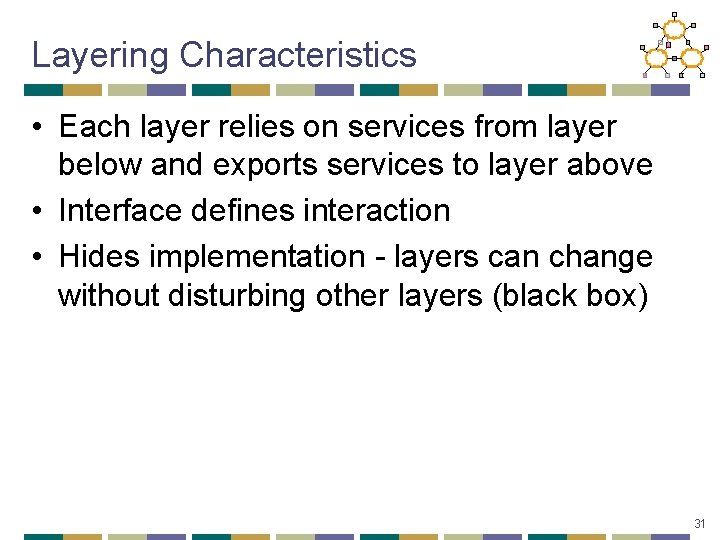
Layering Characteristics • Each layer relies on services from layer below and exports services to layer above • Interface defines interaction • Hides implementation - layers can change without disturbing other layers (black box) 31
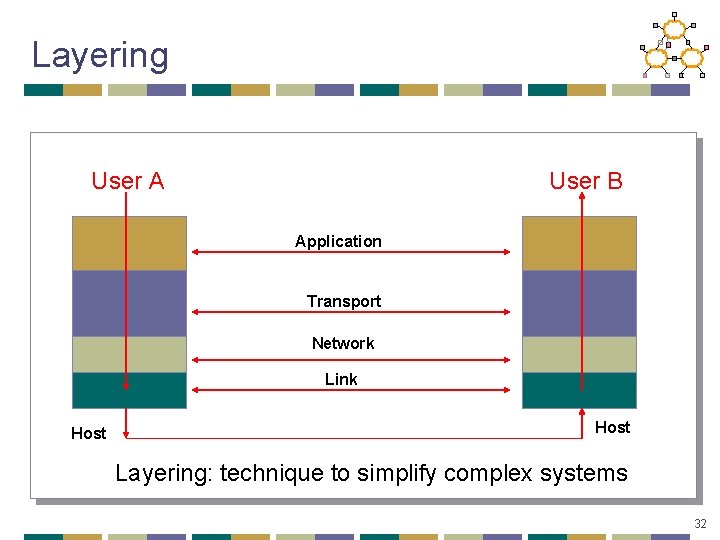
Layering User A User B Application Transport Network Link Host Layering: technique to simplify complex systems 32
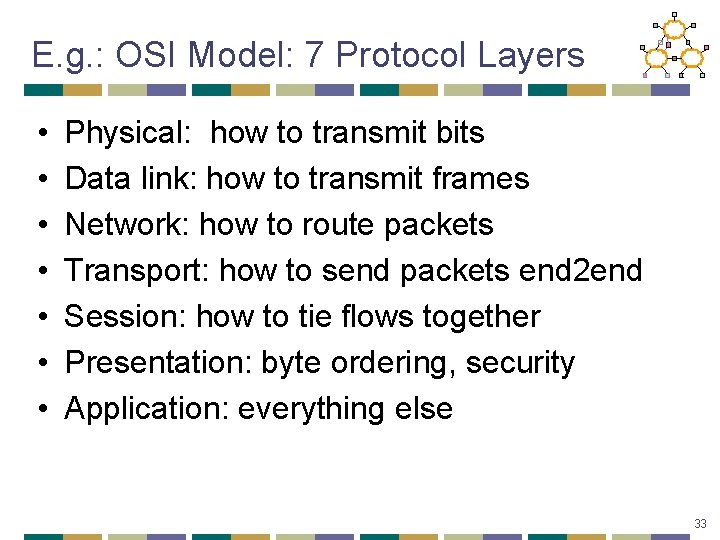
E. g. : OSI Model: 7 Protocol Layers • • Physical: how to transmit bits Data link: how to transmit frames Network: how to route packets Transport: how to send packets end 2 end Session: how to tie flows together Presentation: byte ordering, security Application: everything else 33
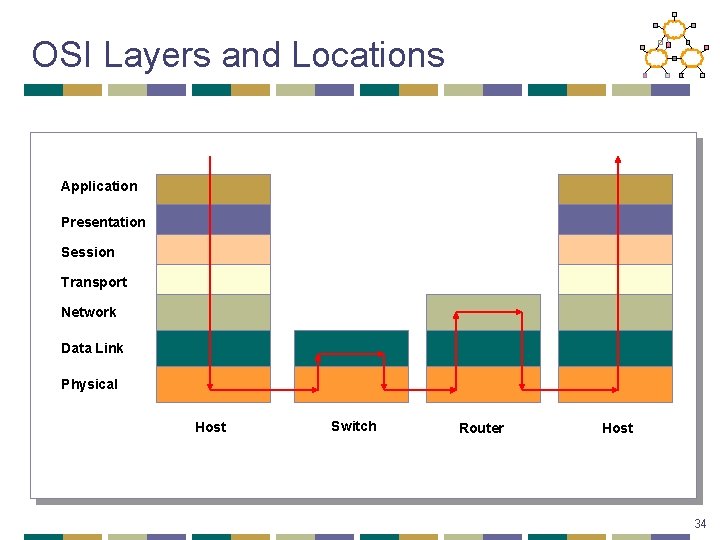
OSI Layers and Locations Application Presentation Session Transport Network Data Link Physical Host Switch Router Host 34
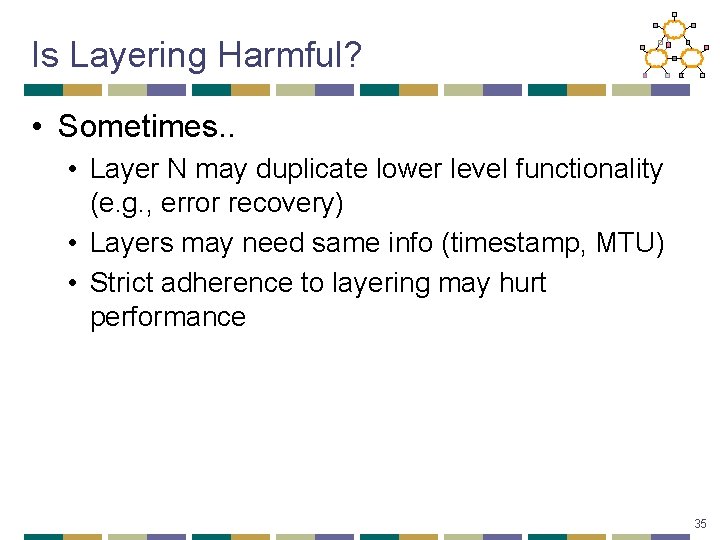
Is Layering Harmful? • Sometimes. . • Layer N may duplicate lower level functionality (e. g. , error recovery) • Layers may need same info (timestamp, MTU) • Strict adherence to layering may hurt performance 35
NEXT Lecture: Design Considerations • How to determine split of functionality • Across protocol layers • Across network nodes • Assigned Reading • [SRC 84] End-to-end Arguments in System Design • [Cla 88] Design Philosophy of the DARPA Internet Protocols 36