
Computer Modeling BIM Curriculum 02 Topics Purpose of
Computer Modeling BIM Curriculum 02
Topics § Purpose of the Model § Hardware and Software Requirements § Computer Modeling Techniques
Modeling Decision Factors The following factors primarily influence the successful modeling approach: § § Purpose of the Model Complexity Model Size Hardware
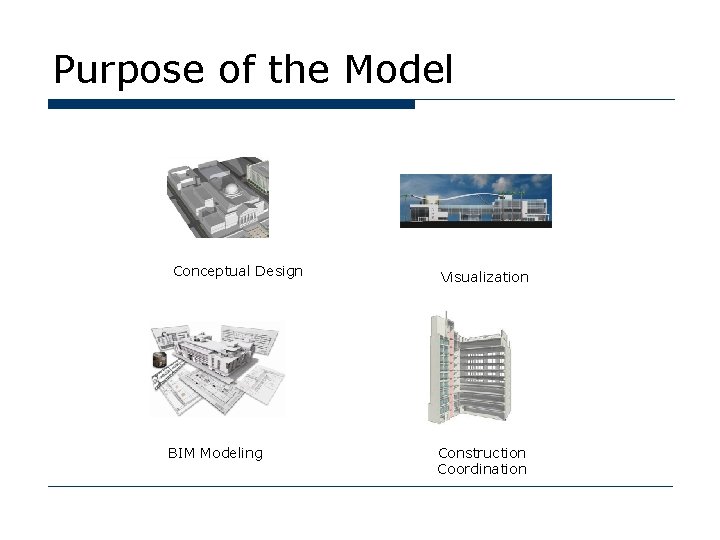
Purpose of the Model Conceptual Design BIM Modeling Visualization Construction Coordination
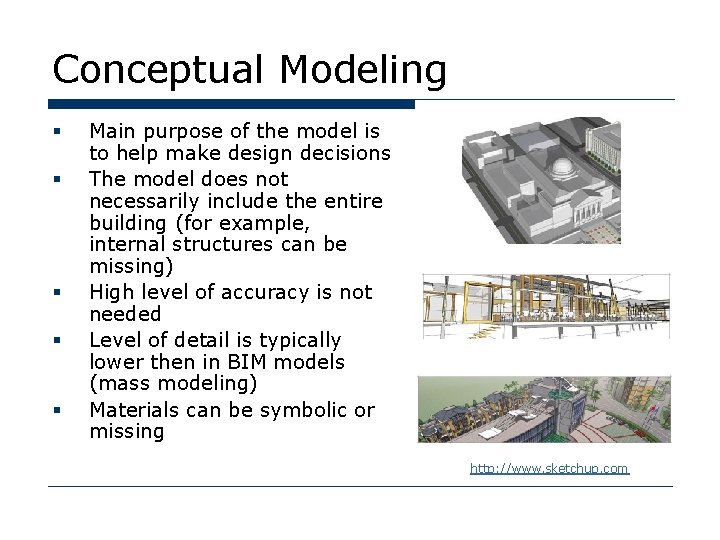
Conceptual Modeling § § § Main purpose of the model is to help make design decisions The model does not necessarily include the entire building (for example, internal structures can be missing) High level of accuracy is not needed Level of detail is typically lower then in BIM models (mass modeling) Materials can be symbolic or missing http: //www. sketchup. com
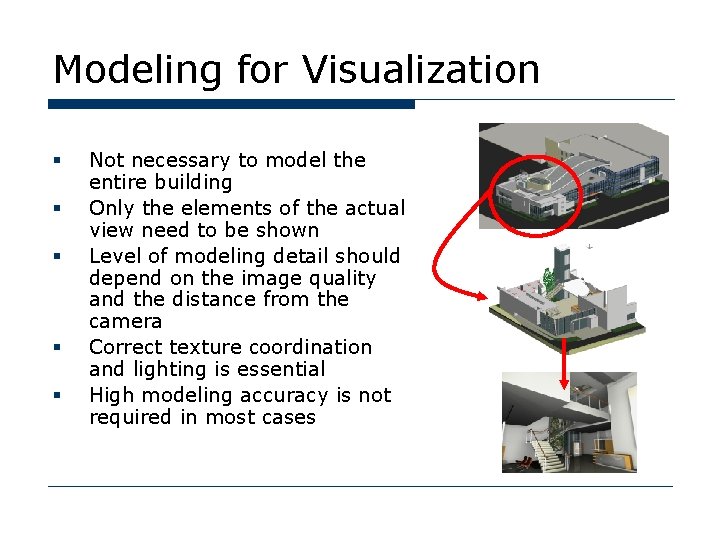
Modeling for Visualization § § § Not necessary to model the entire building Only the elements of the actual view need to be shown Level of modeling detail should depend on the image quality and the distance from the camera Correct texture coordination and lighting is essential High modeling accuracy is not required in most cases
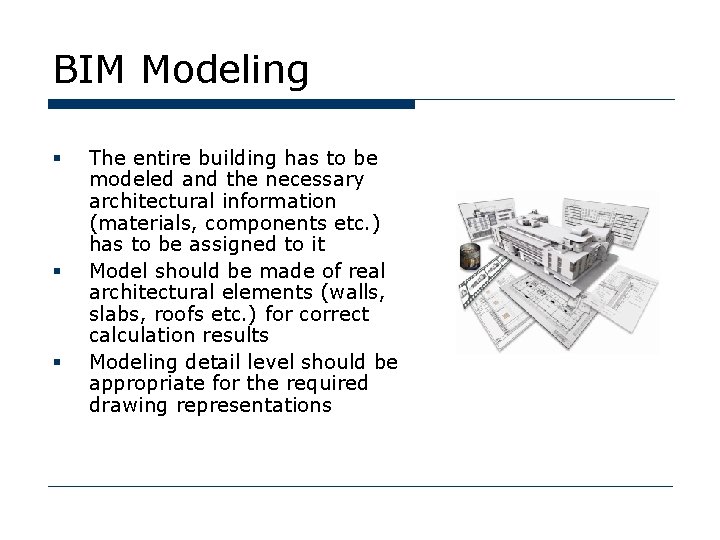
BIM Modeling § § § The entire building has to be modeled and the necessary architectural information (materials, components etc. ) has to be assigned to it Model should be made of real architectural elements (walls, slabs, roofs etc. ) for correct calculation results Modeling detail level should be appropriate for the required drawing representations
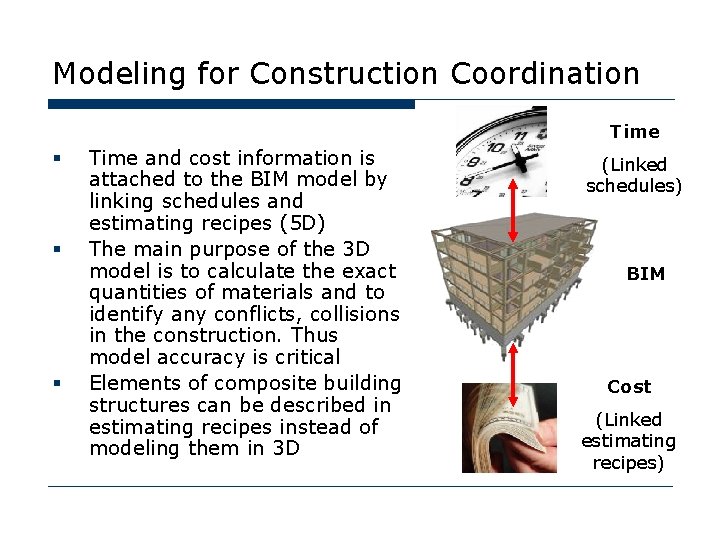
Modeling for Construction Coordination Time § § § Time and cost information is attached to the BIM model by linking schedules and estimating recipes (5 D) The main purpose of the 3 D model is to calculate the exact quantities of materials and to identify any conflicts, collisions in the construction. Thus model accuracy is critical Elements of composite building structures can be described in estimating recipes instead of modeling them in 3 D (Linked schedules) BIM Cost (Linked estimating recipes)
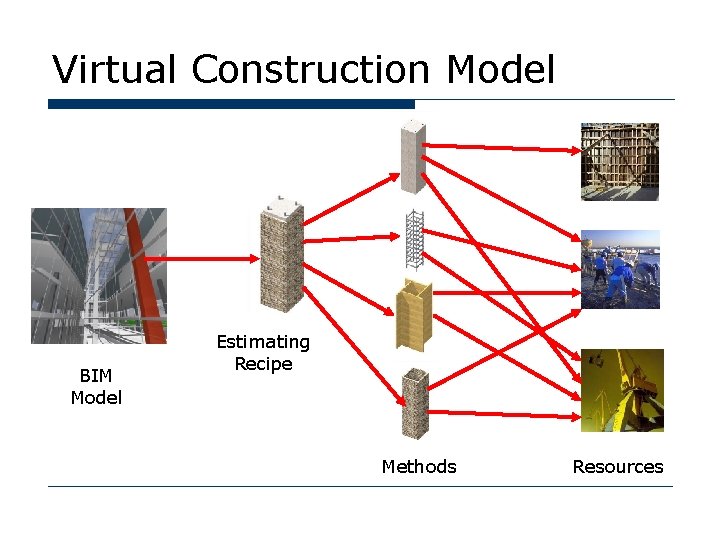
Virtual Construction Model BIM Model Estimating Recipe Methods Resources
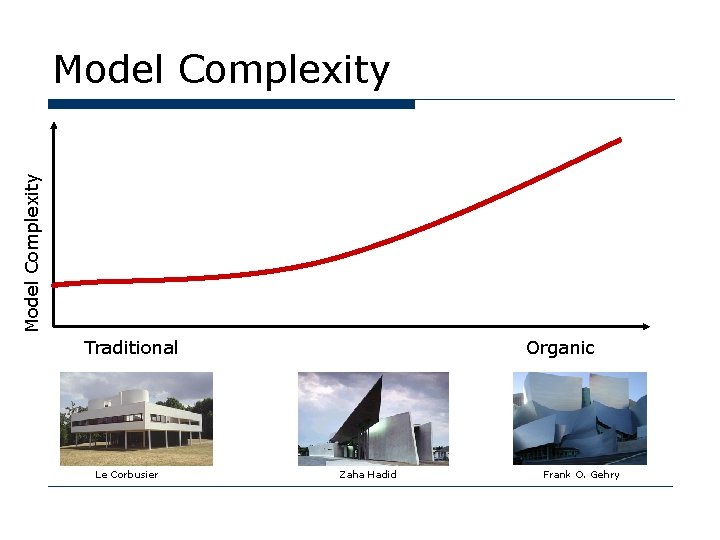
Model Complexity Traditional Le Corbusier Organic Zaha Hadid Frank O. Gehry
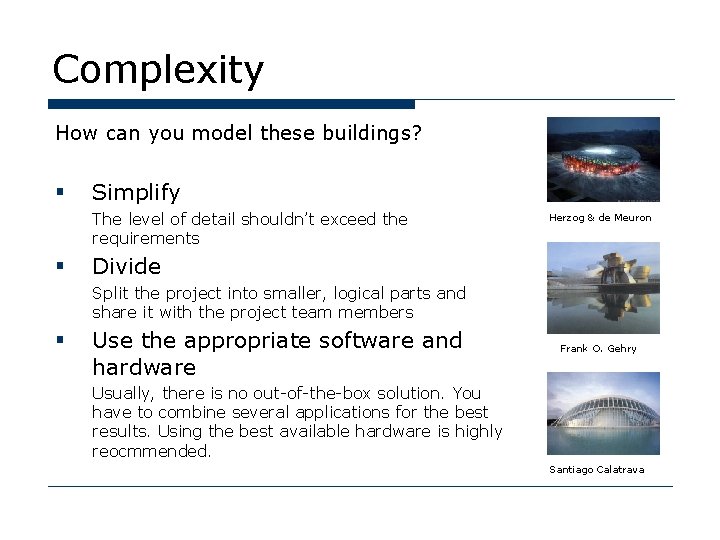
Complexity How can you model these buildings? § Simplify The level of detail shouldn’t exceed the requirements § Herzog & de Meuron Divide Split the project into smaller, logical parts and share it with the project team members § Use the appropriate software and hardware Frank O. Gehry Usually, there is no out-of-the-box solution. You have to combine several applications for the best results. Using the best available hardware is highly reocmmended. Santiago Calatrava
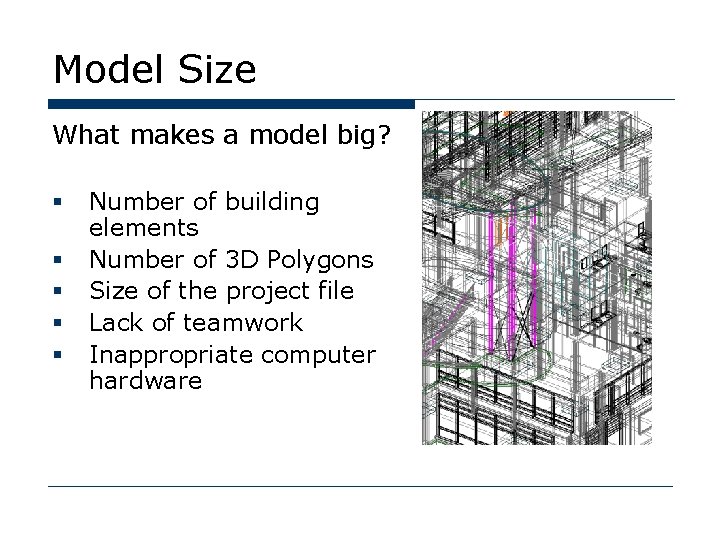
Model Size What makes a model big? § § § Number of building elements Number of 3 D Polygons Size of the project file Lack of teamwork Inappropriate computer hardware
Big Buildings How you can you work effectively with big buildings? § Reduce the number of polygons Simplify the model elements which use excessive memory § Turn off the invisible elements Use layer combinations and selections § Divide the project Modules, Xrefs and teamworking solutions help to share the work with other project team members § Use appropriate hardware See next slide
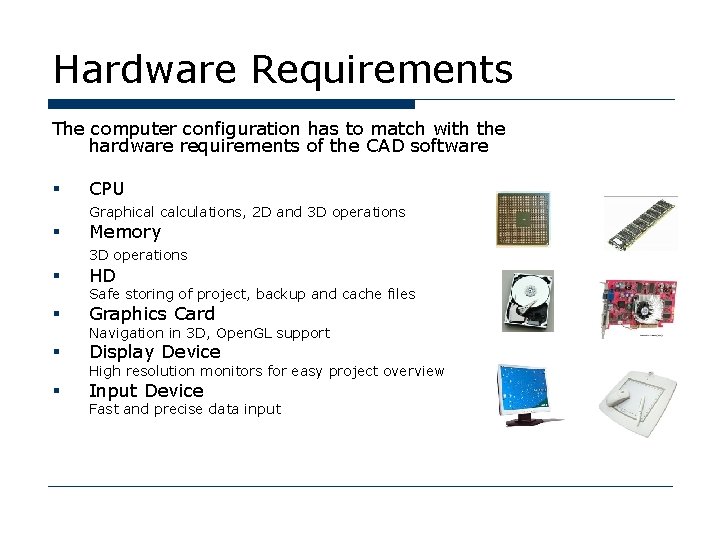
Hardware Requirements The computer configuration has to match with the hardware requirements of the CAD software § CPU Graphical calculations, 2 D and 3 D operations § Memory 3 D operations § HD § Graphics Card § Display Device § Input Device Safe storing of project, backup and cache files Navigation in 3 D, Open. GL support High resolution monitors for easy project overview Fast and precise data input
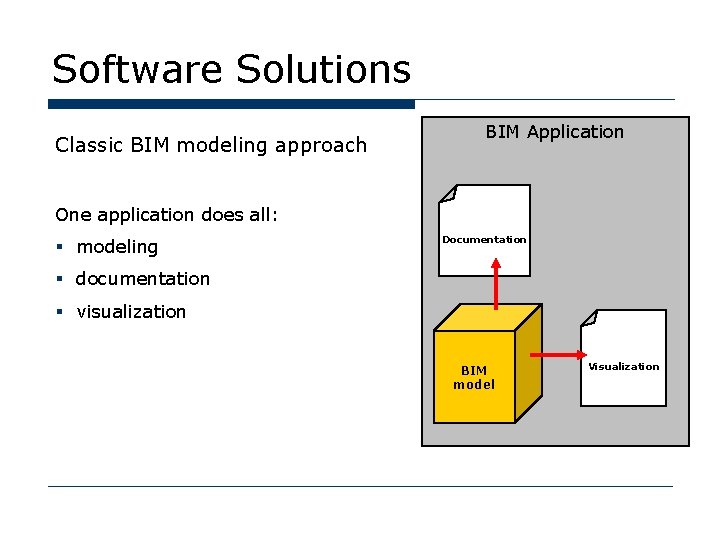
Software Solutions Classic BIM modeling approach BIM Application One application does all: § modeling Documentation § documentation § visualization BIM model Visualization
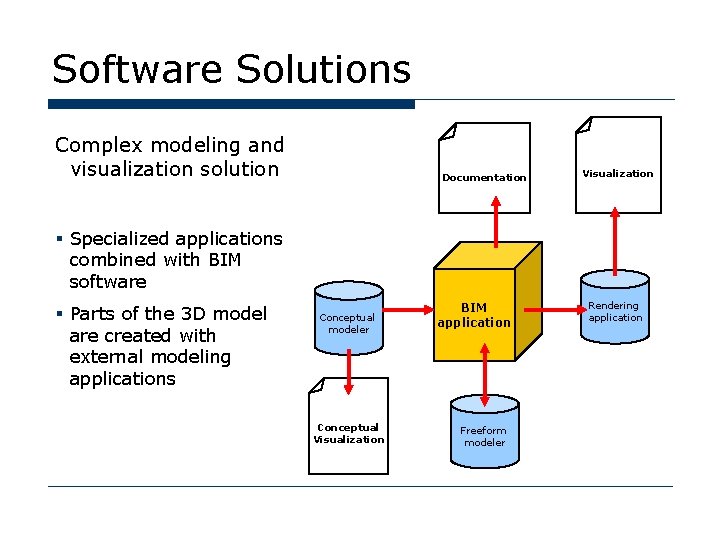
Software Solutions Complex modeling and visualization solution Documentation Visualization § Specialized applications combined with BIM software § Parts of the 3 D model are created with external modeling applications Conceptual modeler Conceptual Visualization BIM application Freeform modeler Rendering application
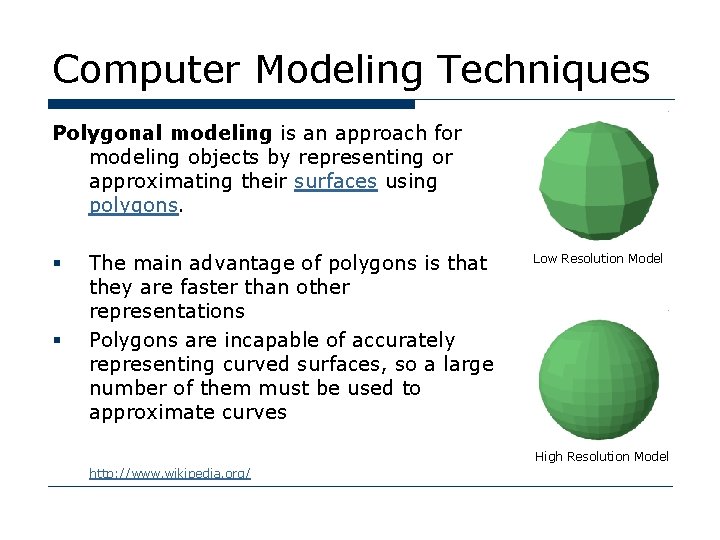
Computer Modeling Techniques Polygonal modeling is an approach for modeling objects by representing or approximating their surfaces using polygons. § § The main advantage of polygons is that they are faster than other representations Polygons are incapable of accurately representing curved surfaces, so a large number of them must be used to approximate curves Low Resolution Model High Resolution Model http: //www. wikipedia. org/
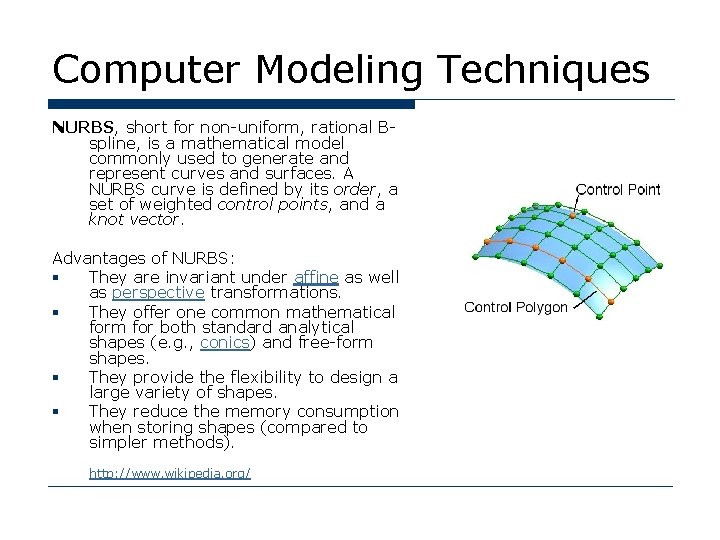
Computer Modeling Techniques NURBS, short for non-uniform, rational Bspline, is a mathematical model commonly used to generate and represent curves and surfaces. A NURBS curve is defined by its order, a set of weighted control points, and a knot vector. Advantages of NURBS: § They are invariant under affine as well as perspective transformations. § They offer one common mathematical form for both standard analytical shapes (e. g. , conics) and free-form shapes. § They provide the flexibility to design a large variety of shapes. § They reduce the memory consumption when storing shapes (compared to simpler methods). http: //www. wikipedia. org/
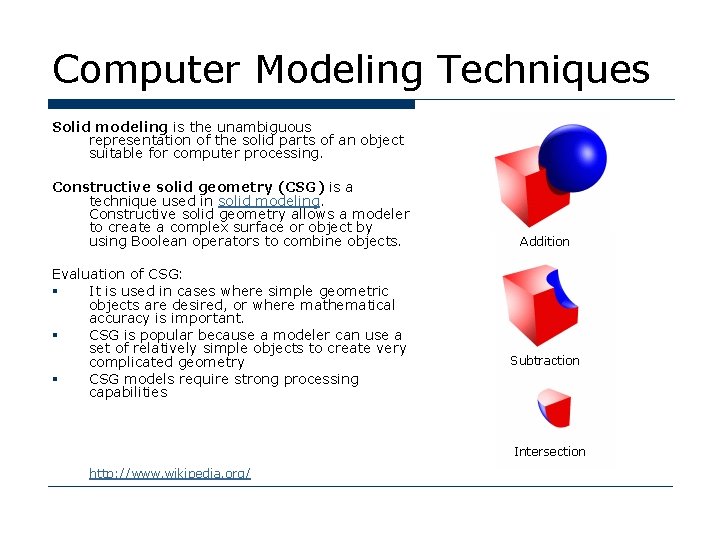
Computer Modeling Techniques Solid modeling is the unambiguous representation of the solid parts of an object suitable for computer processing. Constructive solid geometry (CSG) is a technique used in solid modeling. Constructive solid geometry allows a modeler to create a complex surface or object by using Boolean operators to combine objects. Evaluation of CSG: § It is used in cases where simple geometric objects are desired, or where mathematical accuracy is important. § CSG is popular because a modeler can use a set of relatively simple objects to create very complicated geometry § CSG models require strong processing capabilities Addition Subtraction Intersection http: //www. wikipedia. org/
- Slides: 19