
Computer Literacy I UNIT 1 Computer System Components
- Slides: 13
Computer Literacy I UNIT 1 Computer System Components Student Notes Business Ed. Dept.
Computer contains. . . • Hardware Physical equipment • Software Program (instructions) 1/7/2022
Hardware consists of. . . • • • Monitor CPU (Central Processing Unit) Keyboard Printer Other peripherals (speakers, scanners, mouse, camera, etc. ) 1/7/2022
Monitor. . . • CRT (Cathode Ray Tube), flat screen, tube, etc. • The output on a monitor is called softcopy 1/7/2022
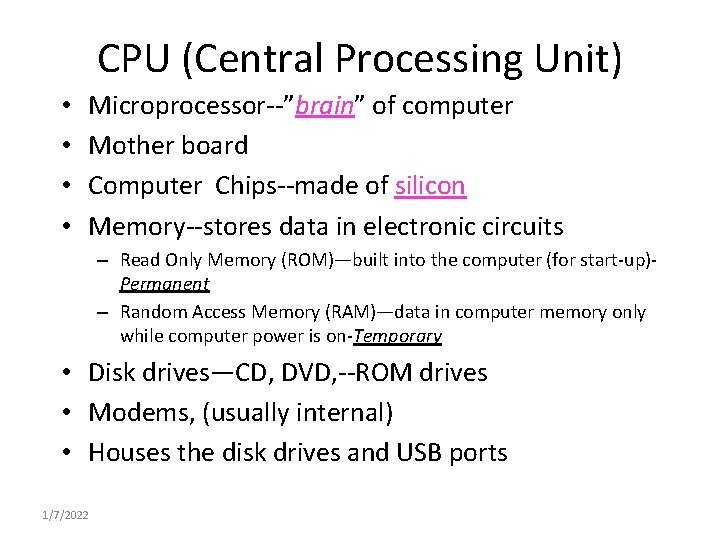
CPU (Central Processing Unit) • • Microprocessor--”brain” of computer Mother board Computer Chips--made of silicon Memory--stores data in electronic circuits – Read Only Memory (ROM)—built into the computer (for start-up)Permanent – Random Access Memory (RAM)—data in computer memory only while computer power is on-Temporary • Disk drives—CD, DVD, --ROM drives • Modems, (usually internal) • Houses the disk drives and USB ports 1/7/2022
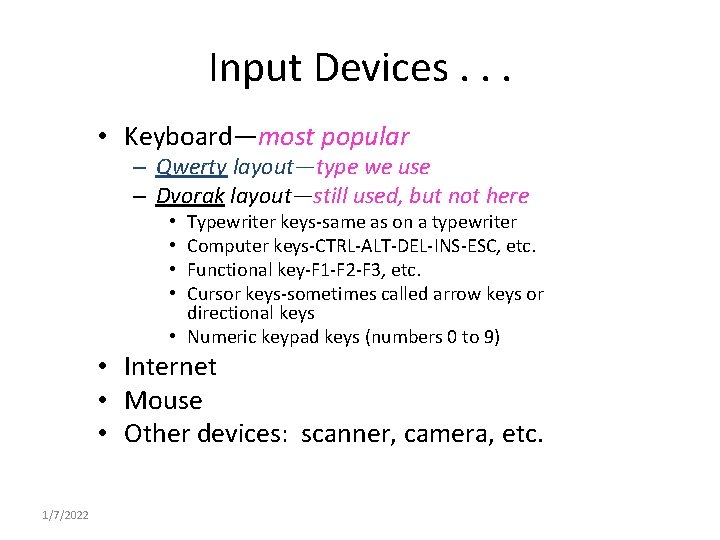
Input Devices. . . • Keyboard—most popular – Qwerty layout—type we use – Dvorak layout—still used, but not here Typewriter keys-same as on a typewriter Computer keys-CTRL-ALT-DEL-INS-ESC, etc. Functional key-F 1 -F 2 -F 3, etc. Cursor keys-sometimes called arrow keys or directional keys • Numeric keypad keys (numbers 0 to 9) • • • Internet • Mouse • Other devices: scanner, camera, etc. 1/7/2022
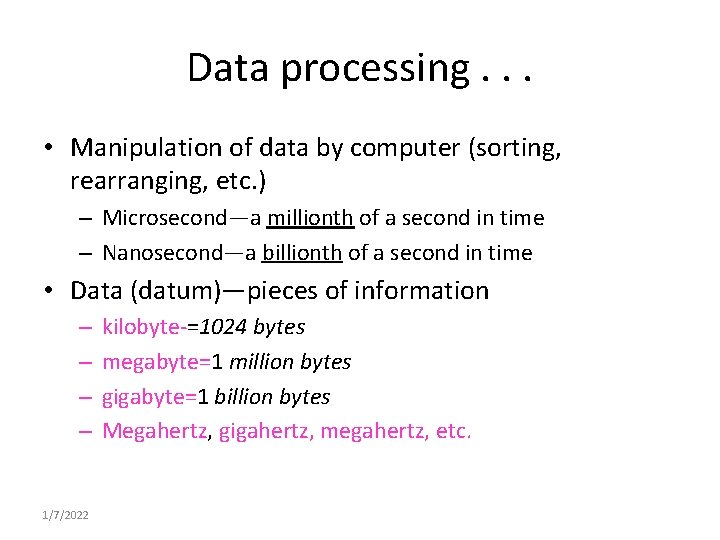
Data processing. . . • Manipulation of data by computer (sorting, rearranging, etc. ) – Microsecond—a millionth of a second in time – Nanosecond—a billionth of a second in time • Data (datum)—pieces of information – – 1/7/2022 kilobyte-=1024 bytes megabyte=1 million bytes gigabyte=1 billion bytes Megahertz, gigahertz, megahertz, etc.
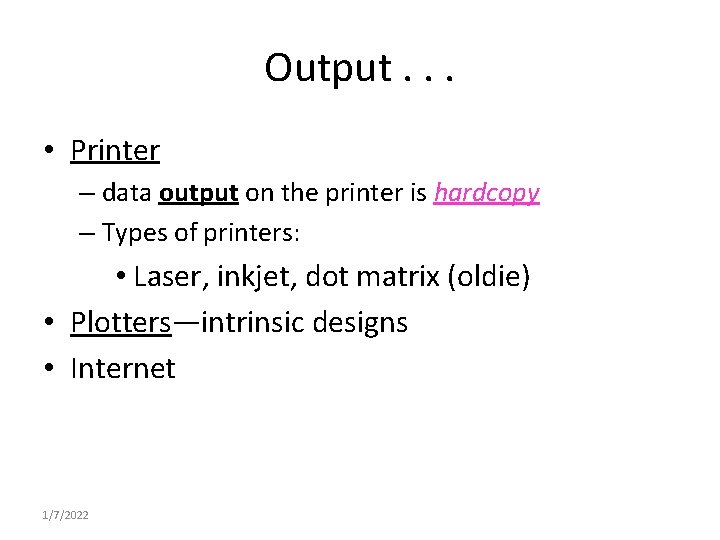
Output. . . • Printer – data output on the printer is hardcopy – Types of printers: • Laser, inkjet, dot matrix (oldie) • Plotters—intrinsic designs • Internet 1/7/2022
Software. . . • A program is a set of commands or instructions that a computer understands. – CDs, DVDs—usually loaded on the hard drive • Byte (character)=can be a letter of the alphabet, a number, a symbol, or a space. 1/7/2022
Kinds of Computers. . . A COMPUTER IS AN ELECTRONIC TOOL Analog—calculates by measuring the continuous change • – Ex. Thermometer with a needle indicator Digital—calculates by counting • – Ex. Digital read-outs are in numbers, no needles • Binary—number system based on only two numbers, 0 & 1 – Binary digits—bits 1/7/2022
Sizes of Computers. . . • Mainframe—largest, most expensive, may take up an entire wall • Minicomputer—medium-sized, size of 1 -2 large desks • Microcomputer—smallest, can be easily carried by a person 1/7/2022
Terms. . . • Default—to be automatically set at or set for • Interactive communication—back & forth communication of computer & the computer operator – Feedback—computer’s response 1/7/2022
Types of Computers. . . • General purpose—perform more than one task – Ex: database, games, spreadsheet, e-mail • Special/dedicated—performs only one task – Ex: a word processor • Computer literacy—knowing about computers/how to use them & being aware of their benefits and drawbacks 1/7/2022