
Computer History Early 1800s l First computing systems
- Slides: 19
Computer History
Early 1800’s l First computing systems
1886 l Punched card machine l Used for 1890 census
1944 l IBM computers l 50 ft. long l 8 ft. high l Add, subtract, multiply, divide l Used by government—very expensive
1945 l Army used computer for Ballistics research l Weighed 30 tons l 1, 000 sq. ft. /floor space
1947 l 1 st computer to store information
1948 l Term ‘Computer’ originated
1951 l 1 st computers sold commercially l Sold ‘ 8’
1975 l Bill Gates/Paul Allen—Microsoft l Steve Jobs/Steve Wozniak--Apple
1980’s l 1 st personal computer (PC)
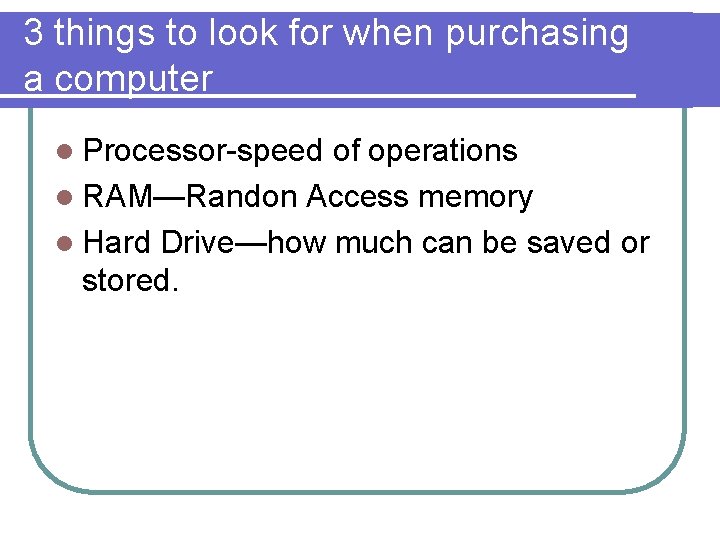
3 things to look for when purchasing a computer l Processor-speed of operations l RAM—Randon Access memory l Hard Drive—how much can be saved or stored.
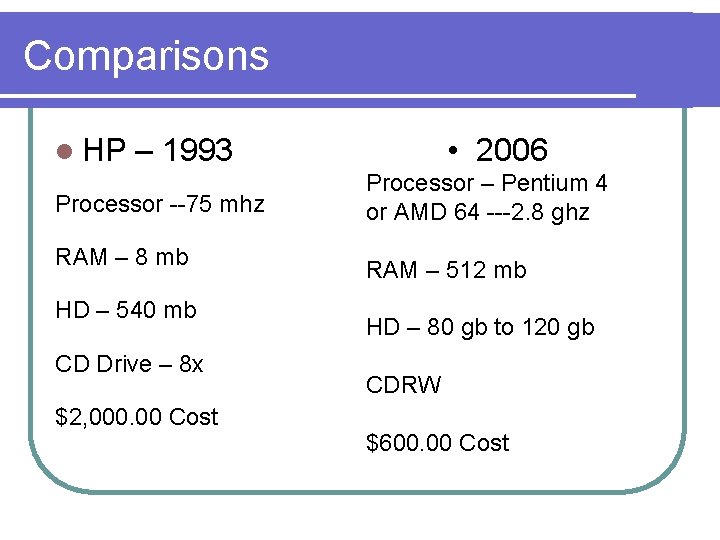
Comparisons l HP • 2006 – 1993 Processor --75 mhz RAM – 8 mb HD – 540 mb CD Drive – 8 x $2, 000. 00 Cost Processor – Pentium 4 or AMD 64 ---2. 8 ghz RAM – 512 mb HD – 80 gb to 120 gb CDRW $600. 00 Cost
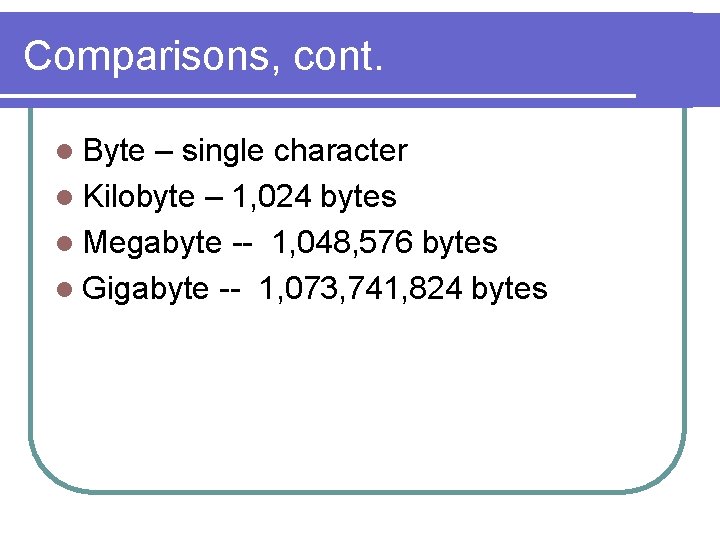
Comparisons, cont. l Byte – single character l Kilobyte – 1, 024 bytes l Megabyte -- 1, 048, 576 bytes l Gigabyte -- 1, 073, 741, 824 bytes
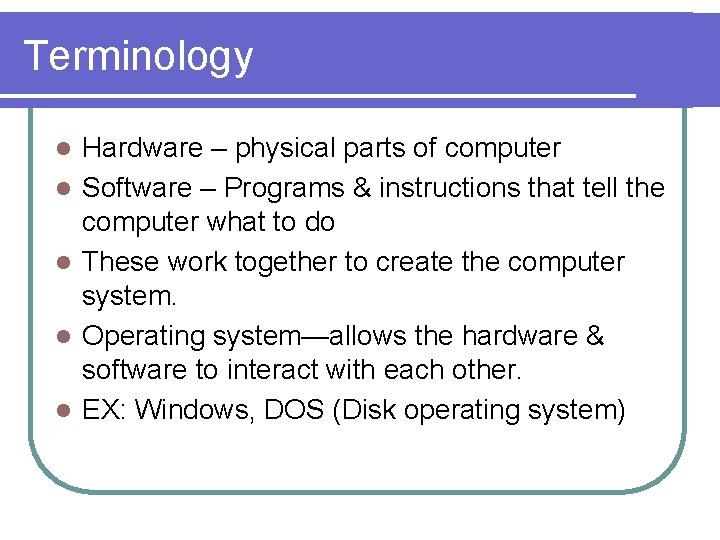
Terminology l l l Hardware – physical parts of computer Software – Programs & instructions that tell the computer what to do These work together to create the computer system. Operating system—allows the hardware & software to interact with each other. EX: Windows, DOS (Disk operating system)
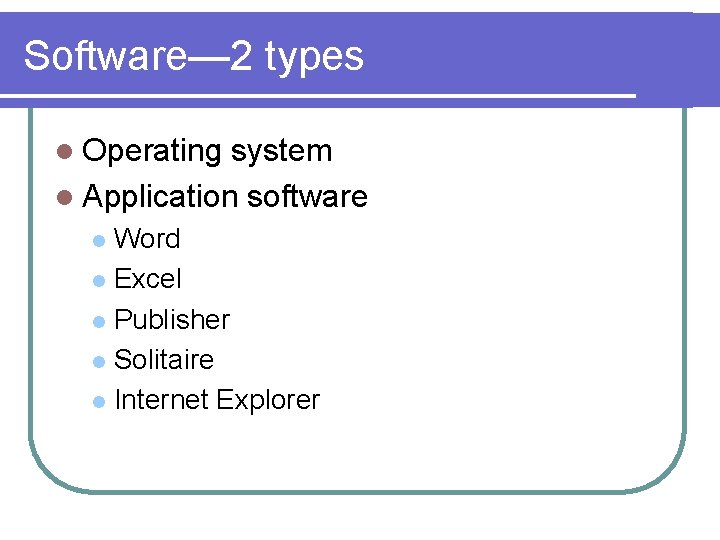
Software— 2 types l Operating system l Application software Word l Excel l Publisher l Solitaire l Internet Explorer l
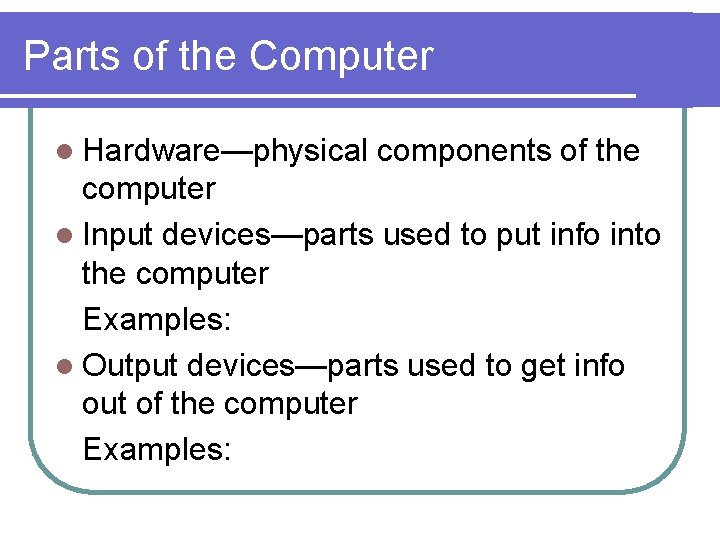
Parts of the Computer l Hardware—physical components of the computer l Input devices—parts used to put info into the computer Examples: l Output devices—parts used to get info out of the computer Examples:
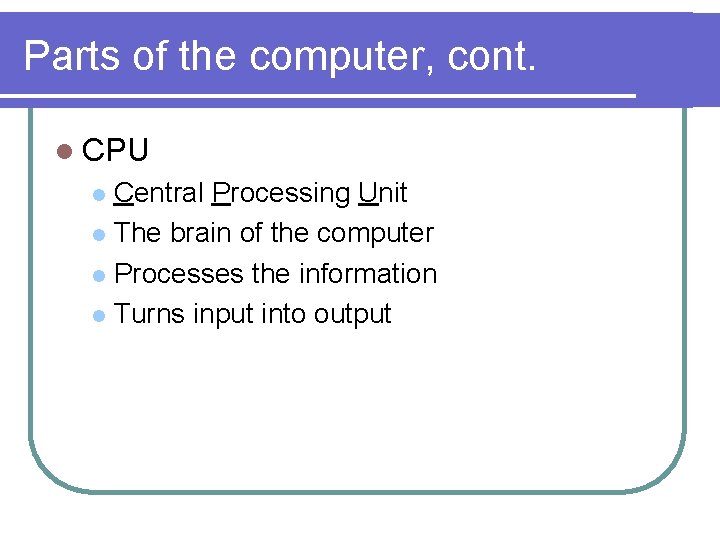
Parts of the computer, cont. l CPU Central Processing Unit l The brain of the computer l Processes the information l Turns input into output l
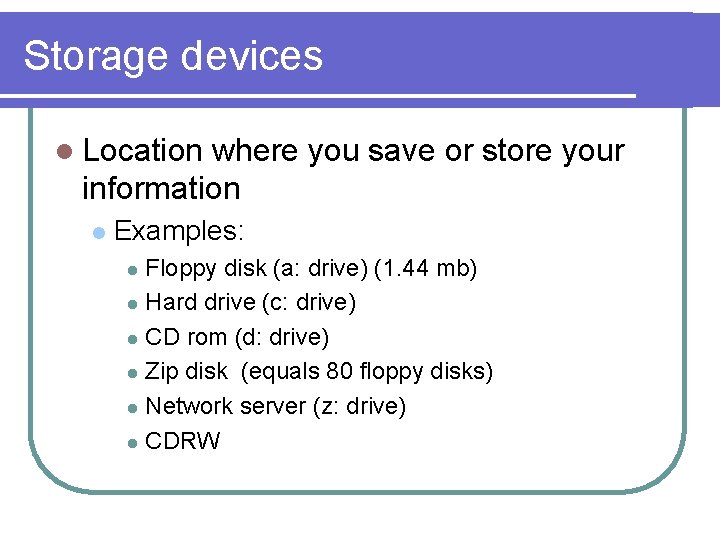
Storage devices l Location where you save or store your information l Examples: Floppy disk (a: drive) (1. 44 mb) l Hard drive (c: drive) l CD rom (d: drive) l Zip disk (equals 80 floppy disks) l Network server (z: drive) l CDRW l
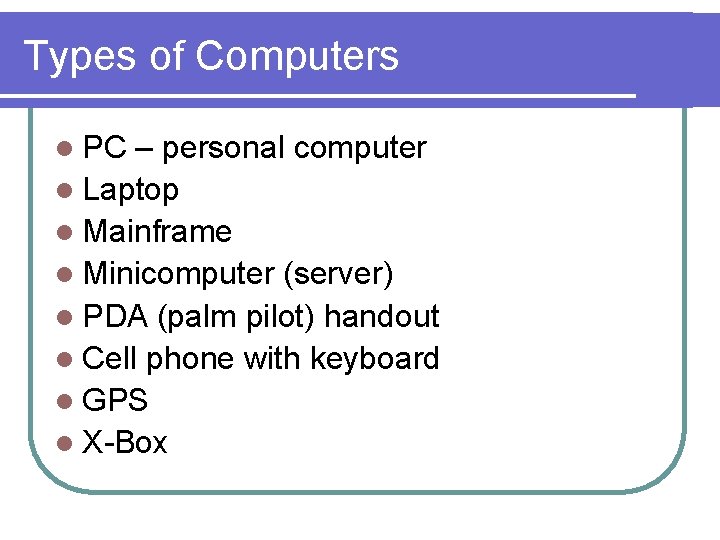
Types of Computers l PC – personal computer l Laptop l Mainframe l Minicomputer (server) l PDA (palm pilot) handout l Cell phone with keyboard l GPS l X-Box