
Computer History Computer Basics Notes 1 By Ms
Computer History & Computer Basics Notes 1 By Ms. Pryor
Computer History • The first computer, called UNIVAC, was developed in 1951 • Microsoft Windows was developed in 1985 • The founder of Microsoft is Bill Gates • The original name of the Internet was called ARAPNET • The World Wide Web (WWW) was developed in 1991 • The founder of Apple (MAC) is Steve Jobs • Google Docs introduced in Feb 2007
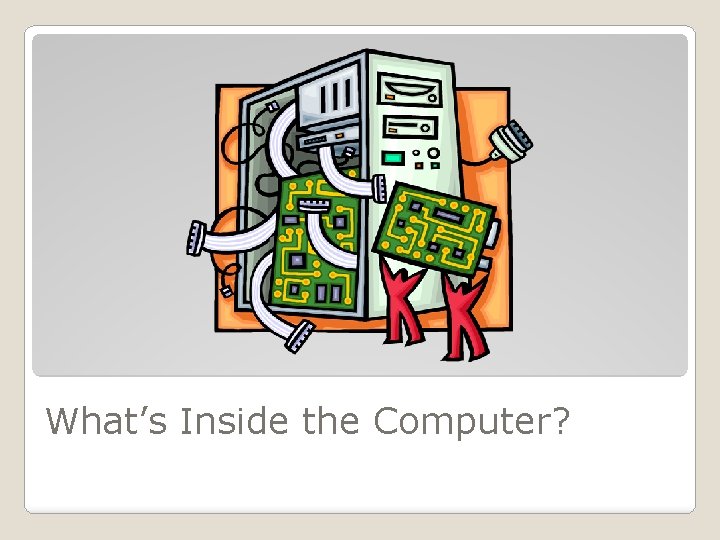
What’s Inside the Computer?
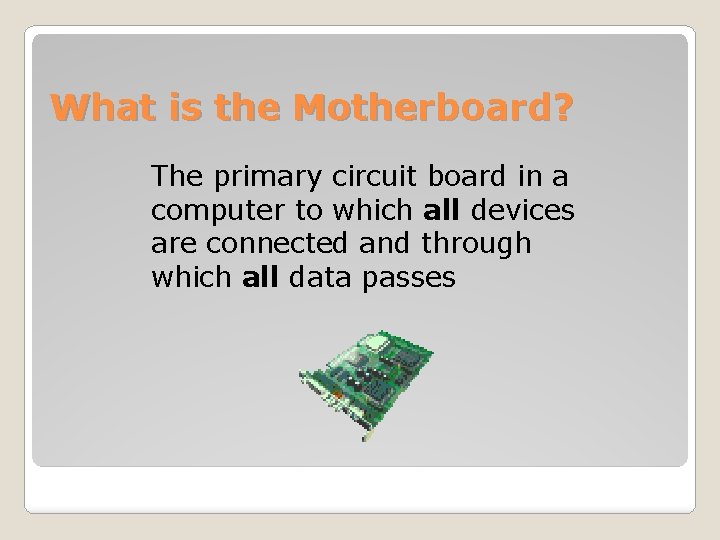
What is the Motherboard? The primary circuit board in a computer to which all devices are connected and through which all data passes
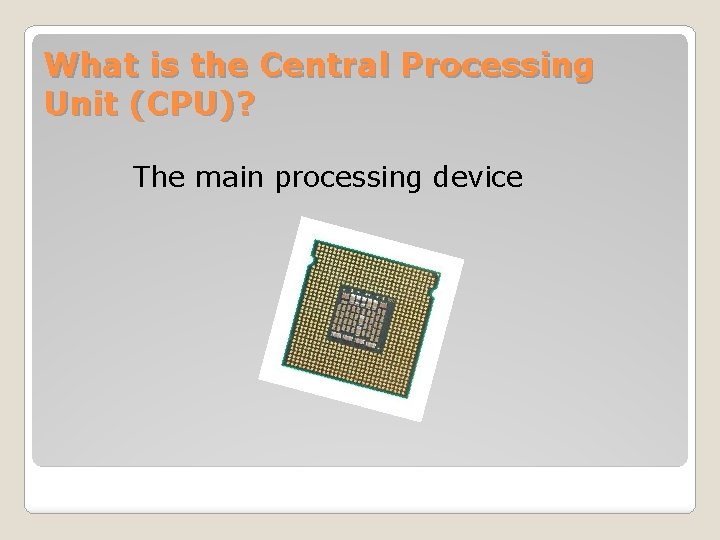
What is the Central Processing Unit (CPU)? The main processing device
Two Types of Memory 1. Random-Access Memory (RAM) = Temporary 2. Read-Only Memory (ROM) = Permanent
Hardware vs. Software Hardware – wire, transistors, circuits and peripherals; the physical parts of the computers Software – instructions or programs that control the computer

What is an operating system? The software that supports a computer’s basic functions
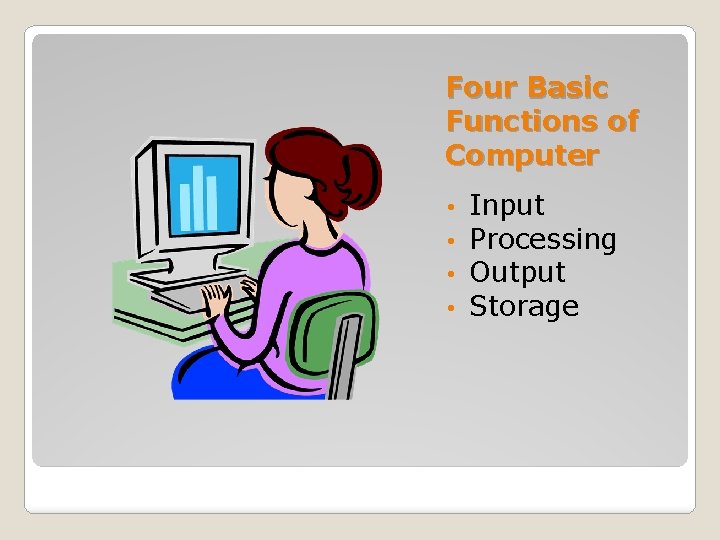
Four Basic Functions of Computer • • Input Processing Output Storage
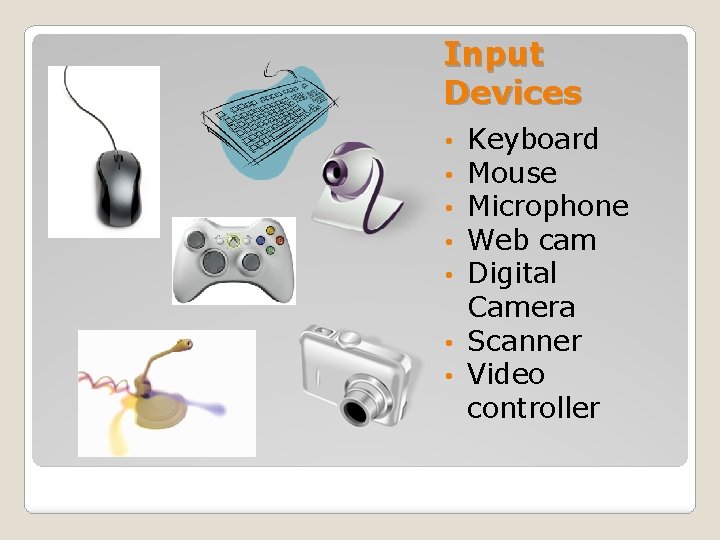
Input Devices Keyboard Mouse Microphone Web cam Digital Camera • Scanner • Video controller • • •
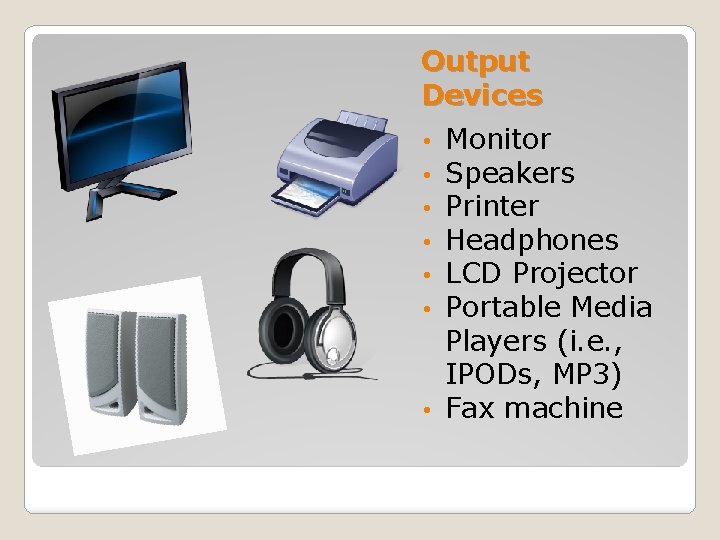
Output Devices Monitor Speakers Printer Headphones LCD Projector Portable Media Players (i. e. , IPODs, MP 3) • Fax machine • • •
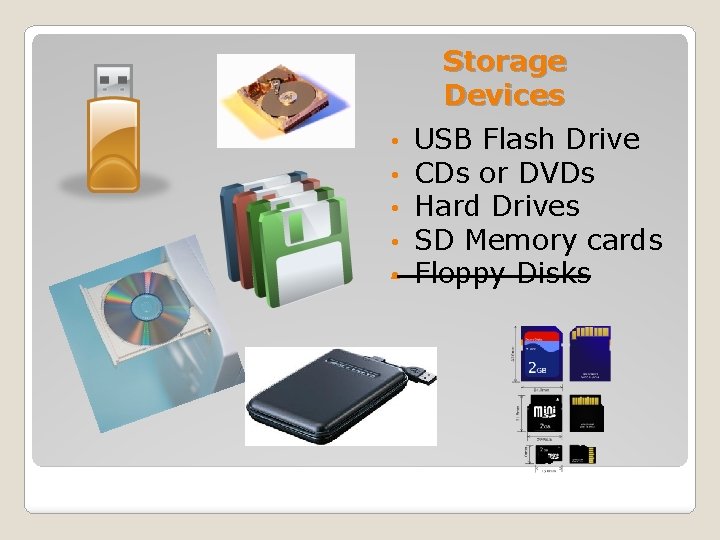
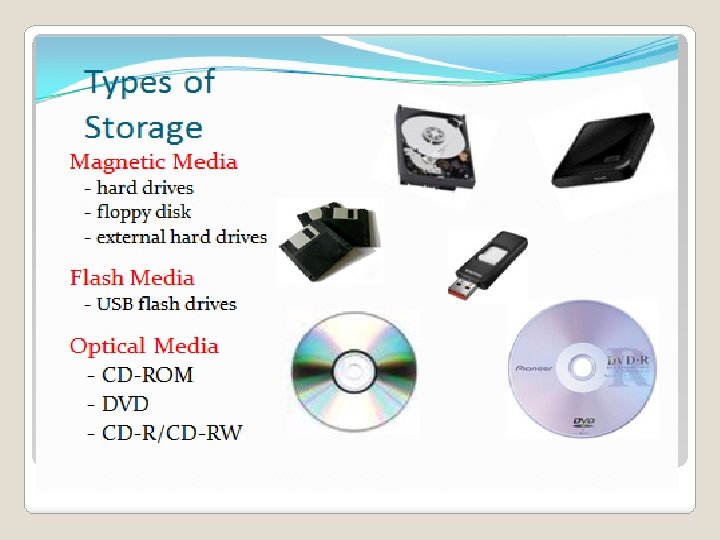
Storage Devices • • • USB Flash Drive CDs or DVDs Hard Drives SD Memory cards Floppy Disks
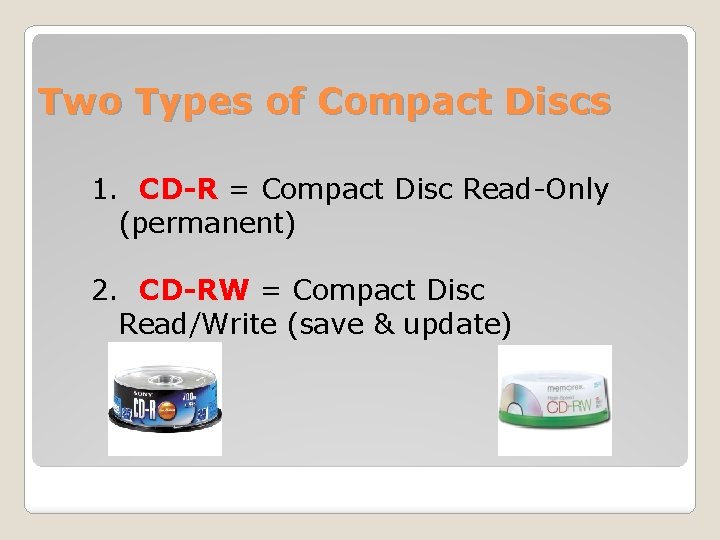
Two Types of Compact Discs 1. CD-R = Compact Disc Read-Only (permanent) 2. CD-RW = Compact Disc Read/Write (save & update)
Computers only understand 0 and 1
Storage Device Capacity • Kilobyte (KB) – thousand of bytes • Megabyte (MB) – million of bytes (1, 000) • Gigabyte (GB) – billion of bytes (1, 000, 000) • Terabyte (TB) – trillion of bytes (1, 000, 000)
What is multitasking? Working with more than one computer applications at the same time
What is a window? A rectangular, on-screen frame used to view a program or document
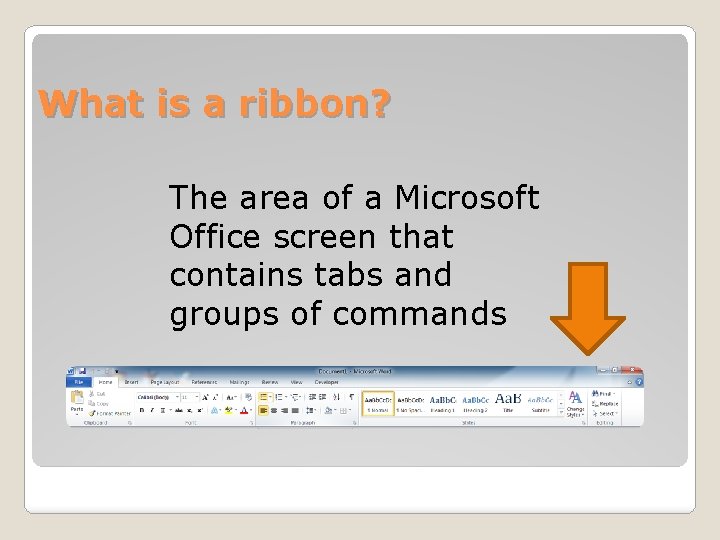
What is a ribbon? The area of a Microsoft Office screen that contains tabs and groups of commands
What is a Troubleshooter? A person who finds and fixes problems in machinery; technical equipment
What is a File Extension? The suffix at the end of the filename indicating the type of file document it was created in
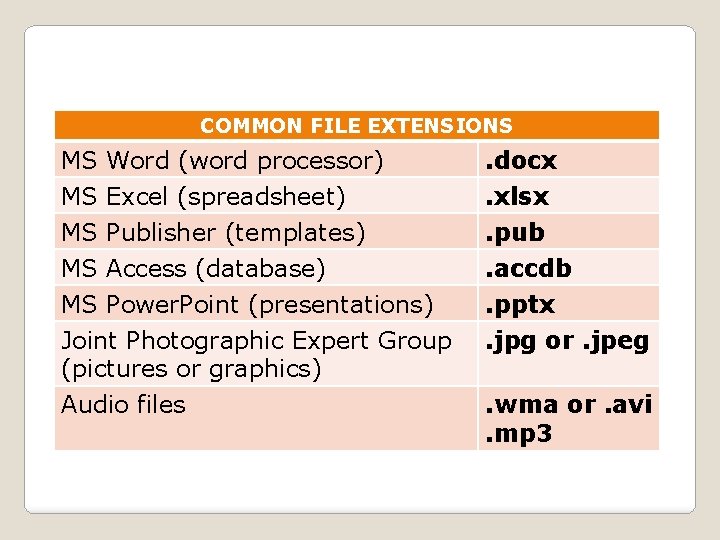
COMMON FILE EXTENSIONS MS Word (word processor) . docx MS Excel (spreadsheet) MS Publisher (templates) MS Access (database) MS Power. Point (presentations) Joint Photographic Expert Group (pictures or graphics) Audio files . xlsx. pub. accdb. pptx. jpg or. jpeg. wma or. avi. mp 3
Google Apps A Web-based, collaborative software
MS Word/Google Docs (word processor) word processing software that allows users to create and edit text documents.
MS Excel/Google Sheets (spreadsheets) to organize, format, and calculate data with formulas using a spreadsheets; create charts
MS Publisher (templates) To create professional documents such as newsletters, brochures, etc.
MS Access (databases) To store & sort information; organize files; record keeping
MS Power. Point/Google Slides (presentations) An electronic presentations consisting of a series of separate pages or slides that incorporates images, sounds, videos, text, and charts.
- Slides: 28