
COMPUTER HARDWARE TESTOUT IT FUNDAMENTALS PRO Identify the

- Slides: 9
COMPUTER HARDWARE TESTOUT IT FUNDAMENTALS PRO
Identify the proper sequence of steps to follow in the troubleshooting methodology. Diagnose and resolve common motherboard problems. Diagnose and resolve common computer memory problems. Diagnose and resolve common processor problems. Diagnose and resolve common disk storage problems. Diagnose and resolve common computer display problems. TESTOUT IT FUNDAMENTALS PRO
Troubleshooting Data Corruption Power-on Self Test (POST) Beep Codes TESTOUT IT FUNDAMENTALS PRO
Troubleshooting: A process that combines knowledge, experience, and intuition to quickly identify the cause of a problem. Data Corruption: A memory issue in which unintentional changes have been introduced to your original files resulting in missing files or data, scrambled documents, crashing programs, spontaneous reboots, registry errors, and missing systems. TESTOUT IT FUNDAMENTALS PRO
Power-on Self Test (POST): A test that ensures that all the system's hardware is in working order before loading the operating system. During this test, an error message may display on the screen notifying you of the faulty component. Beep Codes: An audible alarm that occurs when a computer encounters an issue before a power-on self test (POST) has completed when booting. The number and frequency of the beeps can be used to compare information found in the motherboard manual and identify the issue. TESTOUT IT FUNDAMENTALS PRO
TESTOUT IT FUNDAMENTALS PRO
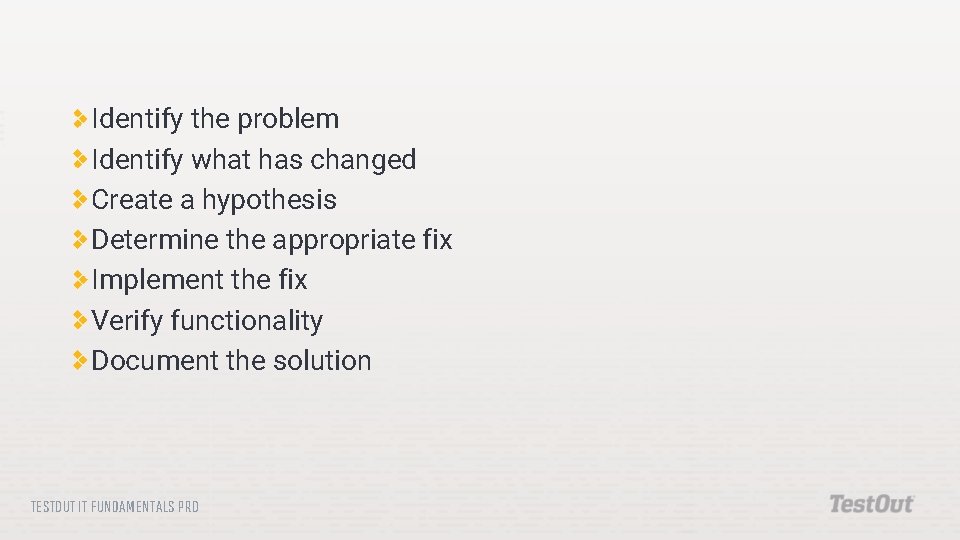
Identify the problem Identify what has changed Create a hypothesis Determine the appropriate fix Implement the fix Verify functionality Document the solution TESTOUT IT FUNDAMENTALS PRO
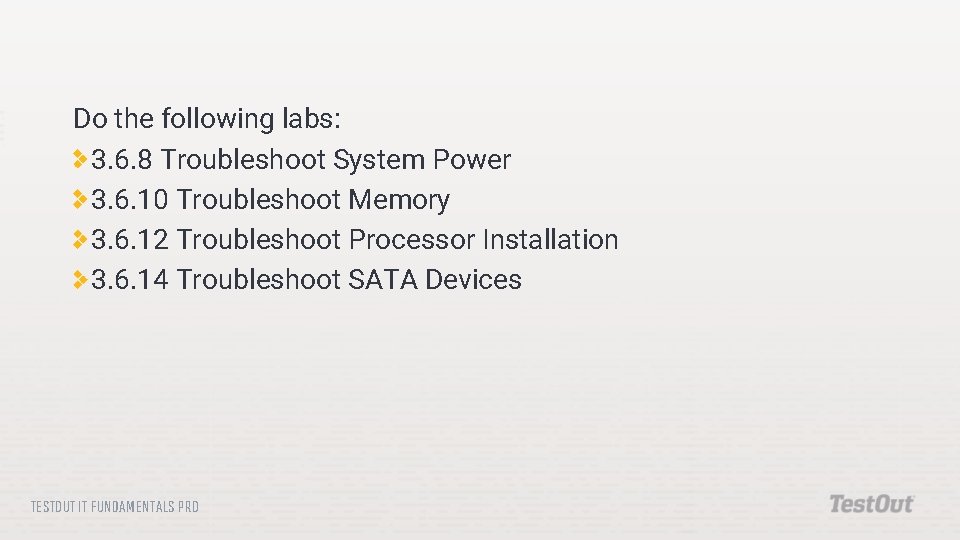
Do the following labs: 3. 6. 8 Troubleshoot System Power 3. 6. 10 Troubleshoot Memory 3. 6. 12 Troubleshoot Processor Installation 3. 6. 14 Troubleshoot SATA Devices TESTOUT IT FUNDAMENTALS PRO
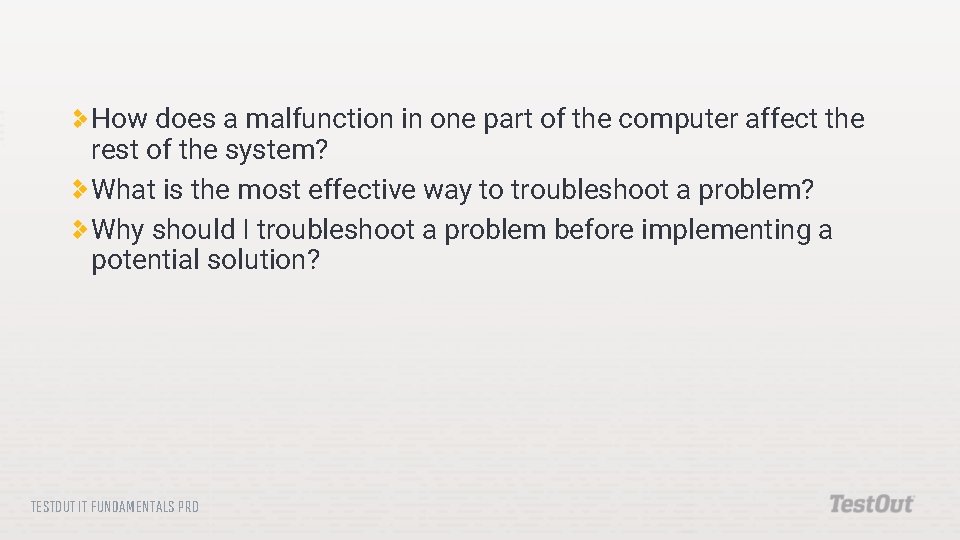
How does a malfunction in one part of the computer affect the rest of the system? What is the most effective way to troubleshoot a problem? Why should I troubleshoot a problem before implementing a potential solution? TESTOUT IT FUNDAMENTALS PRO