
COMPUTER HARDWARE TESTOUT IT FUNDAMENTALS PRO Compare and
- Slides: 43
COMPUTER HARDWARE TESTOUT IT FUNDAMENTALS PRO
Compare and contrast the features of different external storage devices, including hard disk drives, optical drives, flash storage, and solid state drives. Describe common file system features, including compression, encryption, permissions, journaling, and file naming rules. Compare and contrast common file systems, such as NTFS, FAT 32, HFS, and Ext 4. Describe disk partitioning and formatting methods. Describe disk maintenance procedures, including defragmentation, repair, and cleanup. Describe emerging storage technologies. TESTOUT IT FUNDAMENTALS PRO
Install SATA hard drives in a computer. Connect drives to the motherboard. Plug in the power connector from the power supply. Install an e. SATA port connector to a computer by connecting the cable to an available motherboard port. Boot a computer into the BIOS and verify that newly installed hard drives are detected. Initialize new disks using the MBR partition style. TESTOUT IT FUNDAMENTALS PRO
Create a volume on a disk with a specific volume size, drive letter, file system, and volume label. Format a flash drive with the FAT 32 file system. Convert a drive to use NTFS instead of FAT 32 without destroying any existing data on the disk. Run Disk Cleanup on a local hard drive. Configure disk defragmentation to run on a schedule. TESTOUT IT FUNDAMENTALS PRO
Hard Disk Drive (HDD) Optical Drive Flash Storage Solid State Devices (SSD) External Hard Disk Drives Heat-Assisted Magnetic Recording 3 D Flash Memory Synthesized DNA Strands TESTOUT IT FUNDAMENTALS PRO
File Format File System Compression Encryption File Permissions TESTOUT IT FUNDAMENTALS PRO
Journaling Drive Partitioning Fragmentation Defragmentation TESTOUT IT FUNDAMENTALS PRO
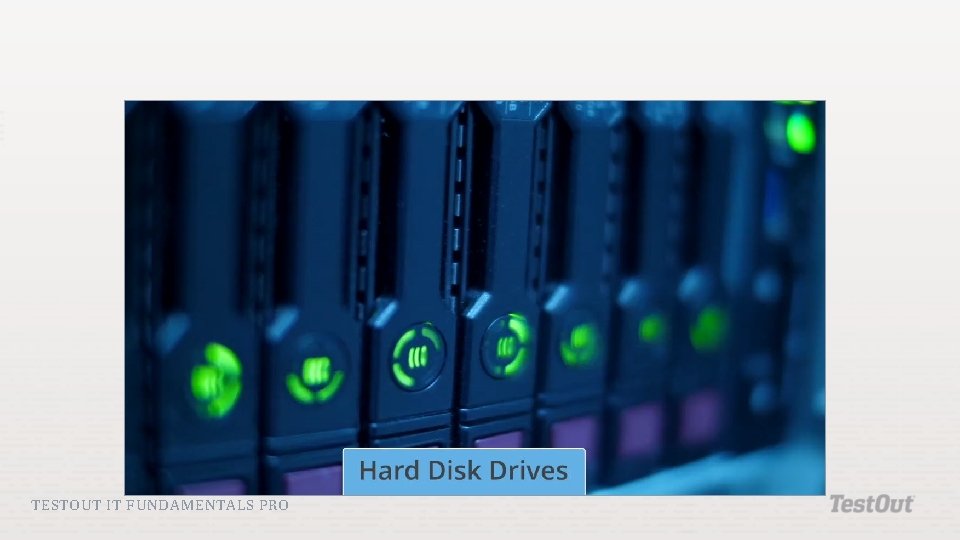
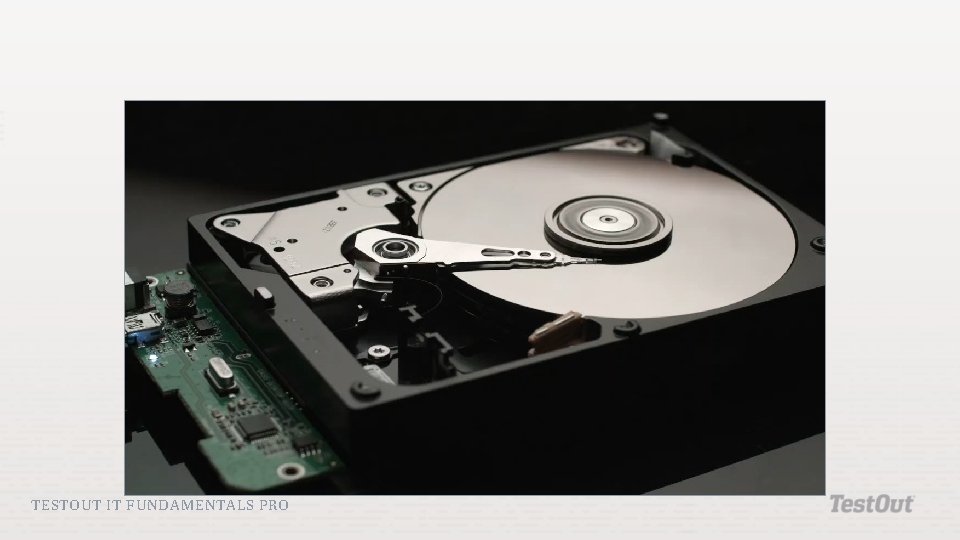
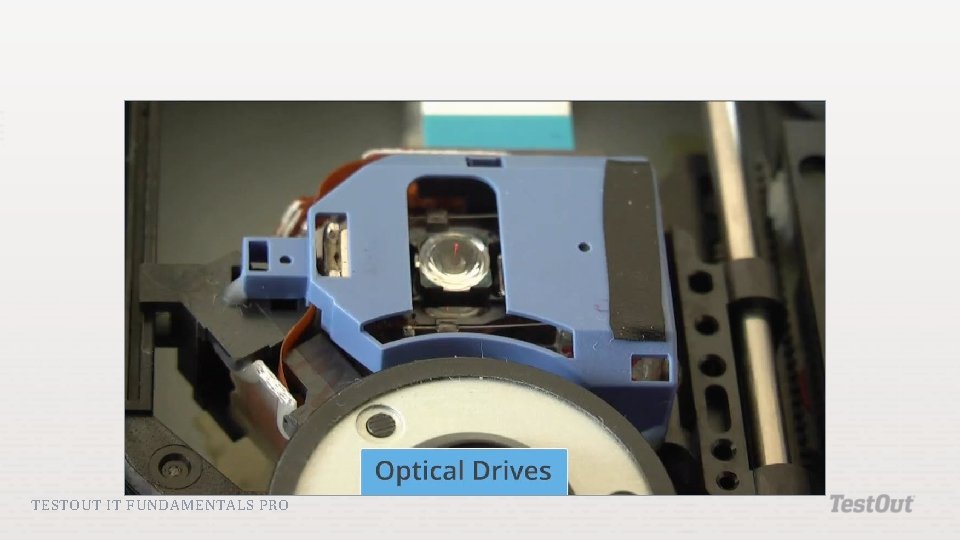
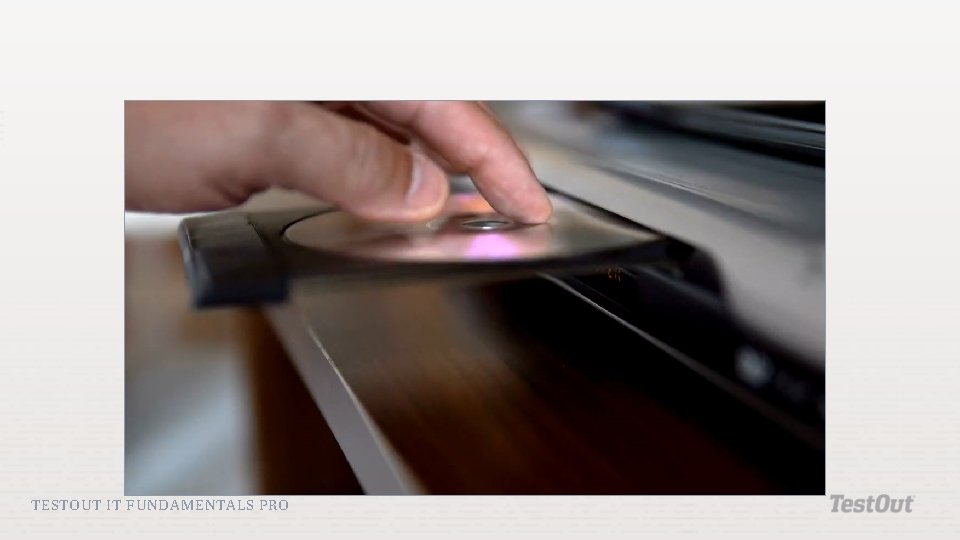
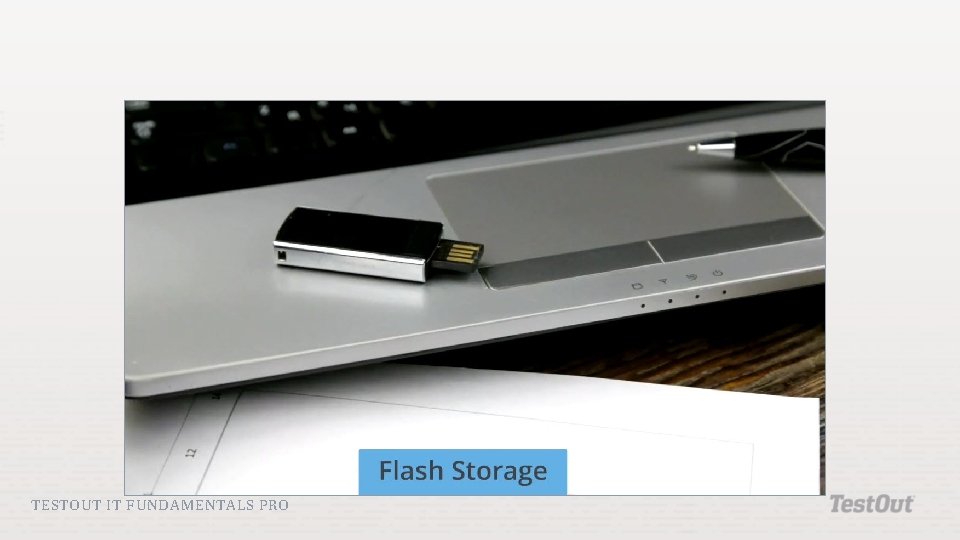
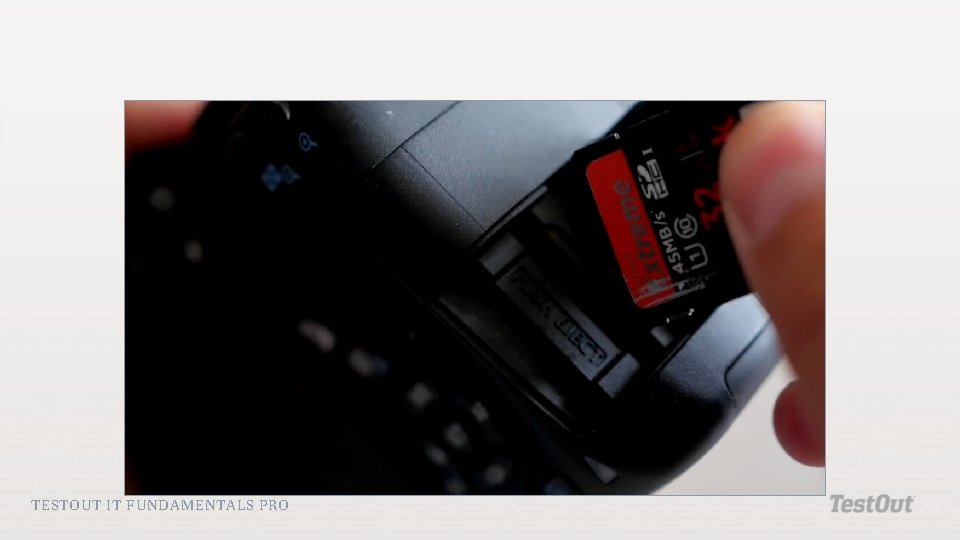
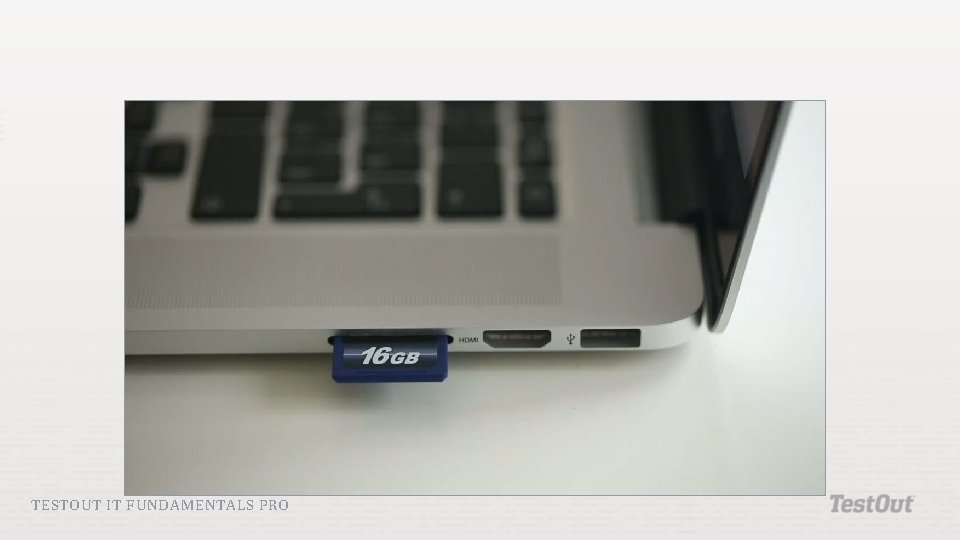
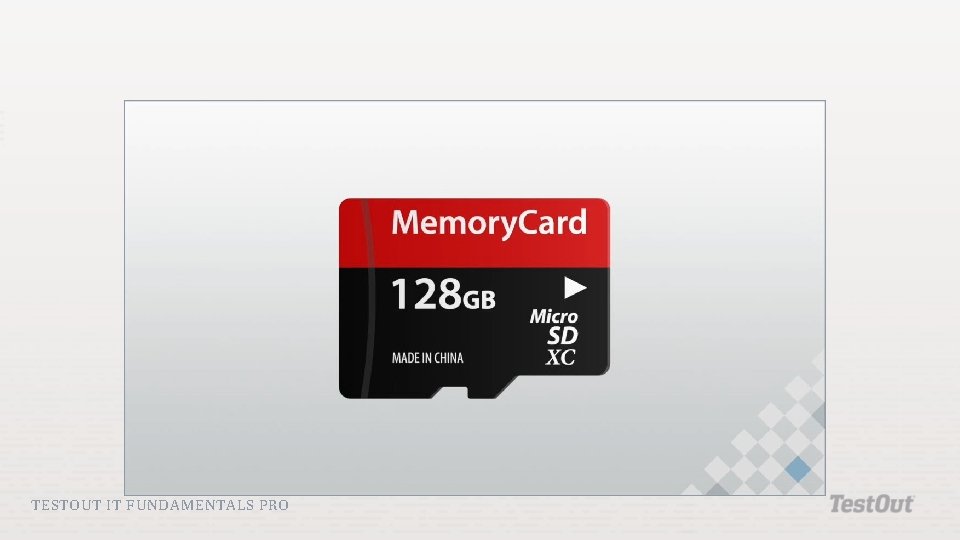
Hard Disk Drive (HDD): The most common type of long-term storage that uses thick magnetic disks encased in a protective housing to store data. Optical Drive: A storage device that uses light instead of magnetism to store information. This include CD-ROM, DVD, and Blu-ray devices. Flash Storage: A compact, portable storage device that uses special memory chips to store data. TESTOUT IT FUNDAMENTALS PRO
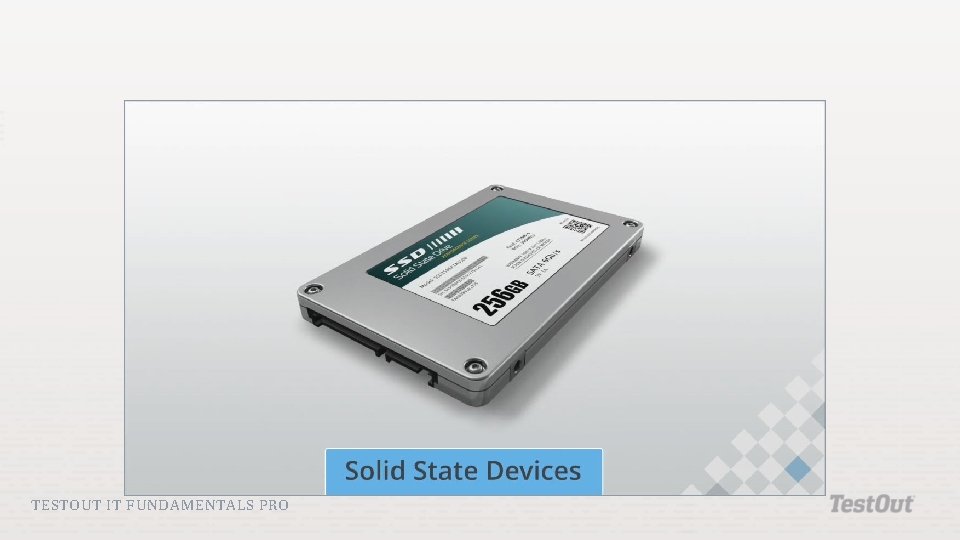
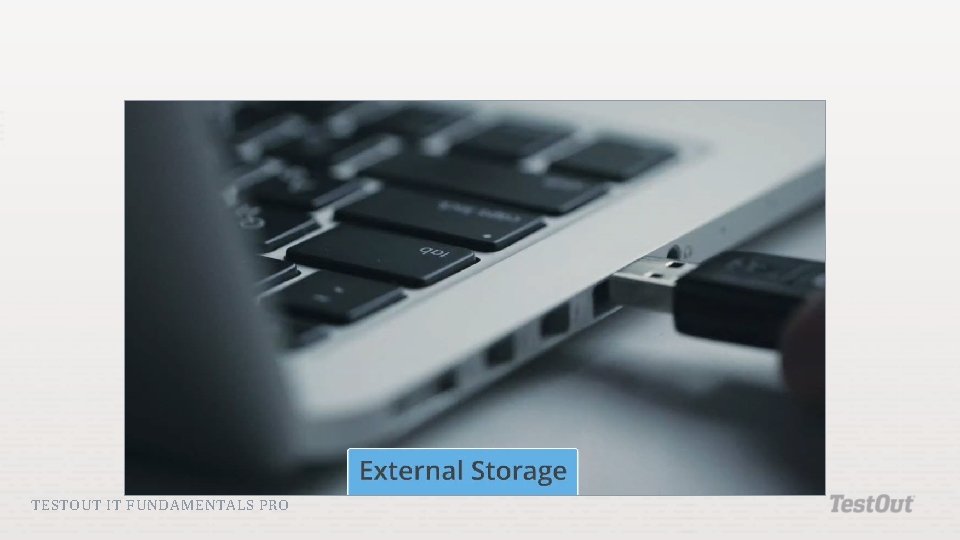
Solid State Devices (SSD): A device with similar capacity to an HDD that uses flash storage instead of magnetic disks to store data. SSDs are much faster and more durable than hard disk drives but usually are more expensive. External Hard Disk Drives: An HDD that can be connected as a peripheral to a computer. Heat-Assisted Magnetic Recording: Type of drive that allows bits of data to become smaller and more tightly packed together while still retaining data. It uses a tiny laser to briefly heat the recording surface of the hard drive to write the data making it more receptive to the effects of magnetism, which allow writing on much smaller areas than were possible before. TESTOUT IT FUNDAMENTALS PRO
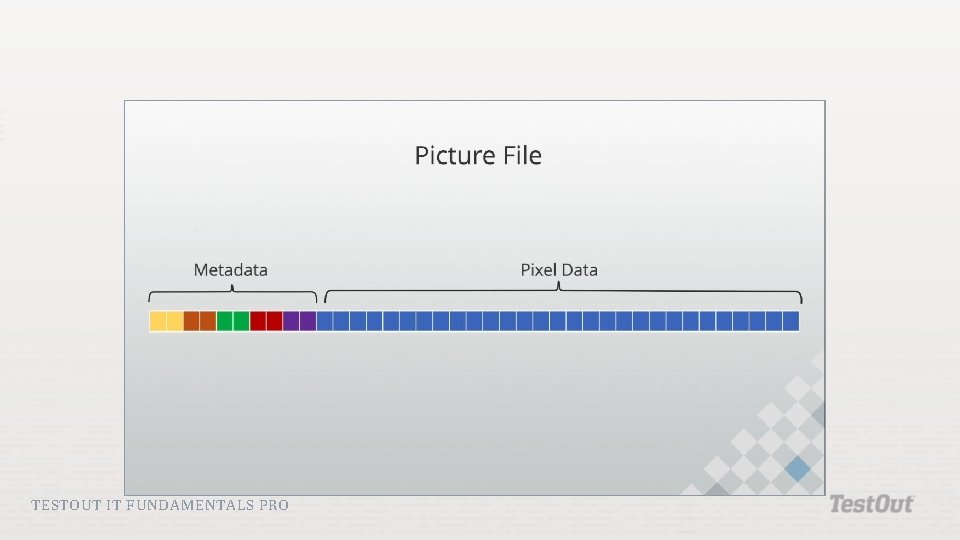
3 D Flash Memory: Type of memory that implements tiers of solidstate flash memory stacked on top of each other allowing for much greater storage capacity at a lower cost than 2 D flash memory. Synthesized DNA Strands: Synthetically produced artificial DNA that is capable of storing a vast amount of information and may be a solution to long-term massive storage. File: The smallest container within a computer's storage system that is used to store information such as data, settings, and commands used in a computer program. A file is the smallest container that can be copied, deleted, or moved within a file system. TESTOUT IT FUNDAMENTALS PRO
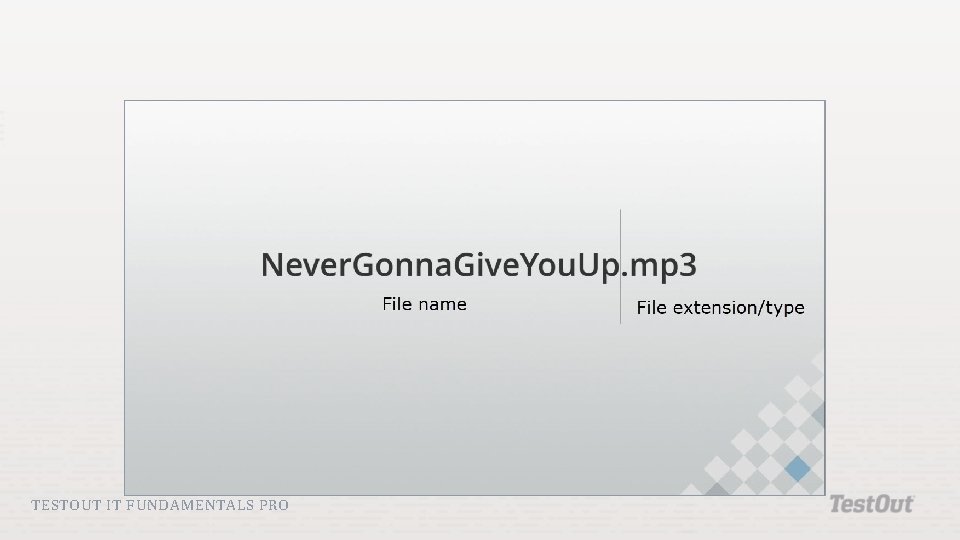
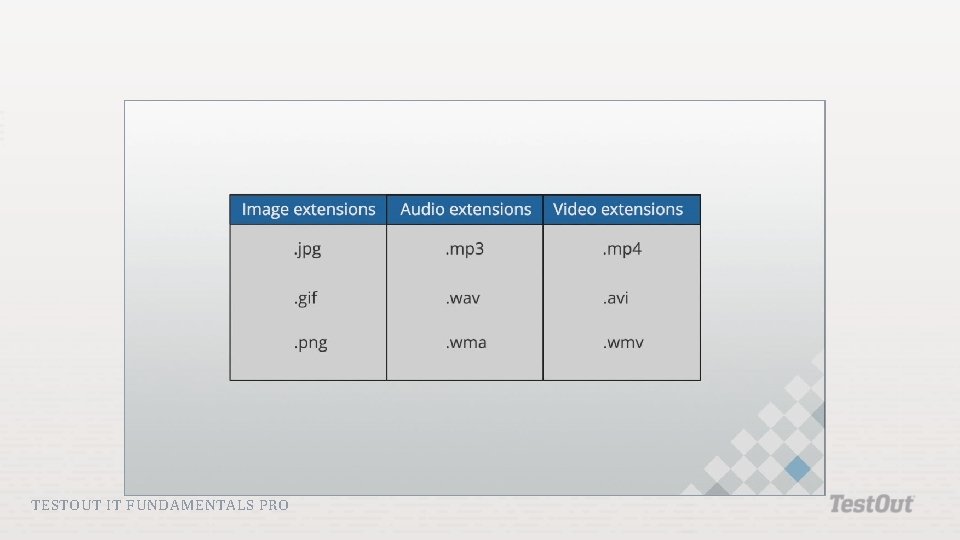
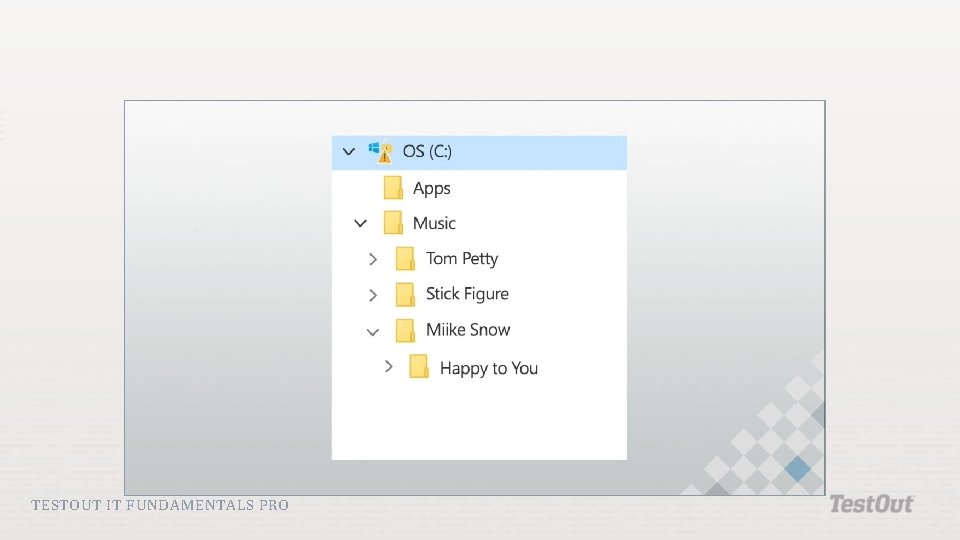
File Format: The way a file is organized. File formats are indicated by an extension such as. jpg, . gif, . png. , . mp 3, . wav, . wma, . mp 4, . avi, and. wmv. File System: The methods and structures that an operating system uses to organize files on a storage device like a hard drive. File systems often use directory structures to keep track of files. Compression: Reencoding a file to consume less storage space. Encryption: The process of converting information so it cannot be understood without decrypting it using a key, especially to prevent unauthorized access. TESTOUT IT FUNDAMENTALS PRO
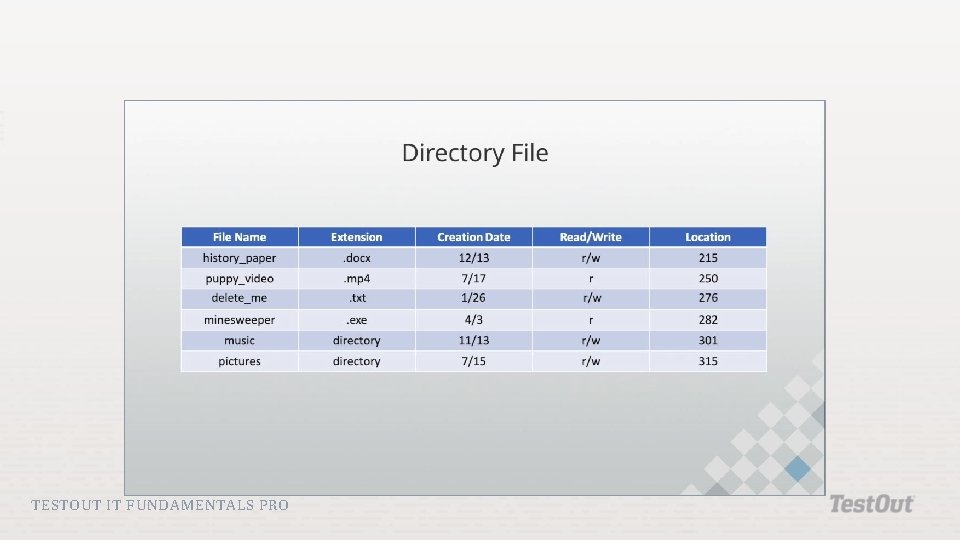
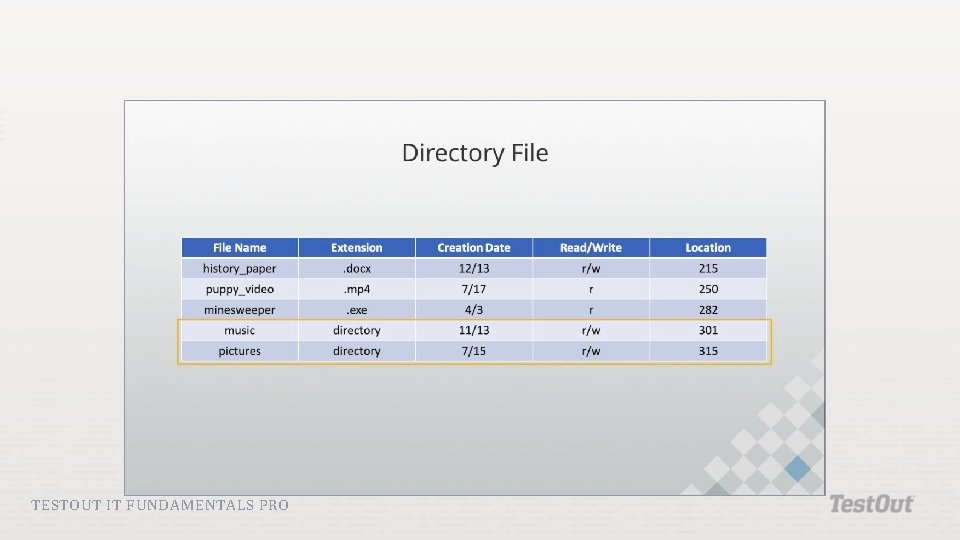
File Permissions: The use of user and file attributes that control which users can read, write, move, or delete each file. Journaling: The process of tracking changes to a file so that a file can be repaired or restored in case of file corruption or data loss. Drive: The top-level folder, or directory, of a file system. TESTOUT IT FUNDAMENTALS PRO
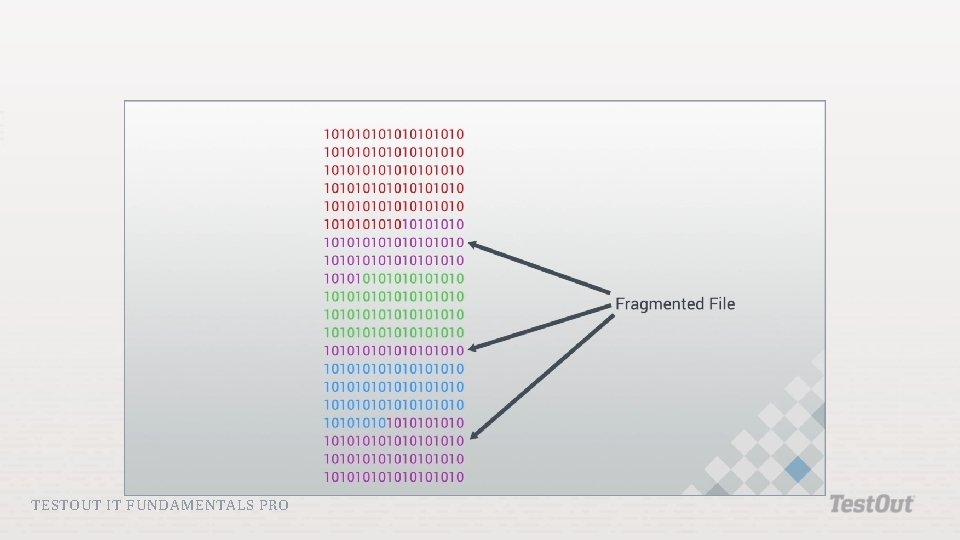
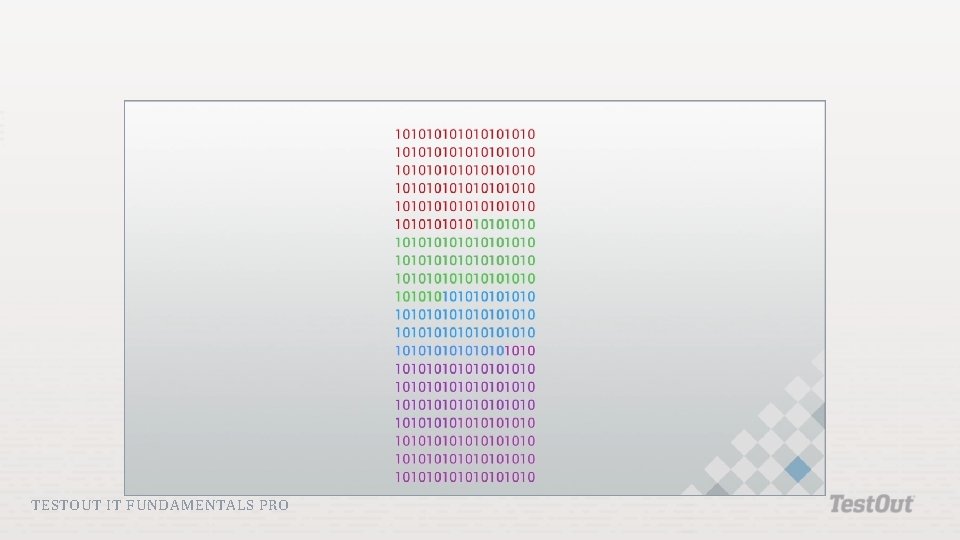
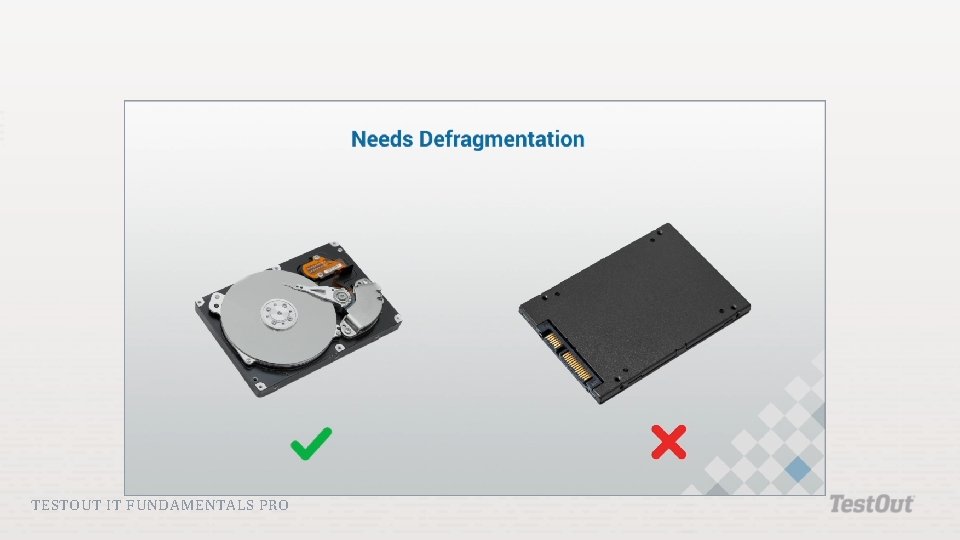
Partitioning: The process of dividing a single physical disk into multiple logical drives called volumes. Fragmentation: When parts of a single file, program, or application are stored in different areas of a physical disk. Defragmentation: A utility in which all fragmented files on a drive are found and reconsolidated into the same physical location on the disk. TESTOUT IT FUNDAMENTALS PRO
TESTOUT IT FUNDAMENTALS PRO
TESTOUT IT FUNDAMENTALS PRO
TESTOUT IT FUNDAMENTALS PRO
TESTOUT IT FUNDAMENTALS PRO
TESTOUT IT FUNDAMENTALS PRO
TESTOUT IT FUNDAMENTALS PRO
TESTOUT IT FUNDAMENTALS PRO
TESTOUT IT FUNDAMENTALS PRO
TESTOUT IT FUNDAMENTALS PRO
TESTOUT IT FUNDAMENTALS PRO
TESTOUT IT FUNDAMENTALS PRO
Hard disk drives Optical drives Flash storage Solid state devices External storage TESTOUT IT FUNDAMENTALS PRO
TESTOUT IT FUNDAMENTALS PRO
TESTOUT IT FUNDAMENTALS PRO
TESTOUT IT FUNDAMENTALS PRO
TESTOUT IT FUNDAMENTALS PRO
TESTOUT IT FUNDAMENTALS PRO
TESTOUT IT FUNDAMENTALS PRO
TESTOUT IT FUNDAMENTALS PRO
TESTOUT IT FUNDAMENTALS PRO
FAT 32 NTFS HFS+ ext 4 TESTOUT IT FUNDAMENTALS PRO
TESTOUT IT FUNDAMENTALS PRO
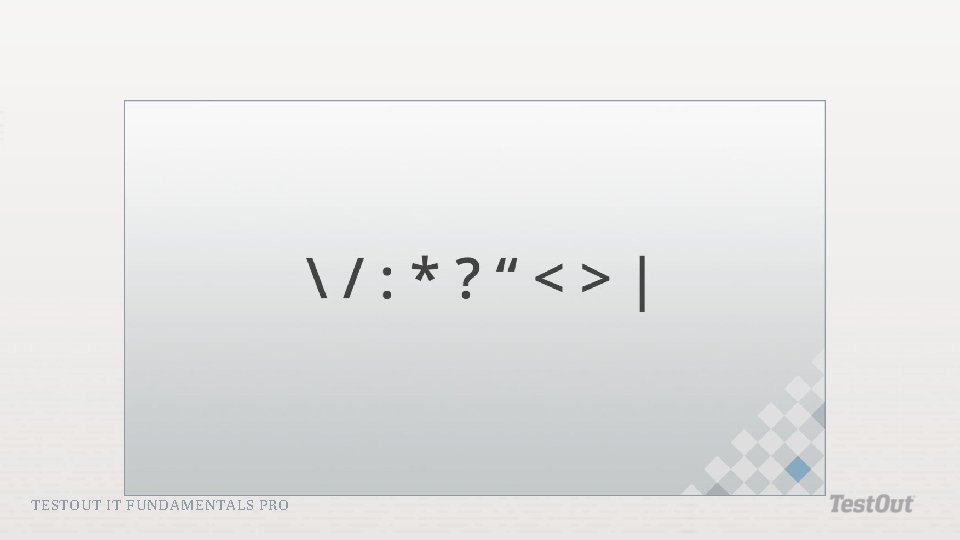
Compression Encryption Permissions Journaling Limitations Naming Rules TESTOUT IT FUNDAMENTALS PRO
TESTOUT IT FUNDAMENTALS PRO
TESTOUT IT FUNDAMENTALS PRO
TESTOUT IT FUNDAMENTALS PRO
TESTOUT IT FUNDAMENTALS PRO
TESTOUT IT FUNDAMENTALS PRO
Do the following labs: 3. 5. 5 Install SATA Devices 3. 5. 12 Create Volumes 3. 5. 14 Format Drives 3. 5. 16 Perform Disk Maintenance TESTOUT IT FUNDAMENTALS PRO
How is storage different than memory? How are they similar? What are the advantages and disadvantages of each storage medium? How does storage relate to input, output, and processing? TESTOUT IT FUNDAMENTALS PRO