
Computer Hardware System Course COMP 101 Subject Computer
Computer Hardware System Course: COMP 101 Subject: Computer Skills Chapter: 3
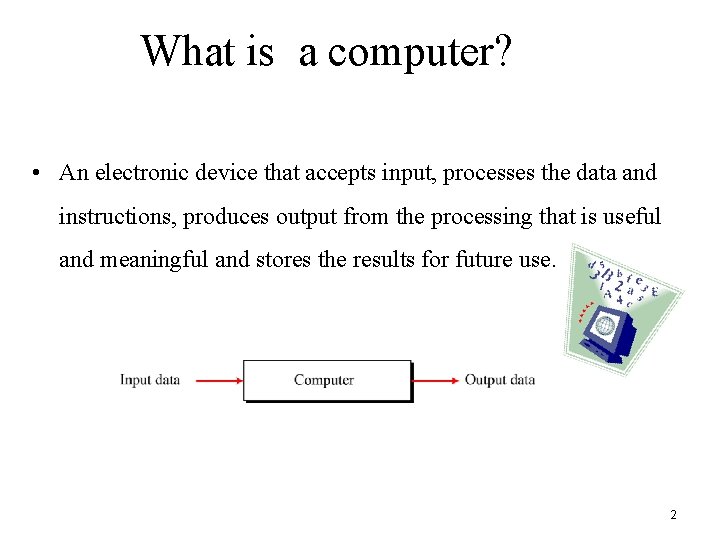
What is a computer? • An electronic device that accepts input, processes the data and instructions, produces output from the processing that is useful and meaningful and stores the results for future use. 2
Computer Organization • Computer organization refers to the operational units and their interconnections that realize the architectural specifications. • Examples: – instruction set, – number of bits used to represent various data types, – I/O mechanisms, – techniques for addressing memory. 3
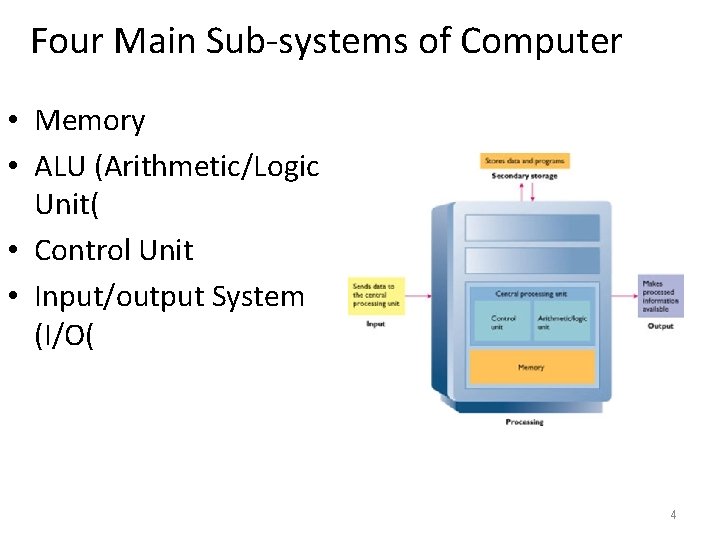
Four Main Sub-systems of Computer • Memory • ALU (Arithmetic/Logic Unit( • Control Unit • Input/output System (I/O( 4
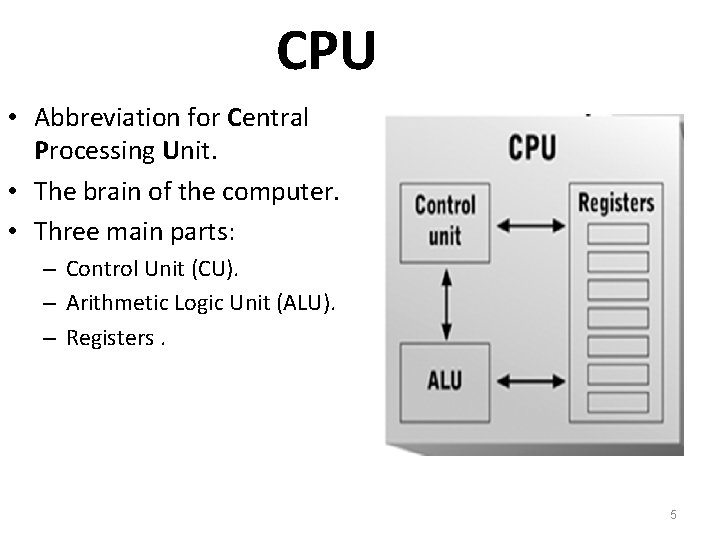
CPU • Abbreviation for Central Processing Unit. • The brain of the computer. • Three main parts: – Control Unit (CU). – Arithmetic Logic Unit (ALU). – Registers. 5
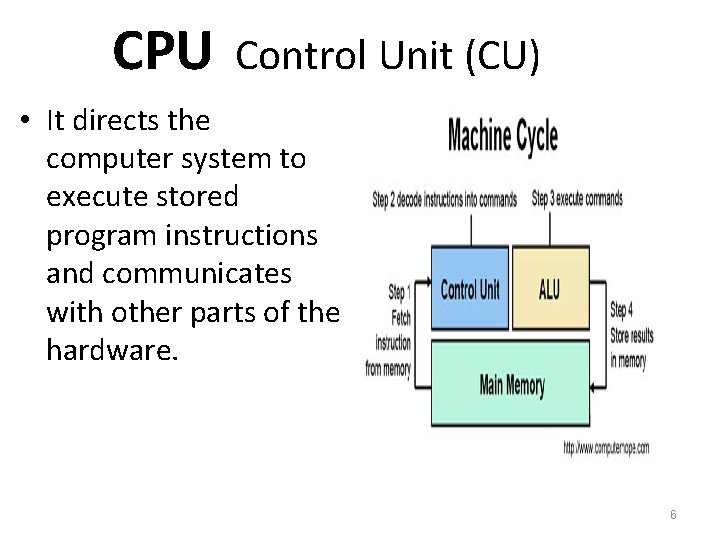
CPU Control Unit (CU) • It directs the computer system to execute stored program instructions and communicates with other parts of the hardware. 6
CPU - Arithmetic Logic Unit (ALU) • Performs arithmetic operations – Addition, Subtraction, Division and Multiplication • Performs logical operations – Less than, Greater than, Equal, etc… 7
CPU - Registers • a special, high-speed storage area within the CPU. – Store data before process – Store data after process. – It can hold address as well. 8
Computer Memory 9
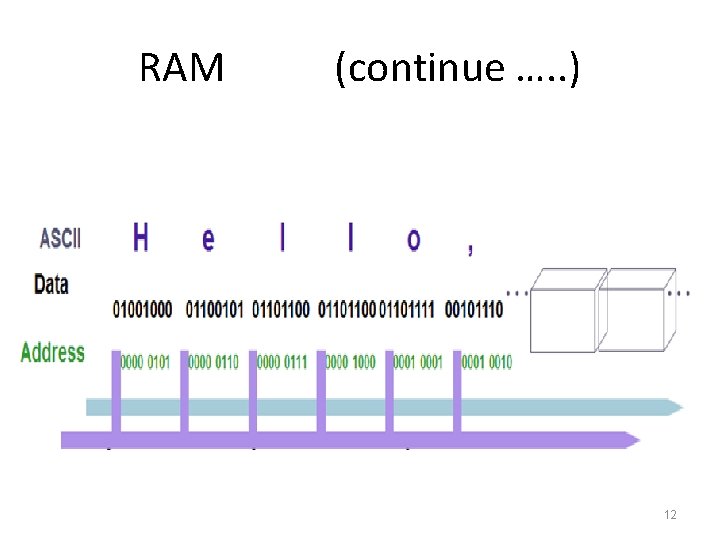
What is Memory ? • Memory is a large collection of circuits, each cell capable of storing a bit. • Each cell assigned an address. • Two categories of memory: – Primary memory • • RAM ROM – Secondary (Auxiliary) 10
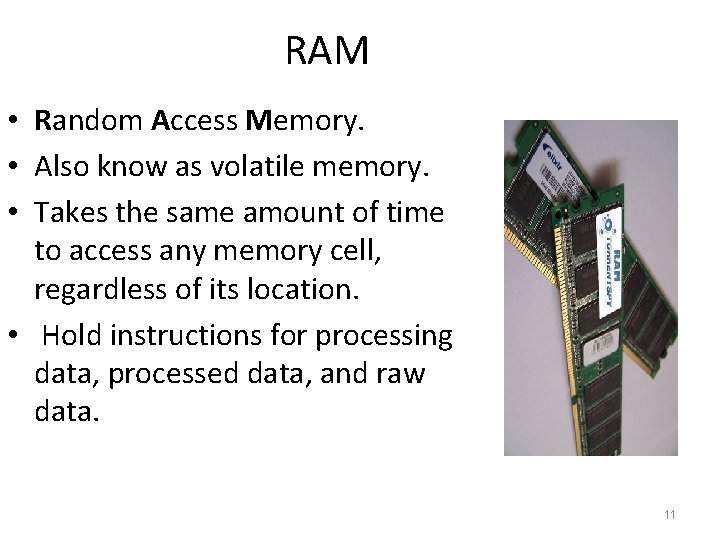
RAM • Random Access Memory. • Also know as volatile memory. • Takes the same amount of time to access any memory cell, regardless of its location. • Hold instructions for processing data, processed data, and raw data. 11
RAM (continue …. . ) 12
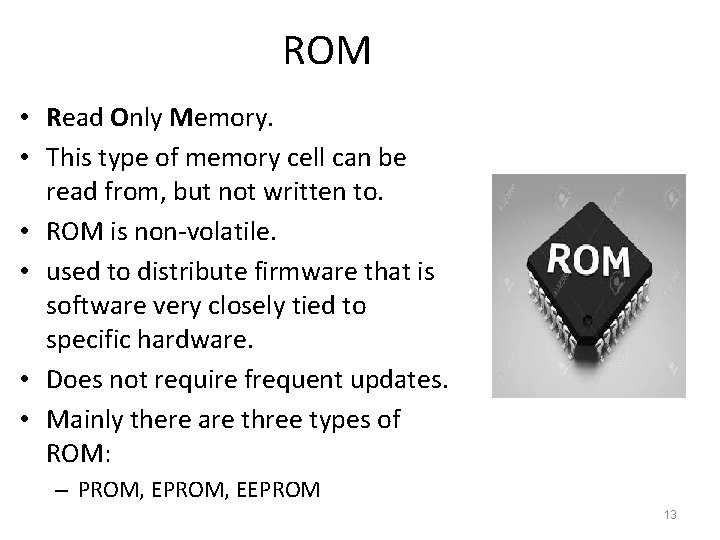
ROM • Read Only Memory. • This type of memory cell can be read from, but not written to. • ROM is non-volatile. • used to distribute firmware that is software very closely tied to specific hardware. • Does not require frequent updates. • Mainly there are three types of ROM: – PROM, EEPROM 13
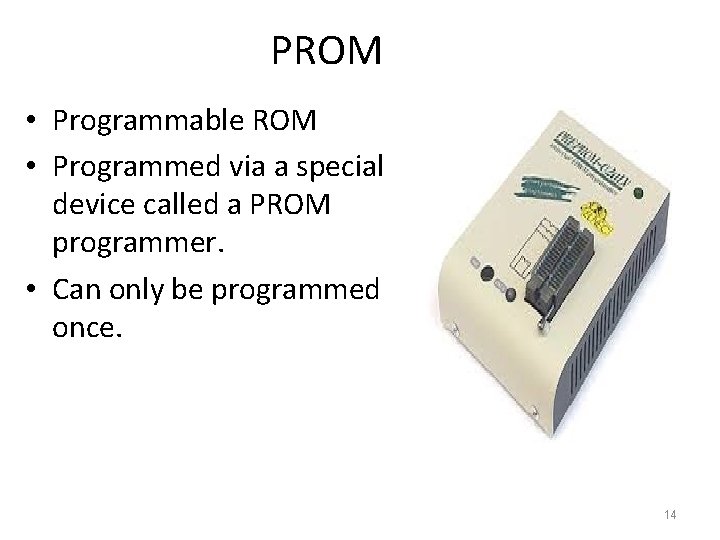
PROM • Programmable ROM • Programmed via a special device called a PROM programmer. • Can only be programmed once. 14
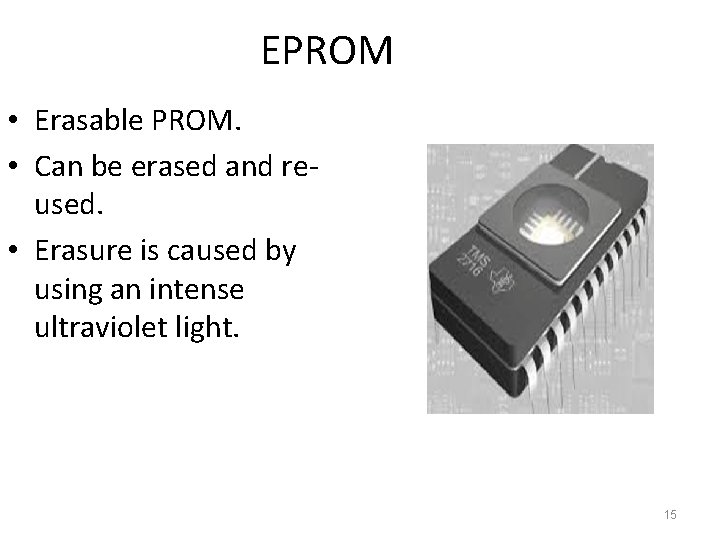
EPROM • Erasable PROM. • Can be erased and reused. • Erasure is caused by using an intense ultraviolet light. 15
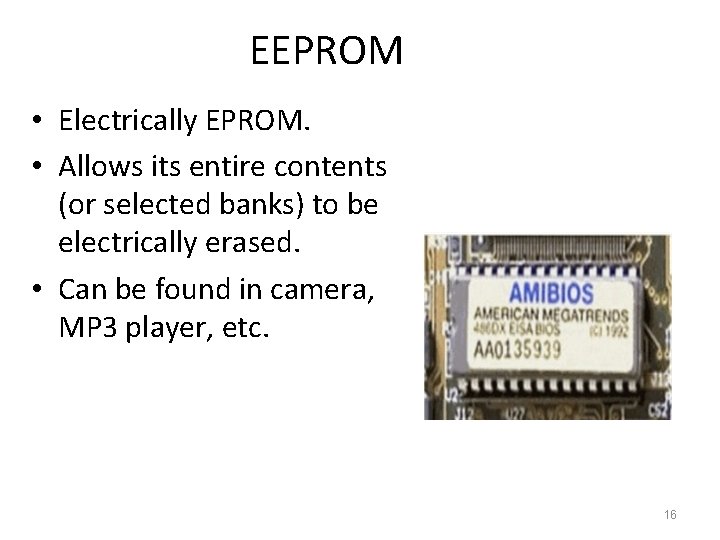
EEPROM • Electrically EPROM. • Allows its entire contents (or selected banks) to be electrically erased. • Can be found in camera, MP 3 player, etc. 16
Secondary Memory • Auxiliary memory is the lowest-cost, highestcapacity, and slowest-access storage in a computer system. • It is where programs and data are kept for longterm storage or when not in immediate use. • Can be accessed: – sequentially. Example: magnetic tape – or directly. Example: Hard disc, DVD, Flash etc. 17
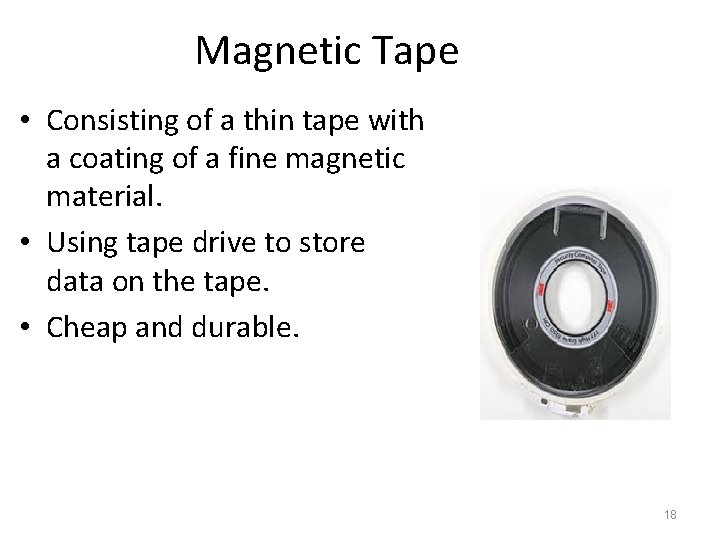
Magnetic Tape • Consisting of a thin tape with a coating of a fine magnetic material. • Using tape drive to store data on the tape. • Cheap and durable. 18
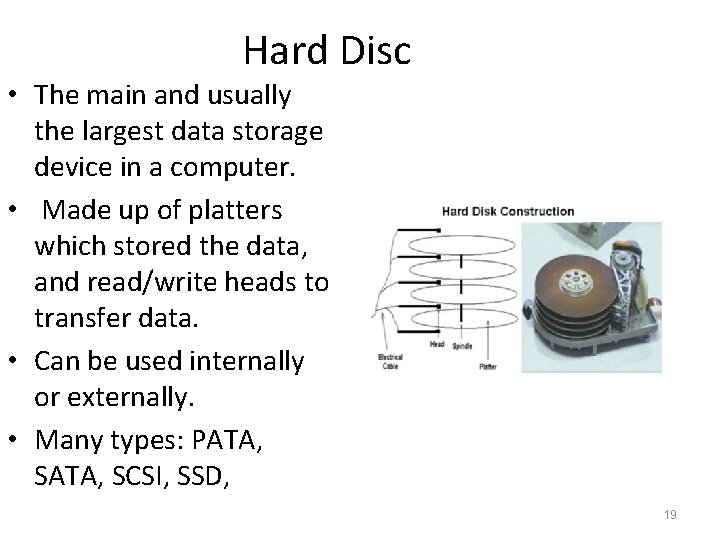
Hard Disc • The main and usually the largest data storage device in a computer. • Made up of platters which stored the data, and read/write heads to transfer data. • Can be used internally or externally. • Many types: PATA, SCSI, SSD, 19
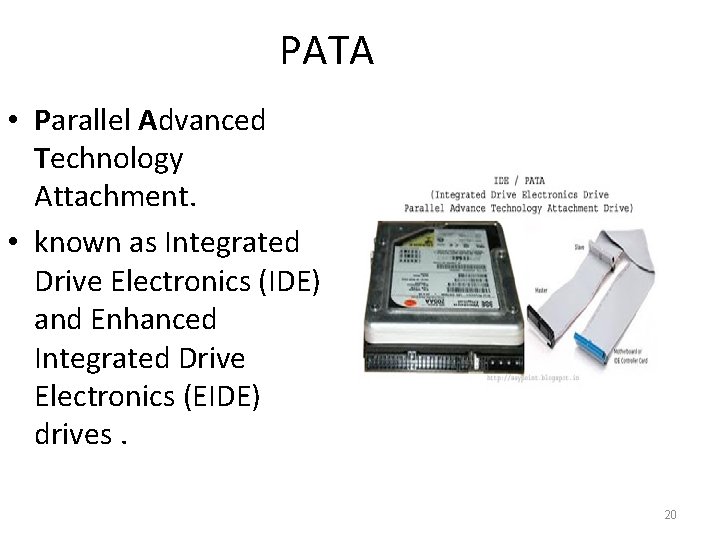
PATA • Parallel Advanced Technology Attachment. • known as Integrated Drive Electronics (IDE) and Enhanced Integrated Drive Electronics (EIDE) drives. 20
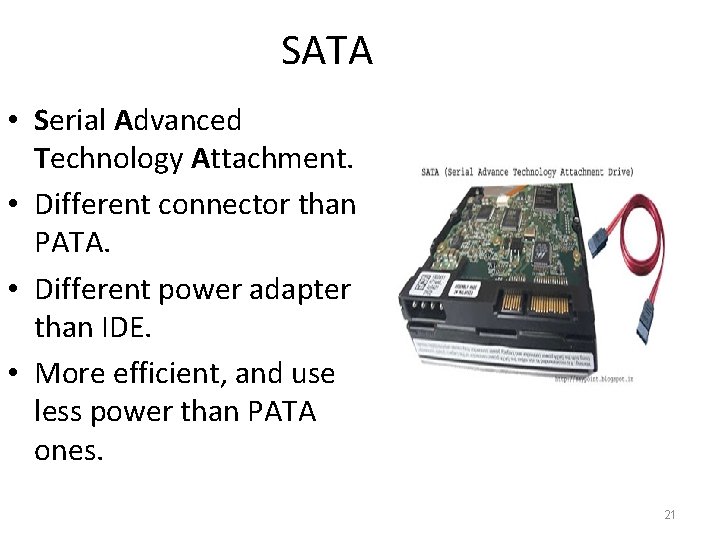
SATA • Serial Advanced Technology Attachment. • Different connector than PATA. • Different power adapter than IDE. • More efficient, and use less power than PATA ones. 21
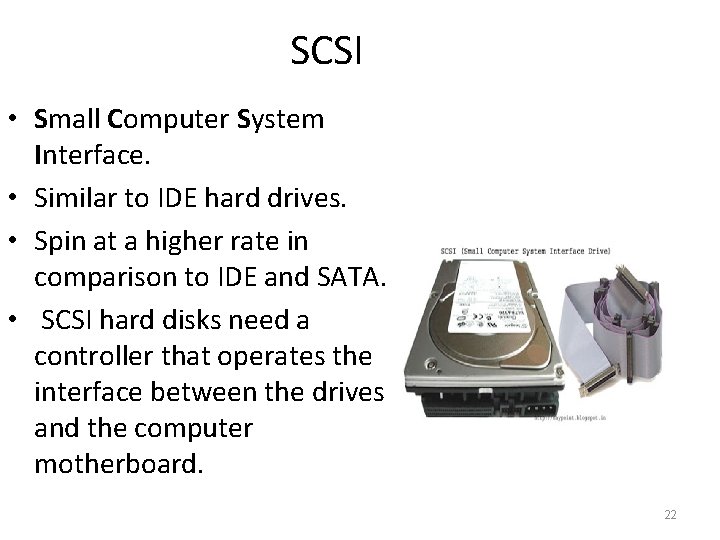
SCSI • Small Computer System Interface. • Similar to IDE hard drives. • Spin at a higher rate in comparison to IDE and SATA. • SCSI hard disks need a controller that operates the interface between the drives and the computer motherboard. 22
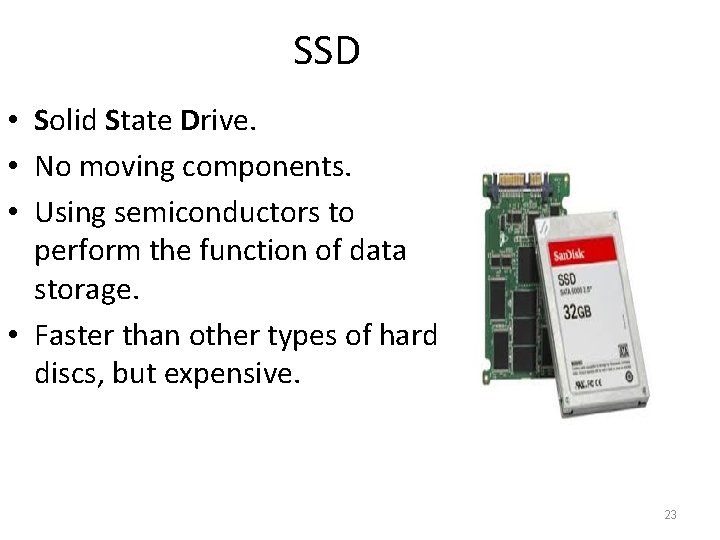
SSD • Solid State Drive. • No moving components. • Using semiconductors to perform the function of data storage. • Faster than other types of hard discs, but expensive. 23
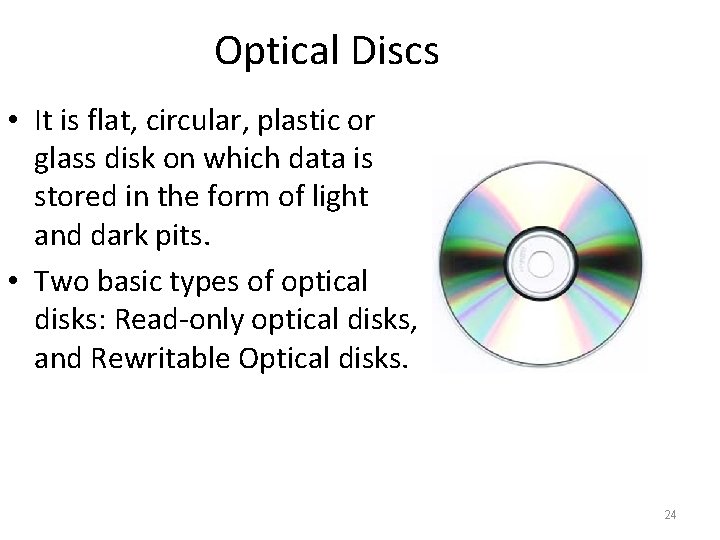
Optical Discs • It is flat, circular, plastic or glass disk on which data is stored in the form of light and dark pits. • Two basic types of optical disks: Read-only optical disks, and Rewritable Optical disks. 24
CD • Known as “Compact Disk”, • Can store 80 minutes of continues video recording. • The space of CD is up to 700 mb. • There are two types of CD : – CD ROM. – CD R/W. 25
DVD • Known as “Digital Versatile Disk”. • Storage capacity of DVD is up to 4. 7 GB. • Types of DVD : – DVD ROM. – DVD R/W. 26
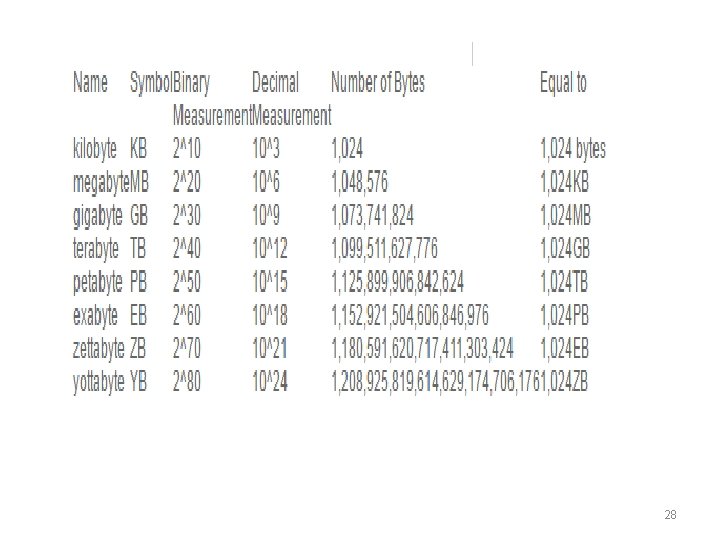
Memory and Storage Convertor • Computers store information in the form of "1" and "0"s. • Computer data is expressed as bytes. • But 1 kilobyte is 1024 bytes not 1000 bytes. • Data storage units are: bits, bytes, kilobytes, megabytes, gigabytes, terabytes, petabytes, exabytes, zettabytes and yottabytes. 27
28
Input / Output Input Devices Output Devices • Converts incoming data and • Reverses the process, instructions into a pattern translating the digitized of electrical signals in binary. signals into a form intelligible to the user. 29
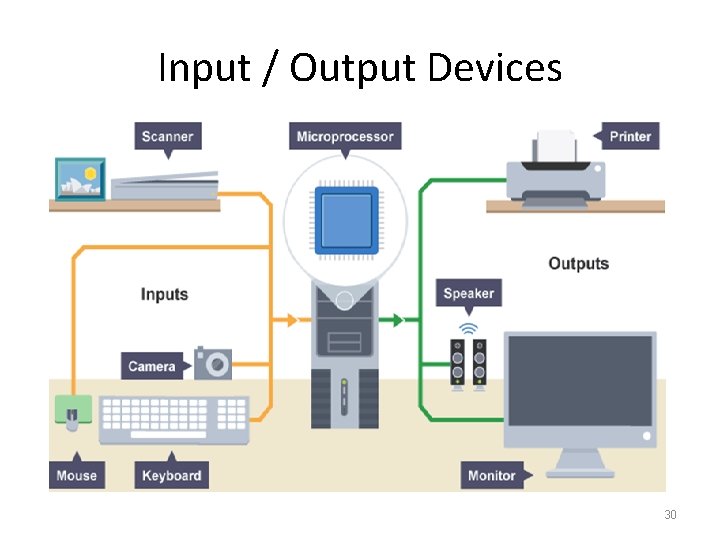
Input / Output Devices 30
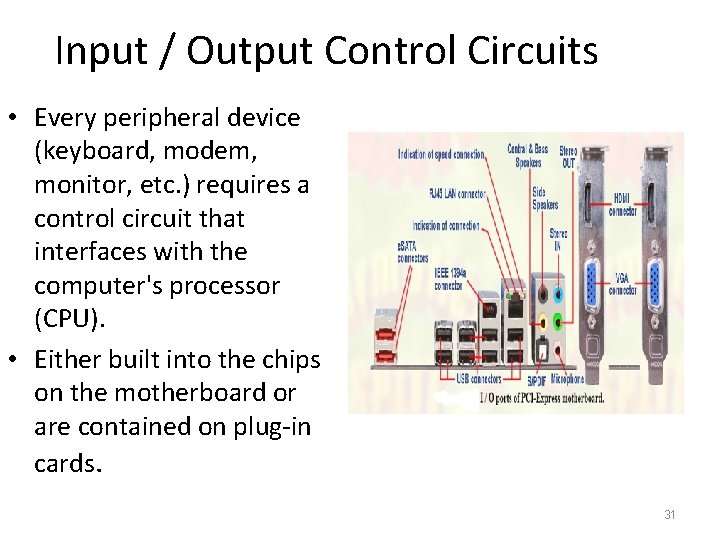
Input / Output Control Circuits • Every peripheral device (keyboard, modem, monitor, etc. ) requires a control circuit that interfaces with the computer's processor (CPU). • Either built into the chips on the motherboard or are contained on plug-in cards. 31
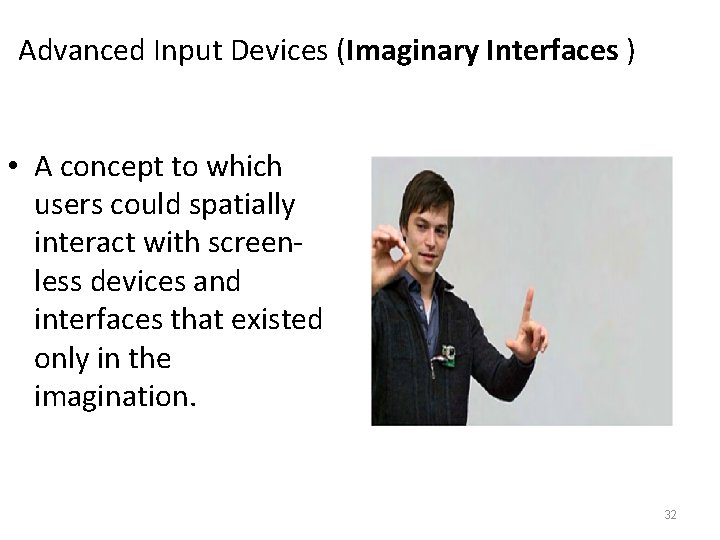
Advanced Input Devices (Imaginary Interfaces ) • A concept to which users could spatially interact with screenless devices and interfaces that existed only in the imagination. 32
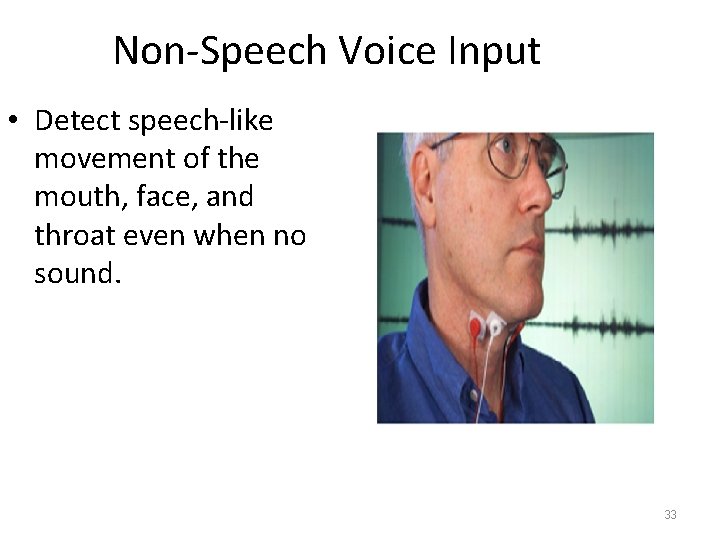
Non-Speech Voice Input • Detect speech-like movement of the mouth, face, and throat even when no sound. 33
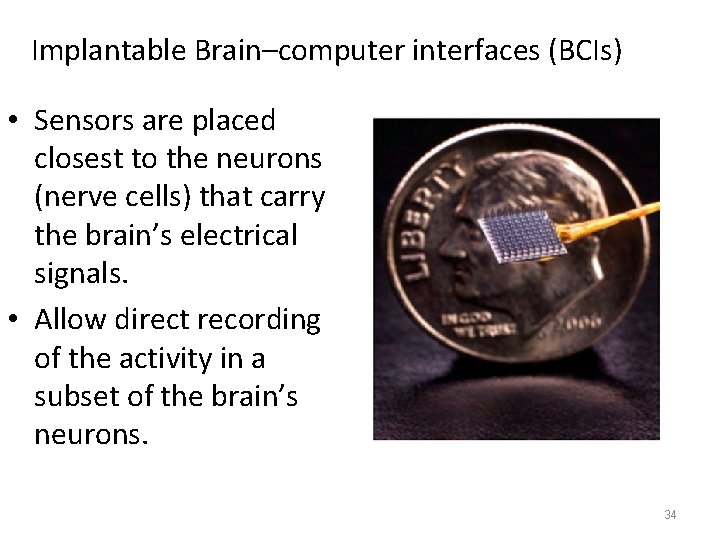
Implantable Brain–computer interfaces (BCIs) • Sensors are placed closest to the neurons (nerve cells) that carry the brain’s electrical signals. • Allow direct recording of the activity in a subset of the brain’s neurons. 34
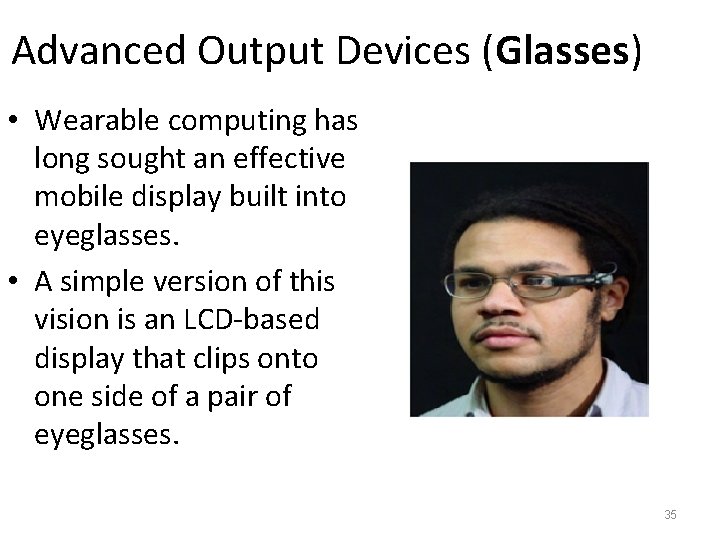
Advanced Output Devices (Glasses) • Wearable computing has long sought an effective mobile display built into eyeglasses. • A simple version of this vision is an LCD-based display that clips onto one side of a pair of eyeglasses. 35
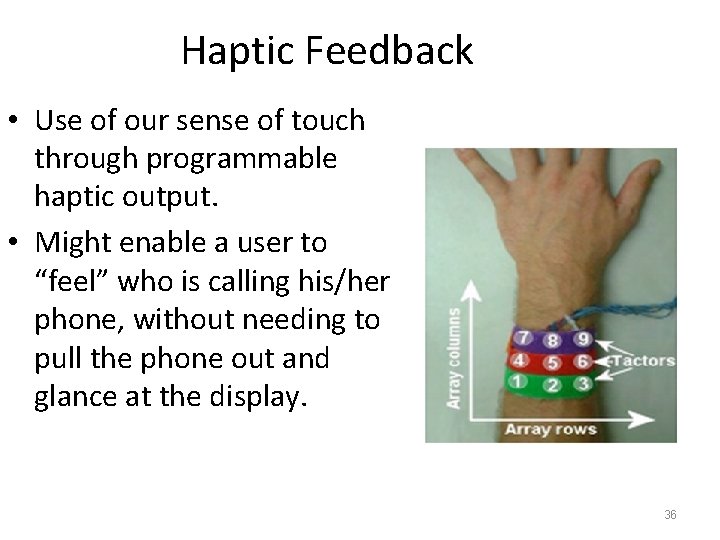
Haptic Feedback • Use of our sense of touch through programmable haptic output. • Might enable a user to “feel” who is calling his/her phone, without needing to pull the phone out and glance at the display. 36
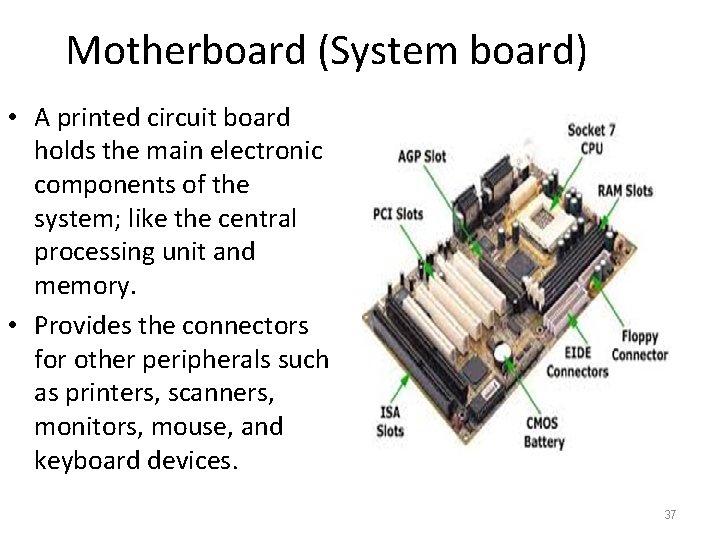
Motherboard (System board) • A printed circuit board holds the main electronic components of the system; like the central processing unit and memory. • Provides the connectors for other peripherals such as printers, scanners, monitors, mouse, and keyboard devices. 37
Types of Motherboards • AT motherboard. • The major difference between the LPX and • ATX motherboard, previous boards is that Advanced technology the input and output extended. ports in these boards • LPX motherboard, low are present at the profile extension. back of the system. 38
What to consider when buying a computer? • CPU (Central Processing Unit). • RAM (random access memory). • Hard Drive. • Networking. • Ports. • Graphics Card. • Optical Drives. • Peripherals. • Battery and Power Consumption. • Size or "Form Factor“. • The most, however, to consider is your requirements and budget. 39
- Slides: 39