
Computer Hardware A Quick Overview In this section
- Slides: 34
Computer Hardware: A Quick Overview • In this section of notes you will learn/relearn about the basic parts of a computer and how they work. James Tam
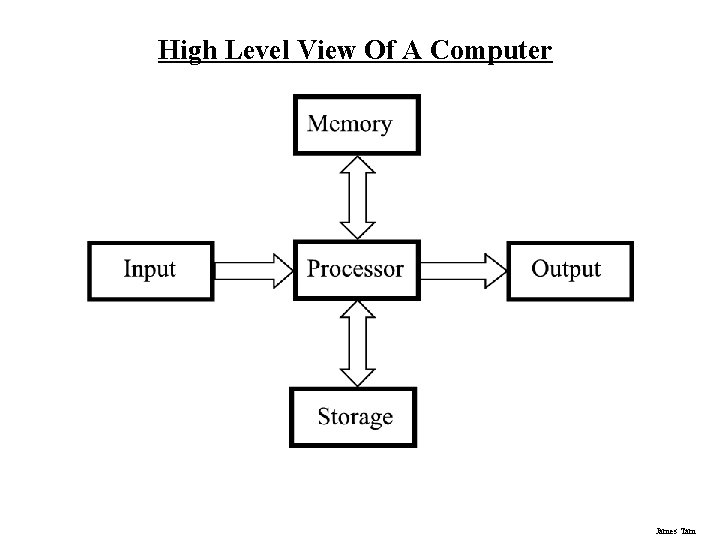
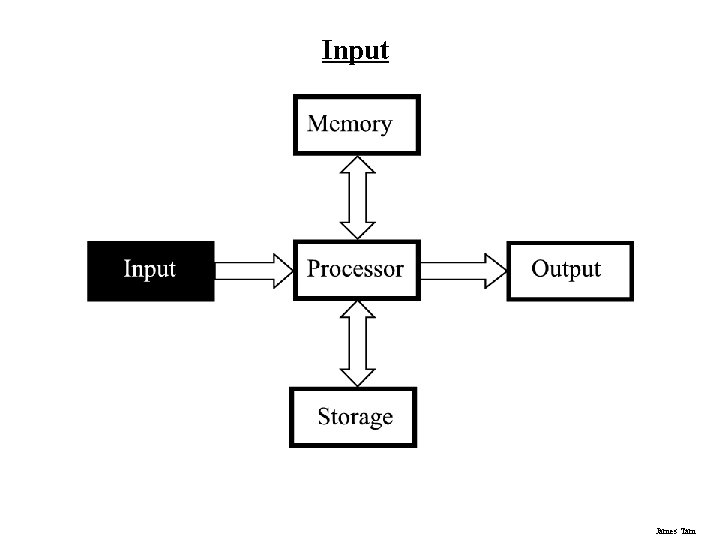
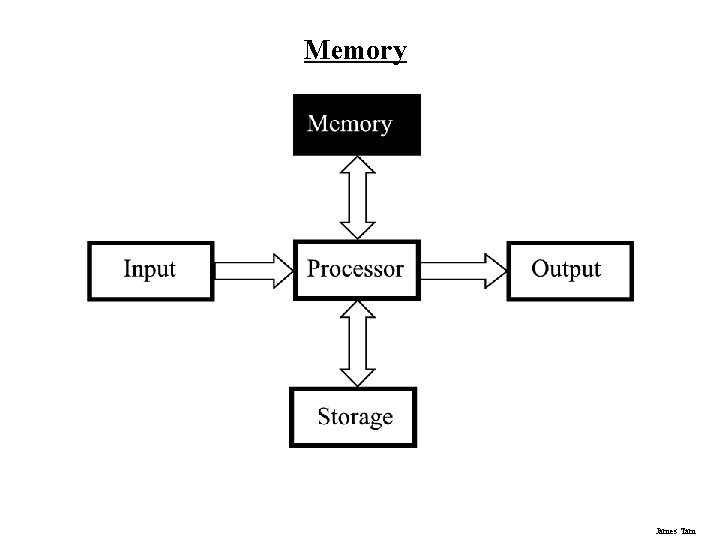
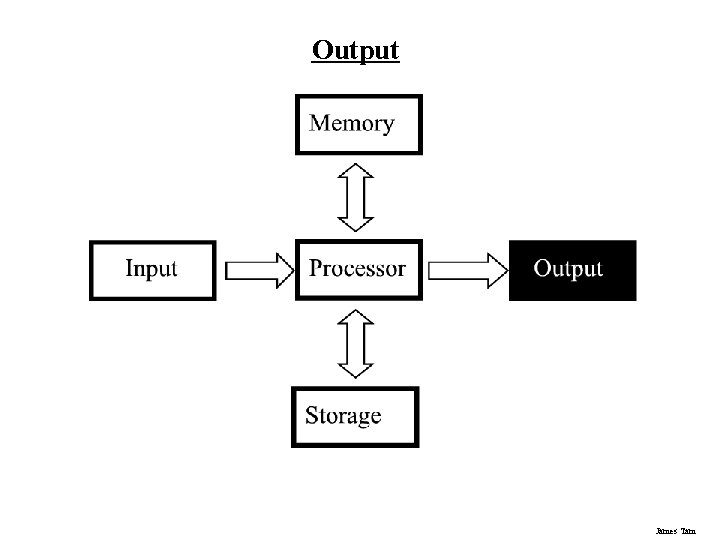
High Level View Of A Computer James Tam
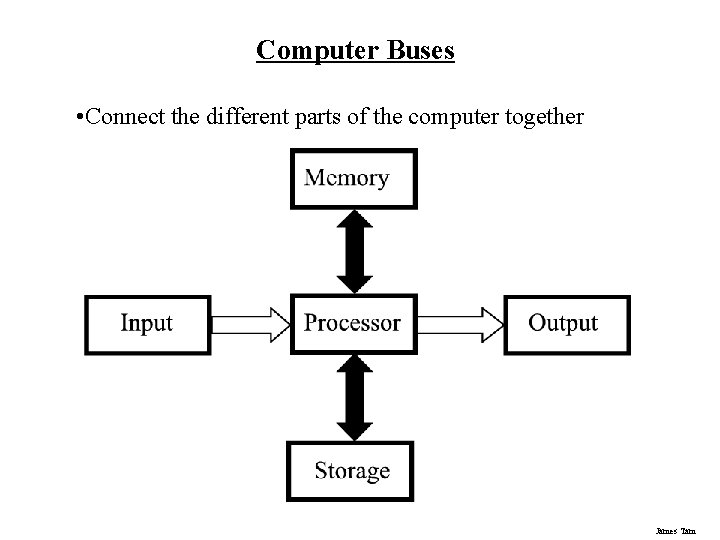
Computer Buses • Connect the different parts of the computer together James Tam
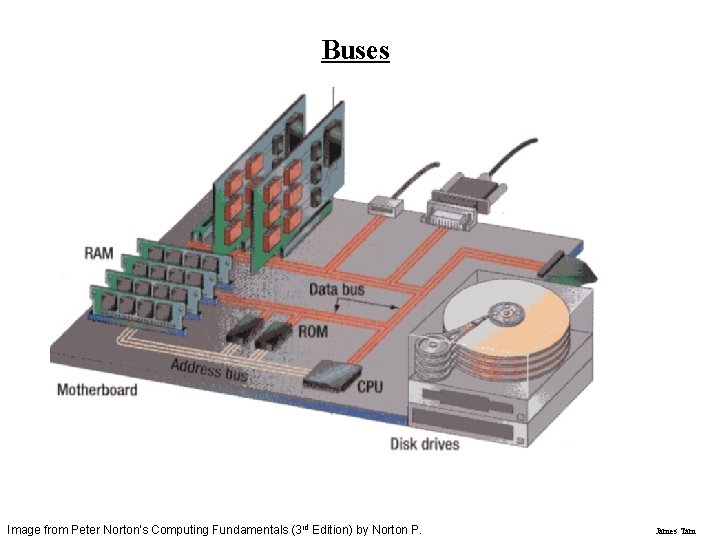
Buses Image from Peter Norton's Computing Fundamentals (3 rd Edition) by Norton P. James Tam
Input James Tam
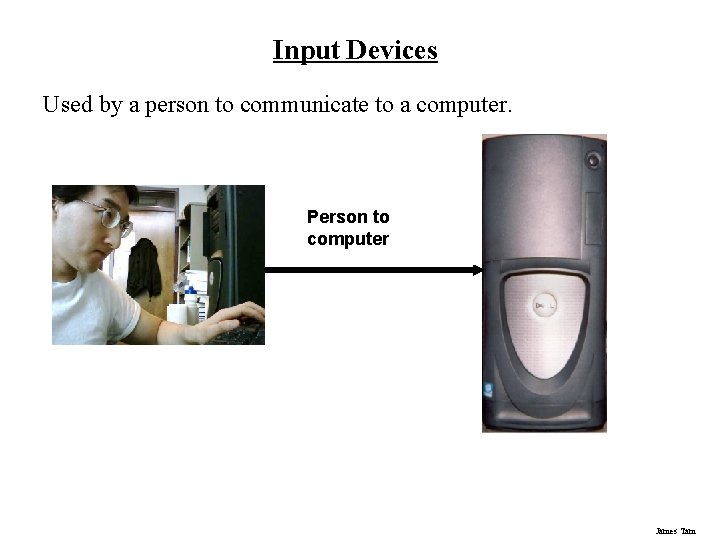
Input Devices Used by a person to communicate to a computer. Person to computer James Tam
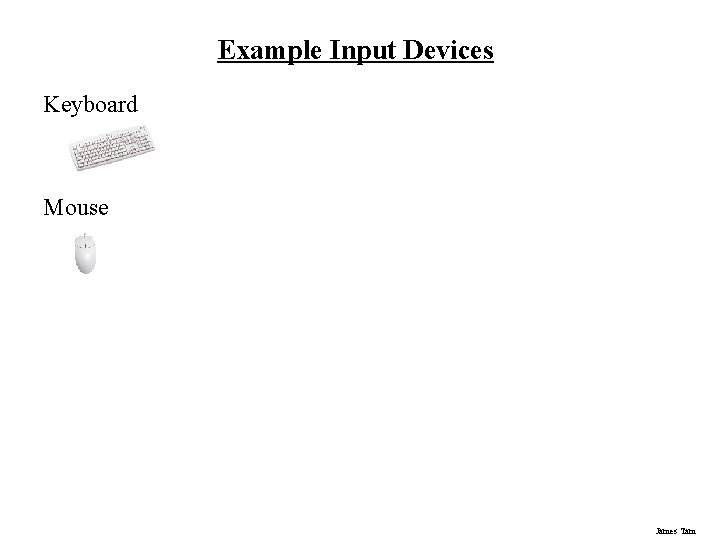
Example Input Devices Keyboard Mouse James Tam
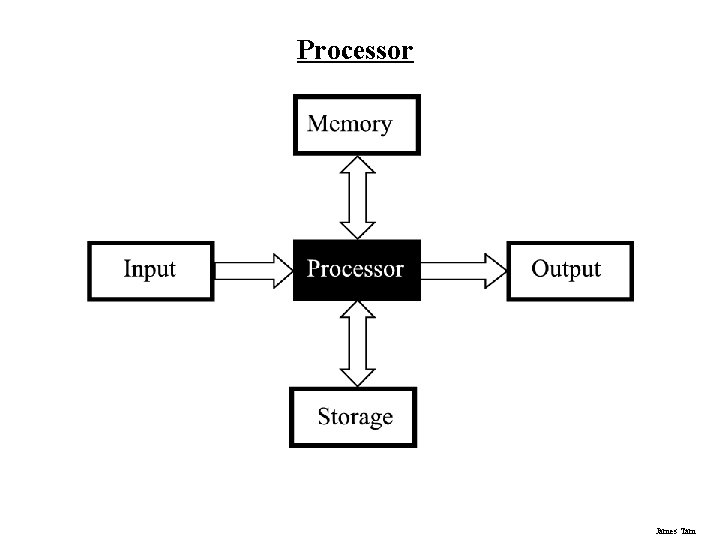
Processor James Tam
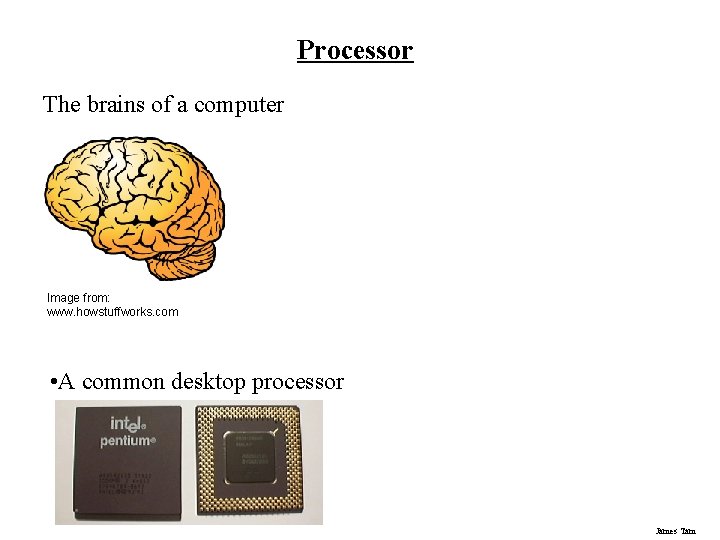
Processor The brains of a computer Image from: www. howstuffworks. com • A common desktop processor James Tam
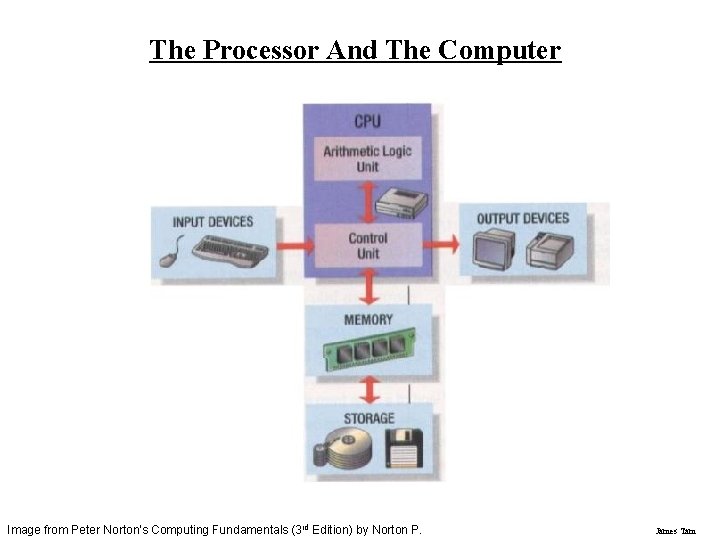
The Processor And The Computer Image from Peter Norton's Computing Fundamentals (3 rd Edition) by Norton P. James Tam
Memory James Tam
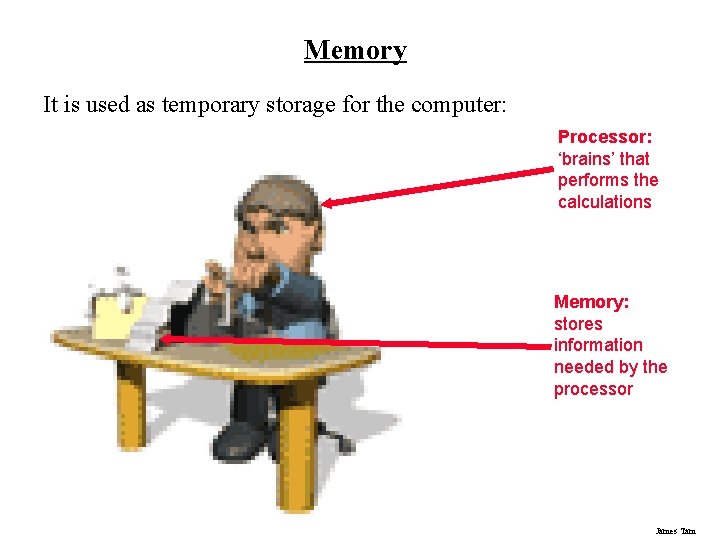
Memory It is used as temporary storage for the computer: Processor: ‘brains’ that performs the calculations Memory: stores information needed by the processor James Tam
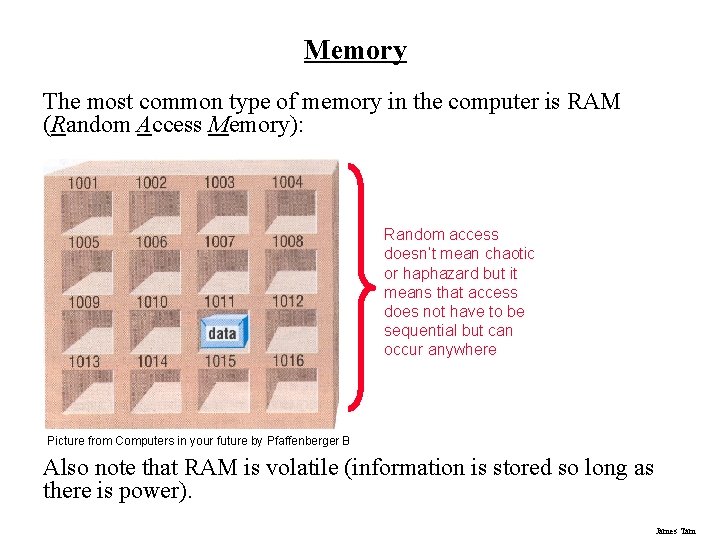
Memory The most common type of memory in the computer is RAM (Random Access Memory): Random access doesn’t mean chaotic or haphazard but it means that access does not have to be sequential but can occur anywhere Picture from Computers in your future by Pfaffenberger B Also note that RAM is volatile (information is stored so long as there is power). James Tam
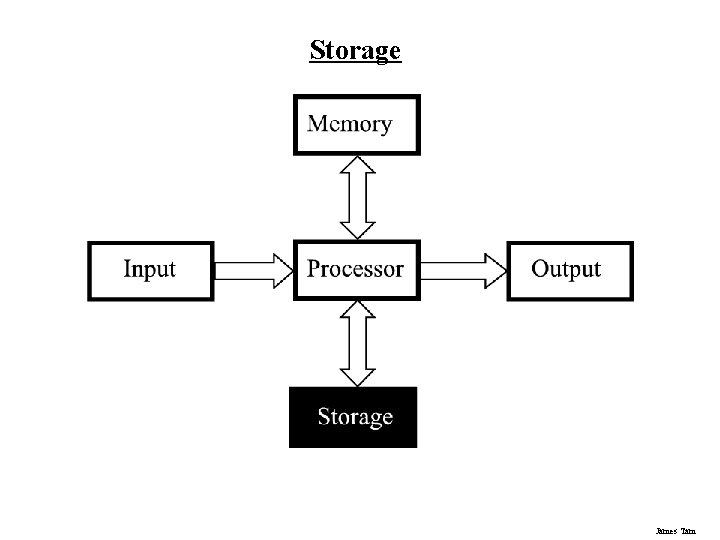
Storage James Tam
Storage Used to store information that is not currently needed • e. g. , a program that is installed but not currently running. Also used to store information that is too large to put in RAM • e. g. , a large video Storage is non-volatile • What is stored there remains even after the power is off Can store more information than RAM but it is significantly slower James Tam
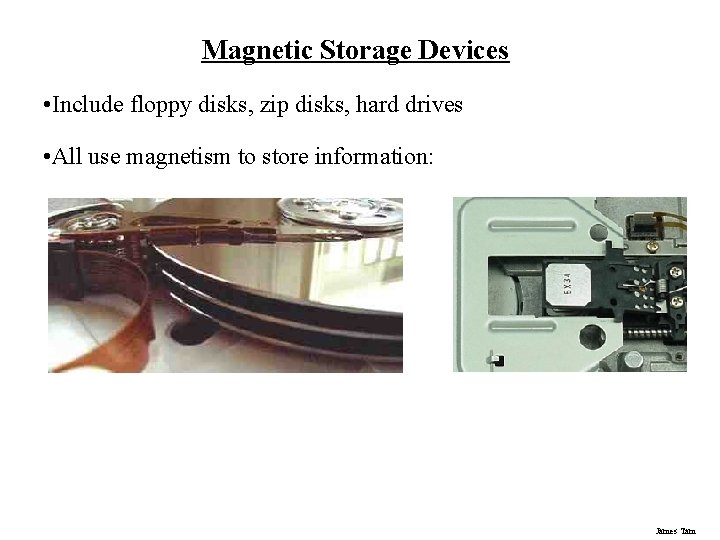
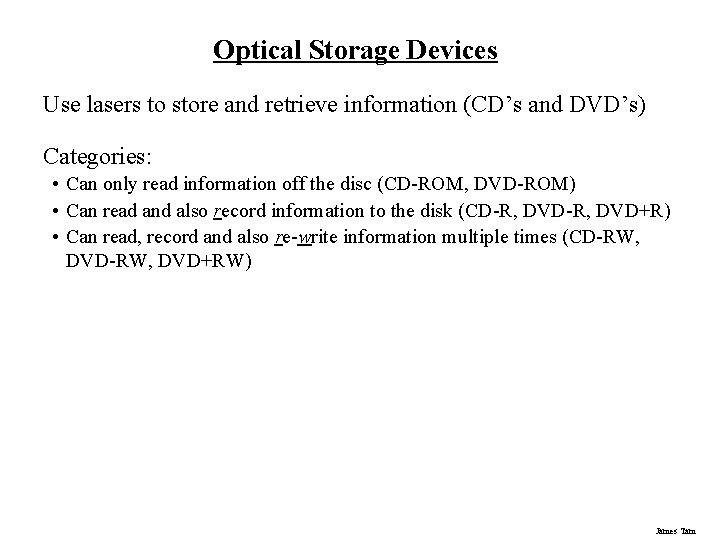
Common Types Of Storage 1. Magnetic • • • Floppy disks Zip disks Hard drives 2. Optical • • CD-ROM DVD James Tam
Magnetic Storage Devices • Include floppy disks, zip disks, hard drives • All use magnetism to store information: James Tam
Optical Storage Devices Use lasers to store and retrieve information (CD’s and DVD’s) Categories: • Can only read information off the disc (CD-ROM, DVD-ROM) • Can read and also record information to the disk (CD-R, DVD+R) • Can read, record and also re-write information multiple times (CD-RW, DVD+RW) James Tam
Output James Tam
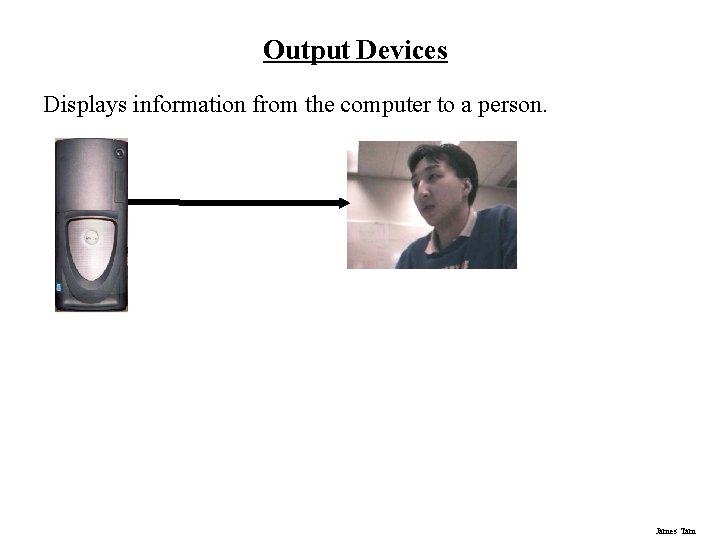
Output Devices Displays information from the computer to a person. James Tam
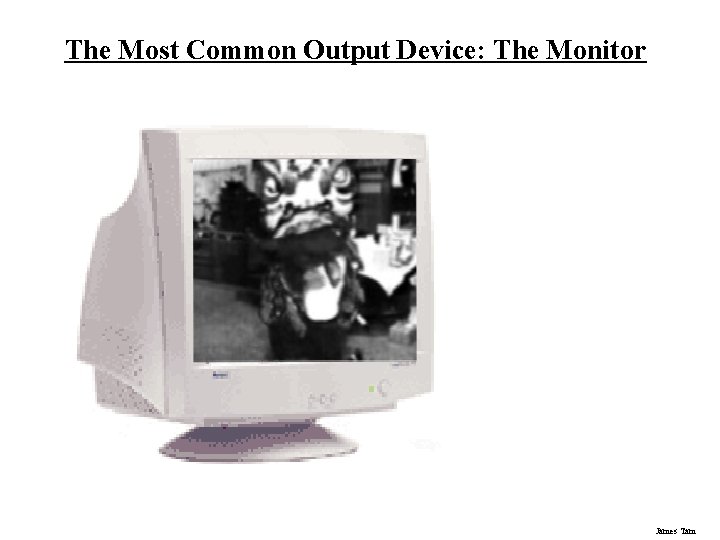
The Most Common Output Device: The Monitor James Tam
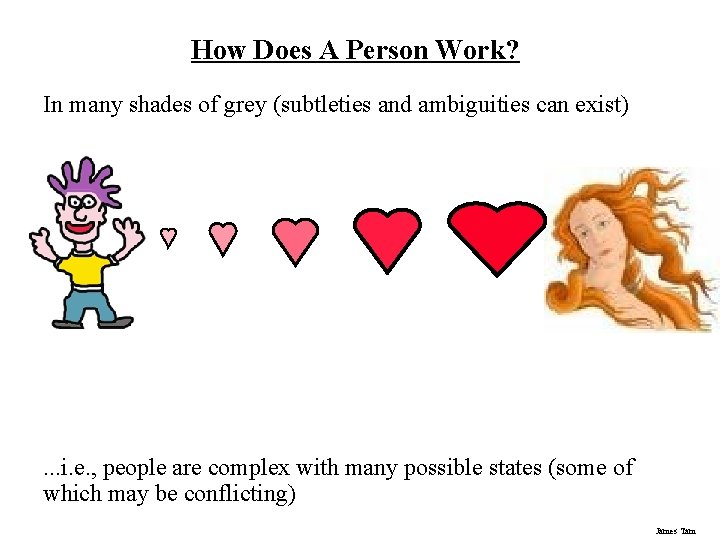
How Does A Person Work? In many shades of grey (subtleties and ambiguities can exist) . . . i. e. , people are complex with many possible states (some of which may be conflicting) James Tam
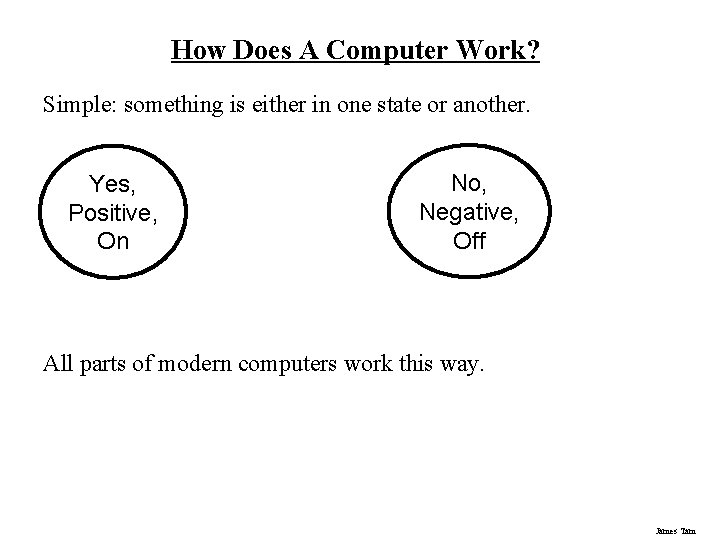
How Does A Computer Work? Simple: something is either in one state or another. Yes, Positive, On No, Negative, Off All parts of modern computers work this way. James Tam
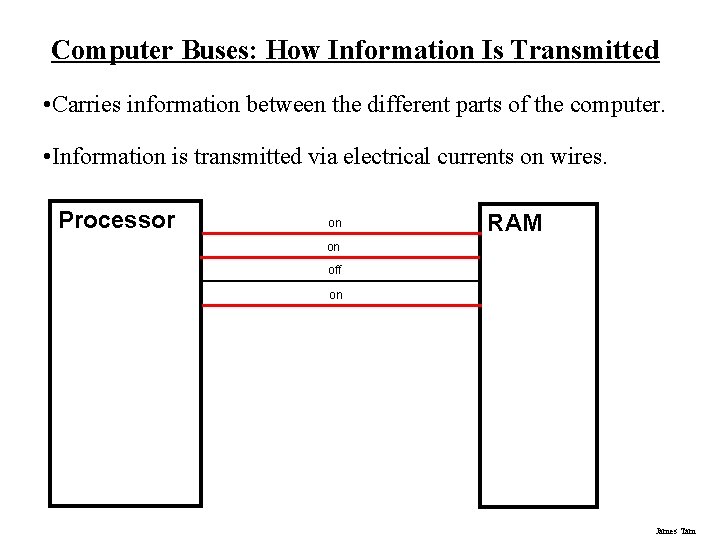
Computer Buses: How Information Is Transmitted • Carries information between the different parts of the computer. • Information is transmitted via electrical currents on wires. Processor on RAM on off on James Tam
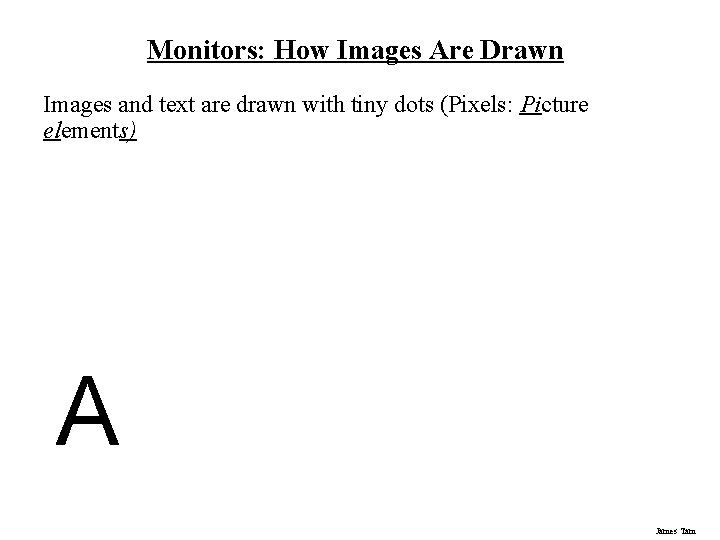
Monitors: How Images Are Drawn Images and text are drawn with tiny dots (Pixels: Picture elements) A James Tam
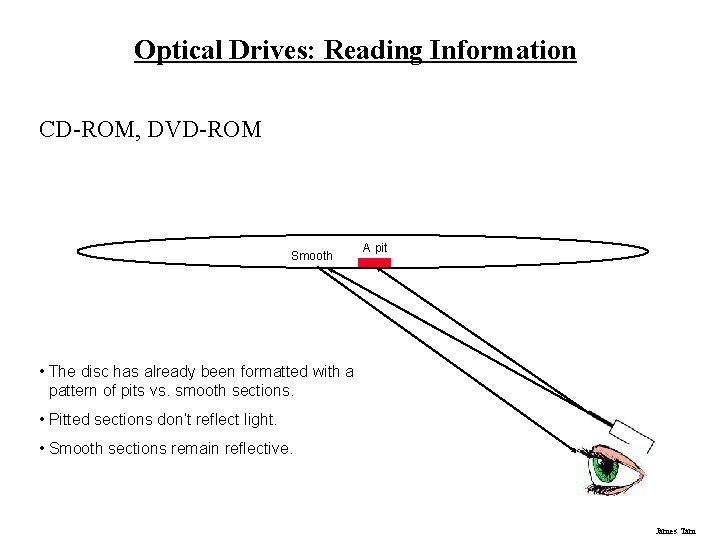
Optical Drives: Reading Information CD-ROM, DVD-ROM Smooth A pit • The disc has already been formatted with a pattern of pits vs. smooth sections. • Pitted sections don’t reflect light. • Smooth sections remain reflective. James Tam
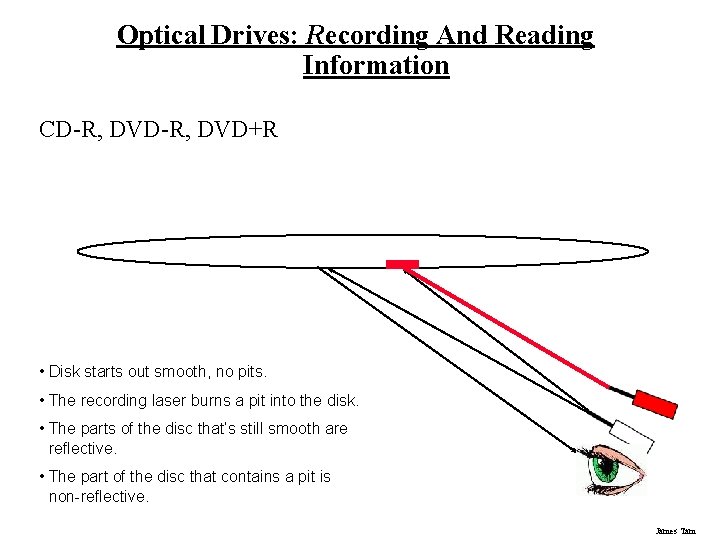
Optical Drives: Recording And Reading Information CD-R, DVD+R • Disk starts out smooth, no pits. • The recording laser burns a pit into the disk. • The parts of the disc that’s still smooth are reflective. • The part of the disc that contains a pit is non-reflective. James Tam
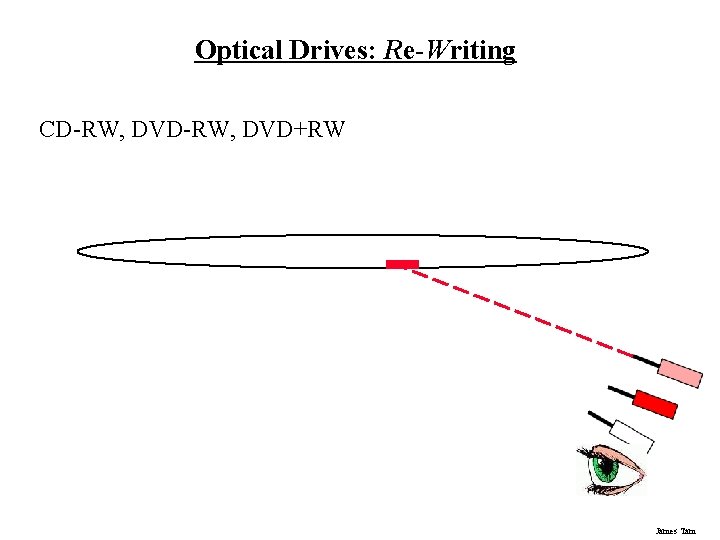
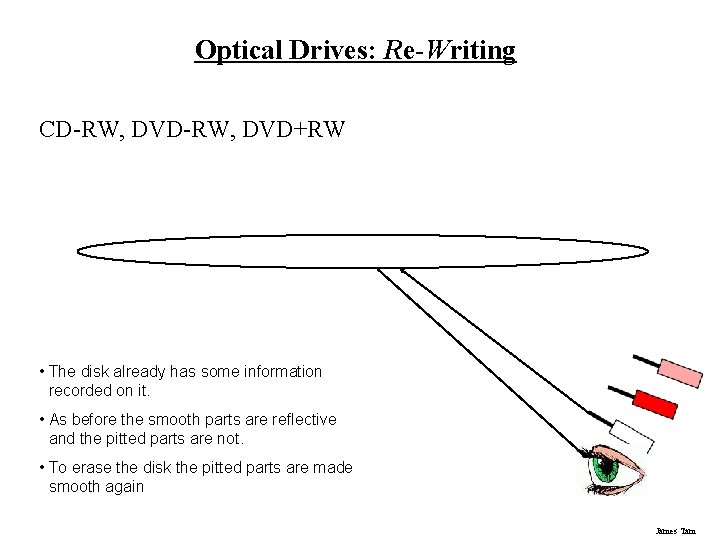
Optical Drives: Re-Writing CD-RW, DVD+RW James Tam
Optical Drives: Re-Writing CD-RW, DVD+RW • The disk already has some information recorded on it. • As before the smooth parts are reflective and the pitted parts are not. • To erase the disk the pitted parts are made smooth again James Tam
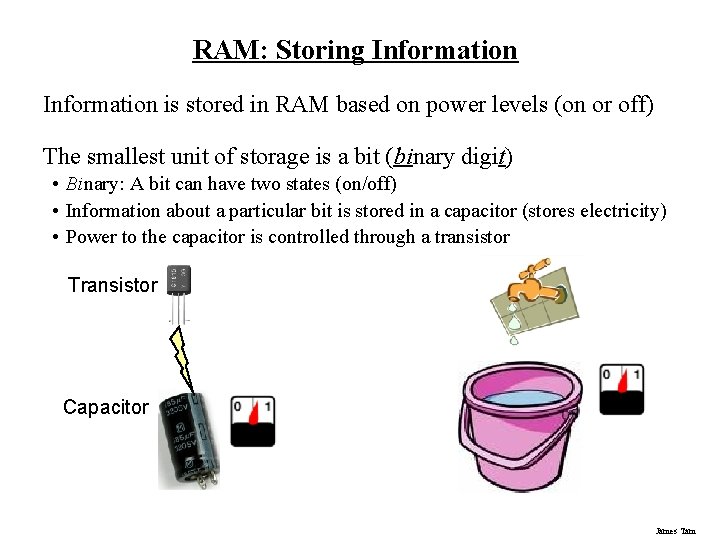
RAM: Storing Information is stored in RAM based on power levels (on or off) The smallest unit of storage is a bit (binary digit) • Binary: A bit can have two states (on/off) • Information about a particular bit is stored in a capacitor (stores electricity) • Power to the capacitor is controlled through a transistor Transistor Capacitor James Tam
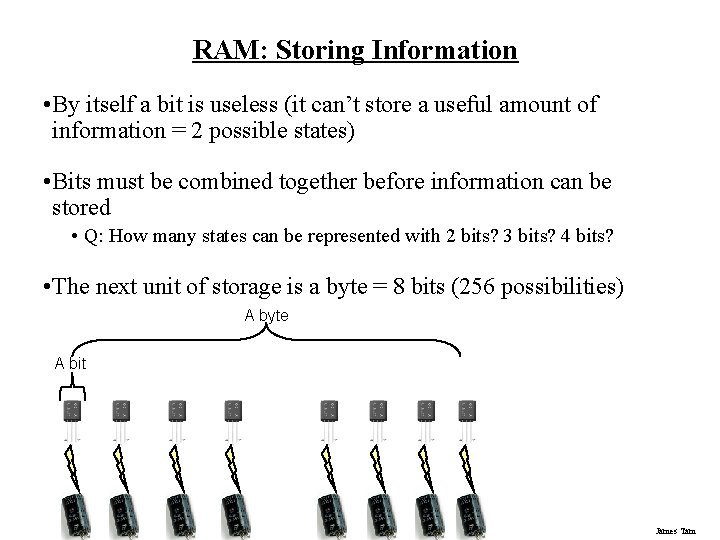
RAM: Storing Information • By itself a bit is useless (it can’t store a useful amount of information = 2 possible states) • Bits must be combined together before information can be stored • Q: How many states can be represented with 2 bits? 3 bits? 4 bits? • The next unit of storage is a byte = 8 bits (256 possibilities) A byte A bit James Tam
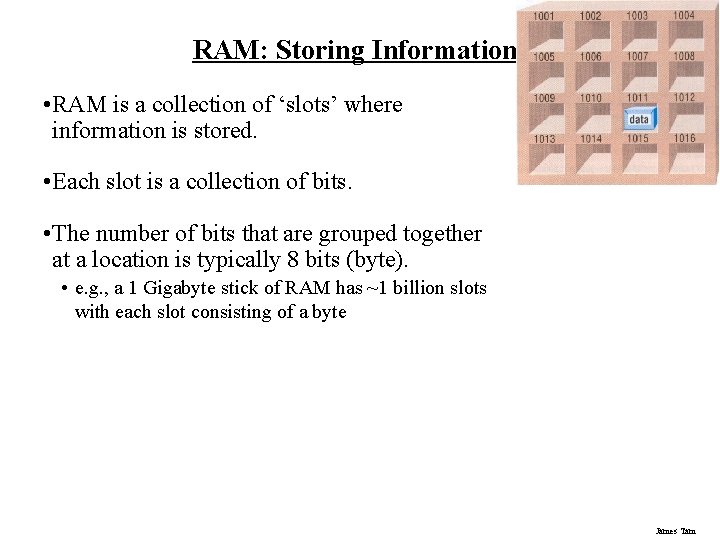
RAM: Storing Information • RAM is a collection of ‘slots’ where information is stored. • Each slot is a collection of bits. • The number of bits that are grouped together at a location is typically 8 bits (byte). • e. g. , a 1 Gigabyte stick of RAM has ~1 billion slots with each slot consisting of a byte James Tam
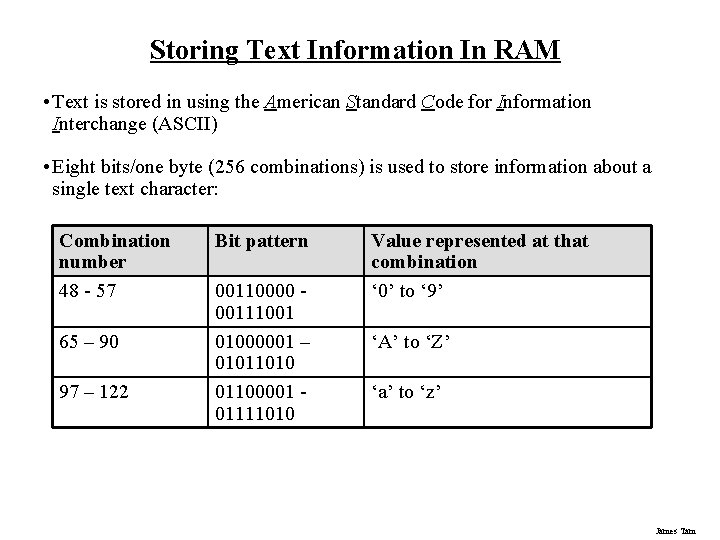
Storing Text Information In RAM • Text is stored in using the American Standard Code for Information Interchange (ASCII) • Eight bits/one byte (256 combinations) is used to store information about a single text character: Combination number 48 - 57 65 – 90 97 – 122 Bit pattern 00110000 00111001 01000001 – 01011010 01100001 01111010 Value represented at that combination ‘ 0’ to ‘ 9’ ‘A’ to ‘Z’ ‘a’ to ‘z’ James Tam
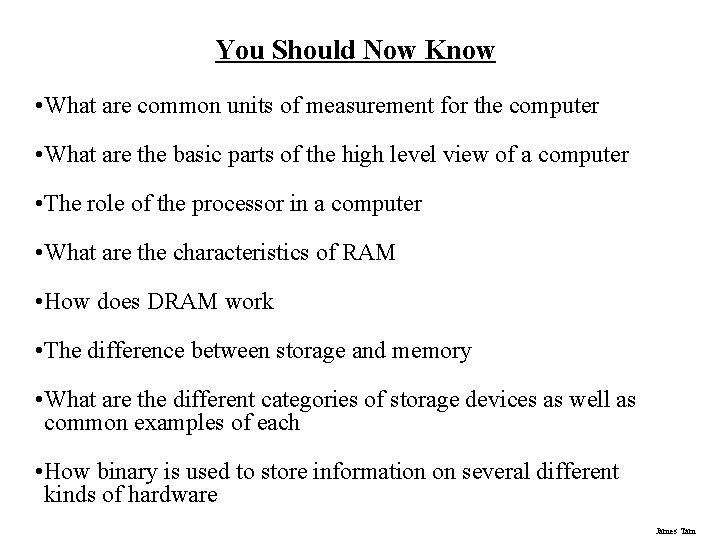
You Should Now Know • What are common units of measurement for the computer • What are the basic parts of the high level view of a computer • The role of the processor in a computer • What are the characteristics of RAM • How does DRAM work • The difference between storage and memory • What are the different categories of storage devices as well as common examples of each • How binary is used to store information on several different kinds of hardware James Tam