
Computer Graphics Visible Surface Determination Goal of Visible
Computer Graphics Visible Surface Determination
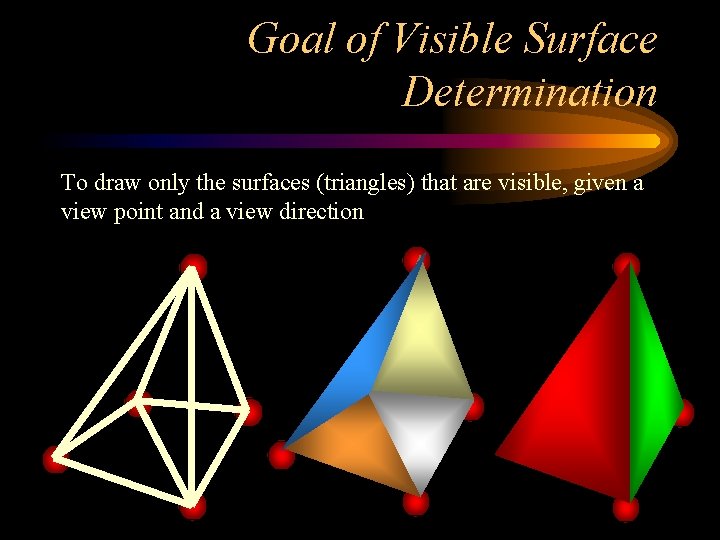
Goal of Visible Surface Determination To draw only the surfaces (triangles) that are visible, given a view point and a view direction
Three reasons to not draw something • 1. It isn’t in the view frustum • 2. It is “back facing” • 3. Something is in front of it (occlusion) • We need to do this computation quickly. How quickly?
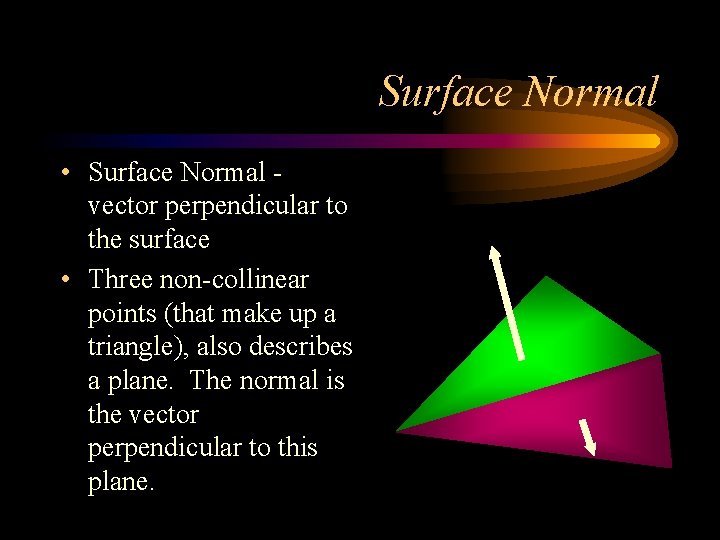
Surface Normal • Surface Normal vector perpendicular to the surface • Three non-collinear points (that make up a triangle), also describes a plane. The normal is the vector perpendicular to this plane.
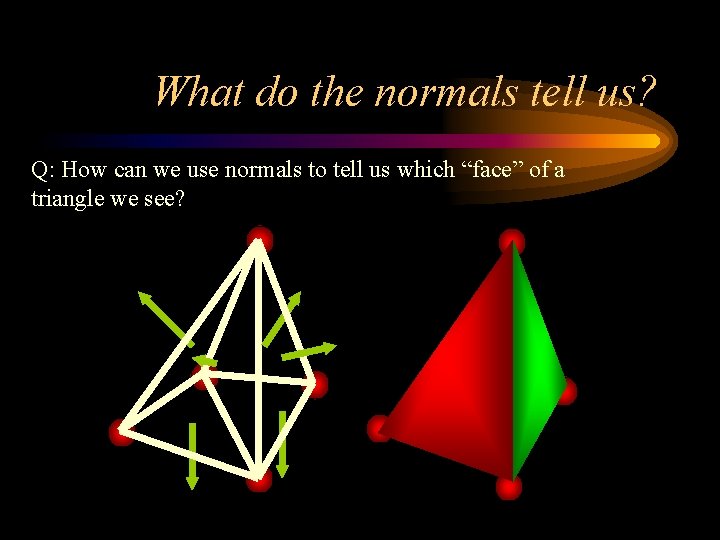
What do the normals tell us? Q: How can we use normals to tell us which “face” of a triangle we see?
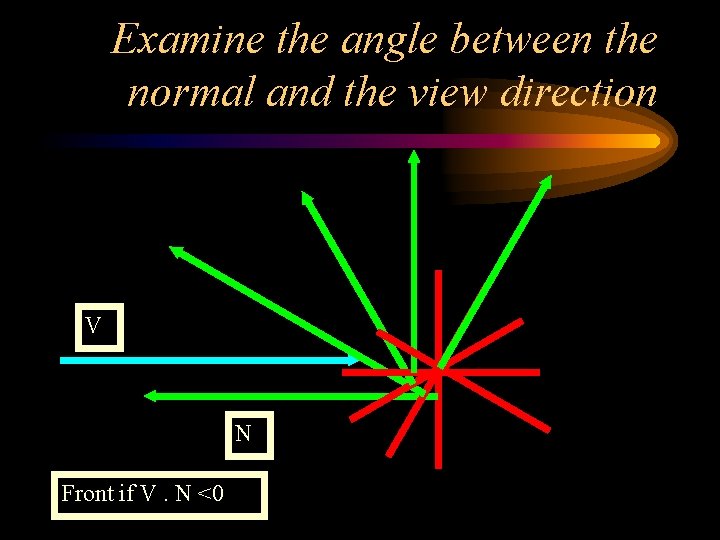
Examine the angle between the normal and the view direction V N Front if V. N <0
Backface Culling • Before scan converting a triangle, determine if it is facing you • Compute the dot product between the view vector (V) and triangle normal (N) • Simplify this to examining only the z component of the normal • If Nz<0 then it is a front facing triangle, and you should scan convert it • What surface visibility problems does this solve? Not solve? • Review Open. GL code
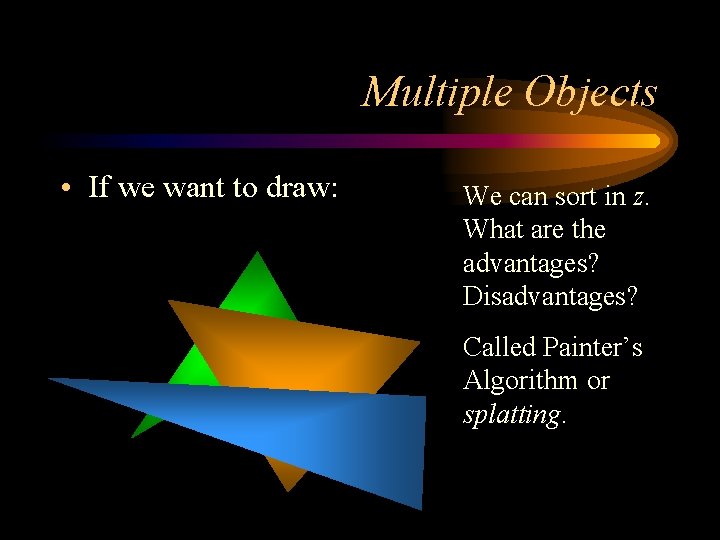
Multiple Objects • If we want to draw: We can sort in z. What are the advantages? Disadvantages? Called Painter’s Algorithm or splatting.

Painter’s Algorithm Subtleties • What do we mean sort in z? That is for a triangle, what is its representative z value? – Minimum z – Maximum z – Polygon’s centroid • Work cost = sort + draw • We still use Painter’s Algorithms for blended objects (discussed in the Blending Lesson) • An object space visibility algorithm
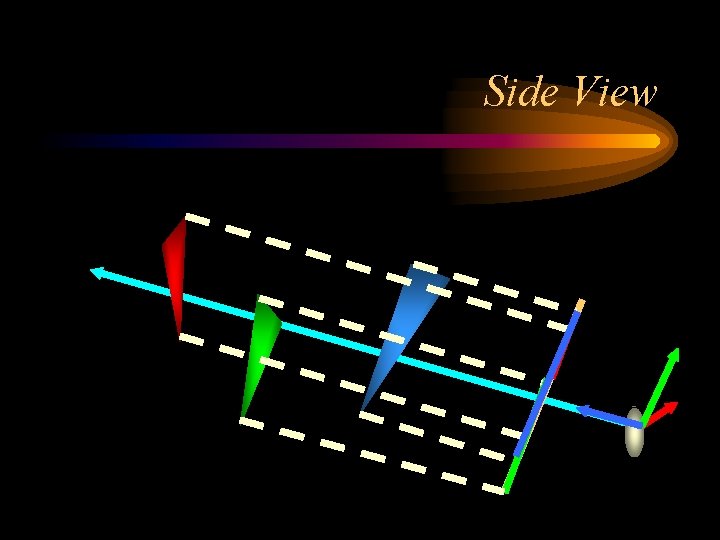
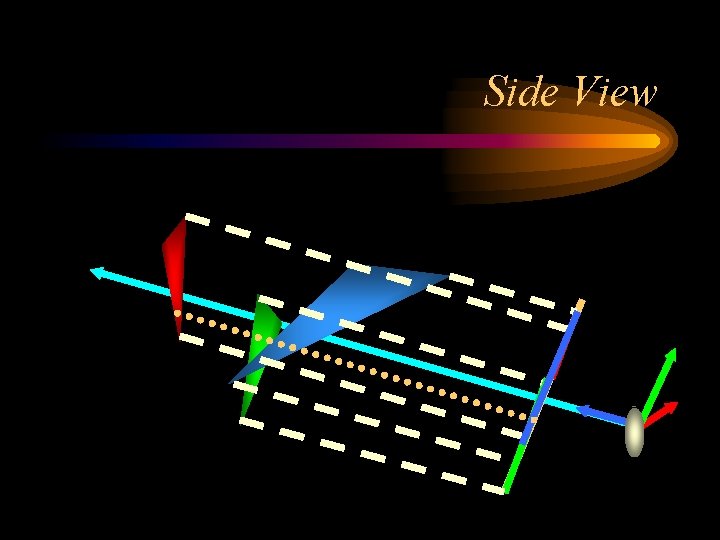
Side View
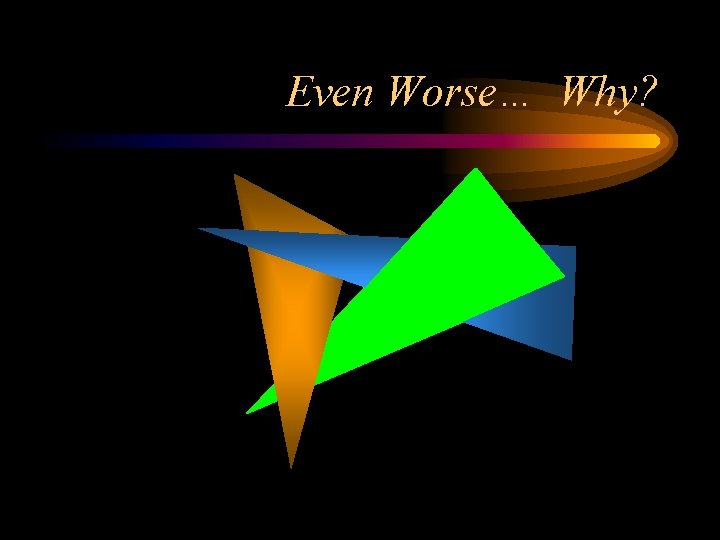
Even Worse… Why?
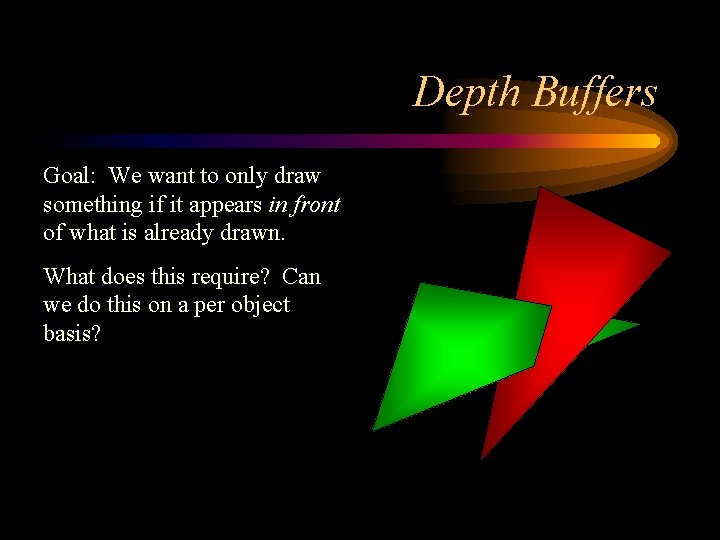
Depth Buffers Goal: We want to only draw something if it appears in front of what is already drawn. What does this require? Can we do this on a per object basis?
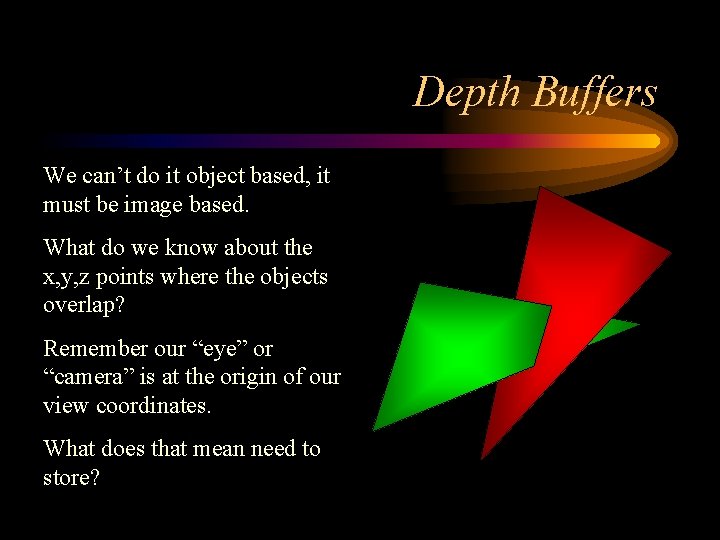
Depth Buffers We can’t do it object based, it must be image based. What do we know about the x, y, z points where the objects overlap? Remember our “eye” or “camera” is at the origin of our view coordinates. What does that mean need to store?
Side View
Algorithm • We need to have an additional value for each pixel that stores the depth value. • What is the data type for the depth value? • How much memory does this require? • Playstation 1 had 2 MB. • The first commercial 512 x 512 framebuffer cost $15, 000 • Called Depth Buffering or Z buffering
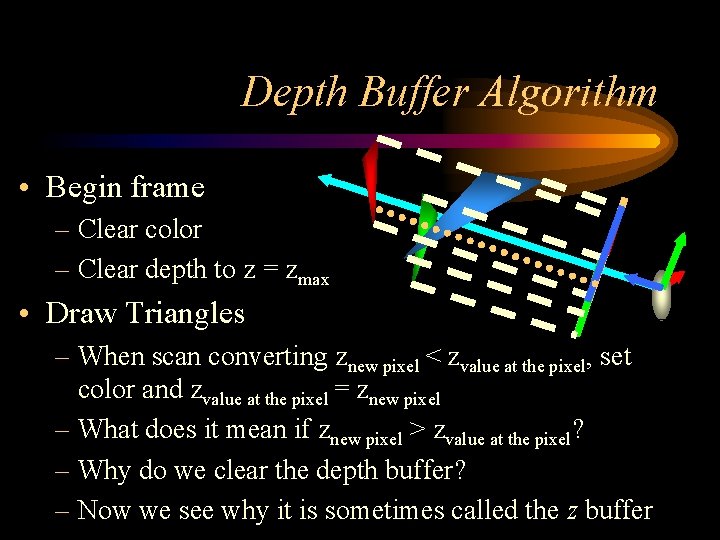
Depth Buffer Algorithm • Begin frame – Clear color – Clear depth to z = zmax • Draw Triangles – When scan converting znew pixel < zvalue at the pixel, set color and zvalue at the pixel = znew pixel – What does it mean if znew pixel > zvalue at the pixel? – Why do we clear the depth buffer? – Now we see why it is sometimes called the z buffer
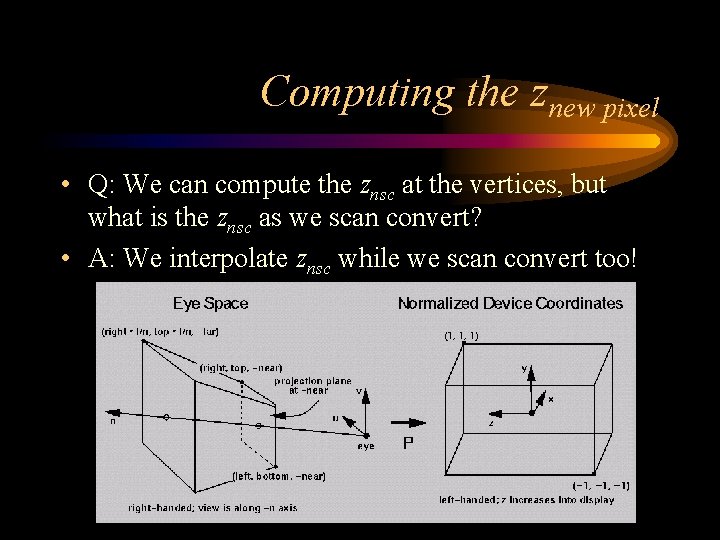
Computing the znew pixel • Q: We can compute the znsc at the vertices, but what is the znsc as we scan convert? • A: We interpolate znsc while we scan convert too!
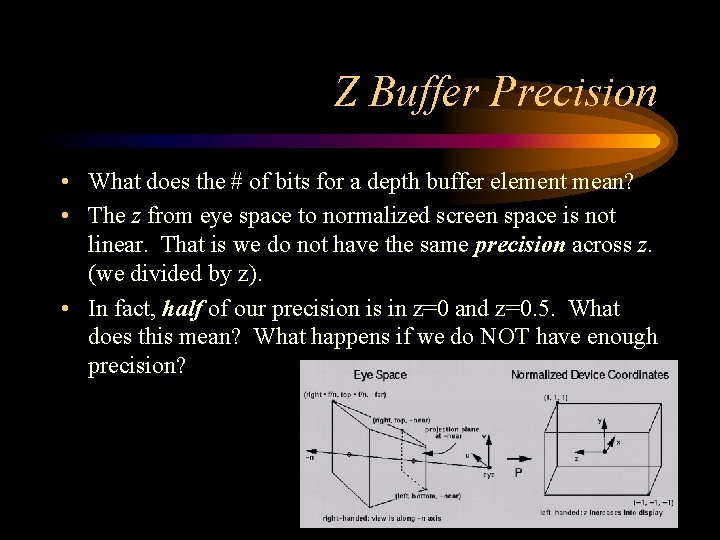
Z Buffer Precision • What does the # of bits for a depth buffer element mean? • The z from eye space to normalized screen space is not linear. That is we do not have the same precision across z. (we divided by z). • In fact, half of our precision is in z=0 and z=0. 5. What does this mean? What happens if we do NOT have enough precision?
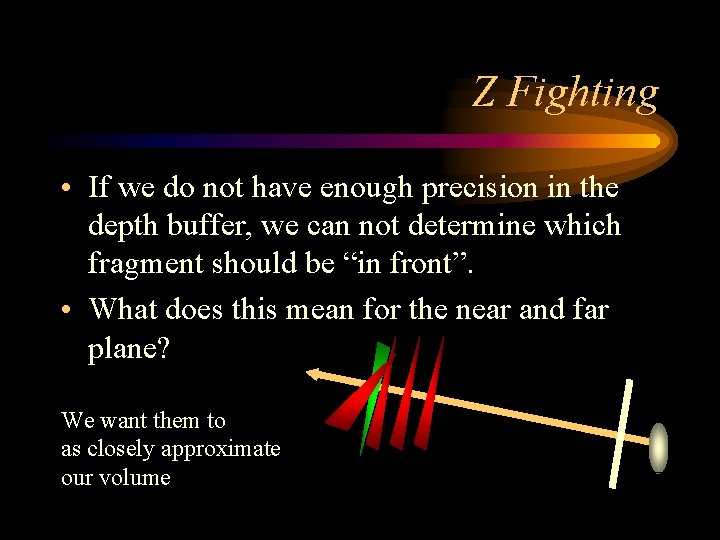
Z Fighting • If we do not have enough precision in the depth buffer, we can not determine which fragment should be “in front”. • What does this mean for the near and far plane? We want them to as closely approximate our volume
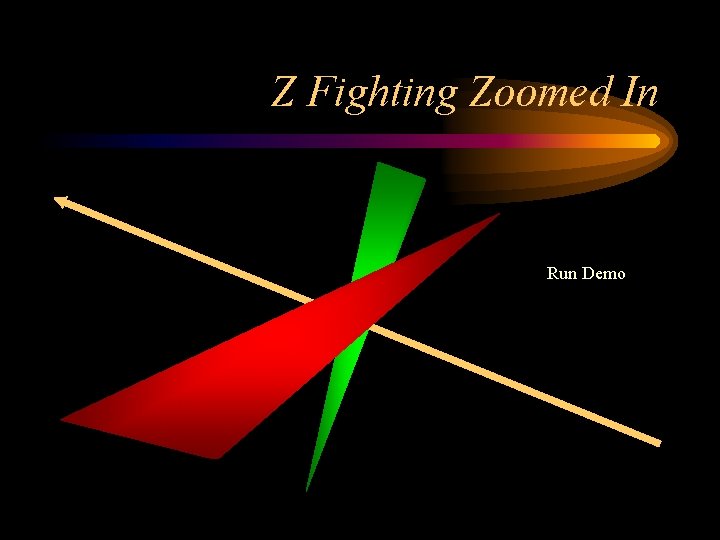
Z Fighting Zoomed In Run Demo
Depth Buffer Algorithm • Pros: – Easy to understand implement – per pixel “correct” answer – no preprocess – draw objects in any order – no need to redivide objects • Cons: – Z precision – additional memory – Z fighting
- Slides: 21