
Computer Graphics Sense from Symbol Applications of Graphics
Computer Graphics Sense from Symbol
Applications of Graphics Entertainment • consumer enjoyment Design • of physical objects to be built Visualization • of data of any kind Training • of reflexes for critical tasks
Entertainment Games • interactive virtual worlds • graphics, sound, physics, AI, rules, networking Movies • animation —totally computer generated imagery • special effects —mix of imagery of the physical and the virtual worlds Television • cartoons - simple animation • advertisements - simple special effects
Design Vehicles • cars, airplanes, etc. Buildings • architecture & engineering Appliances • Industrial Design Electronics • integrated circuits (chips), boards Coupled with • simulation & automated manufacturing
Visualization Science & Engineering • simulations —mostly physics for engineering • real-world data —weather, oceans, astronomical, planetary Medical • body sensing —MRI, CT, ultrasound sonograms Data Mining • statistical analysis and decision support • economics, business, demographics, etc.
Training Vehicle piloting • aircraft • ships, tanks • trucks, cars Team • combat • emergency Individual skill • soldiers • repair
Graphics Data Sources Designed • computer aided design tool —used by artist or designer • specialized for each application Sampled • cameras • lasers • magnetic, x-ray, ultra-sound Algorithms • mathematical functions —e. g. sphere : = x 2 + y 2 = r 2 • algorithms —e. g. fractal terrain
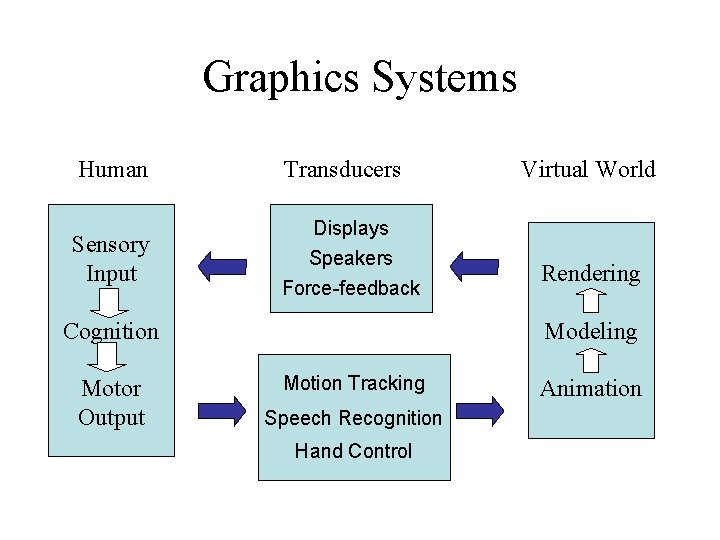
Graphics Systems Human Transducers Sensory Input Displays Speakers Force-feedback Cognition Motor Output Virtual World Rendering Modeling Motion Tracking Speech Recognition Hand Control Animation
Geometric Modeling Function • Represents the contents of space — the virtual world at a single moment in time Constituents • Geometry – represents shape • Energy sources – light, sound and motion • Attributes – Appearance : properties that effect perception Mass : properties that effect motion Foundations Mathematics : continuous functions Data structures : organizing data to facilitate algorithms

Rendering Function • Generate perception of a virtual world at an instant (or small interval) of time Form • Algorithms that take the geometric model as input and generate output that drives transducers —Displays, speakers, force-feedback • Based-on physics and perceptual physiology —only as needed to create perception
Motion Function • updates state of geometric model from one moment in time to the next Forms • • Interactive input (possibly from a network) Animation – designed or sampled Physics - Newtonian dynamics Behavior – Artificial Intelligence (AI)
Brain -> Geometry Brain perception • pre-wired for perception of space (Kant : 1724 -1804) —presumably for most, if not all, animals • perception —objects, and motion of objects —relative location/orientation left/right of, front/behind of, above/below of Cognition • experiential abstractions (right brain) —extension, shape, connectedness —location, spatial relations, and movement • linguistic abstractions (left brain) —space, time, ordering, change —geometry, topology, motion

Geometry Foundations • • space : extension point : location geometry : shape dimension : spatial relation Euclidian Geometry • • points, lines, polygons angles, length coincidence, intersection, parallel similarity, congruence
Geometry & Numbers Geometry • sets of points • discrete vs. continuous —discrete means “separate and countable” —continuous means “no gaps” Numbers • Integers —discrete —cardinals (counting) & ordinals (ordering) • Reals —continuous —integer + factional component : 3. 14159
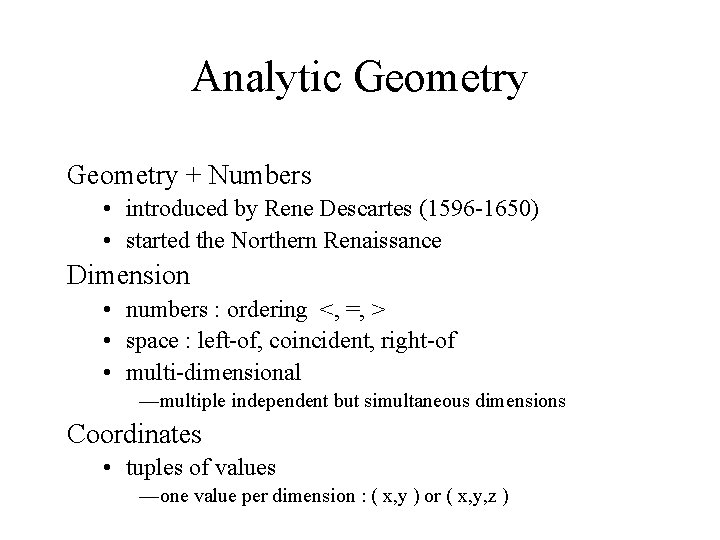
Analytic Geometry + Numbers • introduced by Rene Descartes (1596 -1650) • started the Northern Renaissance Dimension • numbers : ordering <, =, > • space : left-of, coincident, right-of • multi-dimensional —multiple independent but simultaneous dimensions Coordinates • tuples of values —one value per dimension : ( x, y ) or ( x, y, z )
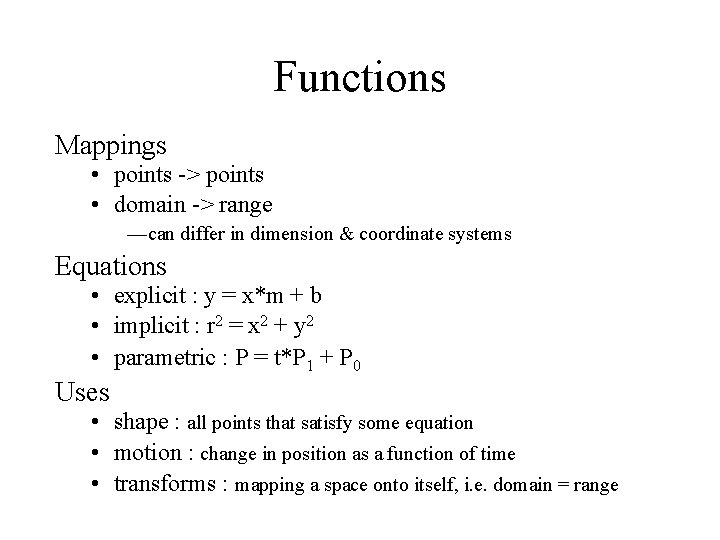
Functions Mappings • points -> points • domain -> range —can differ in dimension & coordinate systems Equations • explicit : y = x*m + b • implicit : r 2 = x 2 + y 2 • parametric : P = t*P 1 + P 0 Uses • shape : all points that satisfy some equation • motion : change in position as a function of time • transforms : mapping a space onto itself, i. e. domain = range
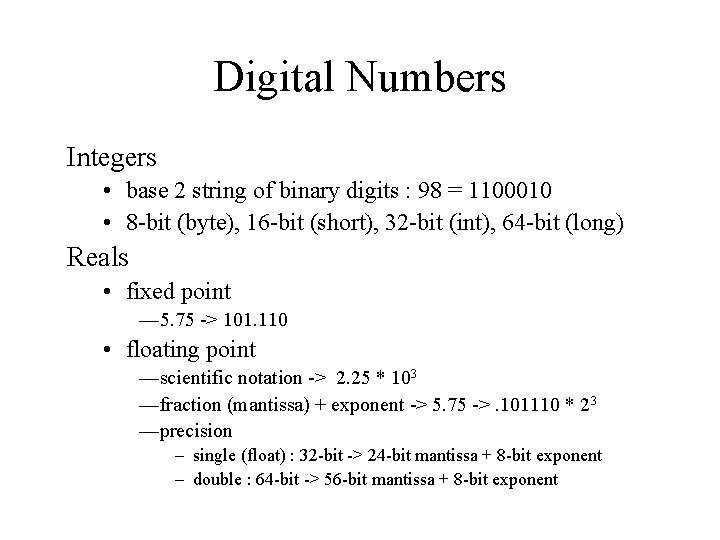
Digital Numbers Integers • base 2 string of binary digits : 98 = 1100010 • 8 -bit (byte), 16 -bit (short), 32 -bit (int), 64 -bit (long) Reals • fixed point — 5. 75 -> 101. 110 • floating point —scientific notation -> 2. 25 * 103 —fraction (mantissa) + exponent -> 5. 75 ->. 101110 * 23 —precision – single (float) : 32 -bit -> 24 -bit mantissa + 8 -bit exponent – double : 64 -bit -> 56 -bit mantissa + 8 -bit exponent
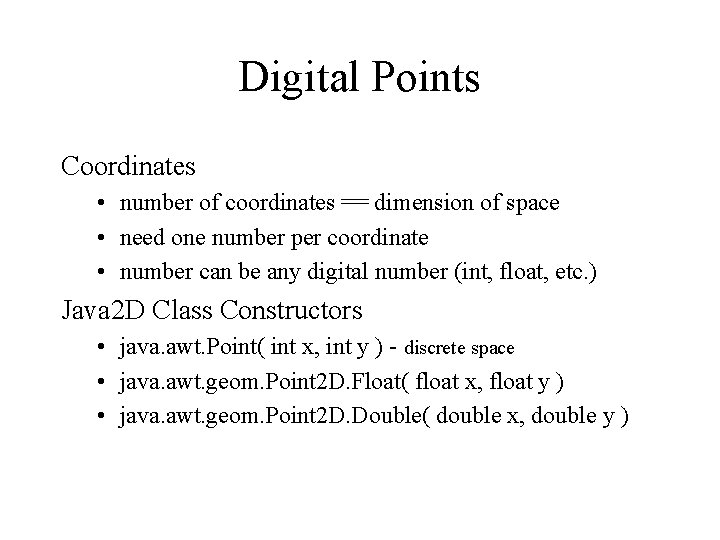
Digital Points Coordinates • number of coordinates == dimension of space • need one number per coordinate • number can be any digital number (int, float, etc. ) Java 2 D Class Constructors • java. awt. Point( int x, int y ) - discrete space • java. awt. geom. Point 2 D. Float( float x, float y ) • java. awt. geom. Point 2 D. Double( double x, double y )
Digital Lines • 1 D, continuous, straight (not curved) • infinite length, unbounded Line Segments • finite subset of a line • definable by two end-points Java 2 D Class • java. awt. geom. Line 2 D
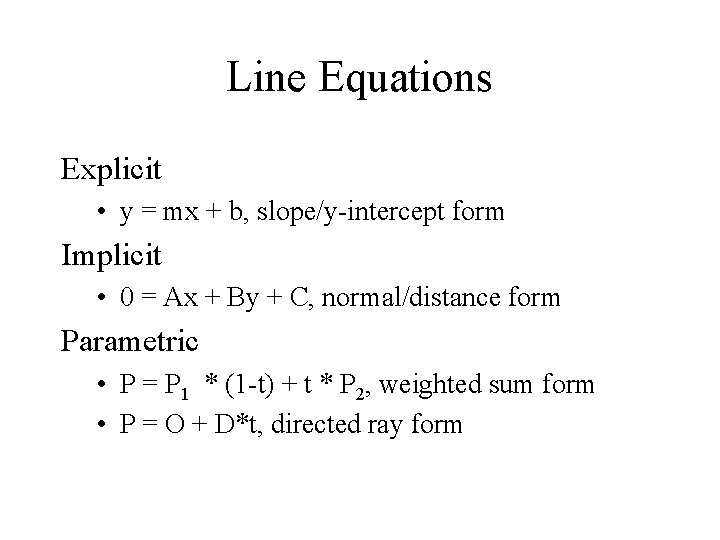
Line Equations Explicit • y = mx + b, slope/y-intercept form Implicit • 0 = Ax + By + C, normal/distance form Parametric • P = P 1 * (1 -t) + t * P 2, weighted sum form • P = O + D*t, directed ray form
Transformations Purpose • make global geometric changes • restricted to use of linear equations in CG Elementary Transforms • • Translation - change in position Rotation - change in orientation Scaling - change in size Shearing - change in perpendicularity Combinations • any sequence of elementary transformations can be used • order of transforms matters in most cases
Classes of Transformations Rigid Body • preserves distances and angles • translation & rotation Affine • preserves parallel lines • all 4 elementary transformations Projective • preserves straightness/flatness • affine + perspective Linear • rotation, scaling and shearing
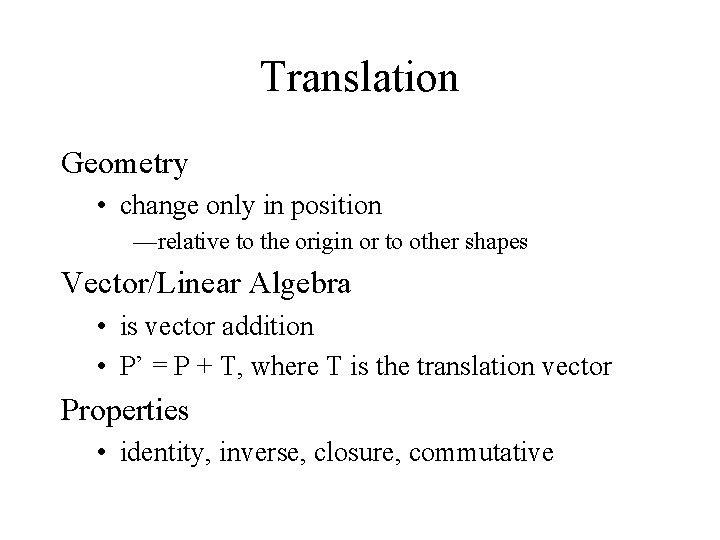
Translation Geometry • change only in position —relative to the origin or to other shapes Vector/Linear Algebra • is vector addition • P’ = P + T, where T is the translation vector Properties • identity, inverse, closure, commutative
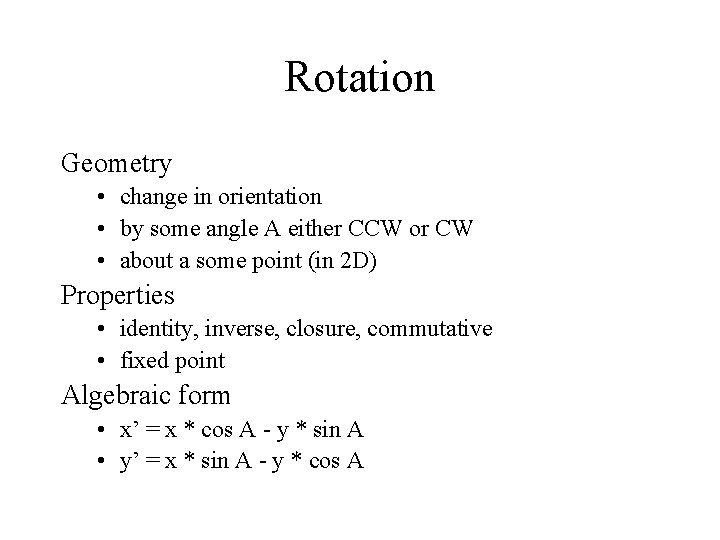
Rotation Geometry • change in orientation • by some angle A either CCW or CW • about a some point (in 2 D) Properties • identity, inverse, closure, commutative • fixed point Algebraic form • x’ = x * cos A - y * sin A • y’ = x * sin A - y * cos A
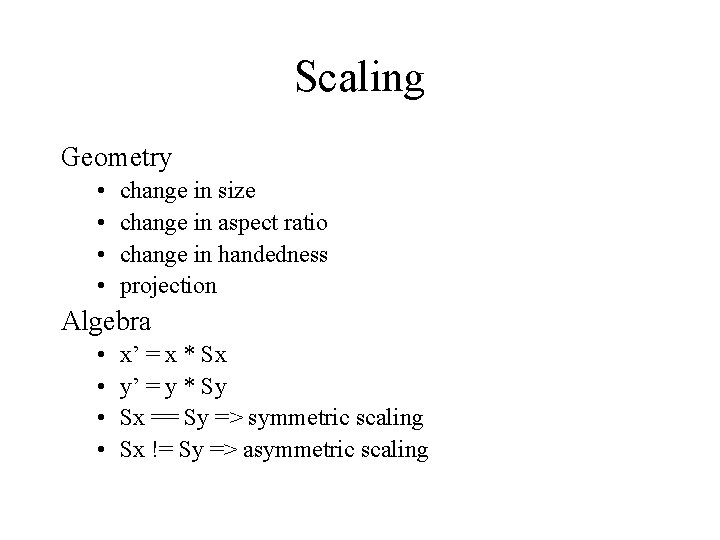
Scaling Geometry • • change in size change in aspect ratio change in handedness projection Algebra • • x’ = x * Sx y’ = y * Sy Sx == Sy => symmetric scaling Sx != Sy => asymmetric scaling
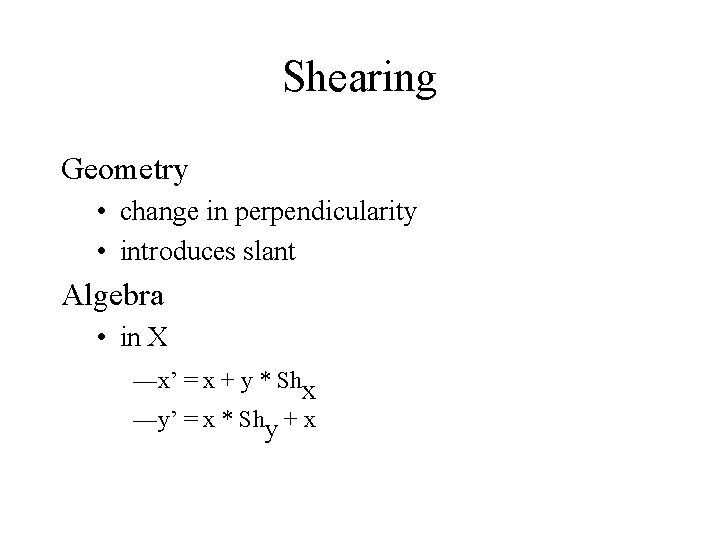
Shearing Geometry • change in perpendicularity • introduces slant Algebra • in X —x’ = x + y * Shx —y’ = x * Shy + x
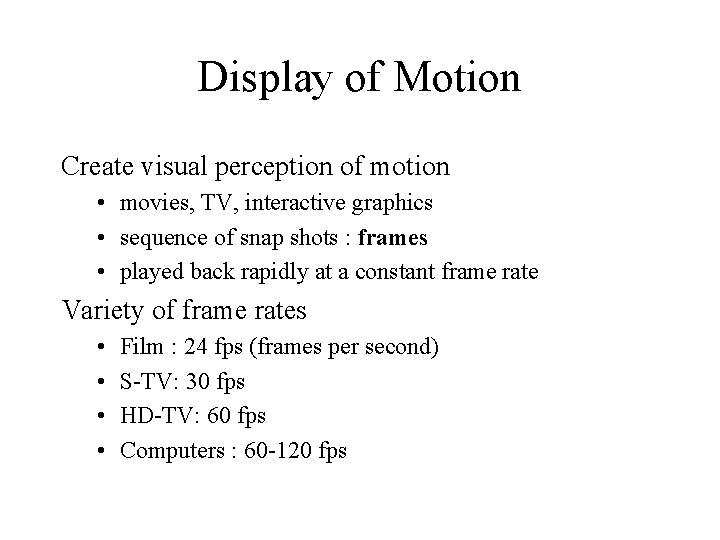
Display of Motion Create visual perception of motion • movies, TV, interactive graphics • sequence of snap shots : frames • played back rapidly at a constant frame rate Variety of frame rates • • Film : 24 fps (frames per second) S-TV: 30 fps HD-TV: 60 fps Computers : 60 -120 fps
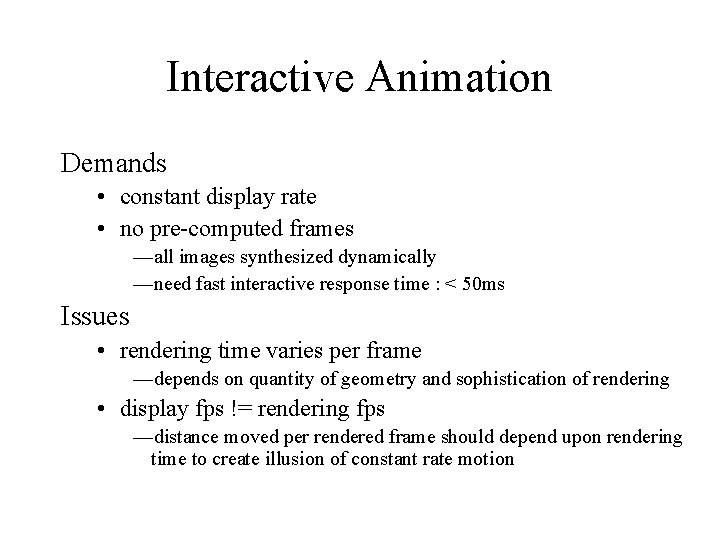
Interactive Animation Demands • constant display rate • no pre-computed frames —all images synthesized dynamically —need fast interactive response time : < 50 ms Issues • rendering time varies per frame —depends on quantity of geometry and sophistication of rendering • display fps != rendering fps —distance moved per rendered frame should depend upon rendering time to create illusion of constant rate motion
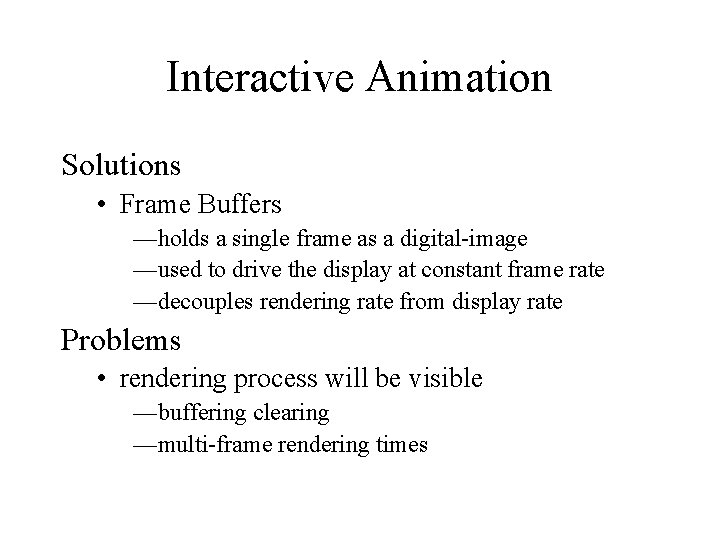
Interactive Animation Solutions • Frame Buffers —holds a single frame as a digital-image —used to drive the display at constant frame rate —decouples rendering rate from display rate Problems • rendering process will be visible —buffering clearing —multi-frame rendering times
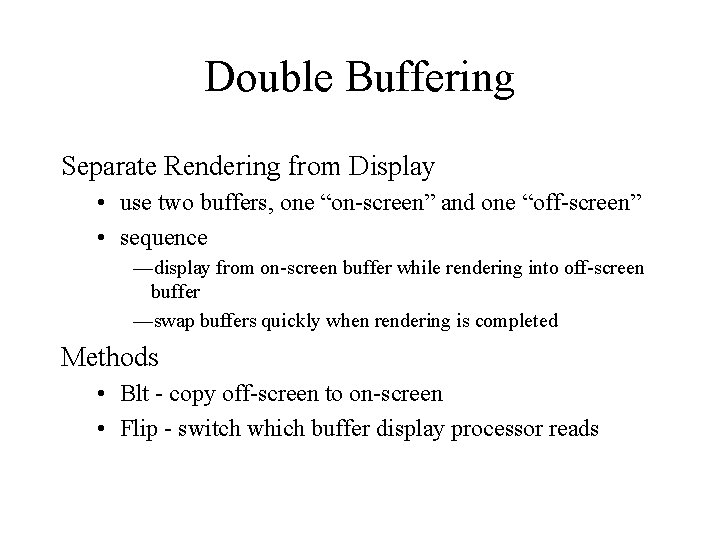
Double Buffering Separate Rendering from Display • use two buffers, one “on-screen” and one “off-screen” • sequence —display from on-screen buffer while rendering into off-screen buffer —swap buffers quickly when rendering is completed Methods • Blt - copy off-screen to on-screen • Flip - switch which buffer display processor reads
Displays Monitors • CRT’s - cathode ray tube —electron beam hits phosphors —image is drawn left-to-right, top-to-bottom • LCD —light source : backlit or reflected —opacity of surface is modulated Latest • LED - light emitting diode • Plasma - charged gas • DLP - laser + mirrors
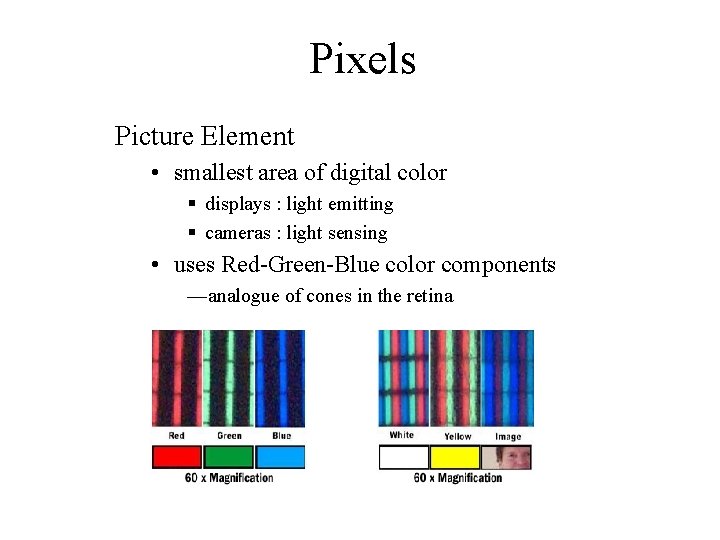
Pixels Picture Element • smallest area of digital color § displays : light emitting § cameras : light sensing • uses Red-Green-Blue color components —analogue of cones in the retina
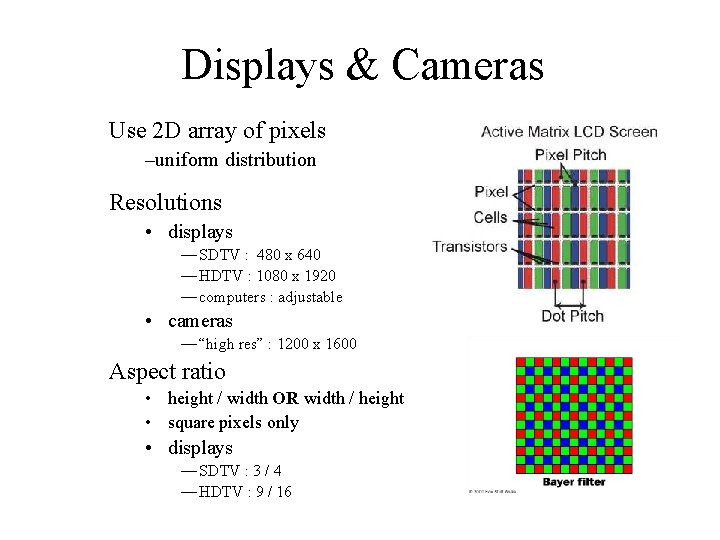
Displays & Cameras Use 2 D array of pixels –uniform distribution Resolutions • displays — SDTV : 480 x 640 — HDTV : 1080 x 1920 — computers : adjustable • cameras — “high res” : 1200 x 1600 Aspect ratio • height / width OR width / height • square pixels only • displays — SDTV : 3 / 4 — HDTV : 9 / 16
Digital Images 2 D Array of pixels • pixels are digitally represented in memory • each pixel has red-green-blue components —numbers -> brightness Resolution • spatial resolution : width (X) & height (Y) • color resolution (bits per pixel) — 1 -bit -> bi-level bitmap (white or black) — 3 -bits -> corners of color cube —color -> 3 x component-resolution – 8 -bit integer per component -> 24 -bit RGB – 32 -bit float per component -> 96 -bit RGB
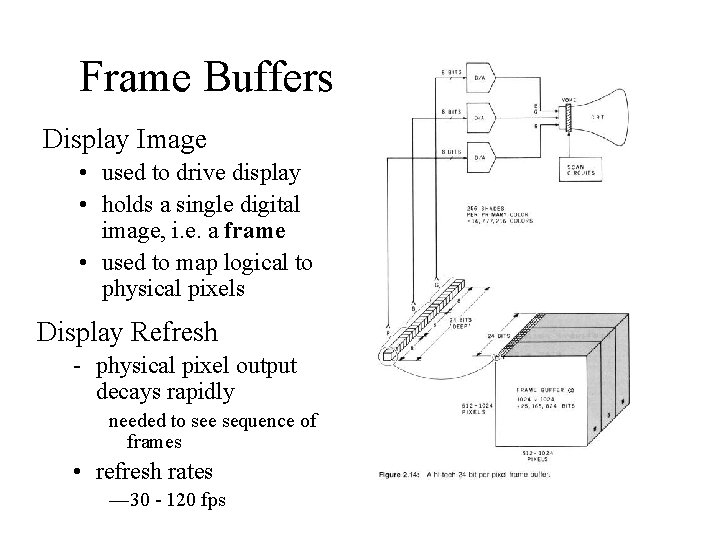
Frame Buffers Display Image • used to drive display • holds a single digital image, i. e. a frame • used to map logical to physical pixels Display Refresh - physical pixel output decays rapidly needed to see sequence of frames • refresh rates — 30 - 120 fps
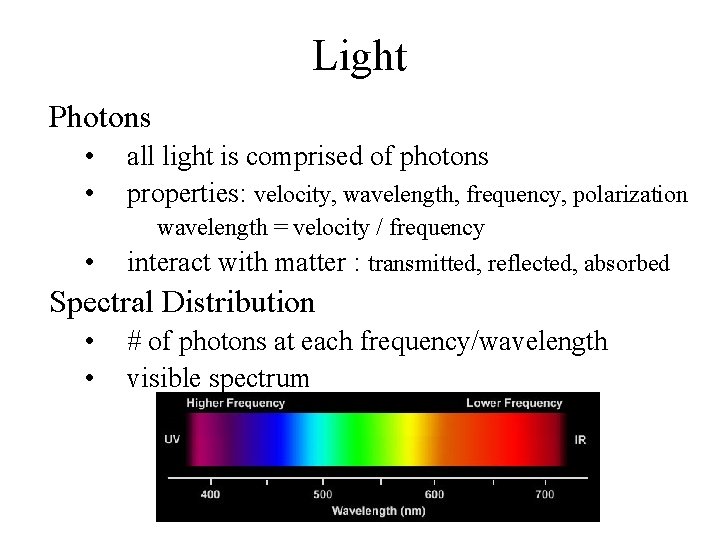
Light Photons • • all light is comprised of photons properties: velocity, wavelength, frequency, polarization wavelength = velocity / frequency • interact with matter : transmitted, reflected, absorbed Spectral Distribution • • # of photons at each frequency/wavelength visible spectrum
Visual Perception Retina • 2 D array of photo receptors; 7 million • rods : low illumination, B&W (grey scale) • cones : medium-high illumination, color Photo Receptors • measure light intensity (counts photons) • sensitivity is frequency dependent
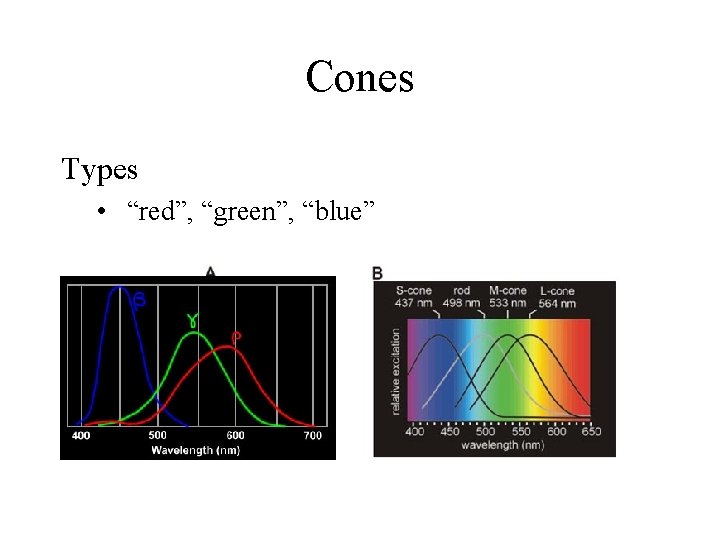
Cones Types • “red”, “green”, “blue”
Color Perception Photo receptor activation level -> brightness Combinations of cone activation 1. 2. 3. 4. one wavelength -> “rainbow colors” two wavelength -> rainbow + purples (hues) all cones at equal activation -> white (grey) arbitrary spectral distribution – hue – purity/saturation (complement of whiteness) – brightness/lightness/value
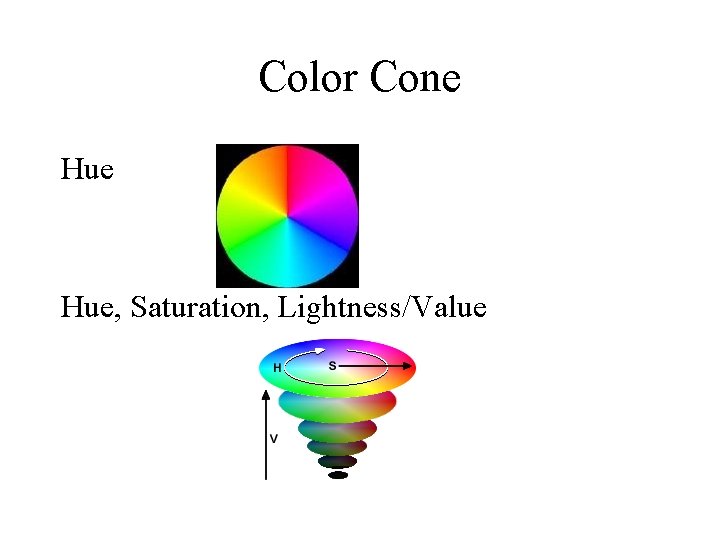
Color Cone Hue, Saturation, Lightness/Value
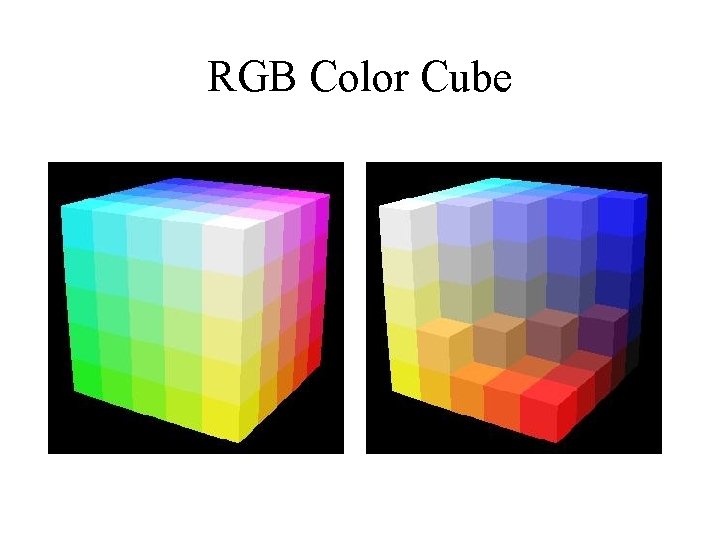
RGB Color Cube
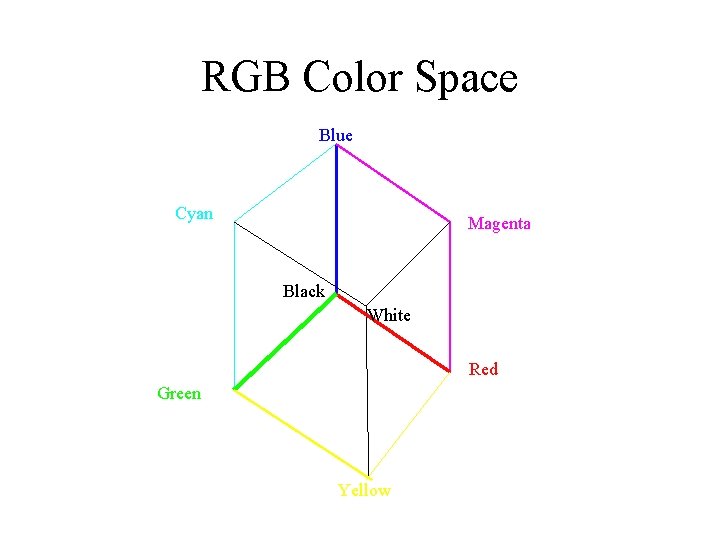
RGB Color Space Blue Cyan Magenta Black White Red Green Yellow
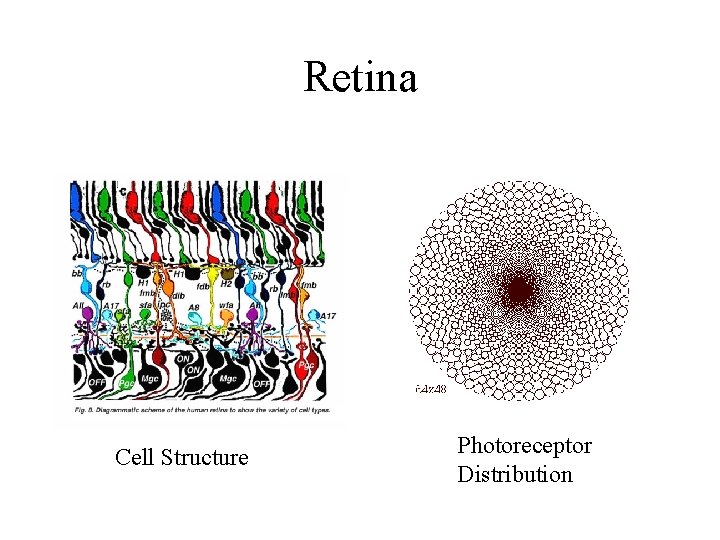
Retina Cell Structure Photoreceptor Distribution
3 D Graphics 3 D analogues of 2 D • • • Geometry Transformations Set Operations Animation Interaction 3 D only • • Viewers Lights Shading Projection
3 D Geometry Coordinates • points : (x, y, z) & vectors : [ x y z]T • X, Y, Z axes & analogous bases vectors —handedness Shapes • interior is a solid which has volume • boundary is a surface —defined piecewise • surface algorithms more complicated than for curves —e. g. set operations, collision detection
3 D Curved Surfaces Implicits • polynomials define interior, boundary and exterior • sphere : x 2 + y 2 + z 2 = r 2 Parametrics • many Bezier curves used to define a single surface • recursive subdivision used to create triangle mesh approximation
Polyhedra Boundary • piecewise linear —each piece is called a “face” or “facet” • if closed => solid —polyhedra proper are closed —polyhedral meshes may be open Use • real-time graphics is all polyhedral —hardware only draws triangular meshes • can approximate any curved surface arbitrarily well —often combined with “smooth shading”
Polytopes Dimension independent concept 3 D 2 D 1 D 0 D polyhedra polygons line segments point Boundary : recursive definition • d-polytope bounded by set of (d-1)-polytope —d is the dimension, stops at d == 0
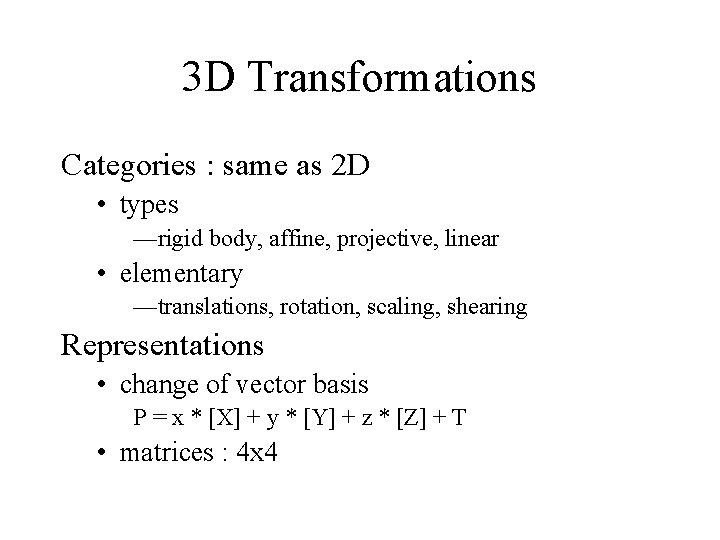
3 D Transformations Categories : same as 2 D • types —rigid body, affine, projective, linear • elementary —translations, rotation, scaling, shearing Representations • change of vector basis P = x * [X] + y * [Y] + z * [Z] + T • matrices : 4 x 4
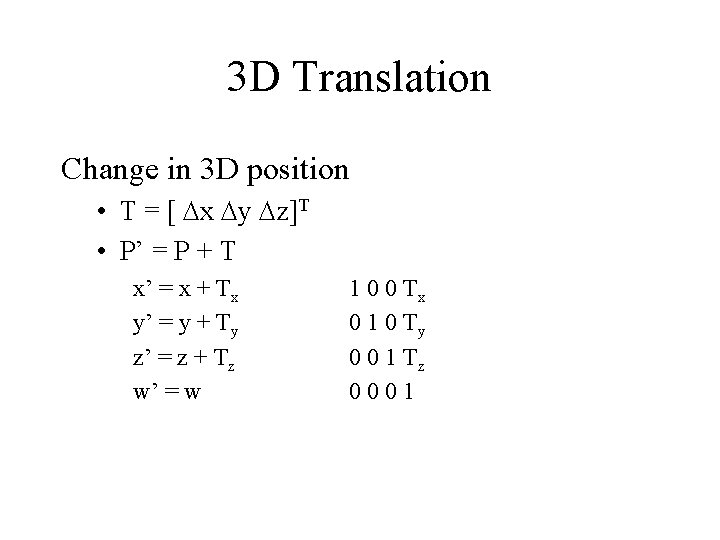
3 D Translation Change in 3 D position • T = [ Dx Dy Dz]T • P’ = P + T x’ = x + Tx y’ = y + Ty z’ = z + Tz w’ = w 1 0 0 Tx 0 1 0 Ty 0 0 1 Tz 0001
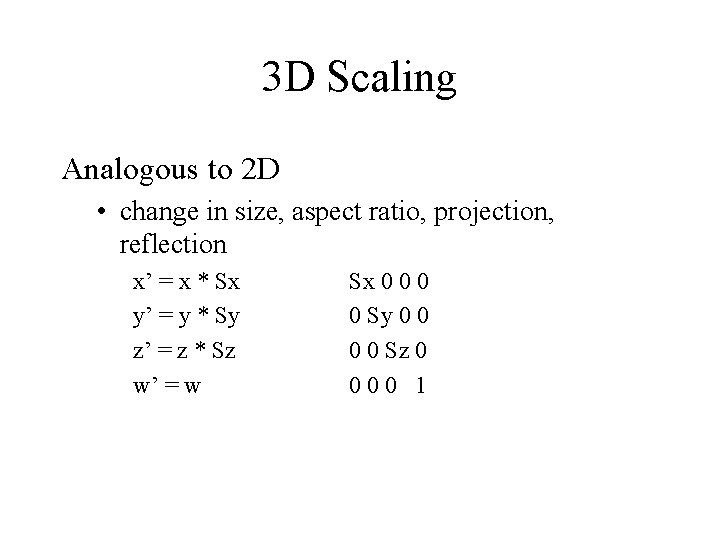
3 D Scaling Analogous to 2 D • change in size, aspect ratio, projection, reflection x’ = x * Sx y’ = y * Sy z’ = z * Sz w’ = w Sx 0 0 Sy 0 0 Sz 0 000 1
3 D Rotation as change of vector basis • preserve : —length § no change is length of each vector basis —perpendicularity § between every pair of vector bases § called orthogonal vector basis • called orthonormal transformation
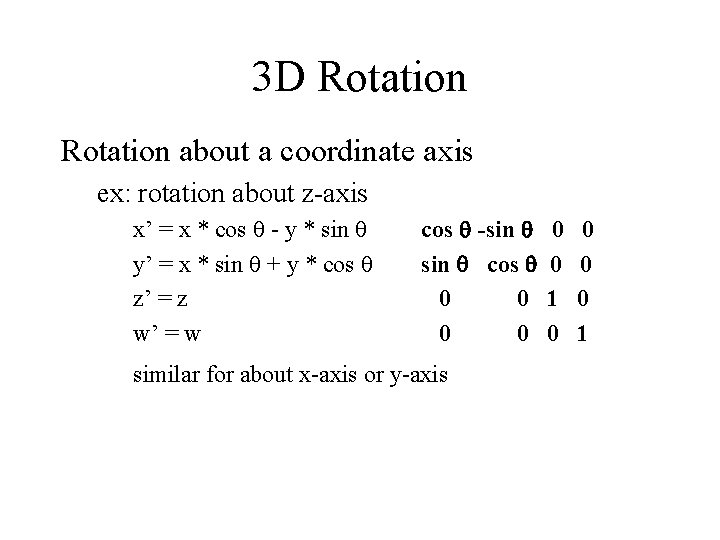
3 D Rotation about a coordinate axis ex: rotation about z-axis x’ = x * cos q - y * sin q y’ = x * sin q + y * cos q z’ = z w’ = w cos q -sin q cos q 0 0 similar for about x-axis or y-axis 0 0 1
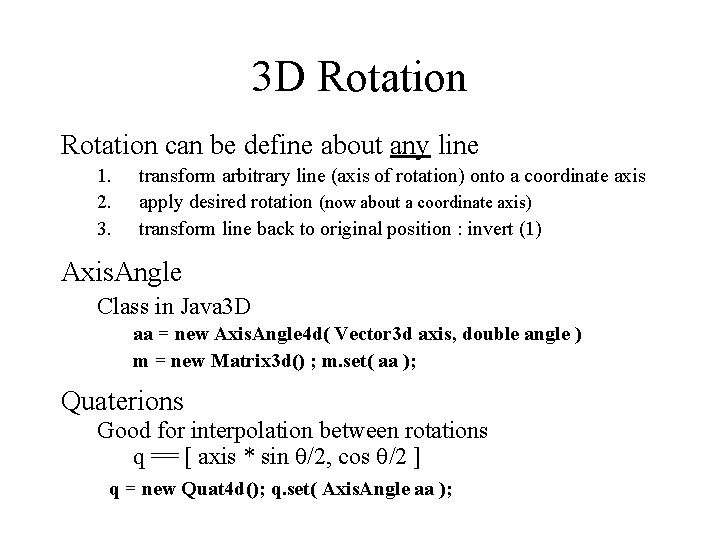
3 D Rotation can be define about any line 1. 2. 3. transform arbitrary line (axis of rotation) onto a coordinate axis apply desired rotation (now about a coordinate axis) transform line back to original position : invert (1) Axis. Angle Class in Java 3 D aa = new Axis. Angle 4 d( Vector 3 d axis, double angle ) m = new Matrix 3 d() ; m. set( aa ); Quaterions Good for interpolation between rotations q == [ axis * sin q/2, cos q/2 ] q = new Quat 4 d(); q. set( Axis. Angle aa );
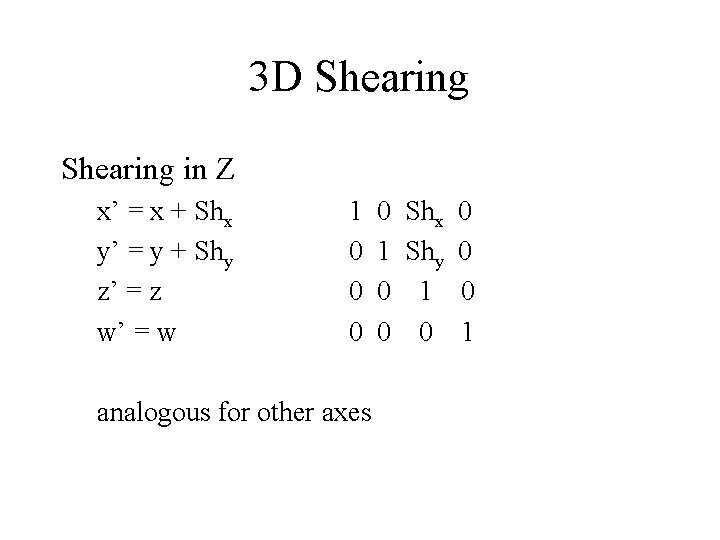
3 D Shearing in Z x’ = x + Shx y’ = y + Shy z’ = z w’ = w 1 0 0 0 analogous for other axes 0 Shx 0 1 Shy 0 0 1 0 0 0 1
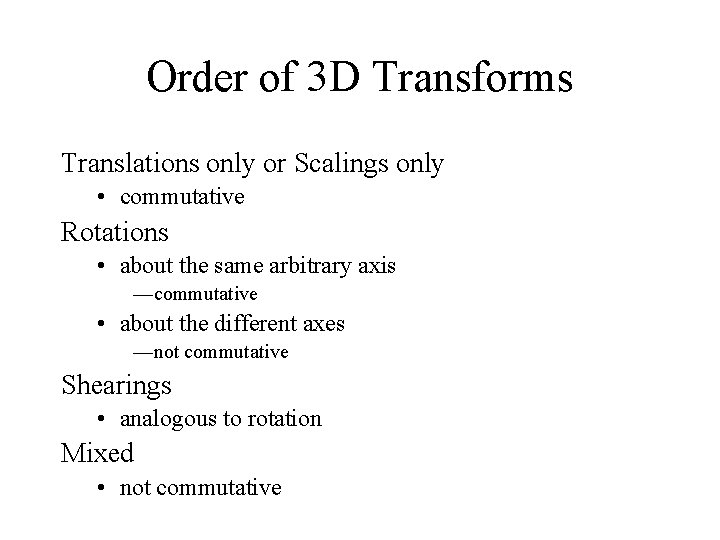
Order of 3 D Transforms Translations only or Scalings only • commutative Rotations • about the same arbitrary axis —commutative • about the different axes —not commutative Shearings • analogous to rotation Mixed • not commutative
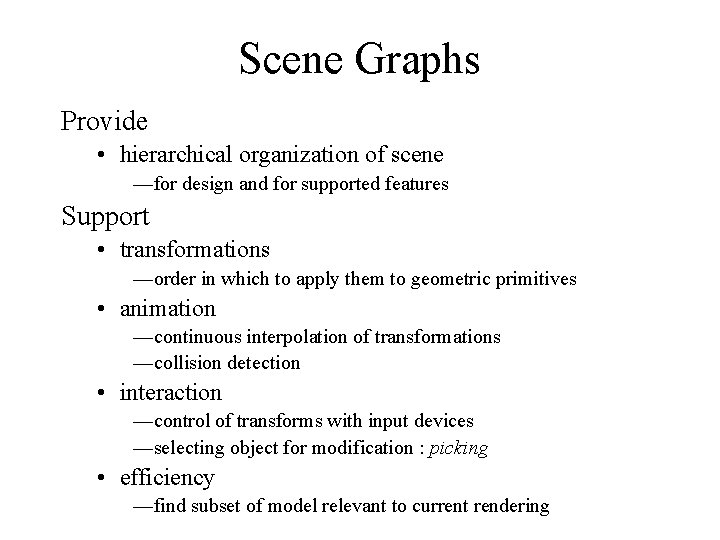
Scene Graphs Provide • hierarchical organization of scene —for design and for supported features Support • transformations —order in which to apply them to geometric primitives • animation —continuous interpolation of transformations —collision detection • interaction —control of transforms with input devices —selecting object for modification : picking • efficiency —find subset of model relevant to current rendering
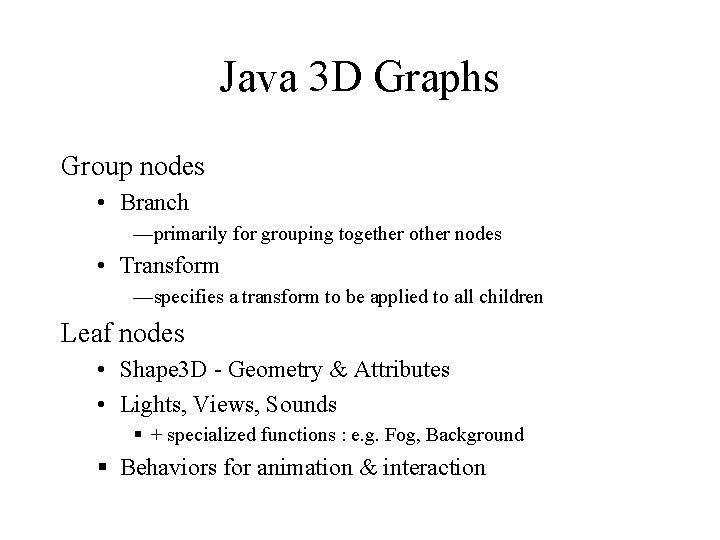
Java 3 D Graphs Group nodes • Branch —primarily for grouping together other nodes • Transform —specifies a transform to be applied to all children Leaf nodes • Shape 3 D - Geometry & Attributes • Lights, Views, Sounds § + specialized functions : e. g. Fog, Background § Behaviors for animation & interaction
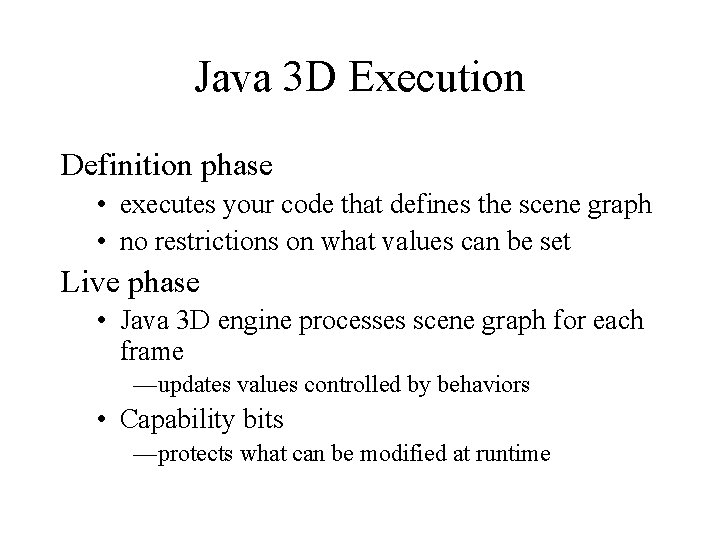
Java 3 D Execution Definition phase • executes your code that defines the scene graph • no restrictions on what values can be set Live phase • Java 3 D engine processes scene graph for each frame —updates values controlled by behaviors • Capability bits —protects what can be modified at runtime
- Slides: 59