
Computer Graphics Open GL Texture mapping Open GL

- Slides: 30
Computer Graphics Open. GL - Texture mapping
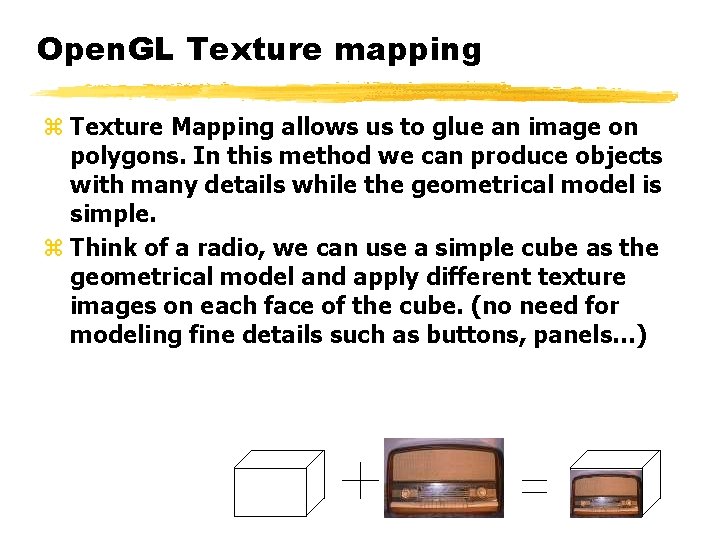
Open. GL Texture mapping z Texture Mapping allows us to glue an image on polygons. In this method we can produce objects with many details while the geometrical model is simple. z Think of a radio, we can use a simple cube as the geometrical model and apply different texture images on each face of the cube. (no need for modeling fine details such as buttons, panels…)
What is a Texture? z A texture image is a rectangular array of pixel data y Usually a 2 D array, but can be 1 D or 3 D z A "texture pixel" is called a "texel” y Can contain color, luminance and/or alpha information z Raster (framebuffer) images -such as. bmp, . tif, . rgb and etc. -, can be used as textures. z In Open. GL 1. 0 -1. 1, three-dimensional textures are available if the EXT_texture 3 D extension is supported. Starting with Open. GL 1. 2, 3 D textures are a core feature.
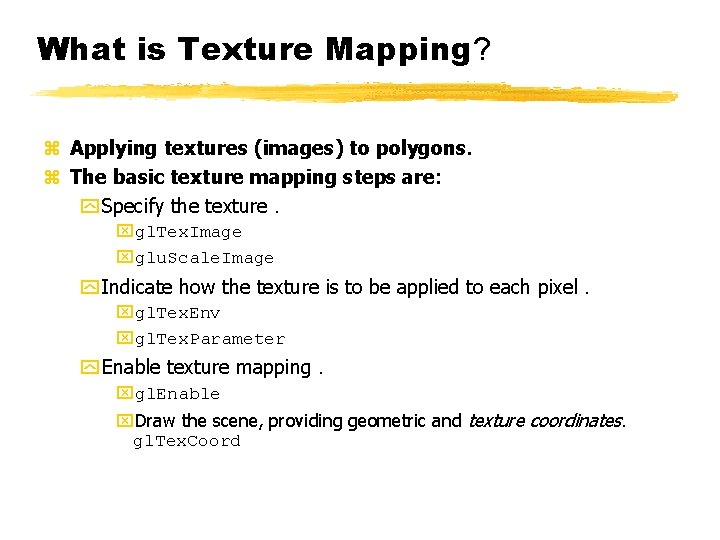
What is Texture Mapping? z Applying textures (images) to polygons. z The basic texture mapping steps are: y Specify the texture. xgl. Tex. Image xglu. Scale. Image y Indicate how the texture is to be applied to each pixel. xgl. Tex. Env xgl. Tex. Parameter y Enable texture mapping. xgl. Enable x. Draw the scene, providing geometric and texture coordinates. gl. Tex. Coord
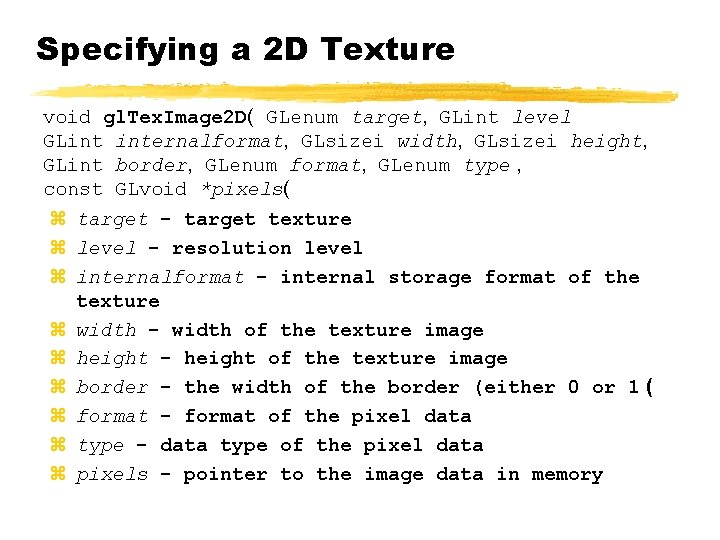
Specifying a 2 D Texture void gl. Tex. Image 2 D( GLenum target, GLint level GLint internalformat, GLsizei width, GLsizei height, GLint border, GLenum format, GLenum type , const GLvoid *pixels( z target - target texture z level - resolution level z internalformat - internal storage format of the texture z width - width of the texture image z height - height of the texture image z border - the width of the border (either 0 or 1 ( z format - format of the pixel data z type - data type of the pixel data z pixels - pointer to the image data in memory
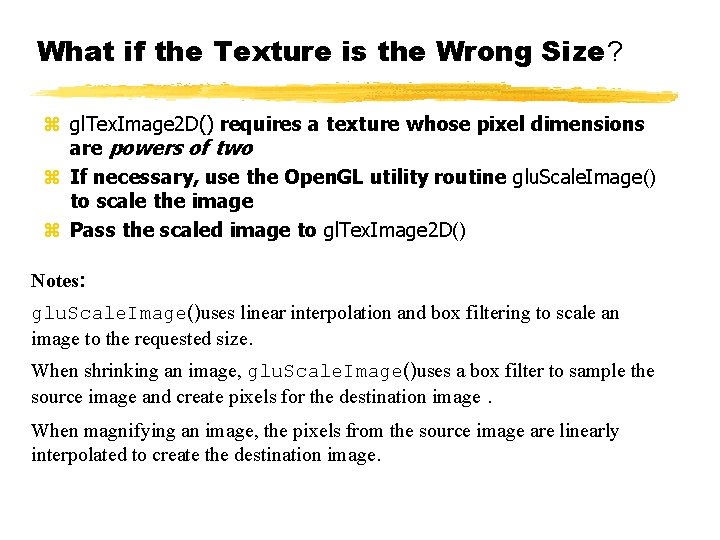
What if the Texture is the Wrong Size? z gl. Tex. Image 2 D() requires a texture whose pixel dimensions are powers of two z If necessary, use the Open. GL utility routine glu. Scale. Image() to scale the image z Pass the scaled image to gl. Tex. Image 2 D() Notes: glu. Scale. Image()uses linear interpolation and box filtering to scale an image to the requested size. When shrinking an image, glu. Scale. Image()uses a box filter to sample the source image and create pixels for the destination image. When magnifying an image, the pixels from the source image are linearly interpolated to create the destination image.
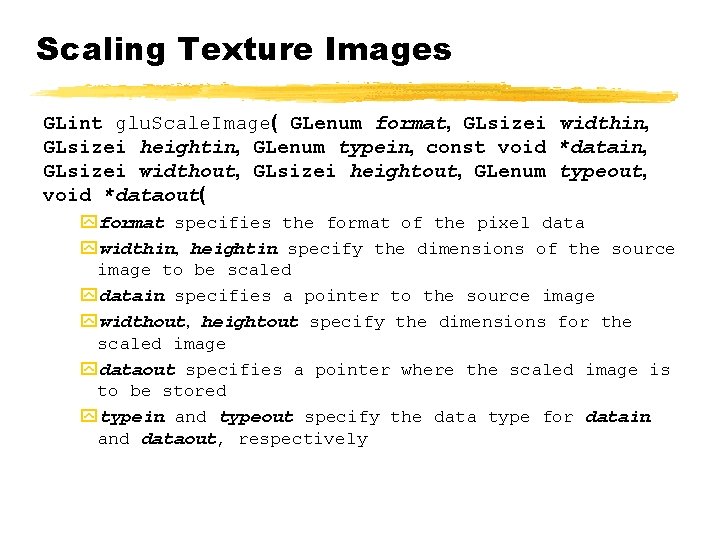
Scaling Texture Images GLint glu. Scale. Image( GLenum format, GLsizei widthin, GLsizei heightin, GLenum typein, const void *datain, GLsizei widthout, GLsizei heightout, GLenum typeout, void *dataout( yformat specifies the format of the pixel data ywidthin, heightin specify the dimensions of the source image to be scaled ydatain specifies a pointer to the source image ywidthout, heightout specify the dimensions for the scaled image ydataout specifies a pointer where the scaled image is to be stored ytypein and typeout specify the data type for datain and dataout, respectively
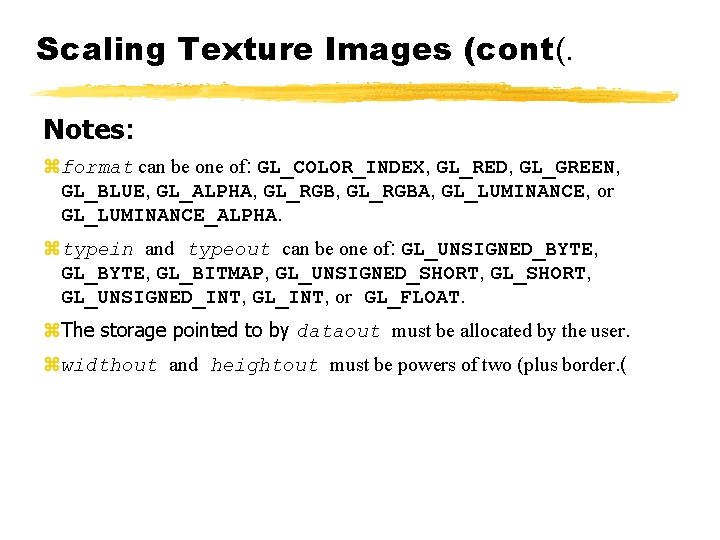
Scaling Texture Images (cont(. Notes: zformat can be one of: GL_COLOR_INDEX, GL_RED, GL_GREEN, GL_BLUE, GL_ALPHA, GL_RGBA, GL_LUMINANCE, or GL_LUMINANCE_ALPHA. ztypein and typeout can be one of: GL_UNSIGNED_BYTE, GL_BITMAP, GL_UNSIGNED_SHORT, GL_UNSIGNED_INT, GL_INT, or GL_FLOAT. z. The storage pointed to by dataout must be allocated by the user. zwidthout and heightout must be powers of two (plus border. (
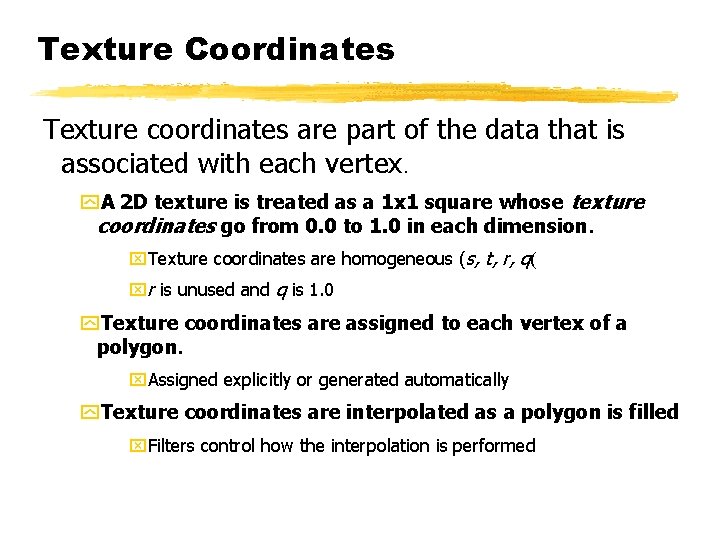
Texture Coordinates Texture coordinates are part of the data that is associated with each vertex. y. A 2 D texture is treated as a 1 x 1 square whose texture coordinates go from 0. 0 to 1. 0 in each dimension. x. Texture coordinates are homogeneous (s, t, r, q( xr is unused and q is 1. 0 y. Texture coordinates are assigned to each vertex of a polygon. x. Assigned explicitly or generated automatically y. Texture coordinates are interpolated as a polygon is filled x. Filters control how the interpolation is performed
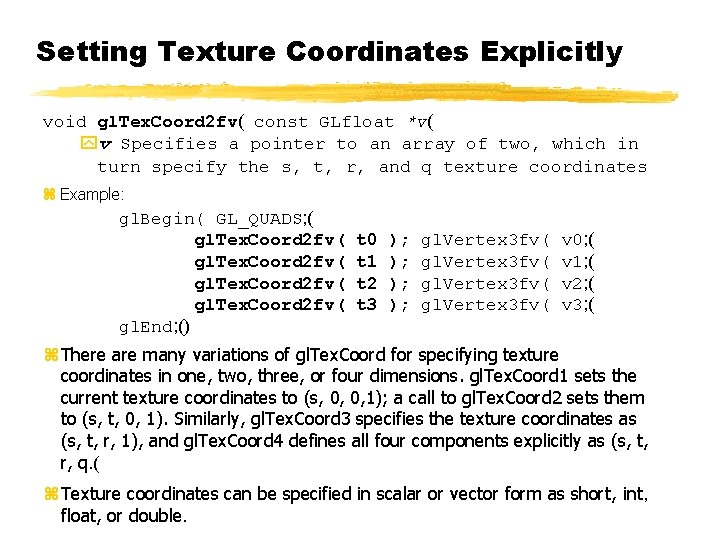
Setting Texture Coordinates Explicitly void gl. Tex. Coord 2 fv( const GLfloat *v( yv Specifies a pointer to an array of two, which in turn specify the s, t, r, and q texture coordinates z Example: gl. Begin( GL_QUADS; ( gl. Tex. Coord 2 fv( gl. End; () t 0 t 1 t 2 t 3 ); ); gl. Vertex 3 fv( v 0; ( v 1; ( v 2; ( v 3; ( z There are many variations of gl. Tex. Coord for specifying texture coordinates in one, two, three, or four dimensions. gl. Tex. Coord 1 sets the current texture coordinates to (s, 0, 0, 1); a call to gl. Tex. Coord 2 sets them to (s, t, 0, 1). Similarly, gl. Tex. Coord 3 specifies the texture coordinates as (s, t, r, 1), and gl. Tex. Coord 4 defines all four components explicitly as (s, t, r, q. ( z Texture coordinates can be specified in scalar or vector form as short, int, float, or double.
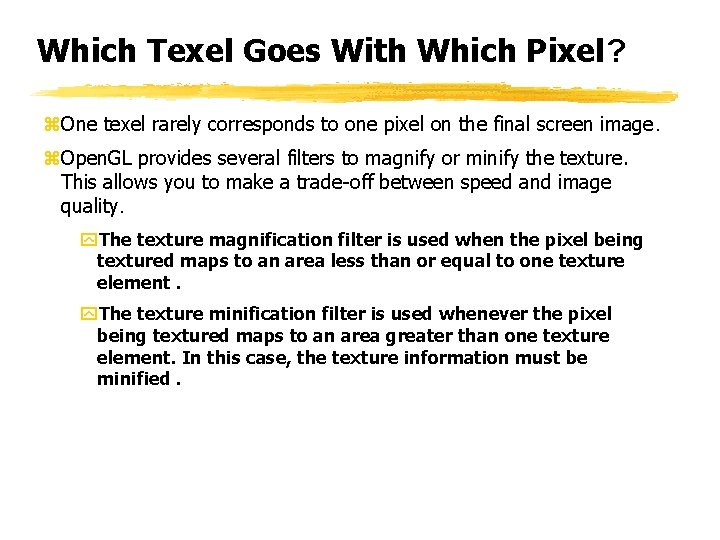
Which Texel Goes With Which Pixel? z. One texel rarely corresponds to one pixel on the final screen image. z. Open. GL provides several filters to magnify or minify the texture. This allows you to make a trade-off between speed and image quality. y. The texture magnification filter is used when the pixel being textured maps to an area less than or equal to one texture element. y. The texture minification filter is used whenever the pixel being textured maps to an area greater than one texture element. In this case, the texture information must be minified.
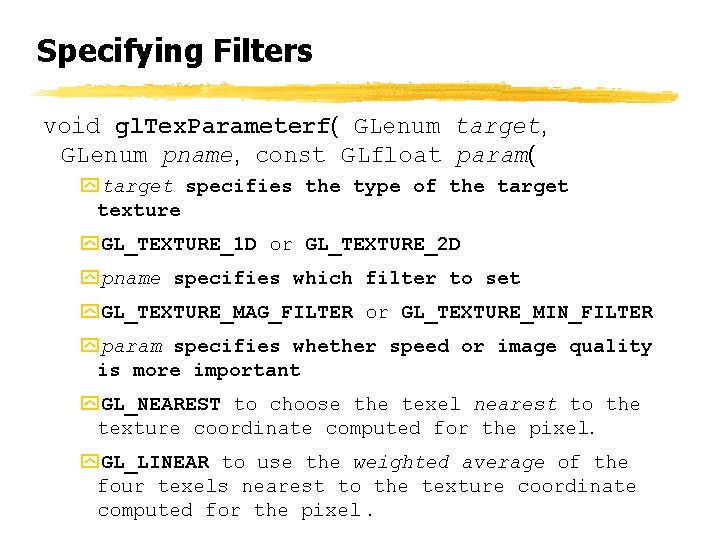
Specifying Filters void gl. Tex. Parameterf( GLenum target, GLenum pname, const GLfloat param( ytarget specifies the type of the target texture y. GL_TEXTURE_1 D or GL_TEXTURE_2 D ypname specifies which filter to set y. GL_TEXTURE_MAG_FILTER or GL_TEXTURE_MIN_FILTER yparam specifies whether speed or image quality is more important y. GL_NEAREST to choose the texel nearest to the texture coordinate computed for the pixel. y. GL_LINEAR to use the weighted average of the four texels nearest to the texture coordinate computed for the pixel.
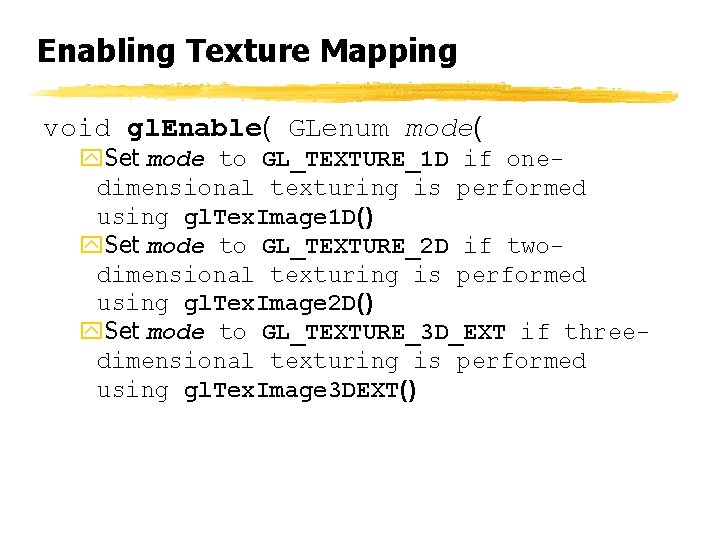
Enabling Texture Mapping void gl. Enable( GLenum mode( y. Set mode to GL_TEXTURE_1 D if onedimensional texturing is performed using gl. Tex. Image 1 D() y. Set mode to GL_TEXTURE_2 D if twodimensional texturing is performed using gl. Tex. Image 2 D() y. Set mode to GL_TEXTURE_3 D_EXT if threedimensional texturing is performed using gl. Tex. Image 3 DEXT()
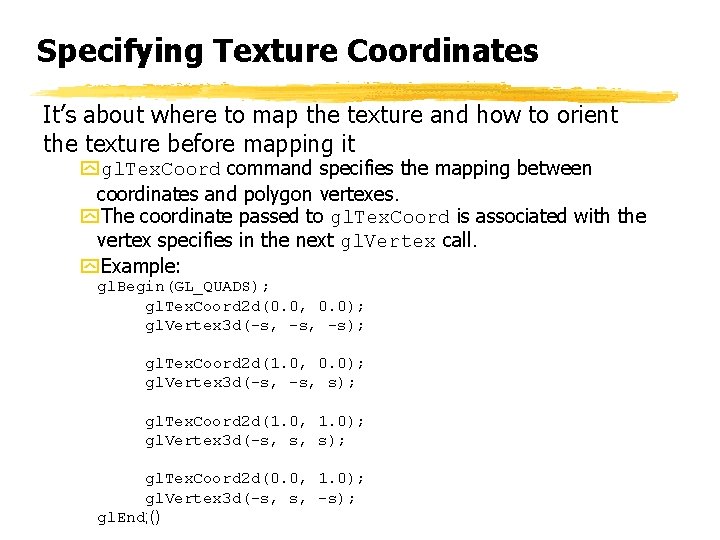
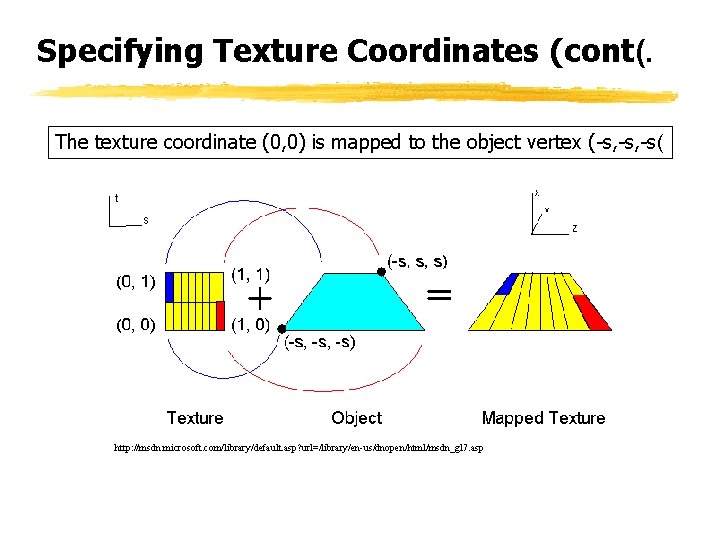
Specifying Texture Coordinates It’s about where to map the texture and how to orient the texture before mapping it ygl. Tex. Coord command specifies the mapping between coordinates and polygon vertexes. y. The coordinate passed to gl. Tex. Coord is associated with the vertex specifies in the next gl. Vertex call. y. Example: gl. Begin(GL_QUADS); gl. Tex. Coord 2 d(0. 0, 0. 0); gl. Vertex 3 d(-s, -s); gl. Tex. Coord 2 d(1. 0, 0. 0); gl. Vertex 3 d(-s, s); gl. Tex. Coord 2 d(1. 0, 1. 0); gl. Vertex 3 d(-s, s, s); gl. Tex. Coord 2 d(0. 0, 1. 0); gl. Vertex 3 d(-s, s, -s); gl. End; ()
Specifying Texture Coordinates (cont(. The texture coordinate (0, 0) is mapped to the object vertex (-s, -s( http: //msdn. microsoft. com/library/default. asp? url=/library/en-us/dnopen/html/msdn_gl 7. asp
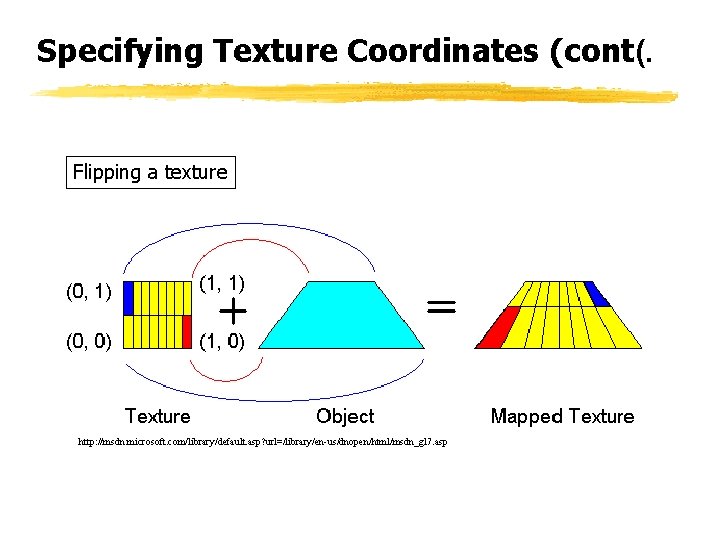
Specifying Texture Coordinates (cont(. Flipping a texture http: //msdn. microsoft. com/library/default. asp? url=/library/en-us/dnopen/html/msdn_gl 7. asp
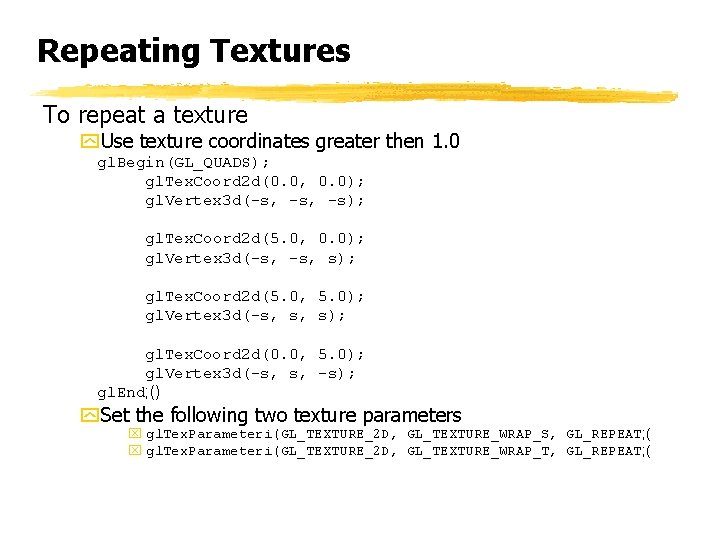
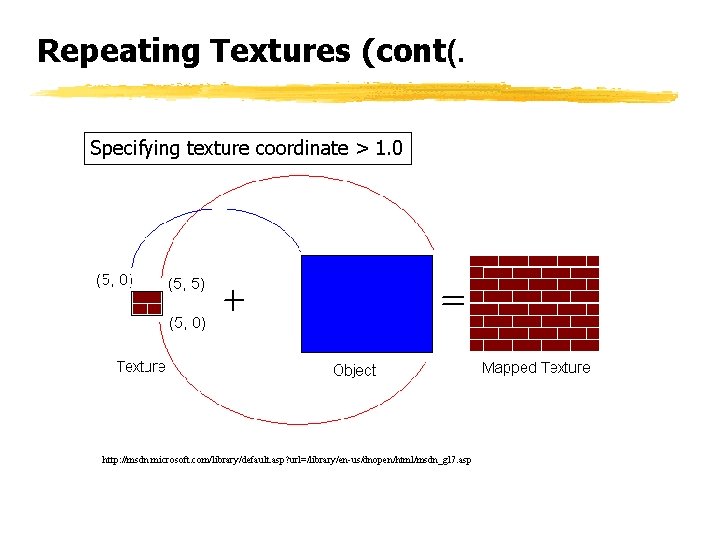
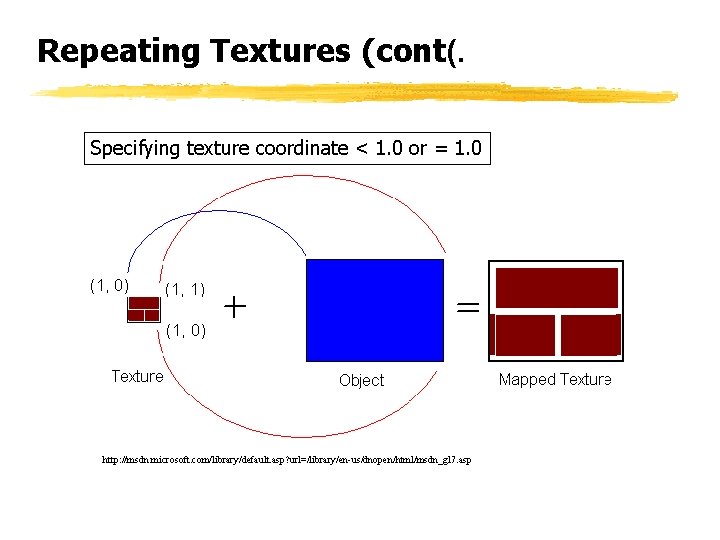
Repeating Textures To repeat a texture y. Use texture coordinates greater then 1. 0 gl. Begin(GL_QUADS); gl. Tex. Coord 2 d(0. 0, 0. 0); gl. Vertex 3 d(-s, -s); gl. Tex. Coord 2 d(5. 0, 0. 0); gl. Vertex 3 d(-s, s); gl. Tex. Coord 2 d(5. 0, 5. 0); gl. Vertex 3 d(-s, s, s); gl. Tex. Coord 2 d(0. 0, 5. 0); gl. Vertex 3 d(-s, s, -s); gl. End; () y. Set the following two texture parameters x gl. Tex. Parameteri(GL_TEXTURE_2 D, GL_TEXTURE_WRAP_S, GL_REPEAT; ( x gl. Tex. Parameteri(GL_TEXTURE_2 D, GL_TEXTURE_WRAP_T, GL_REPEAT; (
Repeating Textures (cont(. Specifying texture coordinate > 1. 0 http: //msdn. microsoft. com/library/default. asp? url=/library/en-us/dnopen/html/msdn_gl 7. asp
Repeating Textures (cont(. Specifying texture coordinate < 1. 0 or = 1. 0 http: //msdn. microsoft. com/library/default. asp? url=/library/en-us/dnopen/html/msdn_gl 7. asp
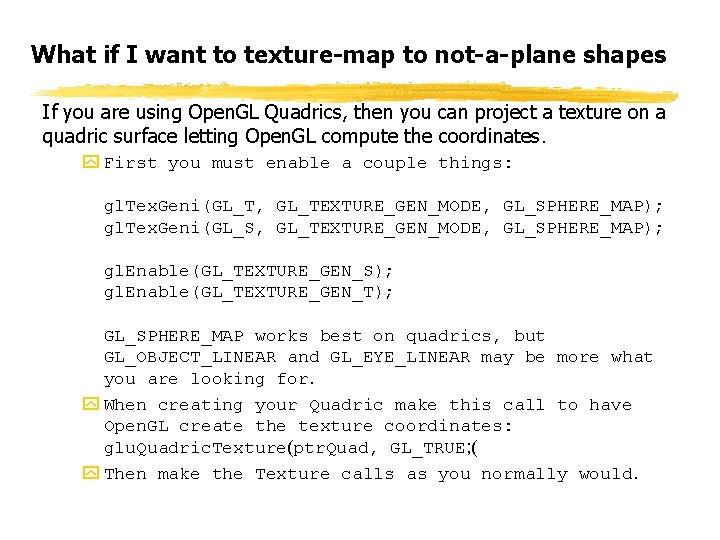
What if I want to texture-map to not-a-plane shapes If you are using Open. GL Quadrics, then you can project a texture on a quadric surface letting Open. GL compute the coordinates. y First you must enable a couple things: gl. Tex. Geni(GL_T, GL_TEXTURE_GEN_MODE, GL_SPHERE_MAP); gl. Tex. Geni(GL_S, GL_TEXTURE_GEN_MODE, GL_SPHERE_MAP); gl. Enable(GL_TEXTURE_GEN_S); gl. Enable(GL_TEXTURE_GEN_T); GL_SPHERE_MAP works best on quadrics, but GL_OBJECT_LINEAR and GL_EYE_LINEAR may be more what you are looking for. y When creating your Quadric make this call to have Open. GL create the texture coordinates: glu. Quadric. Texture(ptr. Quad, GL_TRUE; ( y Then make the Texture calls as you normally would.
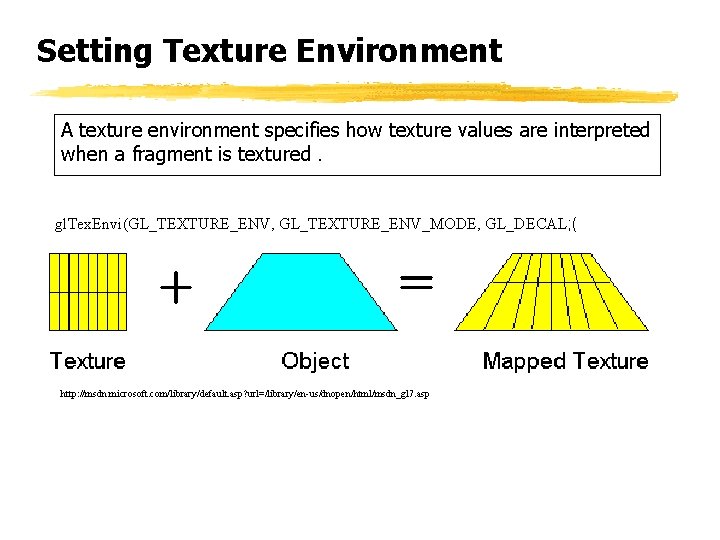
Setting Texture Environment A texture environment specifies how texture values are interpreted when a fragment is textured. gl. Tex. Envi(GL_TEXTURE_ENV, GL_TEXTURE_ENV_MODE, GL_DECAL; ( http: //msdn. microsoft. com/library/default. asp? url=/library/en-us/dnopen/html/msdn_gl 7. asp
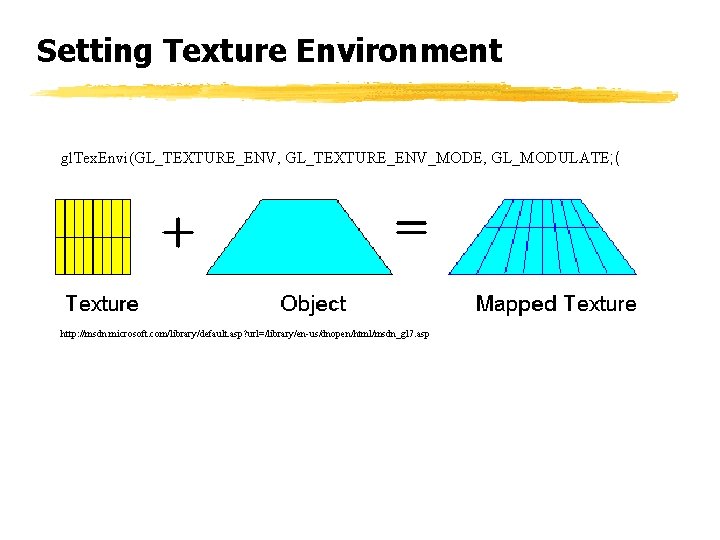
Setting Texture Environment gl. Tex. Envi(GL_TEXTURE_ENV, GL_TEXTURE_ENV_MODE, GL_MODULATE; ( http: //msdn. microsoft. com/library/default. asp? url=/library/en-us/dnopen/html/msdn_gl 7. asp
Multiple Textures z A set of textures and their related state can be treated as a single object. y Texture objects let you create as many textures as you need. y You bind a name with a texture object when you create it, then define the image data and parameters of the texture. y As you render your scene, bind the name of each desired texture object to the appropriate texture target. x The texture names become aliases for the textures currently bound to them. y Since binding (reusing) a texture takes less time than defining (and reloading) one, this is a more efficient way to switch from one texture to another. y So, if you are using more than one texture, always set up the textures as texture objects!
Using Texture Objects z void gl. Gen. Textures(GLsize n, GLuint *texnames( y Generate texture names z void gl. Bind. Texture(GLenum target, GLuint texname( y Create a new texture object and assign it a name (first time( y Bind a named texture to a texturing target (either TEXTURE_1 D or TEXTURE_2 D ( y Call with texname = 0 to stop using texture objects (unbind ( z void gl. Prioritize. Textures(GLsize n, const GLuint *texnames, const GLclampf *priorities( y Set texture residence priority z void gl. Delete. Textures ( sizei n, uint *textures( y Delete texture objects when you are finished with them
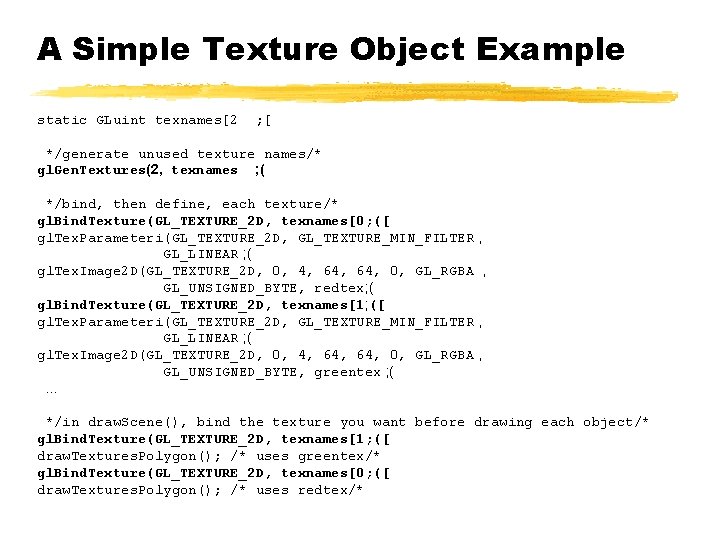
A Simple Texture Object Example static GLuint texnames[2 ; [ */generate unused texture names/* gl. Gen. Textures(2, texnames ; ( */bind, then define, each texture/* gl. Bind. Texture(GL_TEXTURE_2 D, texnames[0; ([ gl. Tex. Parameteri(GL_TEXTURE_2 D, GL_TEXTURE_MIN_FILTER , GL_LINEAR ; ( gl. Tex. Image 2 D(GL_TEXTURE_2 D, 0, 4, 64, 0, GL_RGBA , GL_UNSIGNED_BYTE, redtex; ( gl. Bind. Texture(GL_TEXTURE_2 D, texnames[1; ([ gl. Tex. Parameteri(GL_TEXTURE_2 D, GL_TEXTURE_MIN_FILTER , GL_LINEAR ; ( gl. Tex. Image 2 D(GL_TEXTURE_2 D, 0, 4, 64, 0, GL_RGBA , GL_UNSIGNED_BYTE, greentex ; (. . . */in draw. Scene(), bind the texture you want before drawing each object/* gl. Bind. Texture(GL_TEXTURE_2 D, texnames[1; ([ draw. Textures. Polygon(); /* uses greentex/* gl. Bind. Texture(GL_TEXTURE_2 D, texnames[0; ([ draw. Textures. Polygon(); /* uses redtex/*
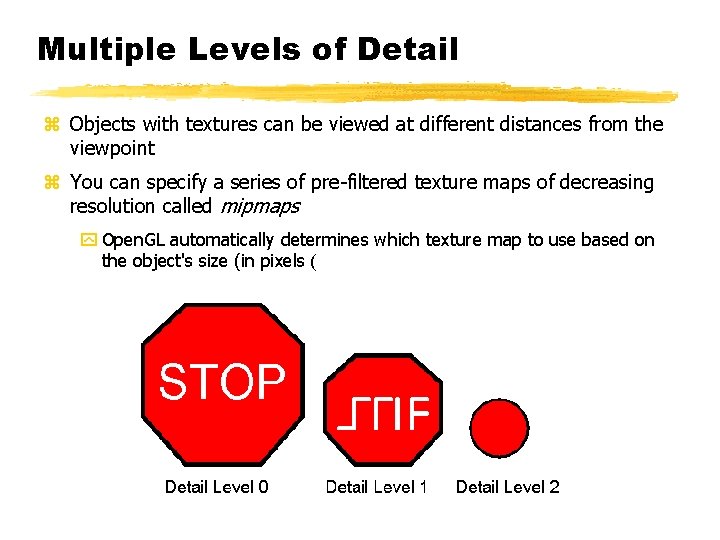
Multiple Levels of Detail z Objects with textures can be viewed at different distances from the viewpoint z You can specify a series of pre-filtered texture maps of decreasing resolution called mipmaps y Open. GL automatically determines which texture map to use based on the object's size (in pixels (
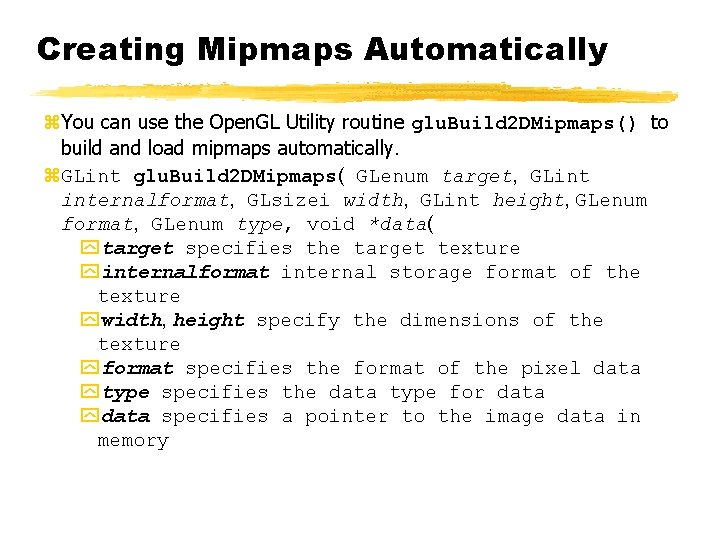
Creating Mipmaps Automatically z. You can use the Open. GL Utility routine glu. Build 2 DMipmaps() to build and load mipmaps automatically. z. GLint glu. Build 2 DMipmaps( GLenum target, GLint internalformat, GLsizei width, GLint height, GLenum format, GLenum type, void *data( ytarget specifies the target texture yinternalformat internal storage format of the texture ywidth, height specify the dimensions of the texture yformat specifies the format of the pixel data ytype specifies the data type for data ydata specifies a pointer to the image data in memory
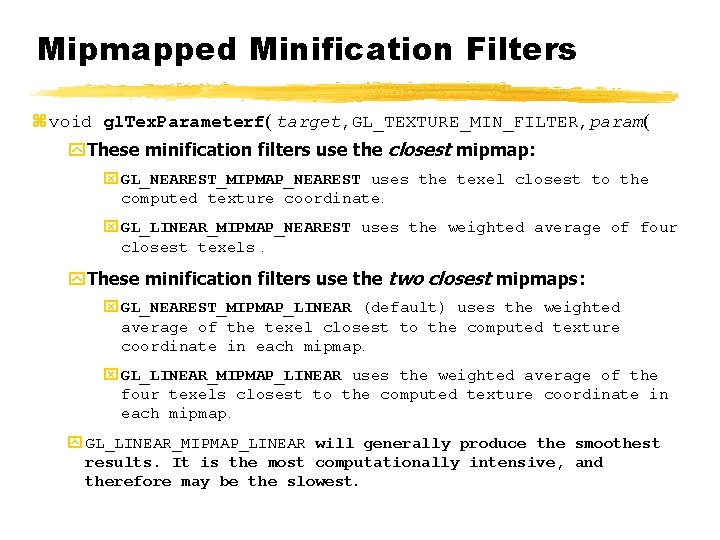
Mipmapped Minification Filters z void gl. Tex. Parameterf( target, GL_TEXTURE_MIN_FILTER, param( y. These minification filters use the closest mipmap: x GL_NEAREST_MIPMAP_NEAREST uses the texel closest to the computed texture coordinate. x GL_LINEAR_MIPMAP_NEAREST uses the weighted average of four closest texels. y. These minification filters use the two closest mipmaps: x GL_NEAREST_MIPMAP_LINEAR (default) uses the weighted average of the texel closest to the computed texture coordinate in each mipmap. x GL_LINEAR_MIPMAP_LINEAR uses the weighted average of the four texels closest to the computed texture coordinate in each mipmap. y GL_LINEAR_MIPMAP_LINEAR will generally produce the smoothest results. It is the most computationally intensive, and therefore may be the slowest.
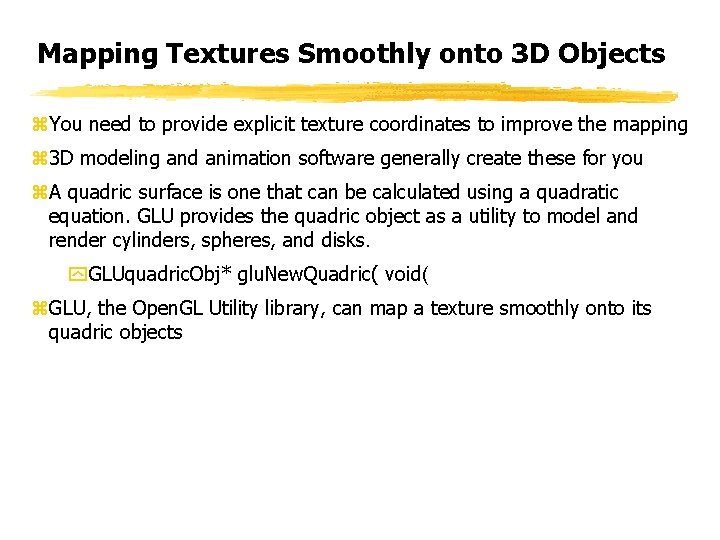
Mapping Textures Smoothly onto 3 D Objects z. You need to provide explicit texture coordinates to improve the mapping z 3 D modeling and animation software generally create these for you z. A quadric surface is one that can be calculated using a quadratic equation. GLU provides the quadric object as a utility to model and render cylinders, spheres, and disks. y. GLUquadric. Obj* glu. New. Quadric( void( z. GLU, the Open. GL Utility library, can map a texture smoothly onto its quadric objects
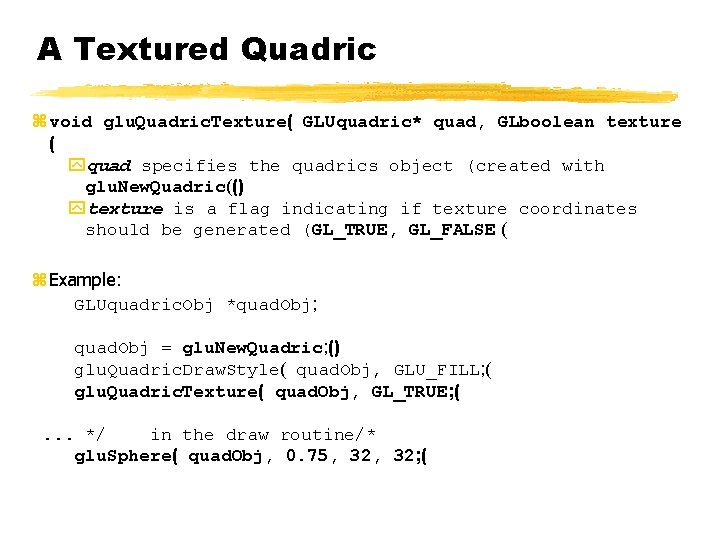
A Textured Quadric z void glu. Quadric. Texture( GLUquadric* quad, GLboolean texture ( yquad specifies the quadrics object (created with glu. New. Quadric(() ytexture is a flag indicating if texture coordinates should be generated (GL_TRUE, GL_FALSE ( z Example: GLUquadric. Obj *quad. Obj; quad. Obj = glu. New. Quadric; () glu. Quadric. Draw. Style( quad. Obj, GLU_FILL; ( glu. Quadric. Texture( quad. Obj, GL_TRUE; (. . . */ in the draw routine/* glu. Sphere( quad. Obj, 0. 75, 32; (