
Computer Graphics and 3 D modeling overview CSE

![Mesh pt. 2 – assign triangles int[] tri = new int[6]; // Lower left](https://slidetodoc.com/presentation_image_h2/444c5853c278ae29c714066130544739/image-23.jpg "Mesh pt. 2 – assign triangles int[] tri = new int[6]; // Lower left")
![More mesh values // Normal vectors (one per vertex) – for illumination Vector 3[]](https://slidetodoc.com/presentation_image_h2/444c5853c278ae29c714066130544739/image-25.jpg "More mesh values // Normal vectors (one per vertex) – for illumination Vector 3[]")

- Slides: 30
Computer Graphics and 3 D modeling overview CSE 3541/5541 Matt Boggus
Outline • Computer graphics overview – Graphics pipeline • Types of 3 D modeling and use-cases – Solid – Shell/Boundary • Unity Mesh objects
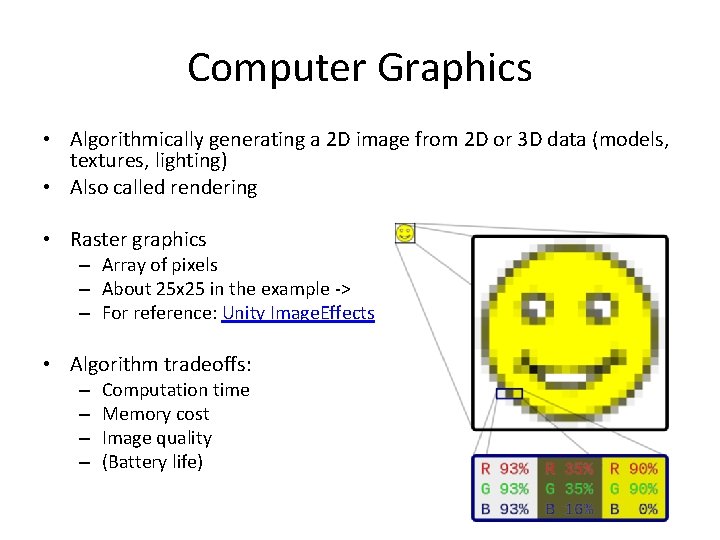
Computer Graphics • Algorithmically generating a 2 D image from 2 D or 3 D data (models, textures, lighting) • Also called rendering • Raster graphics – Array of pixels – About 25 x 25 in the example -> – For reference: Unity Image. Effects • Algorithm tradeoffs: – – Computation time Memory cost Image quality (Battery life)
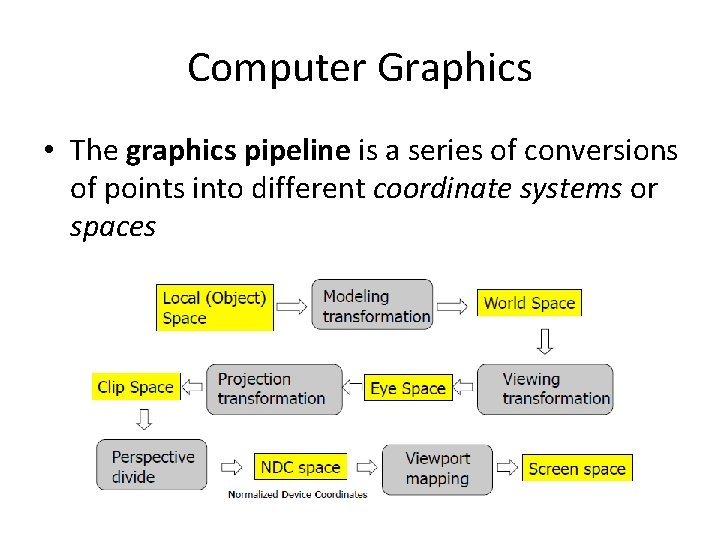
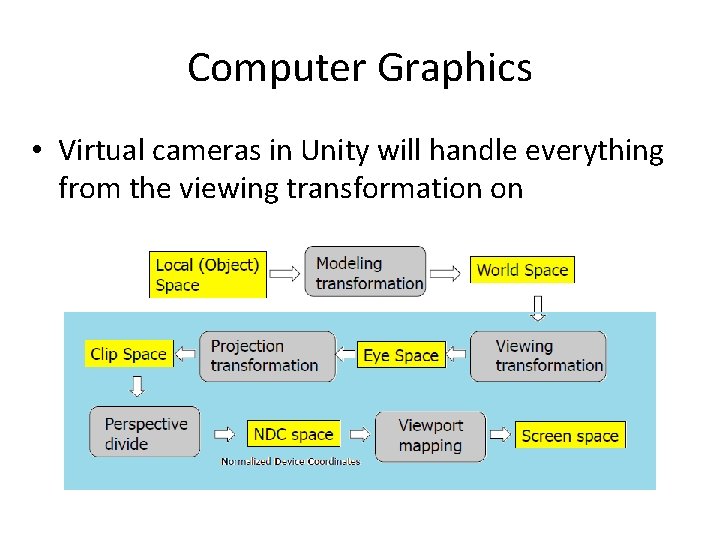
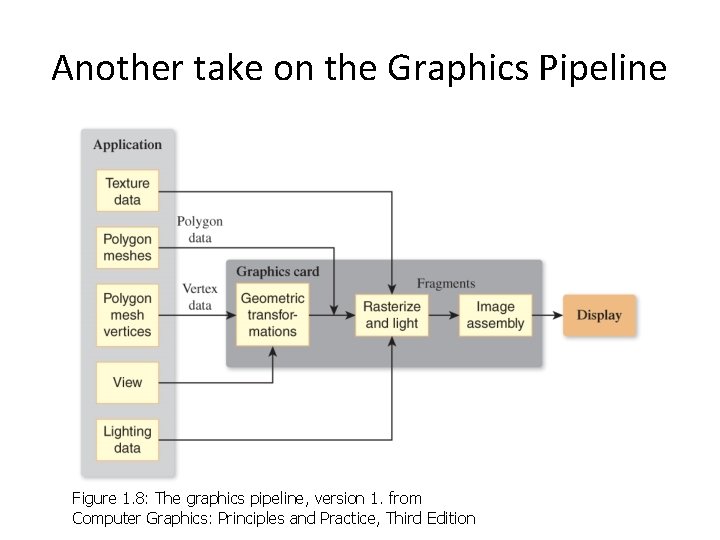
Computer Graphics • The graphics pipeline is a series of conversions of points into different coordinate systems or spaces
Computer Graphics • Virtual cameras in Unity will handle everything from the viewing transformation on
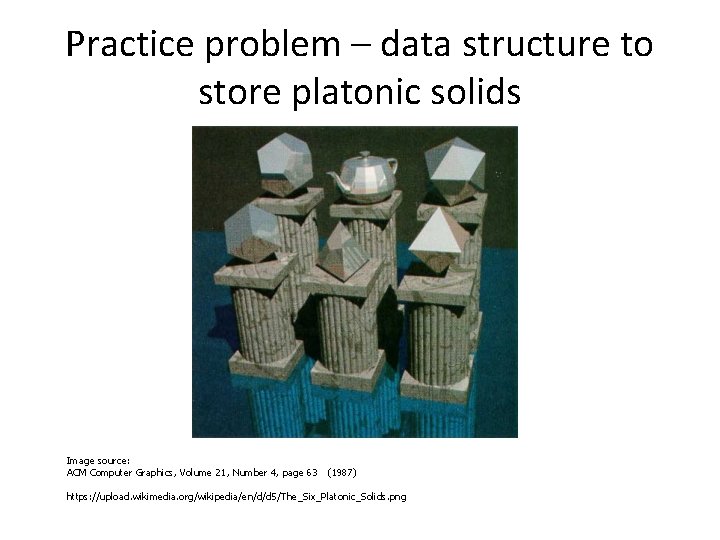
Practice problem – data structure to store platonic solids Image source: ACM Computer Graphics, Volume 21, Number 4, page 63 (1987) https: //upload. wikimedia. org/wikipedia/en/d/d 5/The_Six_Platonic_Solids. png
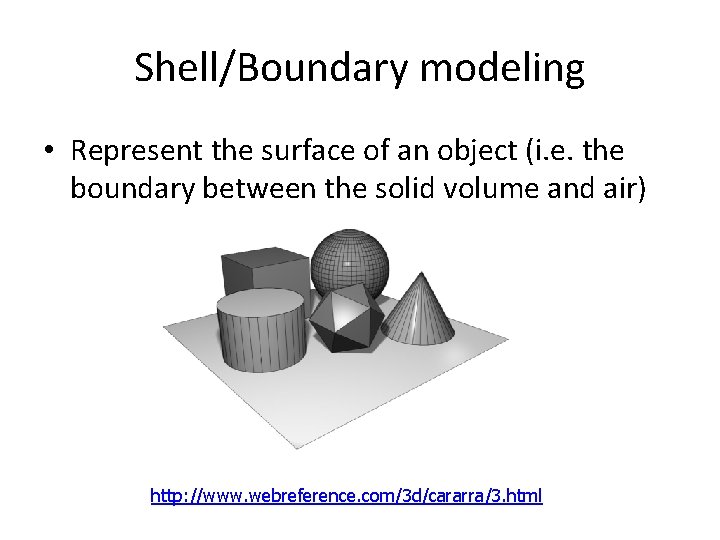
Shell/Boundary modeling • Represent the surface of an object (i. e. the boundary between the solid volume and air) http: //www. webreference. com/3 d/cararra/3. html
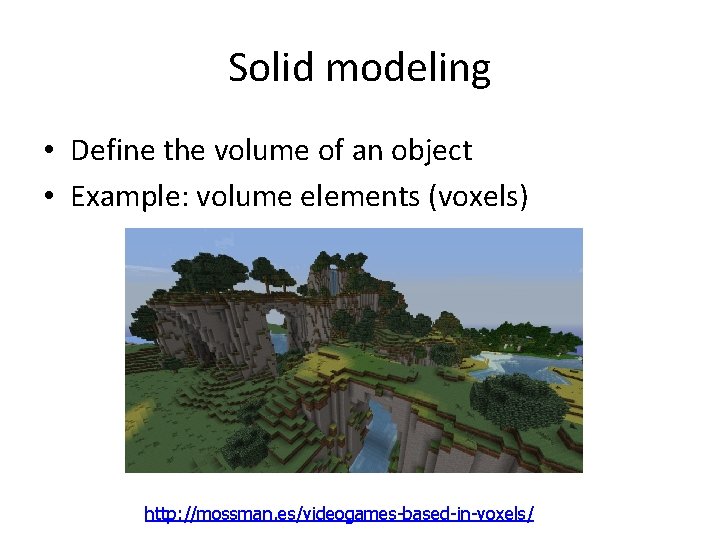
Solid modeling • Define the volume of an object • Example: volume elements (voxels) http: //mossman. es/videogames-based-in-voxels/
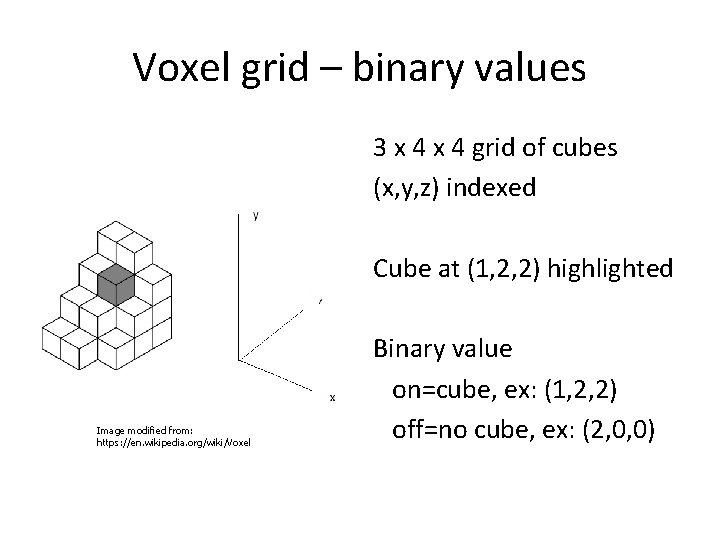
Voxel grid – binary values 3 x 4 grid of cubes (x, y, z) indexed Cube at (1, 2, 2) highlighted Image modified from: https: //en. wikipedia. org/wiki/Voxel Binary value on=cube, ex: (1, 2, 2) off=no cube, ex: (2, 0, 0)
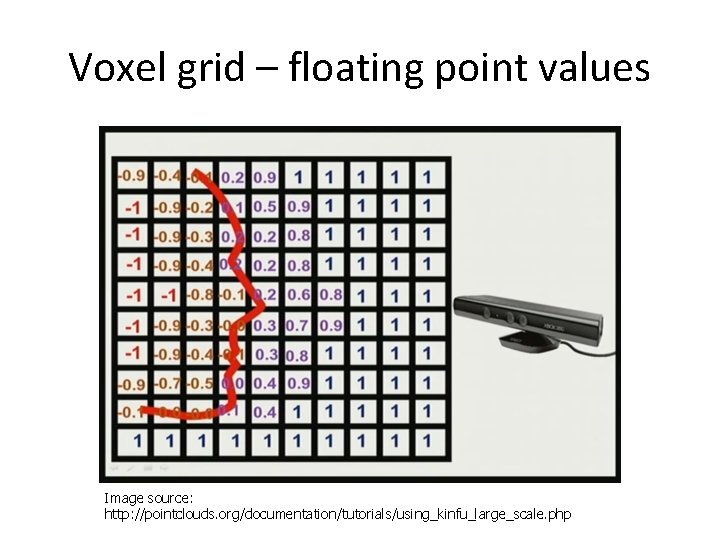
Voxel grid – floating point values Image source: http: //pointclouds. org/documentation/tutorials/using_kinfu_large_scale. php
Open. GL polygon modeling Legacy syntax example: gl. Begin(GL_POLYGON); gl. Vertex 2 f(-0. 5, -0. 5); gl. Vertex 2 f(-0. 5, 0. 5); gl. Vertex 2 f(0. 5, -0. 5); gl. End();
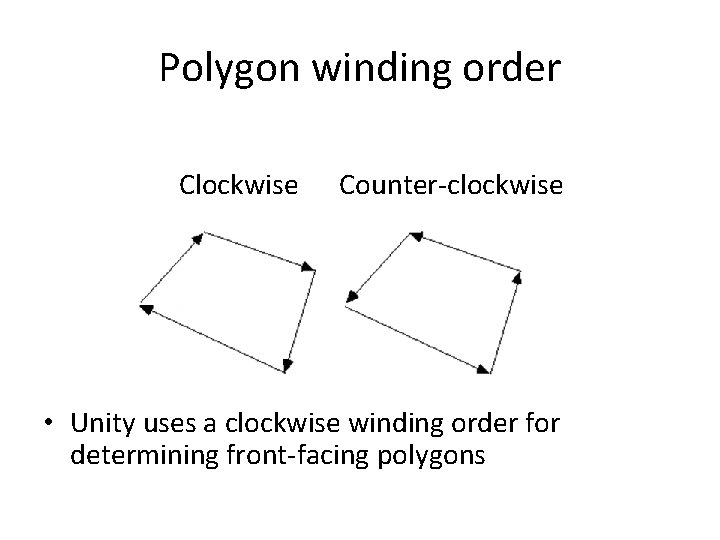
Polygon winding order Clockwise Counter-clockwise • Unity uses a clockwise winding order for determining front-facing polygons
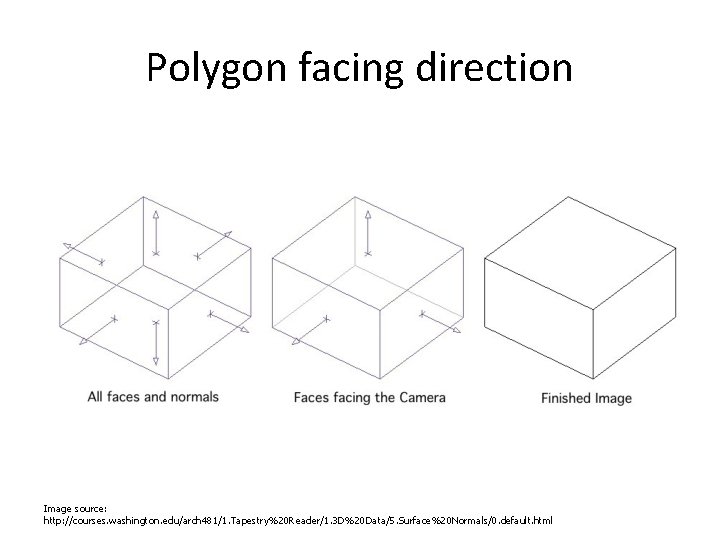
Polygon facing direction Image source: http: //courses. washington. edu/arch 481/1. Tapestry%20 Reader/1. 3 D%20 Data/5. Surface%20 Normals/0. default. html
Use case – terrain deformation
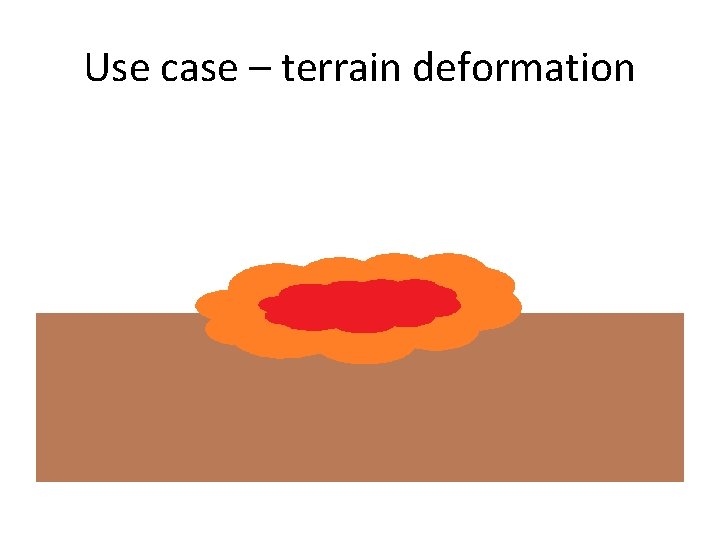
Use case – terrain deformation
Terrain deformation use case polygon representation
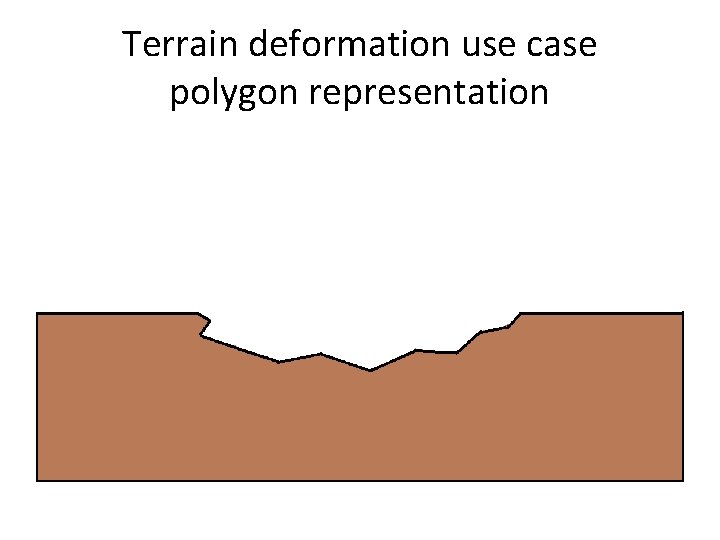
Terrain deformation use case polygon representation
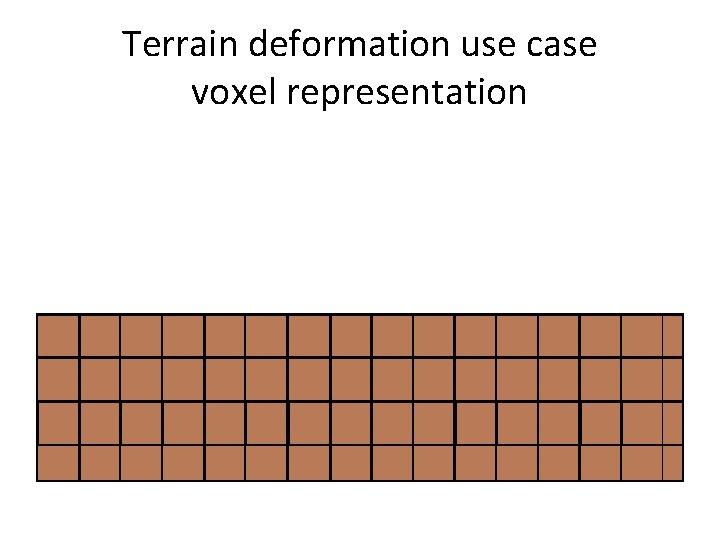
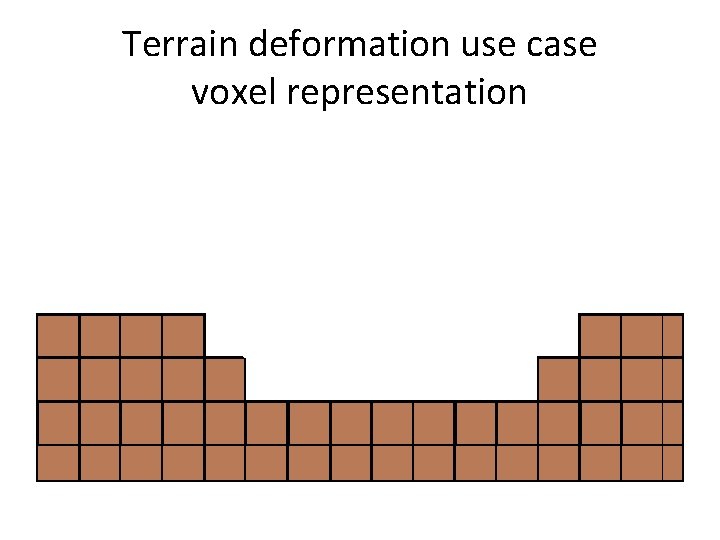
Terrain deformation use case voxel representation
Terrain deformation use case voxel representation
UNITY MESHES
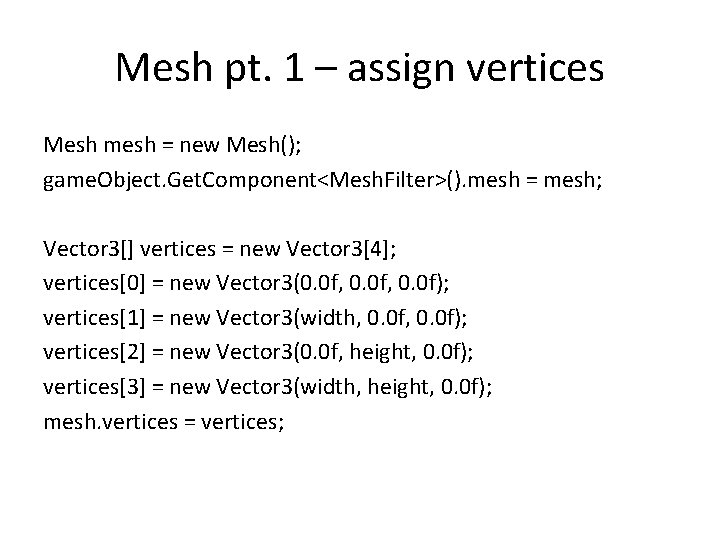
Unity specifying geometry – Mesh class • Requires two types of values – Vertices (specified as an array of 3 D points) – Triangles (specified as an array of Vector 3 s whose values are indices in the vertex array) • Documentation and Example – http: //docs. unity 3 d. com/Documentation/Manual/Ge nerating. Mesh. Geometry. Procedurally. html – http: //docs. unity 3 d. com/Documentation/Script. Refere nce/Mesh. html • The code on the following slides is attached to a cube game object (rather than an Empty. Object)
Mesh pt. 1 – assign vertices Mesh mesh = new Mesh(); game. Object. Get. Component<Mesh. Filter>(). mesh = mesh; Vector 3[] vertices = new Vector 3[4]; vertices[0] = new Vector 3(0. 0 f, 0. 0 f); vertices[1] = new Vector 3(width, 0. 0 f); vertices[2] = new Vector 3(0. 0 f, height, 0. 0 f); vertices[3] = new Vector 3(width, height, 0. 0 f); mesh. vertices = vertices;
Mesh pt. 2 – assign triangles int[] tri = new int[6]; // Lower left triangle of a quad tri[0] = 0; tri[1] = 2; tri[2] = 1; // Upper right triangle of a quad tri[3] = 2; tri[4] = 3; tri[5] = 1; mesh. triangles = tri;
Boardwork – visualizing resulting polygon mesh
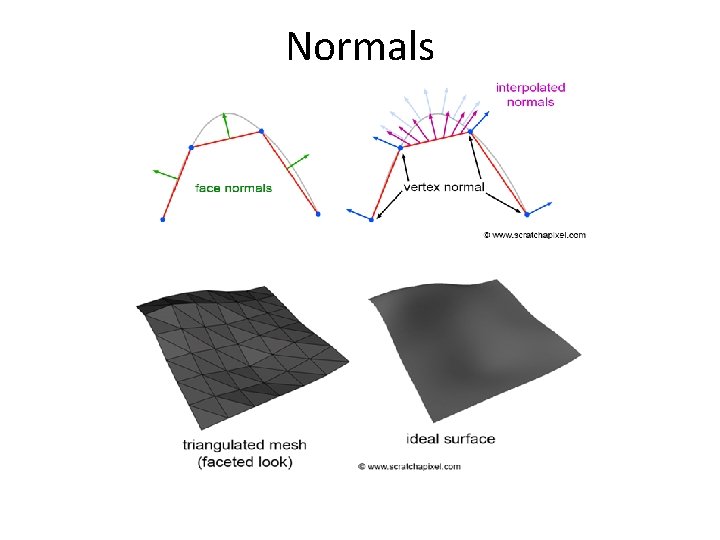
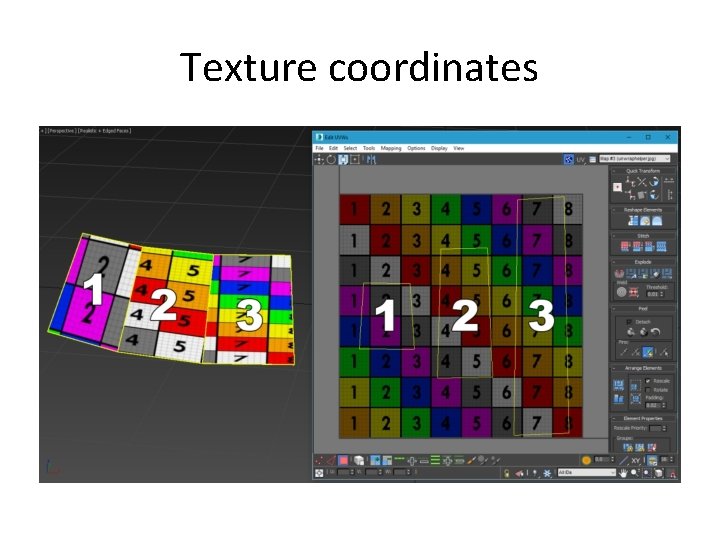
More mesh values // Normal vectors (one per vertex) – for illumination Vector 3[] normals = new Vector 3[4]; // compute normals… mesh. normals = normals; // Texture coordinates (one per vertex) – for texturing Vector 2[] uv = new Vector 2[4]; // assign uvs… mesh. uv = uv; Side note: You can also use mesh. Recalculate. Normals(); if you want Unity to try to compute normals for you.
Normals
Texture coordinates
EXTRA SLIDES – TIME PERMITTING
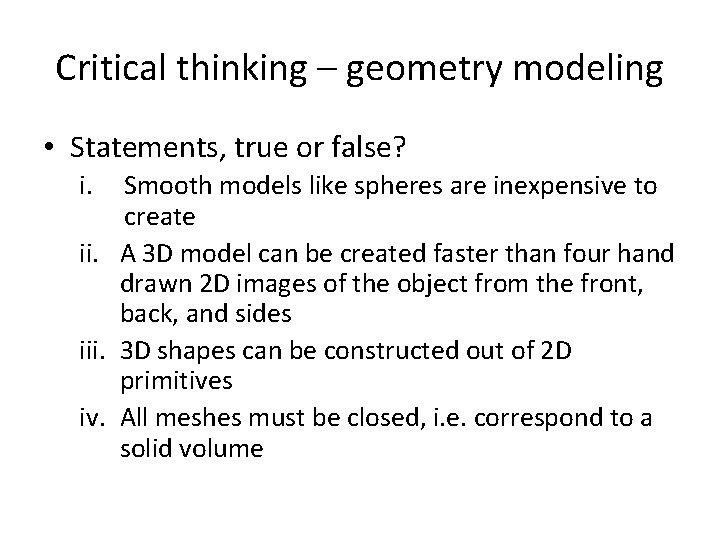
Critical thinking – geometry modeling • Statements, true or false? i. Smooth models like spheres are inexpensive to create ii. A 3 D model can be created faster than four hand drawn 2 D images of the object from the front, back, and sides iii. 3 D shapes can be constructed out of 2 D primitives iv. All meshes must be closed, i. e. correspond to a solid volume
Another take on the Graphics Pipeline Figure 1. 8: The graphics pipeline, version 1. from Computer Graphics: Principles and Practice, Third Edition