
Computer Graphics An Introduction Whats this course all
- Slides: 38
Computer Graphics An Introduction
What’s this course all about? We will cover… Graphics programming and algorithms Graphics data structures Colour Applied geometry, modelling and rendering 11/10/2020 Lecture 1 2
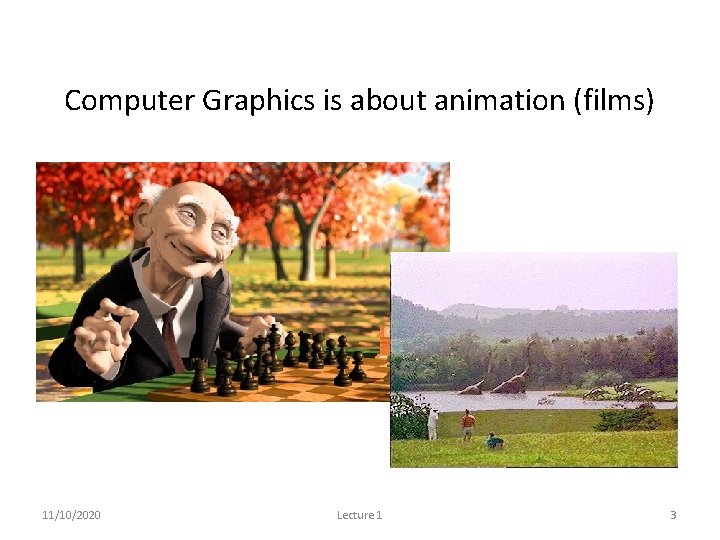
Computer Graphics is about animation (films) Major driving force now 11/10/2020 Lecture 1 3
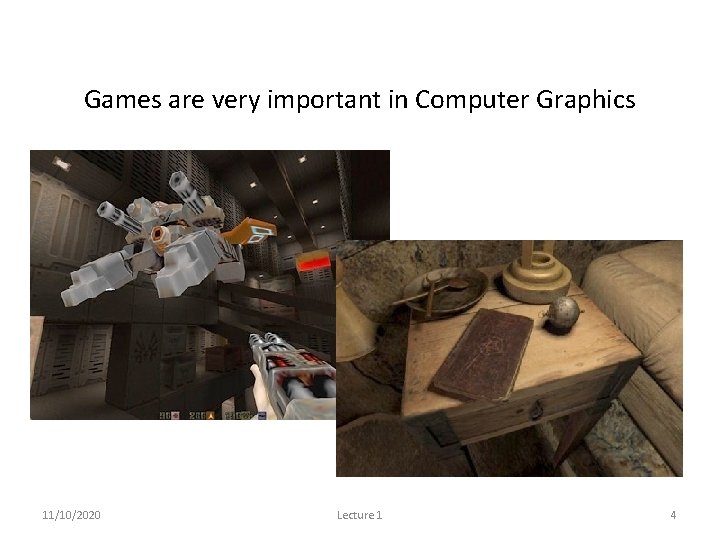
Games are very important in Computer Graphics 11/10/2020 Lecture 1 4
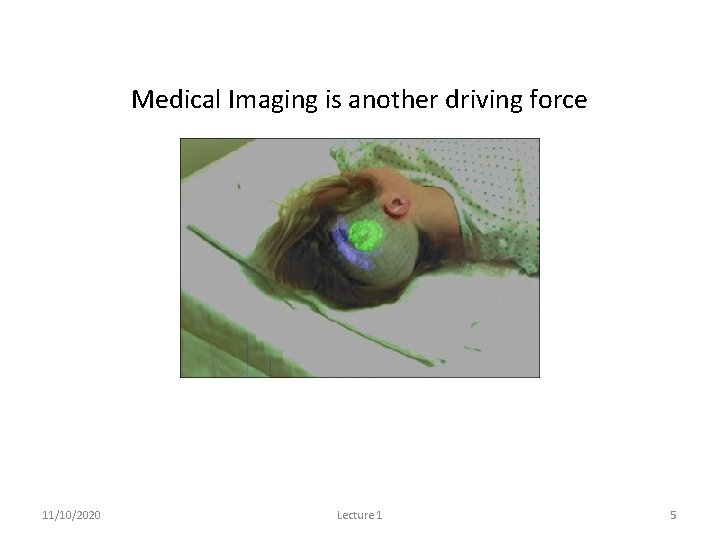
Medical Imaging is another driving force 11/10/2020 Lecture 1 5
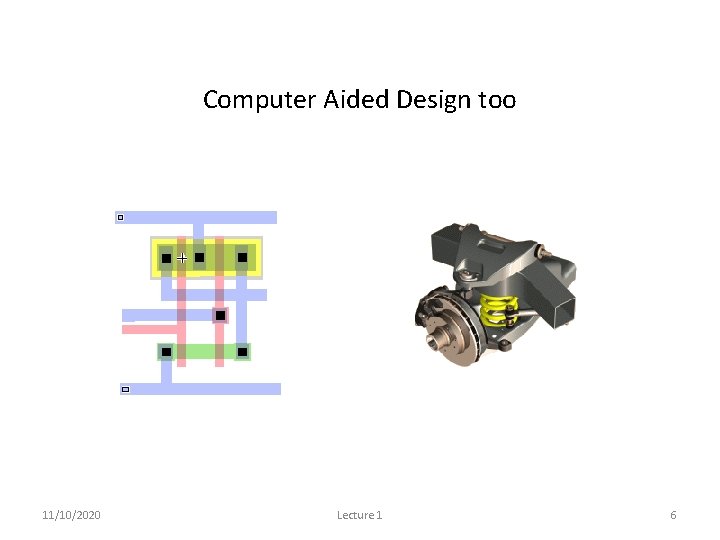
Computer Aided Design too 11/10/2020 Lecture 1 6
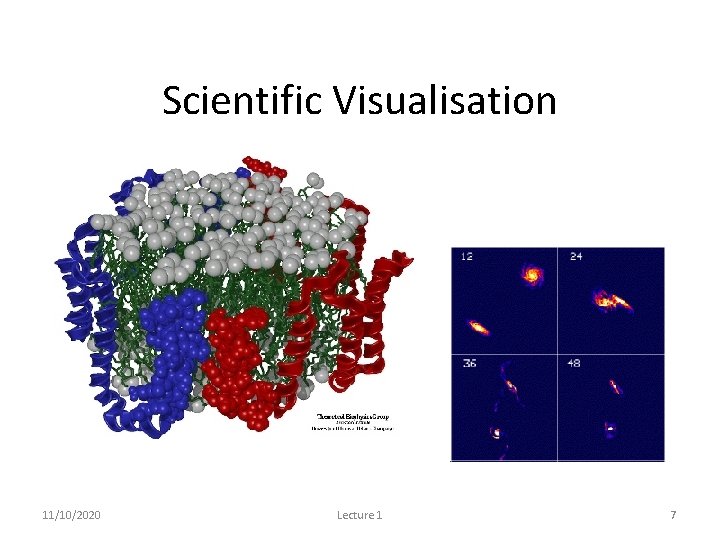
Scientific Visualisation To view below and above our visual range 11/10/2020 Lecture 1 7
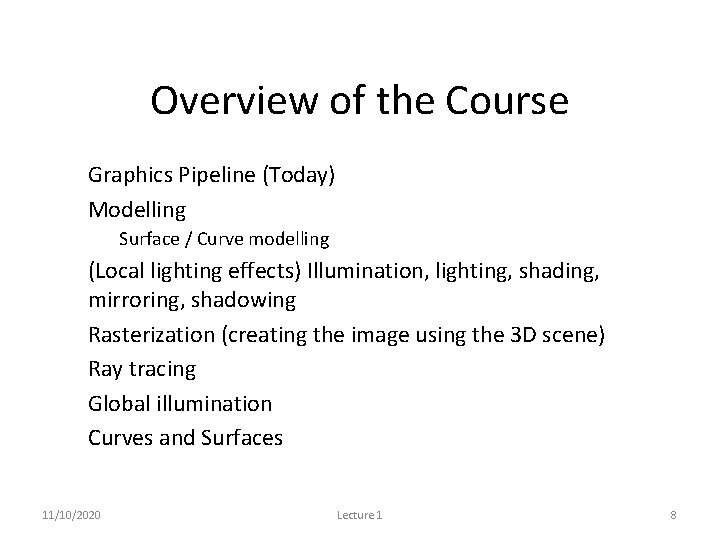
Overview of the Course • Graphics Pipeline (Today) • Modelling – Surface / Curve modelling • (Local lighting effects) Illumination, lighting, shading, mirroring, shadowing • Rasterization (creating the image using the 3 D scene) • Ray tracing • Global illumination • Curves and Surfaces 11/10/2020 Lecture 1 8
Graphics/Rendering Pipeline • Graphics processes generally execute sequentially • Pipelining the process means dividing it into stages • Especially when rendering in real-time, different hardware resources are assigned for each stage 11/10/2020 Lecture 1 9
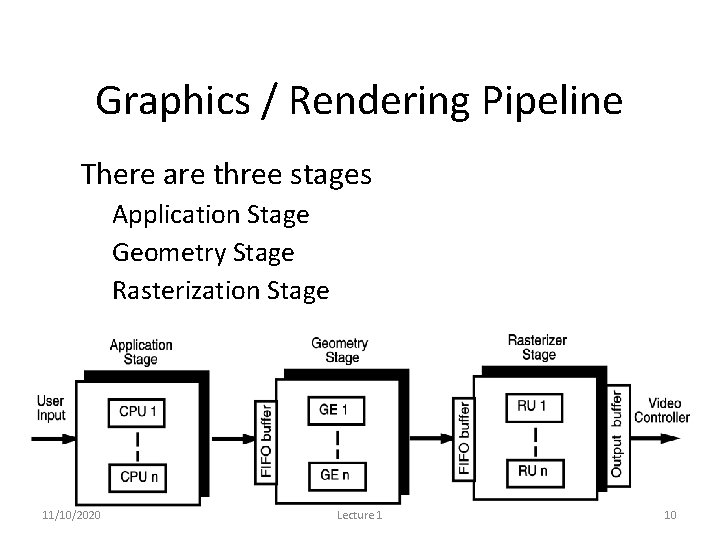
Graphics / Rendering Pipeline • There are three stages – Application Stage – Geometry Stage – Rasterization Stage 11/10/2020 Lecture 1 10
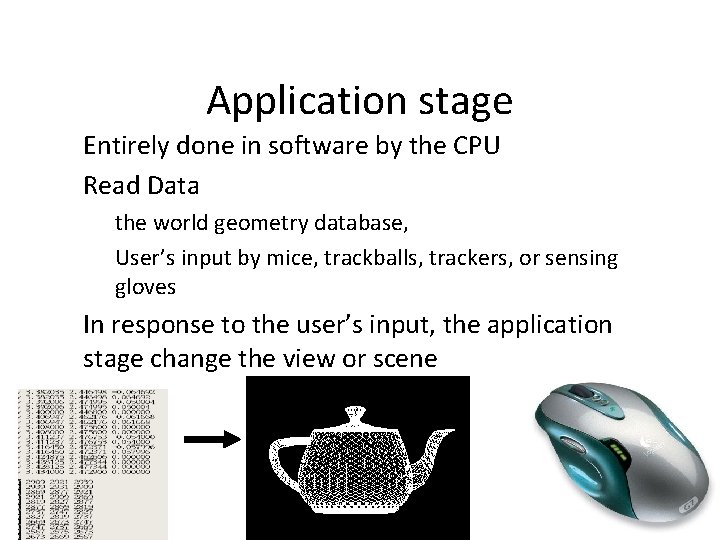
Application stage • Entirely done in software by the CPU • Read Data – the world geometry database, – User’s input by mice, trackballs, trackers, or sensing gloves • In response to the user’s input, the application stage change the view or scene 11/10/2020 Lecture 1 11
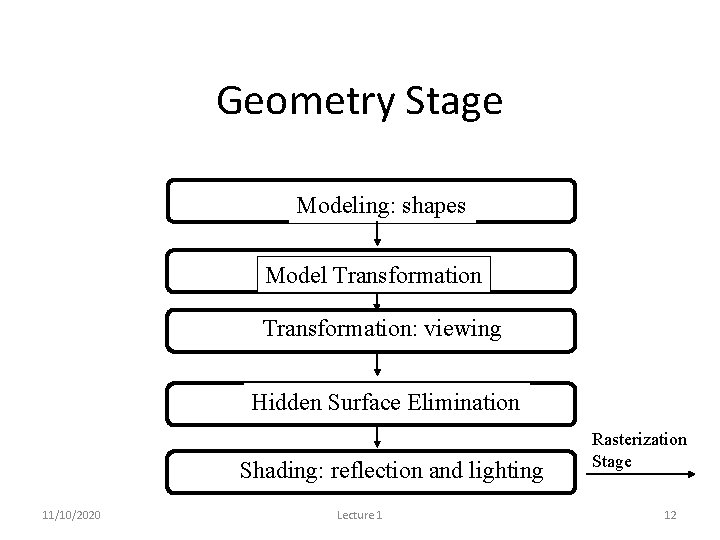
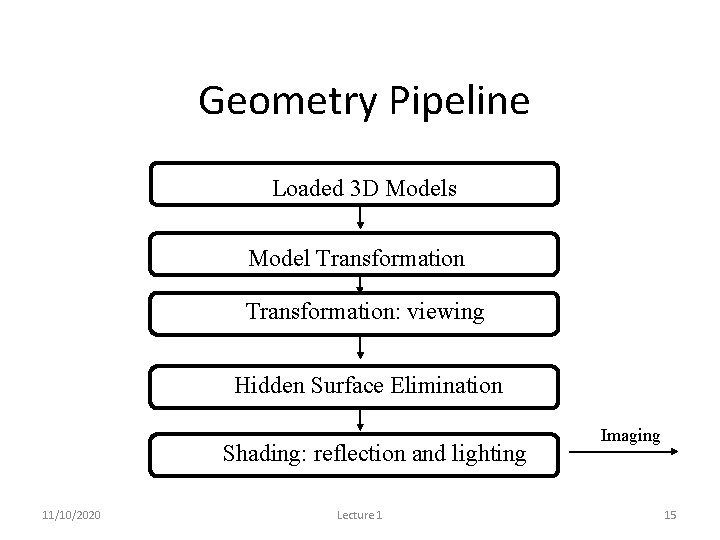
Geometry Stage Modeling: shapes Model Transformation: viewing Hidden Surface Elimination Shading: reflection and lighting 11/10/2020 Lecture 1 Rasterization Stage 12
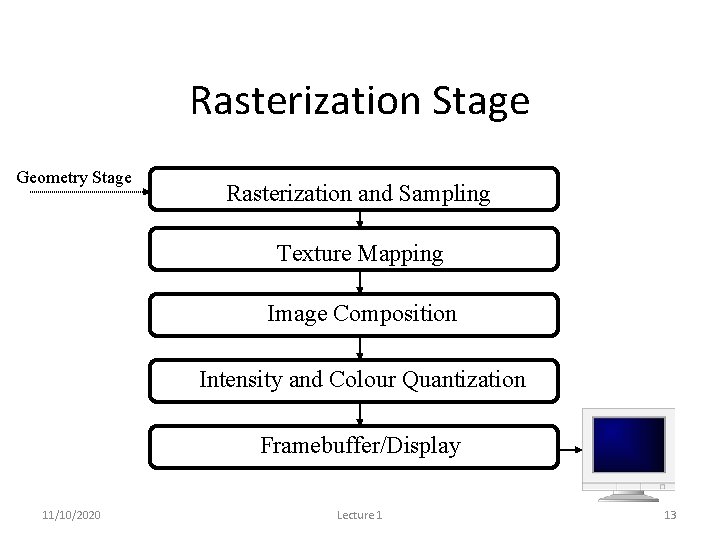
Rasterization Stage Geometry Stage Rasterization and Sampling Texture Mapping Image Composition Intensity and Colour Quantization Framebuffer/Display 11/10/2020 Lecture 1 13
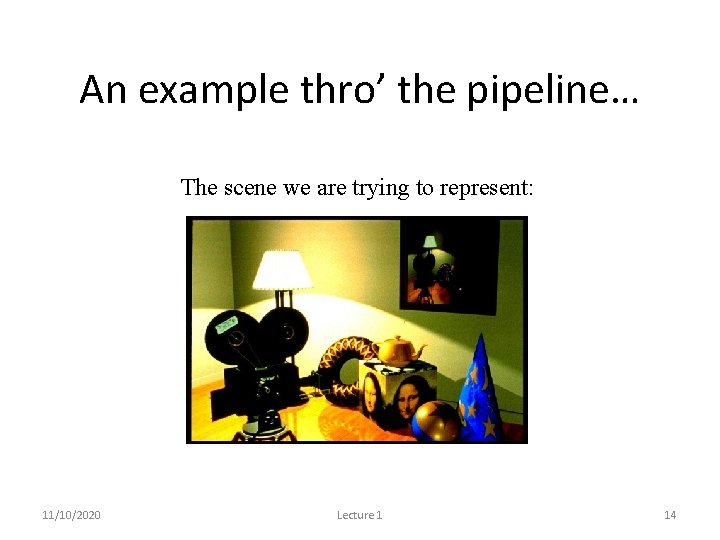
An example thro’ the pipeline… The scene we are trying to represent: Images courtesy of Picture Inc. 11/10/2020 Lecture 1 14
Geometry Pipeline Loaded 3 D Models Model Transformation: viewing Hidden Surface Elimination Shading: reflection and lighting 11/10/2020 Lecture 1 Imaging Pipeline 15
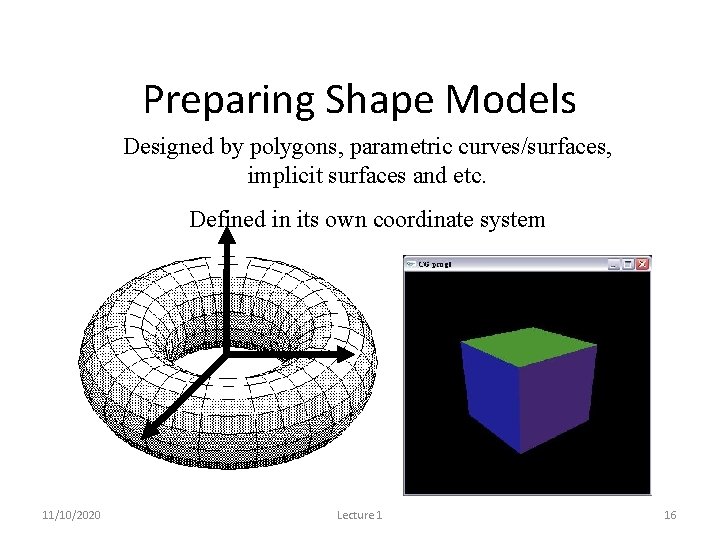
Preparing Shape Models Designed by polygons, parametric curves/surfaces, implicit surfaces and etc. Defined in its own coordinate system 11/10/2020 Lecture 1 16
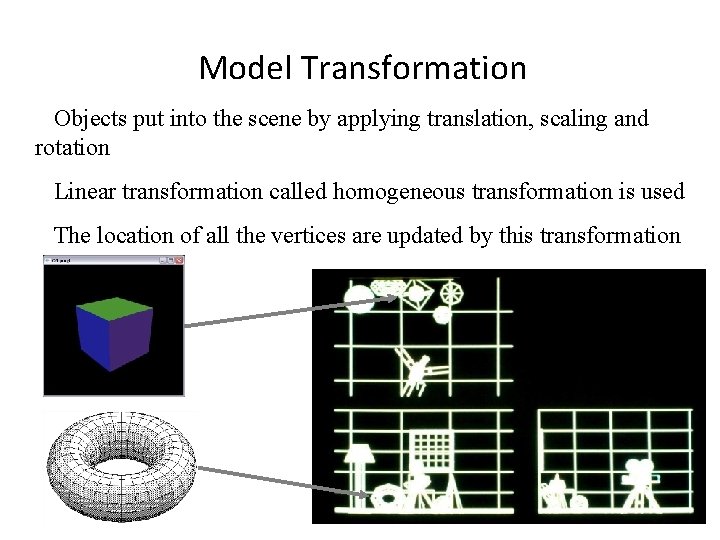
Model Transformation Objects put into the scene by applying translation, scaling and rotation Linear transformation called homogeneous transformation is used The location of all the vertices are updated by this transformation 11/10/2020 Lecture 1 17
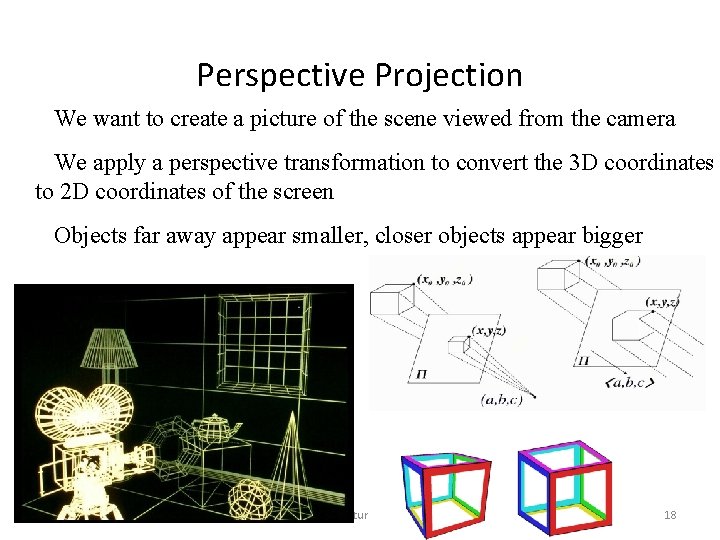
Perspective Projection We want to create a picture of the scene viewed from the camera We apply a perspective transformation to convert the 3 D coordinates to 2 D coordinates of the screen Objects far away appear smaller, closer objects appear bigger 11/10/2020 Lecture 1 18
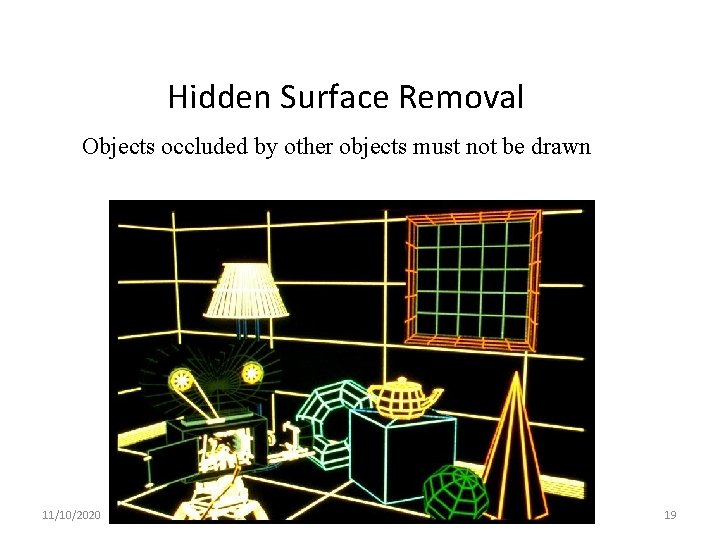
Hidden Surface Removal Objects occluded by other objects must not be drawn 11/10/2020 Lecture 1 19
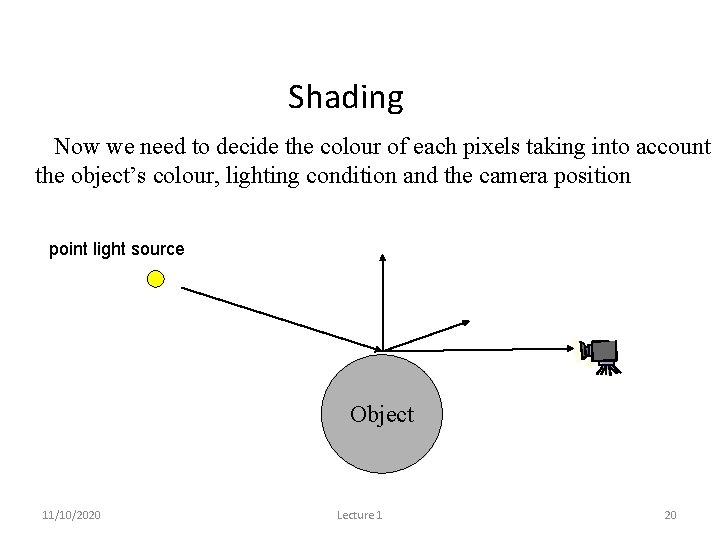
Shading Now we need to decide the colour of each pixels taking into account the object’s colour, lighting condition and the camera position point light source Object 11/10/2020 Lecture 1 20
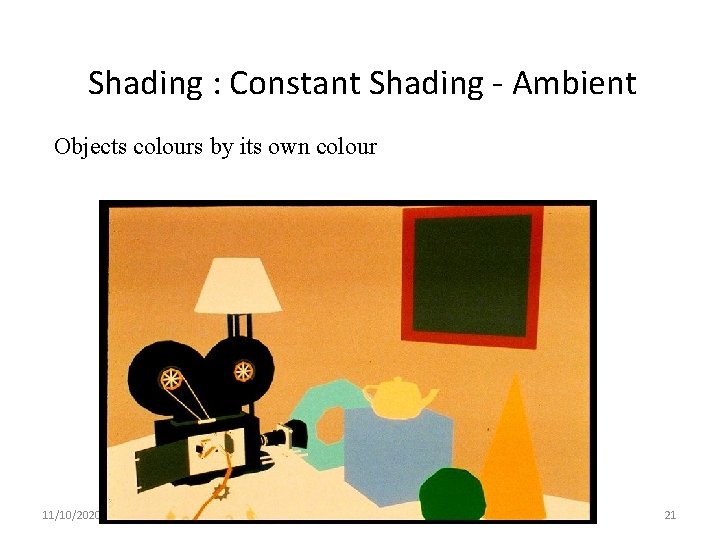
Shading : Constant Shading - Ambient Objects colours by its own colour 11/10/2020 Lecture 1 21
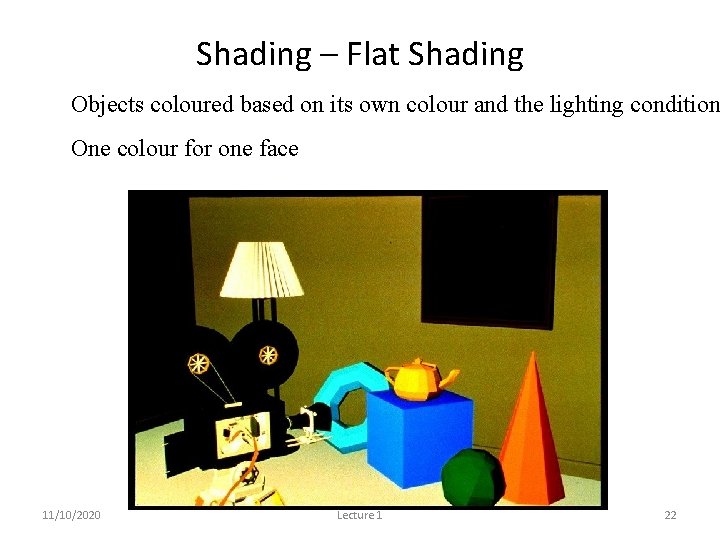
Shading – Flat Shading Objects coloured based on its own colour and the lighting condition One colour for one face 11/10/2020 Lecture 1 22
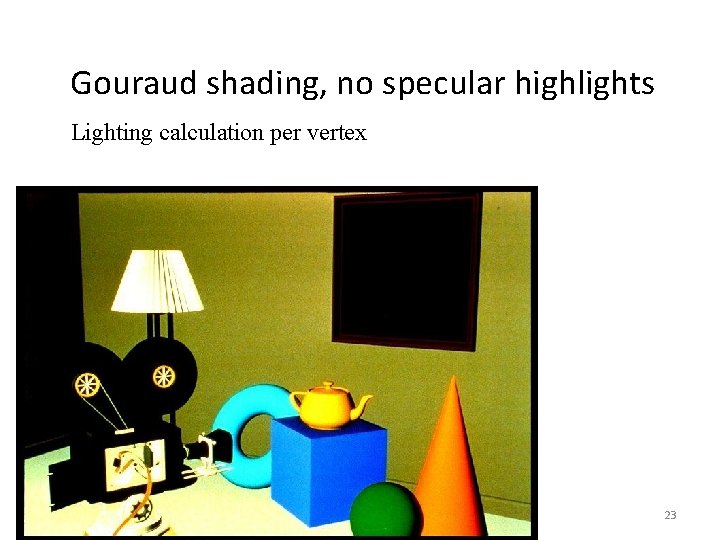
Gouraud shading, no specular highlights Lighting calculation per vertex 11/10/2020 Lecture 1 23
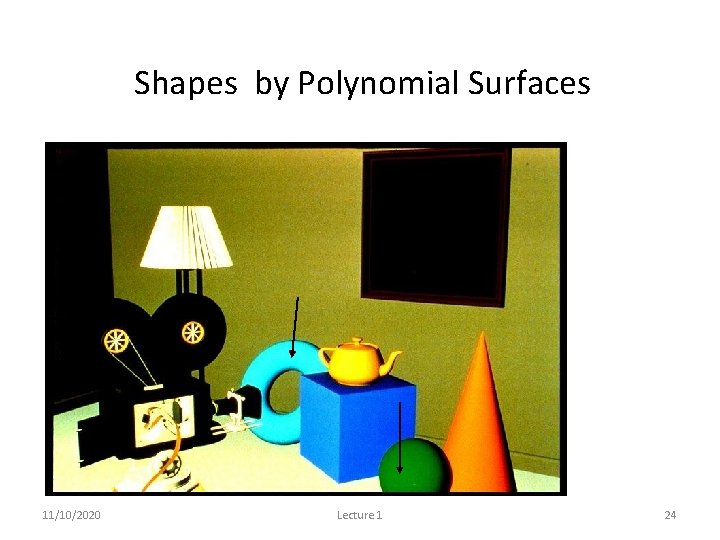
Shapes by Polynomial Surfaces 11/10/2020 Lecture 1 24
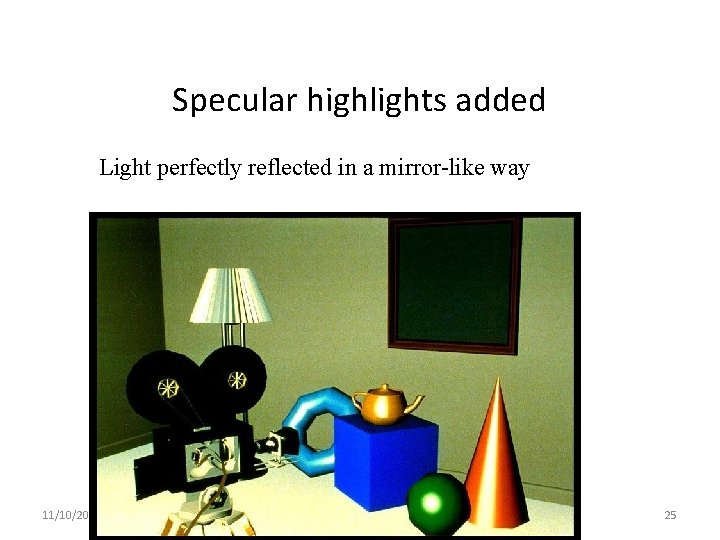
Specular highlights added Light perfectly reflected in a mirror-like way 11/10/2020 Lecture 1 25
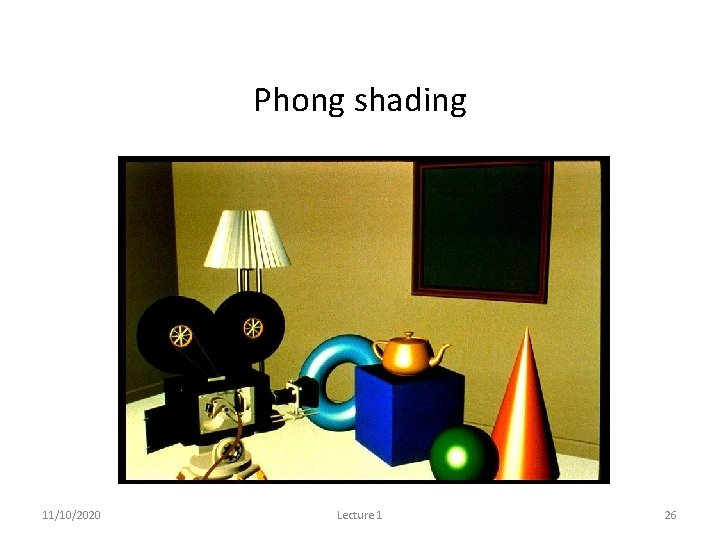
Phong shading 11/10/2020 Lecture 1 26
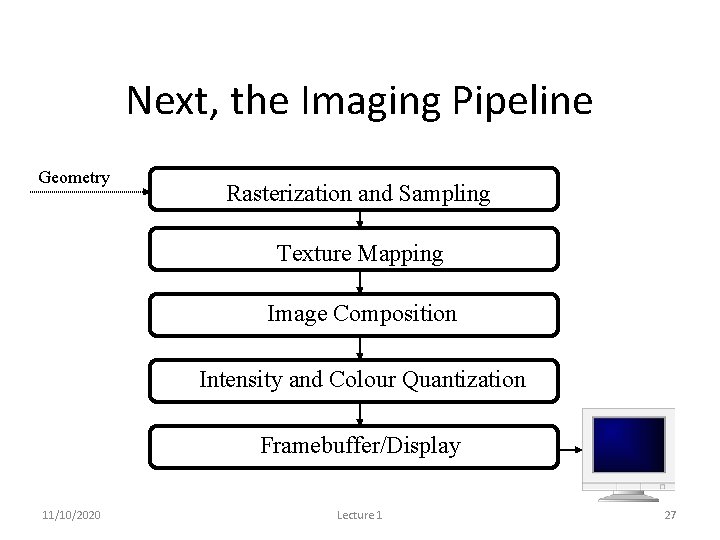
Next, the Imaging Pipeline Geometry Pipeline Rasterization and Sampling Texture Mapping Image Composition Intensity and Colour Quantization Framebuffer/Display 11/10/2020 Lecture 1 27
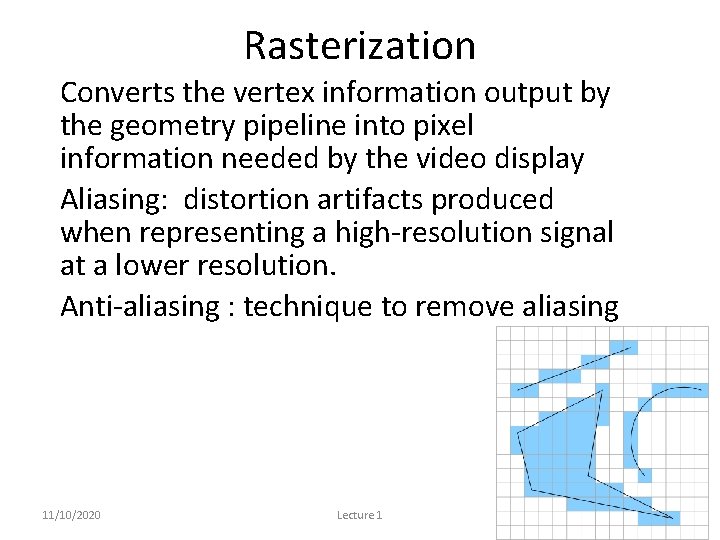
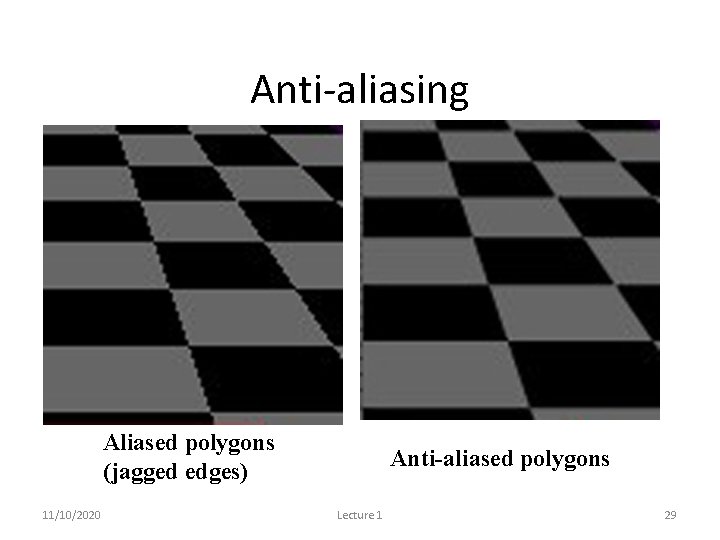
Rasterization • Converts the vertex information output by the geometry pipeline into pixel information needed by the video display • Aliasing: distortion artifacts produced when representing a high-resolution signal at a lower resolution. • Anti-aliasing : technique to remove aliasing 11/10/2020 Lecture 1 28
Anti-aliasing Aliased polygons (jagged edges) 11/10/2020 Anti-aliased polygons Lecture 1 29
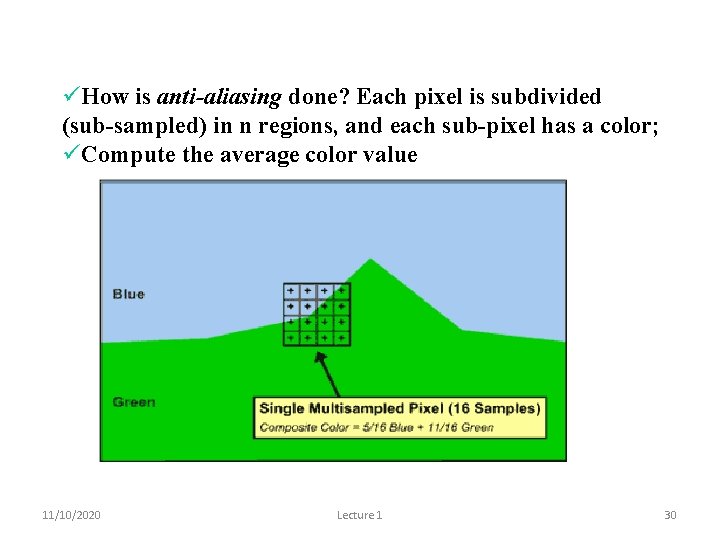
How is anti-aliasing done? Each pixel is subdivided (sub-sampled) in n regions, and each sub-pixel has a color; Compute the average color value 11/10/2020 Lecture 1 30
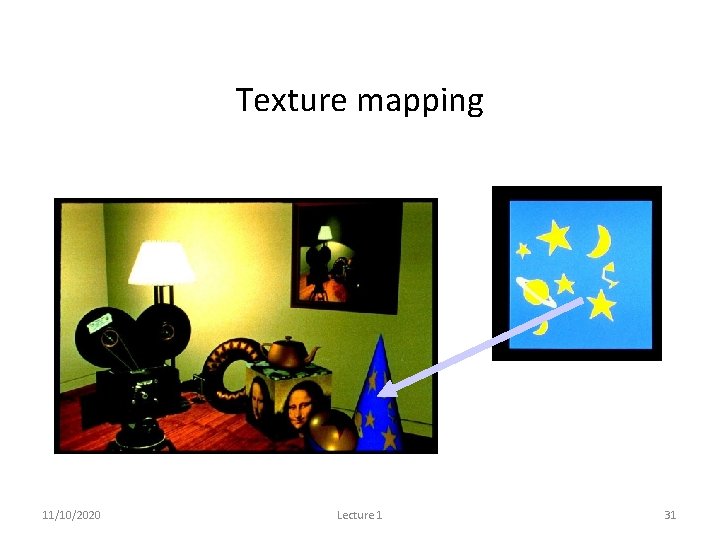
Texture mapping 11/10/2020 Lecture 1 31
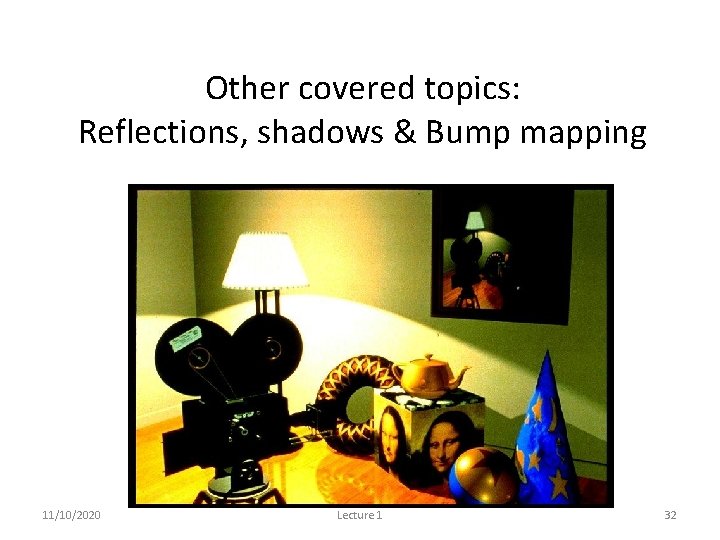
Other covered topics: Reflections, shadows & Bump mapping 11/10/2020 Lecture 1 32
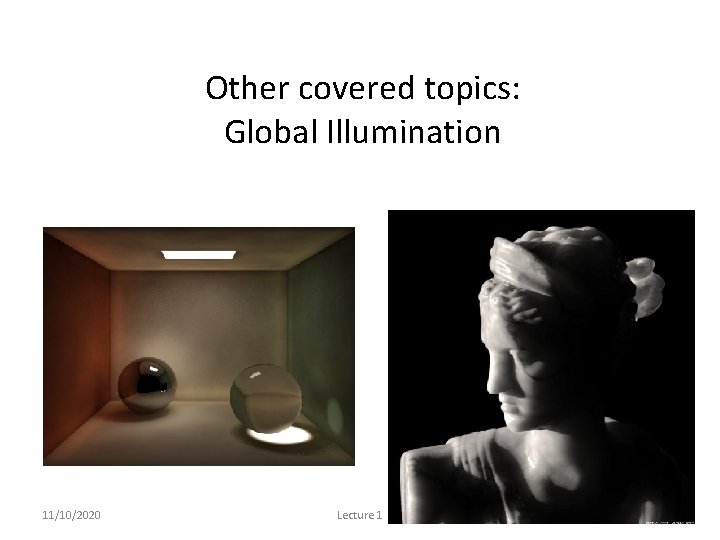
Other covered topics: Global Illumination 11/10/2020 Lecture 1 33
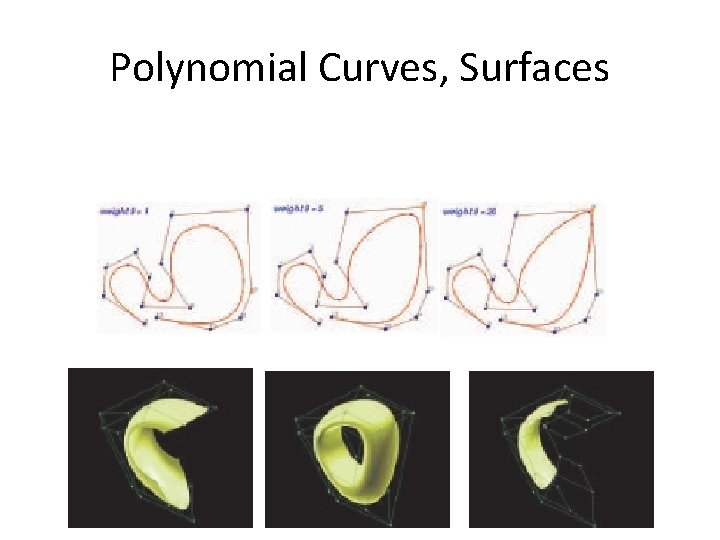
Polynomial Curves, Surfaces
Graphics Definitions • Point – a location in space, 2 D or 3 D – sometimes denotes one pixel • Line – straight path connecting two points – infinitesimal width, consistent density – beginning and end on points 11/10/2020 Lecture 1 35
• Vertex Graphics Definitions – point in 3 D • Edge – line in 3 D connecting two vertices • Polygon/Facet – arbitrary shape formed by connected vertices – fundamental unit of 3 D computer graphics • Mesh – set of connected polygons forming a surface (or object) –: 11/10/2020 Lecture 1 36
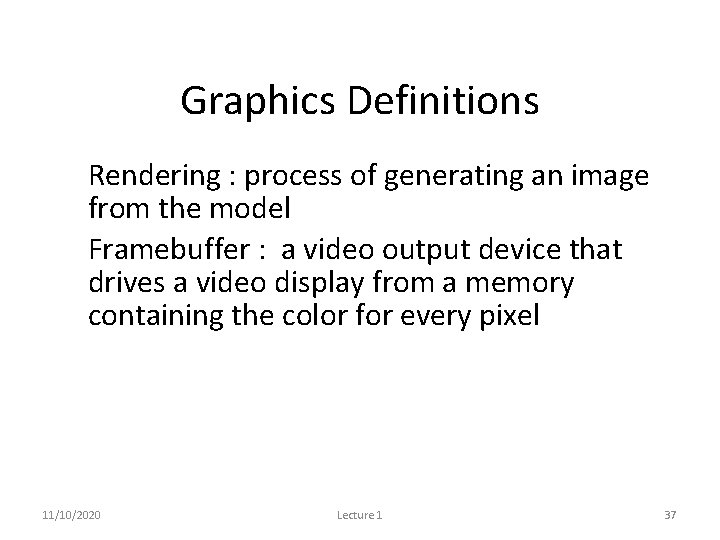
Graphics Definitions • Rendering : process of generating an image from the model • Framebuffer : a video output device that drives a video display from a memory containing the color for every pixel 11/10/2020 Lecture 1 37
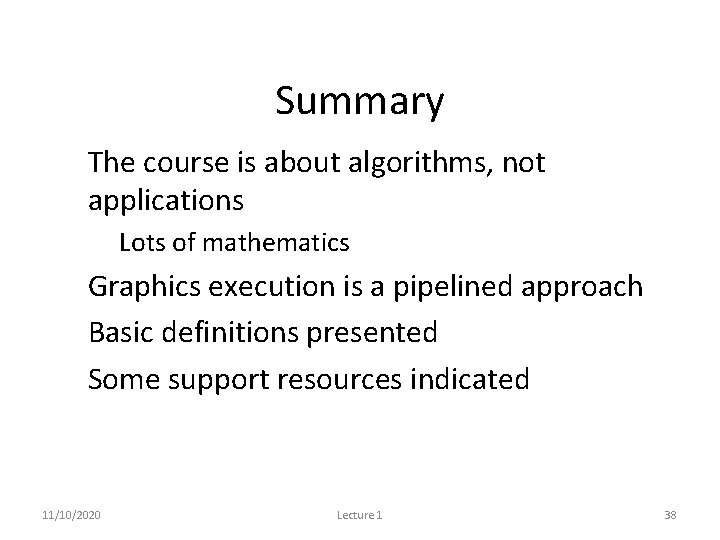
Summary • The course is about algorithms, not applications • Lots of mathematics • Graphics execution is a pipelined approach • Basic definitions presented • Some support resources indicated 11/10/2020 Lecture 1 38