
Computer Components COMPUTER COMPONENTS Ms Jennifer COMPUTER PARTS
- Slides: 21
Computer Components COMPUTER COMPONENTS Ms Jennifer
COMPUTER PARTS • PSU • UPS • Internal components • Drives • Ports Computer Components
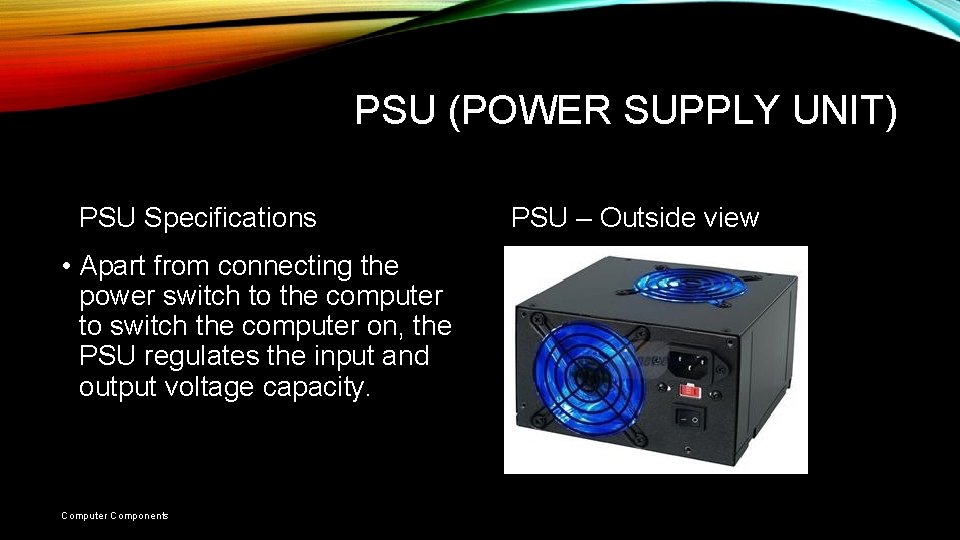
PSU (POWER SUPPLY UNIT) PSU Specifications • Apart from connecting the power switch to the computer to switch the computer on, the PSU regulates the input and output voltage capacity. Computer Components PSU – Outside view
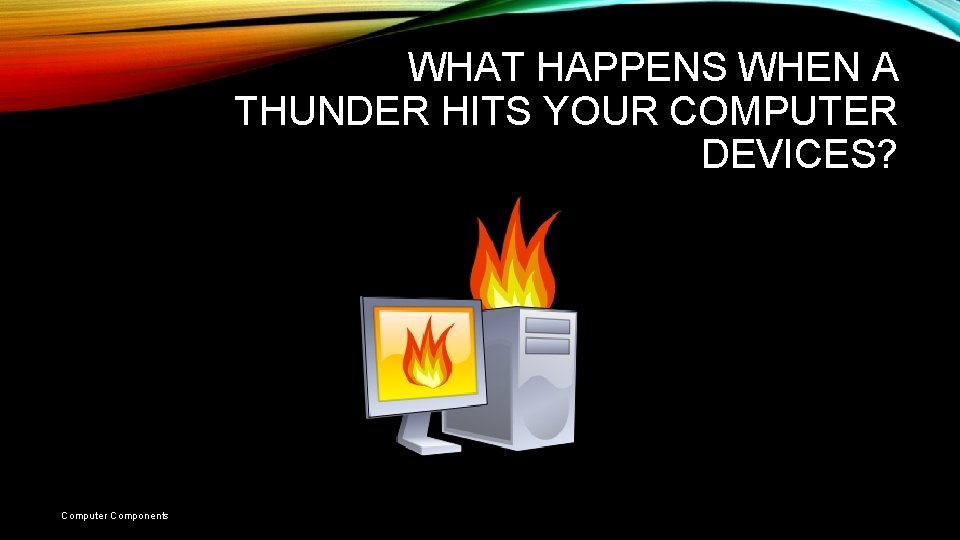
WHAT HAPPENS WHEN A THUNDER HITS YOUR COMPUTER DEVICES? Computer Components
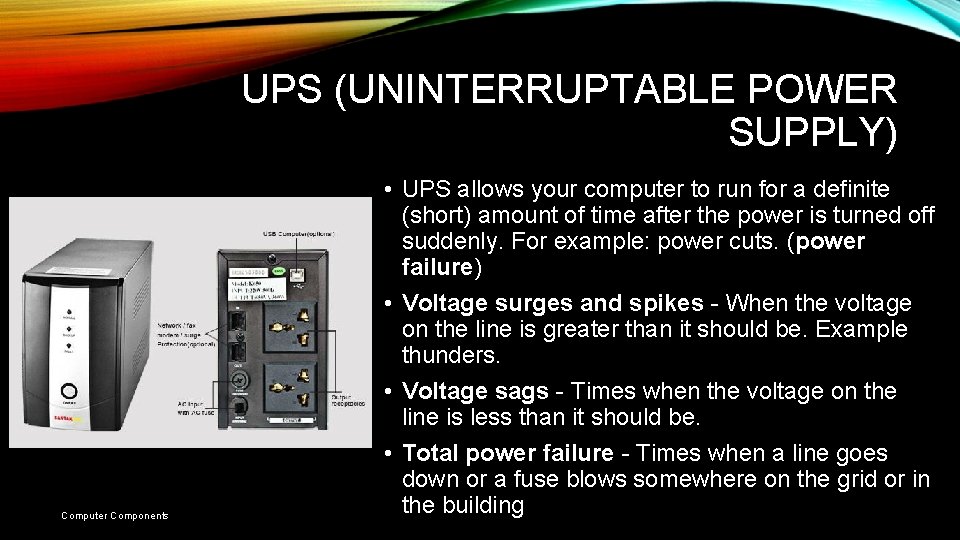
UPS (UNINTERRUPTABLE POWER SUPPLY) Computer Components • UPS allows your computer to run for a definite (short) amount of time after the power is turned off suddenly. For example: power cuts. (power failure) • Voltage surges and spikes - When the voltage on the line is greater than it should be. Example thunders. • Voltage sags - Times when the voltage on the line is less than it should be. • Total power failure - Times when a line goes down or a fuse blows somewhere on the grid or in the building
INTERNAL COMPONENTS OF COMPUTER SYSTEMS Computer Components
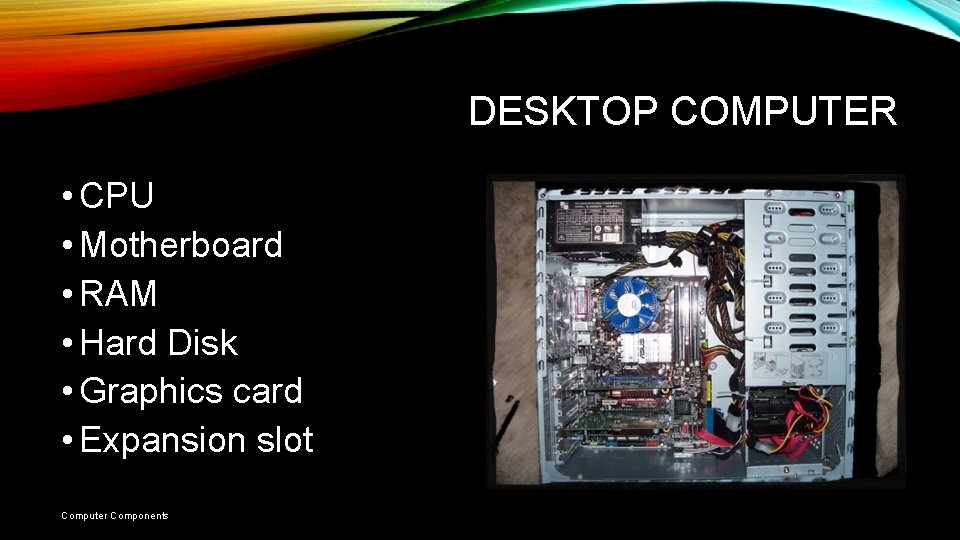
DESKTOP COMPUTER • CPU • Motherboard • RAM • Hard Disk • Graphics card • Expansion slot Computer Components
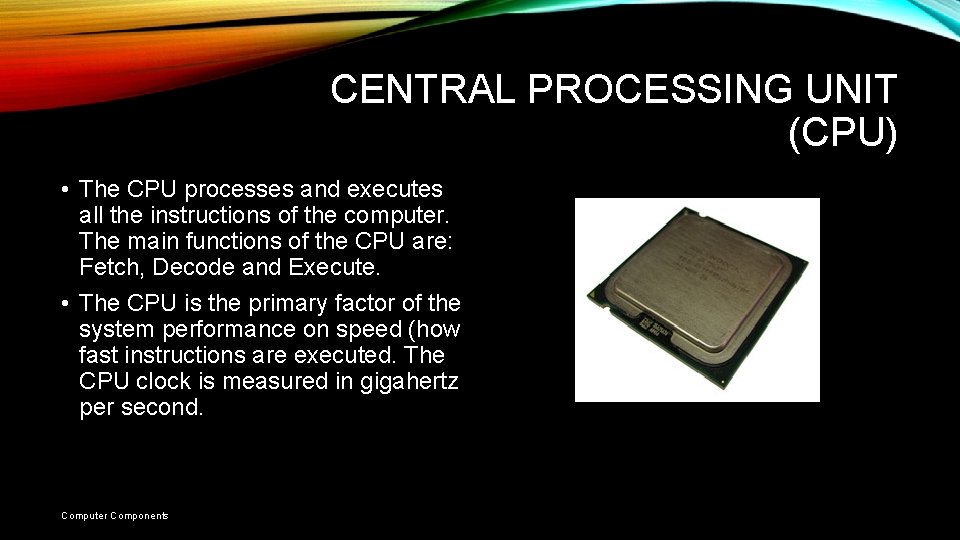
CENTRAL PROCESSING UNIT (CPU) • The CPU processes and executes all the instructions of the computer. The main functions of the CPU are: Fetch, Decode and Execute. • The CPU is the primary factor of the system performance on speed (how fast instructions are executed. The CPU clock is measured in gigahertz per second. Computer Components
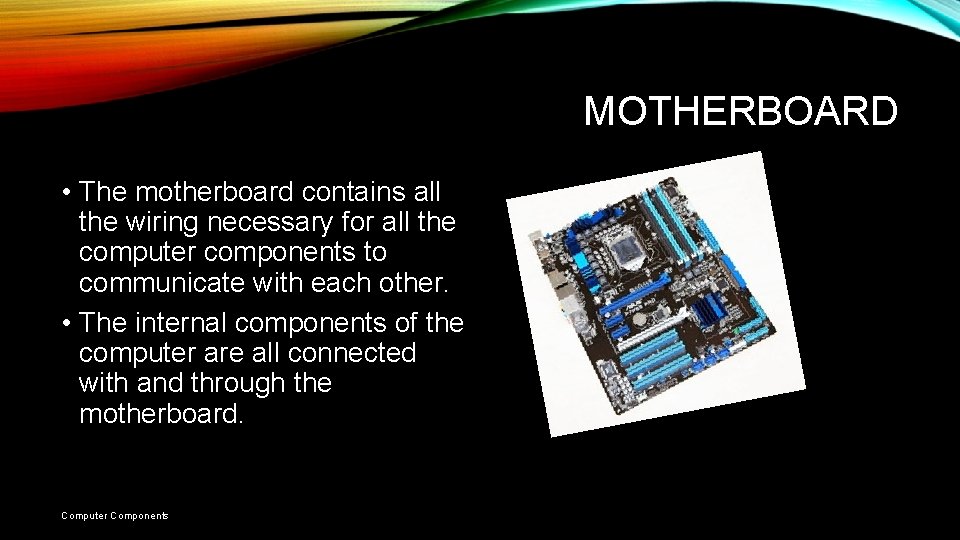
MOTHERBOARD • The motherboard contains all the wiring necessary for all the computer components to communicate with each other. • The internal components of the computer are all connected with and through the motherboard. Computer Components
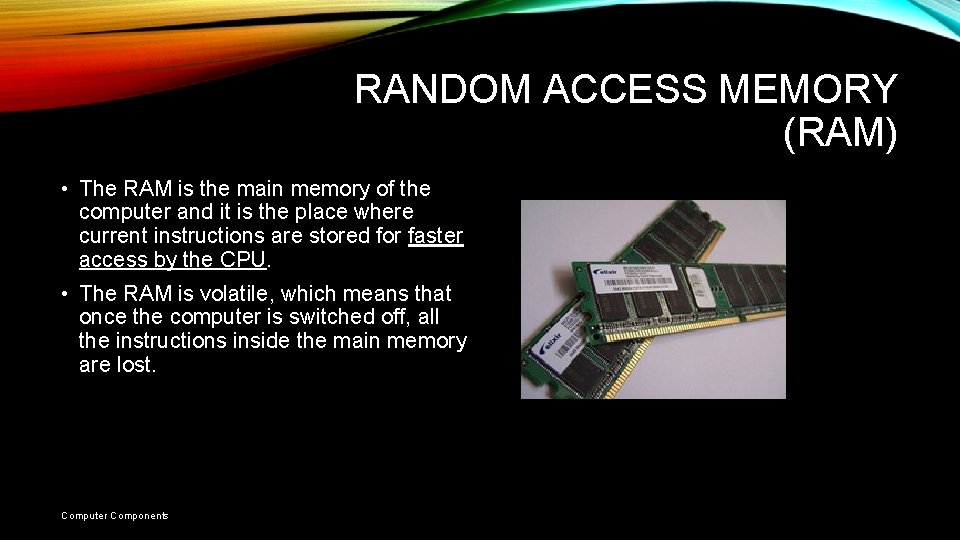
RANDOM ACCESS MEMORY (RAM) • The RAM is the main memory of the computer and it is the place where current instructions are stored for faster access by the CPU. • The RAM is volatile, which means that once the computer is switched off, all the instructions inside the main memory are lost. Computer Components
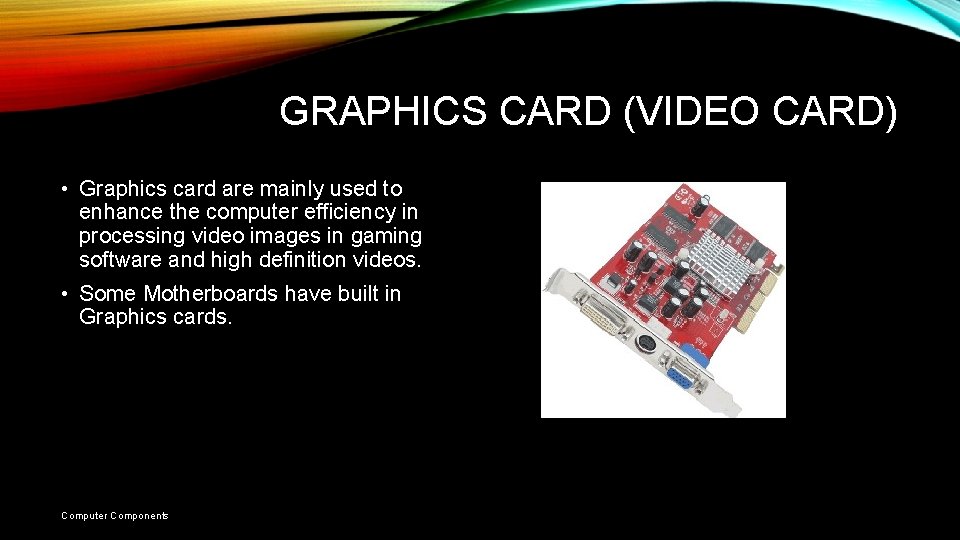
GRAPHICS CARD (VIDEO CARD) • Graphics card are mainly used to enhance the computer efficiency in processing video images in gaming software and high definition videos. • Some Motherboards have built in Graphics cards. Computer Components
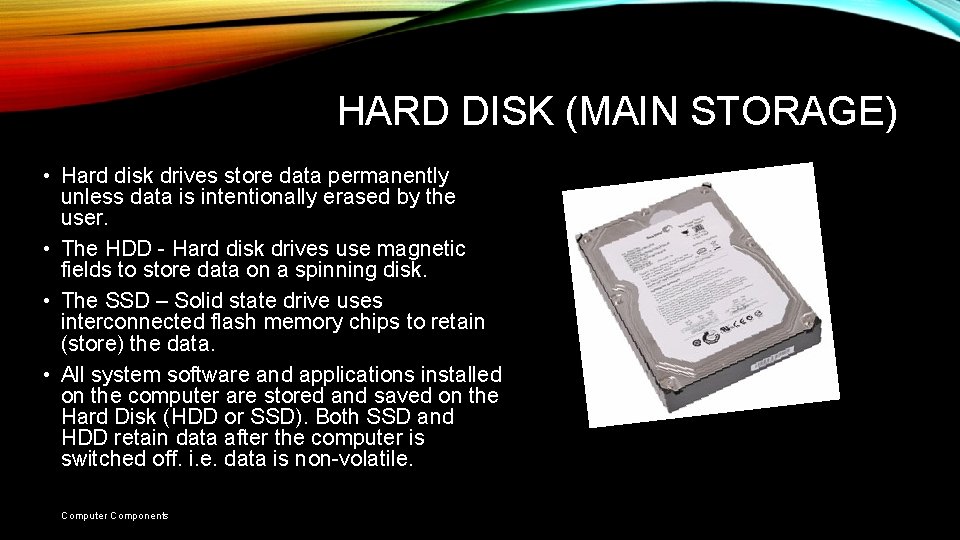
HARD DISK (MAIN STORAGE) • Hard disk drives store data permanently unless data is intentionally erased by the user. • The HDD - Hard disk drives use magnetic fields to store data on a spinning disk. • The SSD – Solid state drive uses interconnected flash memory chips to retain (store) the data. • All system software and applications installed on the computer are stored and saved on the Hard Disk (HDD or SSD). Both SSD and HDD retain data after the computer is switched off. i. e. data is non-volatile. Computer Components
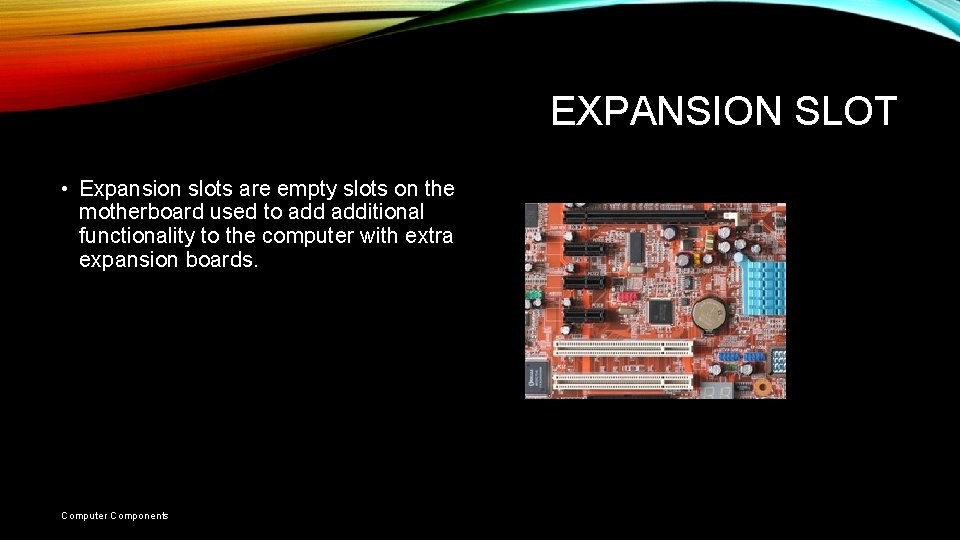
EXPANSION SLOT • Expansion slots are empty slots on the motherboard used to additional functionality to the computer with extra expansion boards. Computer Components
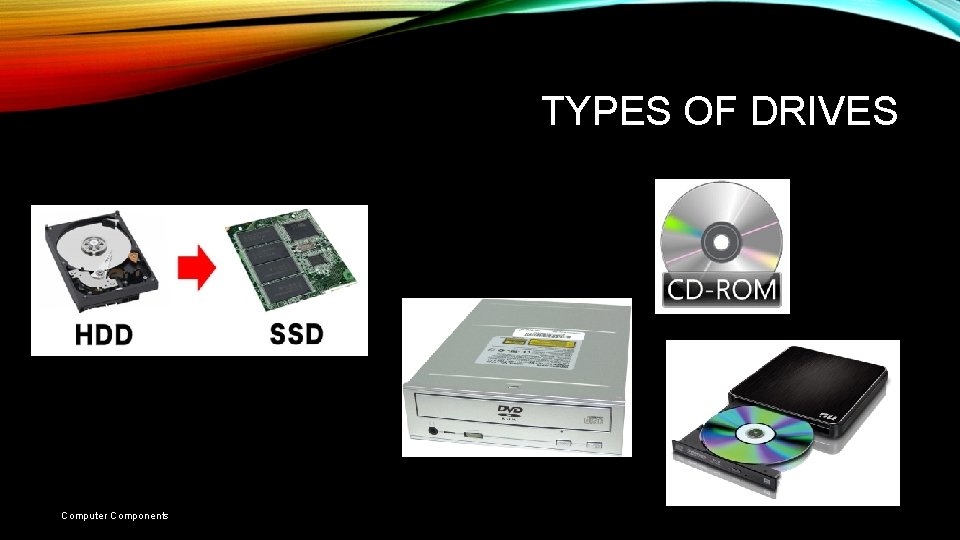
TYPES OF DRIVES Computer Components
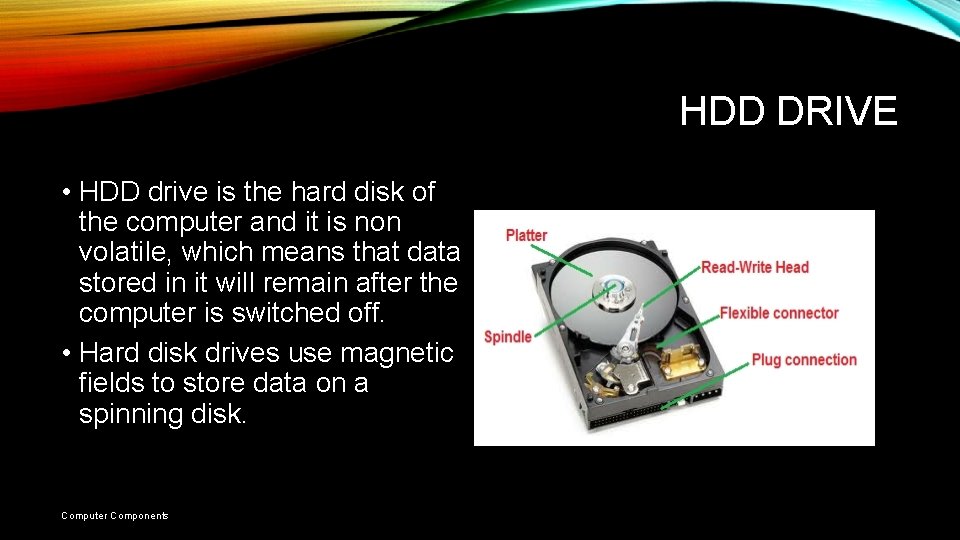
HDD DRIVE • HDD drive is the hard disk of the computer and it is non volatile, which means that data stored in it will remain after the computer is switched off. • Hard disk drives use magnetic fields to store data on a spinning disk. Computer Components
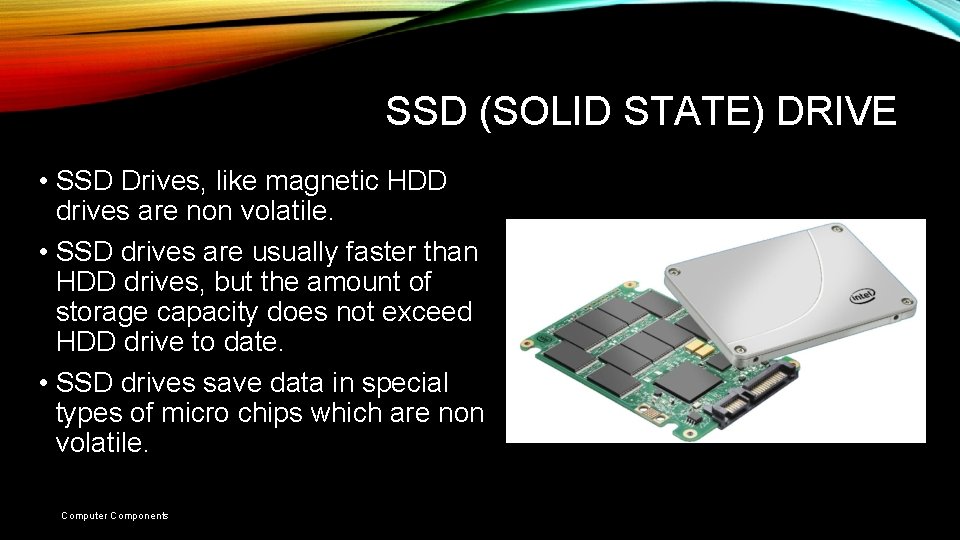
SSD (SOLID STATE) DRIVE • SSD Drives, like magnetic HDD drives are non volatile. • SSD drives are usually faster than HDD drives, but the amount of storage capacity does not exceed HDD drive to date. • SSD drives save data in special types of micro chips which are non volatile. Computer Components
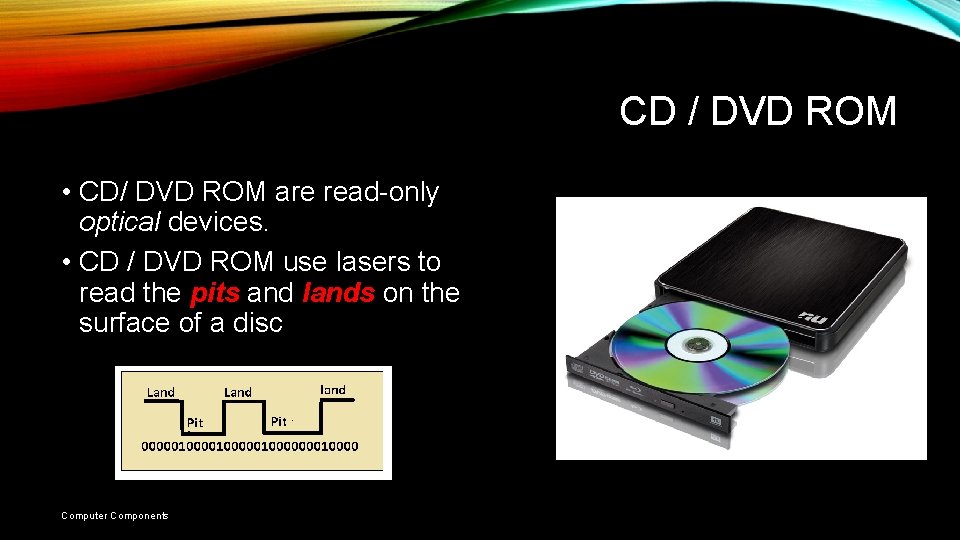
CD / DVD ROM • CD/ DVD ROM are read-only optical devices. • CD / DVD ROM use lasers to read the pits and lands on the surface of a disc Computer Components
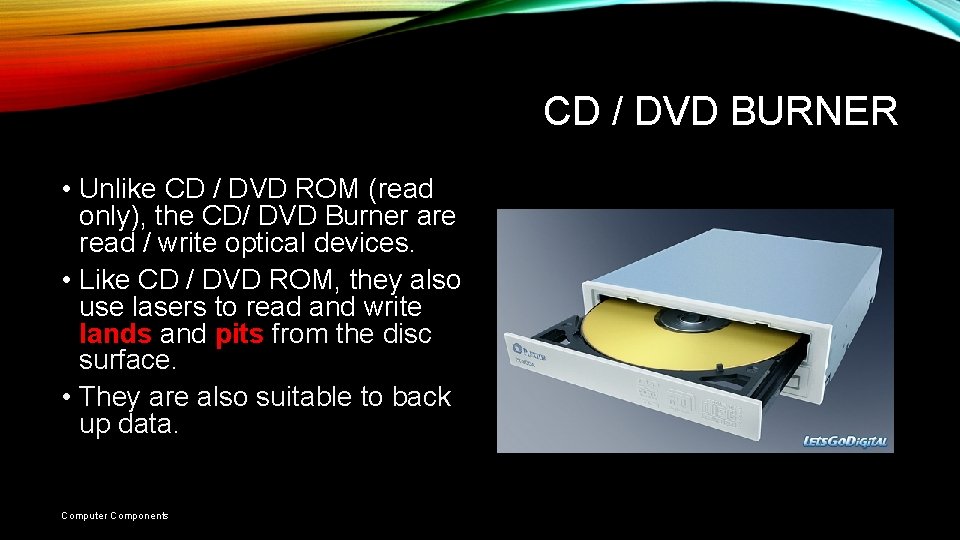
CD / DVD BURNER • Unlike CD / DVD ROM (read only), the CD/ DVD Burner are read / write optical devices. • Like CD / DVD ROM, they also use lasers to read and write lands and pits from the disc surface. • They are also suitable to back up data. Computer Components
COMPUTER PORTS Computer Components
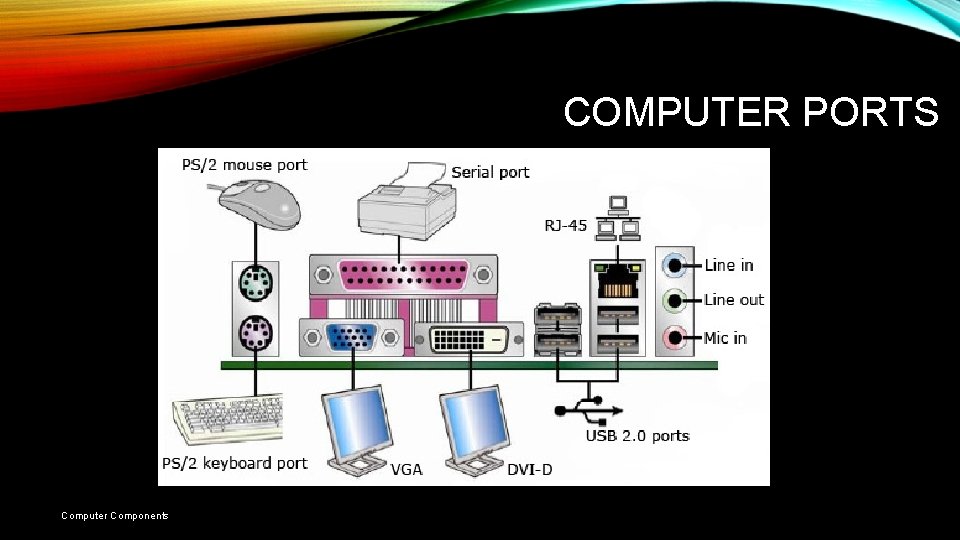
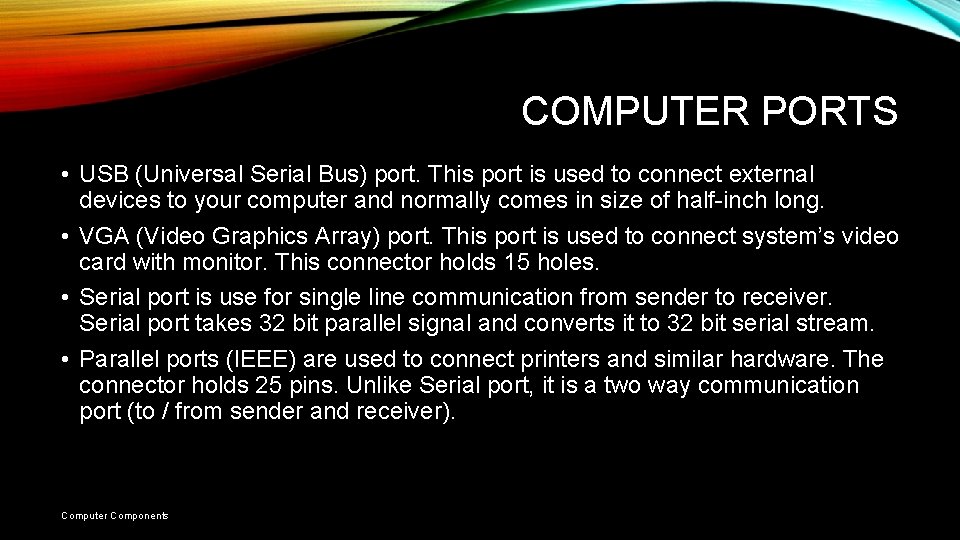
COMPUTER PORTS • USB (Universal Serial Bus) port. This port is used to connect external devices to your computer and normally comes in size of half-inch long. • VGA (Video Graphics Array) port. This port is used to connect system’s video card with monitor. This connector holds 15 holes. • Serial port is use for single line communication from sender to receiver. Serial port takes 32 bit parallel signal and converts it to 32 bit serial stream. • Parallel ports (IEEE) are used to connect printers and similar hardware. The connector holds 25 pins. Unlike Serial port, it is a two way communication port (to / from sender and receiver). Computer Components
COMPUTER PORTS • Ethernet (network) port are used to connect to a network by a modem, router, hubs and switches. • Power connector port is used to connect power cable in power socket. • PS/2 port is used to connect keyboard and mouse. Today, most new keyboards and mice connect via a USB port instead. • DVI stands for digital video interface and it is used to enhance video quality of flat LCD panel monitors. Computer Components