
Computer Components Checklist n There are many parts
- Slides: 12
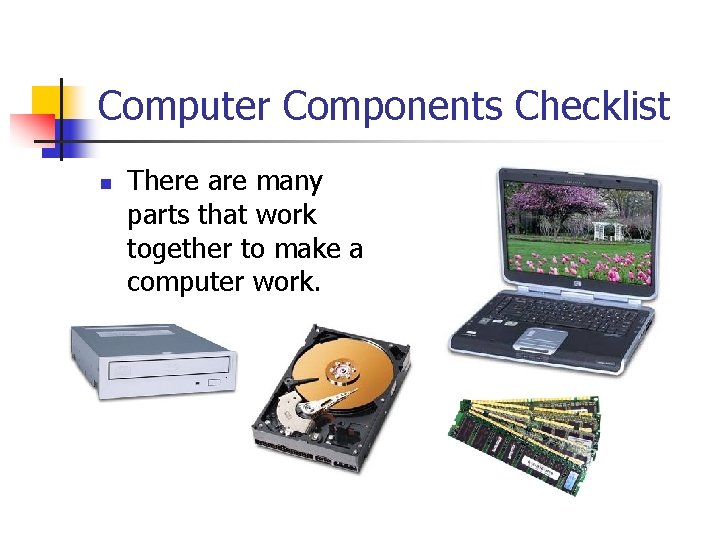
Computer Components Checklist n There are many parts that work together to make a computer work.
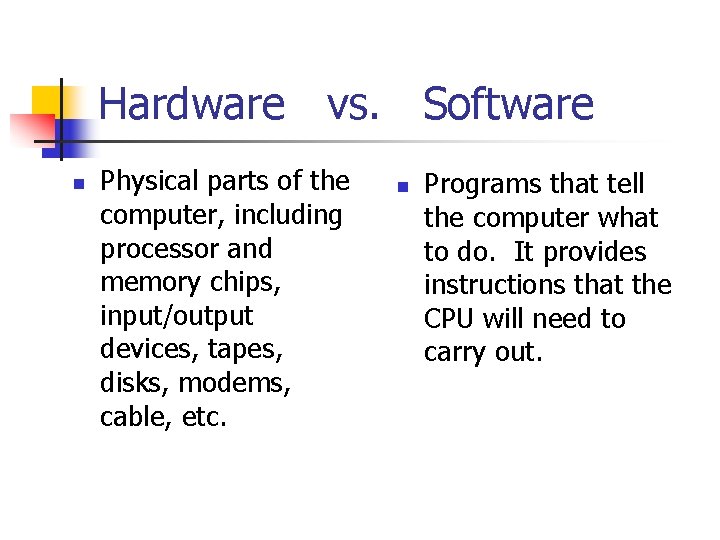
Hardware vs. Software n Physical parts of the computer, including processor and memory chips, input/output devices, tapes, disks, modems, cable, etc. n Programs that tell the computer what to do. It provides instructions that the CPU will need to carry out.
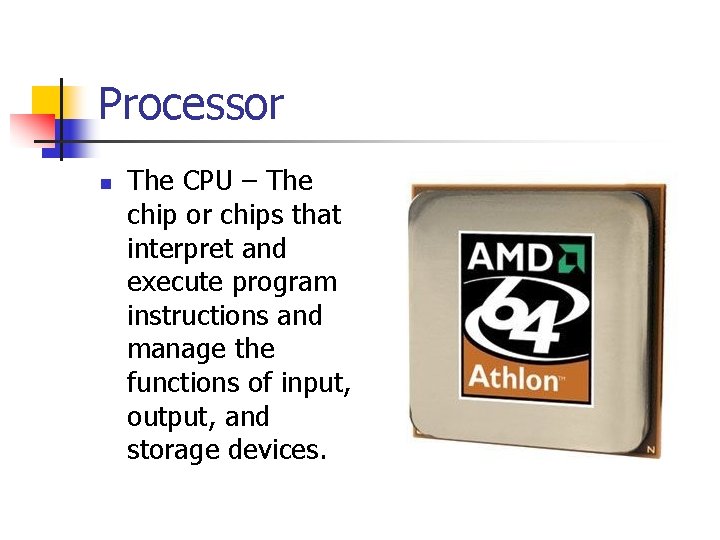
Processor n The CPU – The chip or chips that interpret and execute program instructions and manage the functions of input, output, and storage devices.
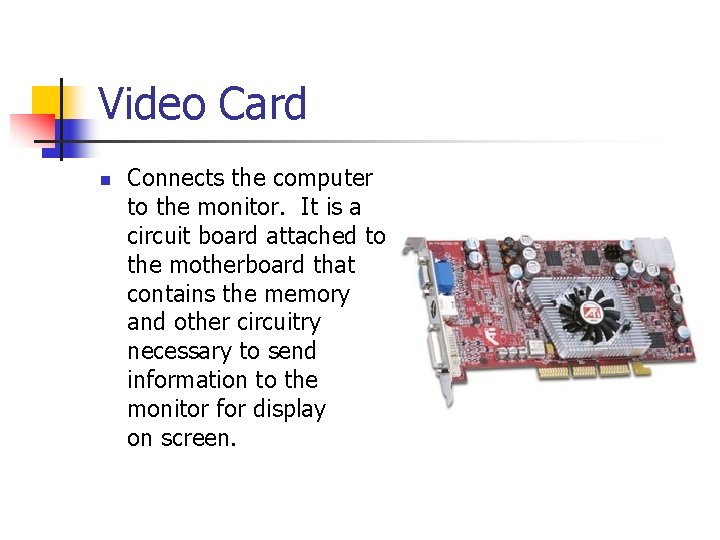
Video Card n Connects the computer to the monitor. It is a circuit board attached to the motherboard that contains the memory and other circuitry necessary to send information to the monitor for display on screen.
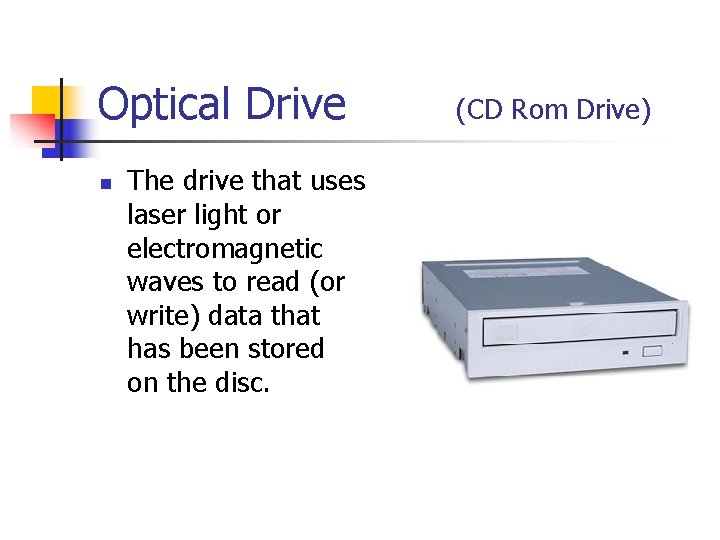
Optical Drive n The drive that uses laser light or electromagnetic waves to read (or write) data that has been stored on the disc. (CD Rom Drive)
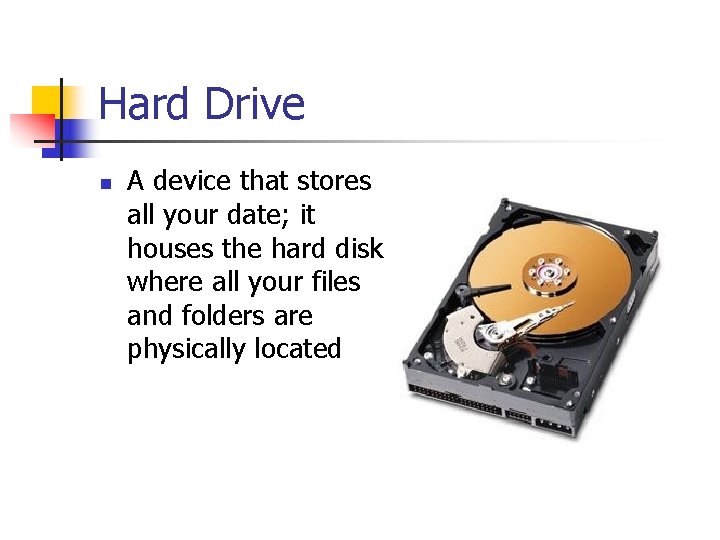
Hard Drive n A device that stores all your date; it houses the hard disk where all your files and folders are physically located
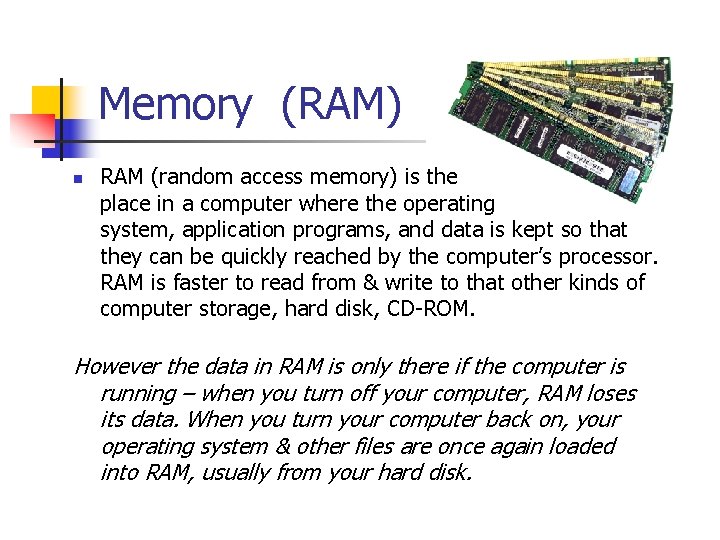
Memory (RAM) n RAM (random access memory) is the place in a computer where the operating system, application programs, and data is kept so that they can be quickly reached by the computer’s processor. RAM is faster to read from & write to that other kinds of computer storage, hard disk, CD-ROM. However the data in RAM is only there if the computer is running – when you turn off your computer, RAM loses its data. When you turn your computer back on, your operating system & other files are once again loaded into RAM, usually from your hard disk.
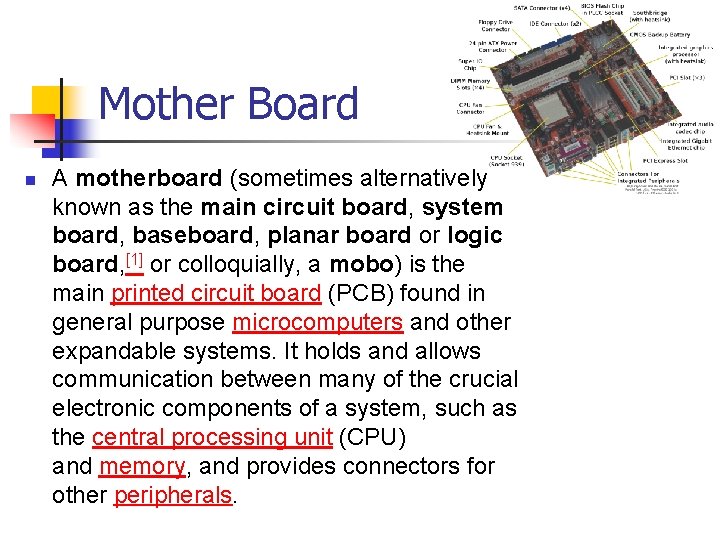
Mother Board n A motherboard (sometimes alternatively known as the main circuit board, system board, baseboard, planar board or logic board, [1] or colloquially, a mobo) is the main printed circuit board (PCB) found in general purpose microcomputers and other expandable systems. It holds and allows communication between many of the crucial electronic components of a system, such as the central processing unit (CPU) and memory, and provides connectors for other peripherals.
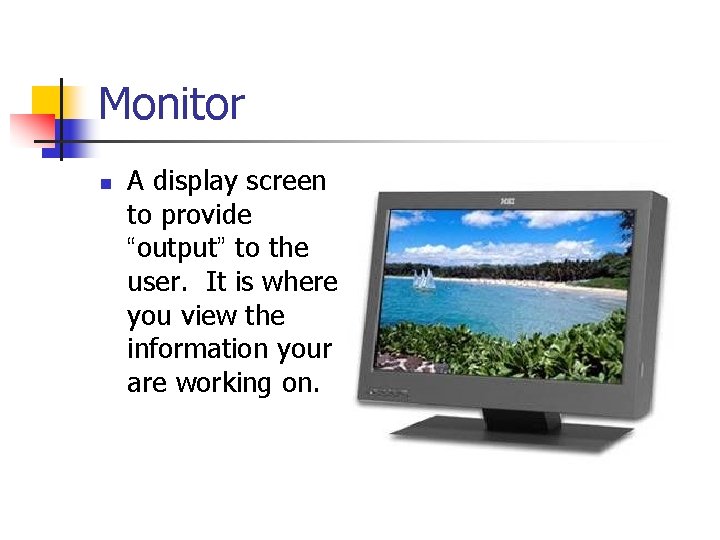
Monitor n A display screen to provide “output” to the user. It is where you view the information your are working on.
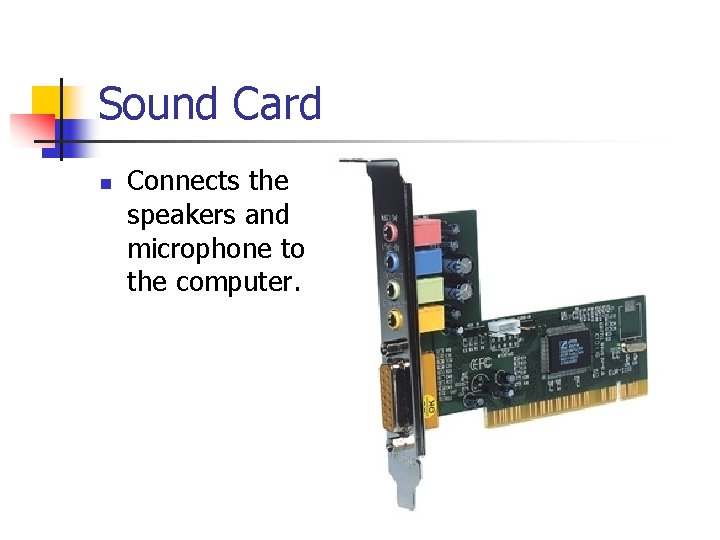
Sound Card n Connects the speakers and microphone to the computer.
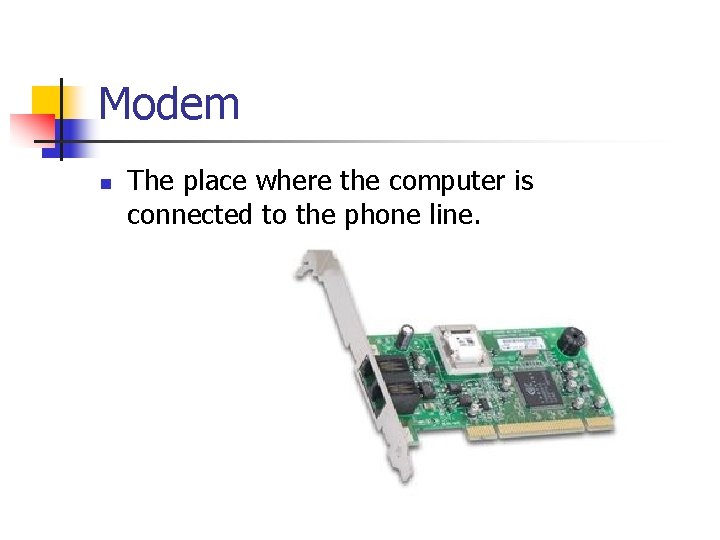
Modem n The place where the computer is connected to the phone line.
Operating System n The software that supports a computer’s basic functions or operations, scheduling tasks, executing applications, managing storage, (input/output), and controlling peripherals