
COMPUTER BASICS Part Two TOPICS Input and Output
COMPUTER BASICS Part Two
TOPICS Input and Output Computers Memory and Storage Hardware/ Software History END
INPUT v. Input gathers information and transforms it into a series of electronic signals for the computer. v. Examples of input include words or symbols, pictures, temperature from a thermometer, music or voice audio signals, instructions from another computer. v. Input devices include keyboard, scanners, and joysticks.
OUTPUT v. Output is useful information that leaves the system (processed information). v. Output displays, prints or transmits the results of processing. v. Examples of output from a computer include reports, pictures, graphs, and documents. v. Output devices include speakers, monitors, and printers. TOPICS
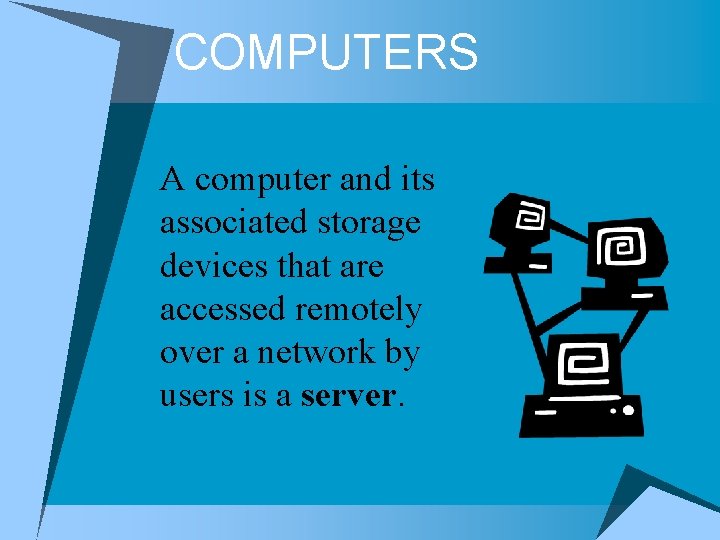
COMPUTERS A computer and its associated storage devices that are accessed remotely over a network by users is a server.
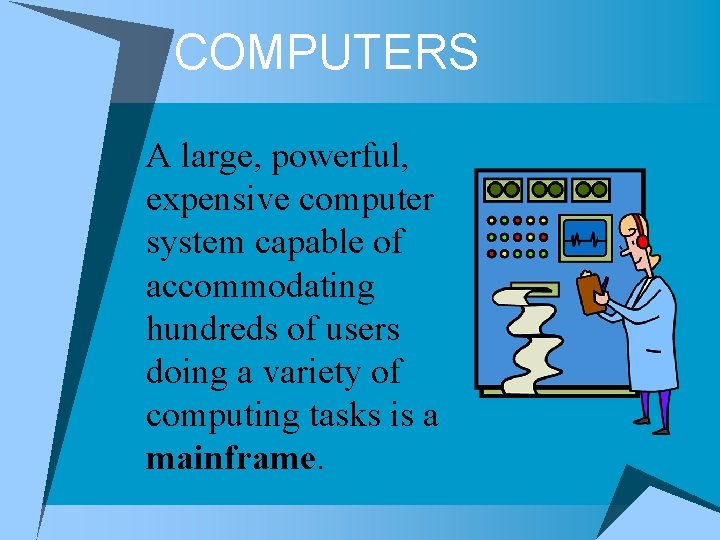
COMPUTERS A large, powerful, expensive computer system capable of accommodating hundreds of users doing a variety of computing tasks is a mainframe.
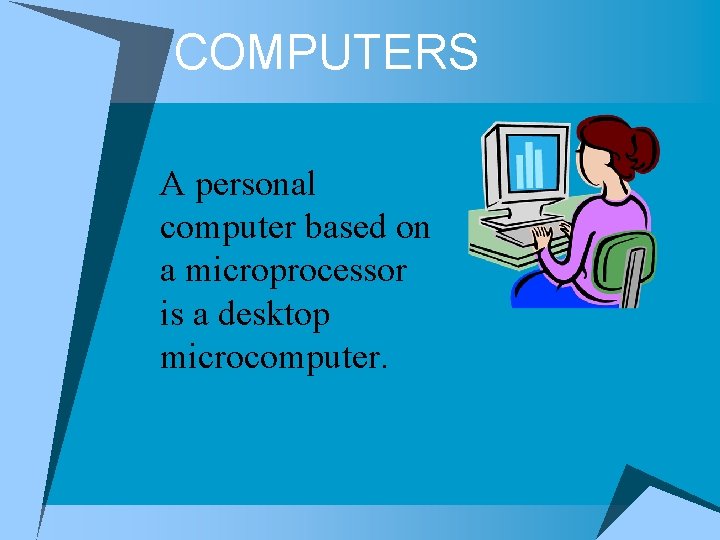
COMPUTERS A personal computer based on a microprocessor is a desktop microcomputer.
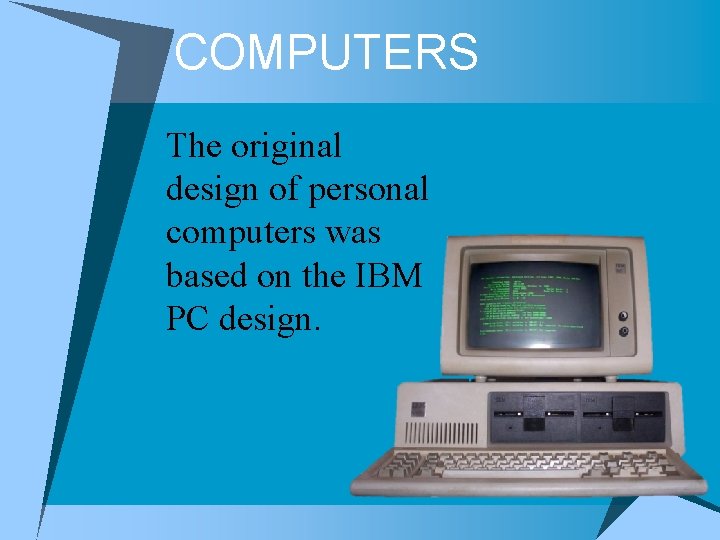
COMPUTERS The original design of personal computers was based on the IBM PC design.
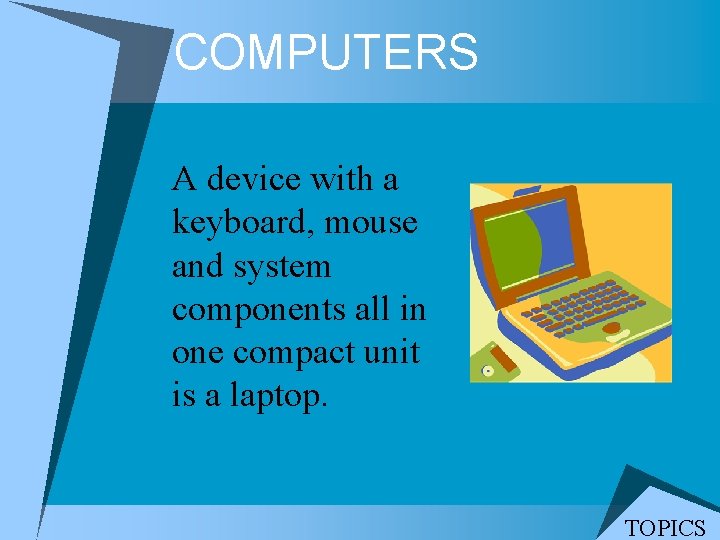
COMPUTERS A device with a keyboard, mouse and system components all in one compact unit is a laptop. TOPICS
MEMORY v RAM (Random Access Memory) is the main memory and stores data and programs while the computer is running. When the computer is turned off anything in main memory disappears. Computer can read from and write to this memory. v ROM (Read Only Memory) is a computer chip that stores specific instructions to manage the computer’s operation. Unlike main memory, this type of memory is nonvolatile—the instructions remain permanently on the chip and cannot be changed.
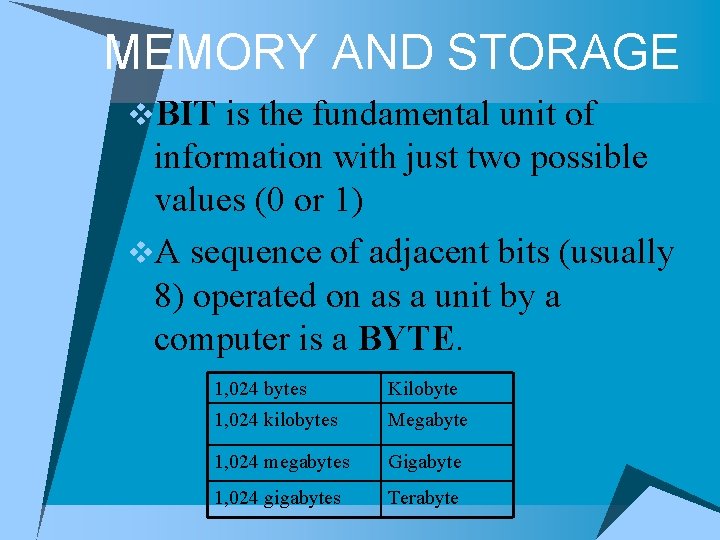
MEMORY AND STORAGE v. BIT is the fundamental unit of information with just two possible values (0 or 1) v. A sequence of adjacent bits (usually 8) operated on as a unit by a computer is a BYTE. 1, 024 bytes Kilobyte 1, 024 kilobytes Megabyte 1, 024 megabytes Gigabyte 1, 024 gigabytes Terabyte
STORAGE v Hard Disk is a rigid magnetic disk mounted permanently in a computer drive unit. v A small plastic magnetic disk enclosed in a stiff envelope with a radial slit is a floppy disk. (obsolete) v Zip disk is a magnetic disk storage device that has more capacity than a floppy disk. (obsolete) v CD-ROM is a compact disk that functions as a read -only memory. (Not used much) v USB Drive is a portable data storage device that connects to a computer using a USB port. Also called flash drive, jump drive, thumb drive, stick drive, etc.

HANDLING DISKS/FILES v Write-protected is used to modify (file or disk) so that its data cannot be edited or erased. v Format is used to prepare a disk for use on a specific type of drive by imprinting the disk with the information it needs to work in that particular kind of drive. Make sure you know what you are doing when you format a disk, because everything on the disk will be erased.
HARDWARE Processor speed is measured by Mega. Hertz (MHz) TOPICS
HARDWARE v. Hardware is the electronic and mechanical peripheral devices that make up a computer. v. The stuff you can touch!
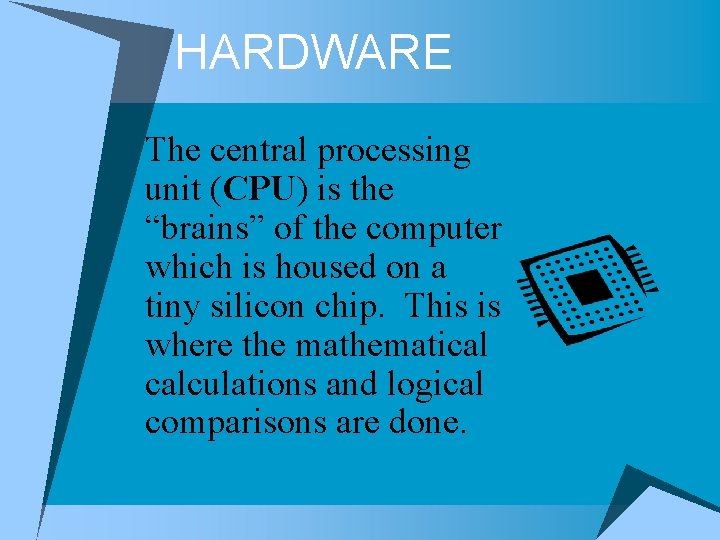
HARDWARE The central processing unit (CPU) is the “brains” of the computer which is housed on a tiny silicon chip. This is where the mathematical calculations and logical comparisons are done.
HARDWARE An integrated circuit or monolithic integrated circuit (also referred to as an IC, a chip, or a microchip) is a set of electronic circuits on one small flat piece (or "chip") of semiconductor material, normally silicon. (Wikipedia. org)
SOFTWARE Program is a series of commands and executable files that produce an expected result.
SOFTWARE v. Operating system software is a type of software that provides an interface between the user or application software and the computer hardware. v. Application software is a type of software program that performs a specific function such as presentations (i. e. Power. Point, Word, Excel, etc. )
SOFTWARE v. A computer interface that enables a user to launch commands by pointing and clicking at graphical objects such as windows, icons, and menu items is GUI (Graphical User Interface) v. ICON is an image that represents an executable file. TOPICS
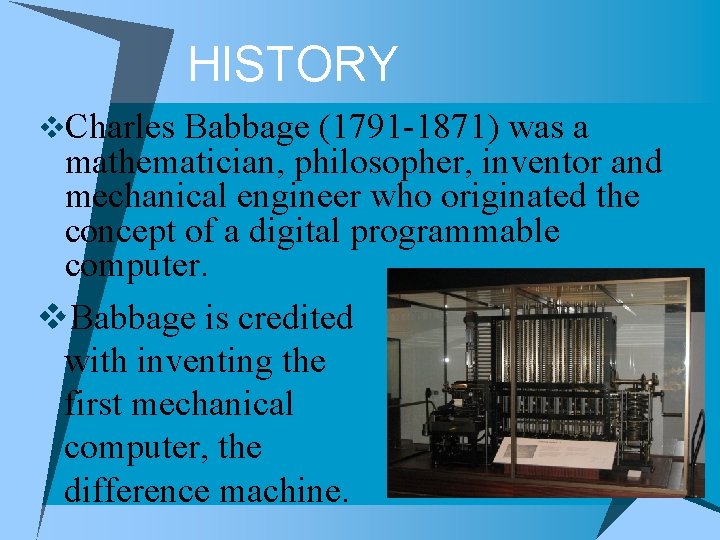
HISTORY v. Charles Babbage (1791 -1871) was a mathematician, philosopher, inventor and mechanical engineer who originated the concept of a digital programmable computer. v. Babbage is credited with inventing the first mechanical computer, the difference machine.
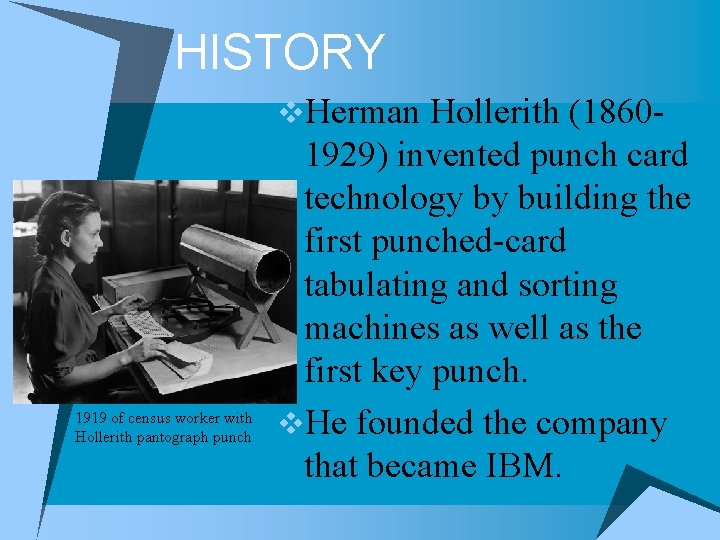
HISTORY v. Herman Hollerith (1860 - 1919 of census worker with Hollerith pantograph punch 1929) invented punch card technology by building the first punched-card tabulating and sorting machines as well as the first key punch. v. He founded the company that became IBM.
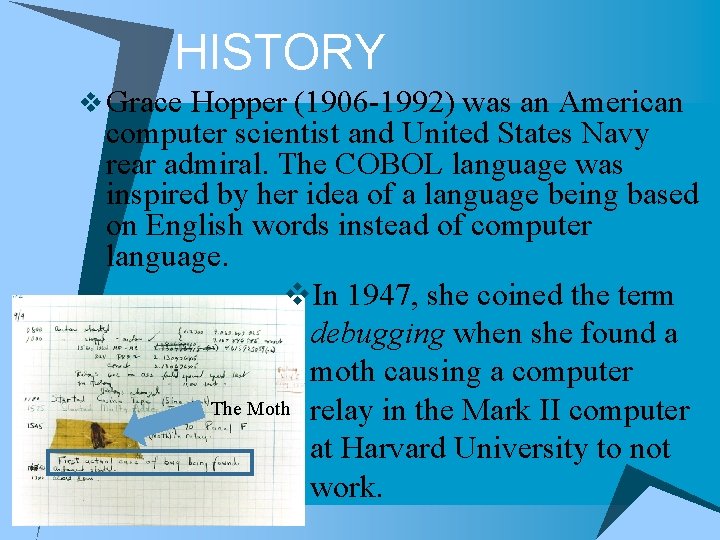
HISTORY v Grace Hopper (1906 -1992) was an American computer scientist and United States Navy rear admiral. The COBOL language was inspired by her idea of a language being based on English words instead of computer language. v. In 1947, she coined the term debugging when she found a moth causing a computer The Moth relay in the Mark II computer at Harvard University to not work.
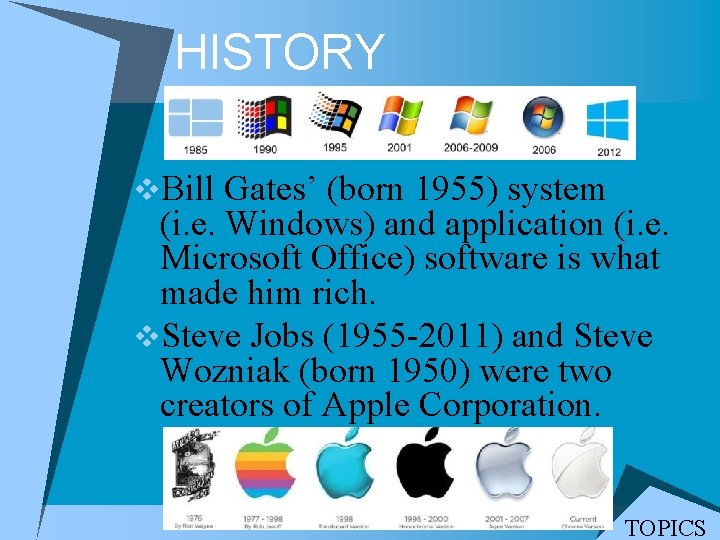
HISTORY v. Bill Gates’ (born 1955) system (i. e. Windows) and application (i. e. Microsoft Office) software is what made him rich. v. Steve Jobs (1955 -2011) and Steve Wozniak (born 1950) were two creators of Apple Corporation. TOPICS
- Slides: 24