
Computer Basics Computer Technology The History of the
Computer Basics Computer Technology
The History of the Computer Then & Now
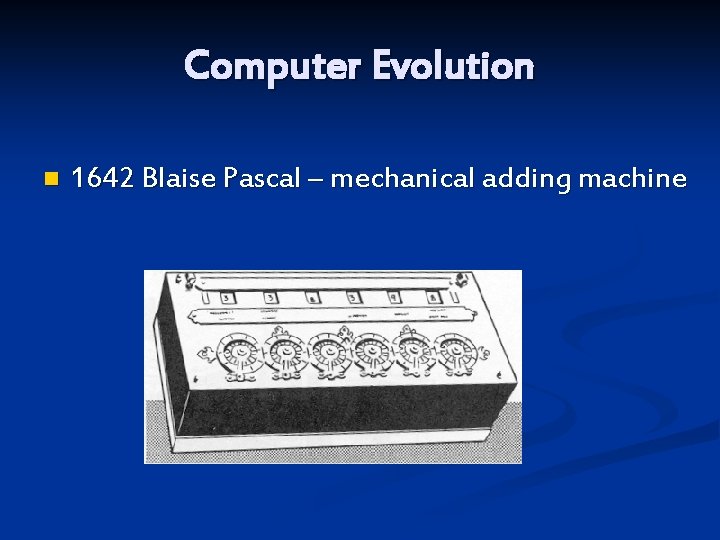
Computer Evolution n 1642 Blaise Pascal – mechanical adding machine
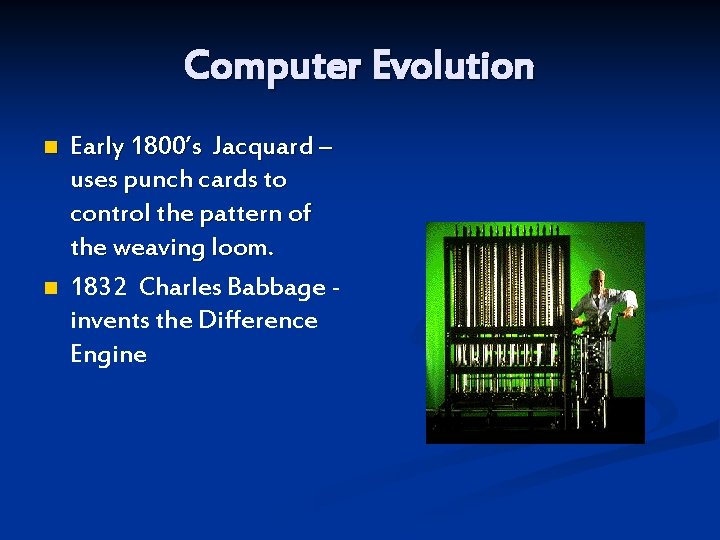
Computer Evolution n n Early 1800’s Jacquard – uses punch cards to control the pattern of the weaving loom. 1832 Charles Babbage invents the Difference Engine

The Punch Card n 1890 Herman Hollerith – invents a machine using punch card to tabulate info for the Census. He starts the company that would later be IBM.
Evolution (continued) 1946 – Mauchly and Eckert created the ENIAC computer, first electronic computer is unveiled at University of Pennsylvania (shown on next slide)
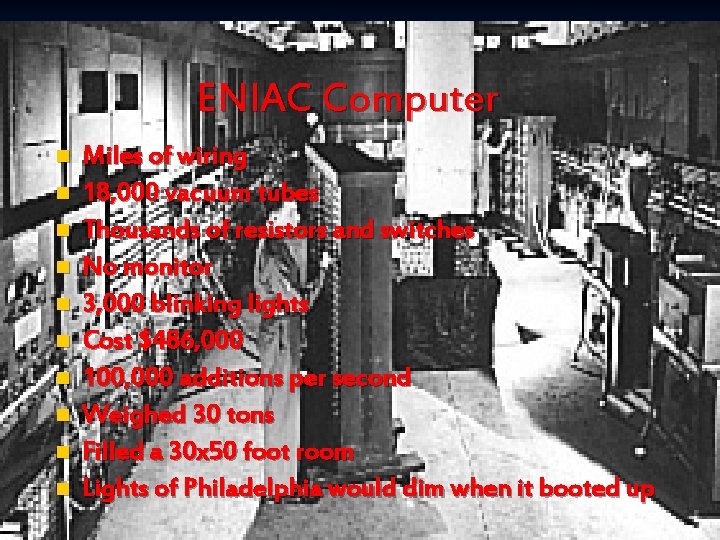
ENIAC Computer n n n n n Miles of wiring 18, 000 vacuum tubes Thousands of resistors and switches No monitor 3, 000 blinking lights Cost $486, 000 100, 000 additions per second Weighed 30 tons Filled a 30 x 50 foot room Lights of Philadelphia would dim when it booted up
1943 Base codes develop by Grace Hopper while working on the Mark I programming project. n She invented the phrase “bug” – an error in a program that causes a program to malfunction. n
1950 s Vacuum Tubes were the components for the electronic circuitry n Punch Cards main source of input n Speeds in milliseconds (thousands/sec) n 100, 000 additions/sec. n Used for scientific calculations n New computers were the rule, cost effectiveness wasn’t’ n
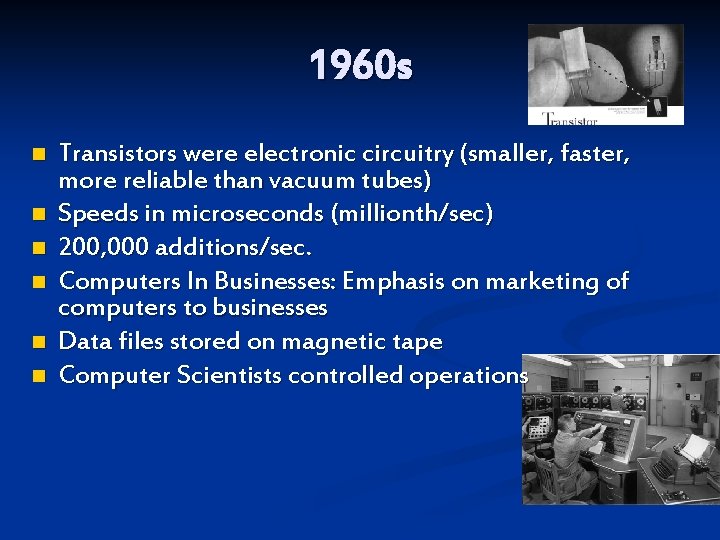
1960 s n n n Transistors were electronic circuitry (smaller, faster, more reliable than vacuum tubes) Speeds in microseconds (millionth/sec) 200, 000 additions/sec. Computers In Businesses: Emphasis on marketing of computers to businesses Data files stored on magnetic tape Computer Scientists controlled operations
Late 60’s Early 70’s Integrated circuit boards n New input methods such as plotters, scanners n Software became more important n Sophisticated operating systems n Improved programming languages n Storage capabilities expanded (disks) n
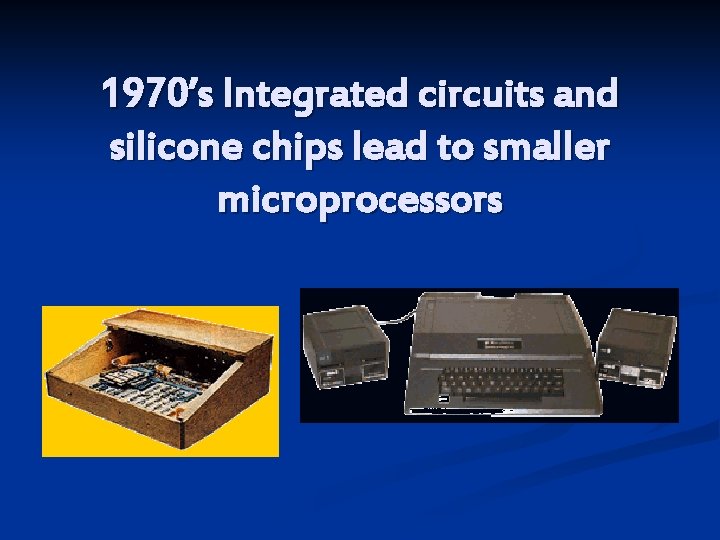
1970’s Integrated circuits and silicone chips lead to smaller microprocessors
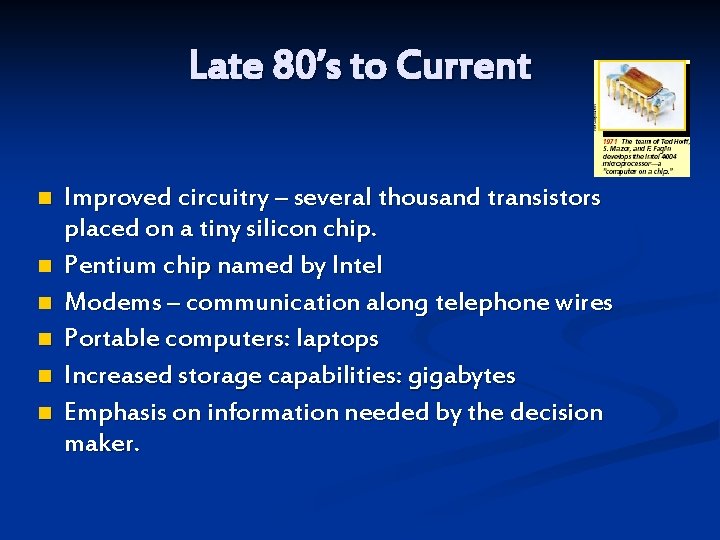
Late 80’s to Current n n n Improved circuitry – several thousand transistors placed on a tiny silicon chip. Pentium chip named by Intel Modems – communication along telephone wires Portable computers: laptops Increased storage capabilities: gigabytes Emphasis on information needed by the decision maker.
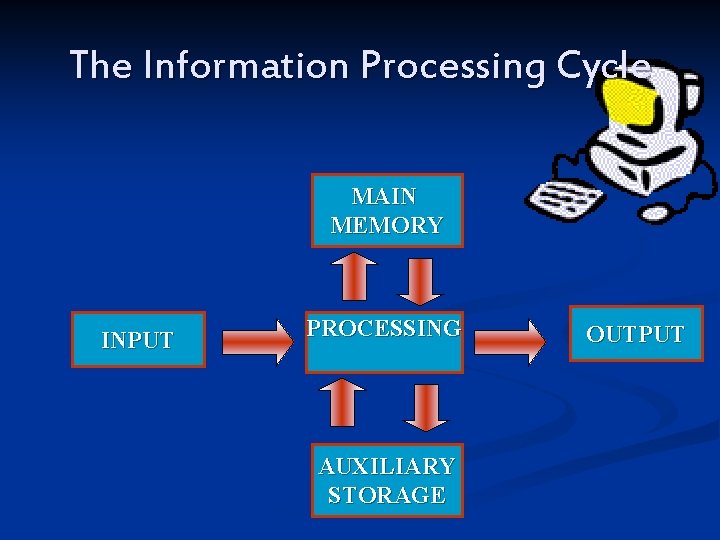
The Information Processing Cycle MAIN MEMORY INPUT PROCESSING AUXILIARY STORAGE OUTPUT
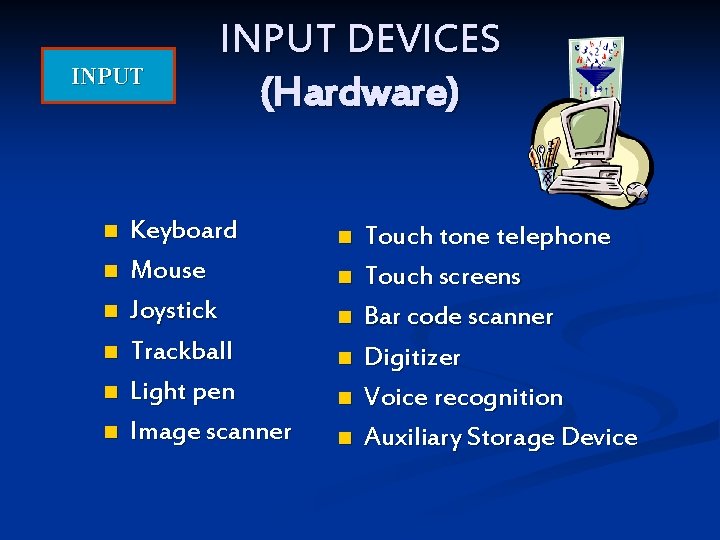
INPUT n n n INPUT DEVICES (Hardware) Keyboard Mouse Joystick Trackball Light pen Image scanner n n n Touch tone telephone Touch screens Bar code scanner Digitizer Voice recognition Auxiliary Storage Device
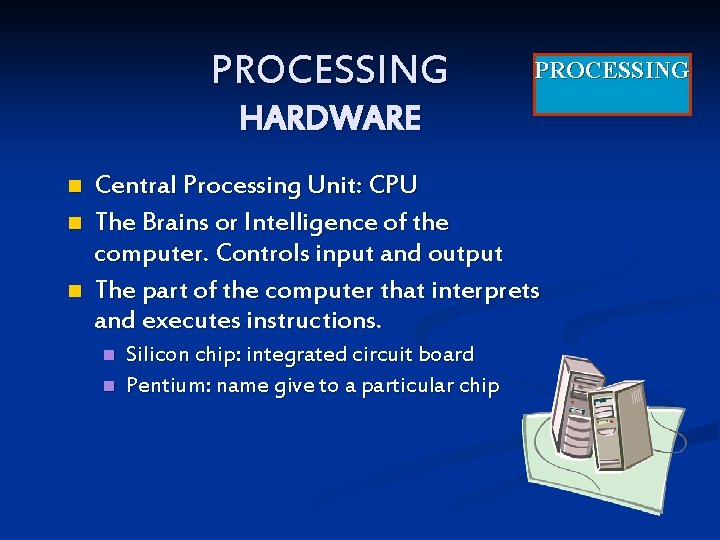
PROCESSING HARDWARE n n n Central Processing Unit: CPU The Brains or Intelligence of the computer. Controls input and output The part of the computer that interprets and executes instructions. n n Silicon chip: integrated circuit board Pentium: name give to a particular chip
What two numbers are used in Binary Code? n n n n 0 and 1 They are each called a BIT 8 BITS make a BYTE 1 BYTE makes a letter or number KILOBYTE = 1, 024 bytes MEGABYTE = 1, 048, 576 bytes GIGABYTE = 1, 024 megabytes TERABYTE = 1, 024 gigabytes
MEMORY PROCESSING HARDWARE n n ROM READ ONLY MEMORY Small Instructions are installed permanently at the factory Cannot be changed These instructions check the computer’s resources and looks for Operating System RAM RANDOM ACCESS MEMORY n n n Main Memory Temporary—it is erased when turned off. It is where programs and data is stored while being processed
OUTPUT DEVICES (HARDWARE) n n Useful information that leaves the system Output Hardware includes: • Monitor: soft copy • Printers: hard copy • Flat Panel displays • Voice and music - speakers • Synthesizers • Plotters OUTPUT
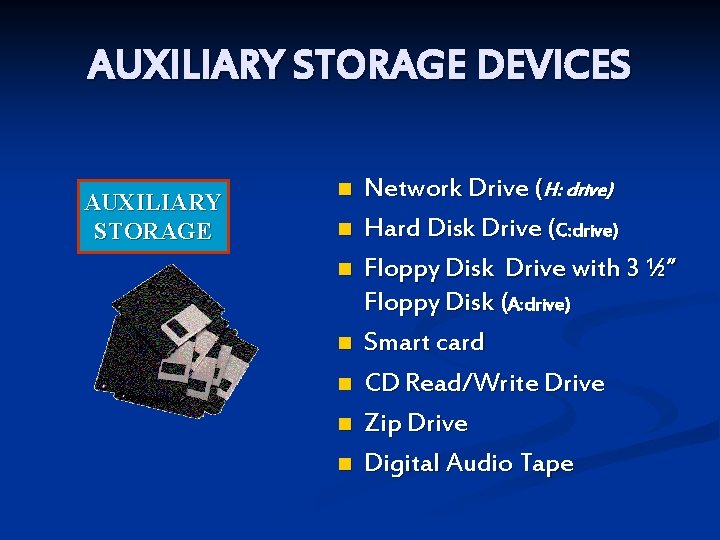
AUXILIARY STORAGE DEVICES AUXILIARY STORAGE n n n n Network Drive (H: drive) Hard Disk Drive (C: drive) Floppy Disk Drive with 3 ½” Floppy Disk (A: drive) Smart card CD Read/Write Drive Zip Drive Digital Audio Tape
Computer Hardware
Hardware n Includes the electronic and mechanical devices that process the data; refers to the computer as well as peripheral devices
System Unit n Case that holds the power supply, storage devices and the circuit boards (including the motherboard).
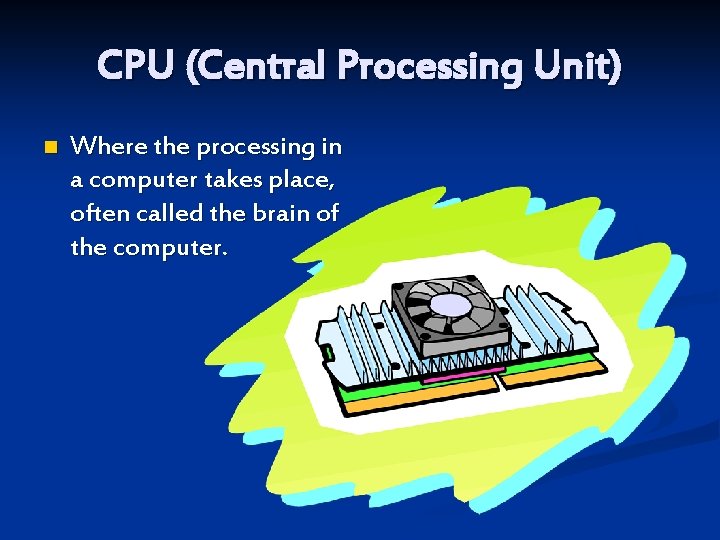
CPU (Central Processing Unit) n Where the processing in a computer takes place, often called the brain of the computer.
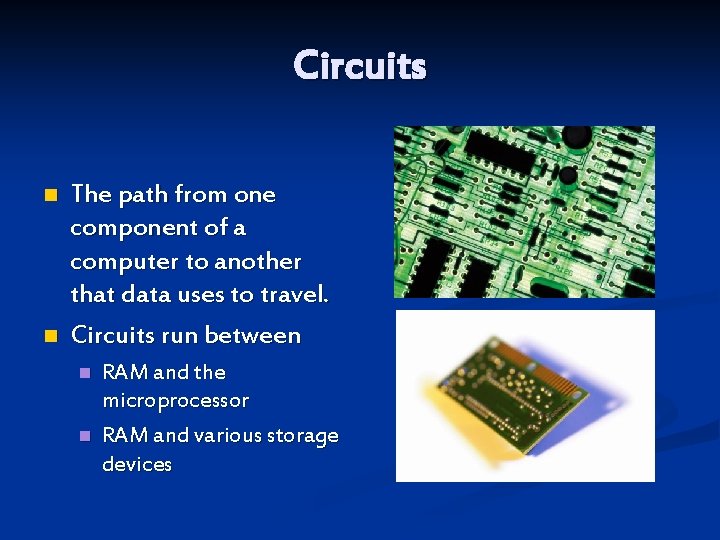
Circuits n n The path from one component of a computer to another that data uses to travel. Circuits run between n n RAM and the microprocessor RAM and various storage devices
Silicon Chip n n Silicon is melted sand. What the circuits are embedded into to keep them together.
Peripheral Devices n n Devices connected by cable to the CPU. Used to expand the computer’s input, output and storage capabilities.
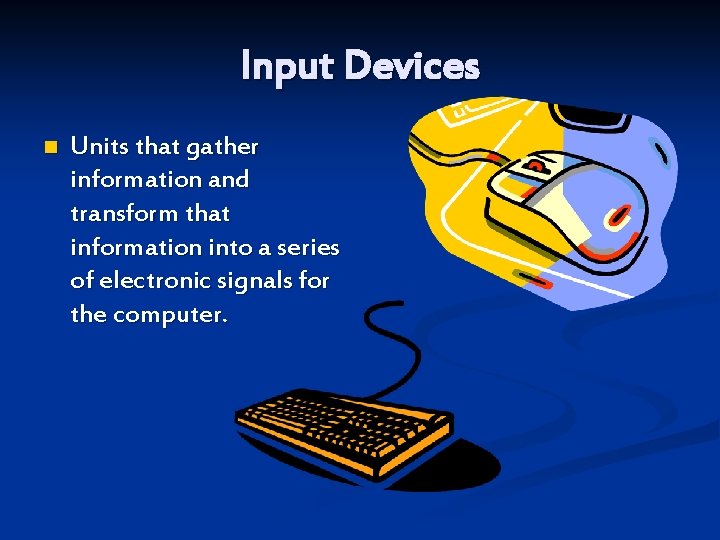
Input Devices n Units that gather information and transform that information into a series of electronic signals for the computer.
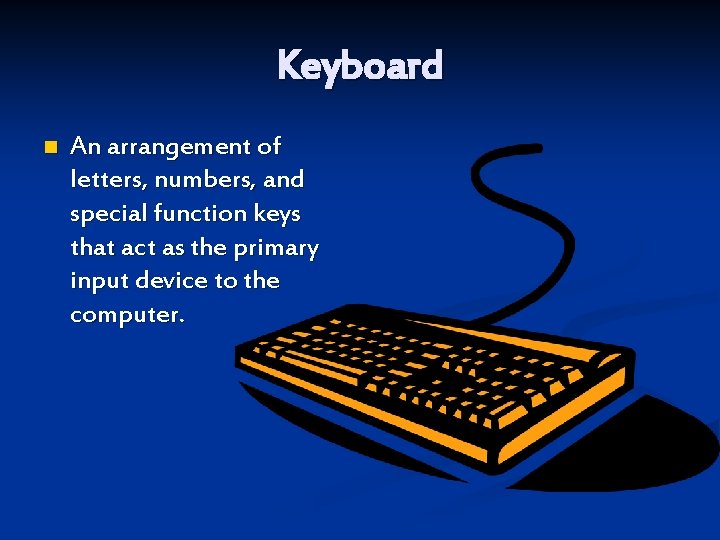
Keyboard n An arrangement of letters, numbers, and special function keys that act as the primary input device to the computer.
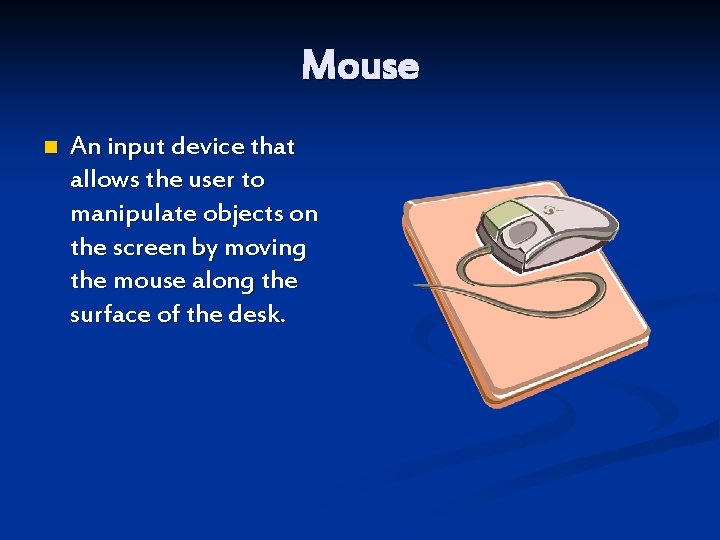
Mouse n An input device that allows the user to manipulate objects on the screen by moving the mouse along the surface of the desk.
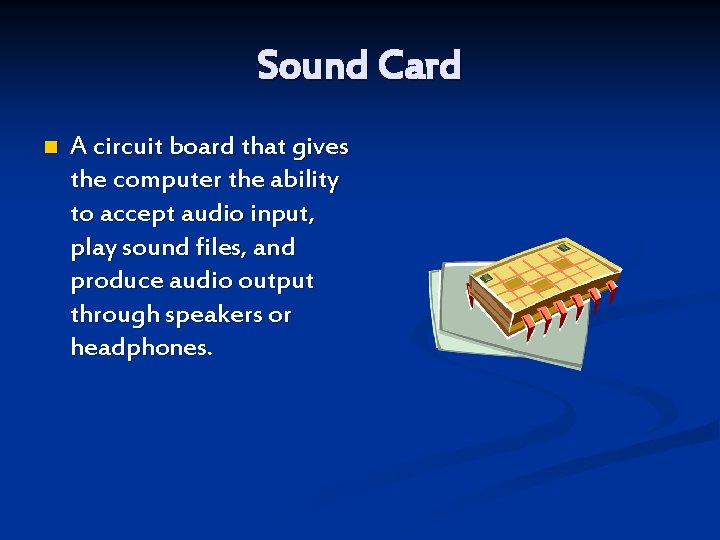
Sound Card n A circuit board that gives the computer the ability to accept audio input, play sound files, and produce audio output through speakers or headphones.
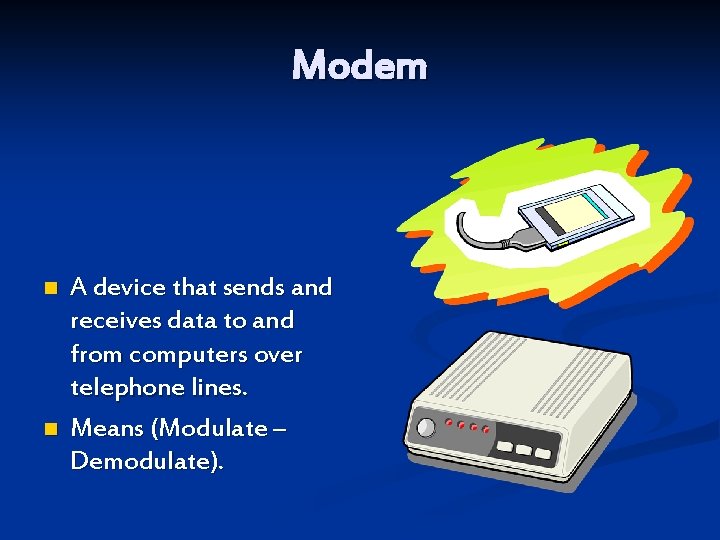
Modem n n A device that sends and receives data to and from computers over telephone lines. Means (Modulate – Demodulate).
Output Devices n Devices that display, print or transmit the results of processing from the computers memory.
Monitor n Display device that forms an image by converting electronic signals from the computer into points of colored light on the screen.
Resolution The density of the grid used to display or print text and graphics; the greater the horizontal and vertical density, the higher the resolution. n The amount of Pixels on the screen. The more pixels the better the resolution. n
Pixels The smallest unit in a graphic image; computer display devices use a matrix of pixels to display text and graphics. n Basic unit of composition of an image on a TV screen, Computer monitor, or similar display n
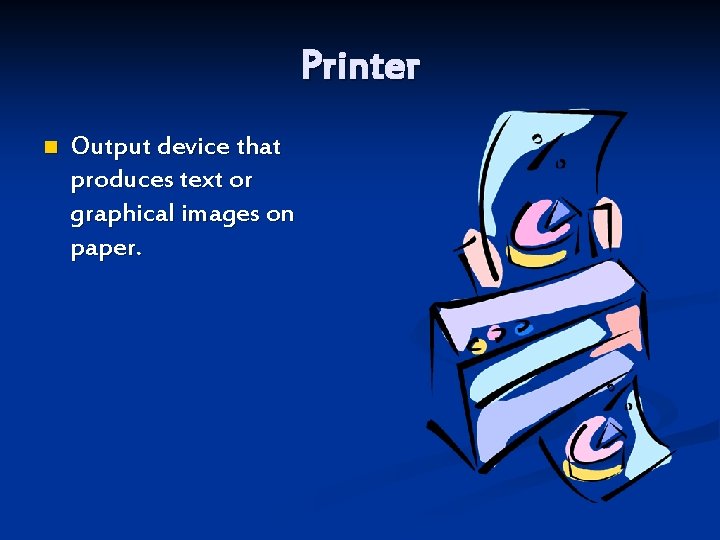
Printer n Output device that produces text or graphical images on paper.
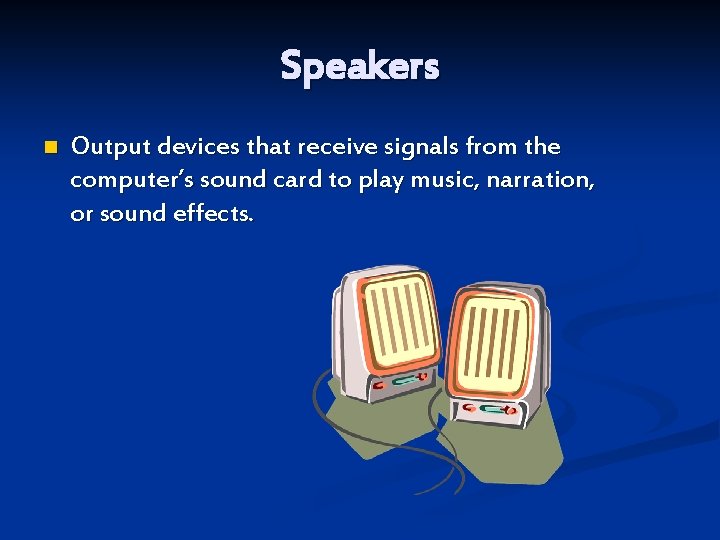
Speakers n Output devices that receive signals from the computer’s sound card to play music, narration, or sound effects.
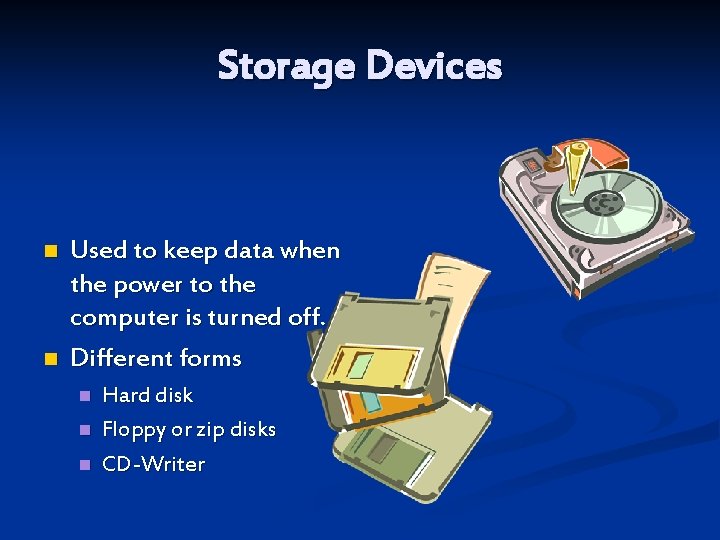
Storage Devices n n Used to keep data when the power to the computer is turned off. Different forms n n n Hard disk Floppy or zip disks CD-Writer
Formatted Arrangement of data for storage or display. n All storage devices must be formatted. n
Hard Disk n Rigid magnetic disk mounted for permanent storage
Floppy Disk n Small portable magnetic disk enclosed in stiff envelope
Compact Discs n CD-ROM n n CD-R n n Compact disk with read only memory Compact disk which you can write to only one time. It then becomes a read only disk. CD-RW n Compact disk which you may rewrite to.
DVD n DVD ROM n n DVD-R n n Digital Video Disk which is read only. Digital Video Disk which can be written to one time. It then becomes read only. DVD-RW n Digital Video Disk which can be rewritten to.
Flash or Jump Drives External storage devices that can be used like a external hard drive. n They have the capability to be saved to, deleted from, and files can be renamed just like with a normal hard drive. n
Software Components
Software n A computer program that tells the computer how to perform particular tasks.
Program n A series of commands and executable files that produce results.
Operating System Software that translates a computers commands and allows application programs to interact with the computer’s hardware n Examples: n Windows XP n Unix n OS 10 (MAC) n
Application Software Program that performs a specific function. n Examples n Microsoft Office n Adobe Photoshop n Word. Perfect n
Multitasking Ability to do more than one thing at a time. n Computers can run several application software programs and the operating system at the same time. n
Software Use n Icon n n GUI (Graphical User Interface) n n Image that represent executable files. Graphics that aid in accomplishing tasks. Icons on screen. Menus n List or table of executable files
Types of Computers
Super Computer Mainframe computer which is the largest, fastest or most powerful at one given time. n A computer that was the fastest in the world at the time it was constructed. n Can tackle tasks that would not be practical for other computers n n Typical uses n Breaking codes n Modeling weather systems
Mainframe Large powerful computer often serving many connected terminals. n Large expensive computer capable of simultaneously processing data for hundreds or thousands of users. n Used to store, manage, and process large amounts of data that need to be reliable, secure, and centralized. n Usually housed in a closet sized cabinet. n
Server A computer that processes request for HTML and other documents that are components of Web pages. n Purpose is to “serve. ” n A computer that has the purpose of supplying its users with data; usually through the use of a LAN (Local Area Network). n
Workstation n n Desktop computer which is usually more powerful than a Microcomputer. Powerful desktop computer designed for specialized tasks. A microcomputer that fits on a desk and runs on power from an electrical wall outlet. The CPU can be housed in either a vertical or horizontal case. Has separate components (keyboard, mouse, etc. ) that are each plugged into the computer.
Desktop Microcomputer Small computer based on a microprocessor. n A personal computer designed to meet the needs of an individual; provides a variety of applications. n Provides access to a wide variety of computing applications, such as word processing, photo editing, e-mail, and internet. n
Laptop or Notebook Portable, compact computer that runs on a wall outlet or battery unit with all components in one unit. n All components (keyboard, mouse, etc. ) are in one compact unit. n Usually more expensive than a comparable desktop. n Sometimes called a notebook. n
Handheld Also called a PDA (Personal Digital Assistant). n A computer that fits into a pocket, runs on batteries, and is used while holding in your hand. n Typically used as an appointment book, address book, calculator, and notepad. n Can be synchronized with a personal microcomputer as a backup. n
Networks n File Server n n A computer dedicated to running applications and storing data. May be shared with other workstations IP address n A unique address assigned to a computer so that it may be located across the web.
Network n Two or more computers and other devices that are connected, for the purpose of sharing data and programs.
Types of Networks n LAN Intranetwork n n Local Area Network A method by which multiple computers are connected. (CJH) WAN Internetwork. Wide n Wide Area Network by which large geographical areas can be connected. (Davis District)
Computer Performance and Processing
Boot Process n n Sequence of events that occurs between the time you turn on a computer and the time that it becomes ready to accept commands. Purposes n n Runs a diagnostic test to make sure everything is working. Loading the operating system, so the computer can carry out basic operations.
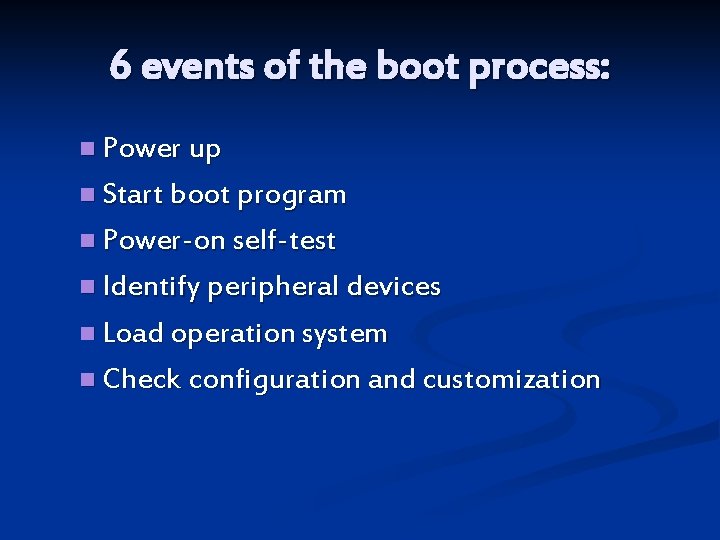
6 events of the boot process: n Power up n Start boot program n Power-on self-test n Identify peripheral devices n Load operation system n Check configuration and customization
Megahertz (m. Hz) A measurement used to describe the speed of the system clock. n A megahertz is equal to one million cycles (or pulses) per second. n 1. 3 GHz means that the microprocessor’s clock operates at a speed of 1. 3 million cycles per second. n
Pentium Name of the CPU. n Pentium is the 5 th generation of the Intel processor. n n Other generations were called: n 80 -88 n 286 n 386 n 486
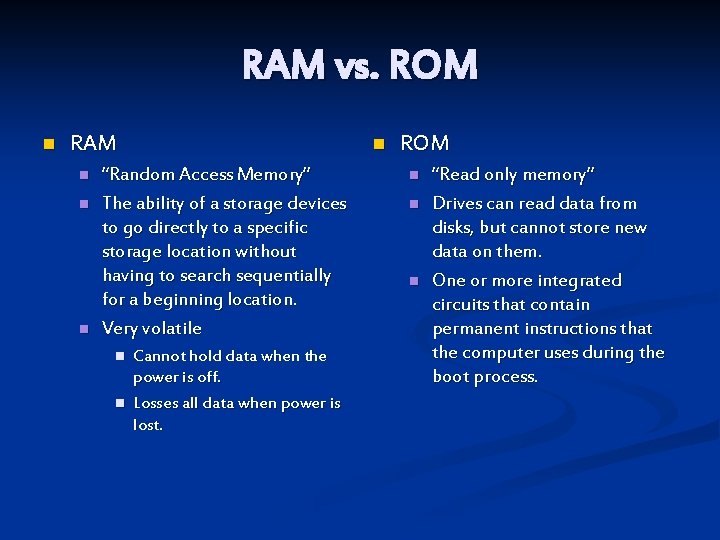
RAM vs. ROM n RAM n n “Random Access Memory” The ability of a storage devices to go directly to a specific storage location without having to search sequentially for a beginning location. Very volatile n n Cannot hold data when the power is off. Losses all data when power is lost. ROM n n n “Read only memory” Drives can read data from disks, but cannot store new data on them. One or more integrated circuits that contain permanent instructions that the computer uses during the boot process.
Binary Number System A method for representing numbers using only two digits 0 and 1. n Bit – each 0 or 1. n Byte – 8 bits n Also referred to as Base 2 Binary Code. n
Memory Measurements n Bit n n Byte n n Approximately 1 million bytes (Exactly 1, 048, 576 bytes) Gigabyte n n Approximately 1 thousand bytes Megabyte n n 8 bits Kilobyte n n Each 0 or 1 Approximately 1 billion bytes Terabyte n Approximately 1 trillion bytes

Basic Terms
Basic Terms n Computer n A device that accepts input, processes data, stores data, and produces output, all according to a series of stored instructions.
Basic Terms n Input n n Output n n Any information, data, sound, etc. that is created and fed into the computer. Useful information that leaves the system. Data n Facts used by the computer. Refers to the symbols that represent facts, objects or ideas.
Basic Terms n Processing n n Memory n n Manipulation of the data in many ways Area of the computer that temporarily holds data waiting to be processed, stored, or output. Storage n Area of the computer that holds data on a permanent basis when it is not immediately needed for processing.
Basic Terms n File management n n Folders n n A method of organizing files and folders to make data more easily accessible. Location of physical media where data is stored File n Individual document created and saved by the user.
- Slides: 76