
Computer Basics Class Agenda Types of computers and
Computer Basics
Class Agenda • • • Types of computers and devices Parts of the computer: Common Terms Apps and Programs Documents Practice
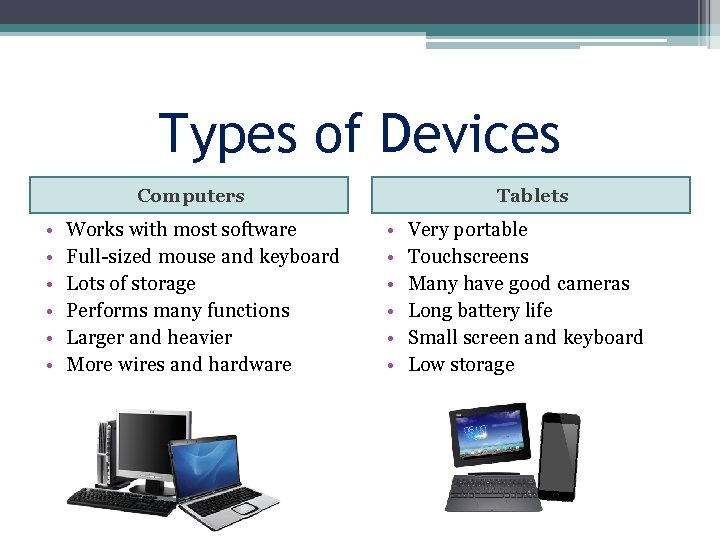
Types of Devices Computers • • • Works with most software Full-sized mouse and keyboard Lots of storage Performs many functions Larger and heavier More wires and hardware Tablets • • • Very portable Touchscreens Many have good cameras Long battery life Small screen and keyboard Low storage
Parts of the Computer and their definitions • Hardware—Physical components of the computer. This can also include the mouse, keyboard and storage devices. • Software—Programs that are downloaded onto the computer. • Operating System (OS): Controls how the hardware and software work together. Most devices cannot work without and OS.
Parts of the Computer and their definitions • Input Device—Additional pieces of hardware that help the computer function, such as the keyboard, the mouse and storage devices. • USB Flash Drives—Portable memory device that plugs into the computer. It is sometimes called a thumb drive or a stick drive. • Memory (RAM)—The amount of space that a computer has to do its work. More RAM means you can run larger programs and more programs at a time.
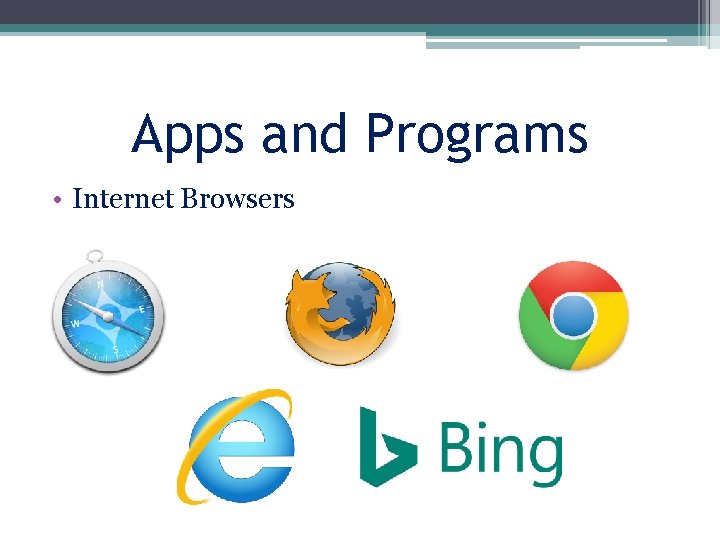
Apps and Programs • Internet Browsers
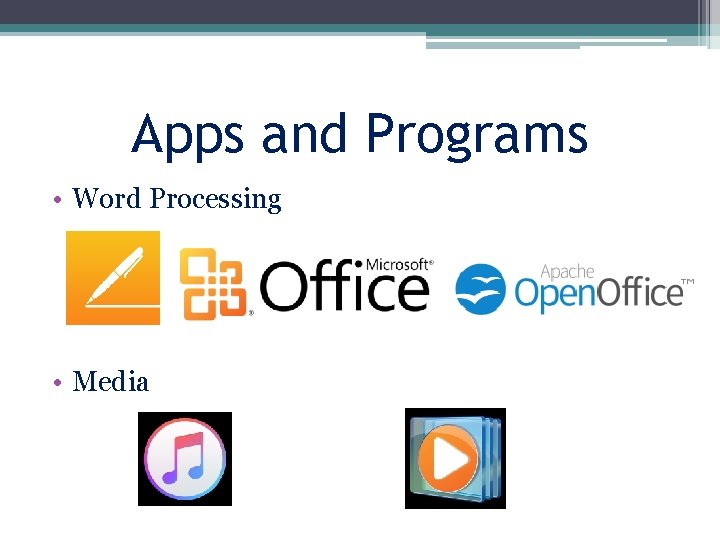
Apps and Programs • Word Processing • Media
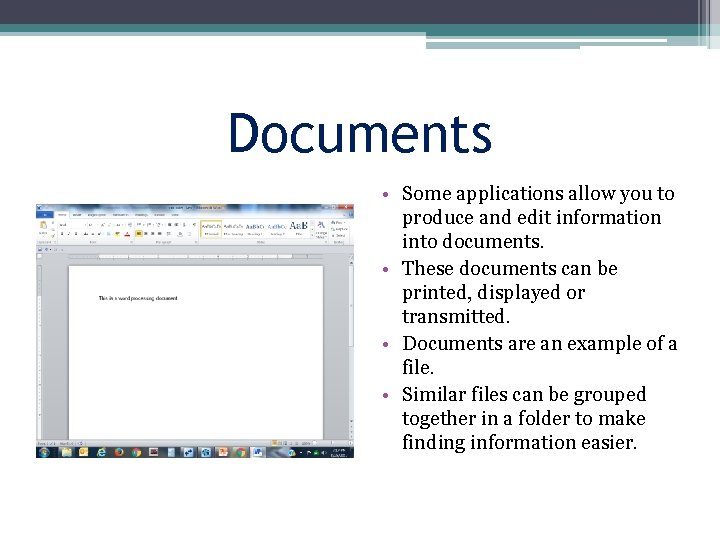
Documents • Some applications allow you to produce and edit information into documents. • These documents can be printed, displayed or transmitted. • Documents are an example of a file. • Similar files can be grouped together in a folder to make finding information easier.
Practice • • Click on the start menu Click on a program Find a Folder Find a File Open a Word Document and save it. Open an Internet Browser Turn the computer off and back on
- Slides: 9