
Computer architecture Manipulating data how a computer uses
- Slides: 3
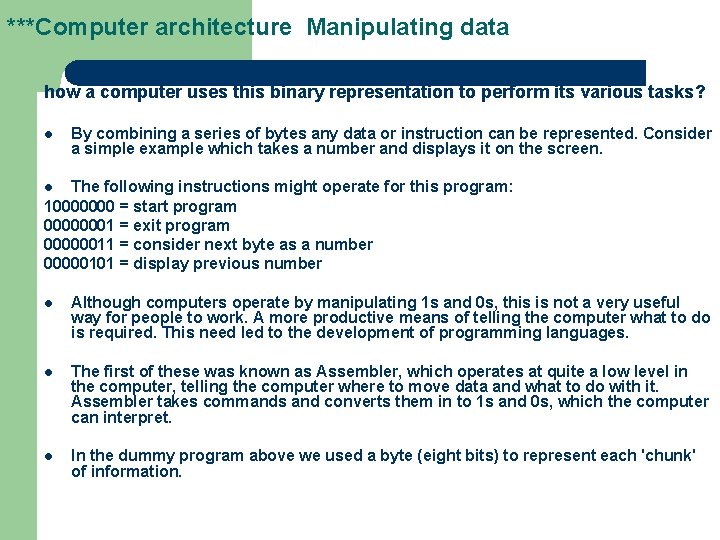
***Computer architecture Manipulating data how a computer uses this binary representation to perform its various tasks? l By combining a series of bytes any data or instruction can be represented. Consider a simple example which takes a number and displays it on the screen. The following instructions might operate for this program: 10000000 = start program 00000001 = exit program 00000011 = consider next byte as a number 00000101 = display previous number l l Although computers operate by manipulating 1 s and 0 s, this is not a very useful way for people to work. A more productive means of telling the computer what to do is required. This need led to the development of programming languages. l The first of these was known as Assembler, which operates at quite a low level in the computer, telling the computer where to move data and what to do with it. Assembler takes commands and converts them in to 1 s and 0 s, which the computer can interpret. l In the dummy program above we used a byte (eight bits) to represent each 'chunk' of information.
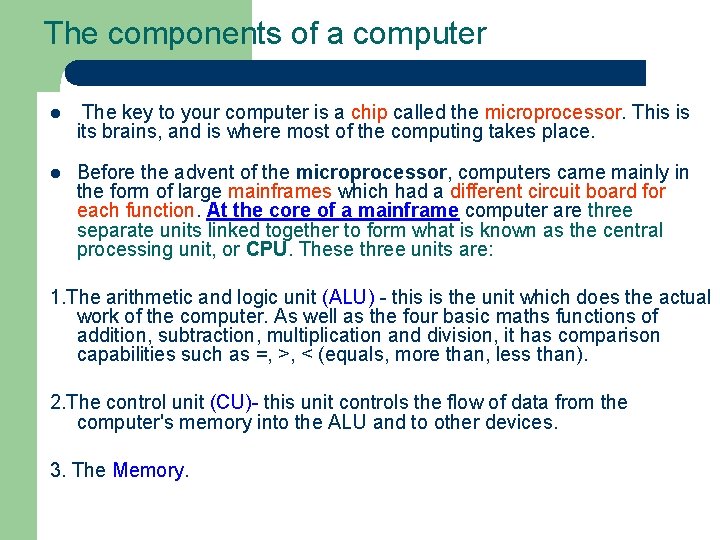
The components of a computer l The key to your computer is a chip called the microprocessor. This is its brains, and is where most of the computing takes place. l Before the advent of the microprocessor, computers came mainly in the form of large mainframes which had a different circuit board for each function. At the core of a mainframe computer are three separate units linked together to form what is known as the central processing unit, or CPU. These three units are: 1. The arithmetic and logic unit (ALU) - this is the unit which does the actual work of the computer. As well as the four basic maths functions of addition, subtraction, multiplication and division, it has comparison capabilities such as =, >, < (equals, more than, less than). 2. The control unit (CU)- this unit controls the flow of data from the computer's memory into the ALU and to other devices. 3. The Memory.
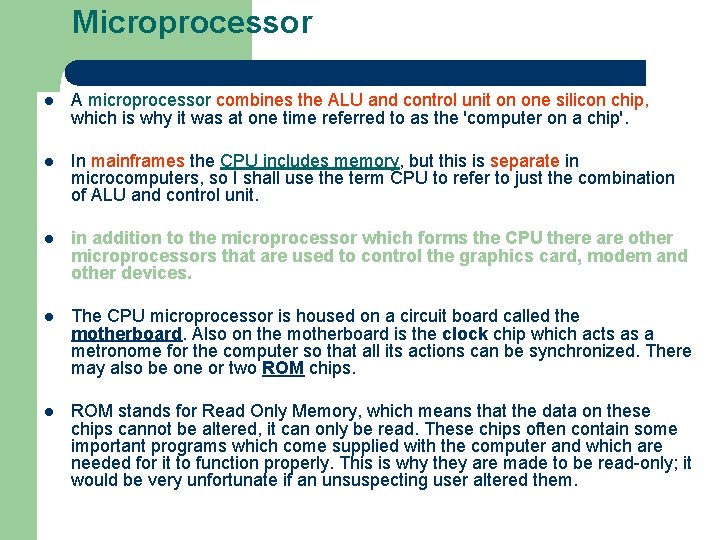
Microprocessor l A microprocessor combines the ALU and control unit on one silicon chip, which is why it was at one time referred to as the 'computer on a chip'. l In mainframes the CPU includes memory, but this is separate in microcomputers, so I shall use the term CPU to refer to just the combination of ALU and control unit. l in addition to the microprocessor which forms the CPU there are other microprocessors that are used to control the graphics card, modem and other devices. l The CPU microprocessor is housed on a circuit board called the motherboard. Also on the motherboard is the clock chip which acts as a metronome for the computer so that all its actions can be synchronized. There may also be one or two ROM chips. l ROM stands for Read Only Memory, which means that the data on these chips cannot be altered, it can only be read. These chips often contain some important programs which come supplied with the computer and which are needed for it to function properly. This is why they are made to be read-only; it would be very unfortunate if an unsuspecting user altered them.