
Computer Architecture Fundamentals Tradeoffs Challenges Chapter 1 Introduction

- Slides: 38
Computer Architecture: Fundamentals, Tradeoffs, Challenges Chapter 1: Introduction, Focus, Overview Yale Patt The University of Texas at Austin, Texas Spring, 2021
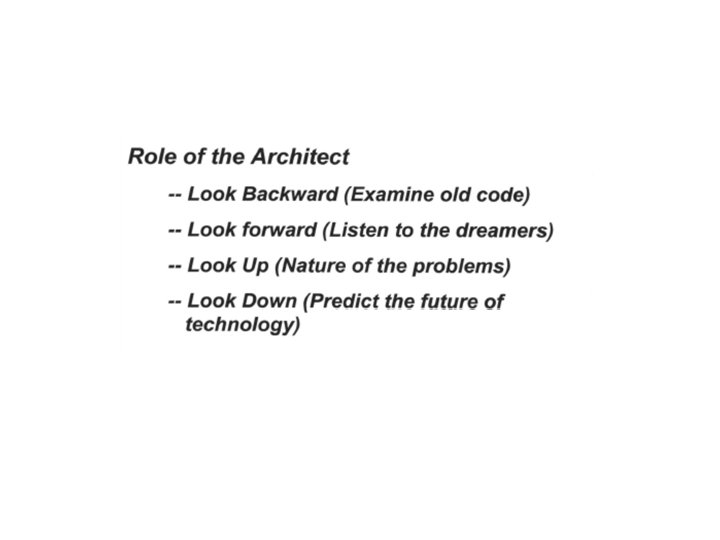
Outline • • • • A science of tradeoffs The transformation hierarchy Architecture vs Microarchitecture Moore’s Law The von Neumann Machine The algorithm, the compiler, the microarchitecture Speculation Intro to Nonsense: Is hardware parallel or sequential Do it in hardware or do it in software Design points Design Principles Role of the Architect More Nonsense: The Role of Numbers Thinking outside the box
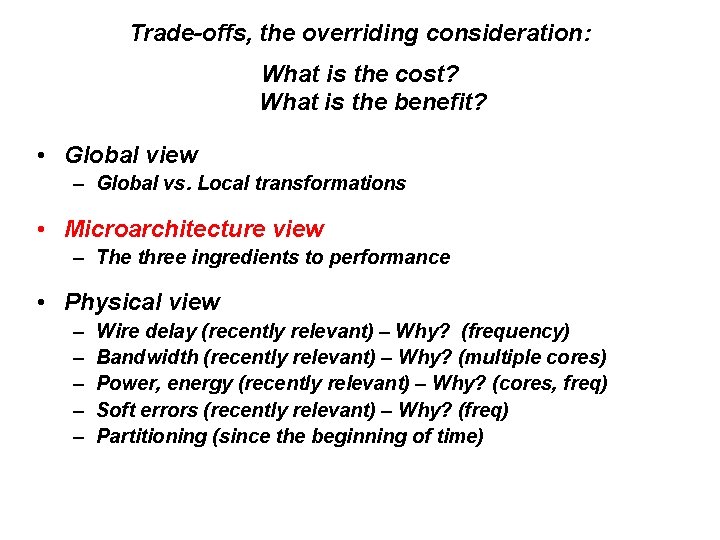
Trade-offs, the overriding consideration: What is the cost? What is the benefit? • Global view – Global vs. Local transformations • Microarchitecture view – The three ingredients to performance • Physical view – – – Wire delay (recently relevant) – Why? (frequency) Bandwidth (recently relevant) – Why? (multiple cores) Power, energy (recently relevant) – Why? (cores, freq) Soft errors (recently relevant) – Why? (freq) Partitioning (since the beginning of time)
Trade-offs, the overriding consideration: What is the cost? What is the benefit? • Global view – Global vs. Local transformations • Microarchitecture view – The three ingredients to performance • Physical view – – – Wire delay (recently relevant) – Why? (frequency) Bandwidth (recently relevant) – Why? (multiple cores) Power, energy (recently relevant) – Why? (cores, freq) Soft errors (recently relevant) – Why? (freq) Partitioning (since the beginning of time)
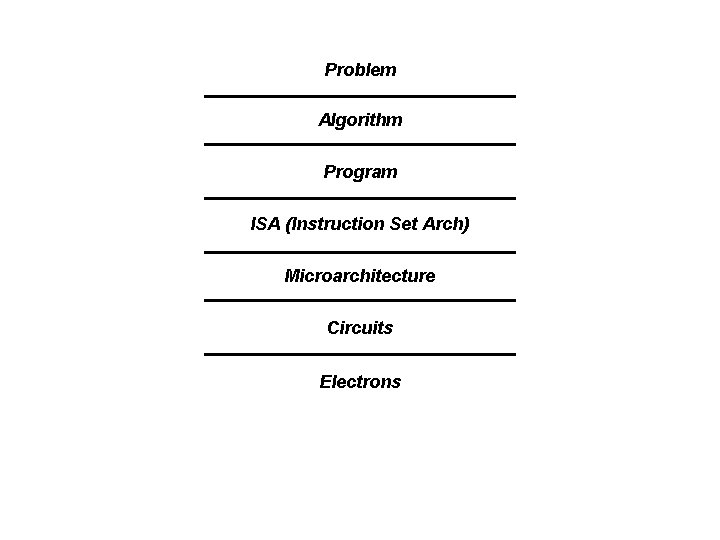
Problem Algorithm Program ISA (Instruction Set Arch) Microarchitecture Circuits Electrons
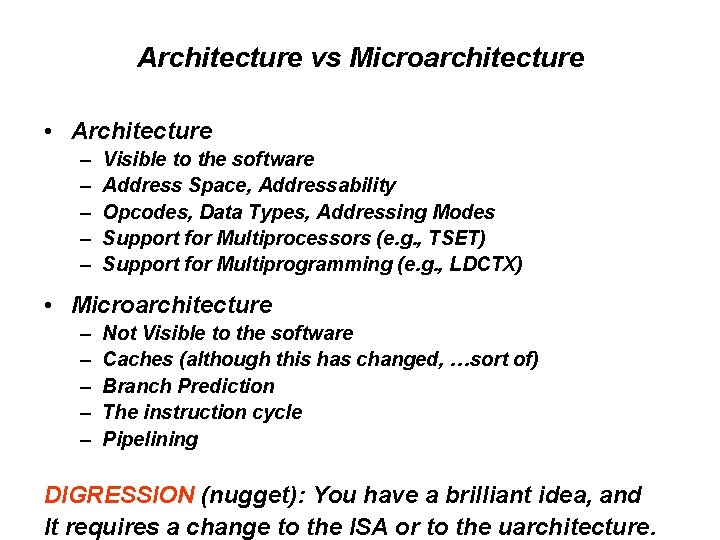
Architecture vs Microarchitecture • Architecture – – – Visible to the software Address Space, Addressability Opcodes, Data Types, Addressing Modes Support for Multiprocessors (e. g. , TSET) Support for Multiprogramming (e. g. , LDCTX) • Microarchitecture – – – Not Visible to the software Caches (although this has changed, …sort of) Branch Prediction The instruction cycle Pipelining DIGRESSION (nugget): You have a brilliant idea, and It requires a change to the ISA or to the uarchitecture.
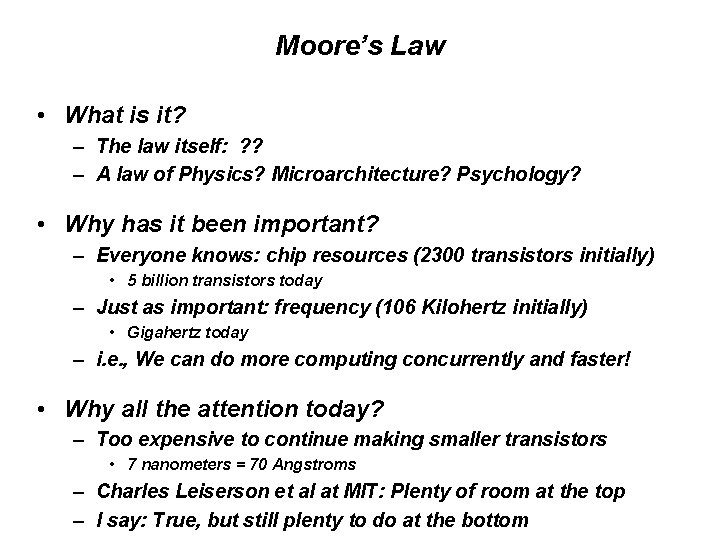
Moore’s Law • What is it? – The law itself: ? ? – A law of Physics? Microarchitecture? Psychology? • Why has it been important? – Everyone knows: chip resources (2300 transistors initially) • 5 billion transistors today – Just as important: frequency (106 Kilohertz initially) • Gigahertz today – i. e. , We can do more computing concurrently and faster! • Why all the attention today? – Too expensive to continue making smaller transistors • 7 nanometers = 70 Angstroms – Charles Leiserson et al at MIT: Plenty of room at the top – I say: True, but still plenty to do at the bottom
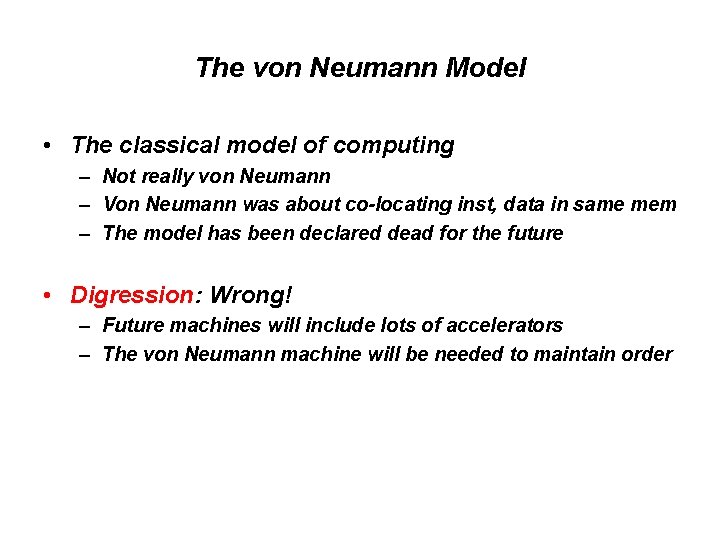
The von Neumann Model • The classical model of computing – Not really von Neumann – Von Neumann was about co-locating inst, data in same mem – The model has been declared dead for the future • Digression: Wrong! – Future machines will include lots of accelerators – The von Neumann machine will be needed to maintain order
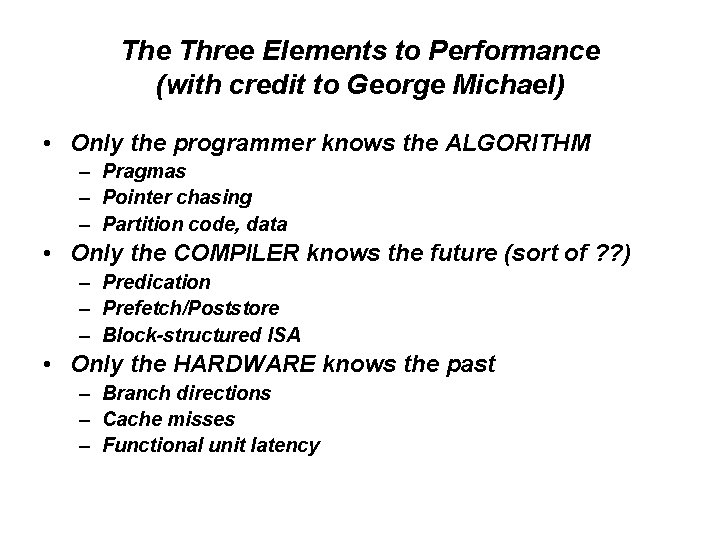
The Three Elements to Performance (with credit to George Michael) • Only the programmer knows the ALGORITHM – Pragmas – Pointer chasing – Partition code, data • Only the COMPILER knows the future (sort of ? ? ) – Predication – Prefetch/Poststore – Block-structured ISA • Only the HARDWARE knows the past – Branch directions – Cache misses – Functional unit latency
Trade-offs, the overriding consideration: What is the cost? What is the benefit? • Global view – Global vs. Local transformations • Microarchitecture view – The three ingredients to performance • Physical view – – – Wire delay (recently relevant) – Why? (frequency) Bandwidth (recently relevant) – Why? (multiple cores) Power, energy (recently relevant) – Why? (cores, freq) Soft errors (recently relevant) – Why? (freq) Partitioning (since the beginning of time)
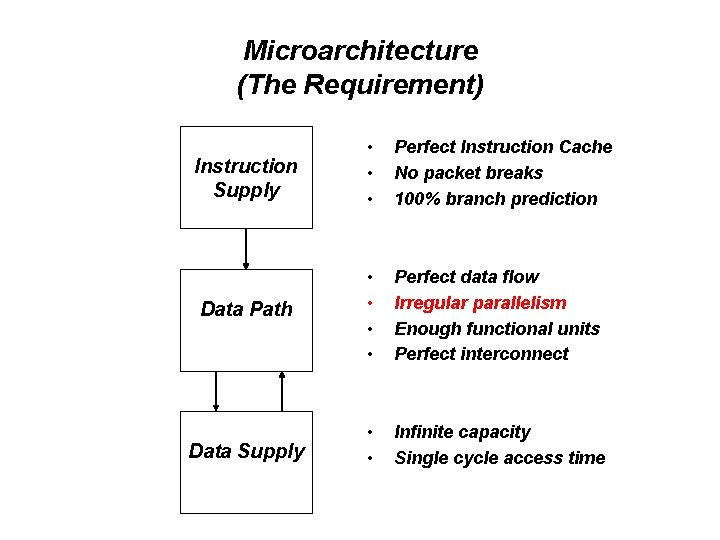
Microarchitecture (The Requirement) Instruction Supply • • • Perfect Instruction Cache No packet breaks 100% branch prediction Data Path • • Perfect data flow Irregular parallelism Enough functional units Perfect interconnect Data Supply • • Infinite capacity Single cycle access time
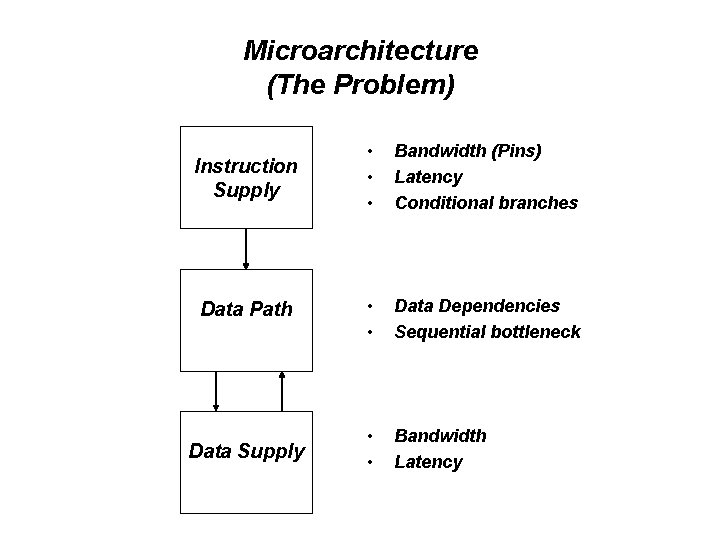
Microarchitecture (The Problem) Instruction Supply Data Path Data Supply • • • Bandwidth (Pins) Latency Conditional branches • • Data Dependencies Sequential bottleneck • • Bandwidth Latency
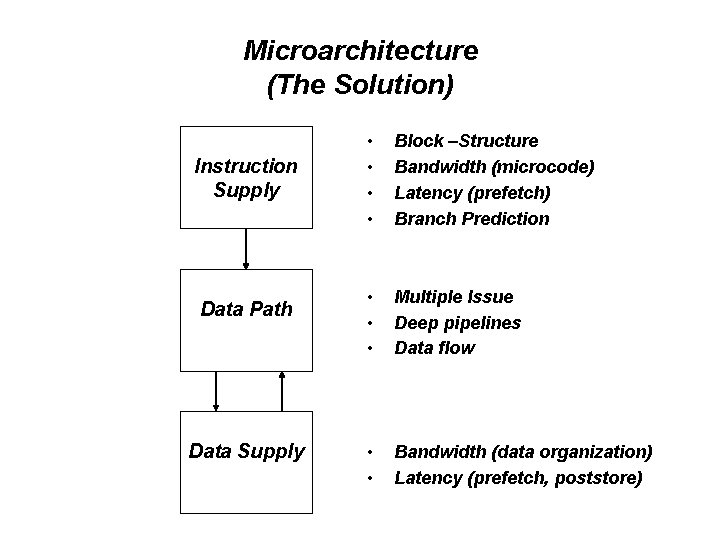
Microarchitecture (The Solution) Instruction Supply Data Path Data Supply • • Block –Structure Bandwidth (microcode) Latency (prefetch) Branch Prediction • • • Multiple Issue Deep pipelines Data flow • • Bandwidth (data organization) Latency (prefetch, poststore)
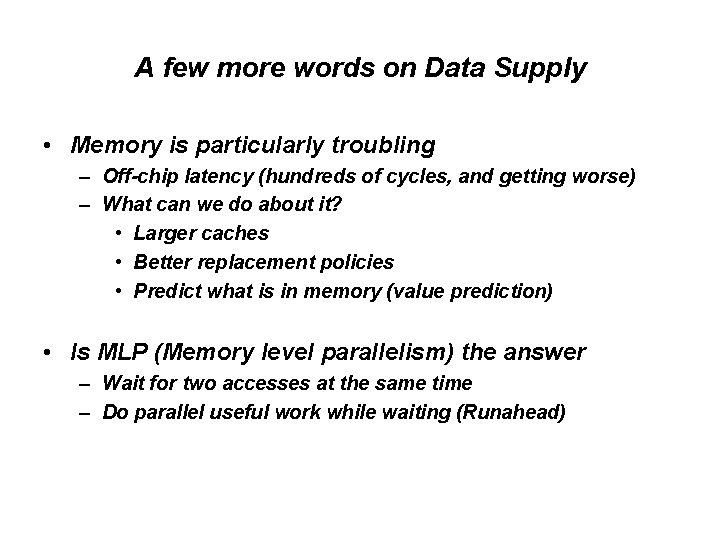
A few more words on Data Supply • Memory is particularly troubling – Off-chip latency (hundreds of cycles, and getting worse) – What can we do about it? • Larger caches • Better replacement policies • Predict what is in memory (value prediction) • Is MLP (Memory level parallelism) the answer – Wait for two accesses at the same time – Do parallel useful work while waiting (Runahead)
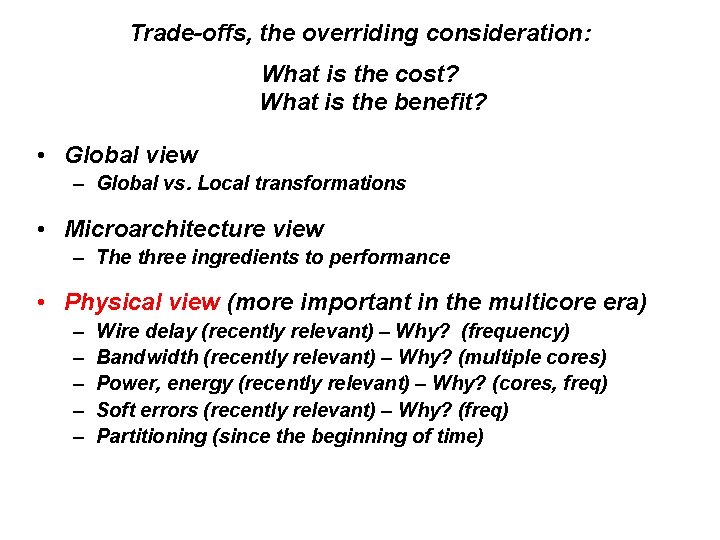
Trade-offs, the overriding consideration: What is the cost? What is the benefit? • Global view – Global vs. Local transformations • Microarchitecture view – The three ingredients to performance • Physical view (more important in the multicore era) – – – Wire delay (recently relevant) – Why? (frequency) Bandwidth (recently relevant) – Why? (multiple cores) Power, energy (recently relevant) – Why? (cores, freq) Soft errors (recently relevant) – Why? (freq) Partitioning (since the beginning of time)
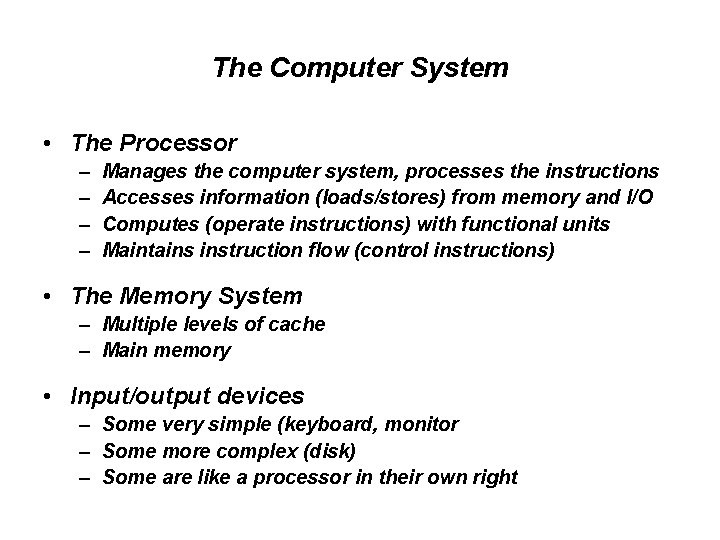
The Computer System • The Processor – – Manages the computer system, processes the instructions Accesses information (loads/stores) from memory and I/O Computes (operate instructions) with functional units Maintains instruction flow (control instructions) • The Memory System – Multiple levels of cache – Main memory • Input/output devices – Some very simple (keyboard, monitor – Some more complex (disk) – Some are like a processor in their own right
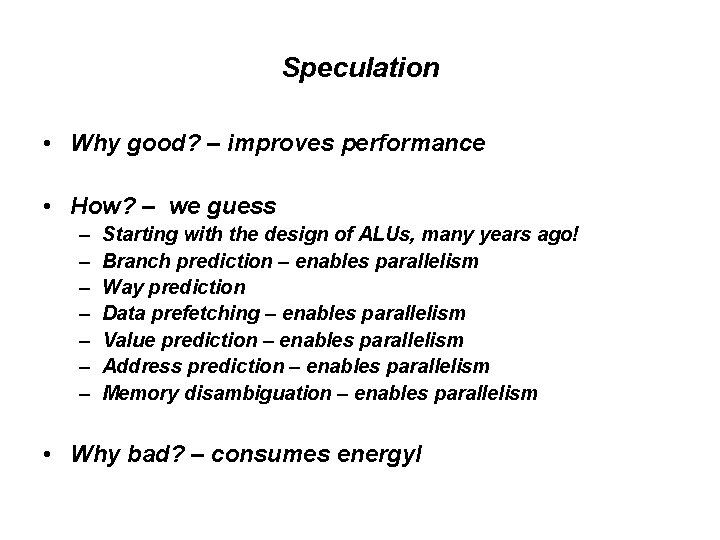
Speculation • Why good? – improves performance • How? – we guess – – – – Starting with the design of ALUs, many years ago! Branch prediction – enables parallelism Way prediction Data prefetching – enables parallelism Value prediction – enables parallelism Address prediction – enables parallelism Memory disambiguation – enables parallelism • Why bad? – consumes energyl
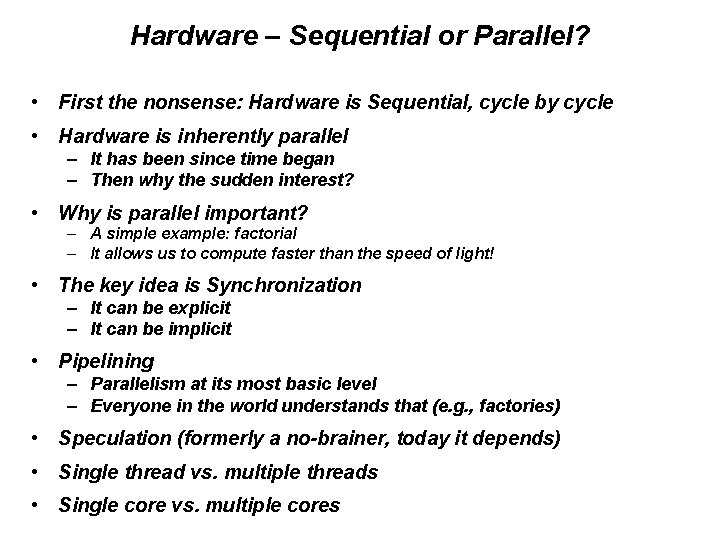
Hardware – Sequential or Parallel? • First the nonsense: Hardware is Sequential, cycle by cycle • Hardware is inherently parallel – It has been since time began – Then why the sudden interest? • Why is parallel important? – A simple example: factorial – It allows us to compute faster than the speed of light! • The key idea is Synchronization – It can be explicit – It can be implicit • Pipelining – Parallelism at its most basic level – Everyone in the world understands that (e. g. , factories) • Speculation (formerly a no-brainer, today it depends) • Single thread vs. multiple threads • Single core vs. multiple cores
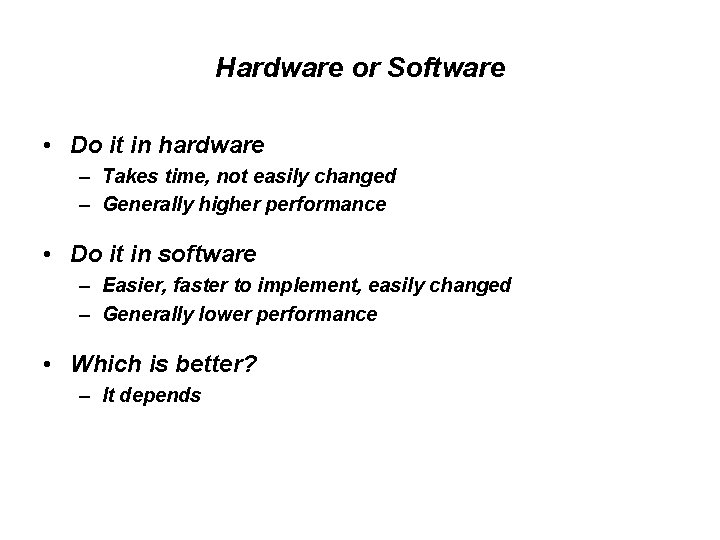
Hardware or Software • Do it in hardware – Takes time, not easily changed – Generally higher performance • Do it in software – Easier, faster to implement, easily changed – Generally lower performance • Which is better? – It depends
Design Principles • Critical path design • Bread and Butter design • Balanced design
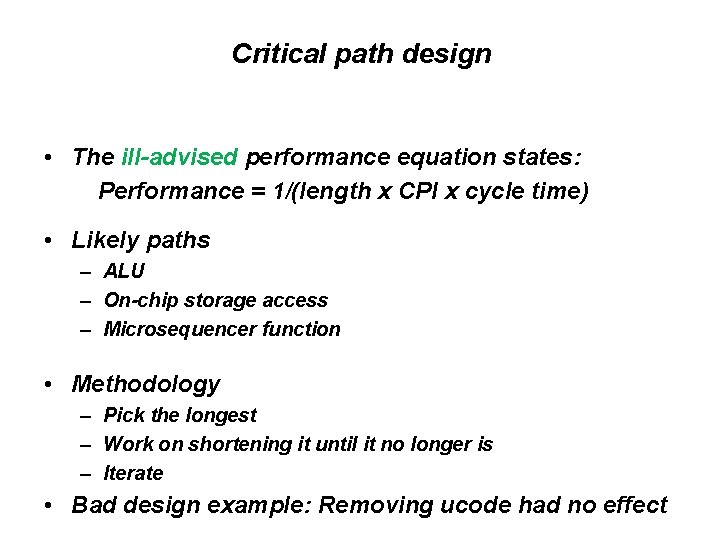
Critical path design • The ill-advised performance equation states: Performance = 1/(length x CPI x cycle time) • Likely paths – ALU – On-chip storage access – Microsequencer function • Methodology – Pick the longest – Work on shortening it until it no longer is – Iterate • Bad design example: Removing ucode had no effect
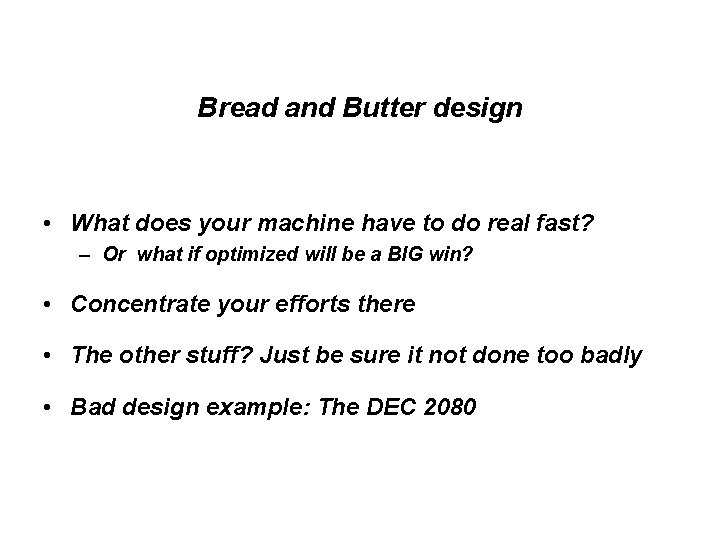
Bread and Butter design • What does your machine have to do real fast? – Or what if optimized will be a BIG win? • Concentrate your efforts there • The other stuff? Just be sure it not done too badly • Bad design example: The DEC 2080
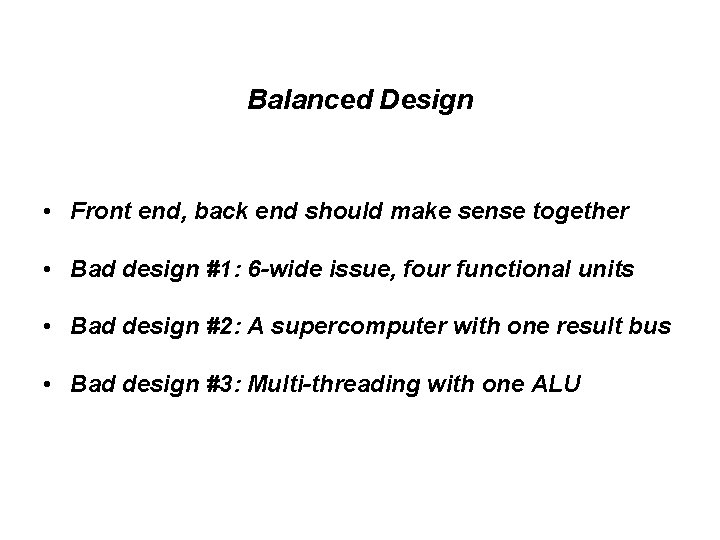
Balanced Design • Front end, back end should make sense together • Bad design #1: 6 -wide issue, four functional units • Bad design #2: A supercomputer with one result bus • Bad design #3: Multi-threading with one ALU
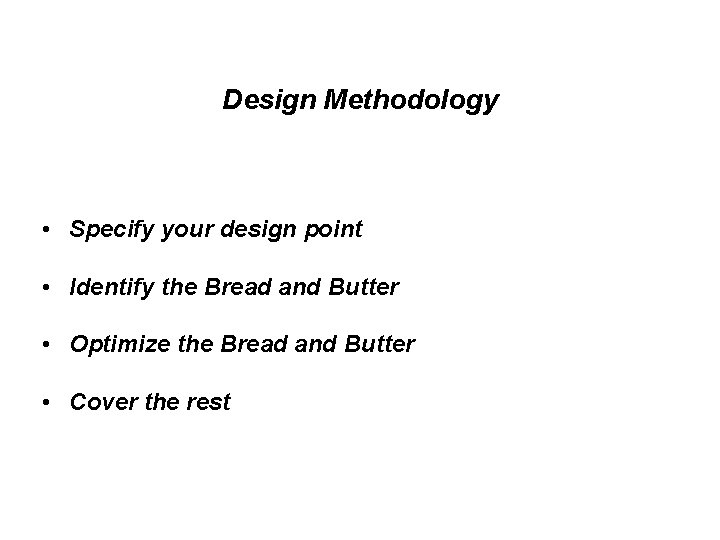
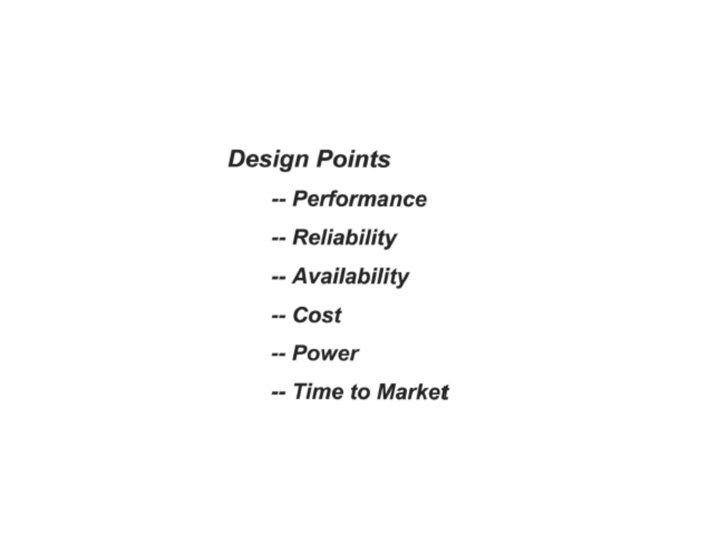
Design Methodology • Specify your design point • Identify the Bread and Butter • Optimize the Bread and Butter • Cover the rest
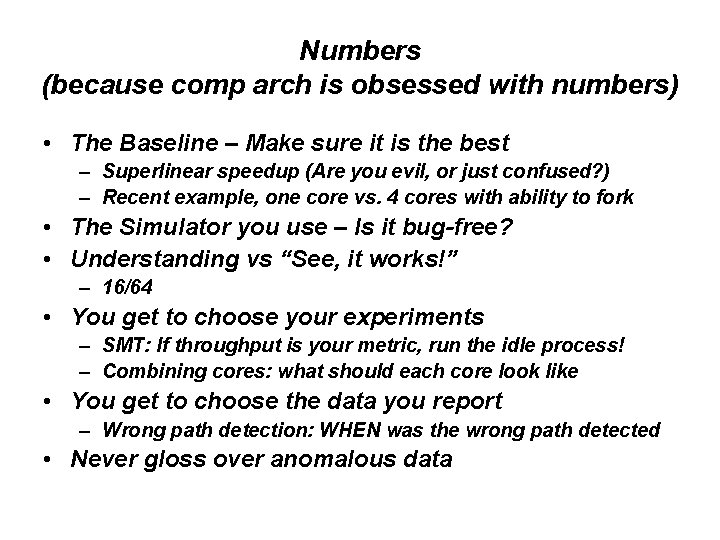
Numbers (because comp arch is obsessed with numbers) • The Baseline – Make sure it is the best – Superlinear speedup (Are you evil, or just confused? ) – Recent example, one core vs. 4 cores with ability to fork • The Simulator you use – Is it bug-free? • Understanding vs “See, it works!” – 16/64 • You get to choose your experiments – SMT: If throughput is your metric, run the idle process! – Combining cores: what should each core look like • You get to choose the data you report – Wrong path detection: WHEN was the wrong path detected • Never gloss over anomalous data
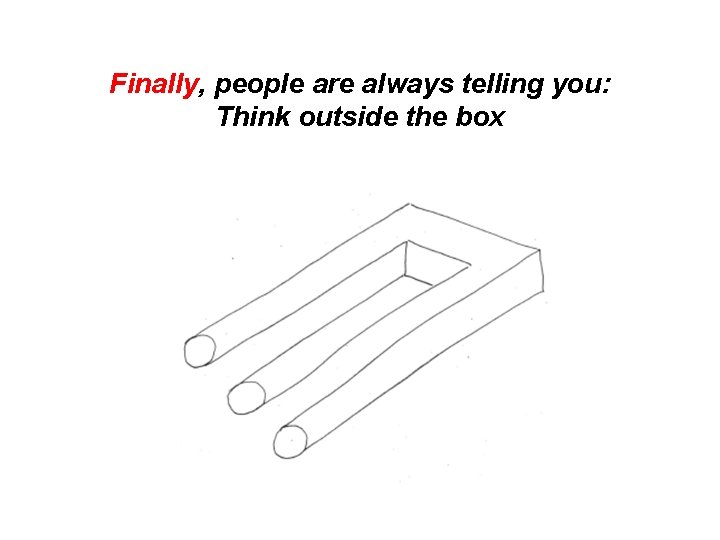
Finally, people are always telling you: Think outside the box
I prefer: Expand the box
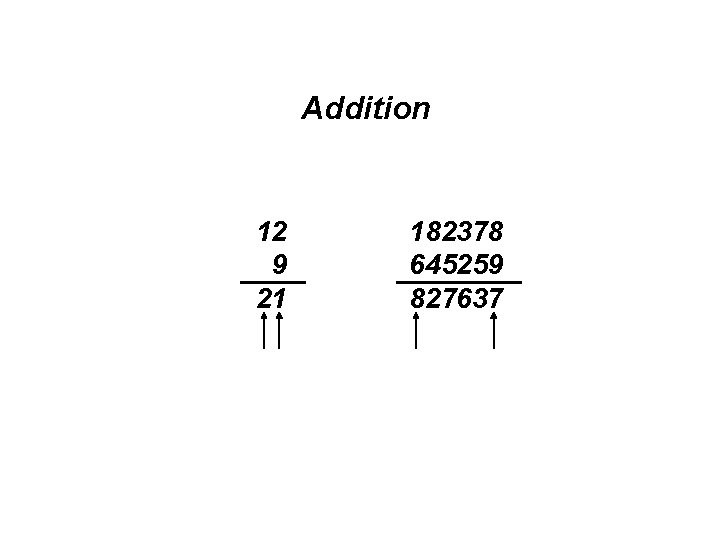
Something you are all familiar with: Look-ahead Carry Generators • They speed up ADDITION • But why do they work?
Addition 12 9 21 182378 645259 827637
Question: • What is computer architecture? • It is a contract between – The software (what it demands) – The hardware (what it agrees to deliver)
Question: • What is microarchitecture? • It is a science of tradeoffs: – What functionality we will deliver – At what performance – At what cost
Question: • How do we compute faster than the speed of light? • We do things concurrently.
Question: • Should we add a feature if the clock slows by 10% ? • Normally no, unless – The benefit of the feature taking a single cycle outweighs – the fact that everything else takes 10% more time.
Question: Is computer architecture dead? Answer: Computer Architecture will always be alive and healthy as long as people can dream. (Dreamers are not the architects, they are those who want to use machines in new and interesting ways) Computer Architecture is about the interface between what technology can provide and the market demands
Tack!