
Computer Applications Introduction to GUIs in Python Hugh

- Slides: 17
Computer Applications Introduction to GUIs in Python Hugh Davis hcd@soton. ac. uk Jian Shi Yvonne Howard rfp@ecs. soton. ac. uk Rikki Prince rfp@ecs. soton. ac. uk
This week: • • Tkinter Controls Named arguments Events
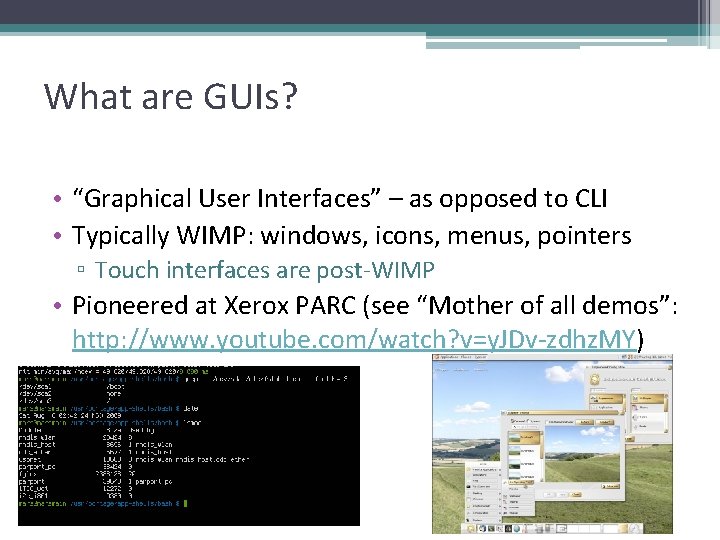
What are GUIs? • “Graphical User Interfaces” – as opposed to CLI • Typically WIMP: windows, icons, menus, pointers ▫ Touch interfaces are post-WIMP • Pioneered at Xerox PARC (see “Mother of all demos”: http: //www. youtube. com/watch? v=y. JDv-zdhz. MY)
Tkinter • A GUI library for Python • Comes with the standard distribution of Python • Official Python wiki page: ▫ https: //wiki. python. org/moin/Tk. Inter • Good tutorials: ▫ http: //www. tutorialspoint. com/python_gui_programmi ng. htm ▫ http: //effbot. org/tkinterbook/
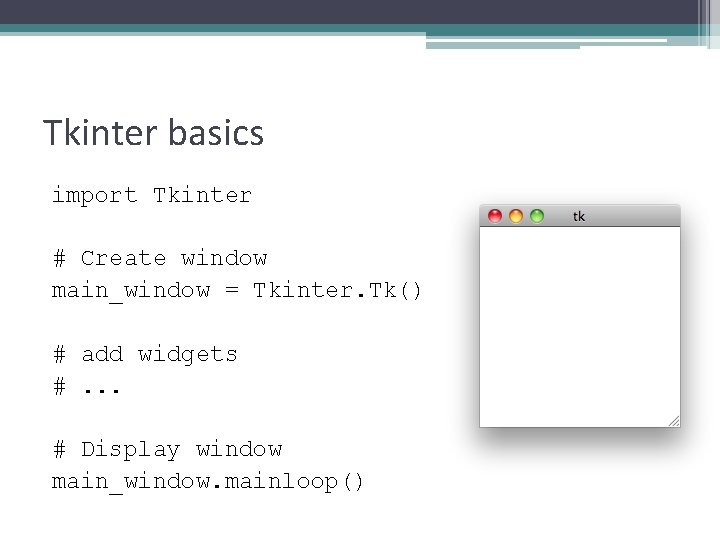
Tkinter basics import Tkinter # Create window main_window = Tkinter. Tk() # add widgets #. . . # Display window main_window. mainloop()
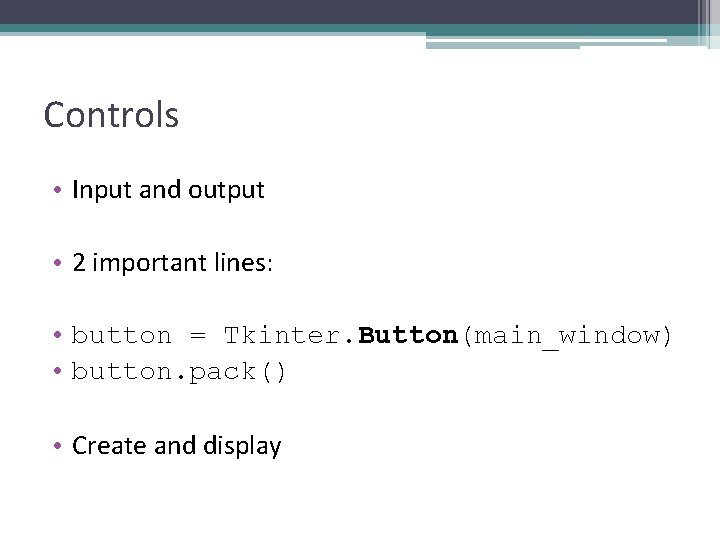
Controls • Input and output • 2 important lines: • button = Tkinter. Button(main_window) • button. pack() • Create and display
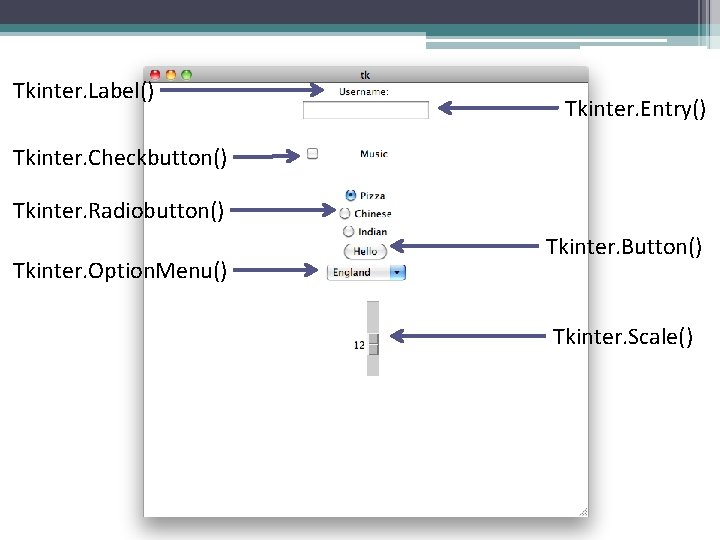
Tkinter. Label() Tkinter. Entry() Tkinter. Checkbutton() Tkinter. Radiobutton() Tkinter. Option. Menu() Tkinter. Button() Tkinter. Scale()
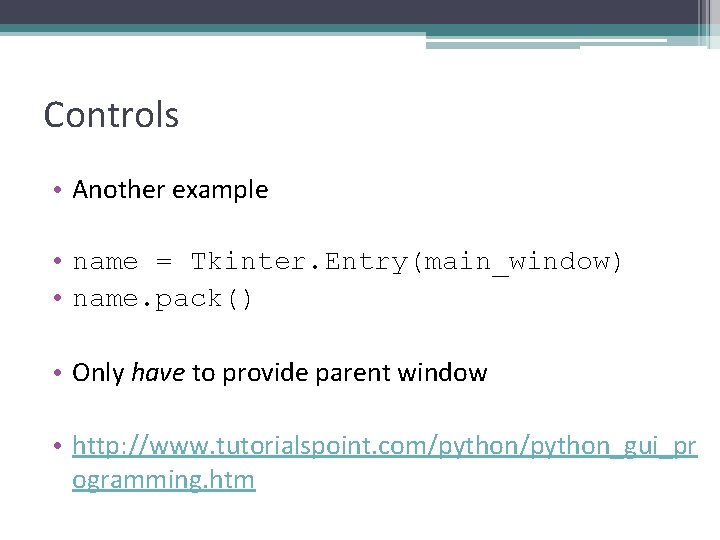
Controls • Another example • name = Tkinter. Entry(main_window) • name. pack() • Only have to provide parent window • http: //www. tutorialspoint. com/python_gui_pr ogramming. htm
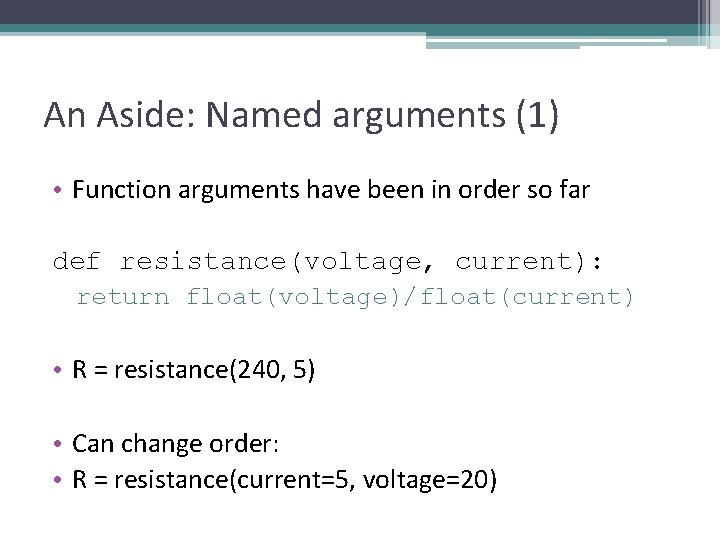
An Aside: Named arguments (1) • Function arguments have been in order so far def resistance(voltage, current): return float(voltage)/float(current) • R = resistance(240, 5) • Can change order: • R = resistance(current=5, voltage=20)
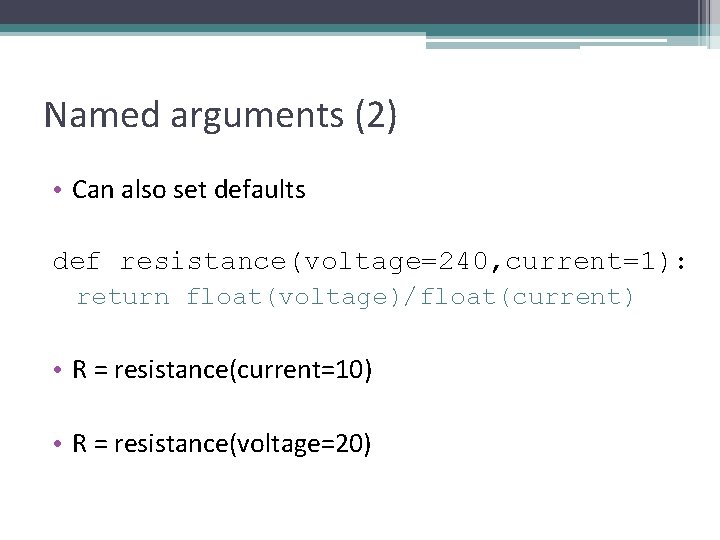
Named arguments (2) • Can also set defaults def resistance(voltage=240, current=1): return float(voltage)/float(current) • R = resistance(current=10) • R = resistance(voltage=20)
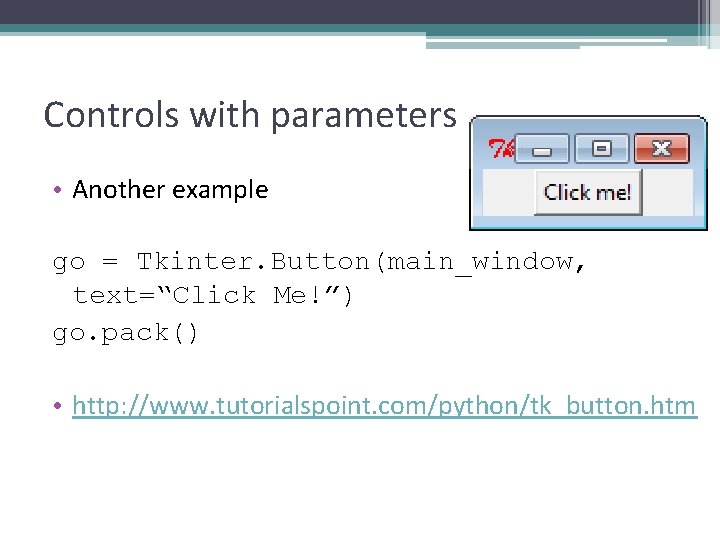
Controls with parameters • Another example go = Tkinter. Button(main_window, text=“Click Me!”) go. pack() • http: //www. tutorialspoint. com/python/tk_button. htm
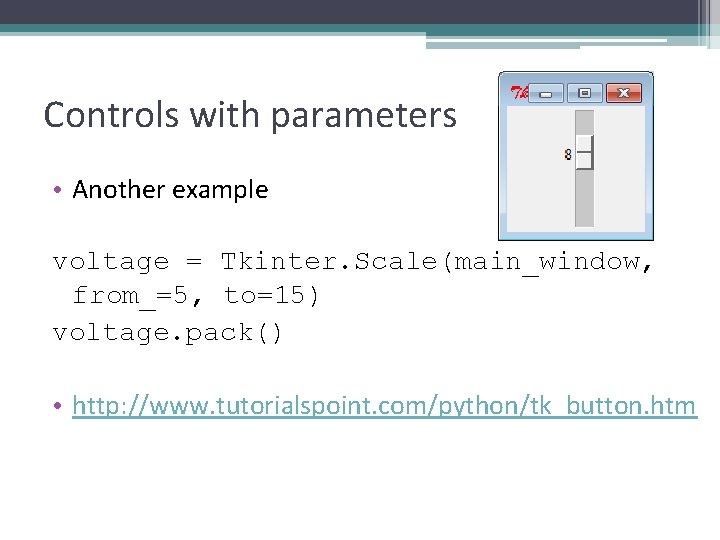
Controls with parameters • Another example voltage = Tkinter. Scale(main_window, from_=5, to=15) voltage. pack() • http: //www. tutorialspoint. com/python/tk_button. htm
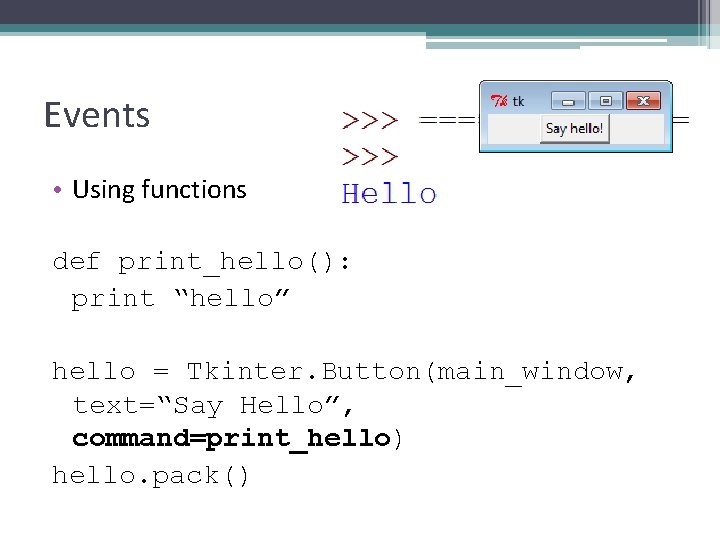
Events • Using functions def print_hello(): print “hello” hello = Tkinter. Button(main_window, text=“Say Hello”, command=print_hello) hello. pack()
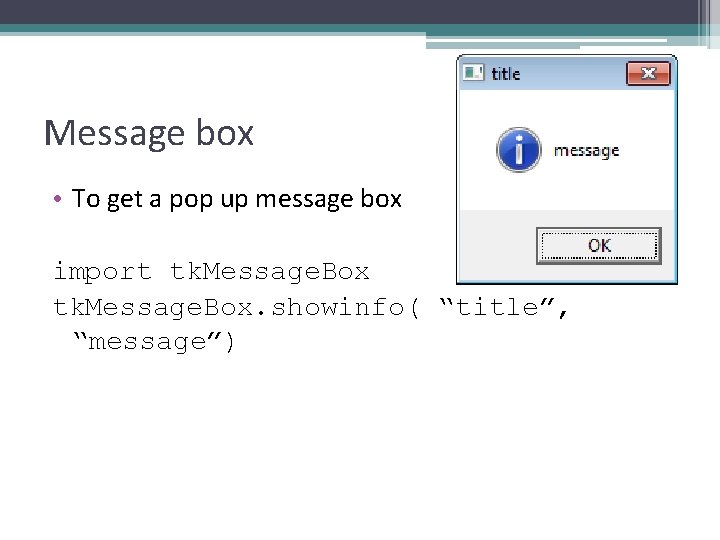
Message box • To get a pop up message box import tk. Message. Box. showinfo( “title”, “message”)
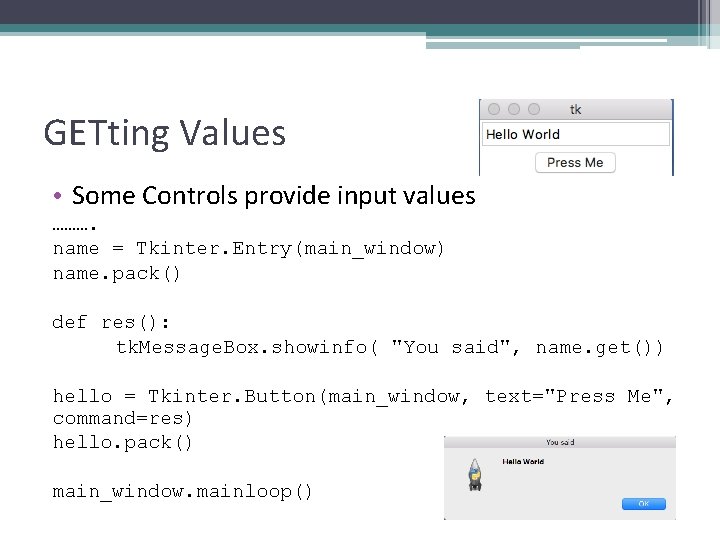
GETting Values • Some Controls provide input values ………. name = Tkinter. Entry(main_window) name. pack() def res(): tk. Message. Box. showinfo( "You said", name. get()) hello = Tkinter. Button(main_window, text="Press Me", command=res) hello. pack() main_window. mainloop()
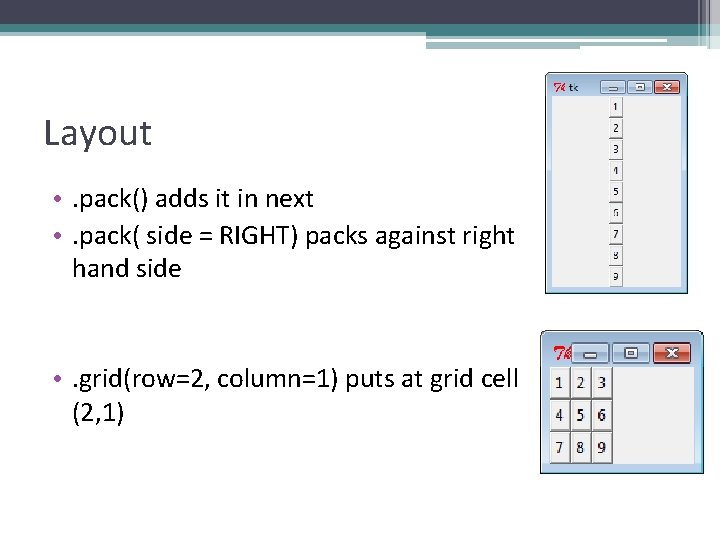
Layout • . pack() adds it in next • . pack( side = RIGHT) packs against right hand side • . grid(row=2, column=1) puts at grid cell (2, 1)
GUIs Summary • • Using Tkinter (import, create instance, mainloop() ) Initialise controls Add controls using. pack() or. grid() Use named arguments such as text to set the text and command to set the function to execute when clicked