
Computer Applications I Keyboard Varieties Qwerty The name
Computer Applications I Keyboard Varieties
Qwerty • The name "QWERTY" for our computer keyboard comes from the first six letters in the top alphabet row (the one just below the numbers). • It is also referred to as the "Universal" keyboard. • Invented by C. L. Sholes, who put together the prototypes of the first commercial typewriter in a Milwaukee machine shop back in the 1860's. "
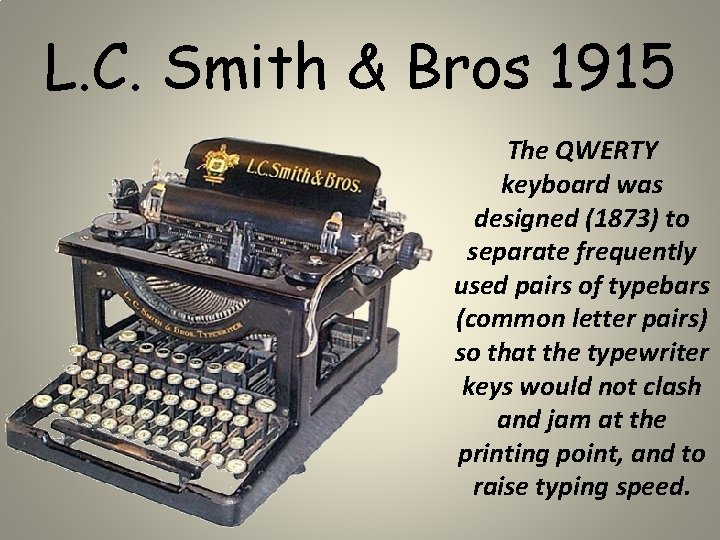
L. C. Smith & Bros 1915 The QWERTY keyboard was designed (1873) to separate frequently used pairs of typebars (common letter pairs) so that the typewriter keys would not clash and jam at the printing point, and to raise typing speed.
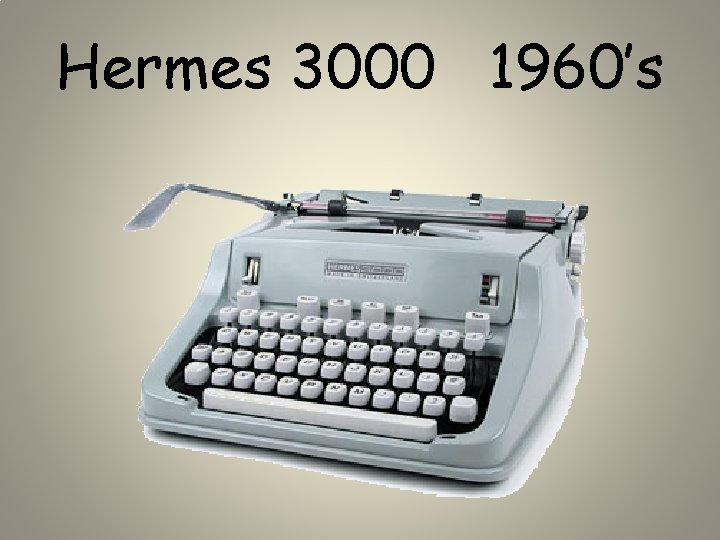
Hermes 3000 1960’s
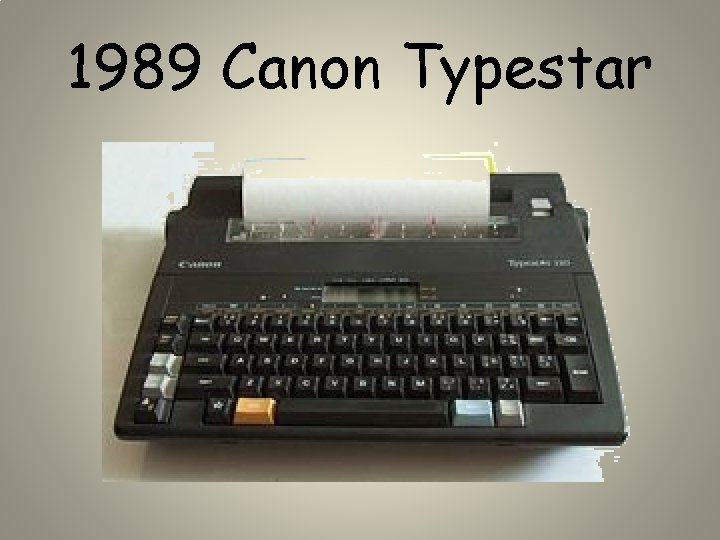
1989 Canon Typestar
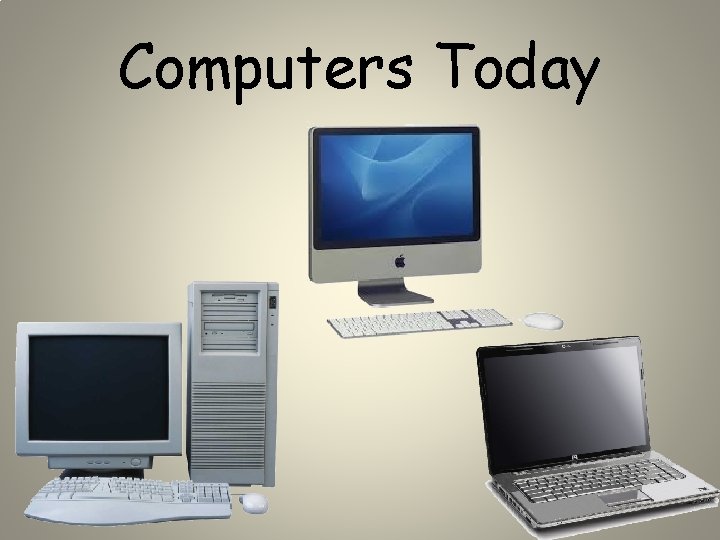
Computers Today
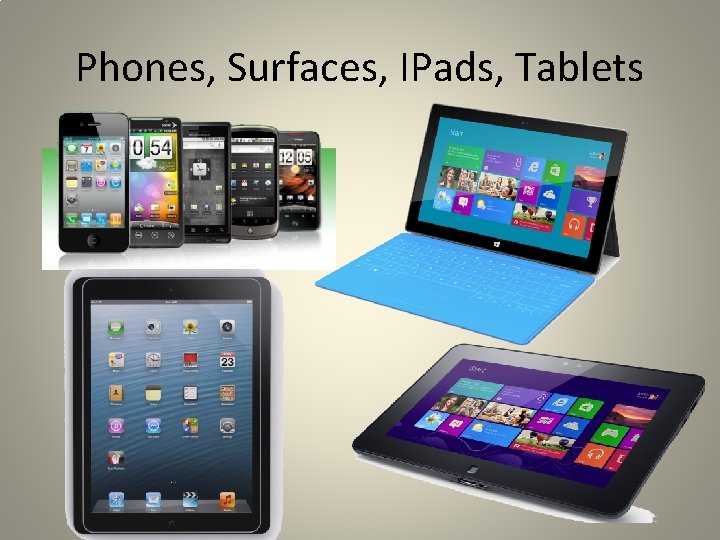
Phones, Surfaces, IPads, Tablets
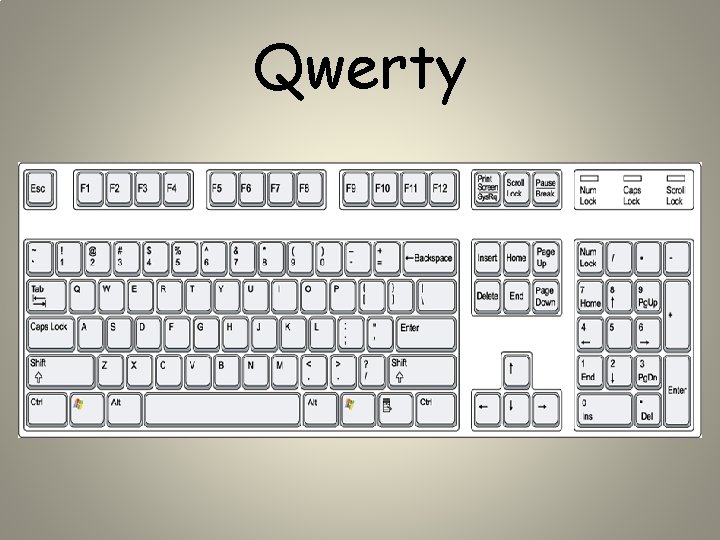
Qwerty

Azerty • The French version of the standard Qwerty keyboard • It is used by most French speakers based in Europe, though some countries have their own national variations on the layout
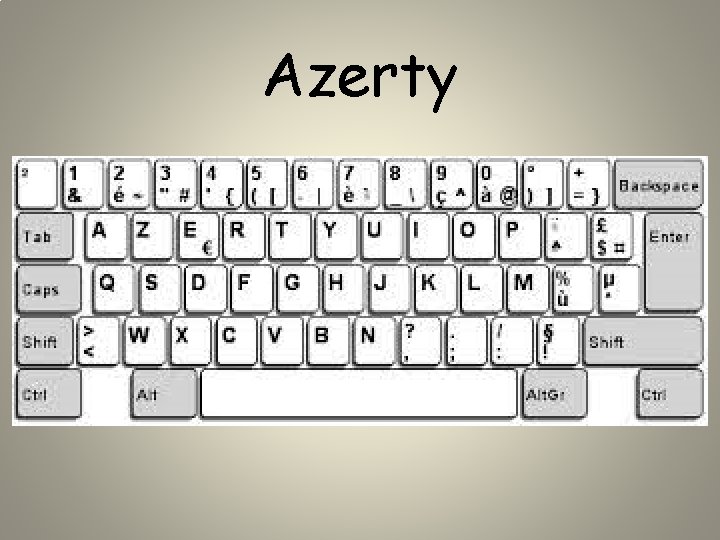
Azerty
Dvorak • The Dvorak Simplified Keyboard (DSK) is the best-known alternative to QWERTY • It is also known as the American Simplified Keyboard, ASK, layout
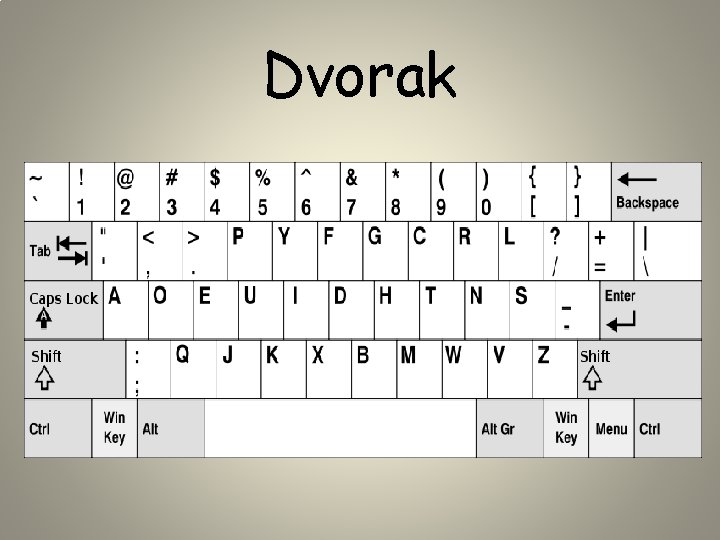
Dvorak
Colemak • Colemak is another alternative to QWERTY • It has been designed specifically to be easy to learn for existing QWERTY typists
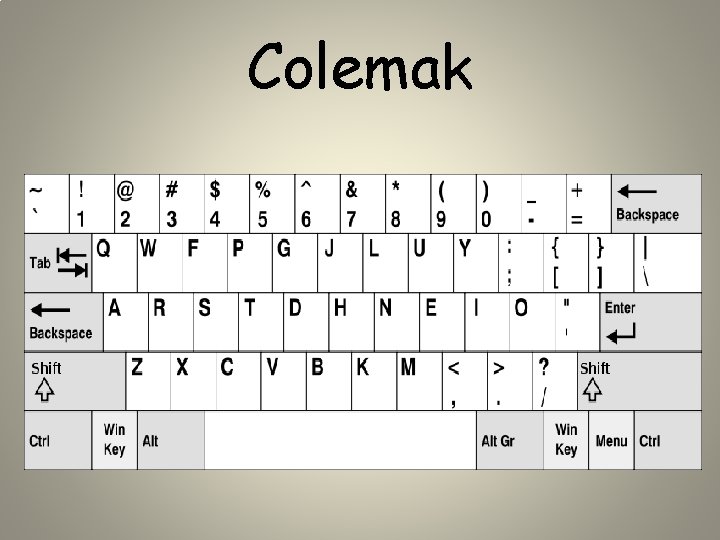
Colemak

International What do keyboards in other countries look like?
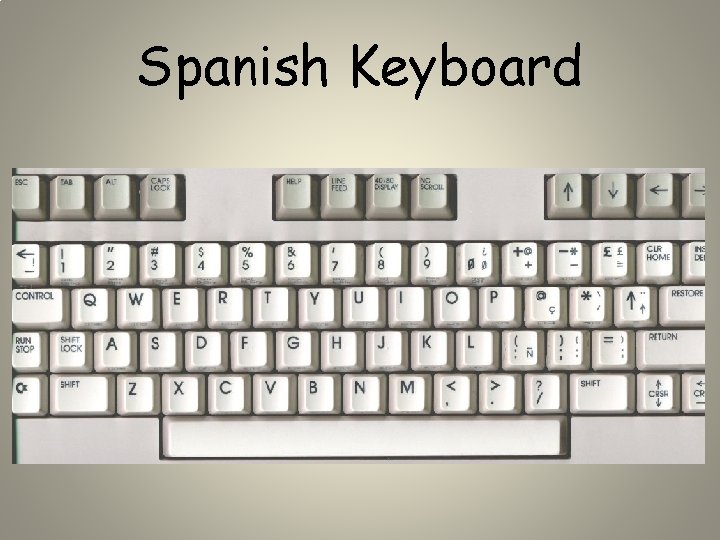
Spanish Keyboard
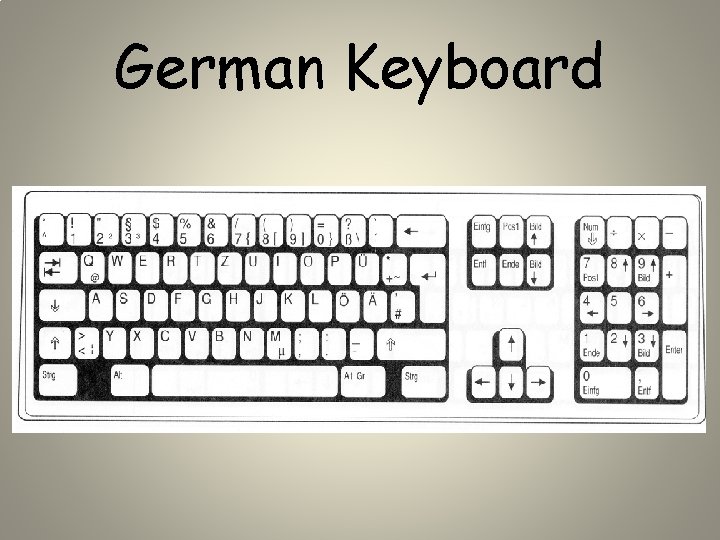
German Keyboard
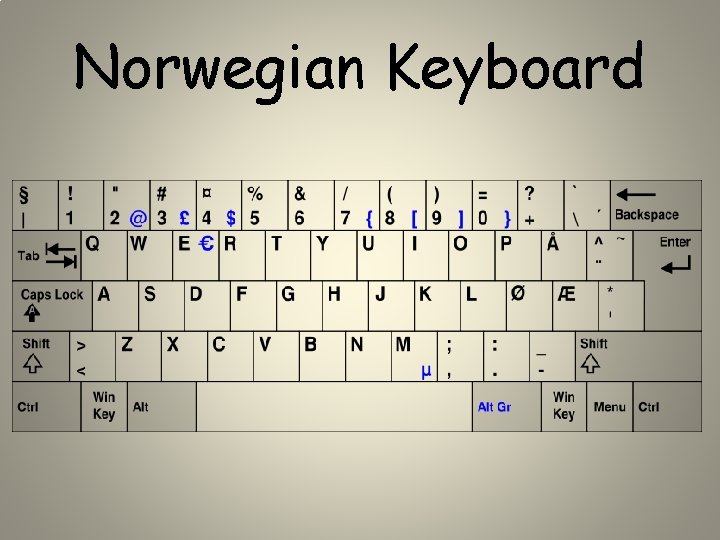
Norwegian Keyboard
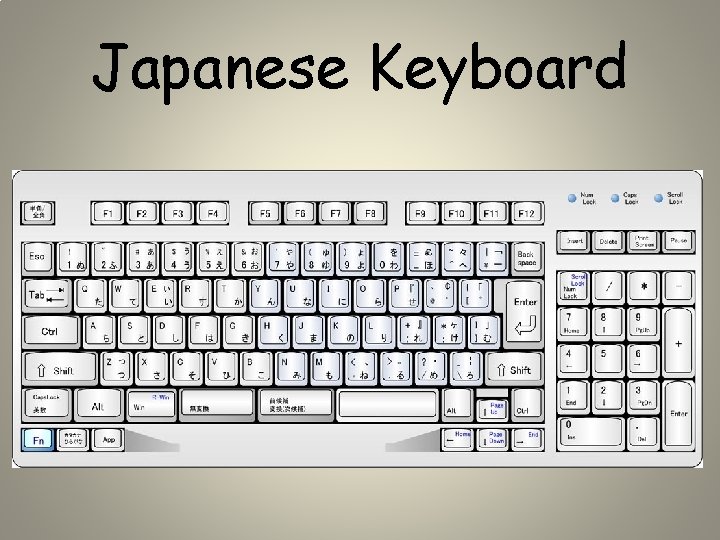
Japanese Keyboard
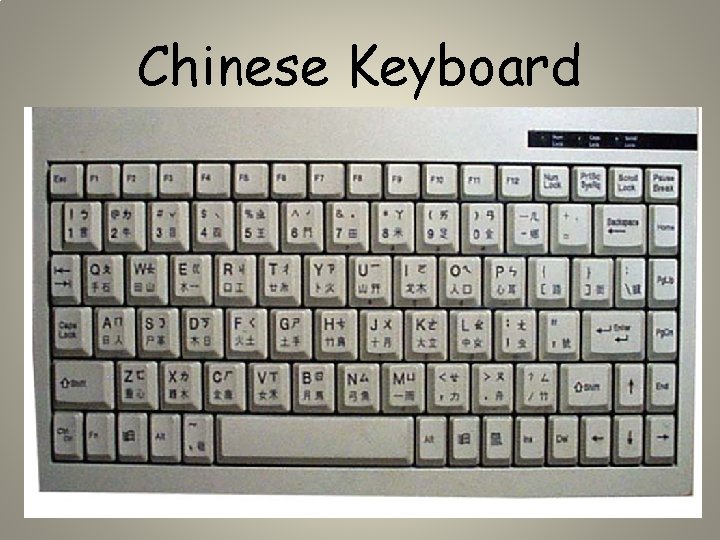
Chinese Keyboard
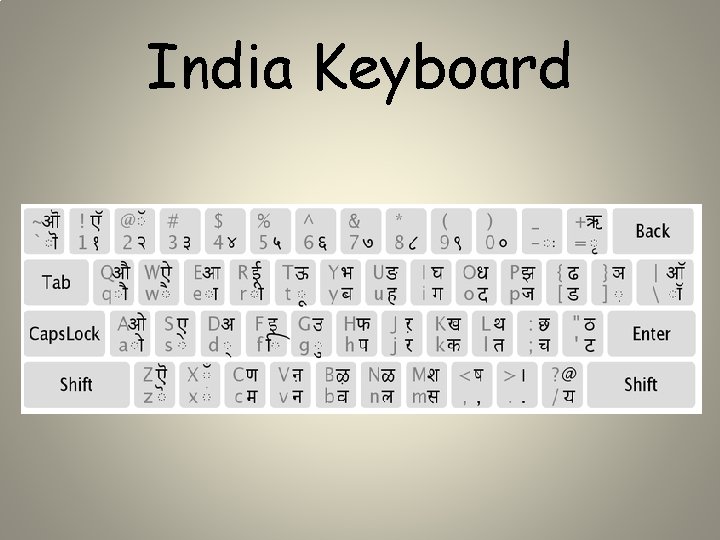
India Keyboard
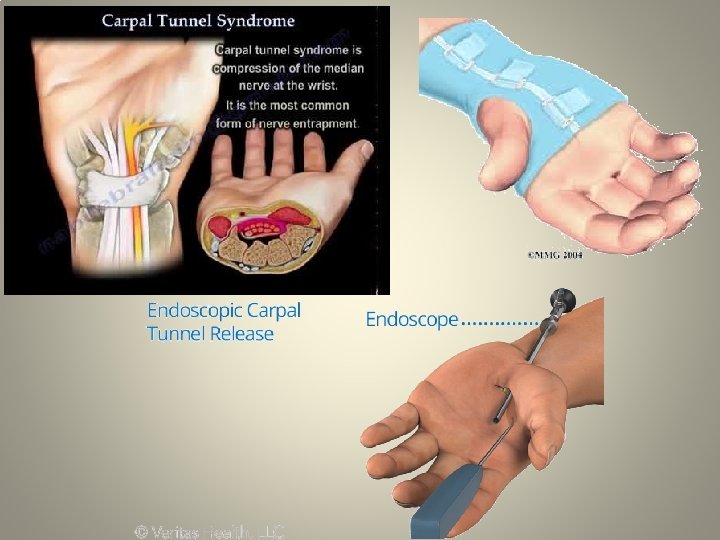
Carpal Tunnel Syndrome • Carpal tunnel syndrome (CTS) is a medical condition in which the median nerve is compressed at the wrist • Symptoms: tingling, numbness, night time wakening, pain, coldness, and sometimes weakness in parts of the hand • More common in women than in men
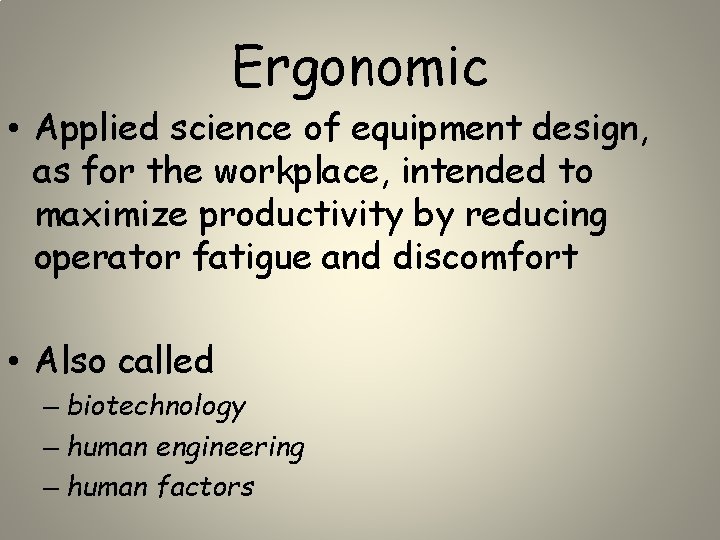
Carpal Tunnel Syndrome • Treatments: ice, physical therapy, anti -inflammatory drugs, splint, surgery • Take good care of your wrists and hands: – Keep your wrists straight, with your hands a little higher than your wrists – Relax your shoulders when your arms are at your sides – Use mouse properly
Ergonomic • Applied science of equipment design, as for the workplace, intended to maximize productivity by reducing operator fatigue and discomfort • Also called – biotechnology – human engineering – human factors
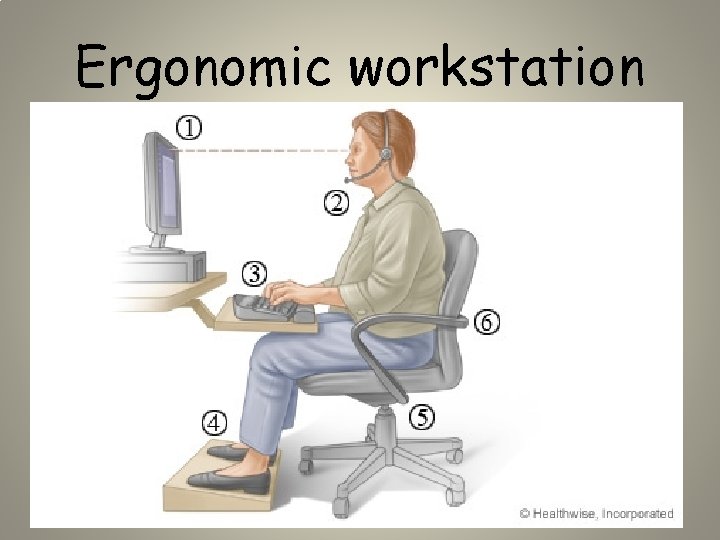
Ergonomic workstation
Ergonomic Keyboards • Specifically designed to prevent Carpal Tunnel Syndrome and other repetitive strain injuries (RSI) associated with typing for long periods of time. • The keyboard also helps to ensure correct posture while sitting at the computer.
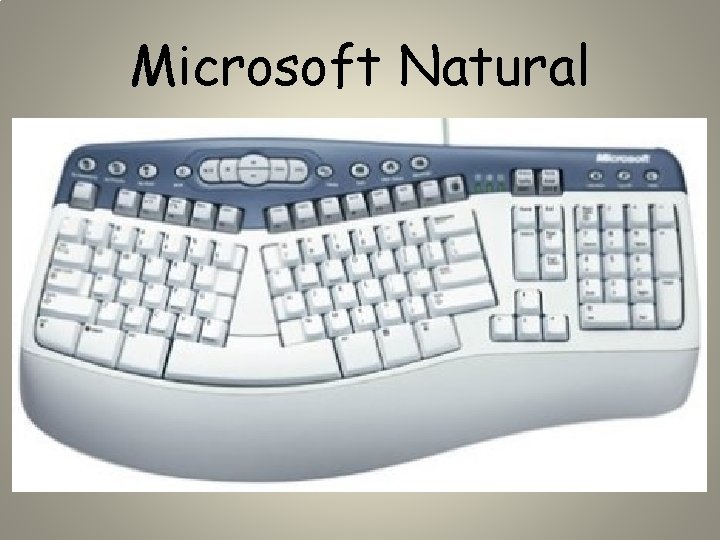
Microsoft Natural

Das Keyboard • Das Keyboard Ultimate is a keyboard equipped with 100% blank keys • Das Keyboard Ultimate can teach you to type exponentially faster in just a couple of weeks. • Because there are no letters to look at when typing, your brain is forced to memorize the key positions. • Slower typers almost double their speed and fast typers become super fast!
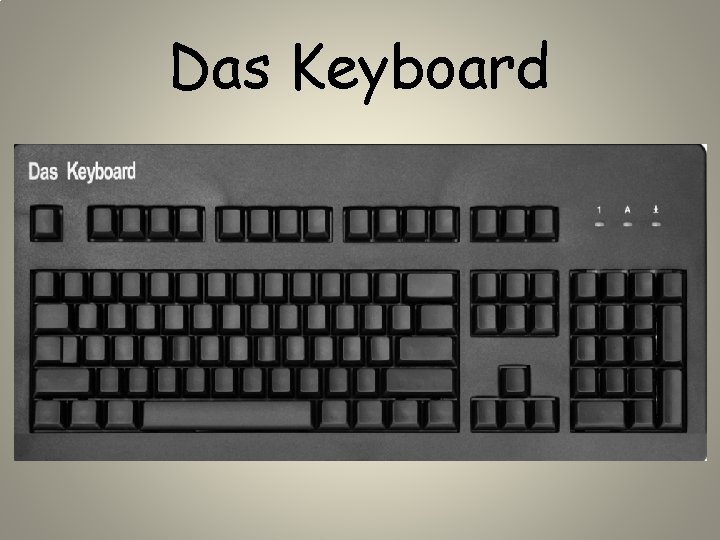
Das Keyboard
3 Ways Typing Makes Your Brain Stronger 1) Strengthen connections between hemispheres • Most of us are either right or left-handed. • Activities such as typing and playing the piano, that require both hands to work together, challenge the brain to fight against this right or left-hand dominance. • Mastering a skill like typing or piano can actually strengthen the brain.
2) Improved hand-eye coordination • Anyone who suffers from poor hand-eye coordination can sympathize with the struggle of playing a game of catch or even writing legibly. • Learning to type can help improve your hand-eye coordination because typing is a continuous action. The lack of pauses while typing makes the activity a powerful way to practice hand-eye coordination.
3) Enhances memory • Consistently typing words correctly requires you to push your brain to simultaneously remember both 1) how to spell a word and 2) where the necessary keys are on the keyboard to form that word. • This continuous task of recalling two different sets of information at once can help strengthen the neural networks that control memory. • To get the most memory building power out of typing, correct spelling mistakes by deleting the misspelled word and re-typing it correctly (instead of right clicking to use auto-correct).
- Slides: 36