
Computer Applications 2 BCSCA 2 2 Students will
Computer Applications 2 BCS-CA 2 -2 Students will use word processing and/or desktop publishing software through a variety of input technologies to create, edit, and publish industry appropriate documents.
Computer Applications 2 Word Lesson 7: Graphics Microsoft IT Academy
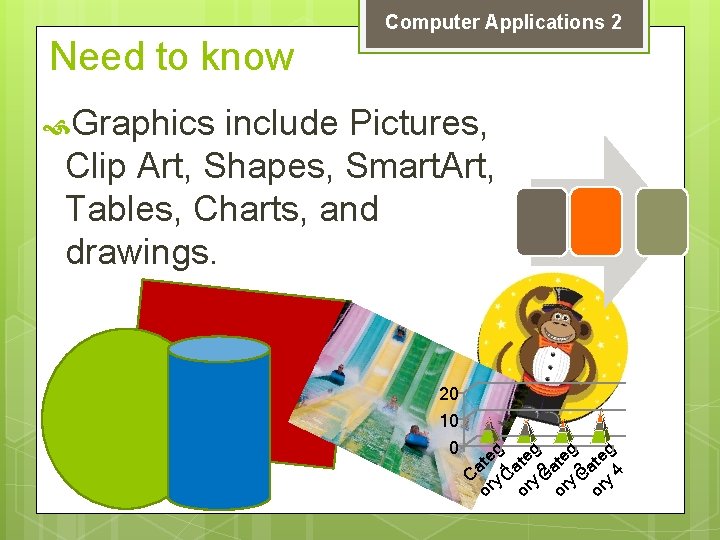
Computer Applications 2 Need to know Graphics include Pictures, Clip Art, Shapes, Smart. Art, Tables, Charts, and drawings. C or ate y g C 1 or ate y g C 2 or ate y g C 3 or ate y g 4 20 10 0

Computer Applications 2 Need to Know A chart is a graphic that is used to compare or show a relationship between multiple sets of data. Clip Art is a collection of readymade images that are installed with Word 2010 or may be downloaded from the Microsoft Office Online Website
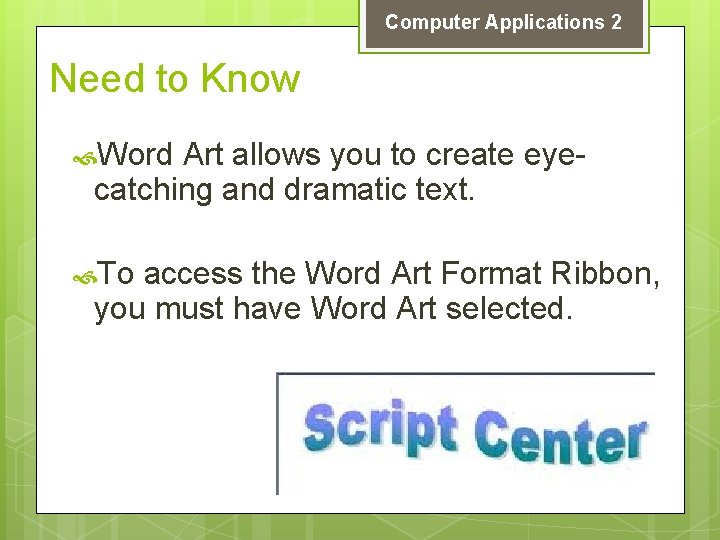
Computer Applications 2 Need to Know Word Art allows you to create eyecatching and dramatic text. To access the Word Art Format Ribbon, you must have Word Art selected.
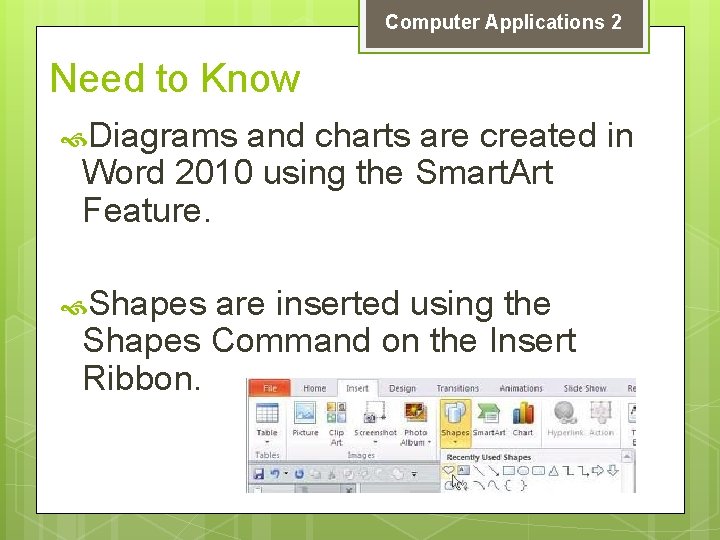
Computer Applications 2 Need to Know Diagrams and charts are created in Word 2010 using the Smart. Art Feature. Shapes are inserted using the Shapes Command on the Insert Ribbon.
Computer Applications 2 Need to Know A Smart. Art graphic is a visual representation of your information. List, Process, Cycle, Hierarchy, Relationship Matrix, Pyramid, Picture available Smart. Art diagram types. Smart. Art objects contain placeholder text that is replaced with text appropriate for your project.

Computer Applications 2 BCS-CA 2 -2 Students will use word processing and/or desktop publishing software through a variety of input technologies to create, edit, and publish industry appropriate documents.
Computer Applications 2 Journal #21
Computer Applications 2 BCS-CA 2 -5 Students will use presentation software to create, edit, and publish industry appropriate files.
- Slides: 10