
Computational tools setup Codecademy Python and IPython Curtis
- Slides: 8
Computational tools setup: Codecademy, Python, and IPython Curtis Huttenhower (chuttenh@hsph. harvard. edu) Eric Franzosa (franzosa@hsph. harvard. edu) http: //huttenhower. sph. harvard. edu/bst 281
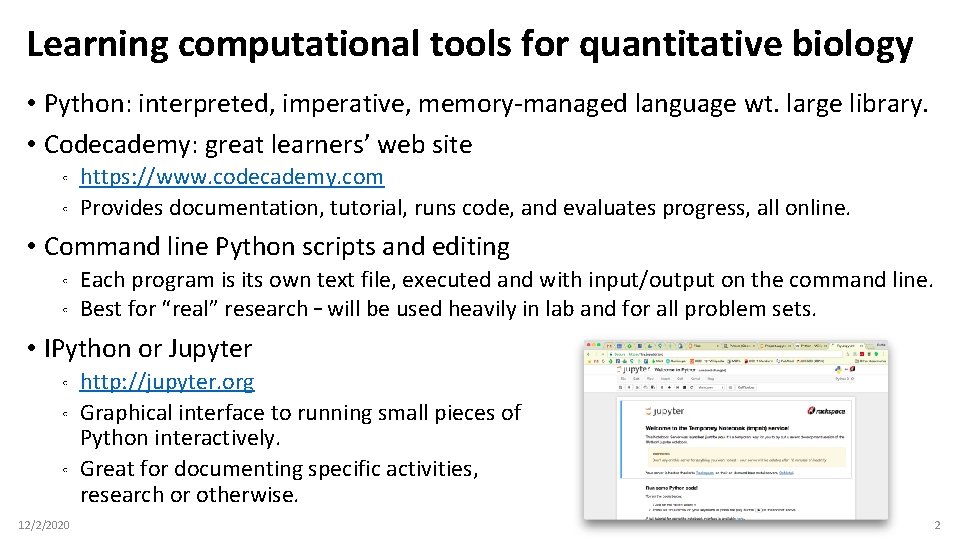
Learning computational tools for quantitative biology • Python: interpreted, imperative, memory-managed language wt. large library. • Codecademy: great learners’ web site ◦ ◦ https: //www. codecademy. com Provides documentation, tutorial, runs code, and evaluates progress, all online. • Command line Python scripts and editing ◦ ◦ Each program is its own text file, executed and with input/output on the command line. Best for “real” research – will be used heavily in lab and for all problem sets. • IPython or Jupyter ◦ ◦ ◦ 12/2/2020 http: //jupyter. org Graphical interface to running small pieces of Python interactively. Great for documenting specific activities, research or otherwise. 2
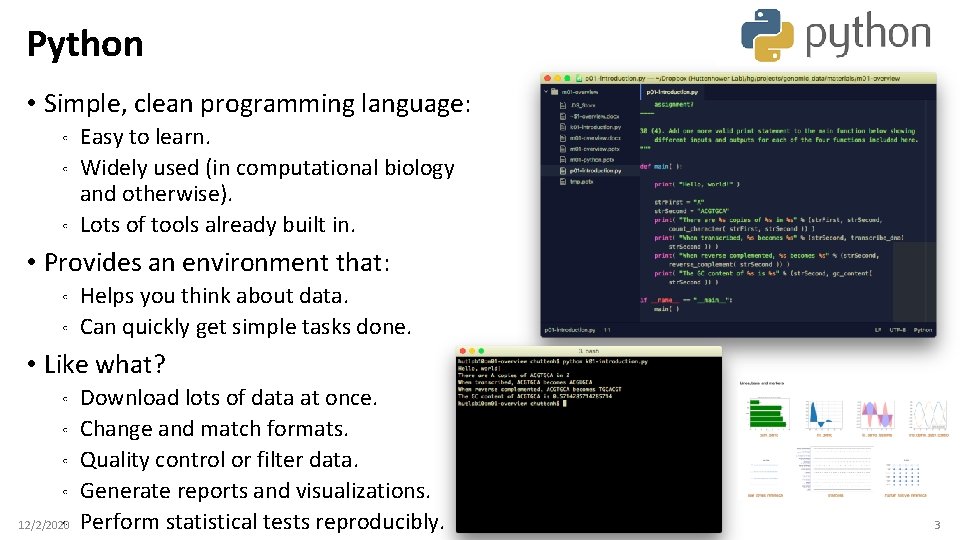
Python • Simple, clean programming language: ◦ ◦ ◦ Easy to learn. Widely used (in computational biology and otherwise). Lots of tools already built in. • Provides an environment that: ◦ ◦ Helps you think about data. Can quickly get simple tasks done. • Like what? ◦ ◦ ◦ 12/2/2020 Download lots of data at once. Change and match formats. Quality control or filter data. Generate reports and visualizations. Perform statistical tests reproducibly. 3
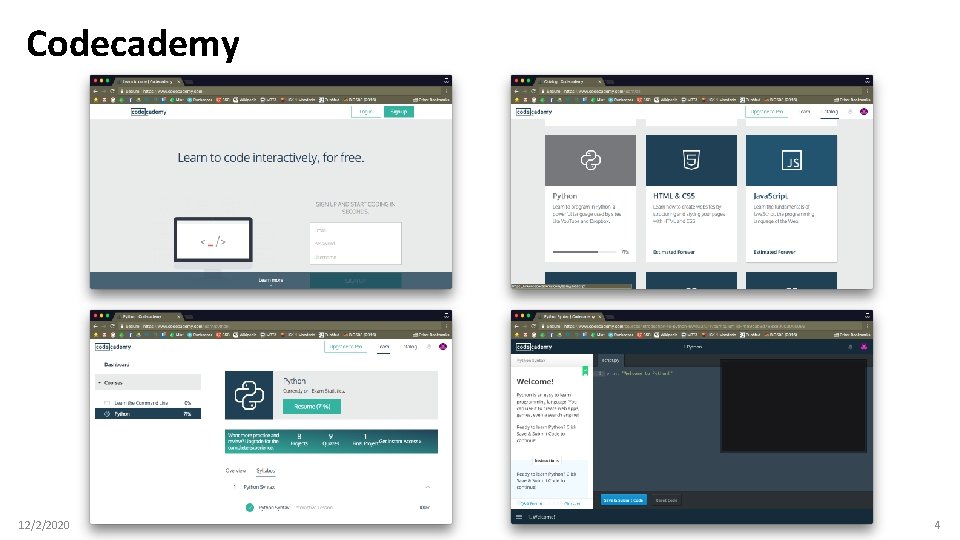
Codecademy 12/2/2020 4
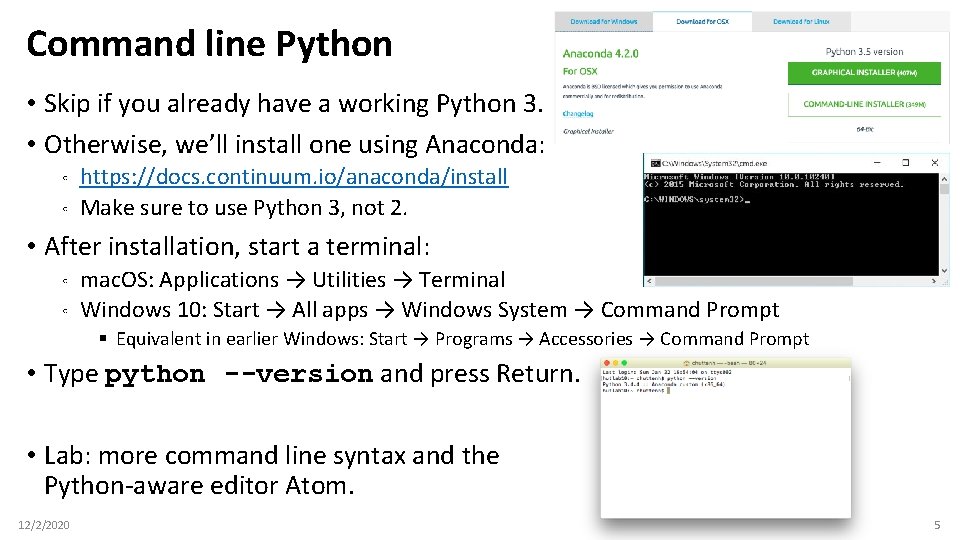
Command line Python • Skip if you already have a working Python 3. • Otherwise, we’ll install one using Anaconda: ◦ ◦ https: //docs. continuum. io/anaconda/install Make sure to use Python 3, not 2. • After installation, start a terminal: ◦ ◦ mac. OS: Applications → Utilities → Terminal Windows 10: Start → All apps → Windows System → Command Prompt § Equivalent in earlier Windows: Start → Programs → Accessories → Command Prompt • Type python --version and press Return. • Lab: more command line syntax and the Python-aware editor Atom. 12/2/2020 5
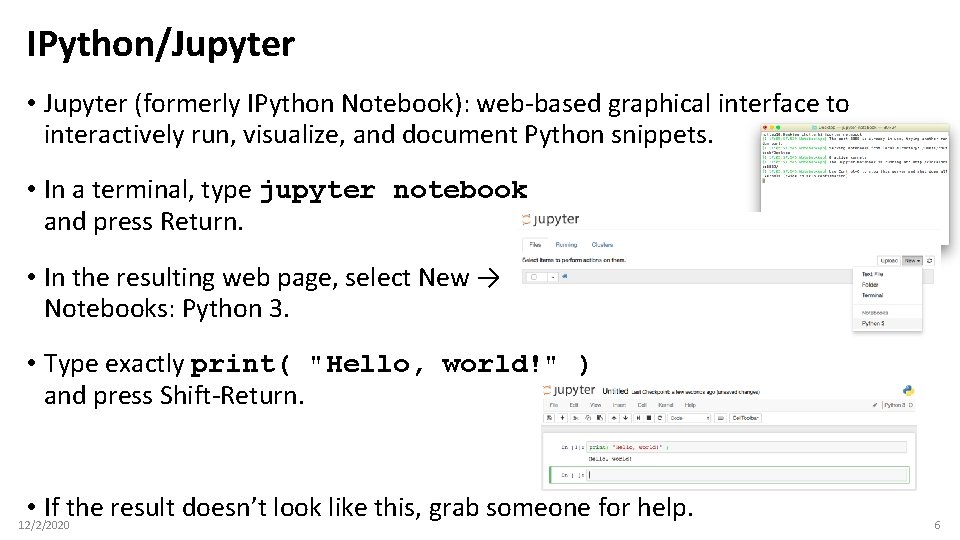
IPython/Jupyter • Jupyter (formerly IPython Notebook): web-based graphical interface to interactively run, visualize, and document Python snippets. • In a terminal, type jupyter notebook and press Return. • In the resulting web page, select New → Notebooks: Python 3. • Type exactly print( "Hello, world!" ) and press Shift-Return. • If the result doesn’t look like this, grab someone for help. 12/2/2020 6
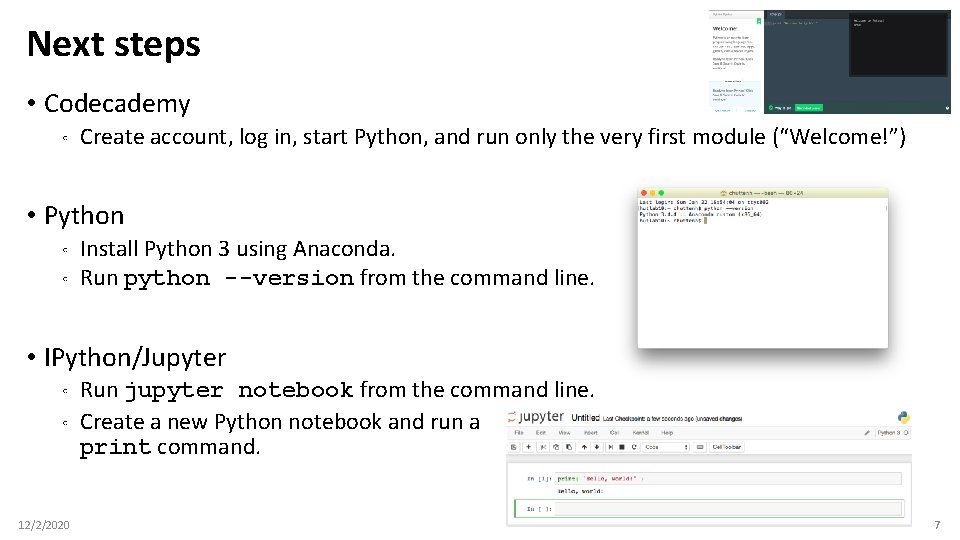
Next steps • Codecademy ◦ Create account, log in, start Python, and run only the very first module (“Welcome!”) • Python ◦ ◦ Install Python 3 using Anaconda. Run python --version from the command line. • IPython/Jupyter ◦ ◦ 12/2/2020 Run jupyter notebook from the command line. Create a new Python notebook and run a print command. 7
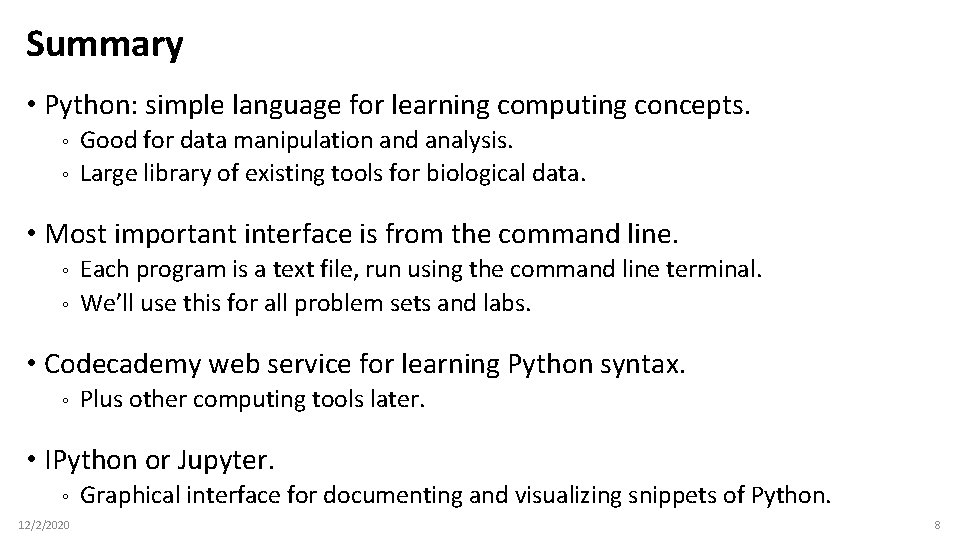
Summary • Python: simple language for learning computing concepts. ◦ ◦ Good for data manipulation and analysis. Large library of existing tools for biological data. • Most important interface is from the command line. ◦ ◦ Each program is a text file, run using the command line terminal. We’ll use this for all problem sets and labs. • Codecademy web service for learning Python syntax. ◦ Plus other computing tools later. • IPython or Jupyter. ◦ 12/2/2020 Graphical interface for documenting and visualizing snippets of Python. 8