
Computational Thinking How to think like a computer
- Slides: 12
Computational Thinking (How to think like a computer scientist) Lesson 1 Importance of Computational Thinking
Objectives • To understand the terms decomposition, abstraction and patterns in Computer Science. • To use abstraction and modelling techniques • To explain what is meant by decomposition and abstraction and use them to solve problems
Keywords • Computational Thinking • Decomposition • Pattern Recognition • Abstraction
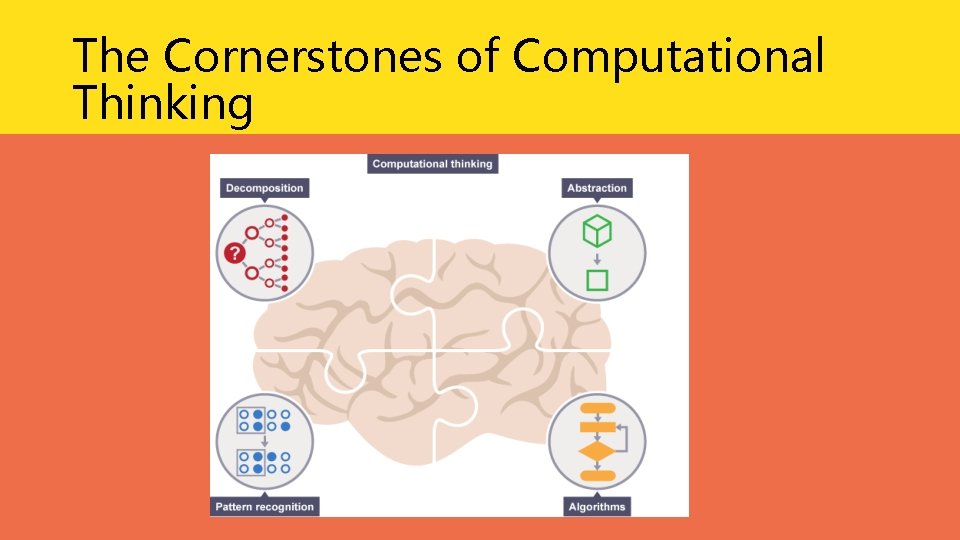
What Is Computational Thinking? • Computers can be used to help us solve problems. However, before a problem can be tackled, the problem itself and the ways in which it could be solved need to be understood. • Computational thinking allows us to do this. • Computational thinking – the use of computers to solve problems.
The Cornerstones of Computational Thinking
The Cornerstones Of Computational Thinking • Decomposition - breaking down a complex problem or system into smaller, more manageable parts • Pattern recognition – looking for similarities among and within problems • Abstraction – focusing on the important information only, ignoring irrelevant detail • Algorithms - developing a step-by-step solution to the problem, or the rules to follow to solve the problem
Thinking Computationally • Thinking computationally is not programming. • It is not even thinking like a computer, as computers do not, and cannot, think. • Programming tells a computer what to do and how to do it. • Computational thinking enables you to work out exactly what to tell the computer to do.
Thinking Computationally • If you agree to meet your friends somewhere you have never been before, would you plan your route before you consider step out your house? Ø You might theof routes available and which route is ‘best’ - this might be the route that is the shortest, the quickest, or the one which goes past your favourite shop on the way. Ø You'd then follow the step-by-step directions to get there. In this case: Ø the planning part is like computational thinking, Ø following the directions is like programming.
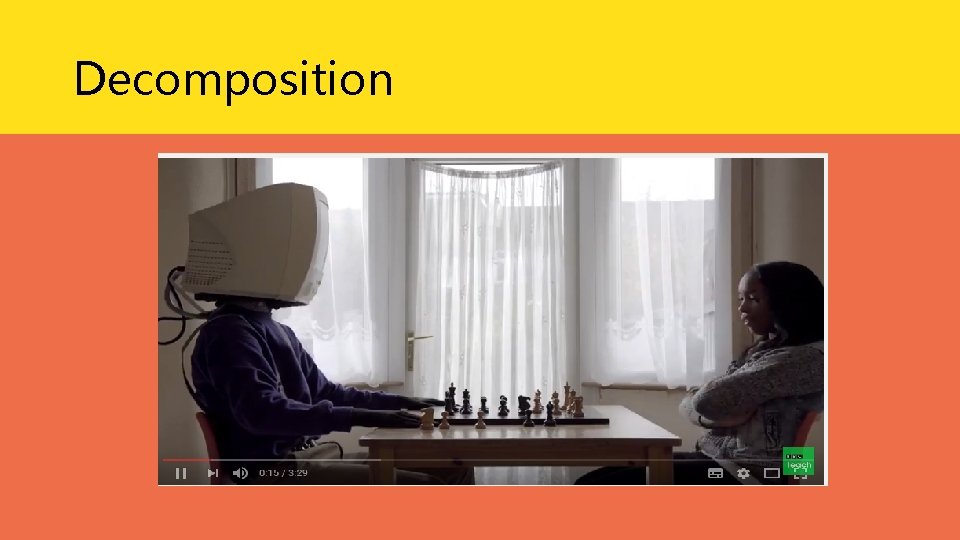
Decomposition
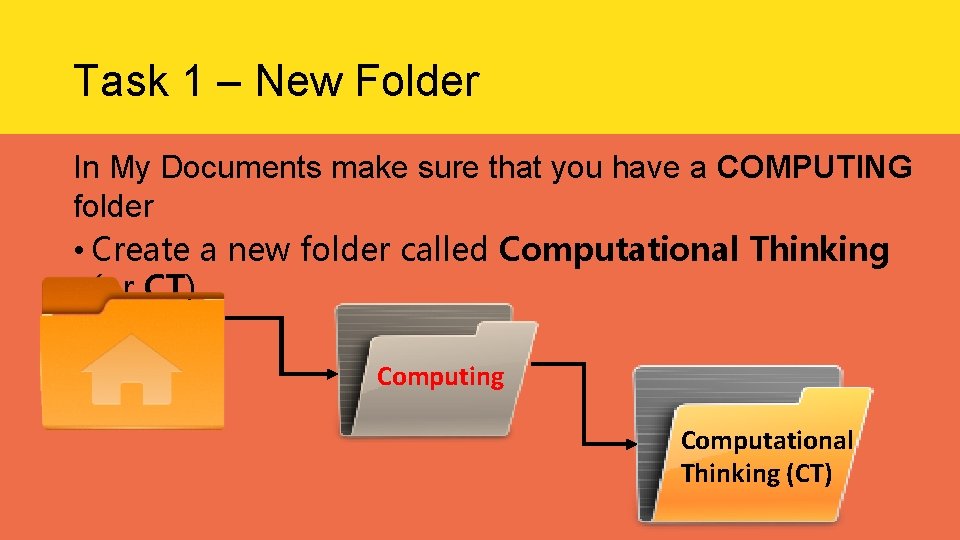
Task 1 – New Folder In My Documents make sure that you have a COMPUTING folder • Create a new folder called Computational Thinking (or CT) Computing Computational Thinking (CT)
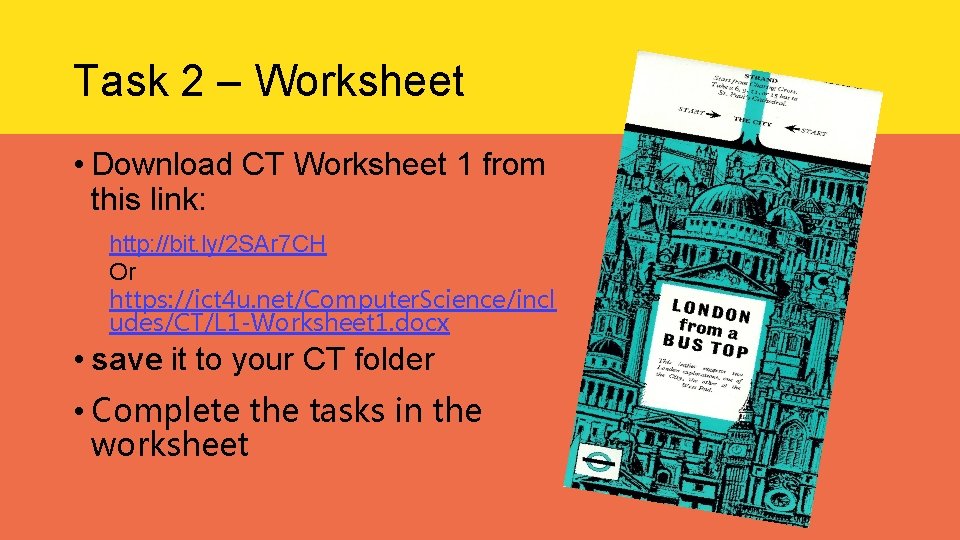
Task 2 – Worksheet • Download CT Worksheet 1 from this link: http: //bit. ly/2 SAr 7 CH Or https: //ict 4 u. net/Computer. Science/incl udes/CT/L 1 -Worksheet 1. docx • save it to your CT folder • Complete the tasks in the worksheet
Plenary • Can you explain the following terms? • Computational Thinking • Decomposition • Pattern Recognition • Abstraction