
COMPSCI 111 Mastering Cyberspace An introduction to practical
COMPSCI 111 Mastering Cyberspace: An introduction to practical computing software
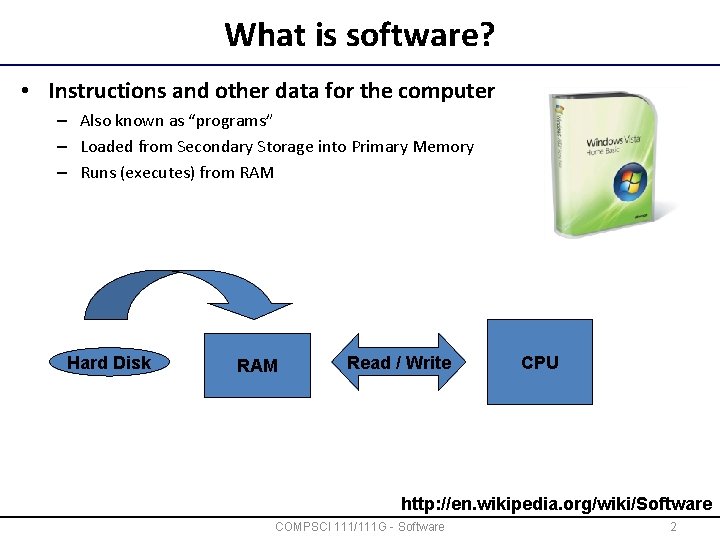
What is software? • Instructions and other data for the computer – Also known as “programs” – Loaded from Secondary Storage into Primary Memory – Runs (executes) from RAM Software is loaded CPU executes instruction Hard Disk RAM Read / Write CPU http: //en. wikipedia. org/wiki/Software COMPSCI 111/111 G - Software 2
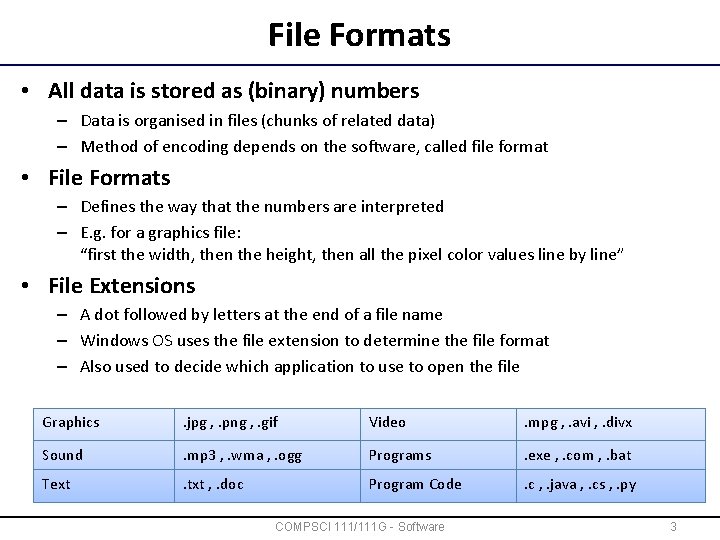
File Formats • All data is stored as (binary) numbers – Data is organised in files (chunks of related data) – Method of encoding depends on the software, called file format • File Formats – Defines the way that the numbers are interpreted – E. g. for a graphics file: “first the width, then the height, then all the pixel color values line by line” • File Extensions – A dot followed by letters at the end of a file name – Windows OS uses the file extension to determine the file format – Also used to decide which application to use to open the file Graphics . jpg , . png , . gif Video . mpg , . avi , . divx Sound . mp 3 , . wma , . ogg Programs . exe , . com , . bat Text . txt , . doc Program Code . c , . java , . cs , . py COMPSCI 111/111 G - Software 3
Standards • Open Standard – – – Published publicly Free to use Maintained by a "non-profit" organisation E. g. XML, HTML, UML “Open” does not necessarily mean “good” • Proprietary Standard – Intellectual property of an entity (individual / company) – Use of the standard is usually through license – E. g. Adobe Flash, Real. Player, some digital rights management (DRM) technologies – Risk for users: vendor lock-in "The nice thing about standards is that there are so many to choose from. " COMPSCI 111/111 G - Software 4
Copyright and Patents • Software subject to normal legal copyright – – Copyright = “right to copy” Creator retains the rights to their creations (not the ideas behind them) Usually lasts for the life of the author plus 50 or 70 years Best applicable to: music, visual art, literature, programs • Software Patents – Retain control over ideas / inventions – Usually enables to exclusively commercialise an idea for 20 years (can be important to amortise research cost) – US recognises software patents, Europe does not – Hotly debated issue COMPSCI 111/111 G - Software 5
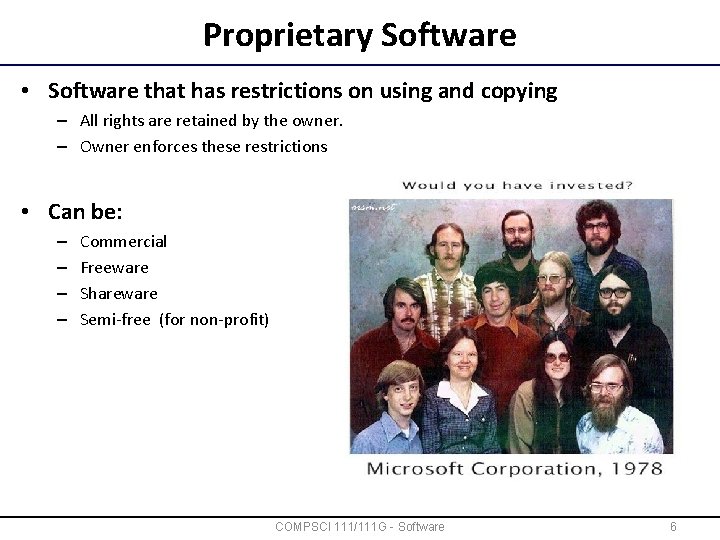
Proprietary Software • Software that has restrictions on using and copying – All rights are retained by the owner. – Owner enforces these restrictions • Can be: – – Commercial Freeware Shareware Semi-free (for non-profit) COMPSCI 111/111 G - Software 6
Freeware • Software is distributed free of charge – No agreement about distribution, access to source code • Types of Freeware – – Loss Leader (given away with loss as sales promotion) Adware Donationware Postcardware • Abandonware – Not legally recognised • E. g. MS Internet Explorer, Apple i. Tunes, Adobe Reader COMPSCI 111/111 G - Software 7
Shareware • Idea: try before you buy • Trial period offered – Purchase the license and upgrade to commercial version • Nagware – Reminder messages to license software • Crippleware – Software lacks the advanced features until licensed – E. g. Word processor that cannot Save or Print • E. g. Win. Zip, Text. Pad COMPSCI 111/111 G - Software 8
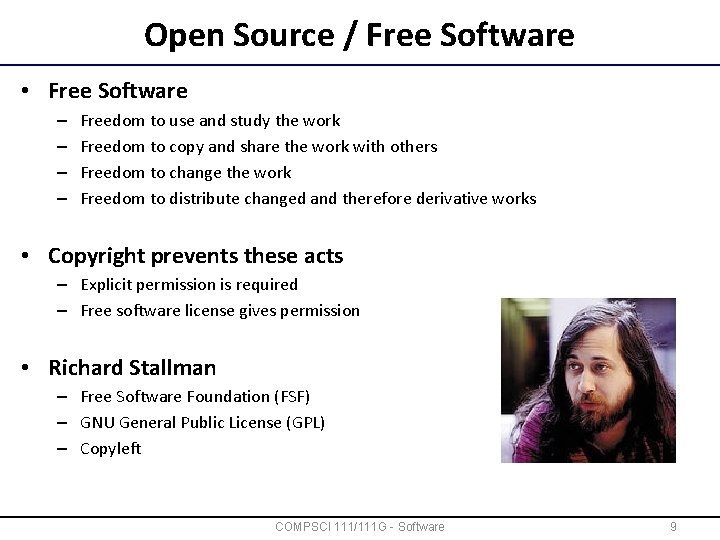
Open Source / Free Software • Free Software – – Freedom to use and study the work Freedom to copy and share the work with others Freedom to change the work Freedom to distribute changed and therefore derivative works • Copyright prevents these acts – Explicit permission is required – Free software license gives permission "I would love to change the world, but they won't give me the source code" • Richard Stallman – Free Software Foundation (FSF) – GNU General Public License (GPL) – Copyleft http: //en. wikipedia. org/wiki/Copyleft COMPSCI 111/111 G - Software 9
Kinds of Software • Application Software – Helps the user complete a task – E. g. word processor, spreadsheet, database, web browser, games • System Software – Needed to run the computer system – Operating System (OS): manages all the hardware resources for application programs (CPU, RAM, HD, …) – Device drivers: programs that help an OS to control a piece of hardware – Diagnostic and maintenance tools: tools for analysis, trouble shooting and optimisation (e. g. checkdisk, defrag) COMPSCI 111/111 G - Software 10
Operating System • Low-level software that allows you to use the system – Default interface when no application is running – Manages the system: CPU, memory, HD, … – Does all the direct interaction with the hardware (using drivers) • Examples: “Windows - so intuitive you only need a 678 -page manual. ” – Microsoft Windows: most used, but many complaints – Macintosh OS: more expensive, less software & hardware, more focus on usability – Unix, Linux: Mac and PC: more technical http: //www. apple. com/getamac/ads/ "Unix is user-friendly. It's just very selective about who its friends are. " http: //en. wikipedia. org/wiki/Operating_system COMPSCI 111/111 G - Software 11
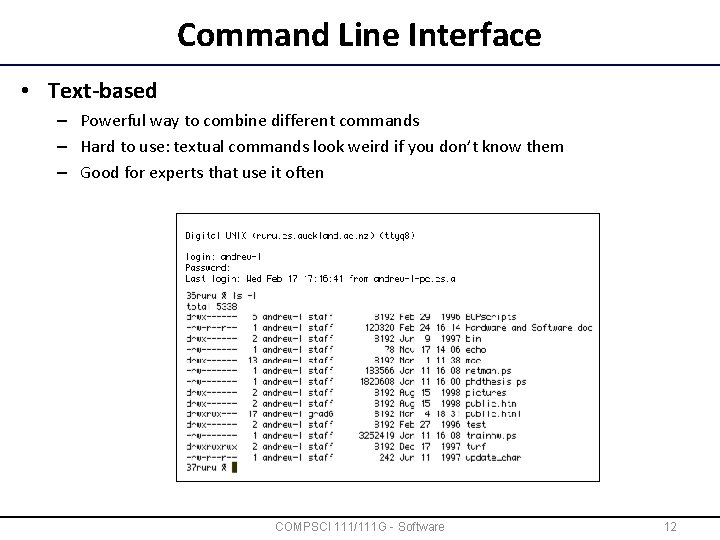
Command Line Interface • Text-based – Powerful way to combine different commands – Hard to use: textual commands look weird if you don’t know them – Good for experts that use it often http: //en. wikipedia. org/wiki/Command_line_interface COMPSCI 111/111 G - Software 12
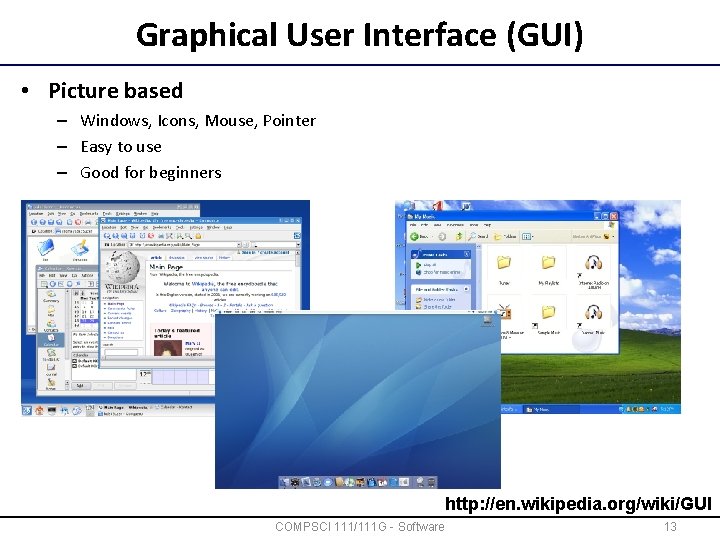
Graphical User Interface (GUI) • Picture based – Windows, Icons, Mouse, Pointer – Easy to use – Good for beginners http: //en. wikipedia. org/wiki/GUI COMPSCI 111/111 G - Software 13
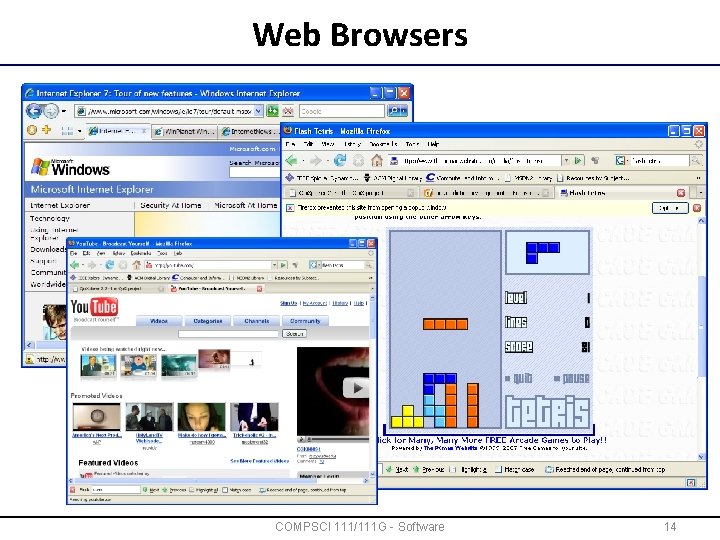
Web Browsers COMPSCI 111/111 G - Software 14
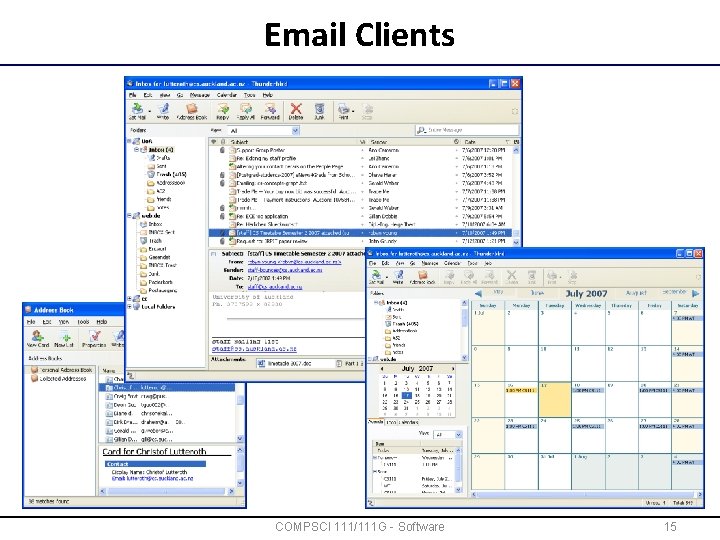
Email Clients COMPSCI 111/111 G - Software 15
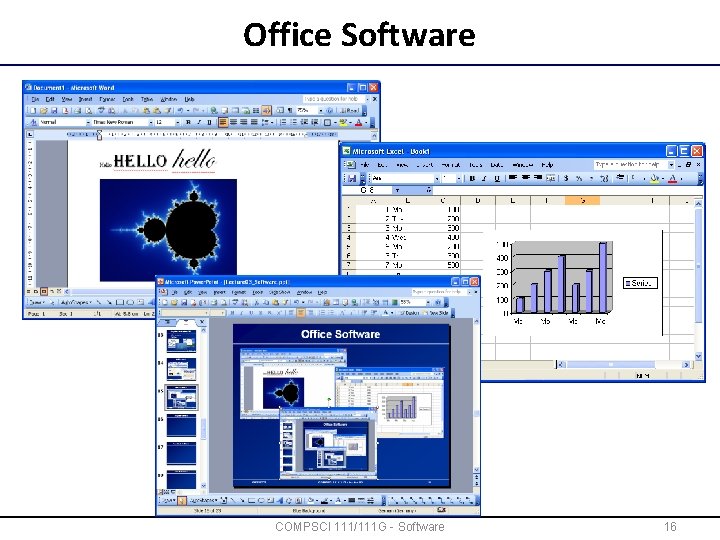
Office Software COMPSCI 111/111 G - Software 16
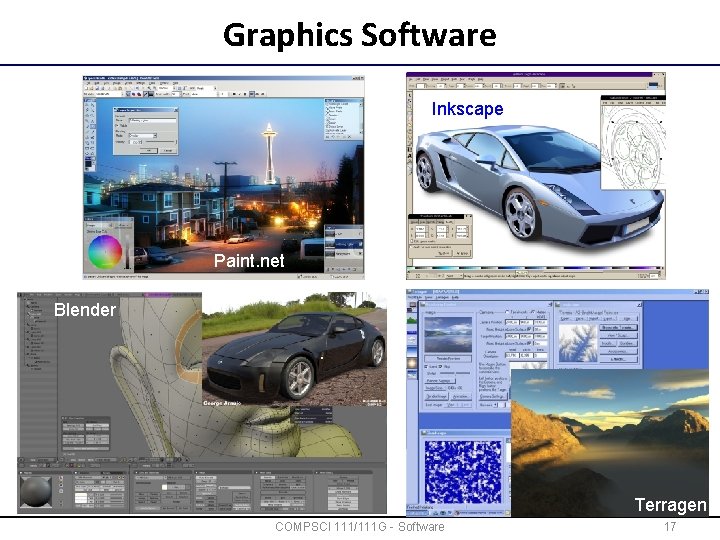
Graphics Software Inkscape Paint. net Blender Terragen COMPSCI 111/111 G - Software 17
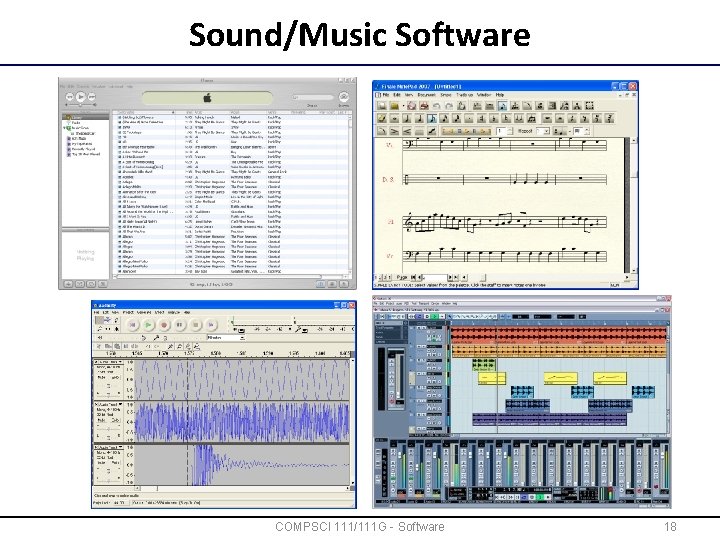
Sound/Music Software COMPSCI 111/111 G - Software 18
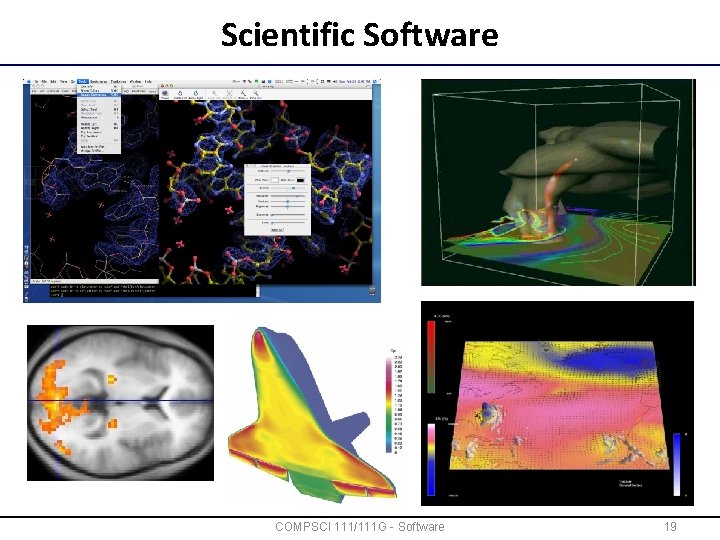
Scientific Software COMPSCI 111/111 G - Software 19
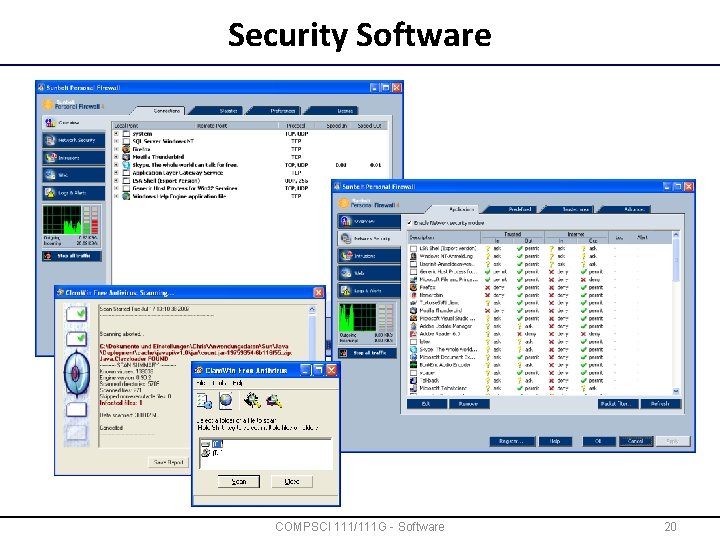
Security Software COMPSCI 111/111 G - Software 20
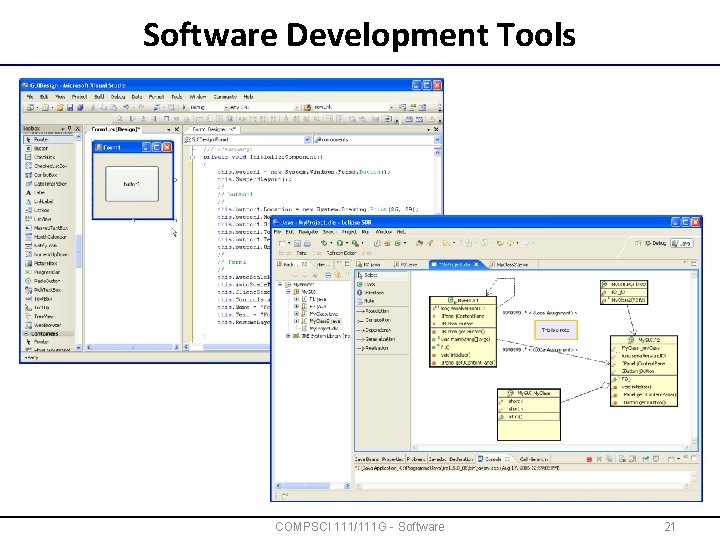
Software Development Tools COMPSCI 111/111 G - Software 21
What if software fails? • Usually software is not perfect !!! – Too complex to be completely free of errors – Many programmers have good technical know-how but lack a sense of usability – User interfaces are often not logical • If a problem occurs… – – "Men are from Mars. Women are from Venus. Computers are from hell. " It may not be your fault You are most likely not the only one with that problem Ask others for help !!! Search the Internet and you will often find solutions • Is it easy to fix a defect in a program? – – Unfortunately, usually not The internals of proprietary software usually not accessible Open-source programs can be large and hard to understand But often problems can be circumvented by using the program in a different way COMPSCI 111/111 G - Software 22
Examples of Software Failures • 1982 Lockhead F-117 crashed – Switched control elevator and side rudder • 1985 Black cars with no windscreen – GM assembly robot didn’t recognize the color black; • F-16 turned up side down – A “-” in the program code triggered a F-16 to turn up side down when passing the equator • 1962 NASA lost Venus probe – Reason was a missing “hyphen” in the code COMPSCI 111/111 G - Software 23
Summary • Software (programs) consists of instructions that control the computer and data • Programs are loaded from secondary storage into primary memory, then executed by the CPU • Data is organized in files, which have different file formats • Software (and other data) is protected by copyright laws • Software can be proprietary or open-source or a mixture of both • Different kinds of software: – System software – Applications – Spyware, Malware, Viruses If all else fails, read the manual. COMPSCI 111/111 G - Software 24
- Slides: 24