
Comprehension Thomas Schwarz SJ Contents The random module


![Solution • Loop Solution: • Using extend def flatten 1(matrix): result = [] for](https://slidetodoc.com/presentation_image_h/0011966fab8c608e9b0f535fcef8aba8/image-73.jpg "Solution • Loop Solution: • Using extend def flatten 1(matrix): result = [] for")
![Exercise • Given a matrix, calculate its negative [ [1, 2, 4], [2, 5,](https://slidetodoc.com/presentation_image_h/0011966fab8c608e9b0f535fcef8aba8/image-79.jpg "Exercise • Given a matrix, calculate its negative [ [1, 2, 4], [2, 5,")
![Solution • A double loop def neg 1(matrix): result = [] for row in](https://slidetodoc.com/presentation_image_h/0011966fab8c608e9b0f535fcef8aba8/image-80.jpg "Solution • A double loop def neg 1(matrix): result = [] for row in")
![Copying Data Structures a = set([1, 2, "one"]) print(a) b = a print(b) •](https://slidetodoc.com/presentation_image_h/0011966fab8c608e9b0f535fcef8aba8/image-90.jpg "Copying Data Structures a = set([1, 2, \"one\"]) print(a) b = a print(b) •")
![Copying Data Structures listb = lista[0: 4] • Copying and assignment are two different](https://slidetodoc.com/presentation_image_h/0011966fab8c608e9b0f535fcef8aba8/image-94.jpg "Copying Data Structures listb = lista[0: 4] • Copying and assignment are two different")
![Copying Data Structures • matrix = 3*[ 4*[0]] We can get the elements as](https://slidetodoc.com/presentation_image_h/0011966fab8c608e9b0f535fcef8aba8/image-97.jpg "Copying Data Structures • matrix = 3*[ 4*[0]] We can get the elements as")
![Copying Data Structures matrix = 3*[ 4*[0] ] print(matrix) matrix[2][3] = 5 print(matrix) RESTART:](https://slidetodoc.com/presentation_image_h/0011966fab8c608e9b0f535fcef8aba8/image-98.jpg "Copying Data Structures matrix = 3*[ 4*[0] ] print(matrix) matrix[2][3] = 5 print(matrix) RESTART:")
![Copying Data Structures • lista = [1, 2, [3, 4, 5]] Shallow copy: Assume](https://slidetodoc.com/presentation_image_h/0011966fab8c608e9b0f535fcef8aba8/image-100.jpg "Copying Data Structures • lista = [1, 2, [3, 4, 5]] Shallow copy: Assume")
![lista listb [1, 2, ? ] {1, 2, “one”} lista = [1, 2, [3,](https://slidetodoc.com/presentation_image_h/0011966fab8c608e9b0f535fcef8aba8/image-101.jpg "lista listb [1, 2, ? ] {1, 2, “one”} lista = [1, 2, [3,")
![Copying Data Structures lista • [1, 2, ? ] We have two copies of](https://slidetodoc.com/presentation_image_h/0011966fab8c608e9b0f535fcef8aba8/image-102.jpg "Copying Data Structures lista • [1, 2, ? ] We have two copies of")
- Slides: 105
Comprehension Thomas Schwarz, SJ
Contents • • • The random module Some repetition and new stuff about loops List and dictionary comprehension
The random module Python Marquette University
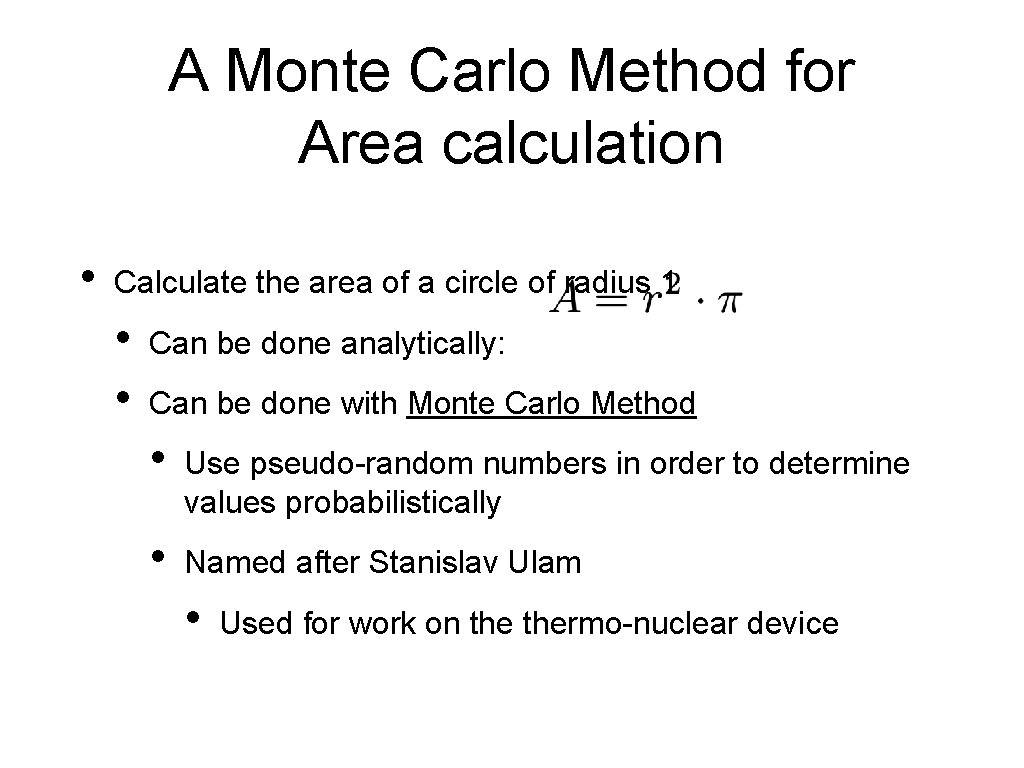
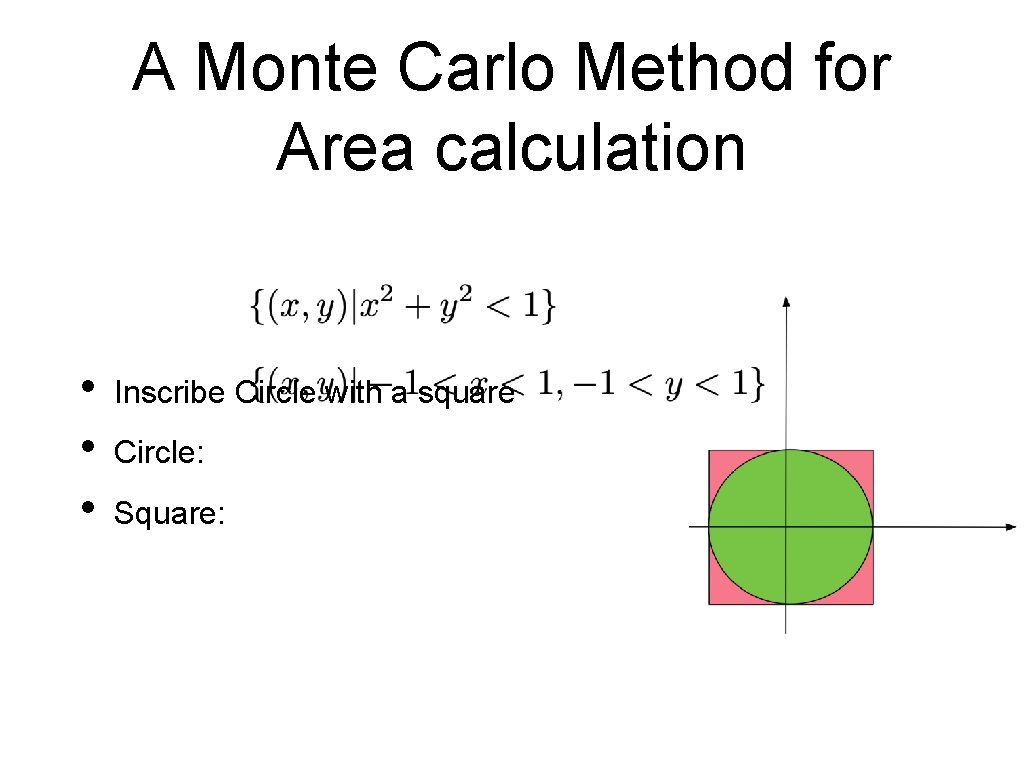
A Monte Carlo Method for Area calculation • Calculate the area of a circle of radius 1 • • Can be done analytically: Can be done with Monte Carlo Method • Use pseudo-random numbers in order to determine values probabilistically • Named after Stanislav Ulam • Used for work on thermo-nuclear device
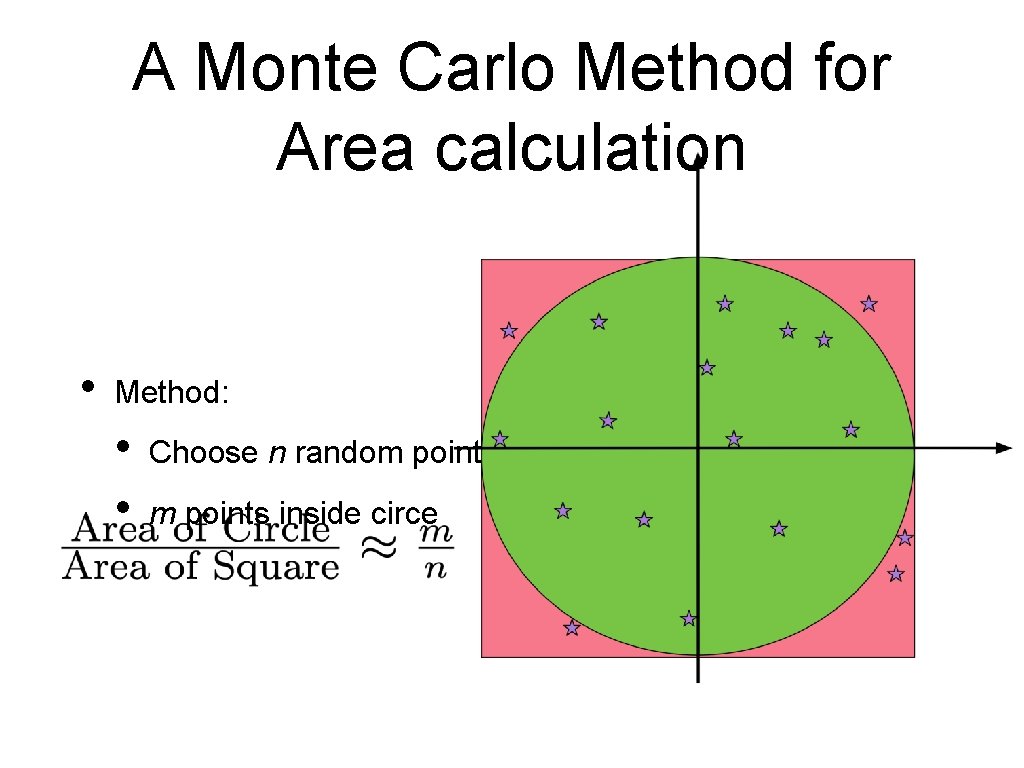
A Monte Carlo Method for Area calculation • • • Inscribe Circle with a square Circle: Square:
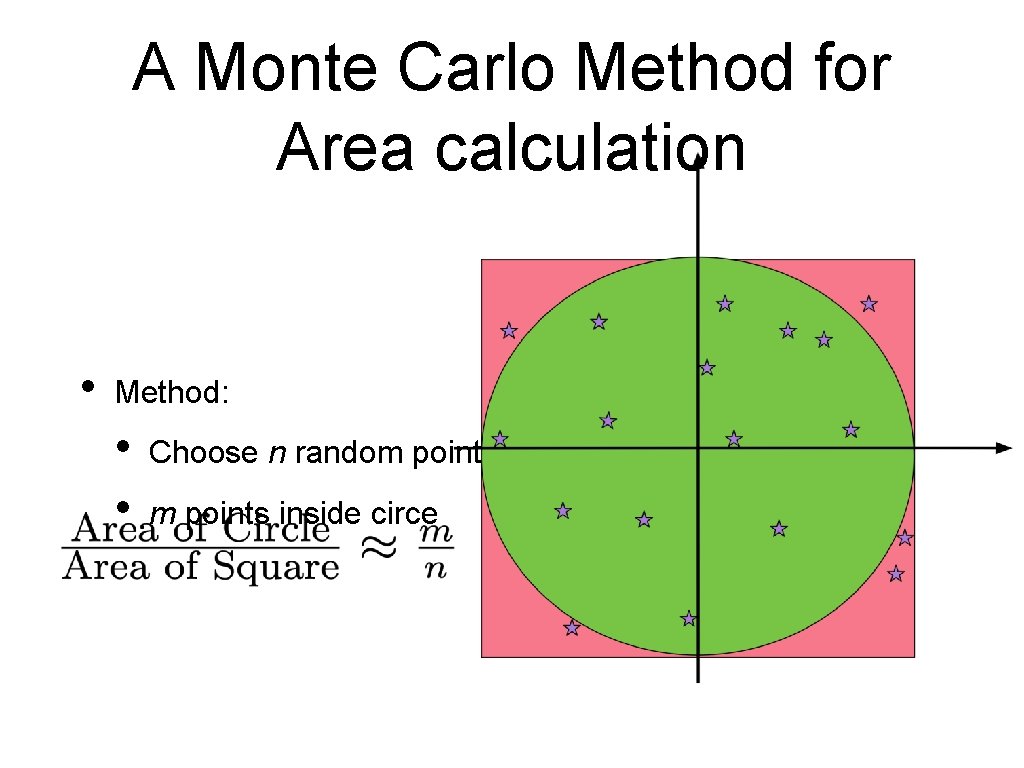
A Monte Carlo Method for Area calculation • Method: • • Choose n random points in the square m points inside circe
Random Number Generation • Computers are deterministic (one hopes) and using a deterministic device to generate randomness is not possible • Modern systems can use physical phenomena • • • Geiger counters for radioactive materials Atmospheric radio noise But for large sets of seemingly random numbers, use pseudo-random number generators • Create deterministically based on a seemingly random seed output that passes statistical tests for randomness
Random Number Generation in Python • Sophisticated methods to generate seemingly random sequences of numbers • Part of a module called random
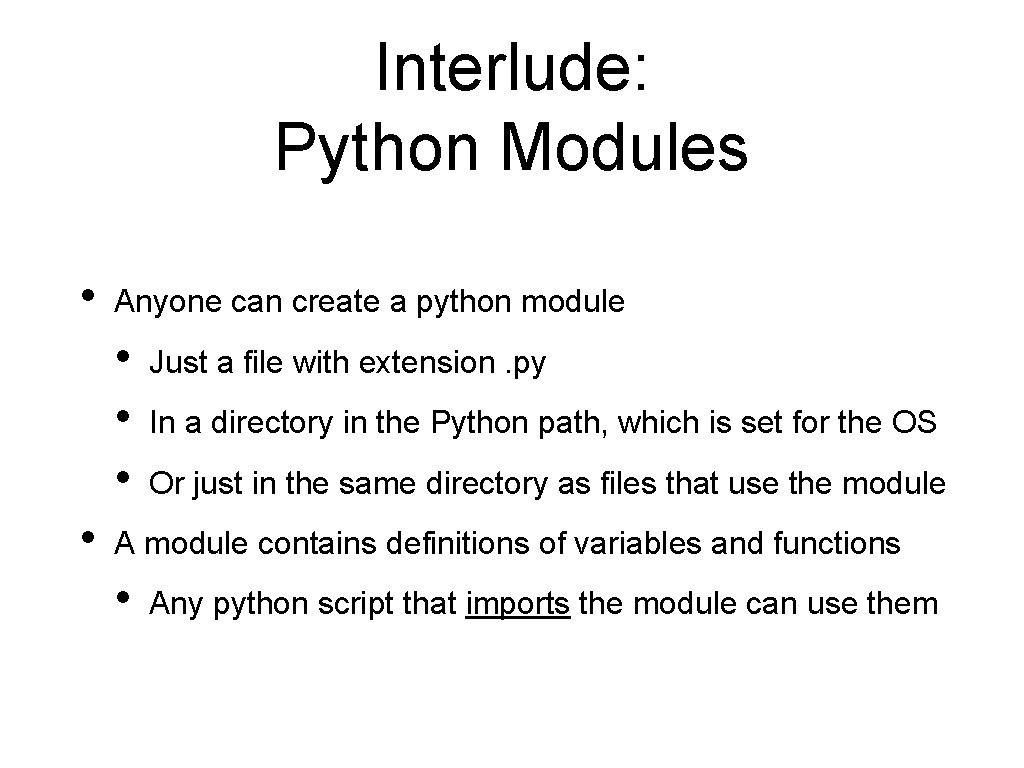
Interlude: Python Modules • Anyone can create a python module • • Just a file with extension. py In a directory in the Python path, which is set for the OS Or just in the same directory as files that use the module A module contains definitions of variables and functions • Any python script that imports the module can use them
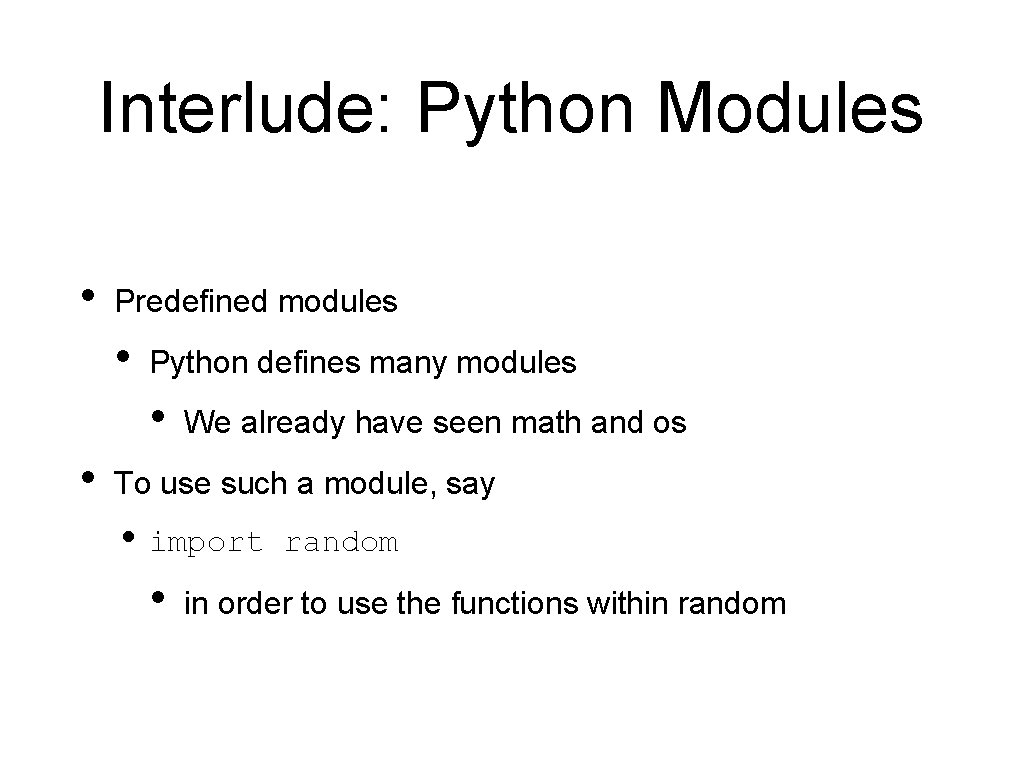
Interlude: Python Modules • Predefined modules • Python defines many modules • • We already have seen math and os To use such a module, say • import random • in order to use the functions within random
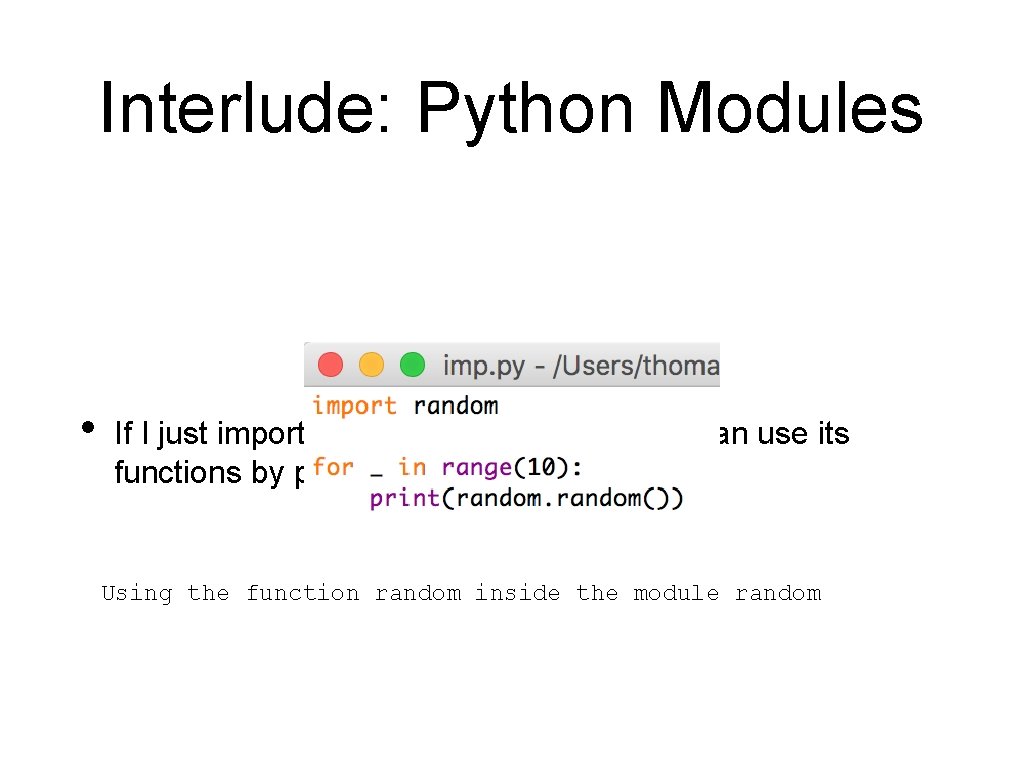
Interlude: Python Modules • If I just import the module random, then I can use its functions by prefixing “random. ” Using the function random inside the module random
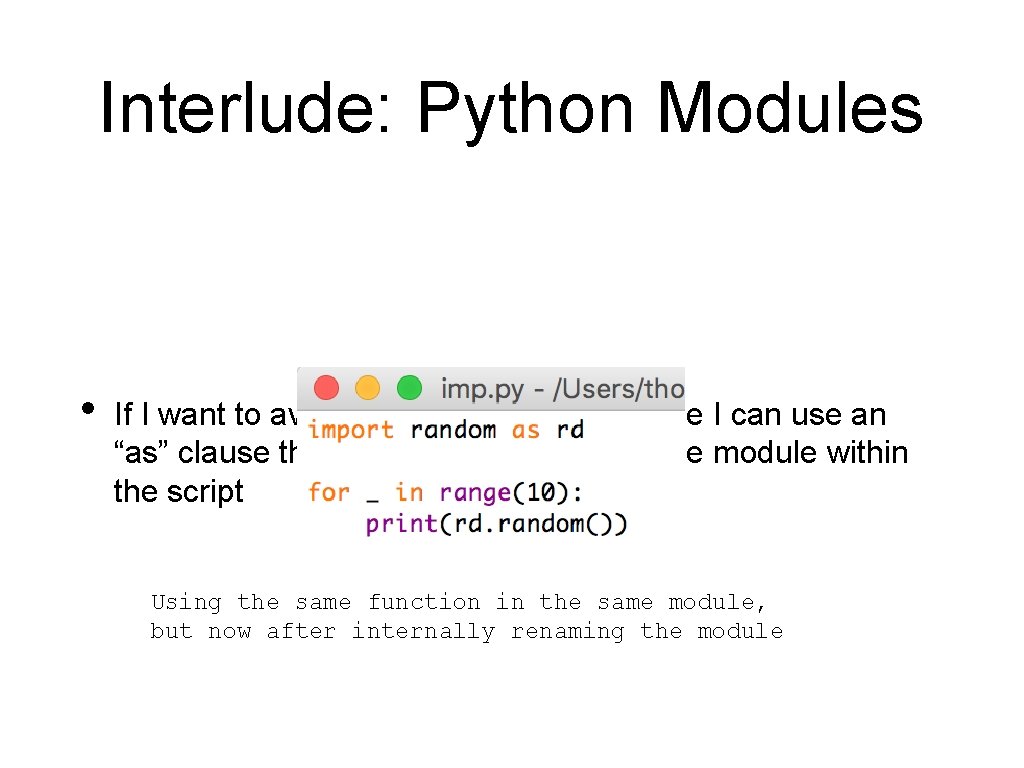
Interlude: Python Modules • If I want to avoid writing the module name I can use an “as” clause that redefines the name of the module within the script Using the same function in the same module, but now after internally renaming the module
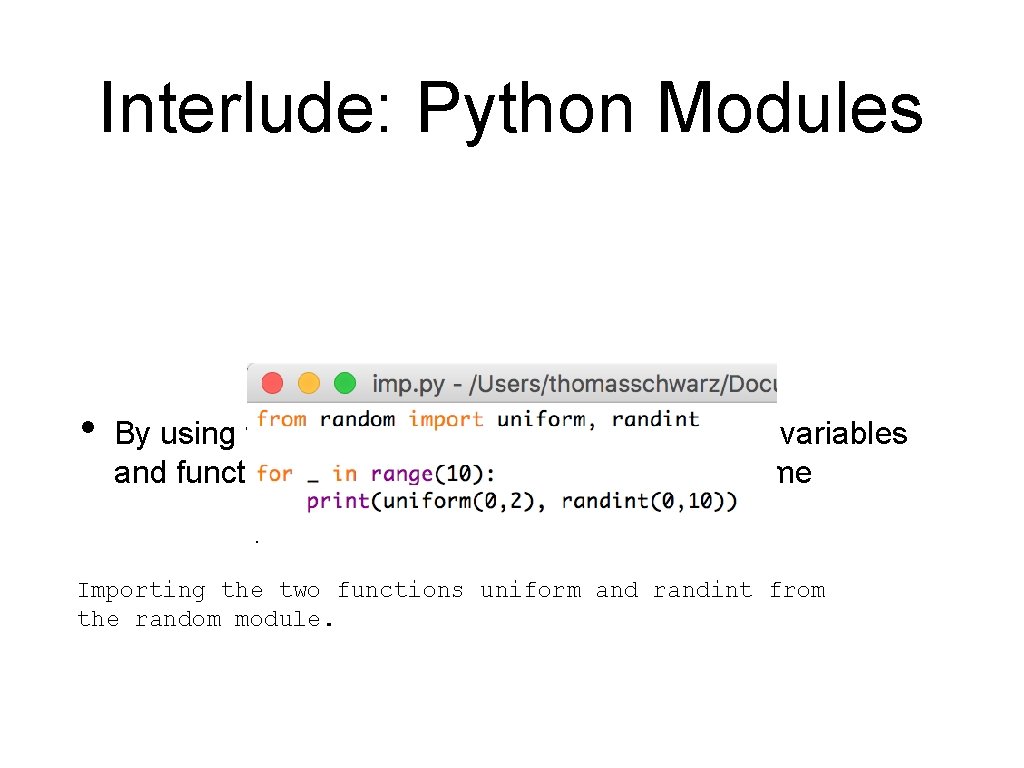
Interlude: Python Modules • By using the “from — import” clause, I can use variables and functions without repeating the module name Importing the two functions uniform and randint from the random module.
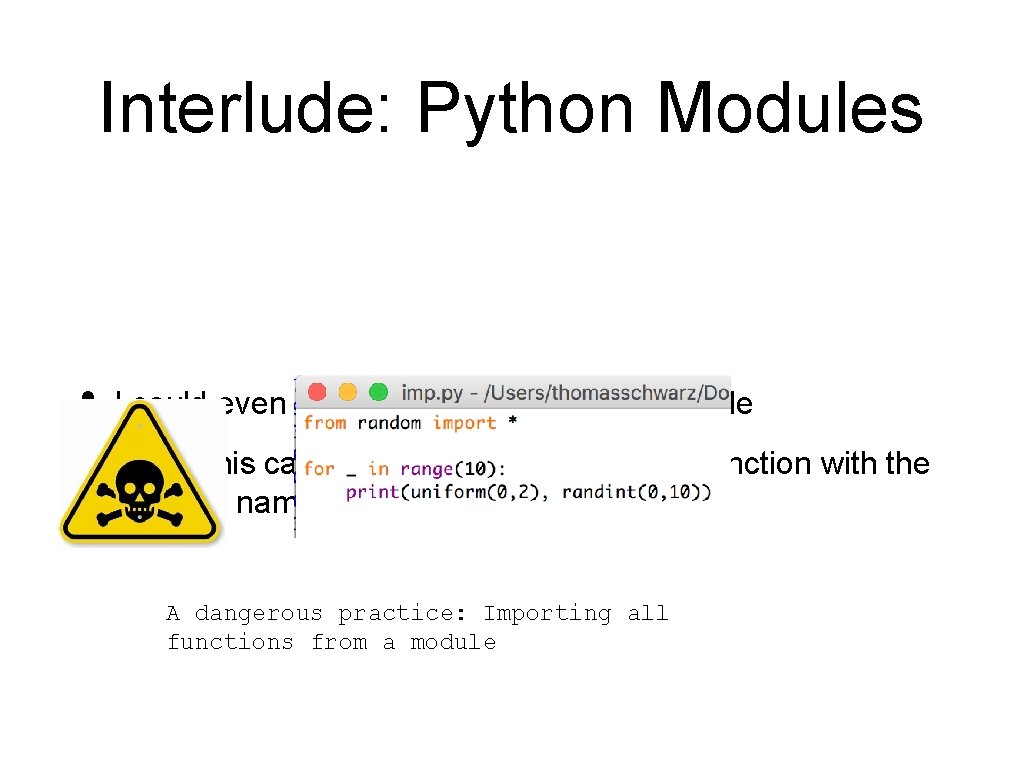
Interlude: Python Modules • I could even import everything from a module • But this can create havoc if I defined a function with the same name as a function in the module A dangerous practice: Importing all functions from a module
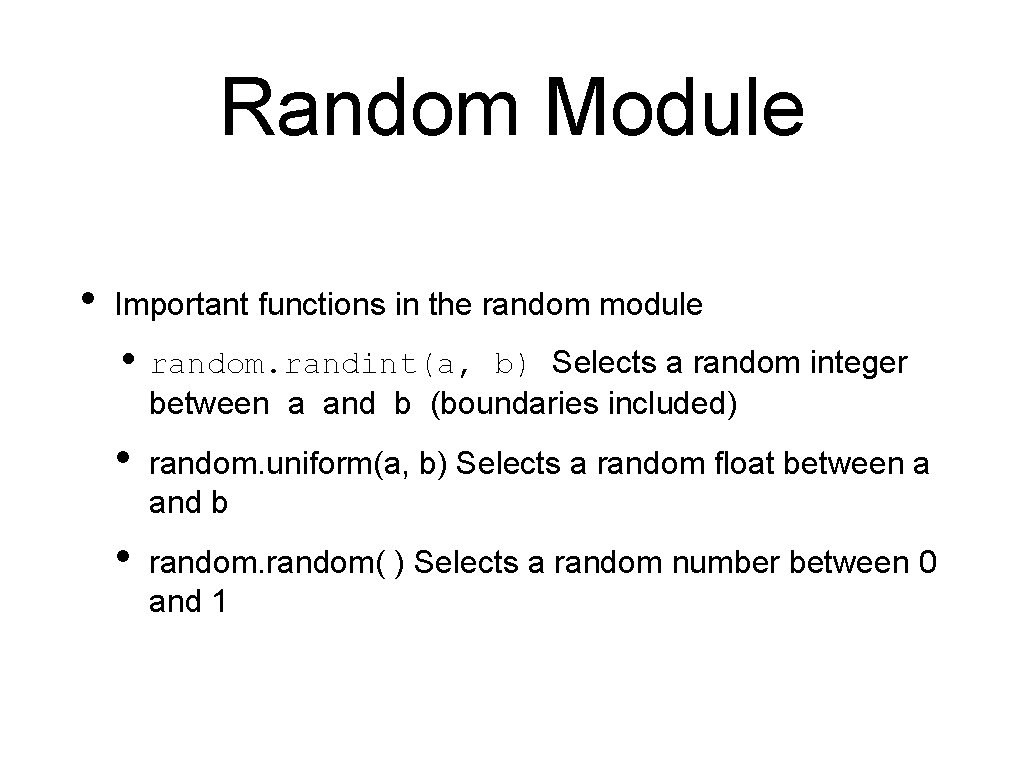
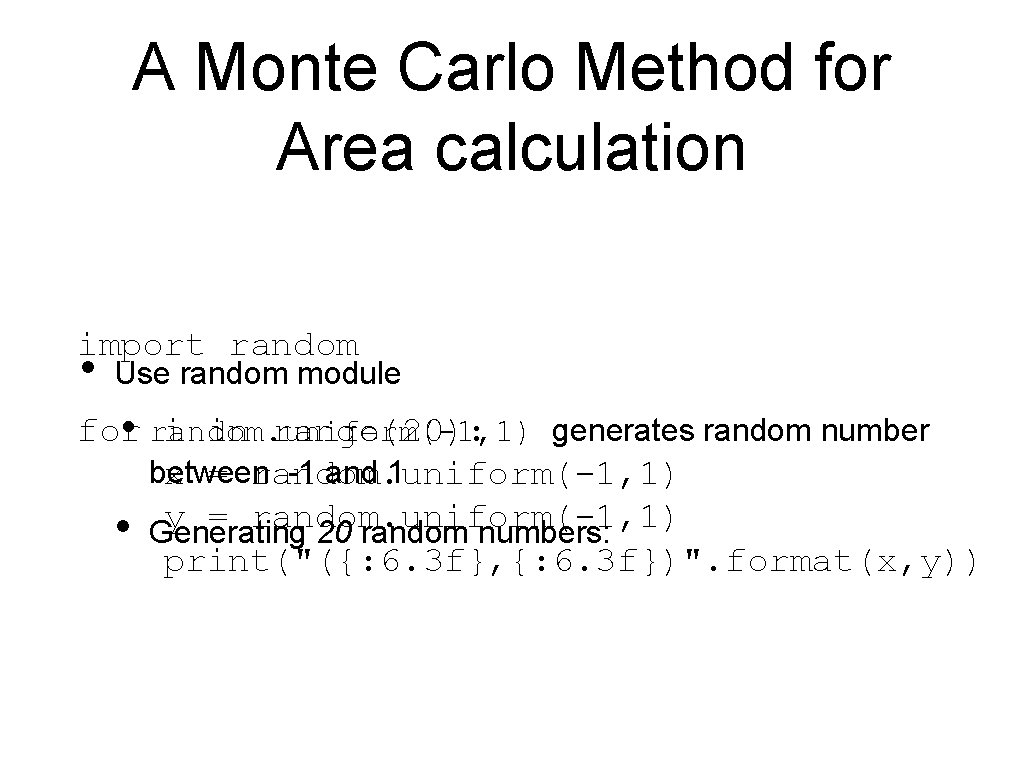
Random Module • Important functions in the random module • random. randint(a, b) Selects a random integer between a and b (boundaries included) • random. uniform(a, b) Selects a random float between a and b • random( ) Selects a random number between 0 and 1
A Monte Carlo Method for Area calculation • Method: • • Choose n random points in the square m points inside circe
A Monte Carlo Method for Area calculation import random • Use random module for i in range(20): • random. uniform(-1, 1) generates random number between -1 and 1 x = random. uniform(-1, 1) y = random. uniform(-1, 1) • Generating 20 random numbers: print("({: 6. 3 f}, {: 6. 3 f})". format(x, y))
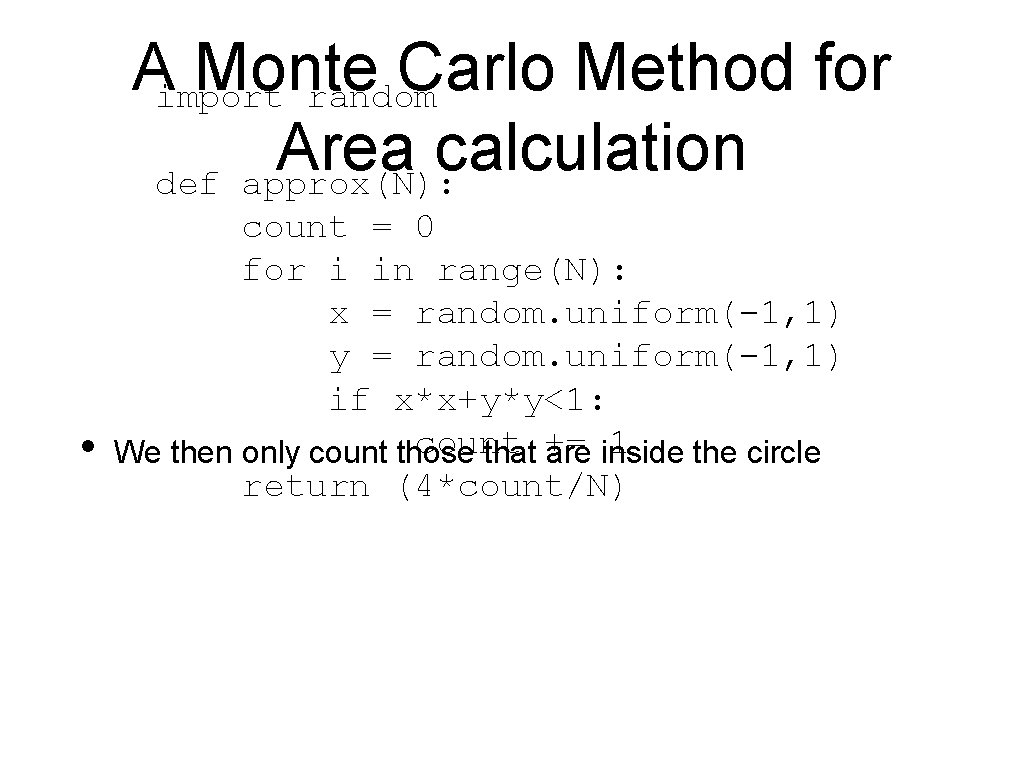
Aimport Monte Carlo Method for random Area calculation def approx(N): • count = 0 for i in range(N): x = random. uniform(-1, 1) y = random. uniform(-1, 1) if x*x+y*y<1: count 1 We then only count those that += are inside the circle return (4*count/N)
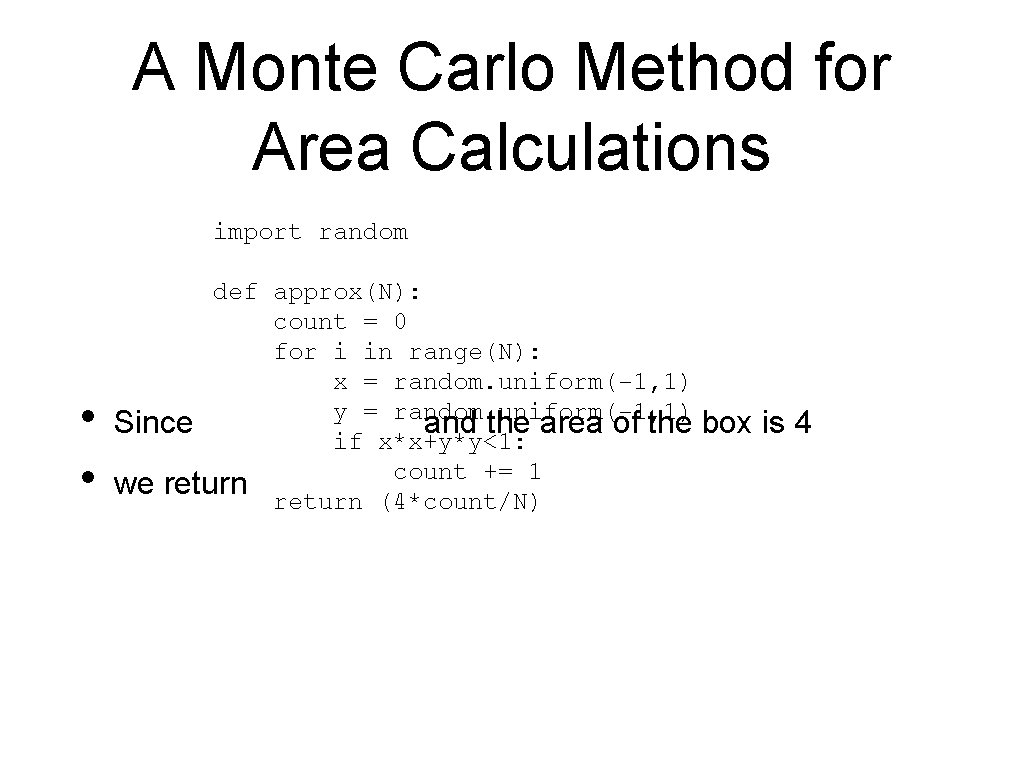
A Monte Carlo Method for Area Calculations import random • • def approx(N): count = 0 for i in range(N): x = random. uniform(-1, 1) y = random. uniform(-1, 1) Since and the area of the if x*x+y*y<1: count += 1 we return (4*count/N) box is 4
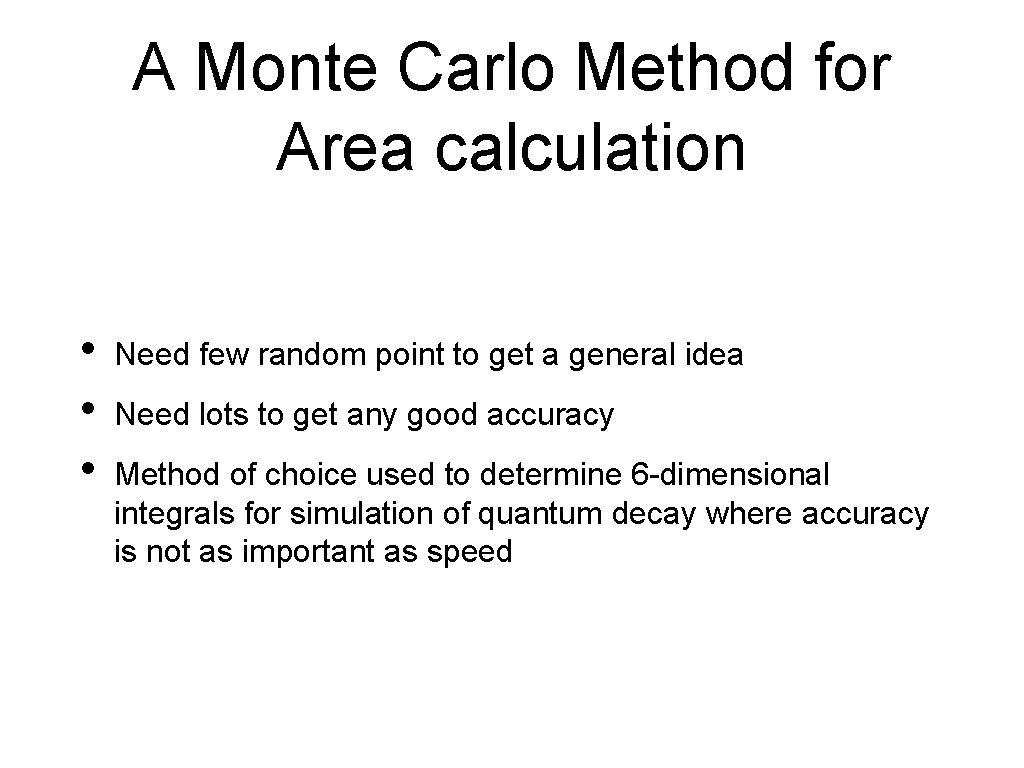
A Monte Carlo Method for Area calculation • • • Need few random point to get a general idea Need lots to get any good accuracy Method of choice used to determine 6 -dimensional integrals for simulation of quantum decay where accuracy is not as important as speed
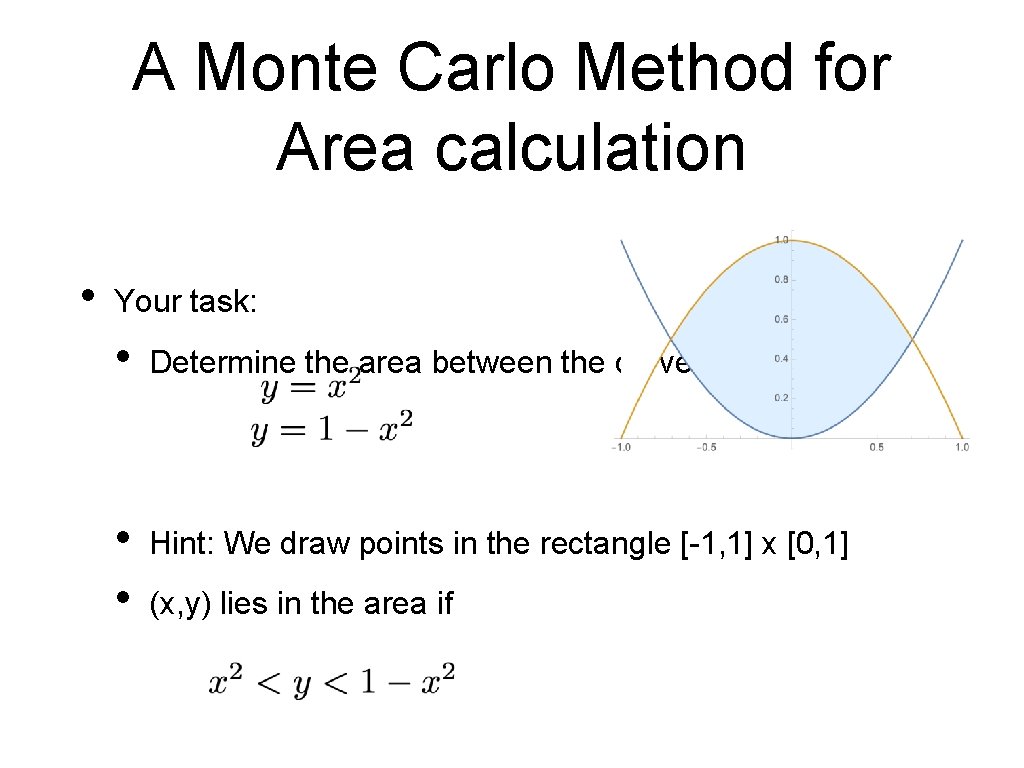
A Monte Carlo Method for Area calculation • Your task: • Determine the area between the curves • • Hint: We draw points in the rectangle [-1, 1] x [0, 1] (x, y) lies in the area if
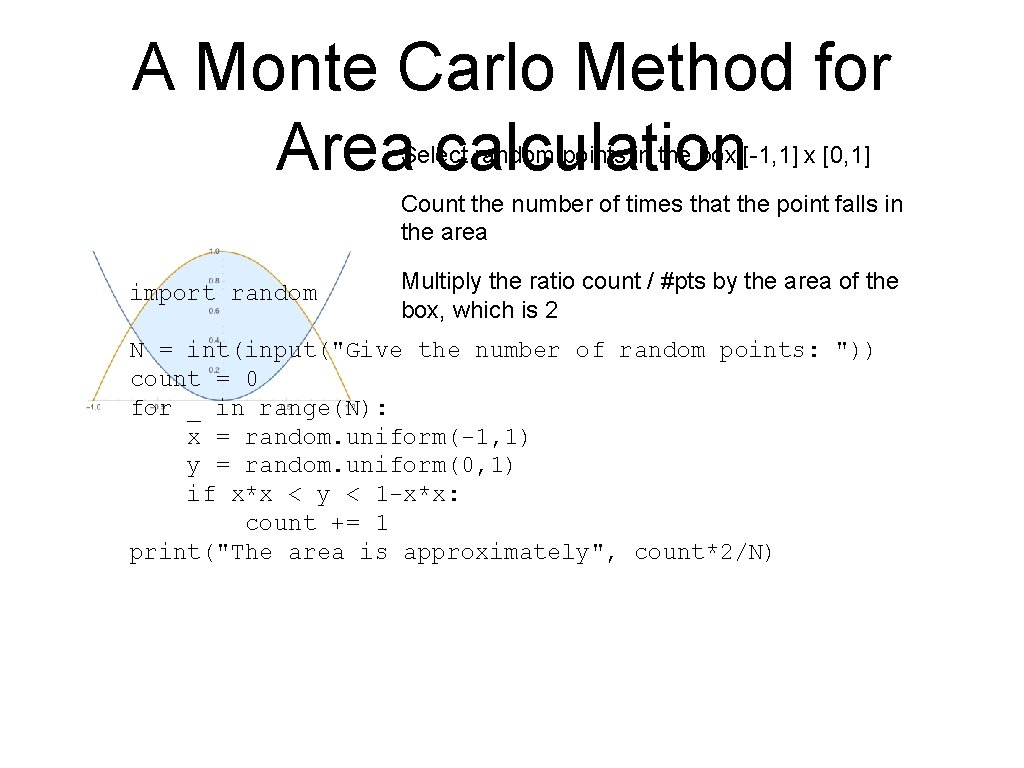
A Monte Carlo Method for Area calculation Select random points in the box [-1, 1] x [0, 1] Count the number of times that the point falls in the area import random Multiply the ratio count / #pts by the area of the box, which is 2 N = int(input("Give the number of random points: ")) count = 0 for _ in range(N): x = random. uniform(-1, 1) y = random. uniform(0, 1) if x*x < y < 1 -x*x: count += 1 print("The area is approximately", count*2/N)
Monte-Carlo Volume Calculation • Sometimes, Monte-Carlo is the method of choice • • When there is no need for super-precision When the volume is not easily evaluated using analytic methods.
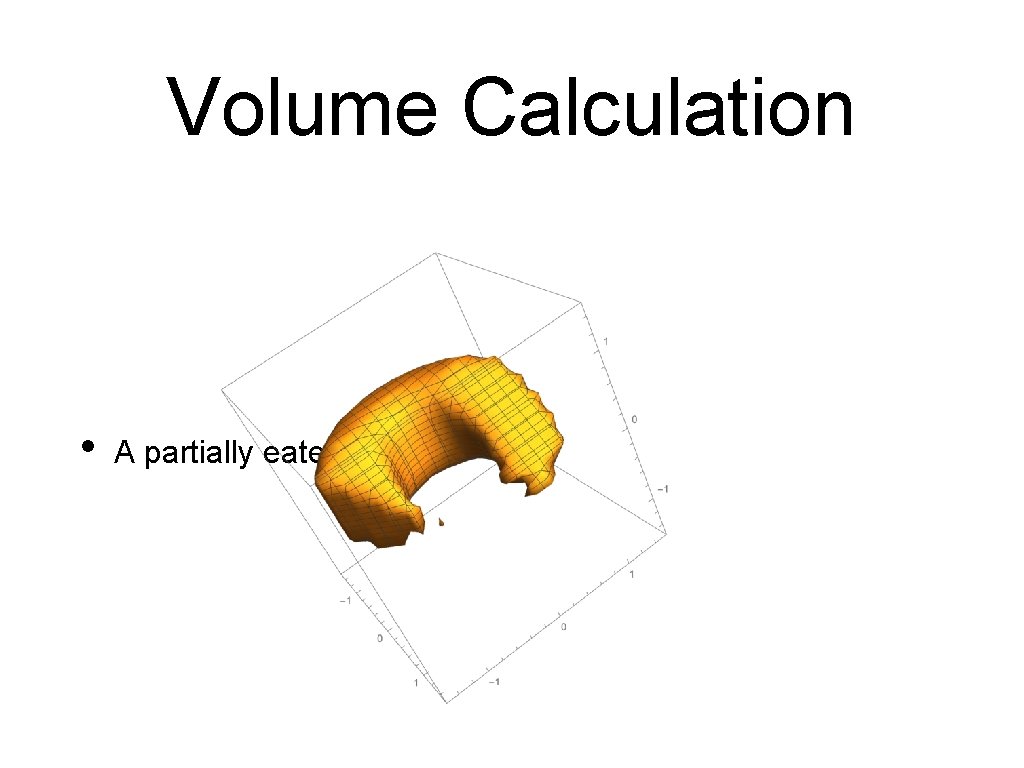
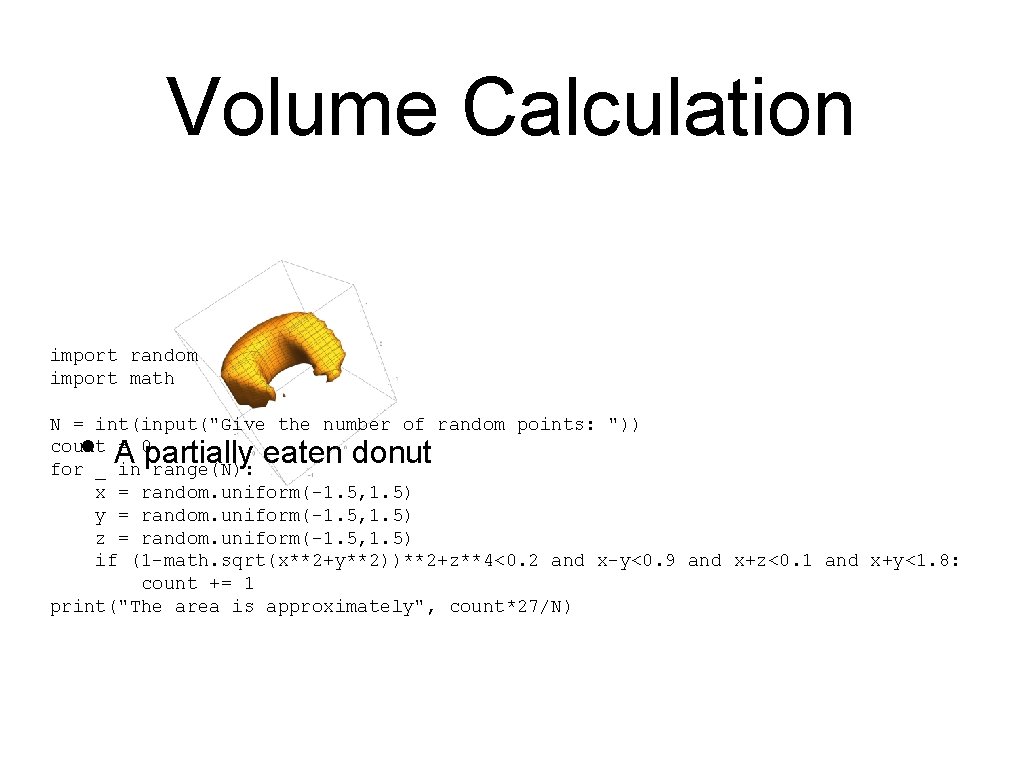
Volume Calculation • A partially eaten donut
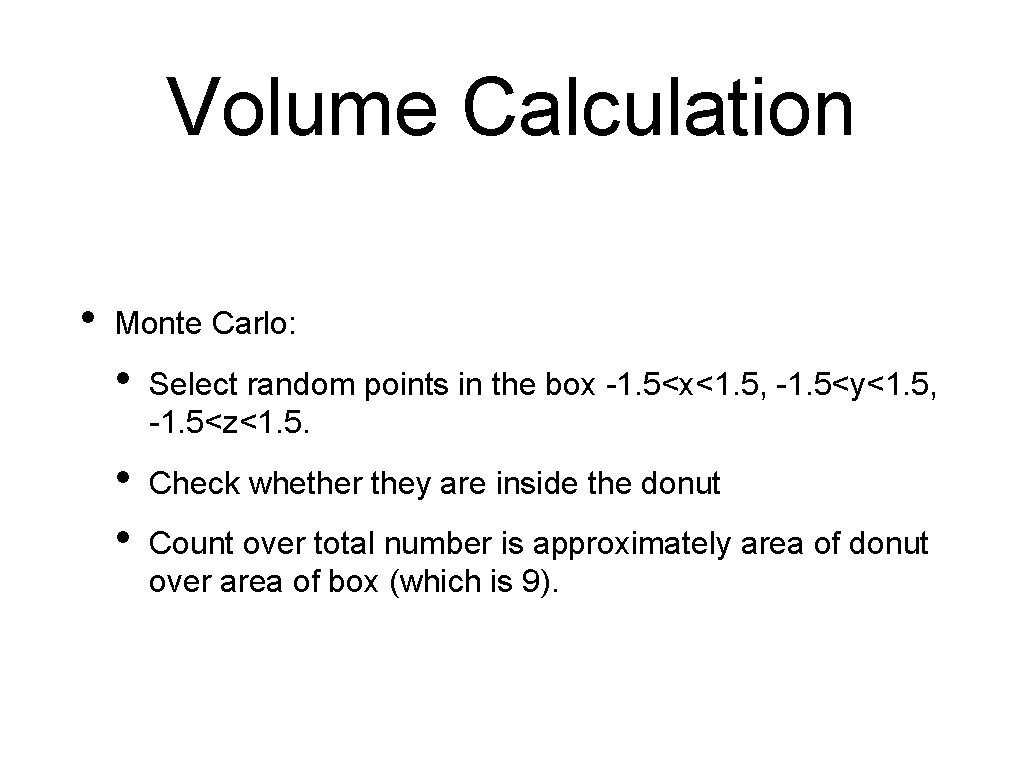
Volume Calculation • Monte Carlo: • Select random points in the box -1. 5<x<1. 5, -1. 5<y<1. 5, -1. 5<z<1. 5. • • Check whether they are inside the donut Count over total number is approximately area of donut over area of box (which is 9).
Volume Calculation import random import math N = int(input("Give the number of random points: ")) count = 0 for _ in range(N): x = random. uniform(-1. 5, 1. 5) y = random. uniform(-1. 5, 1. 5) z = random. uniform(-1. 5, 1. 5) if (1 -math. sqrt(x**2+y**2))**2+z**4<0. 2 and x-y<0. 9 and x+z<0. 1 and x+y<1. 8: count += 1 print("The area is approximately", count*27/N) • A partially eaten donut
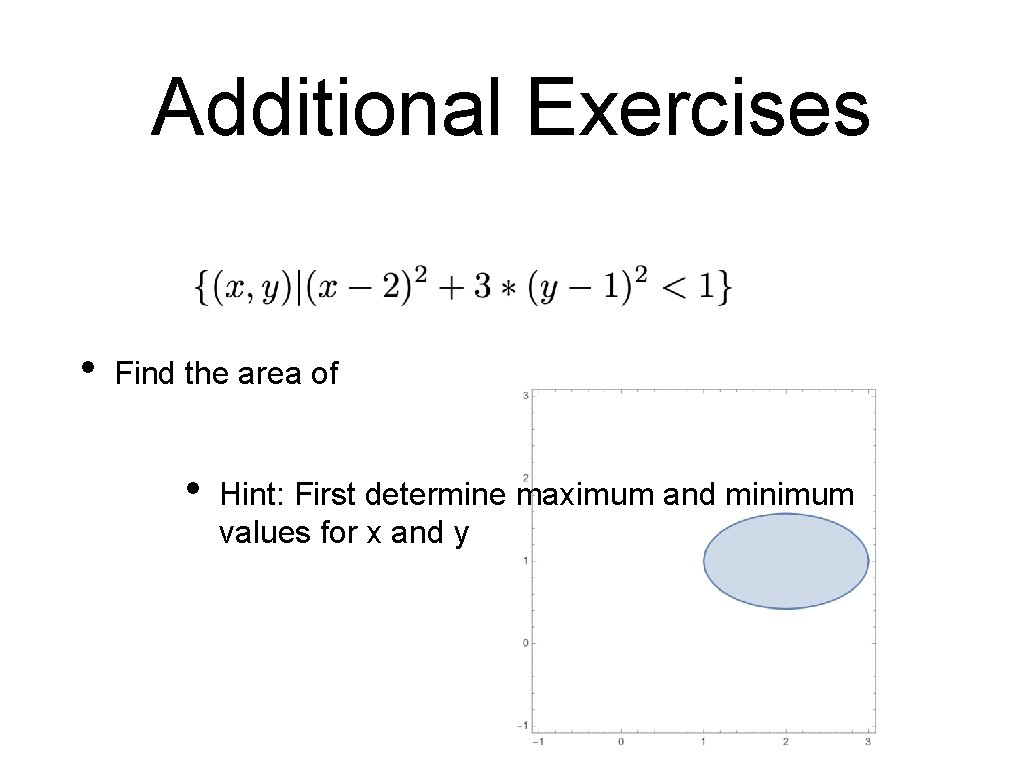
Additional Exercises • Find the area of • Hint: First determine maximum and minimum values for x and y
Loops
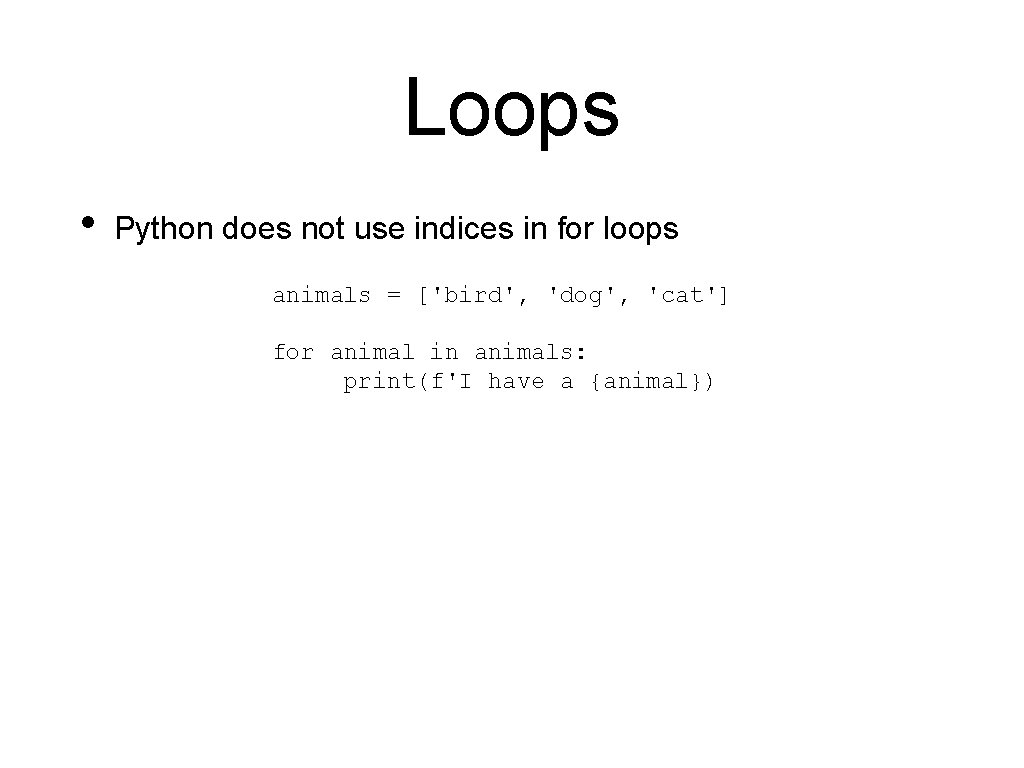
Loops • Python does not use indices in for loops animals = ['bird', 'dog', 'cat'] for animal in animals: print(f'I have a {animal})
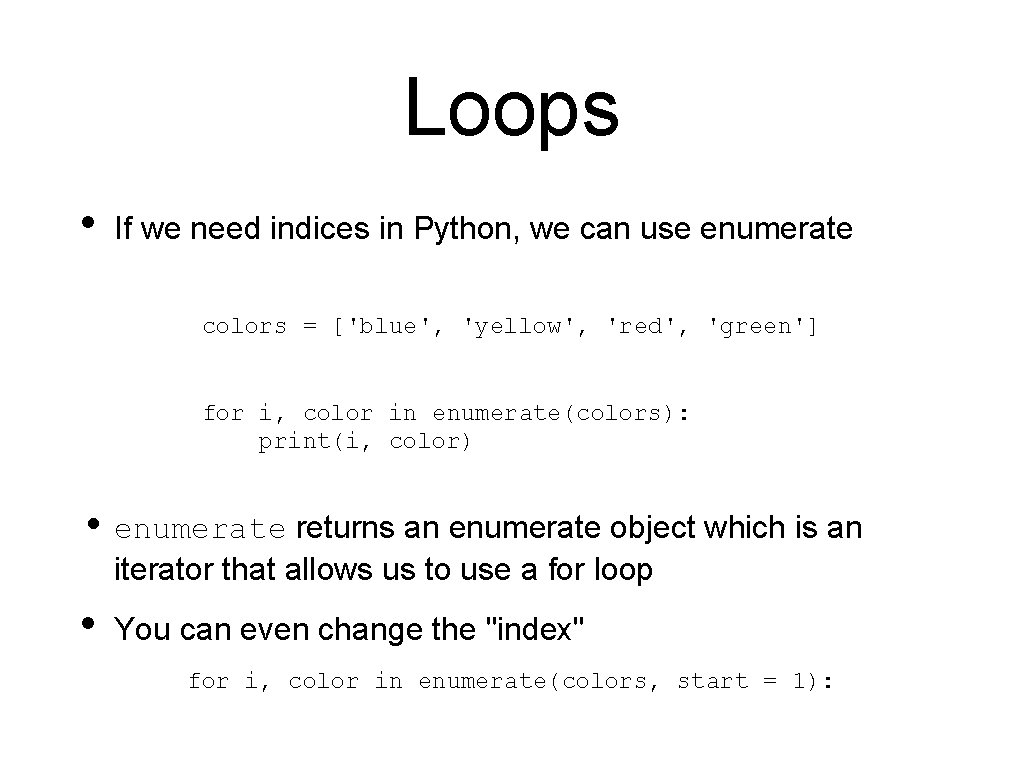
Loops • If we need indices in Python, we can use enumerate colors = ['blue', 'yellow', 'red', 'green'] for i, color in enumerate(colors): print(i, color) • enumerate returns an enumerate object which is an iterator that allows us to use a for loop • You can even change the "index" for i, color in enumerate(colors, start = 1):
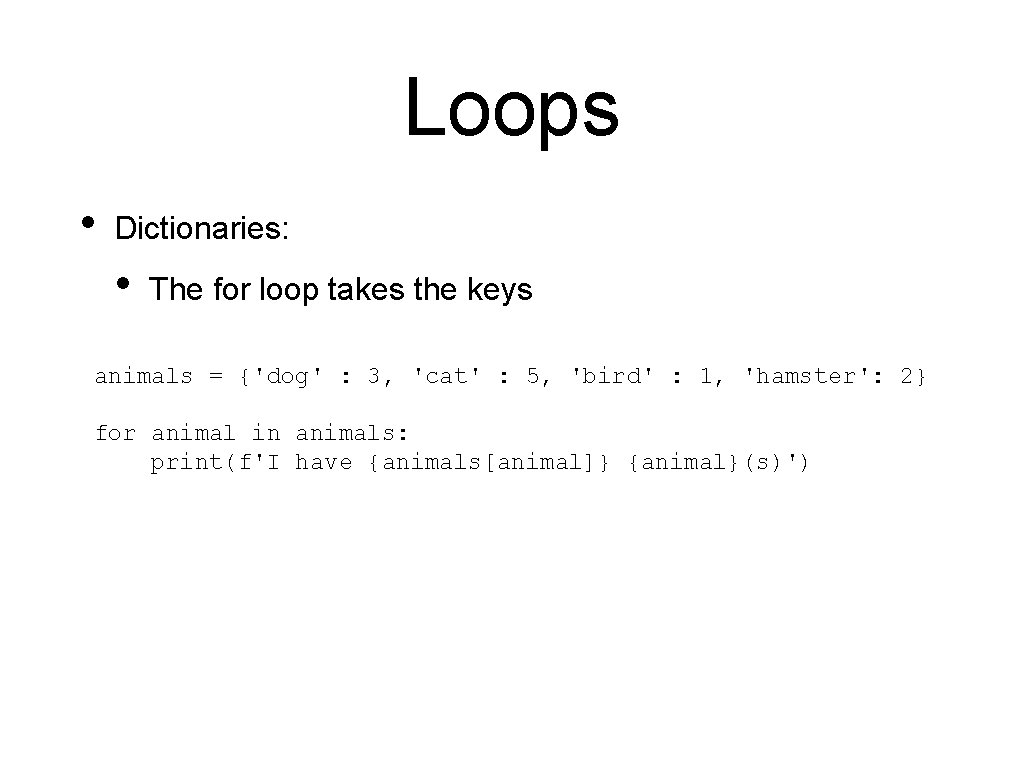
Loops • Dictionaries: • The for loop takes the keys animals = {'dog' : 3, 'cat' : 5, 'bird' : 1, 'hamster': 2} for animal in animals: print(f'I have {animals[animal]} {animal}(s)')
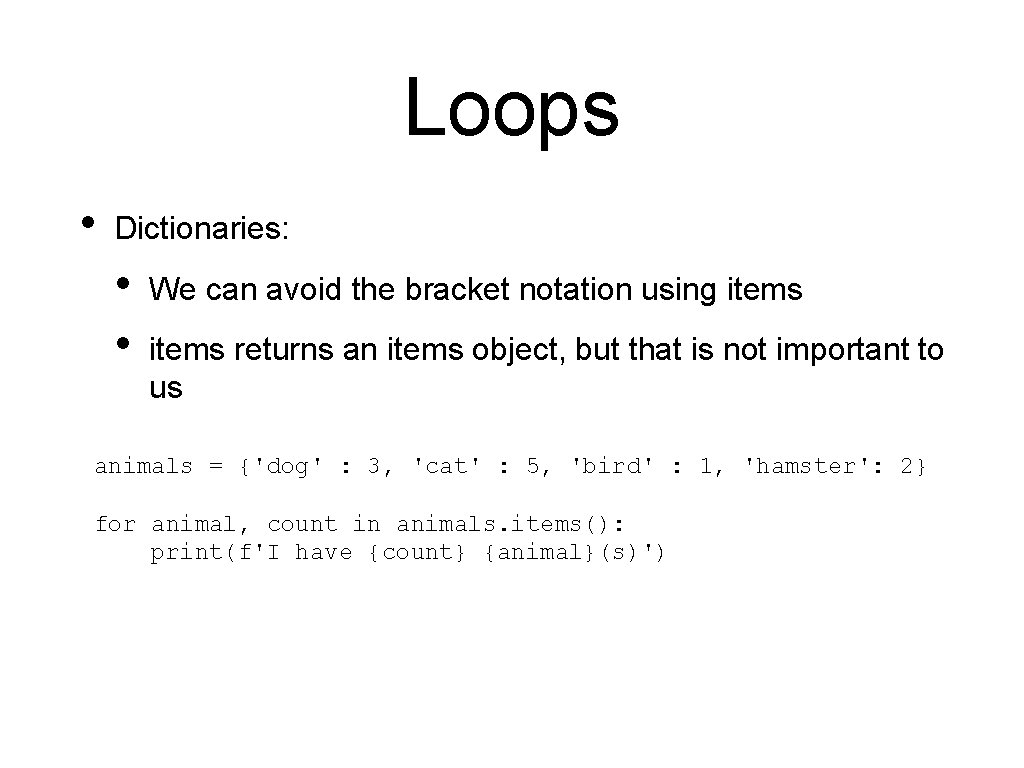
Loops • Dictionaries: • • We can avoid the bracket notation using items returns an items object, but that is not important to us animals = {'dog' : 3, 'cat' : 5, 'bird' : 1, 'hamster': 2} for animal, count in animals. items(): print(f'I have {count} {animal}(s)')
Comprehension Thomas Schwarz, SJ Marquette University
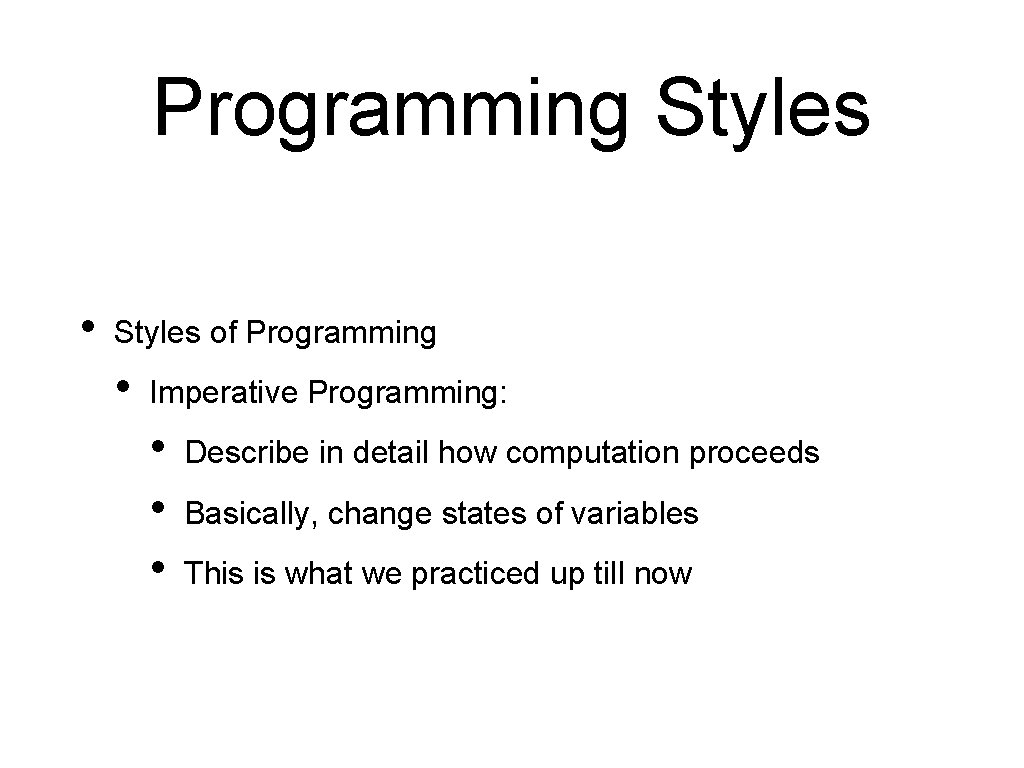
Programming Styles • Styles of Programming • Imperative Programming: • • • Describe in detail how computation proceeds Basically, change states of variables This is what we practiced up till now
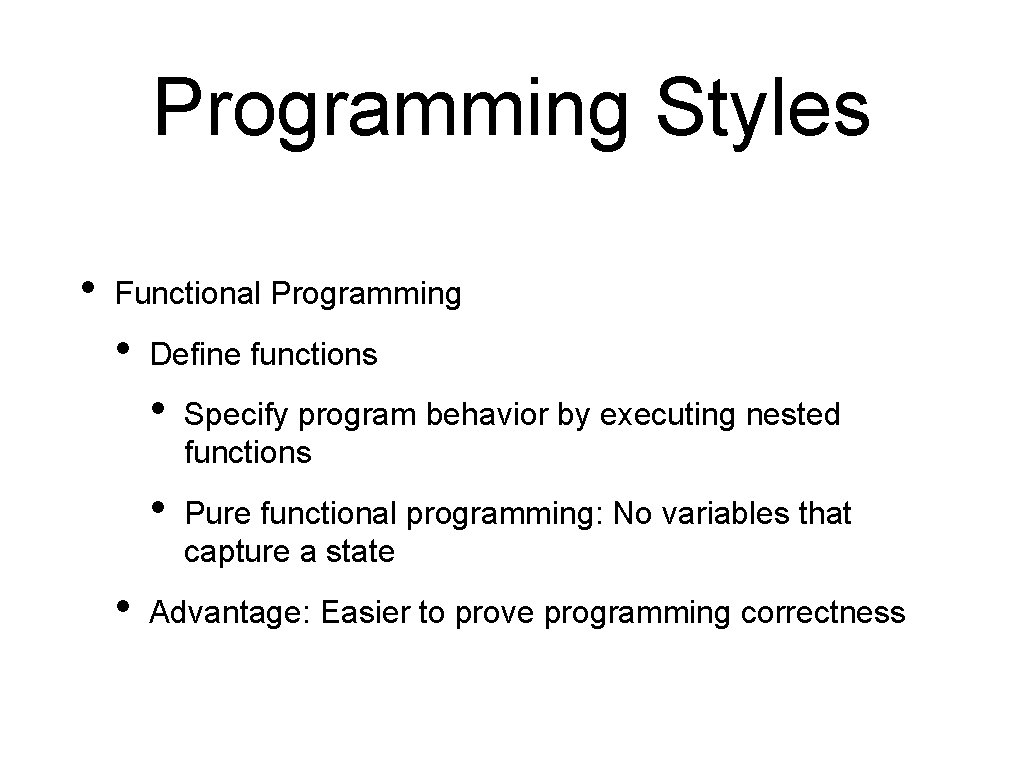
Programming Styles • Functional Programming • • Define functions • Specify program behavior by executing nested functions • Pure functional programming: No variables that capture a state Advantage: Easier to prove programming correctness
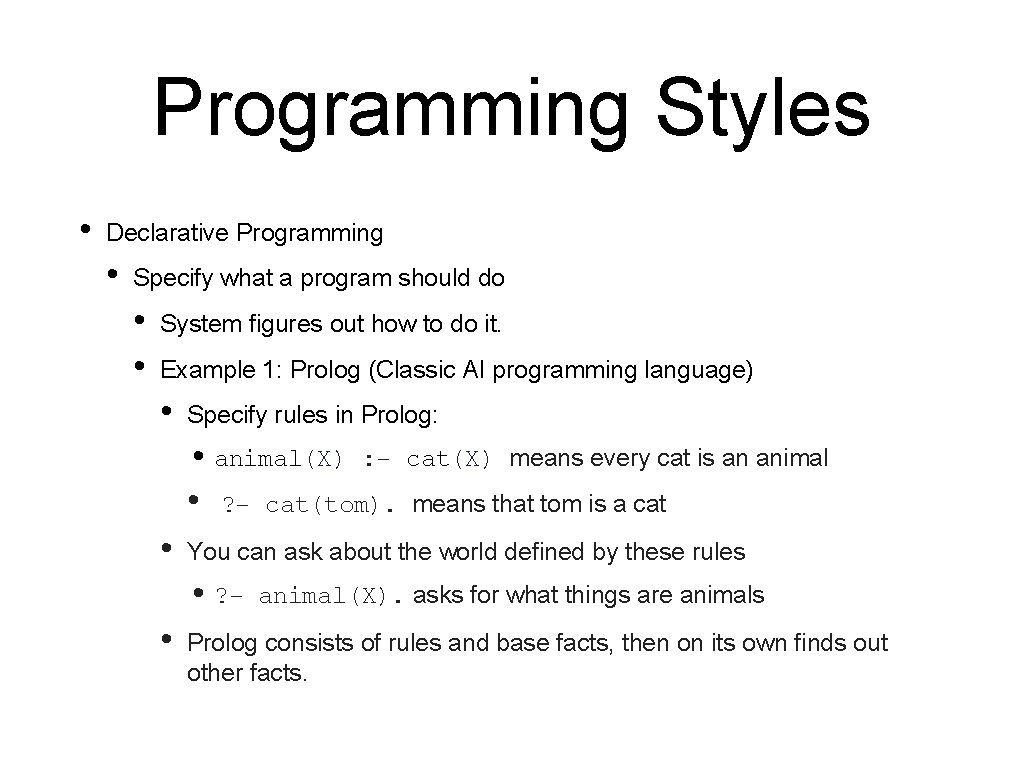
Programming Styles • Declarative Programming • Specify what a program should do • • System figures out how to do it. Example 1: Prolog (Classic AI programming language) • Specify rules in Prolog: • animal(X) : - cat(X) means every cat is an animal • ? - cat(tom). means that tom is a cat • You can ask about the world defined by these rules • ? • animal(X). asks for what things are animals Prolog consists of rules and base facts, then on its own finds out other facts.
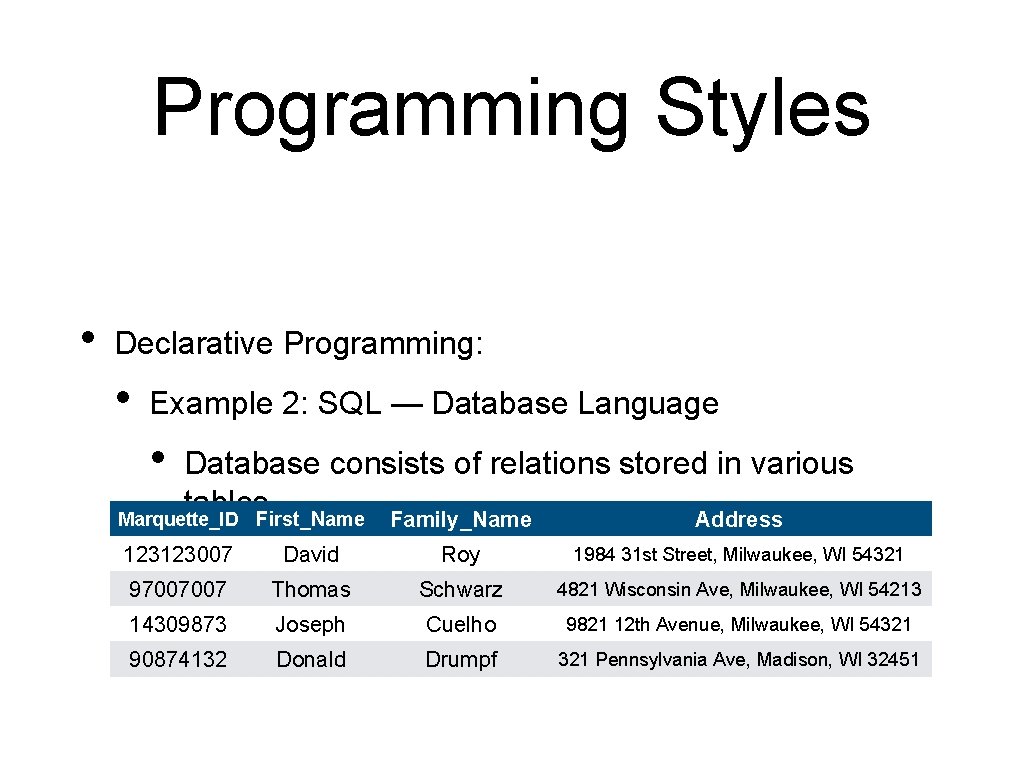
Programming Styles • Declarative Programming: • Example 2: SQL — Database Language • Database consists of relations stored in various tables Marquette_ID First_Name Family_Name Address • 123123007 David Example: Roy 1984 31 st Street, Milwaukee, WI 54321 97007007 Thomas Schwarz 4821 Wisconsin Ave, Milwaukee, WI 54213 14309873 Joseph Cuelho 9821 12 th Avenue, Milwaukee, WI 54321 90874132 Donald Drumpf 321 Pennsylvania Ave, Madison, WI 32451
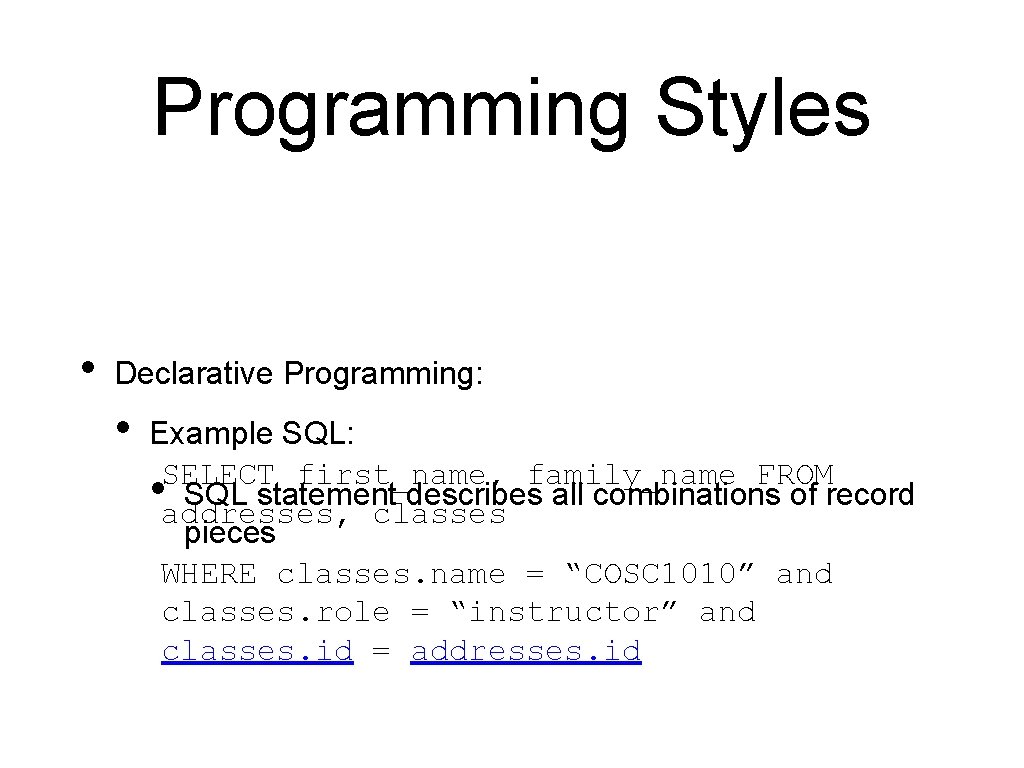
Programming Styles • Declarative Programming: • Example SQL: SELECT first_name, family_name FROM • addresses, SQL statement describes all combinations of record classes pieces WHERE classes. name = “COSC 1010” and classes. role = “instructor” and classes. id = addresses. id
Programming Styles • Declarative Programming: • Example SQL: • SQL statement describes all combinations of record pieces • How the database engine performs the query is not specified • In fact, for complicated queries, the database will try out several ways before selecting the actual algorithms
Programming Styles • Object-Oriented Programming • Program defined various objects • • Objects have data and methods • E. g. Marquette Persons have IDs, names, addresses, … • Classes have lists of participants We will learn Object-Oriented (OO) programming in this class
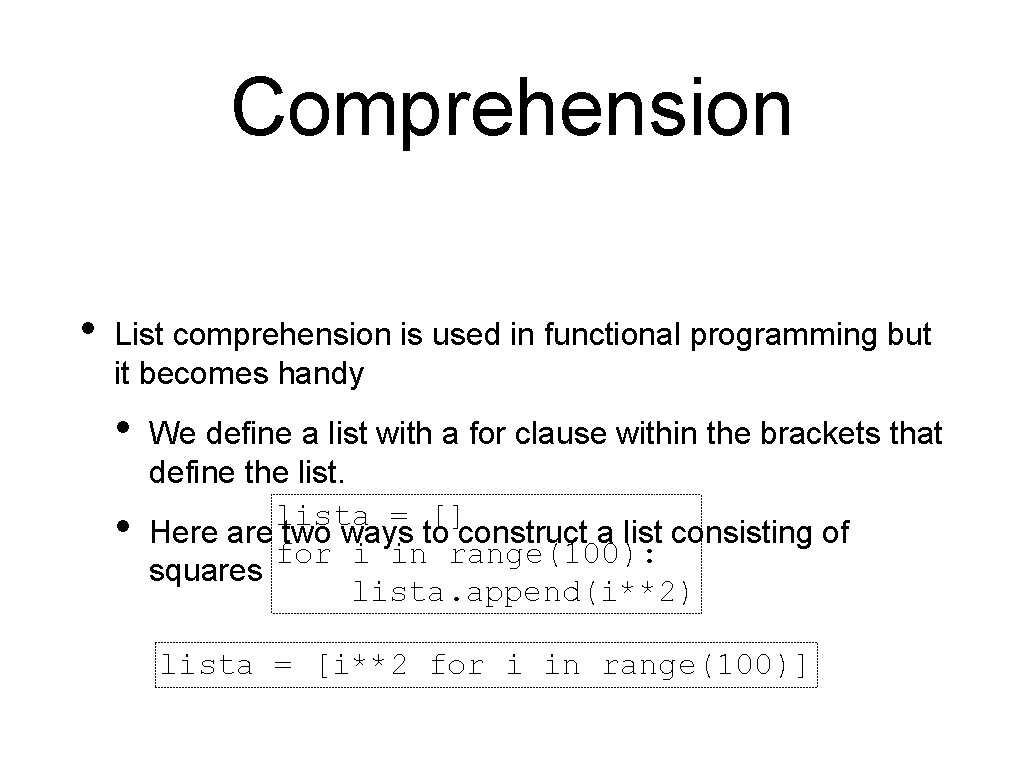
Comprehension • List comprehension is used in functional programming but it becomes handy • • We define a list with a for clause within the brackets that define the lista = [] Here are two ways to construct a list consisting of for i in range(100): squares lista. append(i**2) lista = [i**2 for i in range(100)]
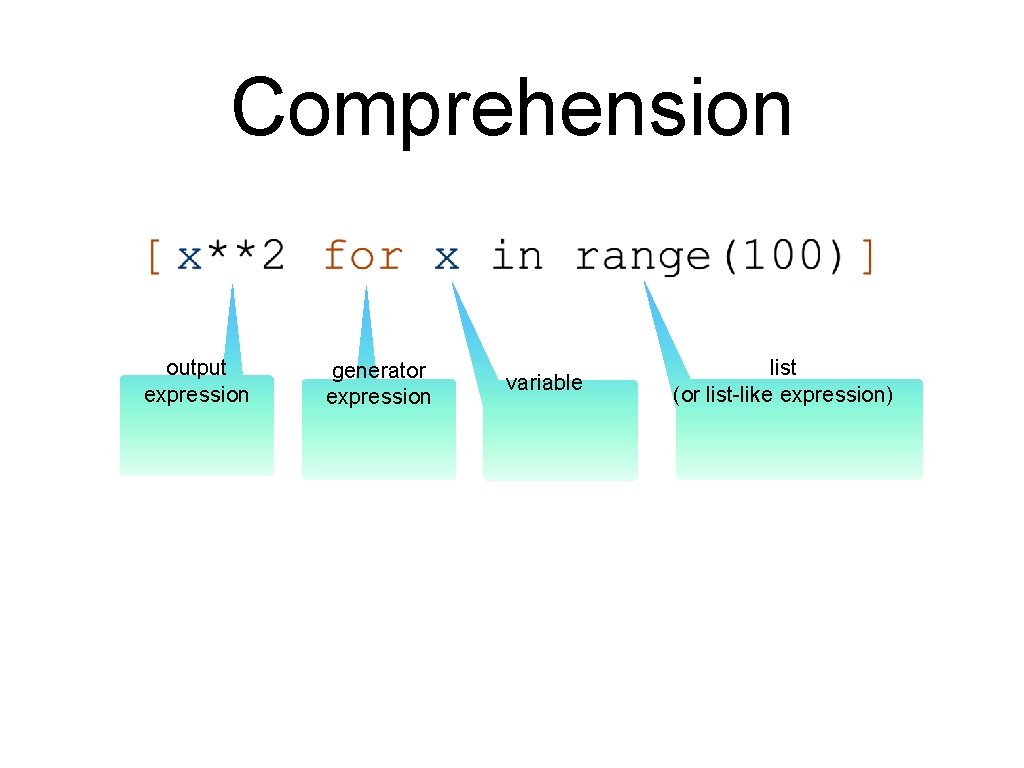
Comprehension output expression generator expression variable list (or list-like expression)
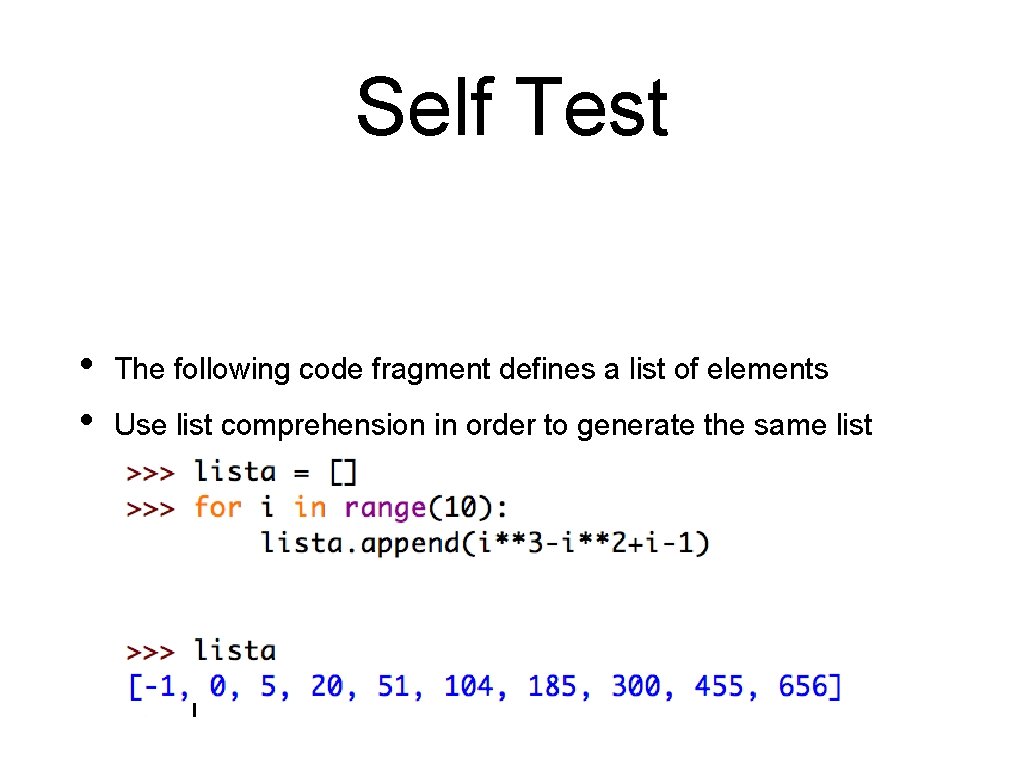
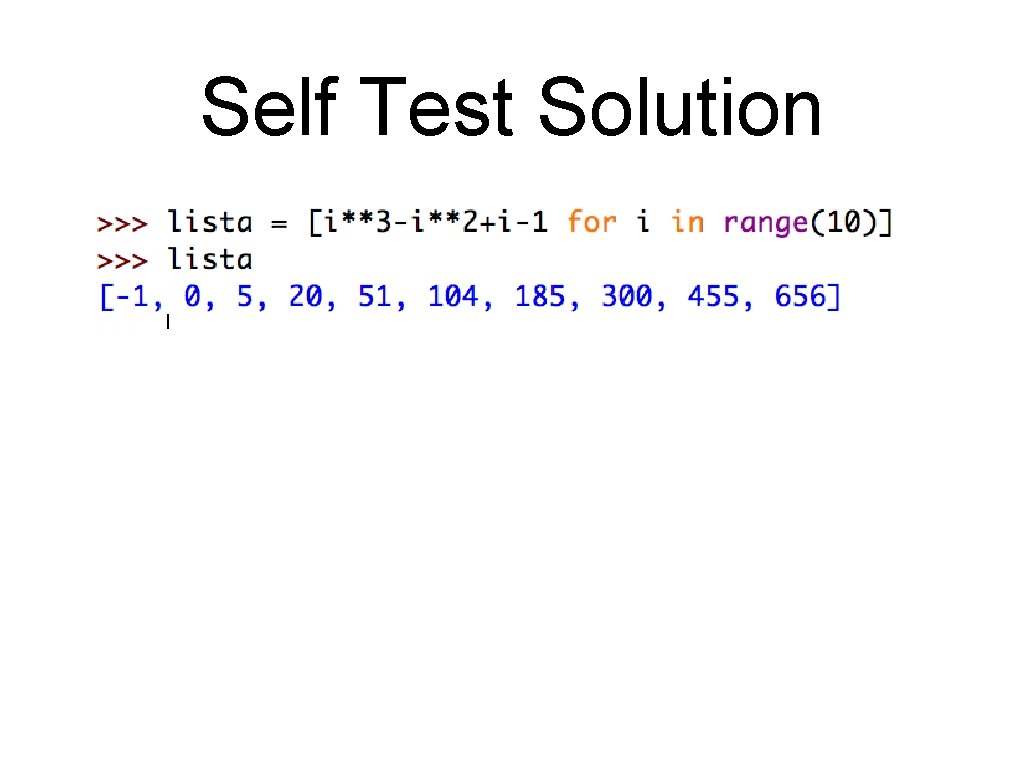
Self Test • • The following code fragment defines a list of elements Use list comprehension in order to generate the same list • Use the interactive window in IDLE
Self Test Pause the presentation until you have solved the problem
Self Test Solution
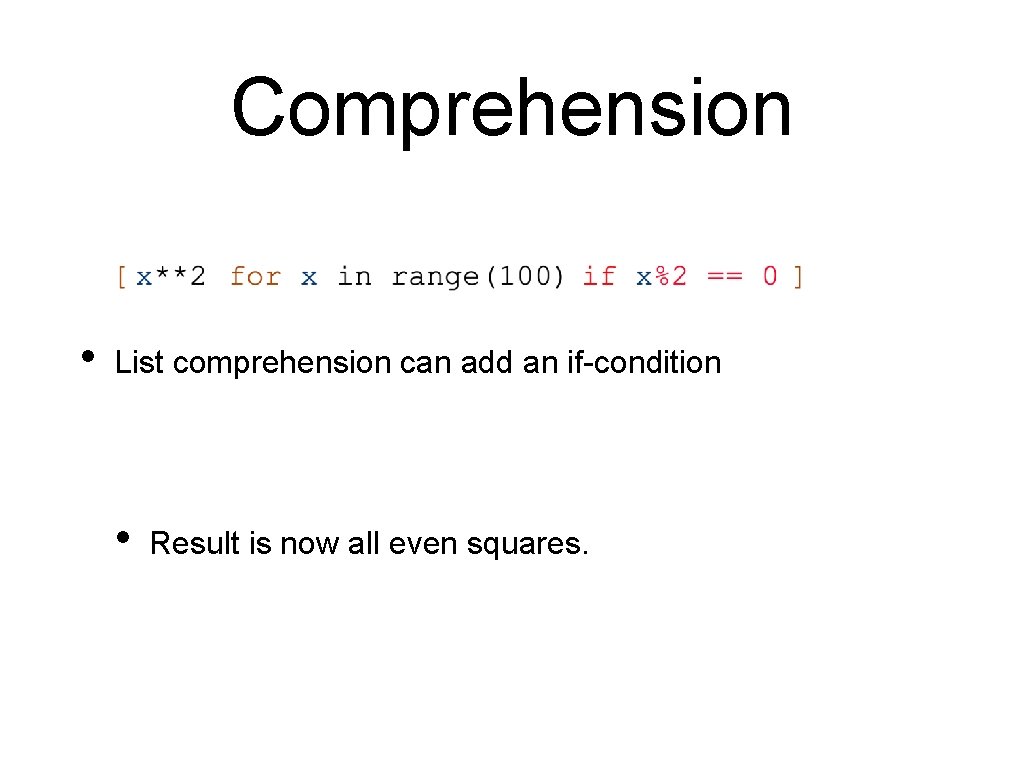
Comprehension • List comprehension can add an if-condition • Result is now all even squares.
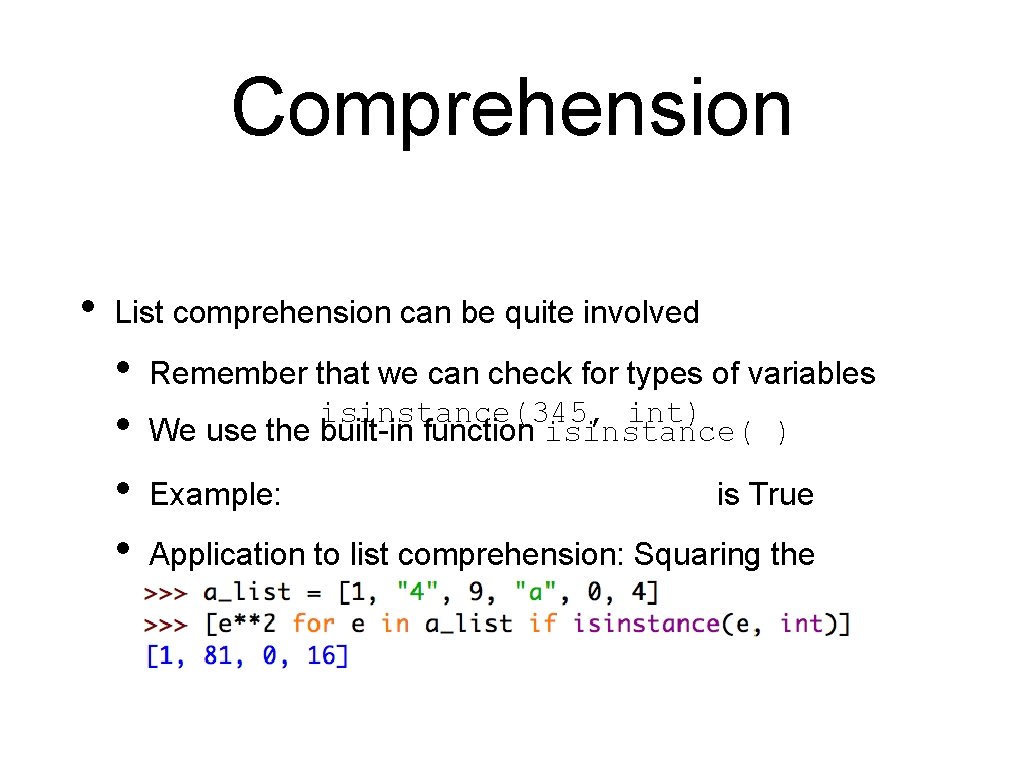
Comprehension • List comprehension can be quite involved • • Remember that we can check for types of variables isinstance(345, int) We use the built-in function isinstance( ) Example: is True Application to list comprehension: Squaring the elements of a list (a_list) that are integers
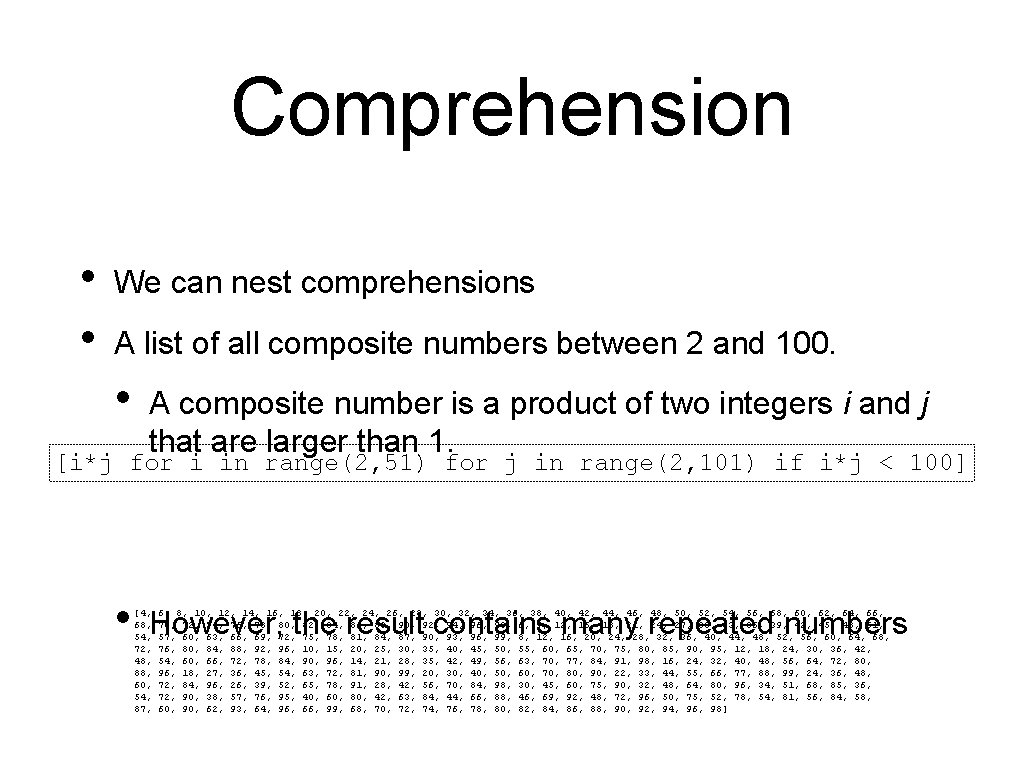
Comprehension • • We can nest comprehensions A list of all composite numbers between 2 and 100. • A composite number is a product of two integers i and j that are larger than 1. [i*j for i in range(2, 51) for j in range(2, 101) if i*j < 100] • However, the result contains many repeated numbers [4, 68, 54, 72, 48, 88, 60, 54, 87, 6, 8, 10, 12, 14, 16, 18, 20, 22, 24, 26, 28, 30, 32, 34, 36, 38, 40, 42, 44, 46, 48, 50, 52, 54, 56, 58, 60, 62, 64, 66, 70, 72, 74, 76, 78, 80, 82, 84, 86, 88, 90, 92, 94, 96, 98, 6, 9, 12, 15, 18, 21, 24, 27, 30, 33, 36, 39, 42, 45, 48, 51, 57, 60, 63, 66, 69, 72, 75, 78, 81, 84, 87, 90, 93, 96, 99, 8, 12, 16, 20, 24, 28, 32, 36, 40, 44, 48, 52, 56, 60, 64, 68, 76, 80, 84, 88, 92, 96, 10, 15, 20, 25, 30, 35, 40, 45, 50, 55, 60, 65, 70, 75, 80, 85, 90, 95, 12, 18, 24, 30, 36, 42, 54, 60, 66, 72, 78, 84, 90, 96, 14, 21, 28, 35, 42, 49, 56, 63, 70, 77, 84, 91, 98, 16, 24, 32, 40, 48, 56, 64, 72, 80, 96, 18, 27, 36, 45, 54, 63, 72, 81, 90, 99, 20, 30, 40, 50, 60, 70, 80, 90, 22, 33, 44, 55, 66, 77, 88, 99, 24, 36, 48, 72, 84, 96, 26, 39, 52, 65, 78, 91, 28, 42, 56, 70, 84, 98, 30, 45, 60, 75, 90, 32, 48, 64, 80, 96, 34, 51, 68, 85, 36, 72, 90, 38, 57, 76, 95, 40, 60, 80, 42, 63, 84, 44, 66, 88, 46, 69, 92, 48, 72, 96, 50, 75, 52, 78, 54, 81, 56, 84, 58, 60, 90, 62, 93, 64, 96, 66, 99, 68, 70, 72, 74, 76, 78, 80, 82, 84, 86, 88, 90, 92, 94, 96, 98]
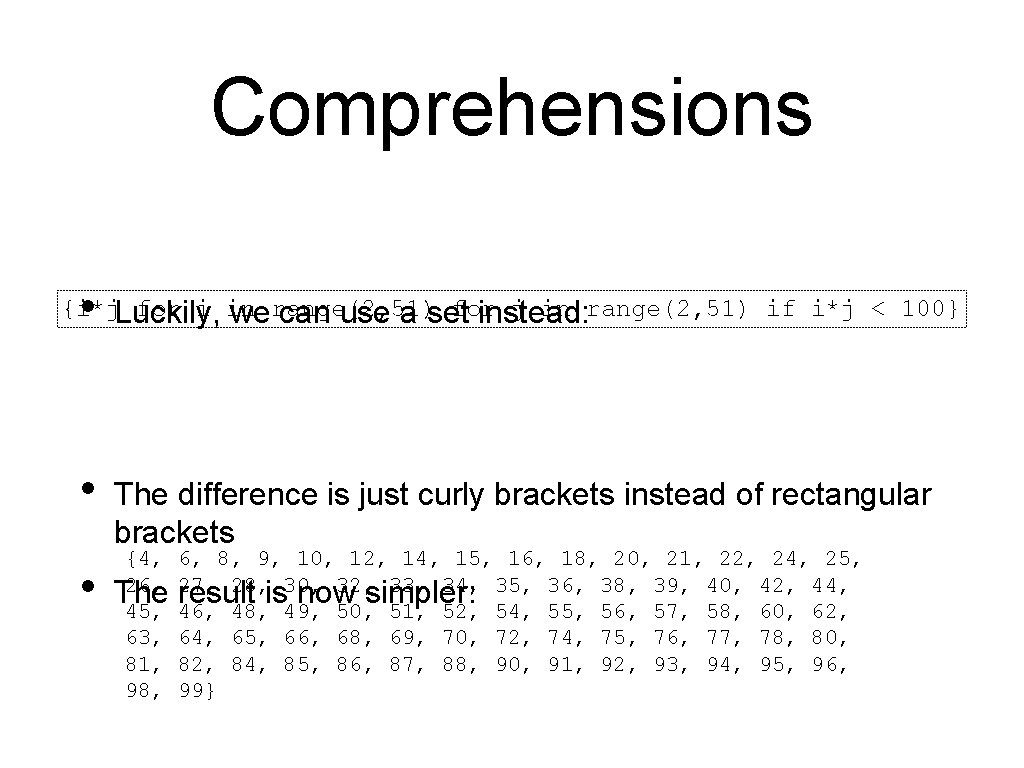
Comprehensions • {i*j. Luckily, for i in for j in range(2, 51) if i*j < 100} we range(2, 51) can use a set instead: • • The difference is just curly brackets instead of rectangular brackets {4, 26, The 45, 63, 81, 98, 6, 8, 9, 10, 12, 14, 15, 16, 18, 20, 21, 22, 24, 25, 27, 28, 30, 32, 33, 34, 35, 36, 38, 39, 40, 42, 44, result is now simpler: 46, 48, 49, 50, 51, 52, 54, 55, 56, 57, 58, 60, 62, 64, 65, 66, 68, 69, 70, 72, 74, 75, 76, 77, 78, 80, 82, 84, 85, 86, 87, 88, 90, 91, 92, 93, 94, 95, 96, 99}
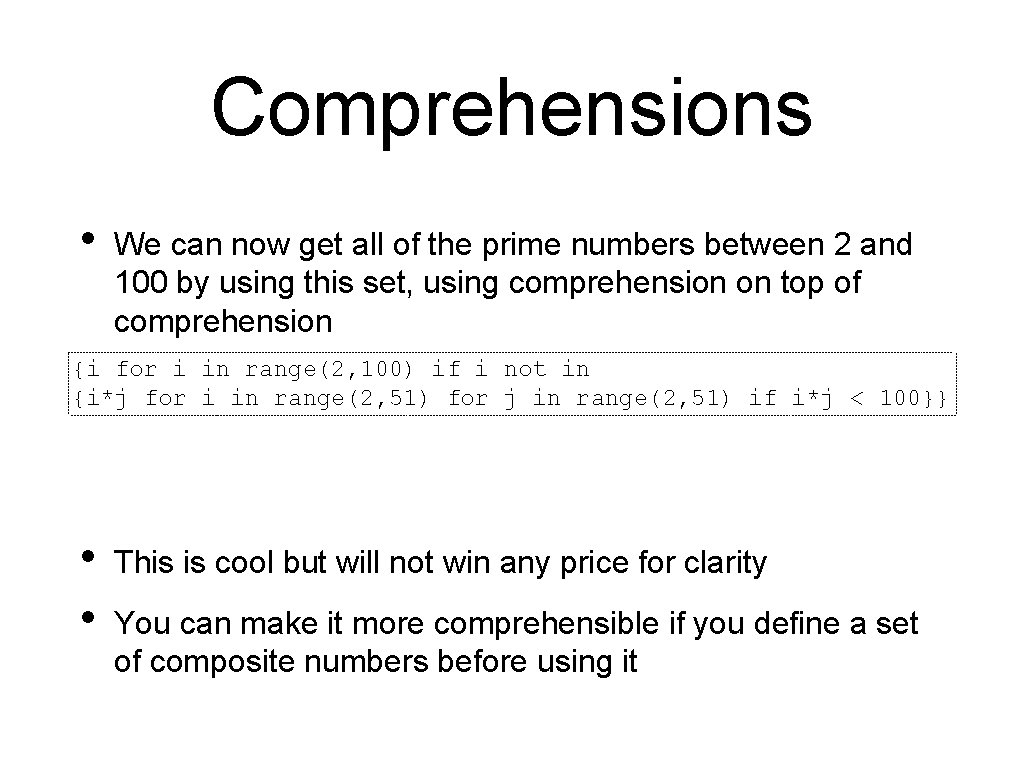
Comprehensions • We can now get all of the prime numbers between 2 and 100 by using this set, using comprehension on top of comprehension {i for i in range(2, 100) if i not in {i*j for i in range(2, 51) for j in range(2, 51) if i*j < 100}} • • This is cool but will not win any price for clarity You can make it more comprehensible if you define a set of composite numbers before using it
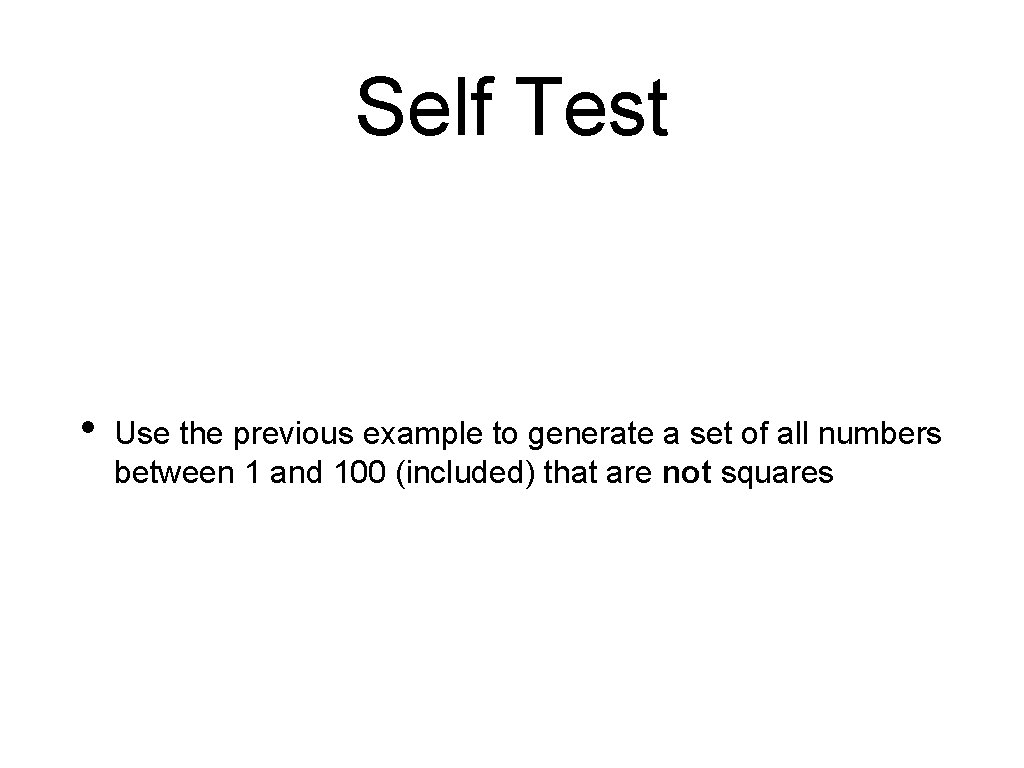
Self Test • Use the previous example to generate a set of all numbers between 1 and 100 (included) that are not squares
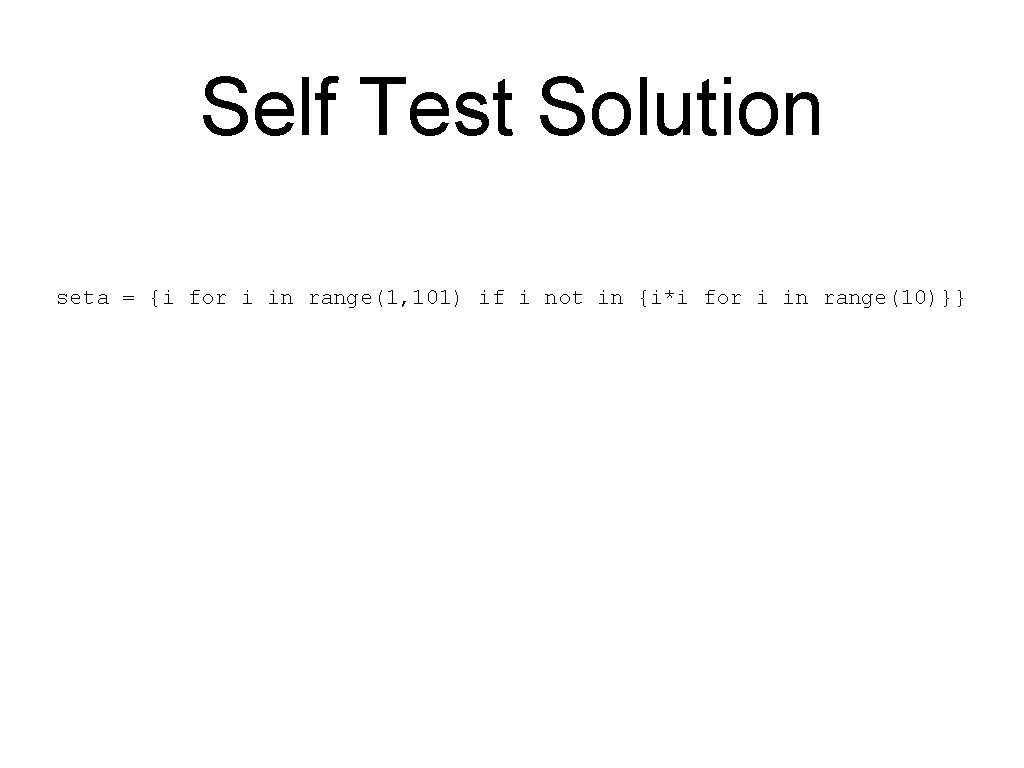
Self Test Solution seta = {i for i in range(1, 101) if i not in {i*i for i in range(10)}}
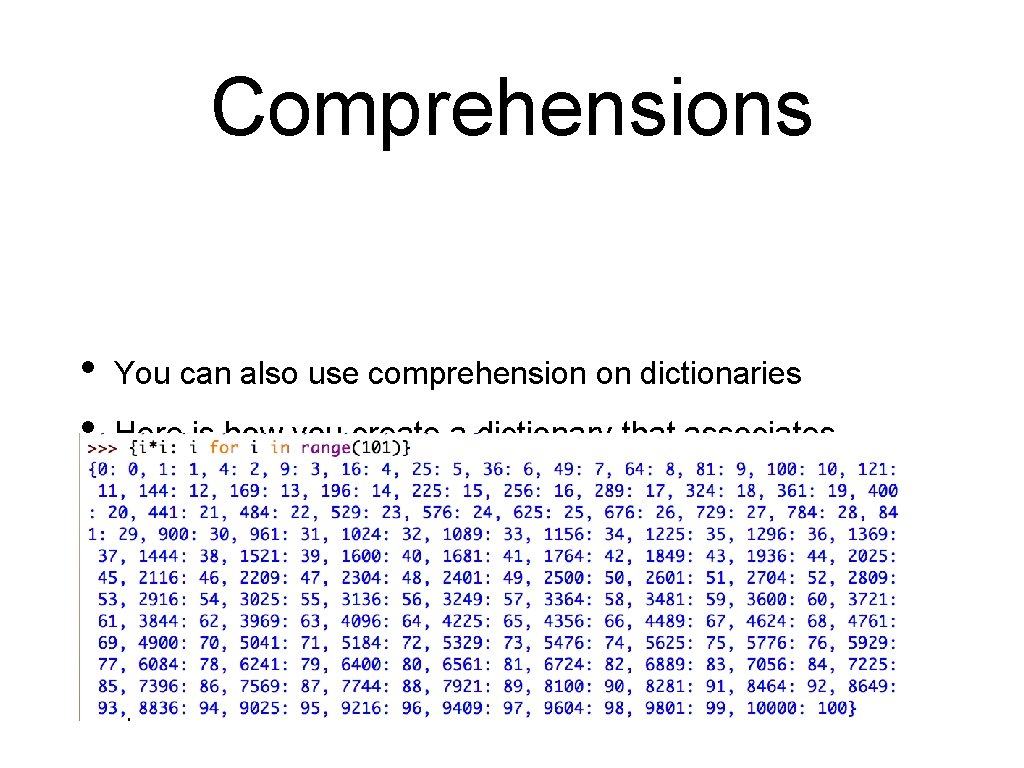
Comprehensions • • You can also use comprehension on dictionaries Here is how you create a dictionary that associates integers up to 100*100 to their square root • {i*i: i for i in range(101)}
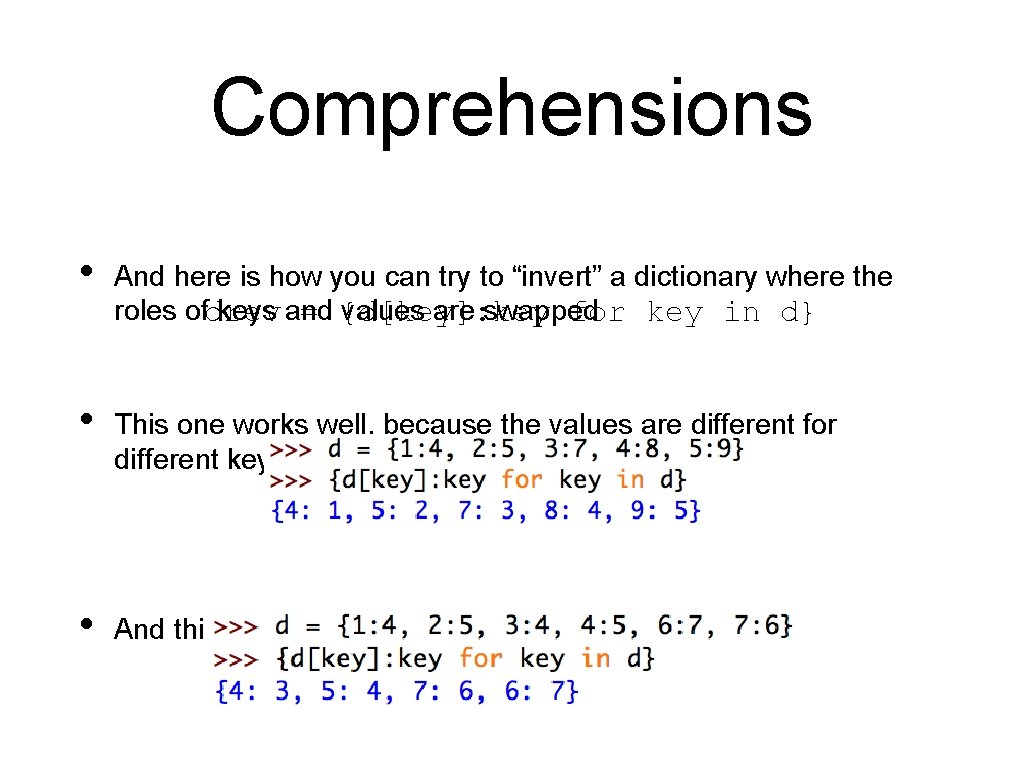
Comprehensions • And here is how you can try to “invert” a dictionary where the roles ofdrev keys and values are swapped = {d[key]: key for key in d} • This one works well, because the values are different for different keys • And this one inverts with some arbitrariness
Self Test • You are given a function func that takes one integer argument • You want to create a memoization dictionary that associates i for i in range(100) with func(i)
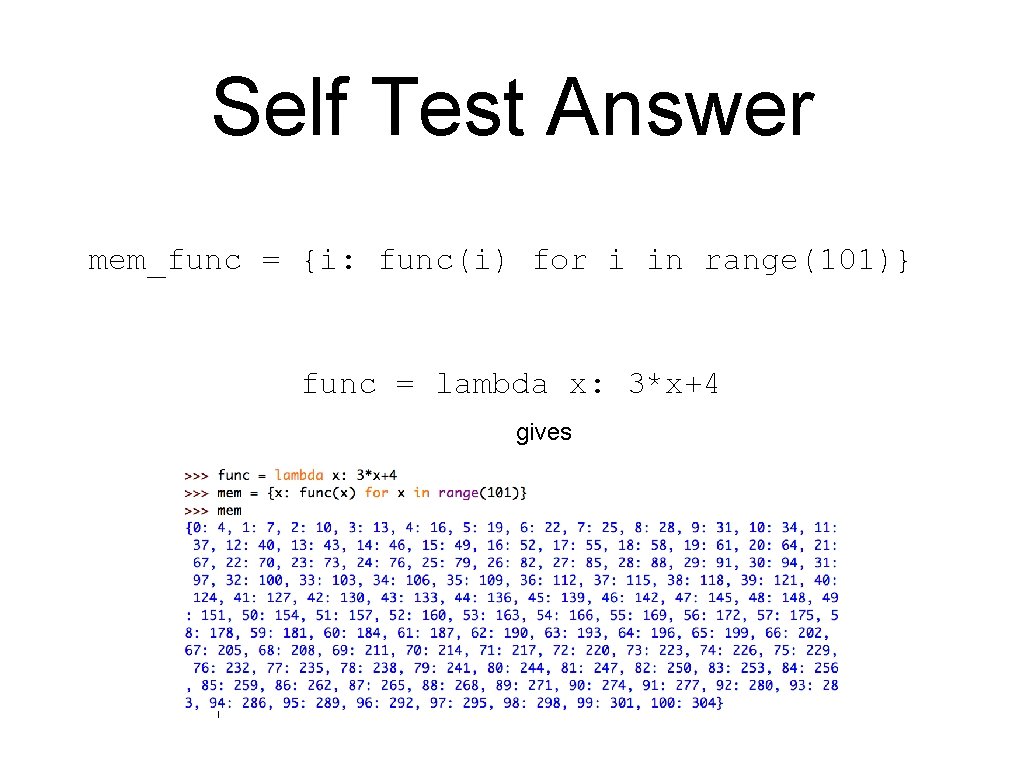
Self Test Answer mem_func = {i: func(i) for i in range(101)} func = lambda x: 3*x+4 gives
Map, Filter
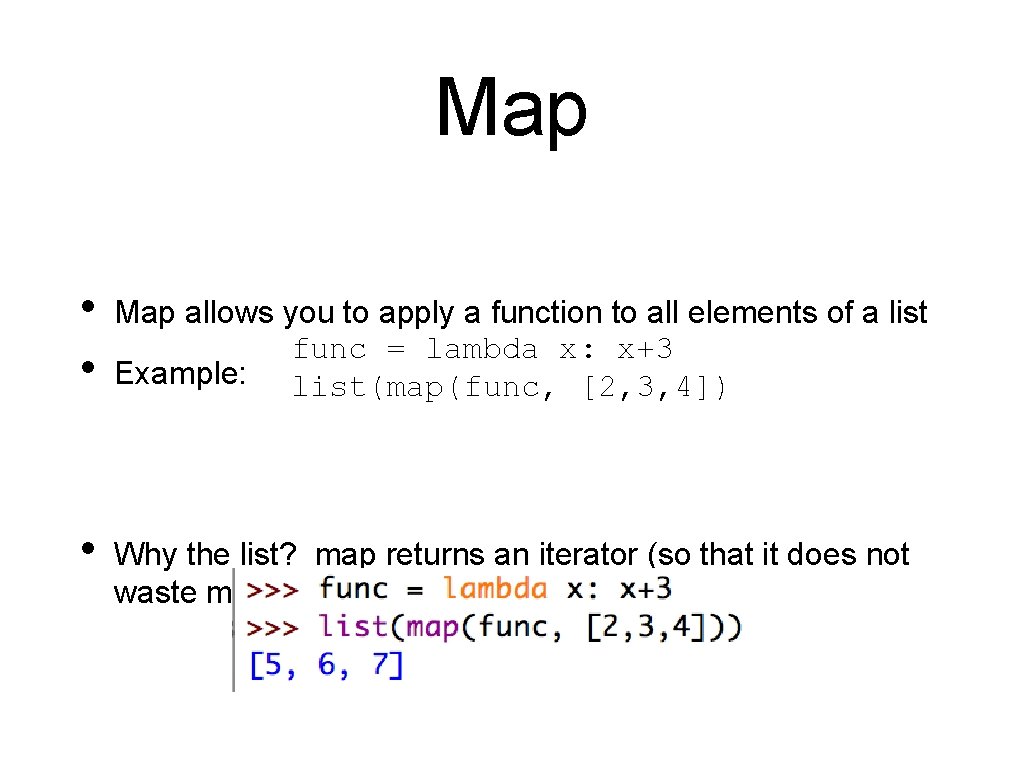
Map • • Map allows you to apply a function to all elements of a list func = lambda x: x+3 Example: list(map(func, [2, 3, 4]) • Why the list? map returns an iterator (so that it does not waste memory on values that are not used)
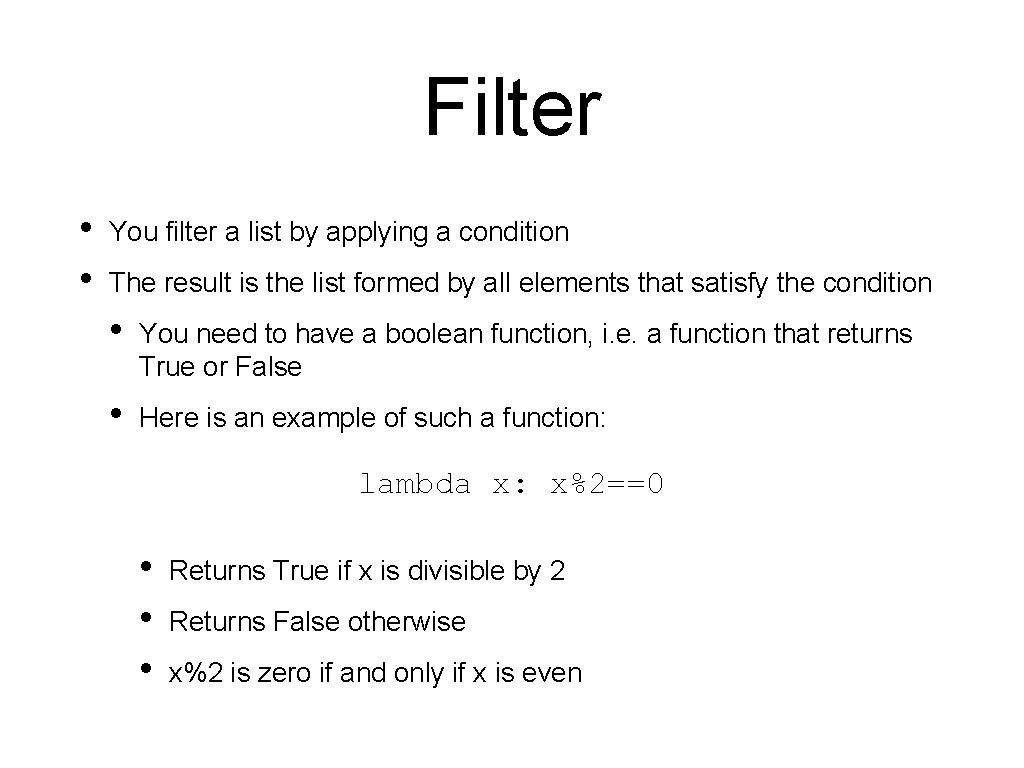
Filter • • You filter a list by applying a condition The result is the list formed by all elements that satisfy the condition • You need to have a boolean function, i. e. a function that returns True or False • Here is an example of such a function: lambda x: x%2==0 • • • Returns True if x is divisible by 2 Returns False otherwise x%2 is zero if and only if x is even
Filter • The function filter(function, sequence) return an iterable of all elements in the sequence t that render the function True.
Comprehension in Action Python
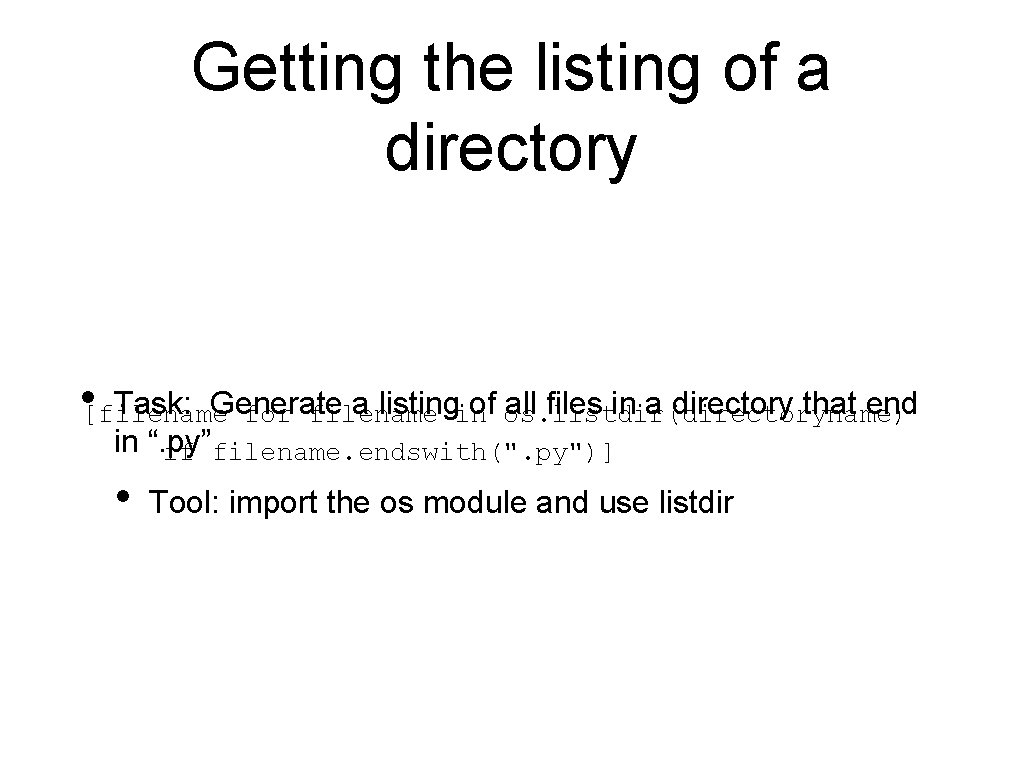
Getting the listing of a directory • [filename Task: Generate a listingin of os. listdir(directoryname) all files in a directory that end for filename in “. py” if filename. endswith(". py")] • Tool: import the os module and use listdir
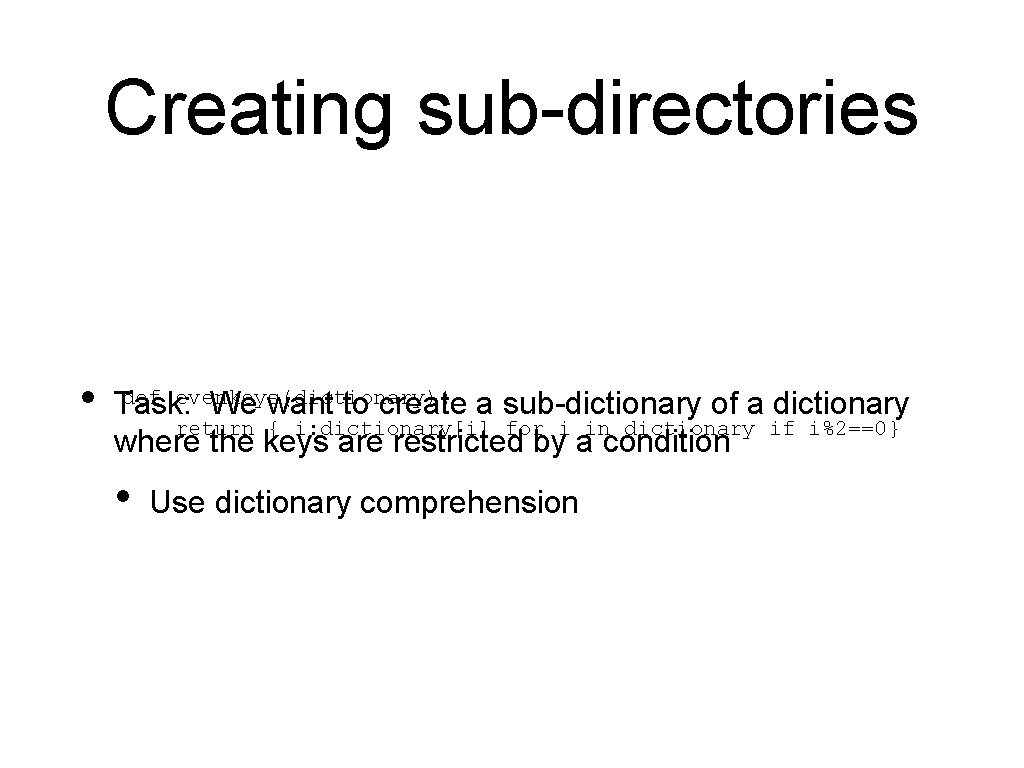
Creating sub-directories • def evenkeys(dictionary): Task: We want to create a sub-dictionary of a dictionary return { i: dictionary[i] for i in dictionary if i%2==0} where the keys are restricted by a condition • Use dictionary comprehension
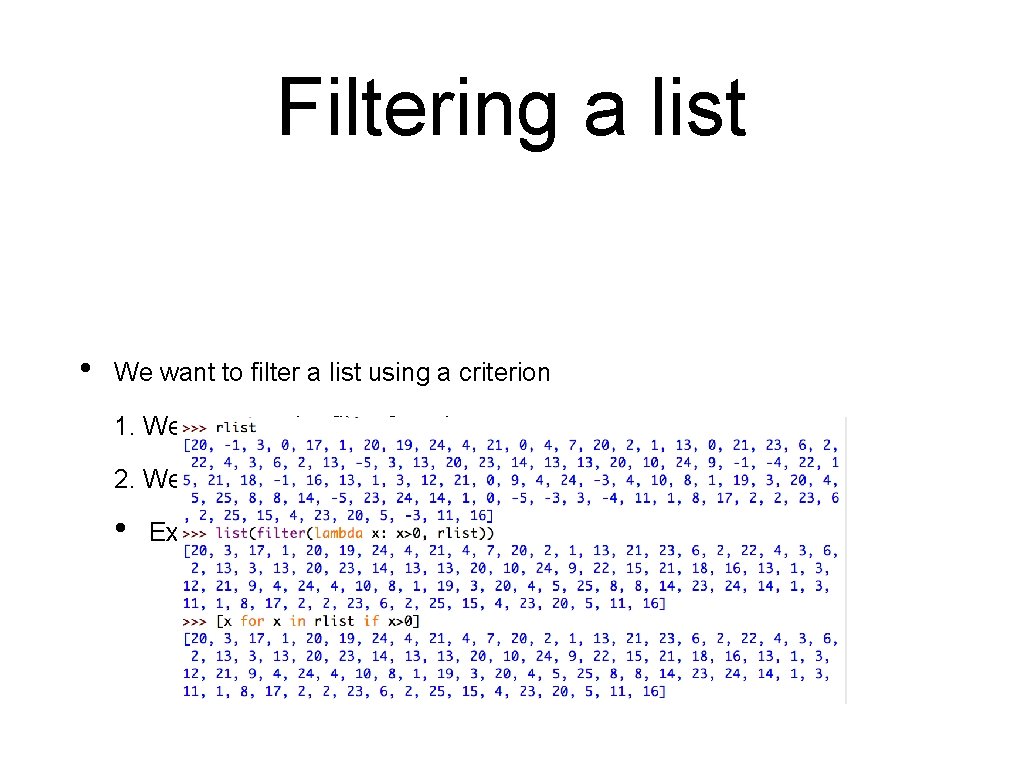
Filtering a list • We want to filter a list using a criterion 1. We can use the filter function 2. We can use list comprehension, which is often simpler • Example: Only display the positive elements of this large list
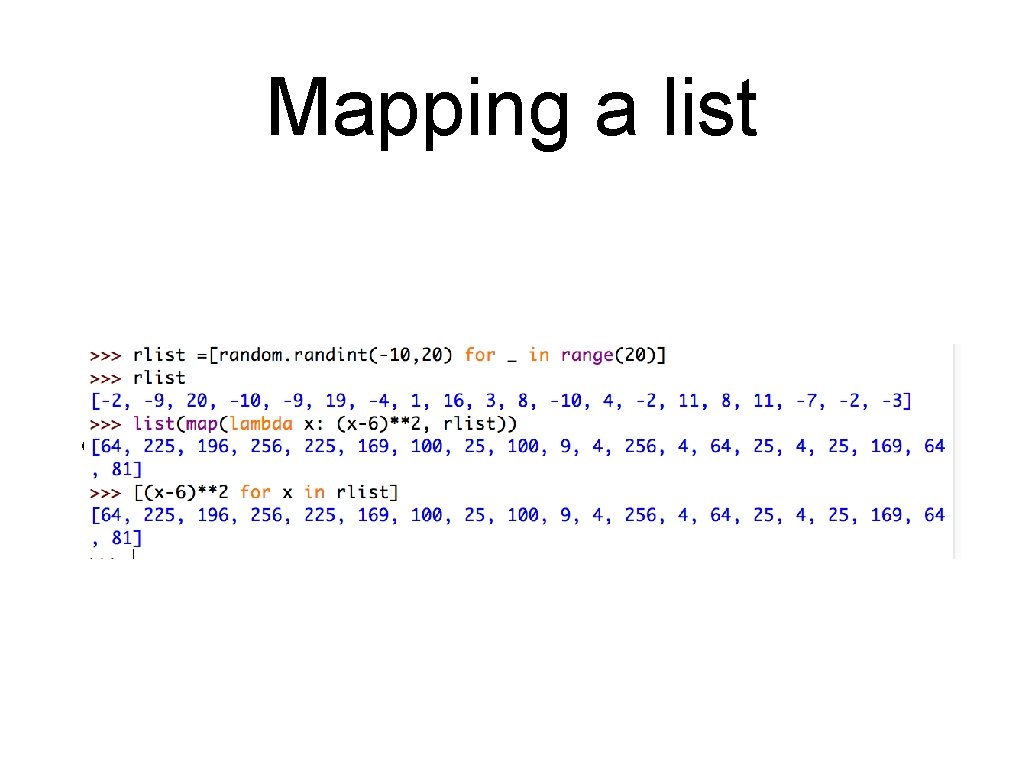
Mapping a list • We want to apply a function to all elements in a list
Zip
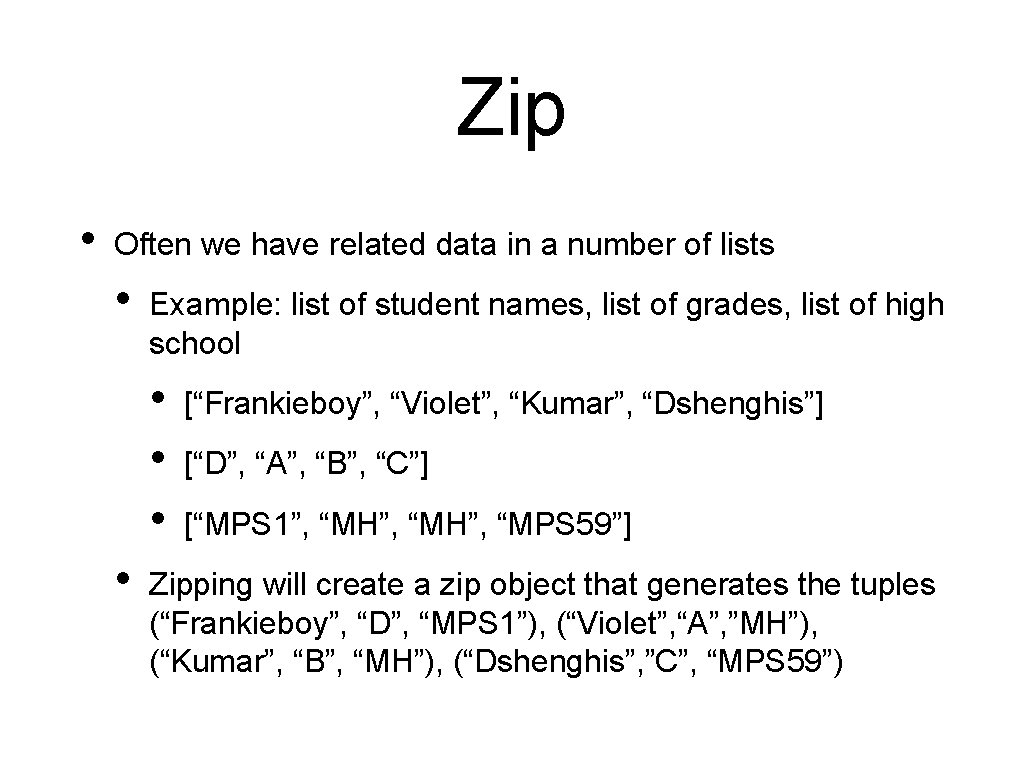
Zip • Often we have related data in a number of lists • Example: list of student names, list of grades, list of high school • • [“Frankieboy”, “Violet”, “Kumar”, “Dshenghis”] [“D”, “A”, “B”, “C”] [“MPS 1”, “MH”, “MPS 59”] Zipping will create a zip object that generates the tuples (“Frankieboy”, “D”, “MPS 1”), (“Violet”, “A”, ”MH”), (“Kumar”, “B”, “MH”), (“Dshenghis”, ”C”, “MPS 59”)
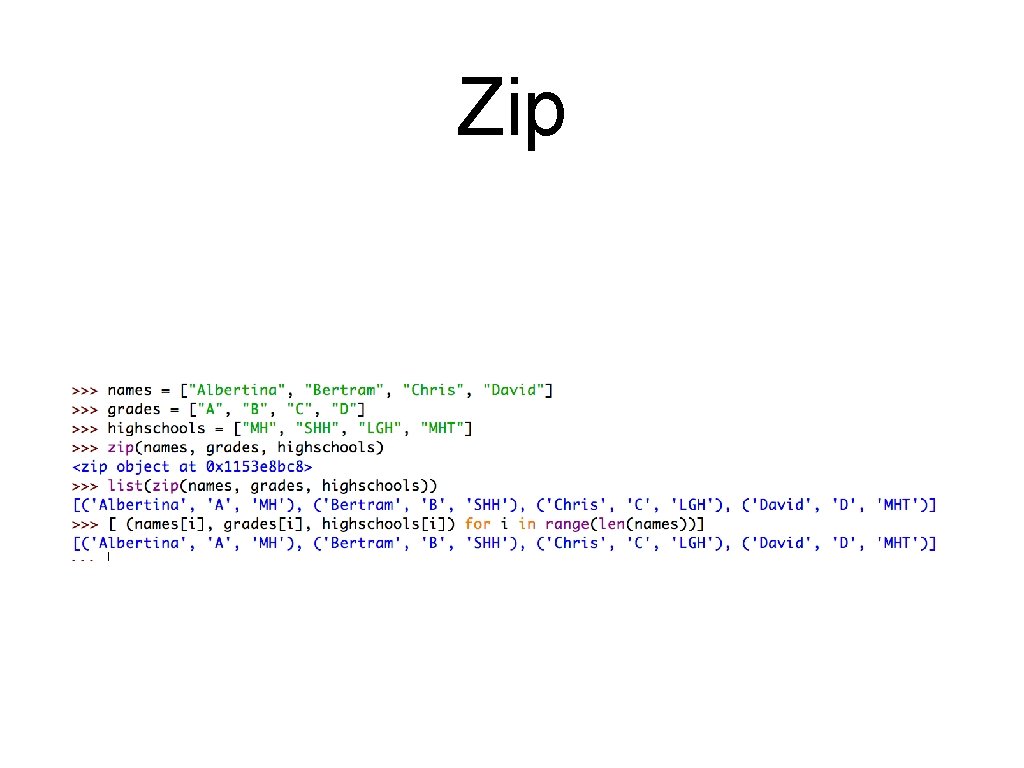
Zip • We can reach the same effect with list comprehension, but since we cannot enumerate in parallel through several iterables, we need to use indices.
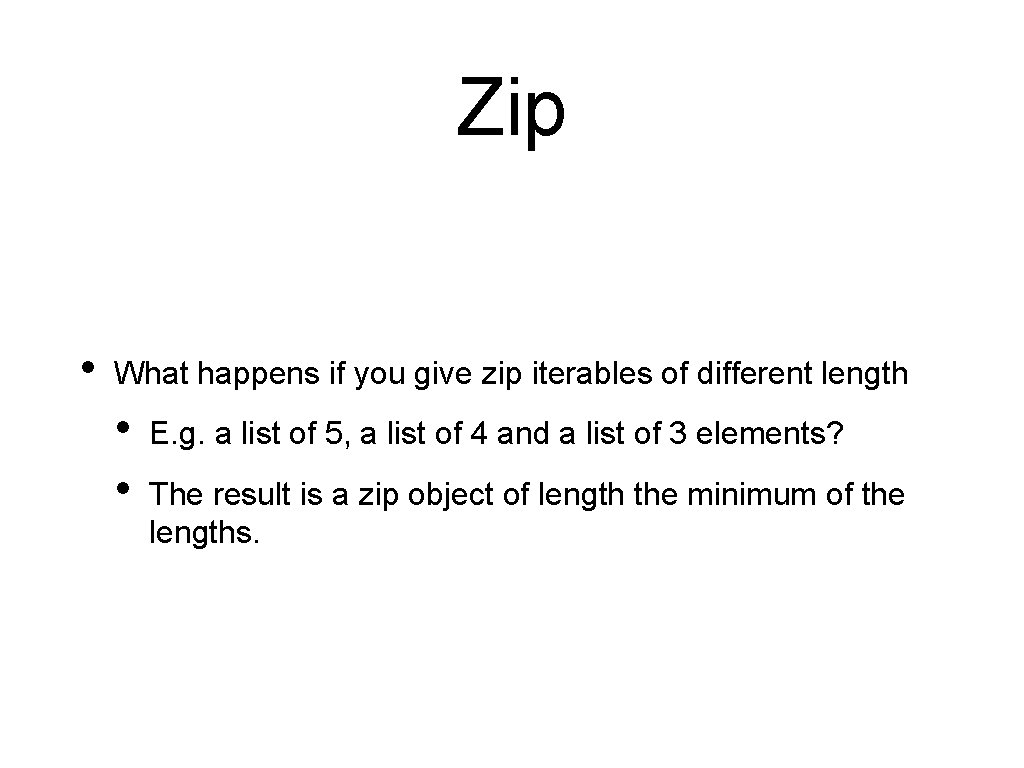
Zip • What happens if you give zip iterables of different length • • E. g. a list of 5, a list of 4 and a list of 3 elements? The result is a zip object of length the minimum of the lengths.
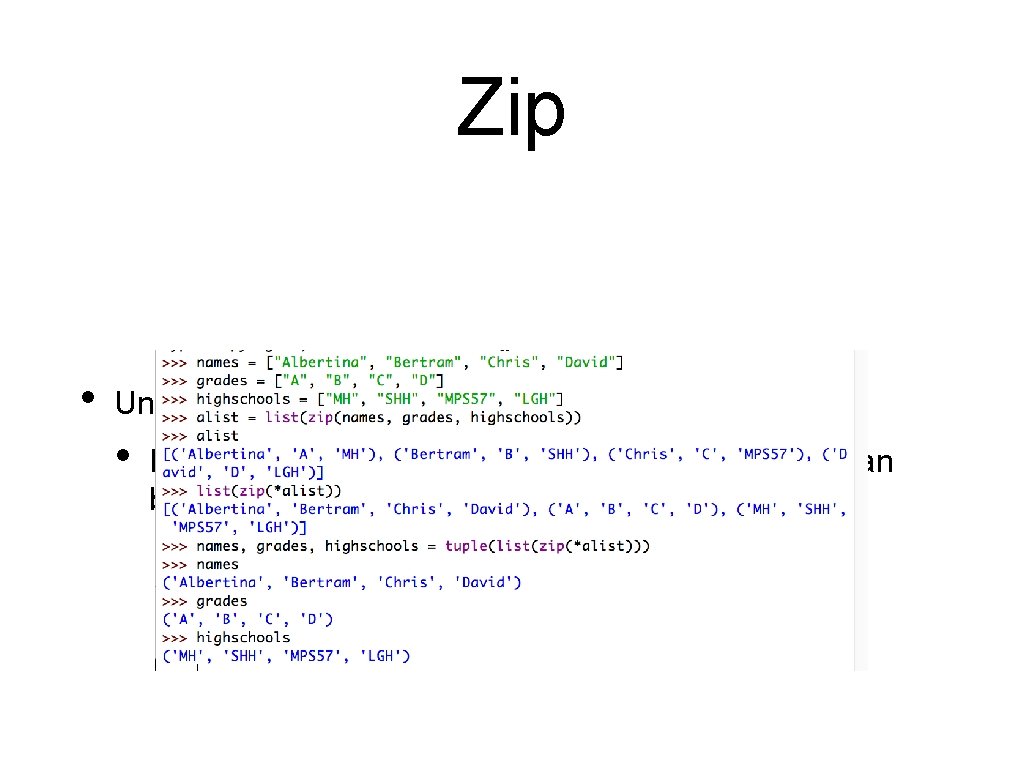
Zip • Undoing a zip: • If you make a list alist out of a zip object, you can break it apart with the zip(*alist) command
Exercises
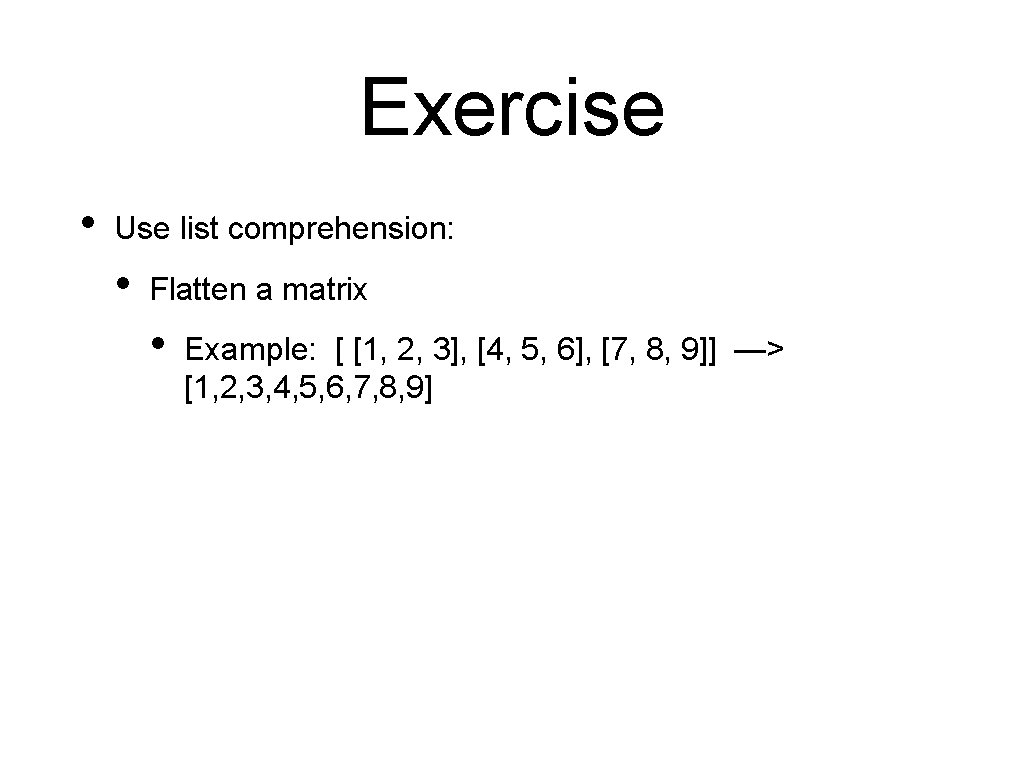
Exercise • Use list comprehension: • Flatten a matrix • Example: [ [1, 2, 3], [4, 5, 6], [7, 8, 9]] —> [1, 2, 3, 4, 5, 6, 7, 8, 9]
Solution • Loop Solution: • Using extend def flatten 1(matrix): result = [] for row in matrix: result. extend(row) return result • But this cannot be translated
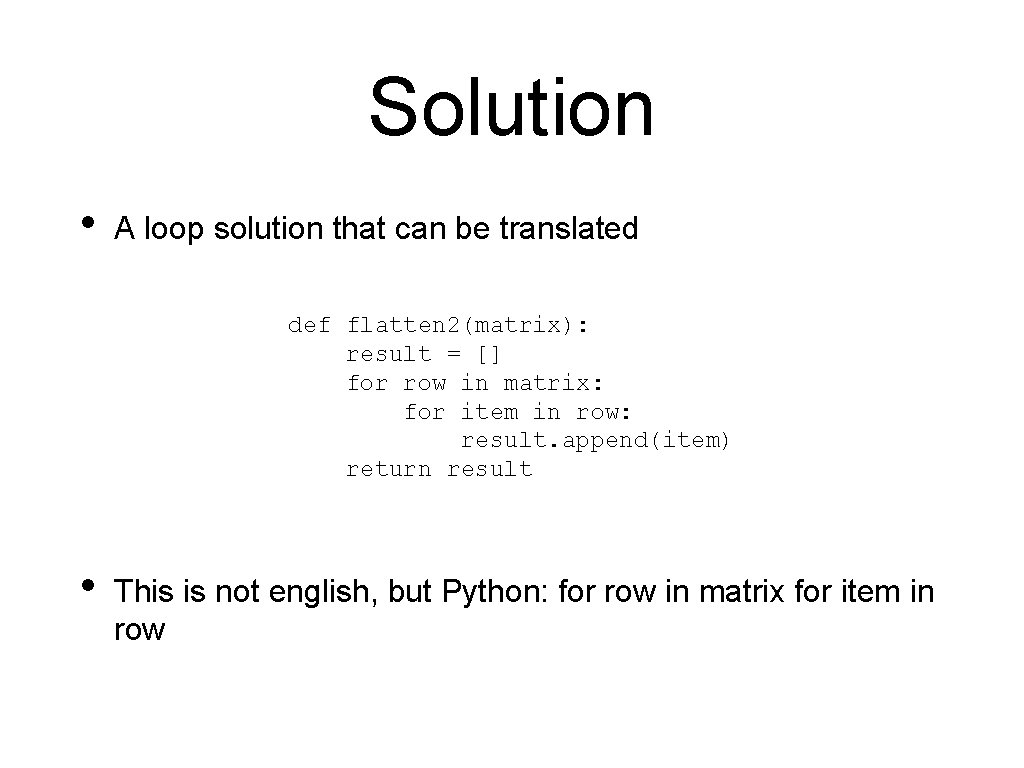
Solution • A loop solution that can be translated def flatten 2(matrix): result = [] for row in matrix: for item in row: result. append(item) return result • This is not english, but Python: for row in matrix for item in row
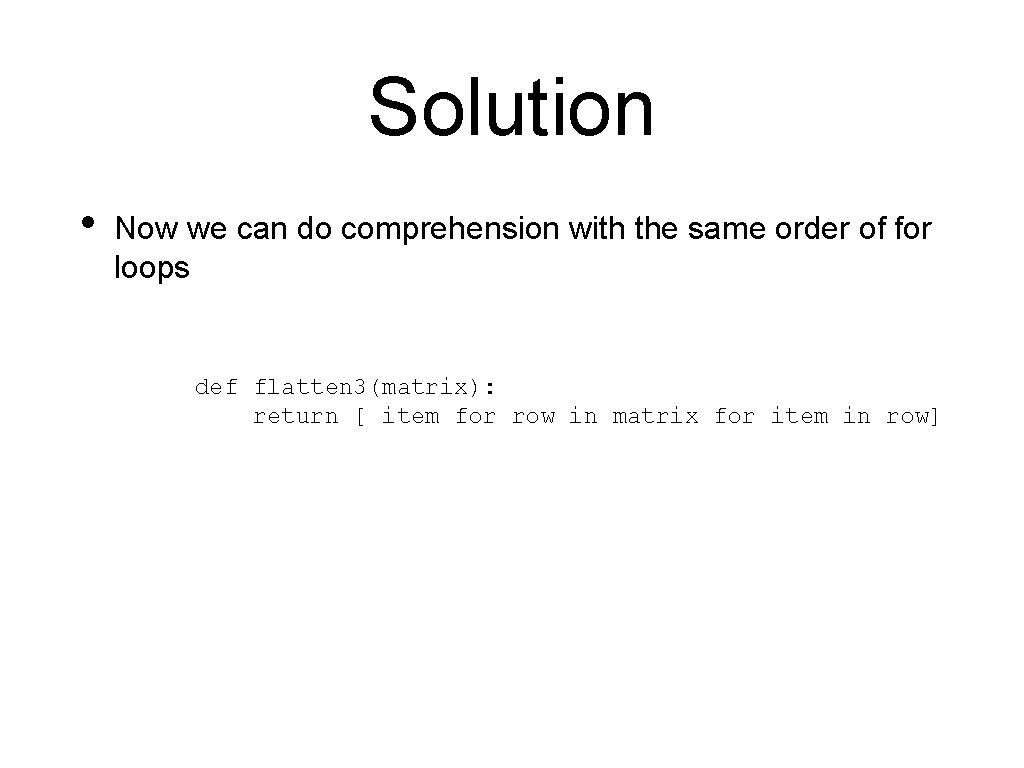
Solution • Now we can do comprehension with the same order of for loops def flatten 3(matrix): return [ item for row in matrix for item in row]
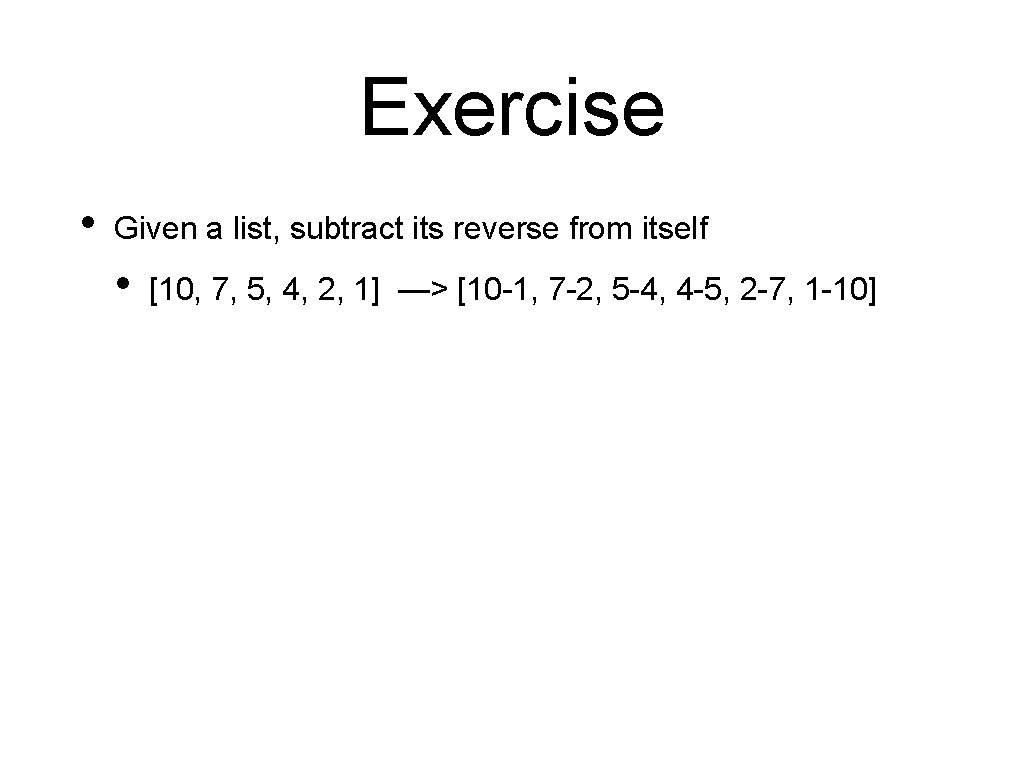
Exercise • Given a list, subtract its reverse from itself • [10, 7, 5, 4, 2, 1] —> [10 -1, 7 -2, 5 -4, 4 -5, 2 -7, 1 -10]
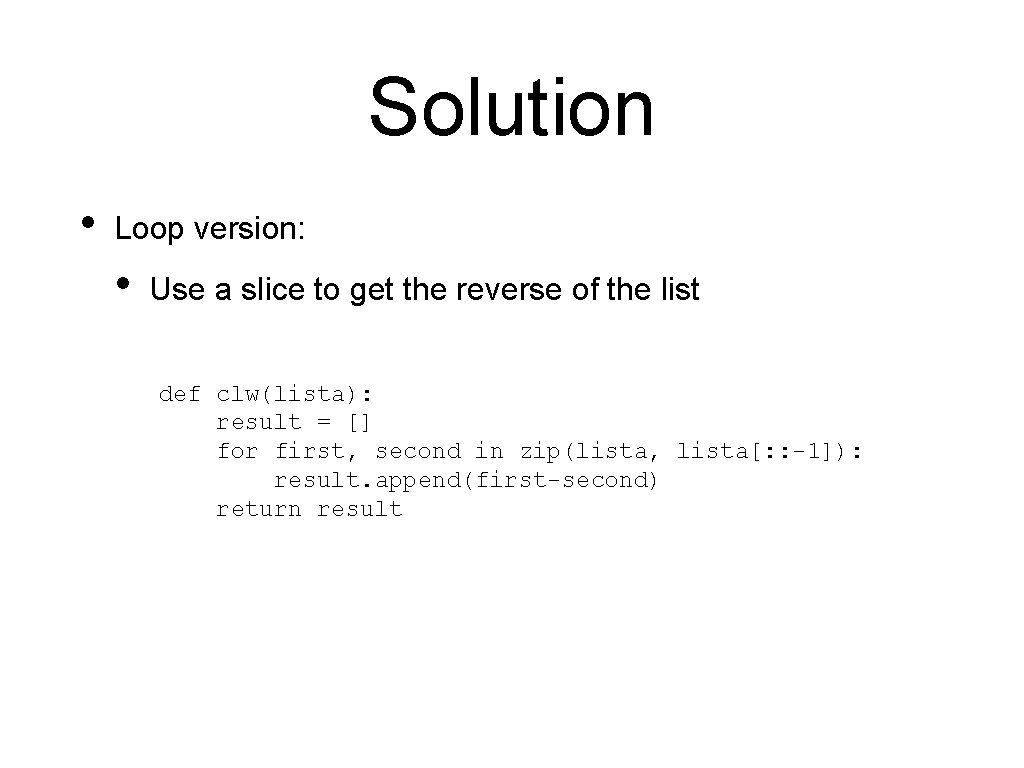
Solution • Loop version: • Use a slice to get the reverse of the list def clw(lista): result = [] for first, second in zip(lista, lista[: : -1]): result. append(first-second) return result
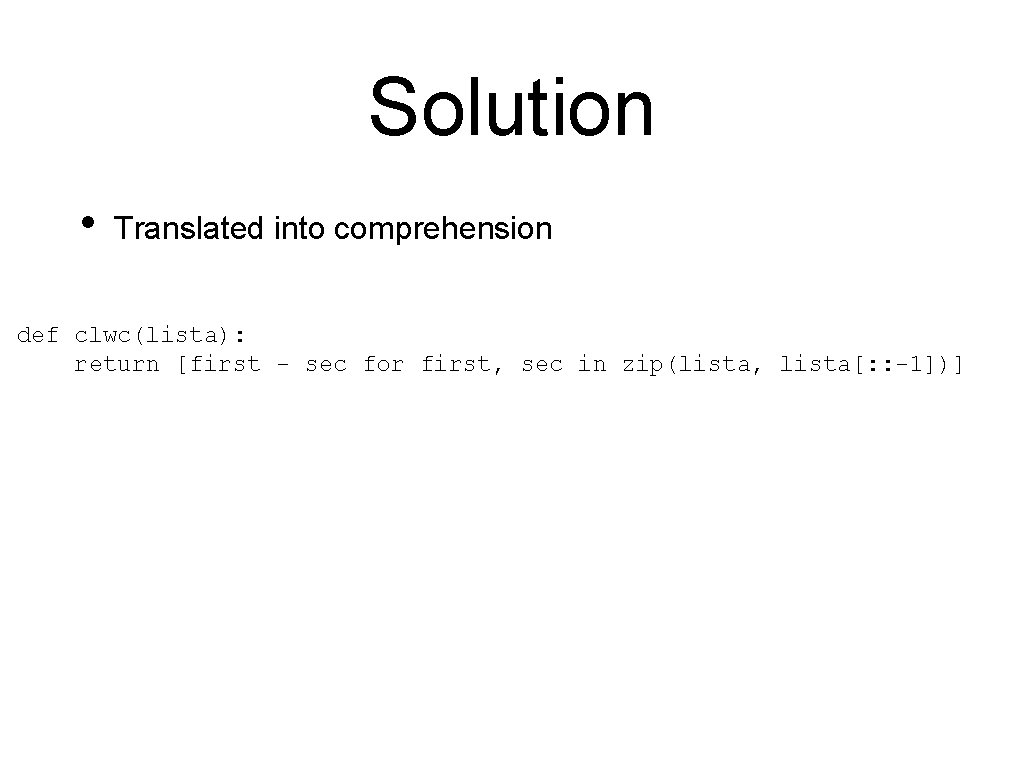
Solution • Translated into comprehension def clwc(lista): return [first - sec for first, sec in zip(lista, lista[: : -1])]
Exercise • Given a matrix, calculate its negative [ [1, 2, 4], [2, 5, 8], [3, 3, 3], [5, 4, 2] ]
Solution • A double loop def neg 1(matrix): result = [] for row in matrix: new_row = [ ] for item in row: new_row. append(-item) result. append(new_row) return result
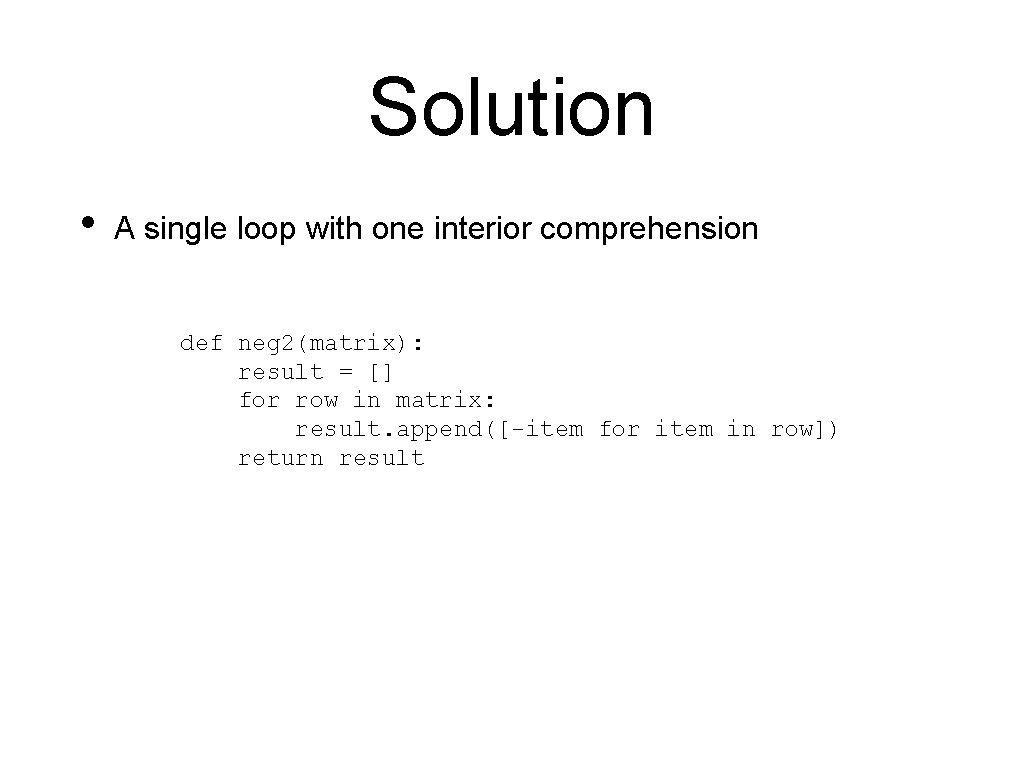
Solution • A single loop with one interior comprehension def neg 2(matrix): result = [] for row in matrix: result. append([-item for item in row]) return result
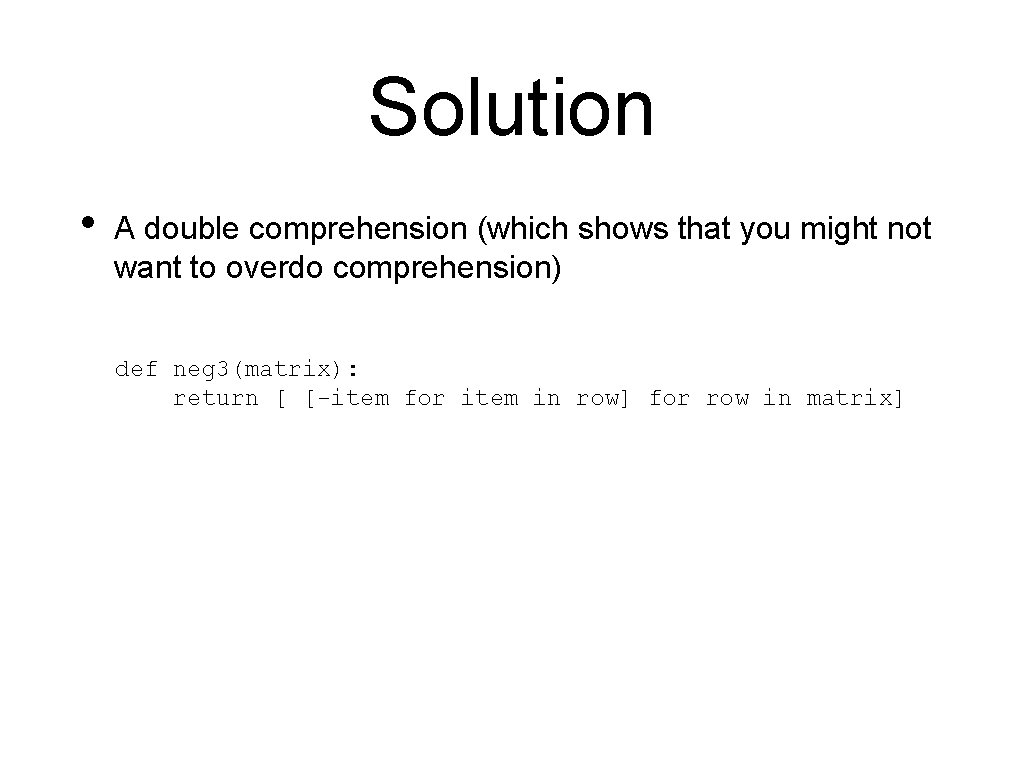
Solution • A double comprehension (which shows that you might not want to overdo comprehension) def neg 3(matrix): return [ [-item for item in row] for row in matrix]
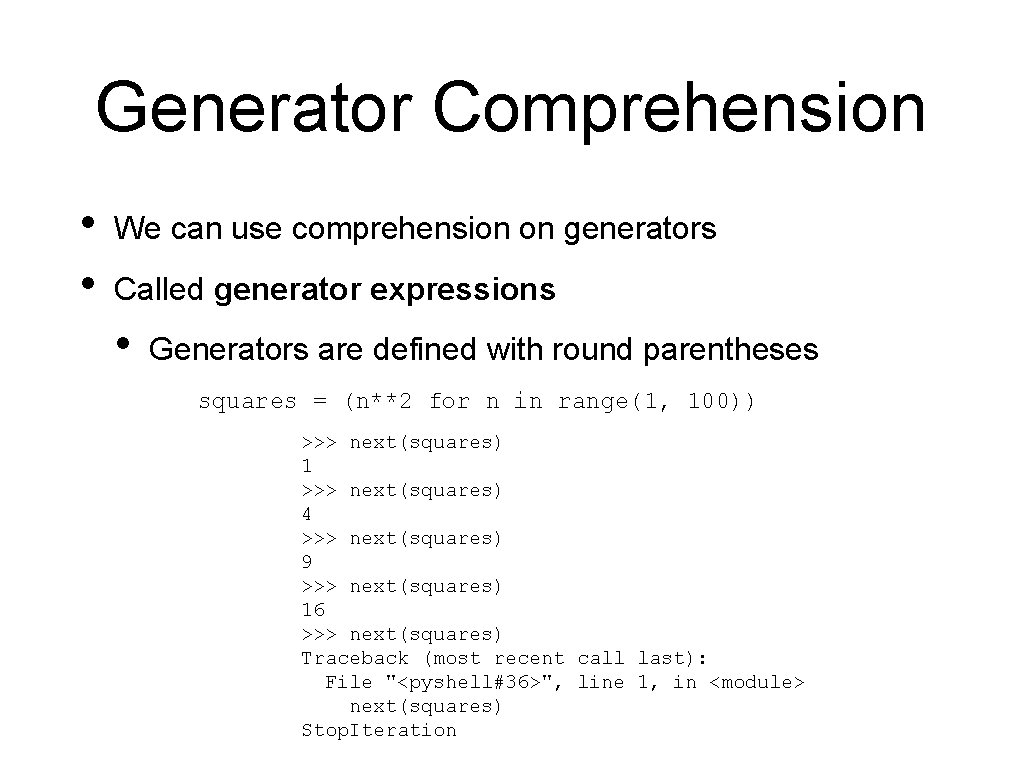
Generator Comprehension • • We can use comprehension on generators Called generator expressions • Generators are defined with round parentheses squares = (n**2 for n in range(1, 100)) >>> next(squares) 1 >>> next(squares) 4 >>> next(squares) 9 >>> next(squares) 16 >>> next(squares) Traceback (most recent call last): File "<pyshell#36>", line 1, in <module> next(squares) Stop. Iteration
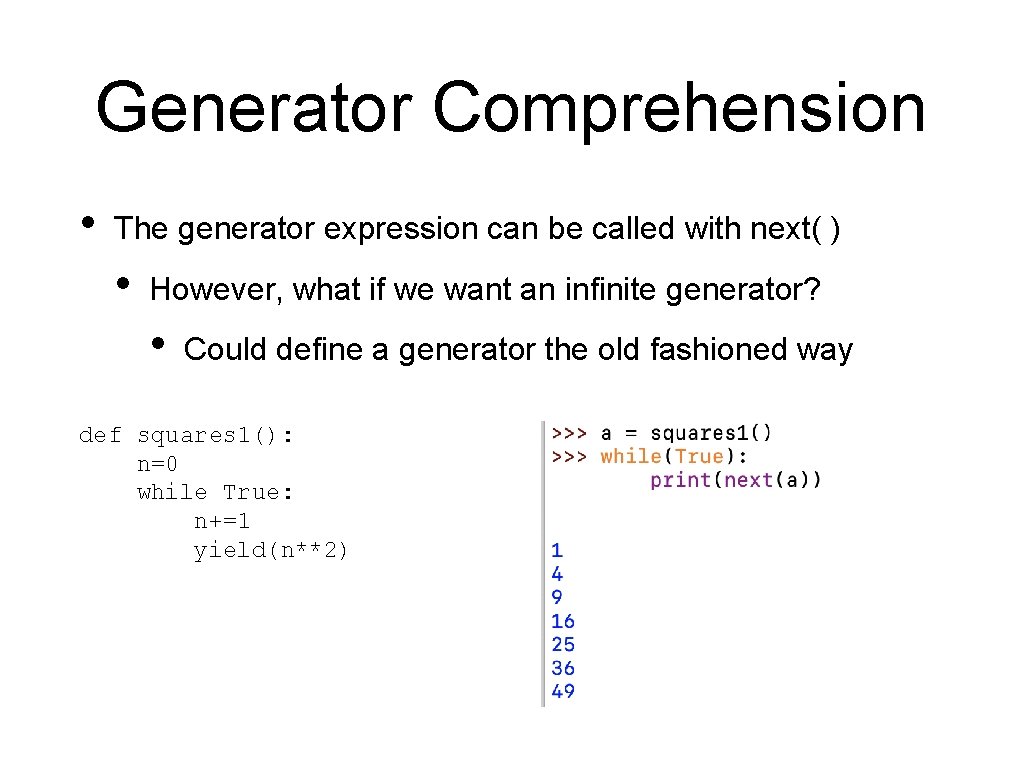
Generator Comprehension • The generator expression can be called with next( ) • However, what if we want an infinite generator? • Could define a generator the old fashioned way def squares 1(): n=0 while True: n+=1 yield(n**2)
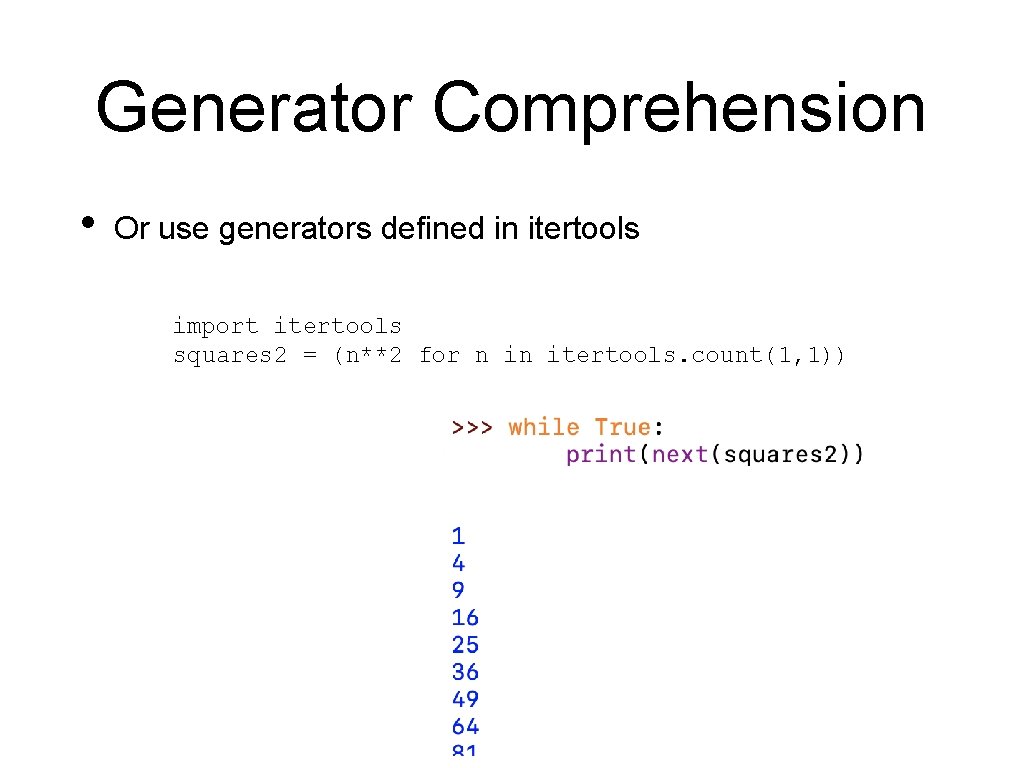
Generator Comprehension • Or use generators defined in itertools import itertools squares 2 = (n**2 for n in itertools. count(1, 1))
Generator Comprehension • WHY? • Assume you want to process a huge set of data • You need to create intermediate results • If you use lists, they eat up memory • If you use generators, they don't
And now for something completely different
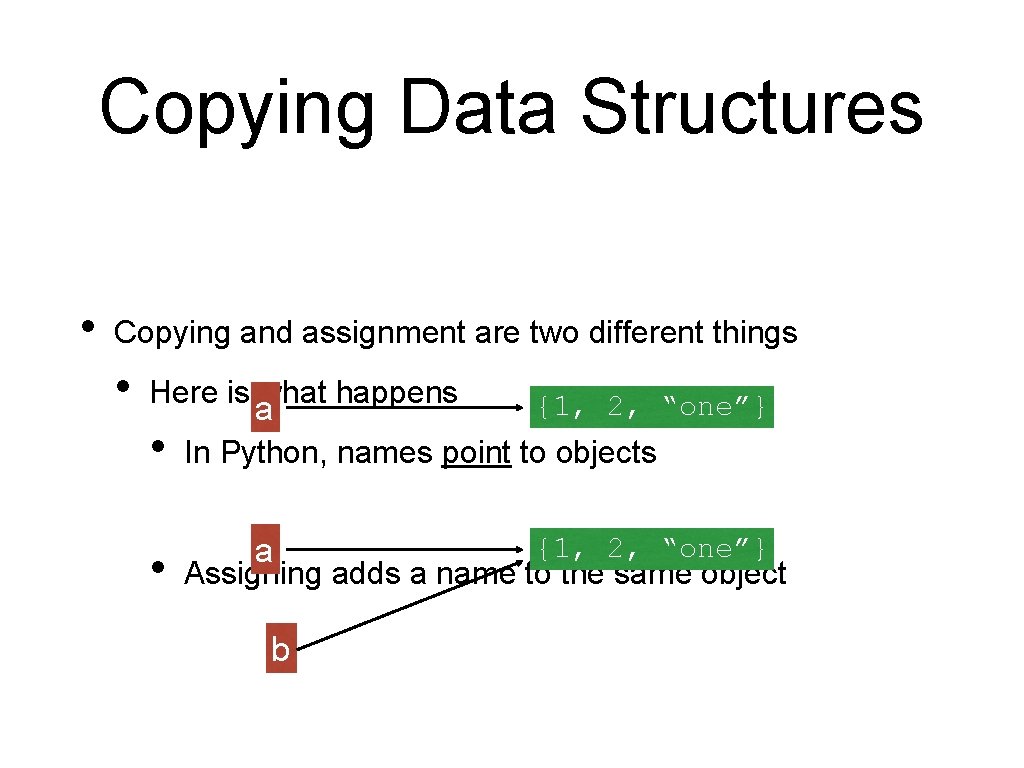
Copying Data Structures • Copying and assignment are two different things
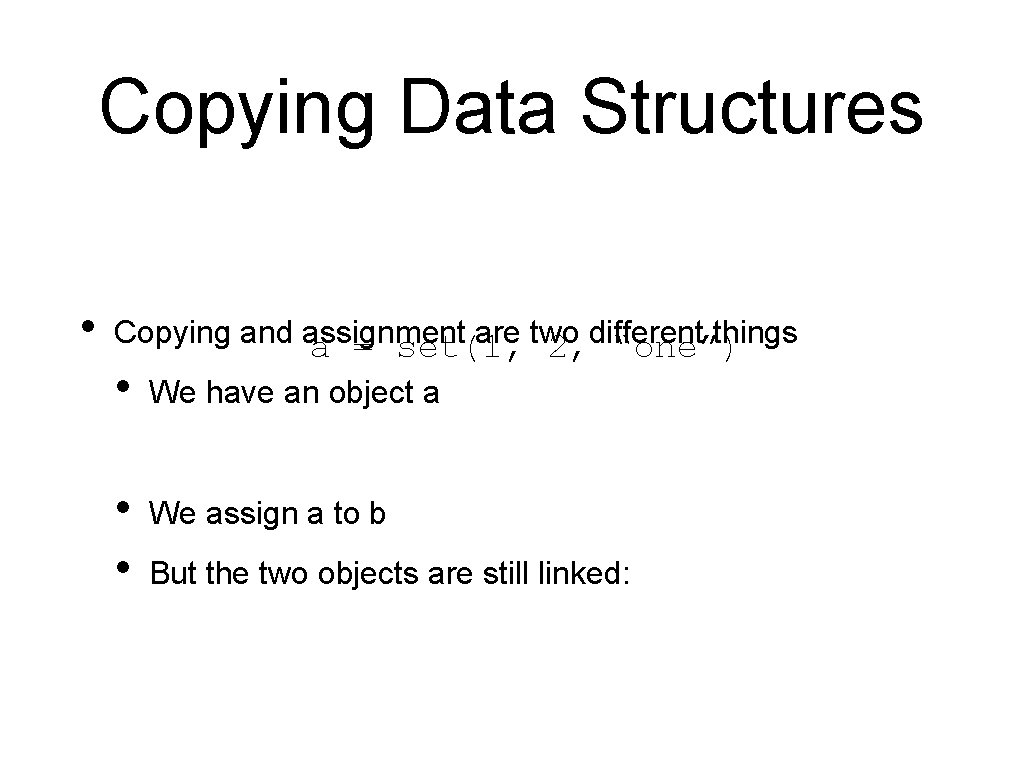
Copying Data Structures • Copying and assignment are two different things a = set(1, 2, “one”) • We have an object a • • We assign a to b But the two objects are still linked:
Copying Data Structures a = set([1, 2, "one"]) print(a) b = a print(b) • #Copying and assignment are two different things Now we change set a a. remove("one") # Which also changes set b print(b)
Copying Data Structures • Copying and assignment are two different things • Here is what happens • • a {1, 2, “one”} In Python, names point to objects a {1, 2, “one”} Assigning adds a name to the same object b
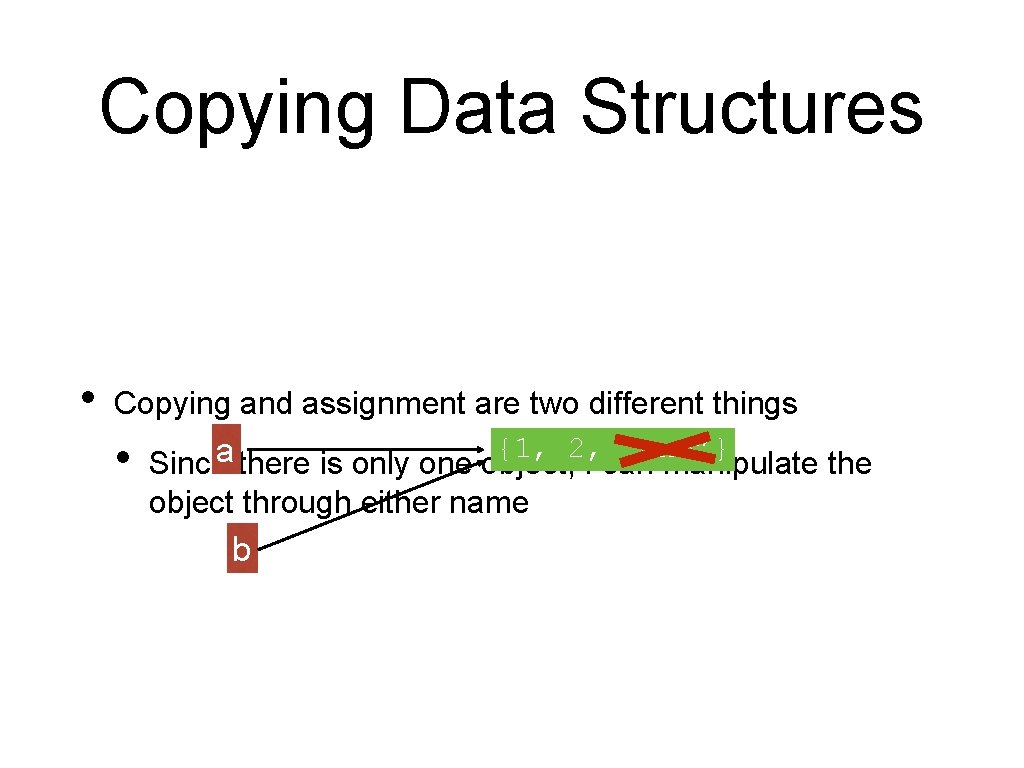
Copying Data Structures • Copying and assignment are two different things • {1, 2, “one”} a Since there is only one object, I can manipulate the object through either name b
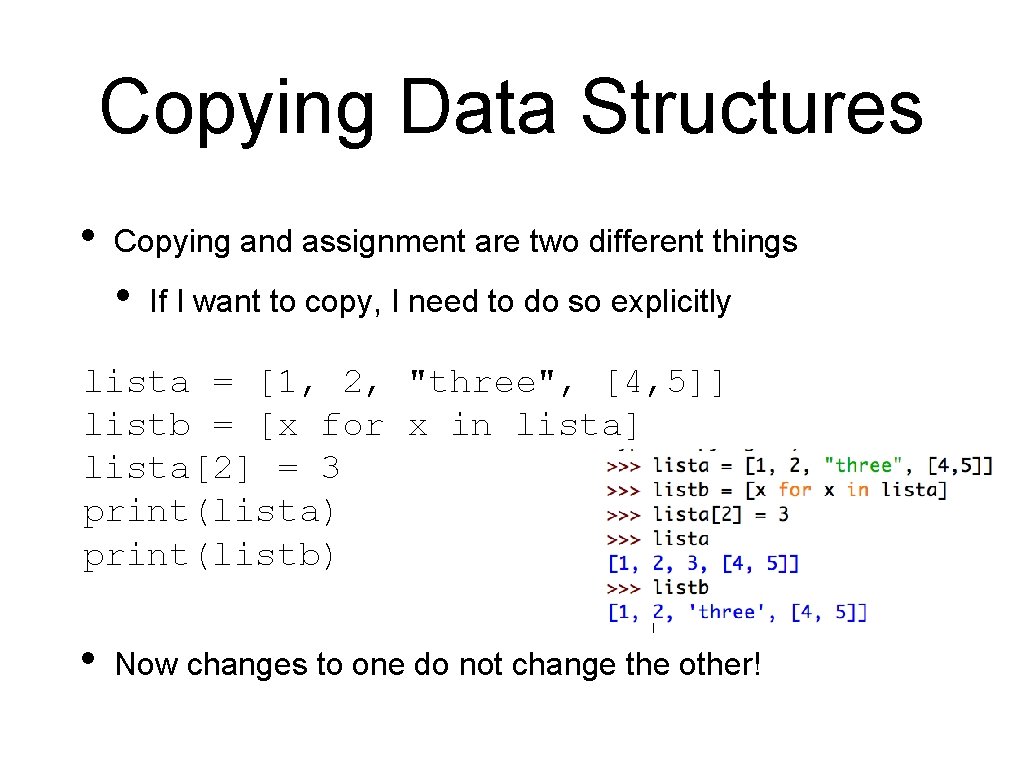
Copying Data Structures • Copying and assignment are two different things • If I want to copy, I need to do so explicitly lista = [1, 2, "three", [4, 5]] listb = [x for x in lista] lista[2] = 3 print(lista) print(listb) • Now changes to one do not change the other!
Copying Data Structures listb = lista[0: 4] • Copying and assignment are two different things • One can use slices to copy lists
Copying Data Structures • Copying becomes difficult if we have compound objects • • E. g. : A list which contains lists, sets, … Shallow copy: • Resulting copies have shared elements
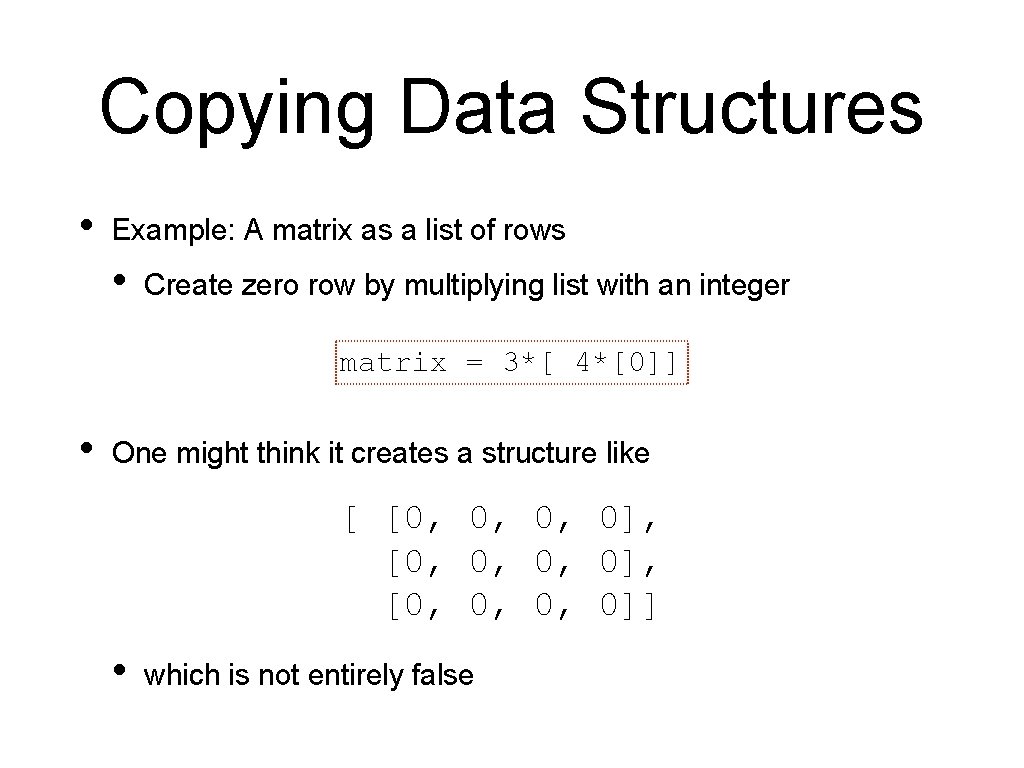
Copying Data Structures • Example: A matrix as a list of rows • Create zero row by multiplying list with an integer matrix = 3*[ 4*[0]] • One might think it creates a structure like [ [0, 0, 0, 0], [0, 0, 0, 0]] • which is not entirely false
Copying Data Structures • matrix = 3*[ 4*[0]] We can get the elements as we should print(matrix[3][2]) • matrix = 3*[ 4*[0]] And we can set elements • But now we see that we got three times the same row matrix[3][2] = 5
Copying Data Structures matrix = 3*[ 4*[0] ] print(matrix) matrix[2][3] = 5 print(matrix) RESTART: /Users/tjschwarzsj/Google Drive/AATeaching/Python/Programs/copying. py [[0, 0, 0, 0], [0, 0, 0, 0]] [[0, 0, 0, 5], [0, 0, 0, 5]]
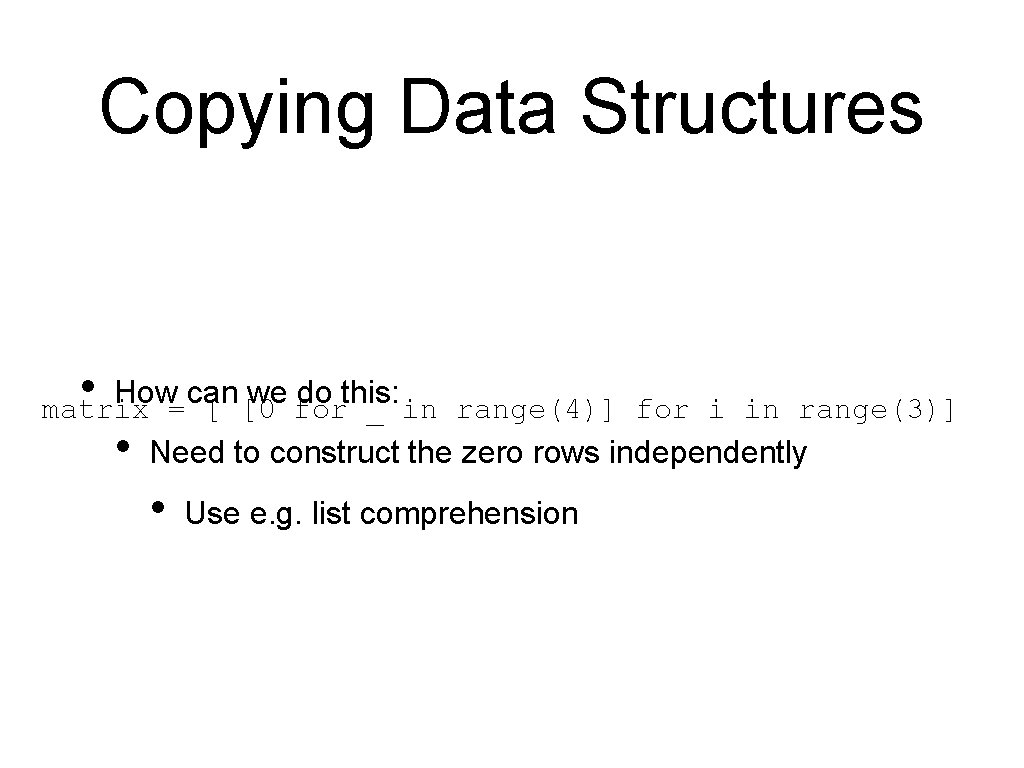
Copying Data Structures • How can we do this: matrix = [ [0 for _ in range(4)] for i in range(3)] • Need to construct the zero rows independently • Use e. g. list comprehension
Copying Data Structures • lista = [1, 2, [3, 4, 5]] Shallow copy: Assume we have • lista = [1, 2, [3, 4, 5]] We create a shallow copy by • But here is what is happening listb = lista[: ]
lista listb [1, 2, ? ] {1, 2, “one”} lista = [1, 2, [3, 4, 5]] listb = lista[: ] The two lists still share a component in one list and change it
Copying Data Structures lista • [1, 2, ? ] We have two copies of the list, but the third element are two different same? object listbnames for the [1, 2, ] {1, 2, “one”} lista = [1, 2, [3, 4, 5]] listb = lista[: ]
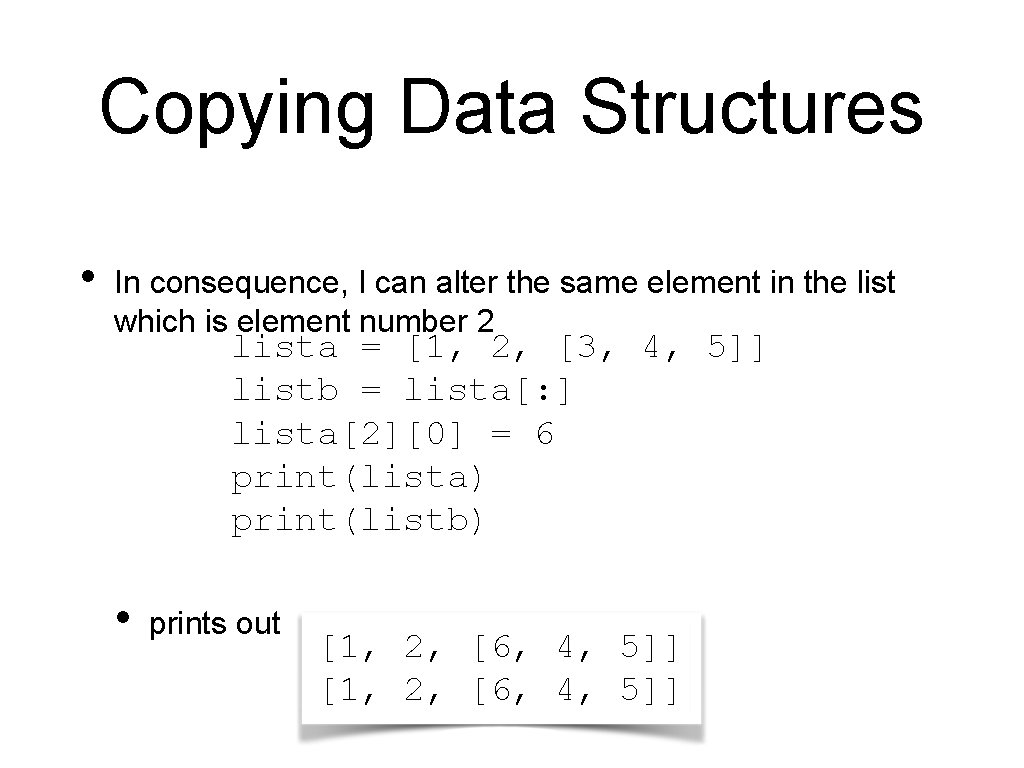
Copying Data Structures • In consequence, I can alter the same element in the list which is element number 2 lista = [1, 2, [3, 4, 5]] listb = lista[: ] lista[2][0] = 6 print(lista) print(listb) • prints out [1, 2, [6, 4, 5]]
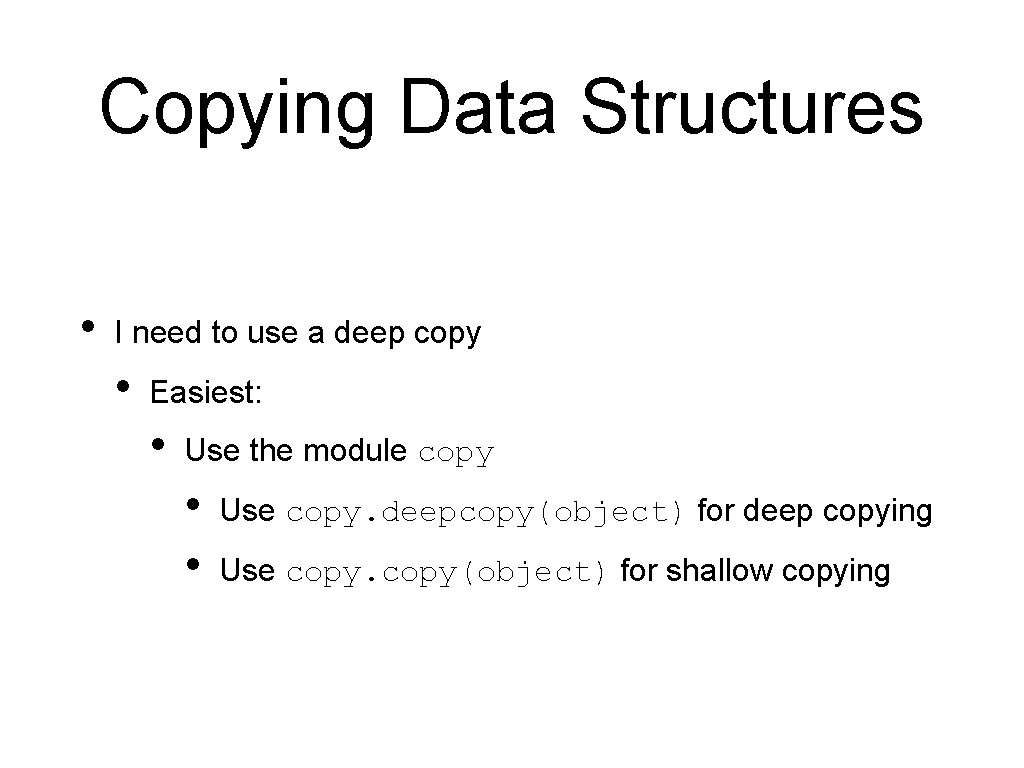
Copying Data Structures • I need to use a deep copy • Easiest: • Use the module copy • • Use copy. deepcopy(object) for deep copying Use copy(object) for shallow copying
Copying Data Structures • This is a famous Python gotcha • Behavior is not intuitive.