
Compound Files Structured Storage Persistence and Monikers Jim




- Slides: 17
Compound Files Structured Storage, Persistence, and Monikers Jim Fawcett CSE 775 – Distributed Objects Spring 2006 COM components + persistent storage = objects
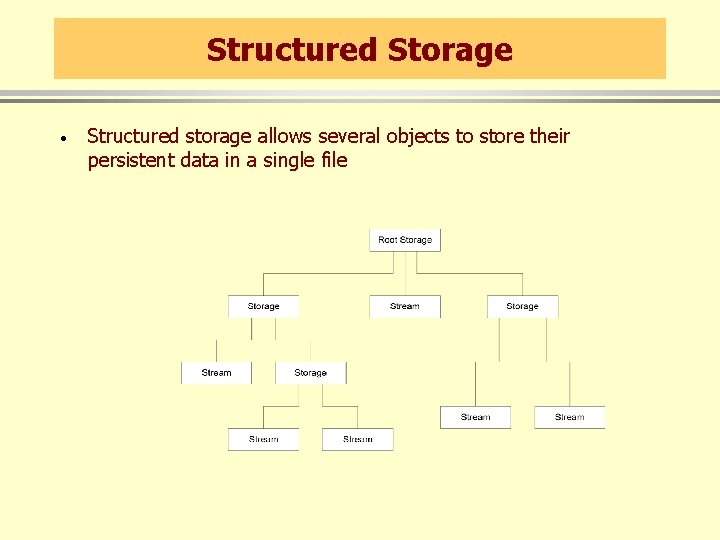
Compound Files · A compound file is a file capable of containing, as separate unique identities, the states of more than one object. · Compound files contain storages and streams: – A storage is analogous to a directory. It is a container for other storages and streams. – A stream is analogous to a file. It consists of a stream of bytes. No further division or structure is present in a stream. · Each compound file has a root storage, below which other storages and streams exist.
Structured Storage · Structured storage allows several objects to store their persistent data in a single file
Ownership · Each software component that shares a compound file can be assigned its own stream to store its persistent data. · If a component needs to store complex data it can be assigned a storage, allowing it to create its own substorages and streams as appropriate for its own activities. · You assign a stream or storage to an object by associating it with the object’s CLSID.
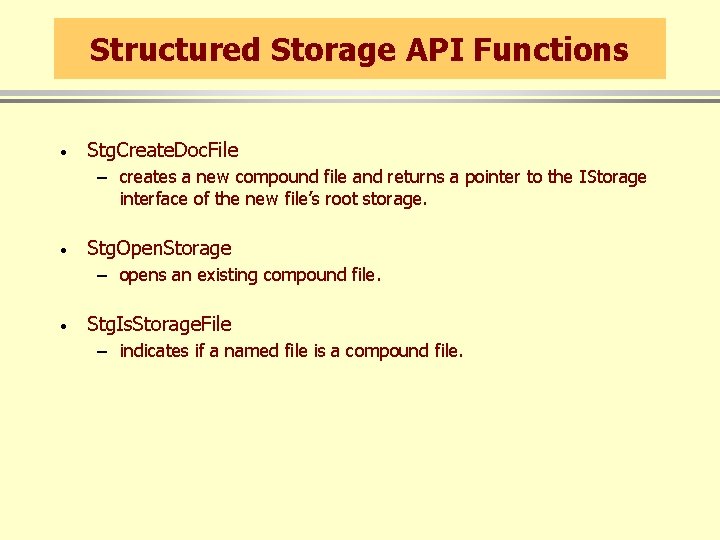
Structured Storage API Functions · Stg. Create. Doc. File – creates a new compound file and returns a pointer to the IStorage interface of the new file’s root storage. · Stg. Open. Storage – opens an existing compound file. · Stg. Is. Storage. File – indicates if a named file is a compound file.
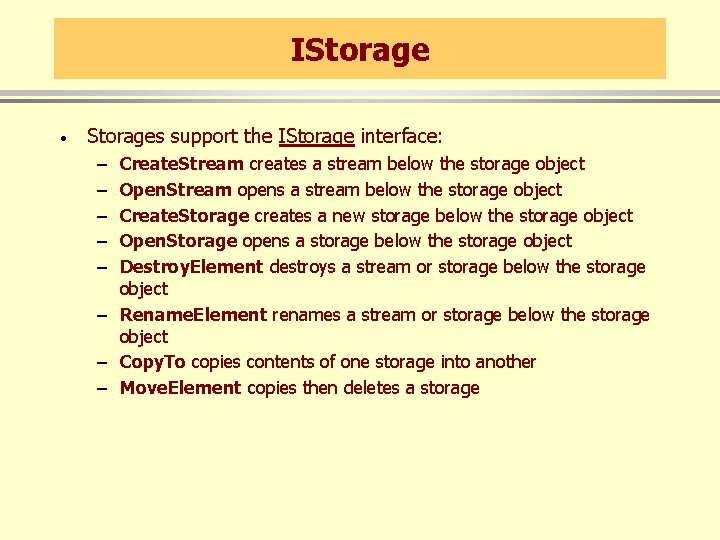
IStorage · Storages support the IStorage interface: – – – Create. Stream creates a stream below the storage object Open. Stream opens a stream below the storage object Create. Storage creates a new storage below the storage object Open. Storage opens a storage below the storage object Destroy. Element destroys a stream or storage below the storage object – Rename. Element renames a stream or storage below the storage object – Copy. To copies contents of one storage into another – Move. Element copies then deletes a storage
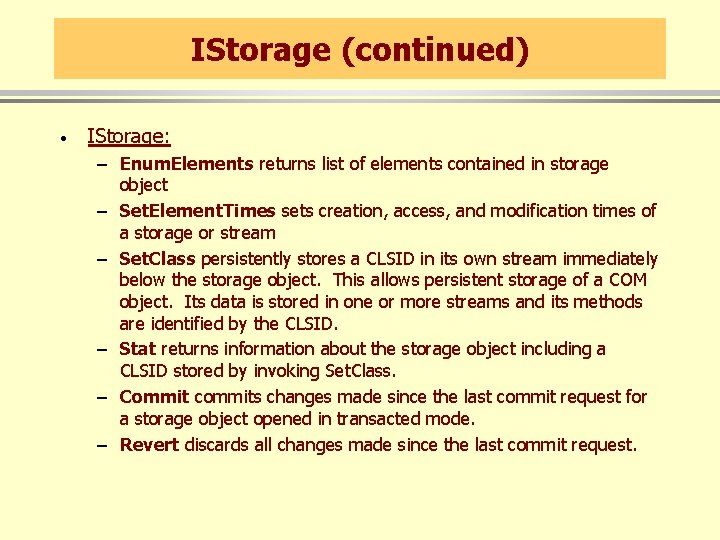
IStorage (continued) · IStorage: – Enum. Elements returns list of elements contained in storage object – Set. Element. Times sets creation, access, and modification times of a storage or stream – Set. Class persistently stores a CLSID in its own stream immediately below the storage object. This allows persistent storage of a COM object. Its data is stored in one or more streams and its methods are identified by the CLSID. – Stat returns information about the storage object including a CLSID stored by invoking Set. Class. – Commit commits changes made since the last commit request for a storage object opened in transacted mode. – Revert discards all changes made since the last commit request.
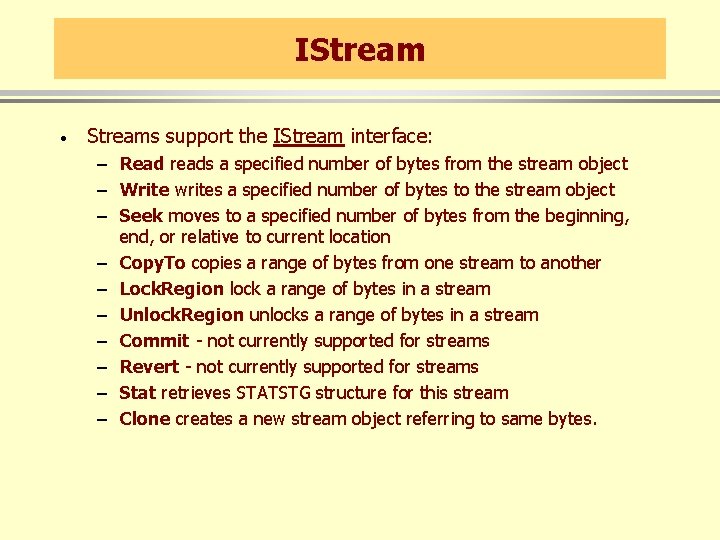
IStream · Streams support the IStream interface: – Read reads a specified number of bytes from the stream object – Write writes a specified number of bytes to the stream object – Seek moves to a specified number of bytes from the beginning, end, or relative to current location – Copy. To copies a range of bytes from one stream to another – Lock. Region lock a range of bytes in a stream – Unlock. Region unlocks a range of bytes in a stream – Commit - not currently supported for streams – Revert - not currently supported for streams – Stat retrieves STATSTG structure for this stream – Clone creates a new stream object referring to same bytes.
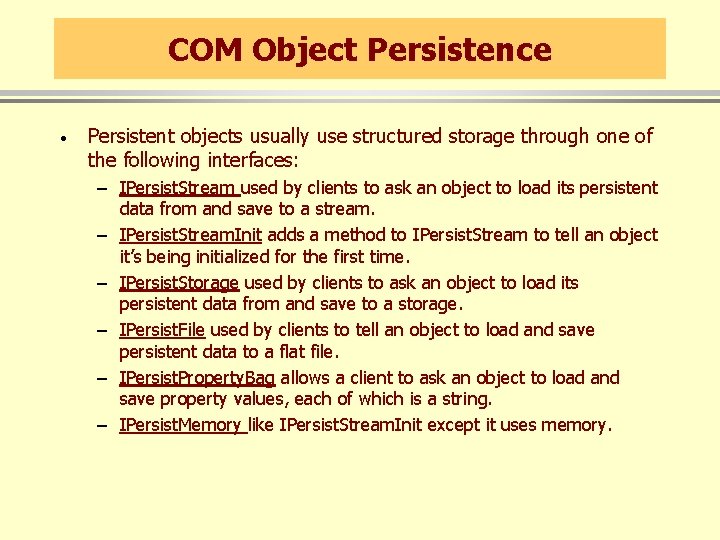
COM Object Persistence · Persistent objects usually use structured storage through one of the following interfaces: – IPersist. Stream used by clients to ask an object to load its persistent data from and save to a stream. – IPersist. Stream. Init adds a method to IPersist. Stream to tell an object it’s being initialized for the first time. – IPersist. Storage used by clients to ask an object to load its persistent data from and save to a storage. – IPersist. File used by clients to tell an object to load and save persistent data to a flat file. – IPersist. Property. Bag allows a client to ask an object to load and save property values, each of which is a string. – IPersist. Memory like IPersist. Stream. Init except it uses memory.
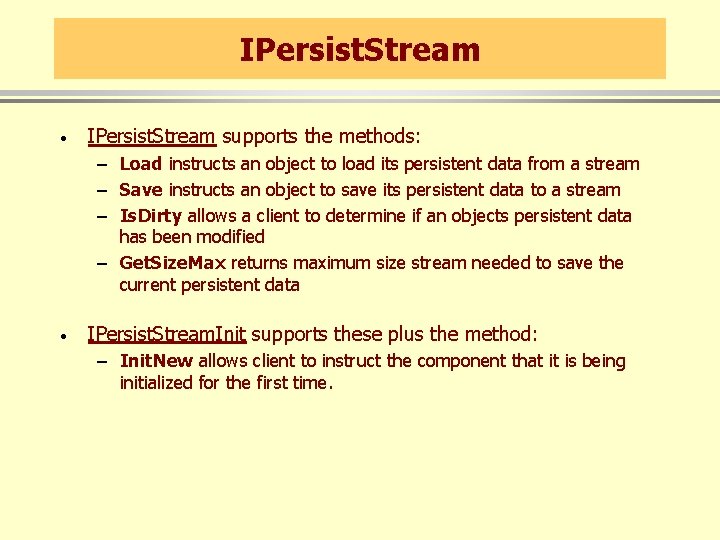
IPersist. Stream · IPersist. Stream supports the methods: – Load instructs an object to load its persistent data from a stream – Save instructs an object to save its persistent data to a stream – Is. Dirty allows a client to determine if an objects persistent data has been modified – Get. Size. Max returns maximum size stream needed to save the current persistent data · IPersist. Stream. Init supports these plus the method: – Init. New allows client to instruct the component that it is being initialized for the first time.
IPersist. Storage · The IPersist. Storage interface supports the methods: – Init. New allows a client to pass a storage object pointer for subsequent use. – Load instructs the object to retrieve its persistent data – Save instructs the object to save its persistent data. After save the object cannot again write to the storage until it receives a Save. Completed message. – Save. Completed indicates that the object can again write to its storage. – Hands. Off. Storage causes object to release any pointers to streams or substorages it has opened below its storage, allowing the client to safely copy the storage. The client calls Save. Completed to allow the object to write to storage again.
Persistence and Monikers · Monikers are COM objects supporting the IMoniker interface which derives from the IPersist. Stream interface. · A moniker is a name for a specific object instance, e. g. , a particular combination of a CLSID and persistent data. · Each moniker identifies only one object instance. · Clients can use monikers to create a COM object and initialize it in one operation: – IPersist. Moniker lets a client ask an object to load and retrieve its persistent data using a moniker. This allows the client to surrender control to the object regarding how it retrieves and stores its persistent data.
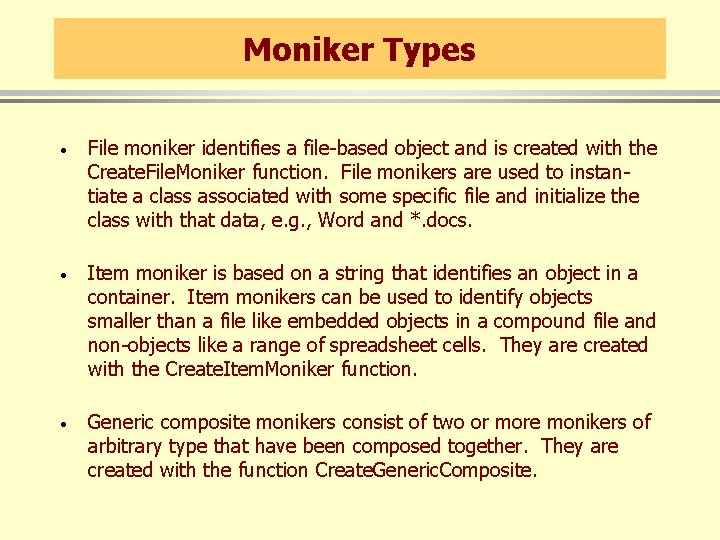
Moniker Types · File moniker identifies a file-based object and is created with the Create. File. Moniker function. File monikers are used to instantiate a class associated with some specific file and initialize the class with that data, e. g. , Word and *. docs. · Item moniker is based on a string that identifies an object in a container. Item monikers can be used to identify objects smaller than a file like embedded objects in a compound file and non-objects like a range of spreadsheet cells. They are created with the Create. Item. Moniker function. · Generic composite monikers consist of two or more monikers of arbitrary type that have been composed together. They are created with the function Create. Generic. Composite.
Moniker Types (continued) · Anti-monikers are used to construct relative monikers, analogous to a relative path. They specify a location of an object relative to the location of another object. They are created with the function Create. Anti. Moniker. · Pointer monikers are non-persistent and wrap a pointer to an object loaded in memory. Pointer monikers identify objects that cannot be saved to persistent memory. Pointer monikers are created with Create. Pointer. Moniker.
Moniker Types (continued) · Class Monikers act as wrappers for the CLSID of a COM class. – One common use is to call Mk. Parse. Display. Name with the string form of a CLSID, e. g. , clsid: xxxx-xxxx-xxxxxxxxx and a binding context, getting back a class moniker. – The object can then be activated by calling Bind. To. Object like this: p. Moniker->Bind. To. Object( p. Class. Bind. Ctx, NULL, IID_IUnknown, (void**)&p. Unknown ); · URL Monikers manage Uniform Resource Locators
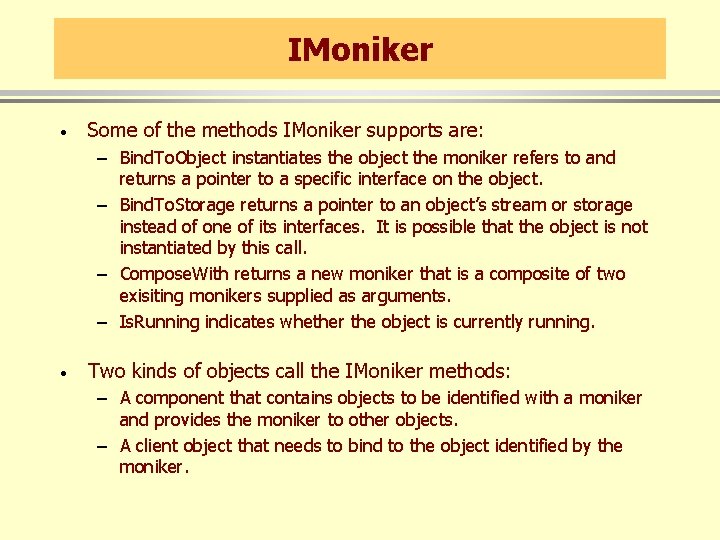
IMoniker · Some of the methods IMoniker supports are: – Bind. To. Object instantiates the object the moniker refers to and returns a pointer to a specific interface on the object. – Bind. To. Storage returns a pointer to an object’s stream or storage instead of one of its interfaces. It is possible that the object is not instantiated by this call. – Compose. With returns a new moniker that is a composite of two exisiting monikers supplied as arguments. – Is. Running indicates whether the object is currently running. · Two kinds of objects call the IMoniker methods: – A component that contains objects to be identified with a moniker and provides the moniker to other objects. – A client object that needs to bind to the object identified by the moniker.
Running Object Table · When a client wants to bind to an object using a moniker it is possible that the object is already running. To allow a moniker to bind to a currently active object COM supports the Running Object Table (ROT). This object can be accessed via the IRunning. Object. Table interface which supports the methods: – Register registers a running object in the table – Revoke removes an object from the table – Get. Object indicates if an object with a particular moniker is currently running. If so, the call returns a pointer to the object. · You access it by calling the global Get. Running. Object. Table function.