
Composite Types You will learn in this section
![Some List Operations Operation name Operator Description Indexing [] Access a list element Concatenation](https://slidetodoc.com/presentation_image_h2/bf88e49670aced94d9436268e01f20d4/image-57.jpg "Some List Operations Operation name Operator Description Indexing [] Access a list element Concatenation")
![Examples: Concatenation And Repetition list 1 = [1, 2. 0, "foo"] list 2 =](https://slidetodoc.com/presentation_image_h2/bf88e49670aced94d9436268e01f20d4/image-58.jpg "Examples: Concatenation And Repetition list 1 = [1, 2. 0, \"foo\"] list 2 =")
![Examples: Membership print "Example 1: " recall_list = ["vpn 123", "ncc 1946", "gst 7"]](https://slidetodoc.com/presentation_image_h2/bf88e49670aced94d9436268e01f20d4/image-59.jpg "Examples: Membership print \"Example 1: \" recall_list = [\"vpn 123\", \"ncc 1946\", \"gst 7\"]")
![Creating A Large Dictionary • Format: - dictionary_name = {} - dictionary_name [key 1]](https://slidetodoc.com/presentation_image_h2/bf88e49670aced94d9436268e01f20d4/image-68.jpg "Creating A Large Dictionary • Format: - dictionary_name = {} - dictionary_name [key 1]")
![Examples Of Creating Dictionaries dict = {} dict ["word 1"] = ["Dictionary definition for](https://slidetodoc.com/presentation_image_h2/bf88e49670aced94d9436268e01f20d4/image-69.jpg "Examples Of Creating Dictionaries dict = {} dict [\"word 1\"] = [\"Dictionary definition for")
![Removing Dictionary Entries • Format: - del <dictionary_name> [key] • Example: del dict ["one"]](https://slidetodoc.com/presentation_image_h2/bf88e49670aced94d9436268e01f20d4/image-70.jpg "Removing Dictionary Entries • Format: - del <dictionary_name> [key] • Example: del dict [\"one\"]")
![Example: Deletion And Checking For Membership dict = {} dict ["one"] = "Sentence one"](https://slidetodoc.com/presentation_image_h2/bf88e49670aced94d9436268e01f20d4/image-71.jpg "Example: Deletion And Checking For Membership dict = {} dict [\"one\"] = \"Sentence one\"")
- Slides: 74
Composite Types You will learn in this section of notes how to create single and generic instances of non-homogeneous composite types that are used for different scenarios. James Tam
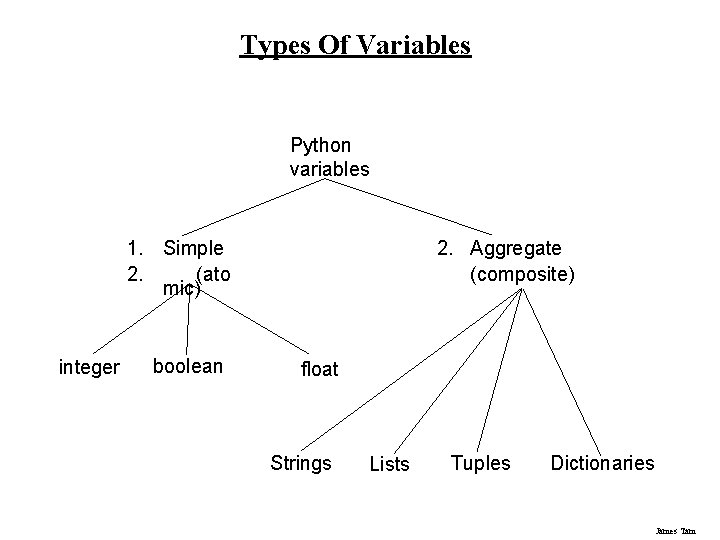
Types Of Variables Python variables 1. Simple 2. (ato mic) integer boolean 2. Aggregate (composite) float Strings Lists Tuples Dictionaries James Tam
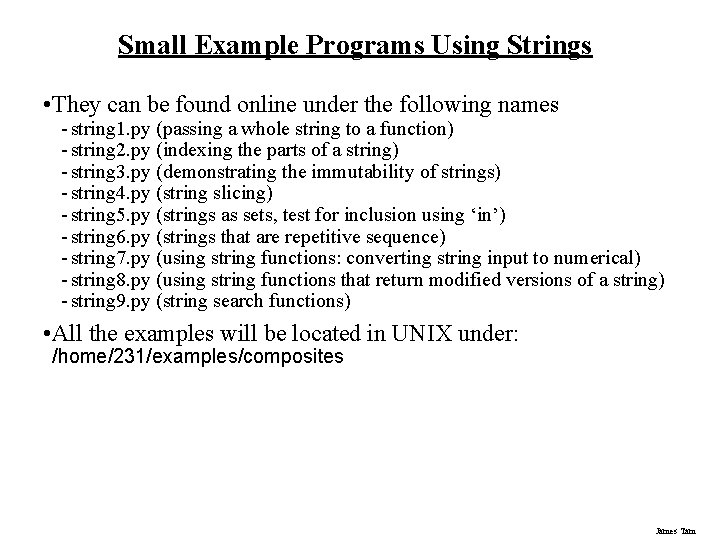
Small Example Programs Using Strings • They can be found online under the following names - string 1. py (passing a whole string to a function) - string 2. py (indexing the parts of a string) - string 3. py (demonstrating the immutability of strings) - string 4. py (string slicing) - string 5. py (strings as sets, test for inclusion using ‘in’) - string 6. py (strings that are repetitive sequence) - string 7. py (using string functions: converting string input to numerical) - string 8. py (using string functions that return modified versions of a string) - string 9. py (string search functions) • All the examples will be located in UNIX under: /home/231/examples/composites James Tam
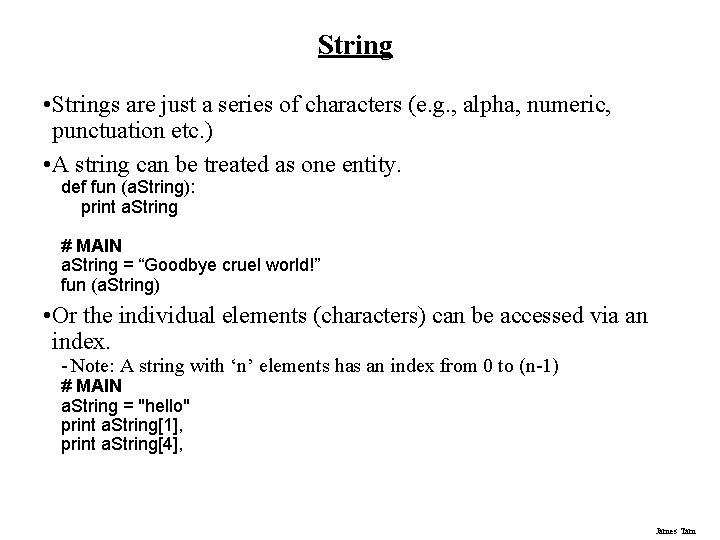
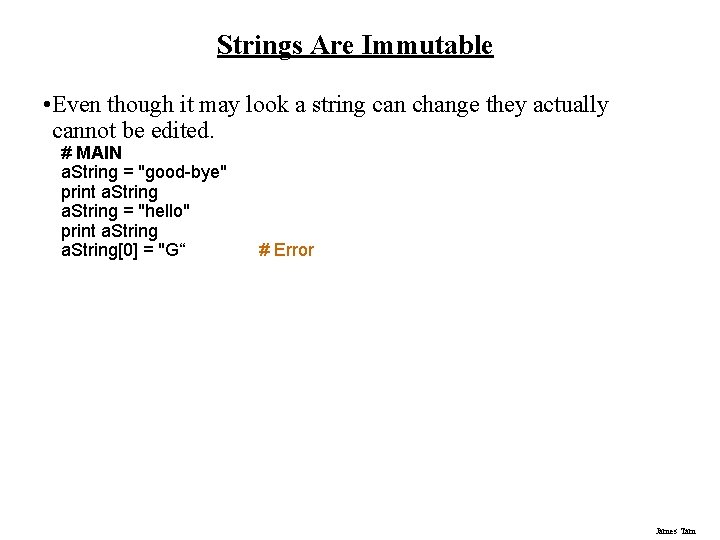
String • Strings are just a series of characters (e. g. , alpha, numeric, punctuation etc. ) • A string can be treated as one entity. def fun (a. String): print a. String # MAIN a. String = “Goodbye cruel world!” fun (a. String) • Or the individual elements (characters) can be accessed via an index. - Note: A string with ‘n’ elements has an index from 0 to (n-1) # MAIN a. String = "hello" print a. String[1], print a. String[4], James Tam
Strings Are Immutable • Even though it may look a string can change they actually cannot be edited. # MAIN a. String = "good-bye" print a. String = "hello" print a. String[0] = "G“ # Error James Tam
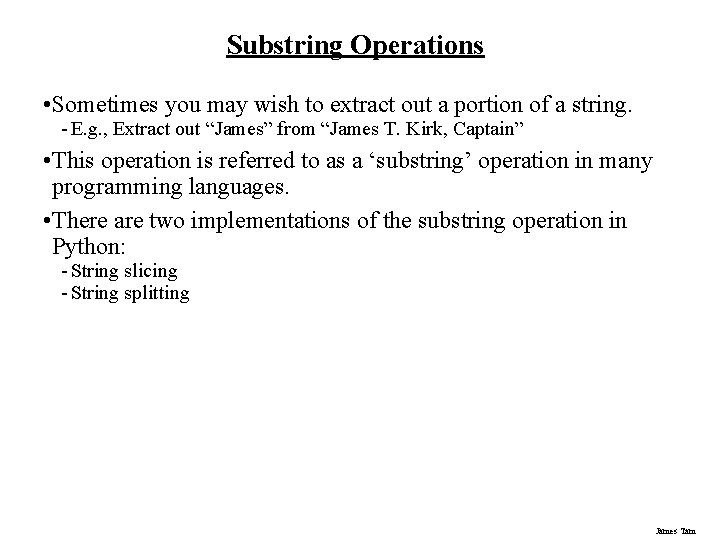
Substring Operations • Sometimes you may wish to extract out a portion of a string. - E. g. , Extract out “James” from “James T. Kirk, Captain” • This operation is referred to as a ‘substring’ operation in many programming languages. • There are two implementations of the substring operation in Python: - String slicing - String splitting James Tam
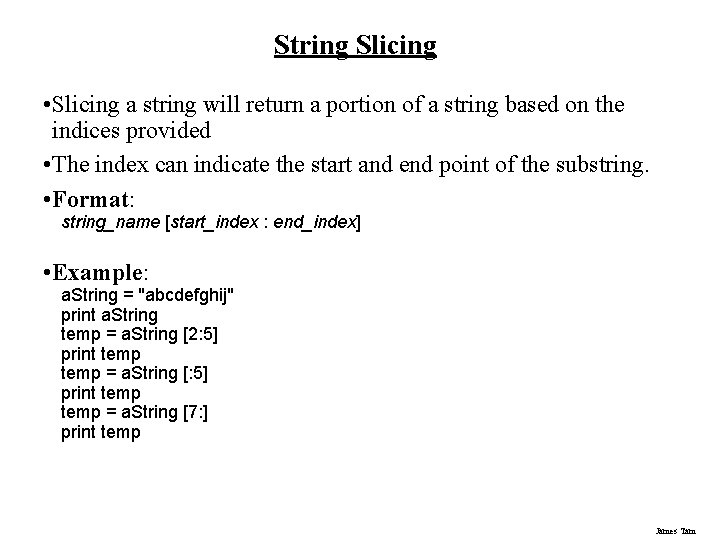
String Slicing • Slicing a string will return a portion of a string based on the indices provided • The index can indicate the start and end point of the substring. • Format: string_name [start_index : end_index] • Example: a. String = "abcdefghij" print a. String temp = a. String [2: 5] print temp = a. String [7: ] print temp James Tam
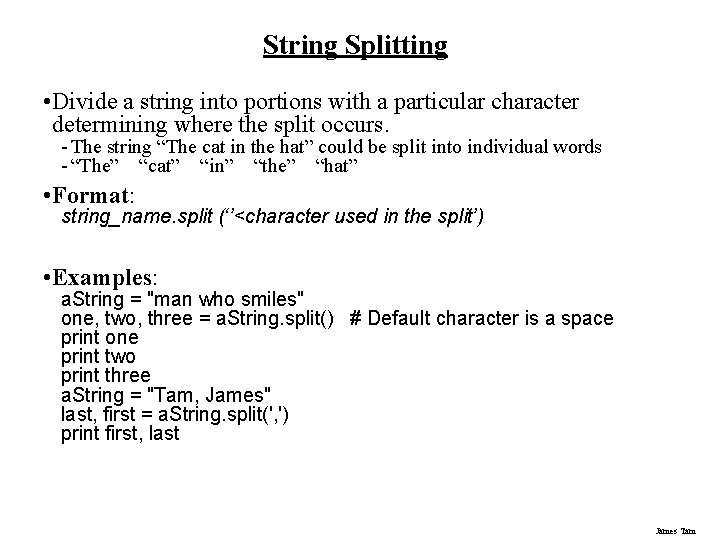
String Splitting • Divide a string into portions with a particular character determining where the split occurs. - The string “The cat in the hat” could be split into individual words - “The” “cat” “in” “the” “hat” • Format: string_name. split (‘’<character used in the split’) • Examples: a. String = "man who smiles" one, two, three = a. String. split() # Default character is a space print one print two print three a. String = "Tam, James" last, first = a. String. split(', ') print first, last James Tam
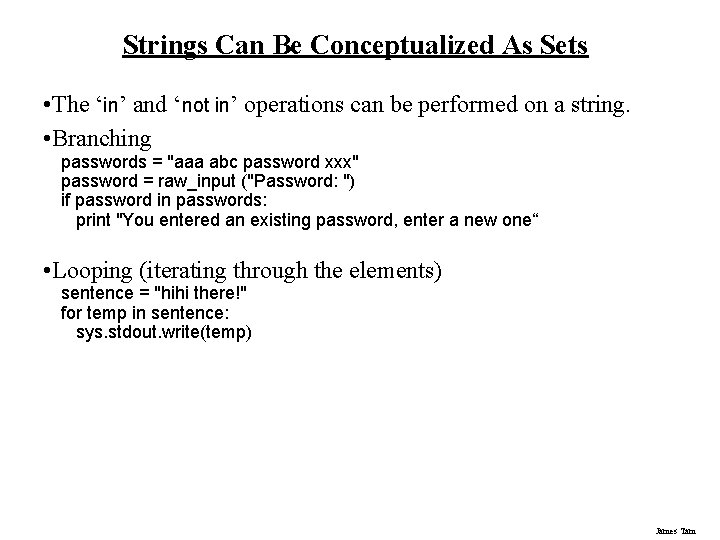
Strings Can Be Conceptualized As Sets • The ‘in’ and ‘not in’ operations can be performed on a string. • Branching passwords = "aaa abc password xxx" password = raw_input ("Password: ") if password in passwords: print "You entered an existing password, enter a new one“ • Looping (iterating through the elements) sentence = "hihi there!" for temp in sentence: sys. stdout. write(temp) James Tam
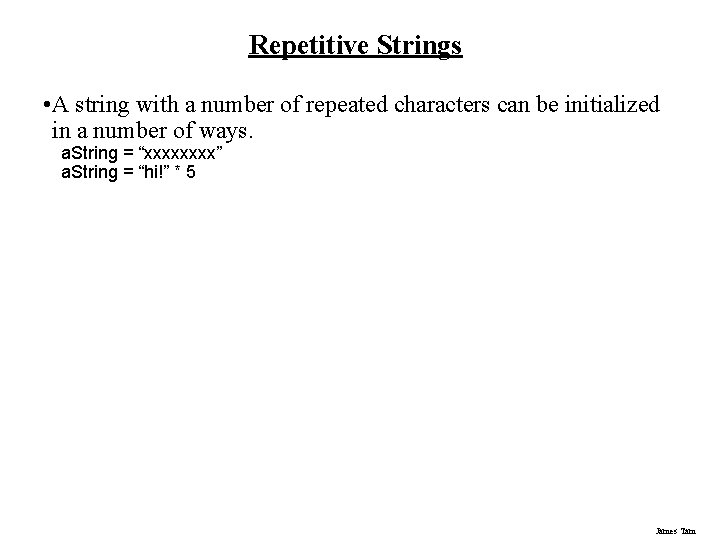
Repetitive Strings • A string with a number of repeated characters can be initialized in a number of ways. a. String = “xxxx” a. String = “hi!” * 5 James Tam
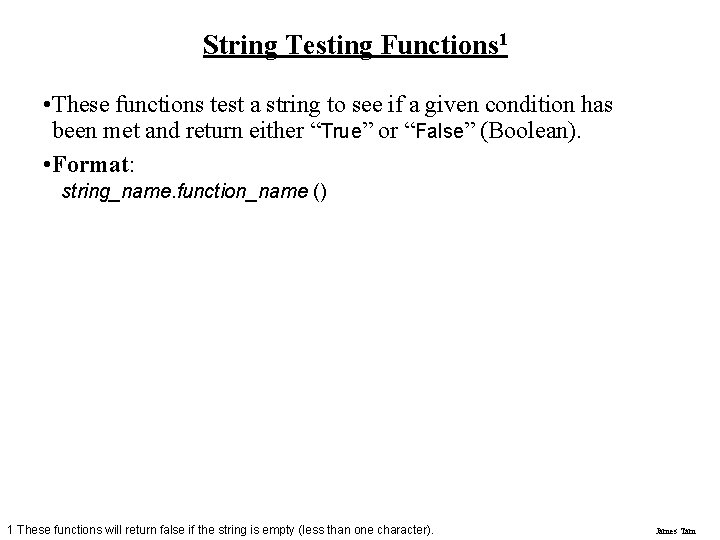
String Testing Functions 1 • These functions test a string to see if a given condition has been met and return either “True” or “False” (Boolean). • Format: string_name. function_name () 1 These functions will return false if the string is empty (less than one character). James Tam
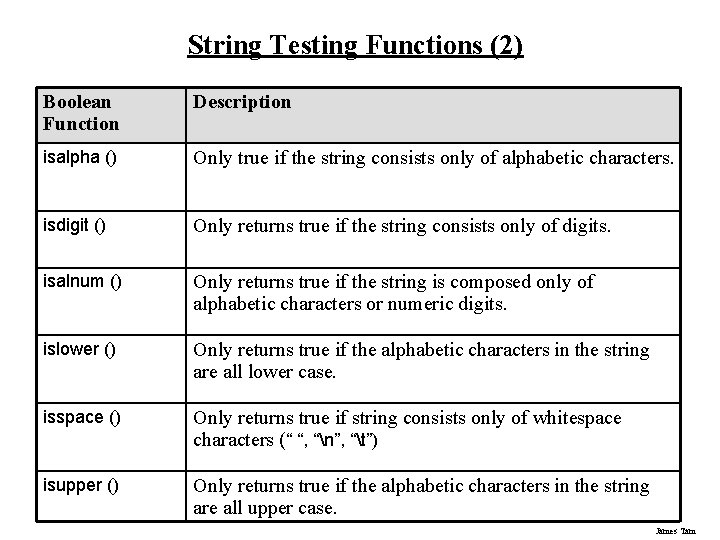
String Testing Functions (2) Boolean Function Description isalpha () Only true if the string consists only of alphabetic characters. isdigit () Only returns true if the string consists only of digits. isalnum () Only returns true if the string is composed only of alphabetic characters or numeric digits. islower () Only returns true if the alphabetic characters in the string are all lower case. isspace () Only returns true if string consists only of whitespace characters (“ “, “n”, “t”) isupper () Only returns true if the alphabetic characters in the string are all upper case. James Tam
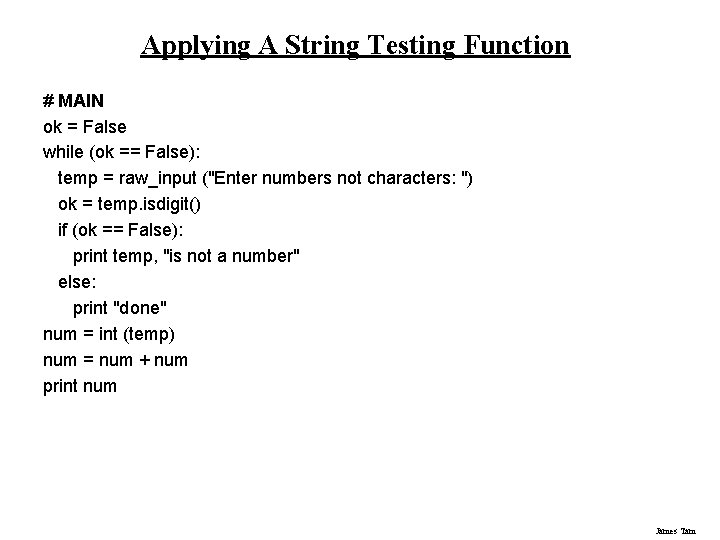
Applying A String Testing Function # MAIN ok = False while (ok == False): temp = raw_input ("Enter numbers not characters: ") ok = temp. isdigit() if (ok == False): print temp, "is not a number" else: print "done" num = int (temp) num = num + num print num James Tam
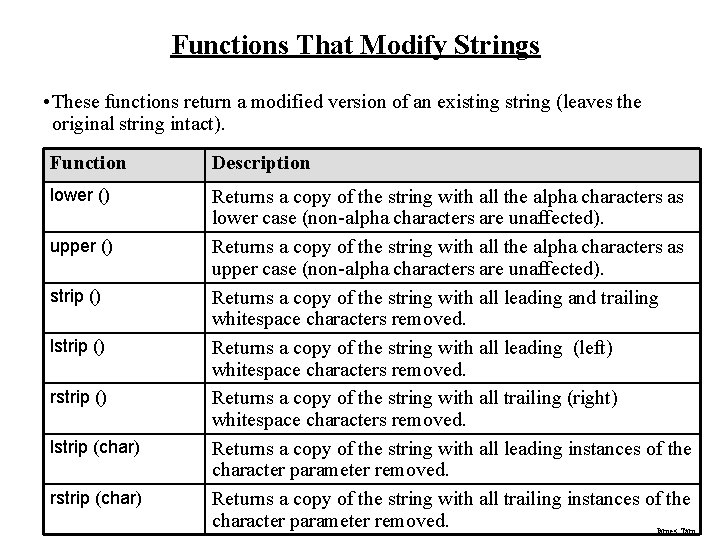
Functions That Modify Strings • These functions return a modified version of an existing string (leaves the original string intact). Function Description lower () Returns a copy of the string with all the alpha characters as lower case (non-alpha characters are unaffected). Returns a copy of the string with all the alpha characters as upper case (non-alpha characters are unaffected). Returns a copy of the string with all leading and trailing whitespace characters removed. Returns a copy of the string with all leading (left) whitespace characters removed. Returns a copy of the string with all trailing (right) whitespace characters removed. Returns a copy of the string with all leading instances of the character parameter removed. Returns a copy of the string with all trailing instances of the character parameter removed. James Tam upper () strip () lstrip () rstrip () lstrip (char) rstrip (char)
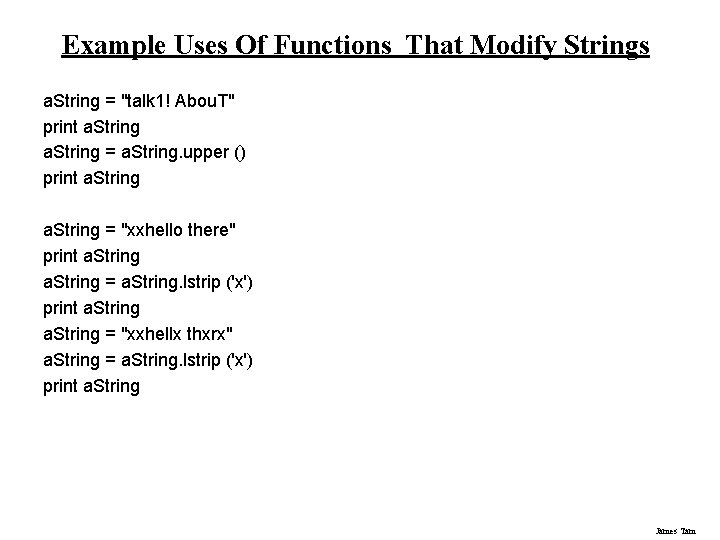
Example Uses Of Functions That Modify Strings a. String = "talk 1! Abou. T" print a. String = a. String. upper () print a. String = "xxhello there" print a. String = a. String. lstrip ('x') print a. String = "xxhellx thxrx" a. String = a. String. lstrip ('x') print a. String James Tam
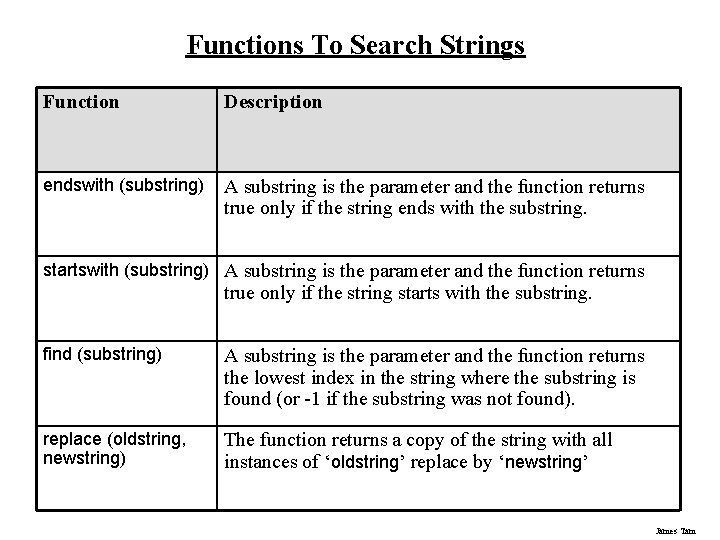
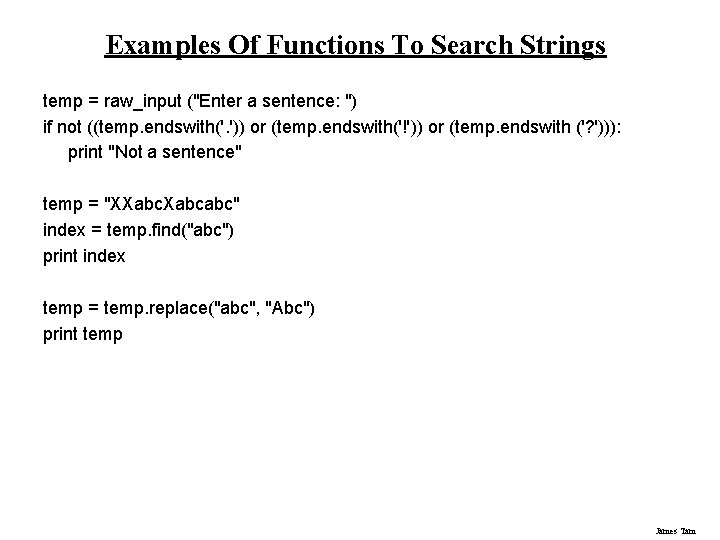
Functions To Search Strings Function Description endswith (substring) A substring is the parameter and the function returns true only if the string ends with the substring. startswith (substring) A substring is the parameter and the function returns true only if the string starts with the substring. find (substring) A substring is the parameter and the function returns the lowest index in the string where the substring is found (or -1 if the substring was not found). replace (oldstring, newstring) The function returns a copy of the string with all instances of ‘oldstring’ replace by ‘newstring’ James Tam
Examples Of Functions To Search Strings temp = raw_input ("Enter a sentence: ") if not ((temp. endswith('. ')) or (temp. endswith('!')) or (temp. endswith ('? '))): print "Not a sentence" temp = "XXabcabc" index = temp. find("abc") print index temp = temp. replace("abc", "Abc") print temp James Tam
List • In many programming languages a list is implemented as an array. • Python lists have many of the characteristics of the arrays in other programming languages but they also have many other features. • This first section will talk about the features of lists that are largely common to arrays. James Tam
Example Problem • Write a program that will track the percentage grades for a class of students. The program should allow the user to enter the grade for each student. Then it will display the grades for the whole class along with the average. James Tam
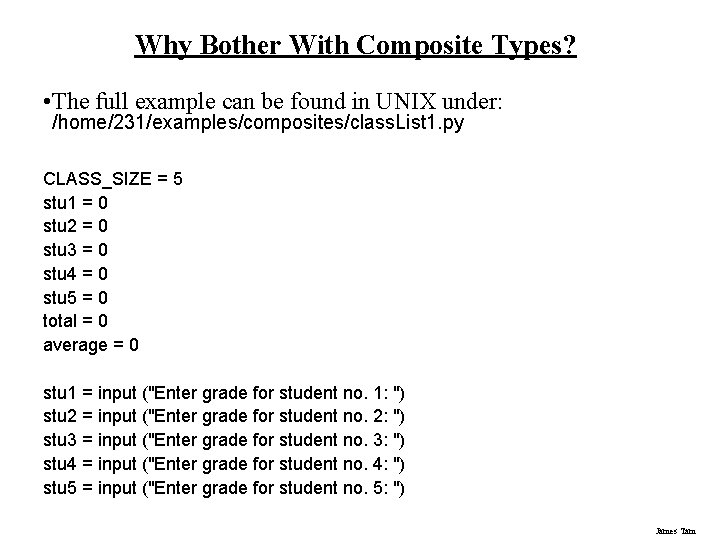
Why Bother With Composite Types? • The full example can be found in UNIX under: /home/231/examples/composites/class. List 1. py CLASS_SIZE = 5 stu 1 = 0 stu 2 = 0 stu 3 = 0 stu 4 = 0 stu 5 = 0 total = 0 average = 0 stu 1 = input ("Enter grade for student no. 1: ") stu 2 = input ("Enter grade for student no. 2: ") stu 3 = input ("Enter grade for student no. 3: ") stu 4 = input ("Enter grade for student no. 4: ") stu 5 = input ("Enter grade for student no. 5: ") James Tam
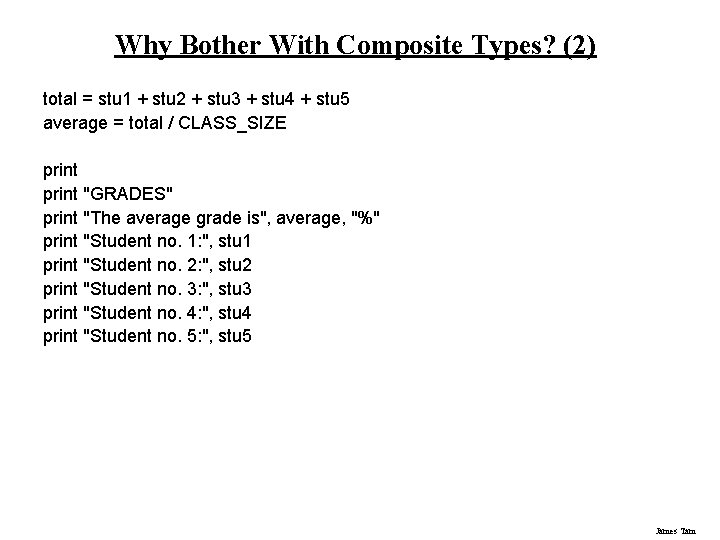
Why Bother With Composite Types? (2) total = stu 1 + stu 2 + stu 3 + stu 4 + stu 5 average = total / CLASS_SIZE print "GRADES" print "The average grade is", average, "%" print "Student no. 1: ", stu 1 print "Student no. 2: ", stu 2 print "Student no. 3: ", stu 3 print "Student no. 4: ", stu 4 print "Student no. 5: ", stu 5 James Tam
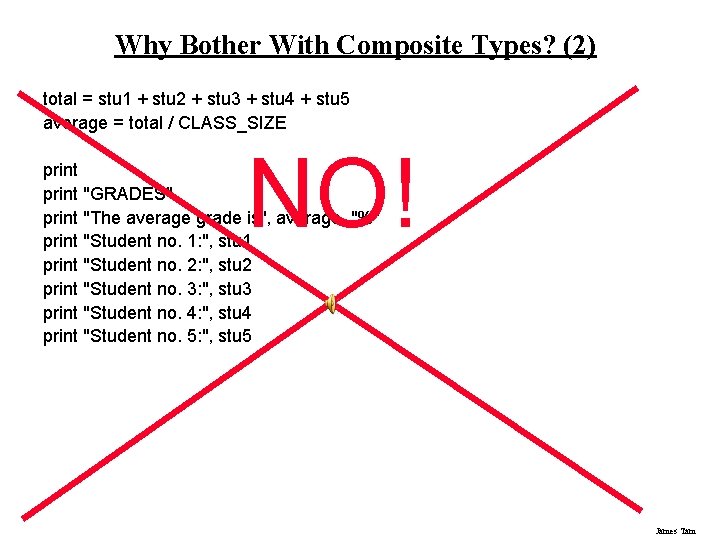
Why Bother With Composite Types? (2) total = stu 1 + stu 2 + stu 3 + stu 4 + stu 5 average = total / CLASS_SIZE NO! print "GRADES" print "The average grade is", average, "%" print "Student no. 1: ", stu 1 print "Student no. 2: ", stu 2 print "Student no. 3: ", stu 3 print "Student no. 4: ", stu 4 print "Student no. 5: ", stu 5 James Tam
What Were The Problems With The Previous Approach? • Redundant statements. • Yet a loop could not be easily employed given the types of variables that you have seen so far. James Tam
What’s Needed • A composite variable that is a collection of another type. - The composite variable can be manipulated and passed throughout the program as a single entity. - At the same time each element can be accessed individually. • What’s needed…an array / list! James Tam
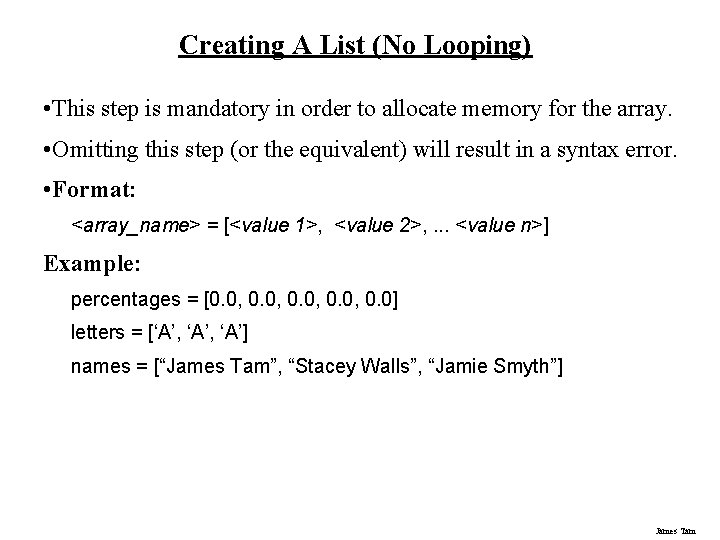
Creating A List (No Looping) • This step is mandatory in order to allocate memory for the array. • Omitting this step (or the equivalent) will result in a syntax error. • Format: <array_name> = [<value 1>, <value 2>, . . . <value n>] Example: percentages = [0. 0, 0. 0] letters = [‘A’, ‘A’] names = [“James Tam”, “Stacey Walls”, “Jamie Smyth”] James Tam
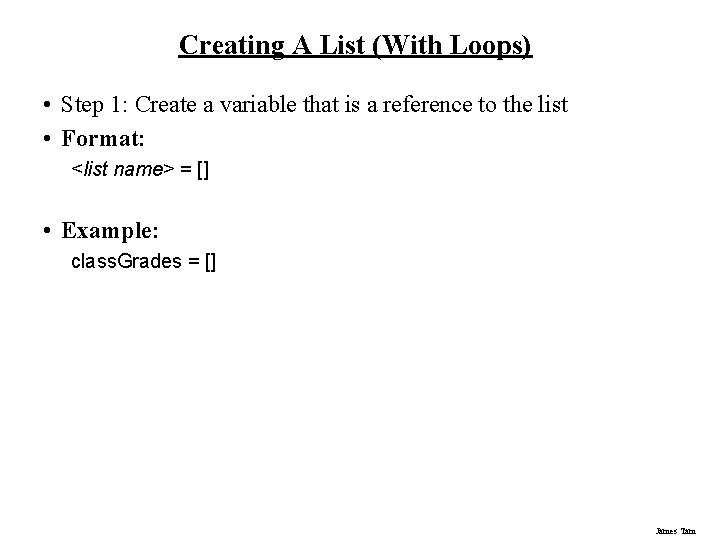
Creating A List (With Loops) • Step 1: Create a variable that is a reference to the list • Format: <list name> = [] • Example: class. Grades = [] James Tam
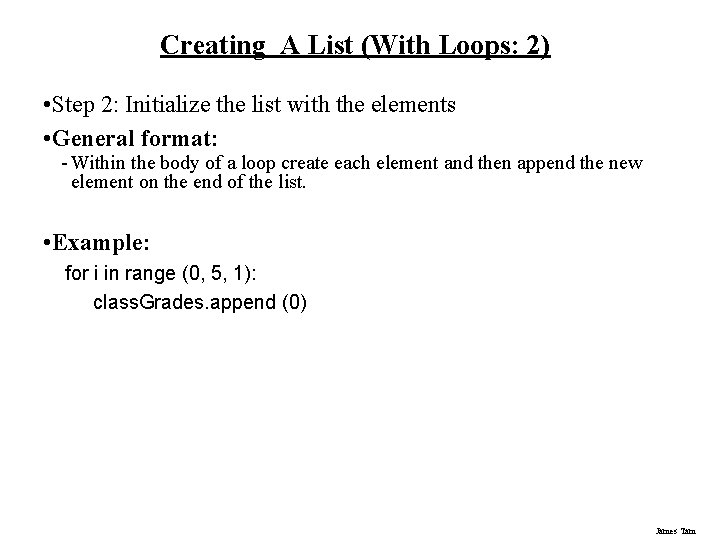
Creating A List (With Loops: 2) • Step 2: Initialize the list with the elements • General format: - Within the body of a loop create each element and then append the new element on the end of the list. • Example: for i in range (0, 5, 1): class. Grades. append (0) James Tam
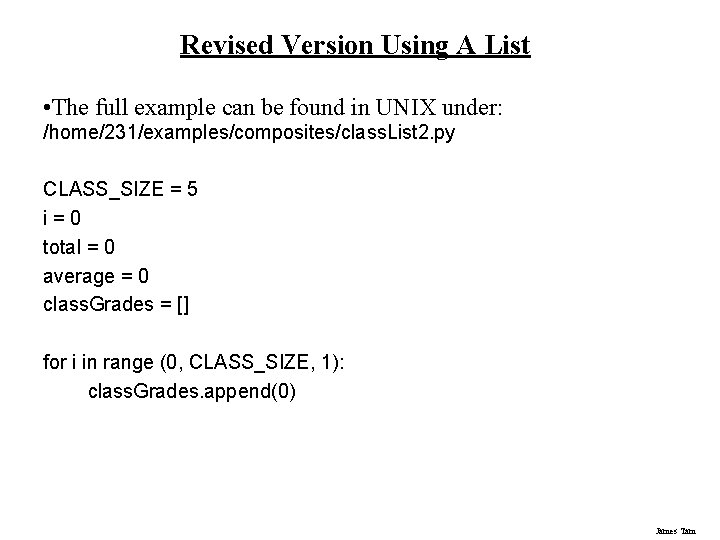
Revised Version Using A List • The full example can be found in UNIX under: /home/231/examples/composites/class. List 2. py CLASS_SIZE = 5 i=0 total = 0 average = 0 class. Grades = [] for i in range (0, CLASS_SIZE, 1): class. Grades. append(0) James Tam
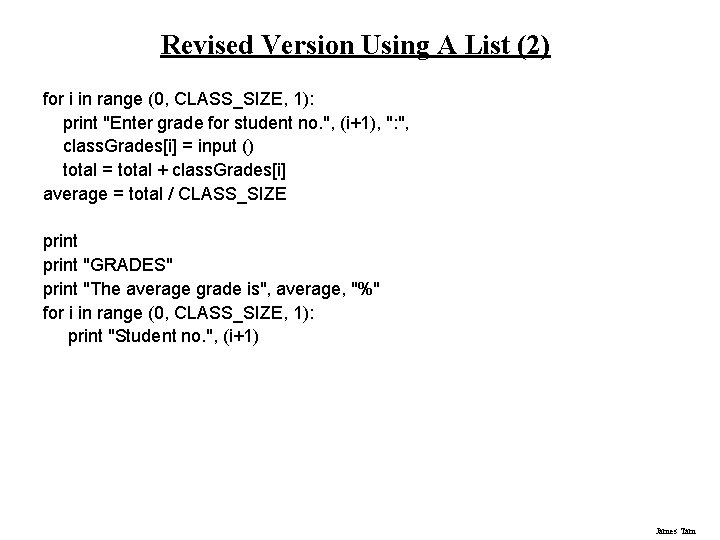
Revised Version Using A List (2) for i in range (0, CLASS_SIZE, 1): print "Enter grade for student no. ", (i+1), ": ", class. Grades[i] = input () total = total + class. Grades[i] average = total / CLASS_SIZE print "GRADES" print "The average grade is", average, "%" for i in range (0, CLASS_SIZE, 1): print "Student no. ", (i+1) James Tam
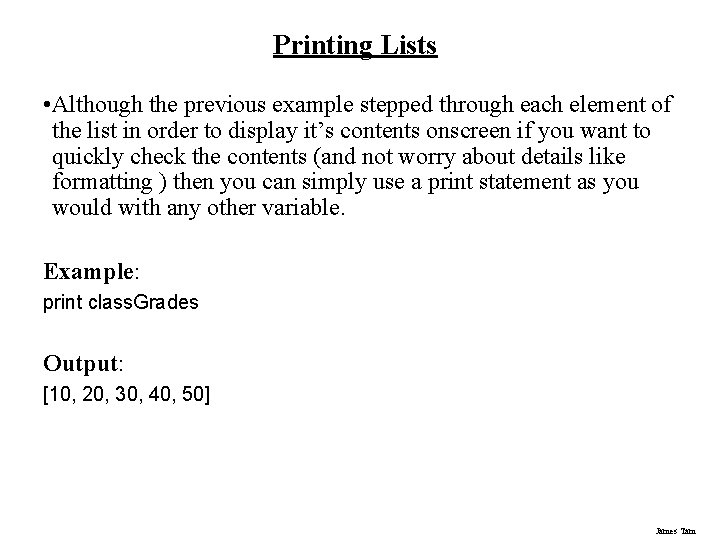
Printing Lists • Although the previous example stepped through each element of the list in order to display it’s contents onscreen if you want to quickly check the contents (and not worry about details like formatting ) then you can simply use a print statement as you would with any other variable. Example: print class. Grades Output: [10, 20, 30, 40, 50] James Tam
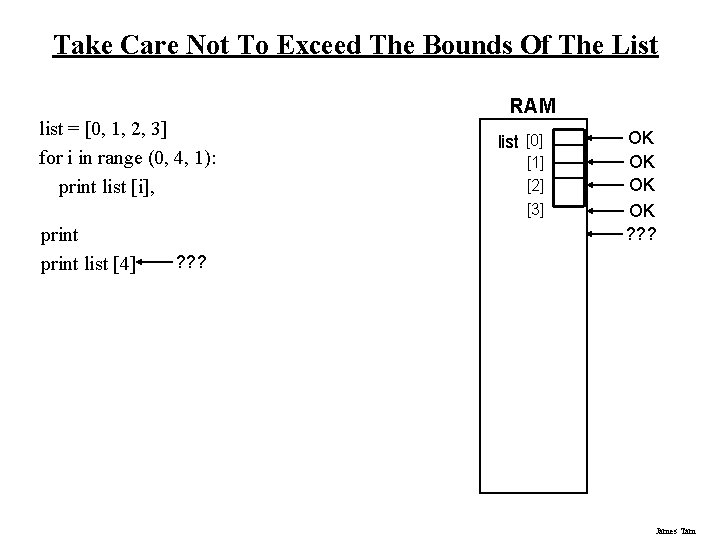
Take Care Not To Exceed The Bounds Of The List list = [0, 1, 2, 3] for i in range (0, 4, 1): print list [i], print list [4] RAM list [0] [1] [2] [3] OK OK ? ? ? James Tam
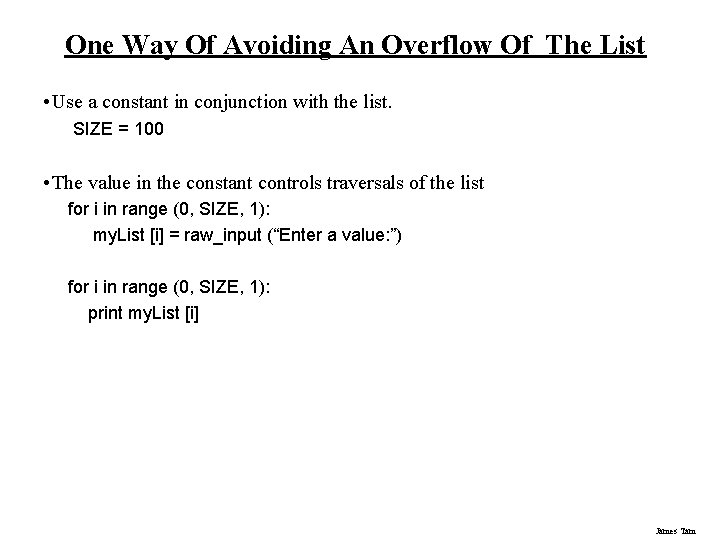
One Way Of Avoiding An Overflow Of The List • Use a constant in conjunction with the list. SIZE = 100 • The value in the constant controls traversals of the list for i in range (0, SIZE, 1): my. List [i] = raw_input (“Enter a value: ”) for i in range (0, SIZE, 1): print my. List [i] James Tam
One Way Of Avoiding An Overflow Of The List • Use a constant in conjunction with the list. SIZE = 100000 • The value in the constant controls traversals of the list for i in range (0, SIZE, 1): my. List [i] = raw_input (“Enter a value: ”) for i in range (0, SIZE, 1): print my. List [i] James Tam
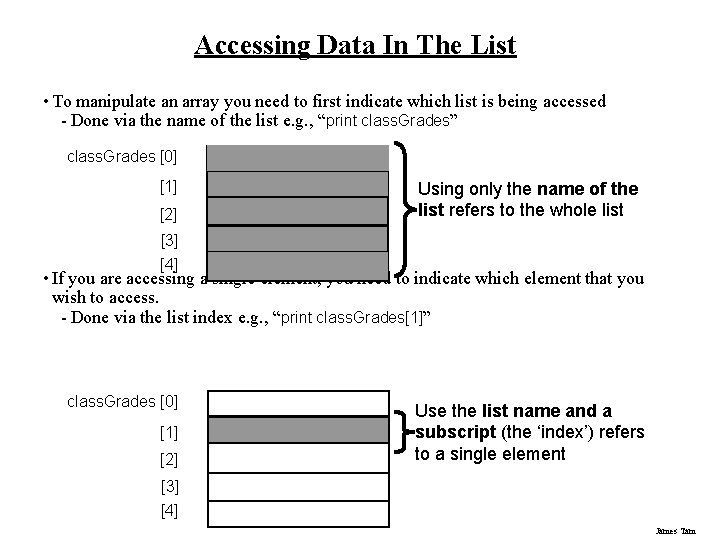
Accessing Data In The List • To manipulate an array you need to first indicate which list is being accessed - Done via the name of the list e. g. , “print class. Grades” class. Grades [0] [1] [2] Using only the name of the list refers to the whole list [3] [4] • If you are accessing a single element, you need to indicate which element that you wish to access. - Done via the list index e. g. , “print class. Grades[1]” class. Grades [0] [1] [2] Use the list name and a subscript (the ‘index’) refers to a single element [3] [4] James Tam
Important Things To Keep In Mind • (What you should now): Lists are a composite type that can be decomposed into other types. • Other important points: - Copying lists - Passing lists as parameters James Tam
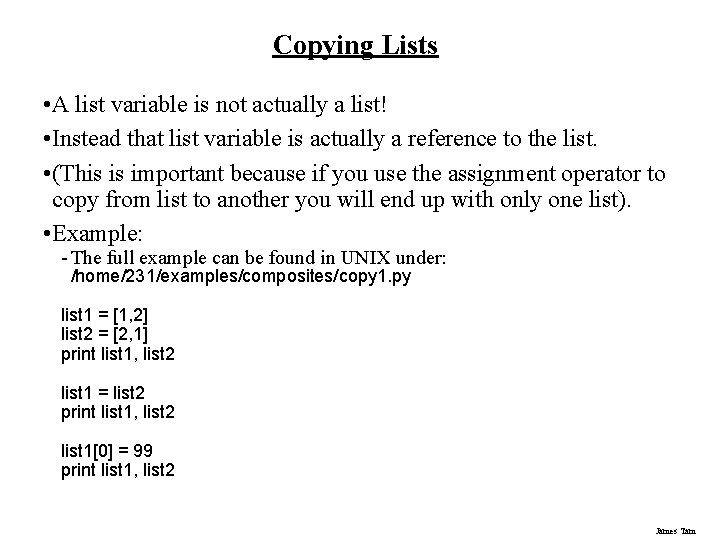
Copying Lists • A list variable is not actually a list! • Instead that list variable is actually a reference to the list. • (This is important because if you use the assignment operator to copy from list to another you will end up with only one list). • Example: - The full example can be found in UNIX under: /home/231/examples/composites/copy 1. py list 1 = [1, 2] list 2 = [2, 1] print list 1, list 2 list 1 = list 2 print list 1, list 2 list 1[0] = 99 print list 1, list 2 James Tam
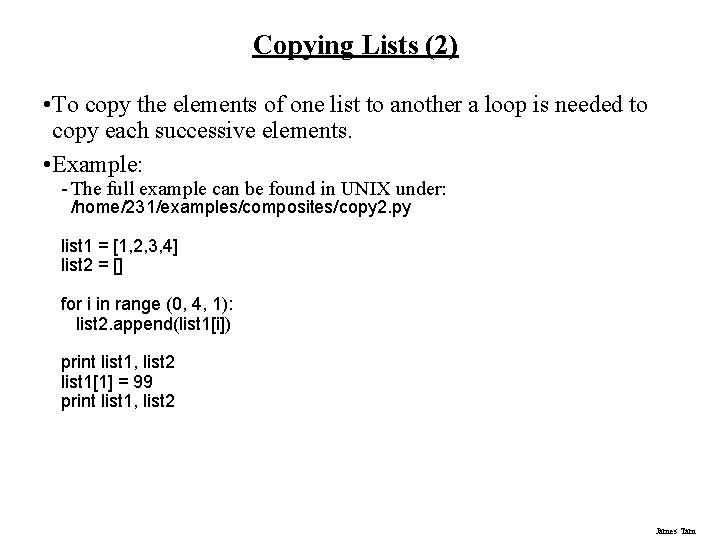
Copying Lists (2) • To copy the elements of one list to another a loop is needed to copy each successive elements. • Example: - The full example can be found in UNIX under: /home/231/examples/composites/copy 2. py list 1 = [1, 2, 3, 4] list 2 = [] for i in range (0, 4, 1): list 2. append(list 1[i]) print list 1, list 2 list 1[1] = 99 print list 1, list 2 James Tam
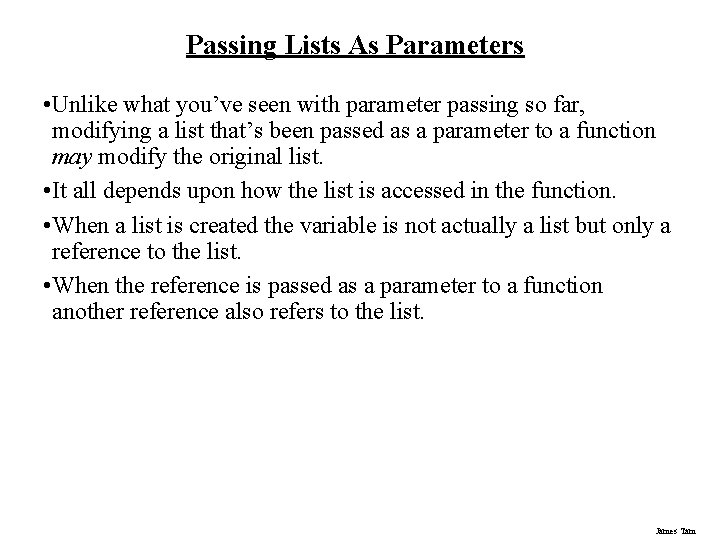
Passing Lists As Parameters • Unlike what you’ve seen with parameter passing so far, modifying a list that’s been passed as a parameter to a function may modify the original list. • It all depends upon how the list is accessed in the function. • When a list is created the variable is not actually a list but only a reference to the list. • When the reference is passed as a parameter to a function another reference also refers to the list. James Tam
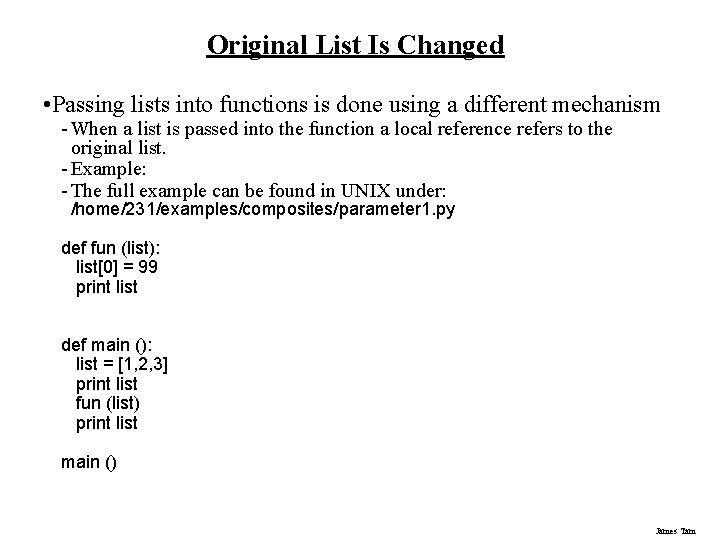
Original List Is Changed • Passing lists into functions is done using a different mechanism - When a list is passed into the function a local reference refers to the original list. - Example: - The full example can be found in UNIX under: /home/231/examples/composites/parameter 1. py def fun (list): list[0] = 99 print list def main (): list = [1, 2, 3] print list fun (list) print list main () James Tam
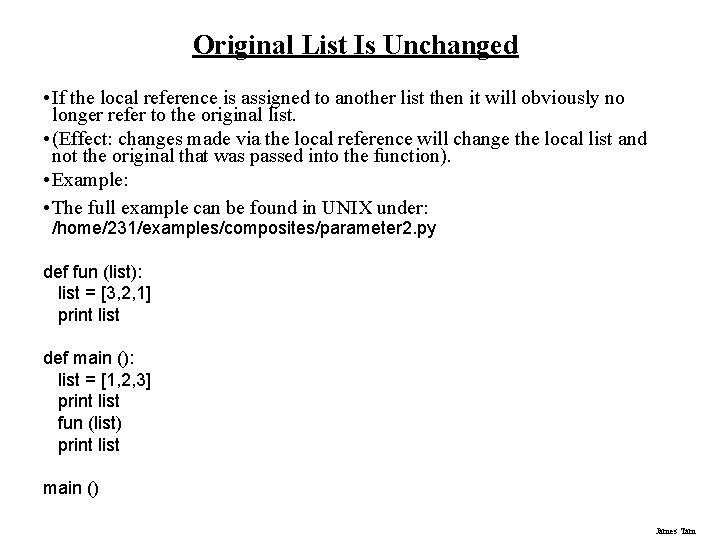
Original List Is Unchanged • If the local reference is assigned to another list then it will obviously no longer refer to the original list. • (Effect: changes made via the local reference will change the local list and not the original that was passed into the function). • Example: • The full example can be found in UNIX under: /home/231/examples/composites/parameter 2. py def fun (list): list = [3, 2, 1] print list def main (): list = [1, 2, 3] print list fun (list) print list main () James Tam
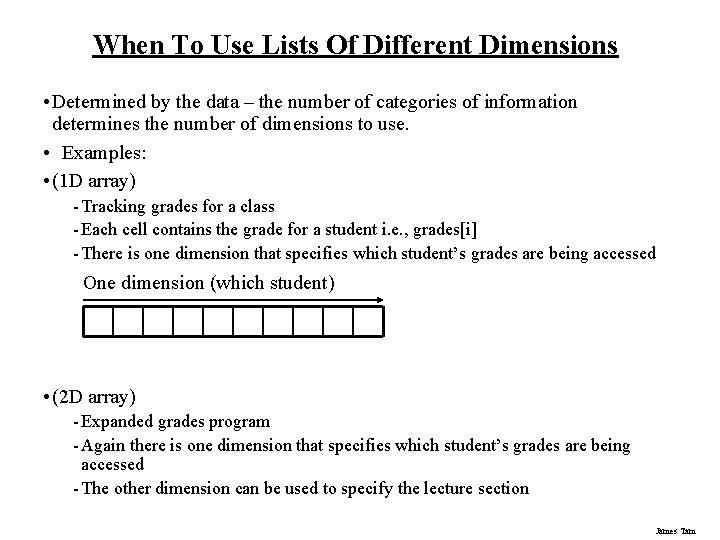
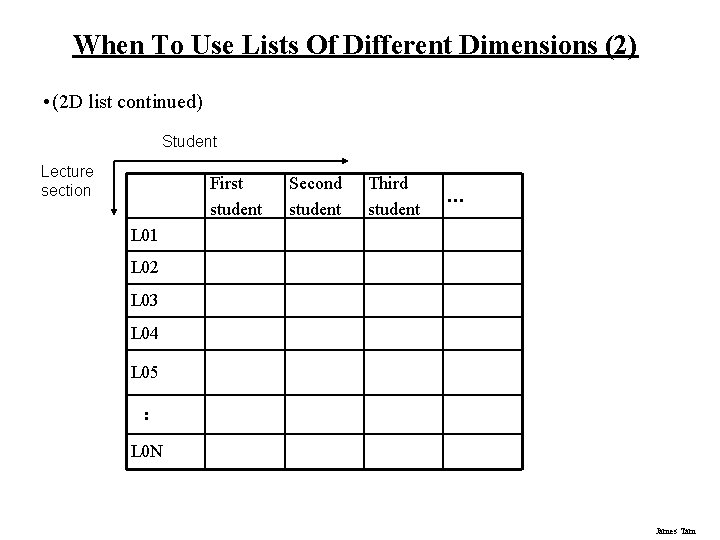
When To Use Lists Of Different Dimensions • Determined by the data – the number of categories of information determines the number of dimensions to use. • Examples: • (1 D array) - Tracking grades for a class - Each cell contains the grade for a student i. e. , grades[i] - There is one dimension that specifies which student’s grades are being accessed One dimension (which student) • (2 D array) - Expanded grades program - Again there is one dimension that specifies which student’s grades are being accessed - The other dimension can be used to specify the lecture section James Tam
When To Use Lists Of Different Dimensions (2) • (2 D list continued) Student Lecture section First student Second student Third student … L 01 L 02 L 03 L 04 L 05 : L 0 N James Tam
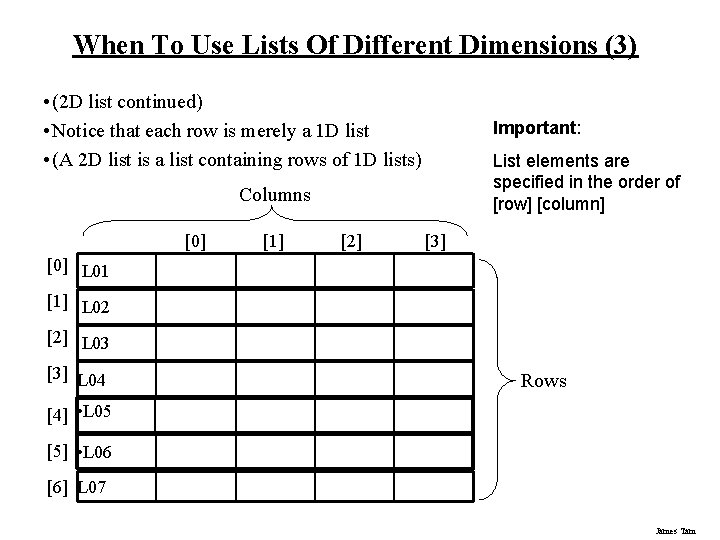
When To Use Lists Of Different Dimensions (3) • (2 D list continued) • Notice that each row is merely a 1 D list • (A 2 D list is a list containing rows of 1 D lists) Important: List elements are specified in the order of [row] [column] Columns [0] [1] [2] [3] [0] L 01 [1] L 02 [2] L 03 [3] L 04 Rows [4] • L 05 [5] • L 06 [6] L 07 James Tam
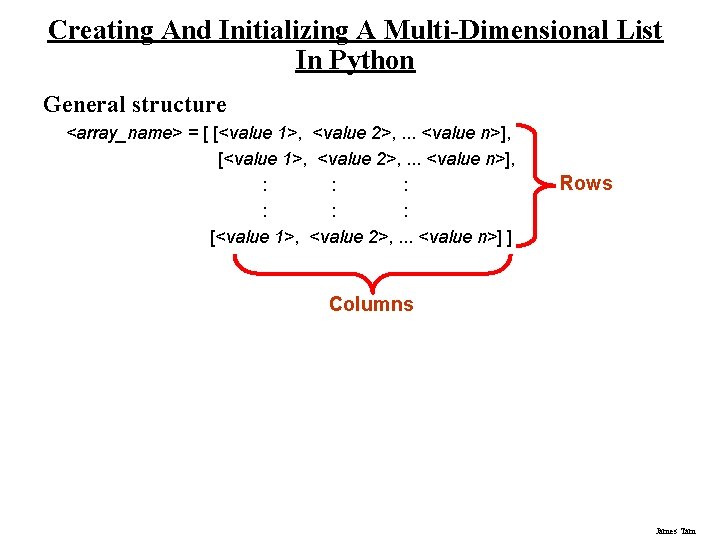
Creating And Initializing A Multi-Dimensional List In Python General structure <array_name> = [ [<value 1>, <value 2>, . . . <value n>], : : : [<value 1>, <value 2>, . . . <value n>] ] Rows Columns James Tam
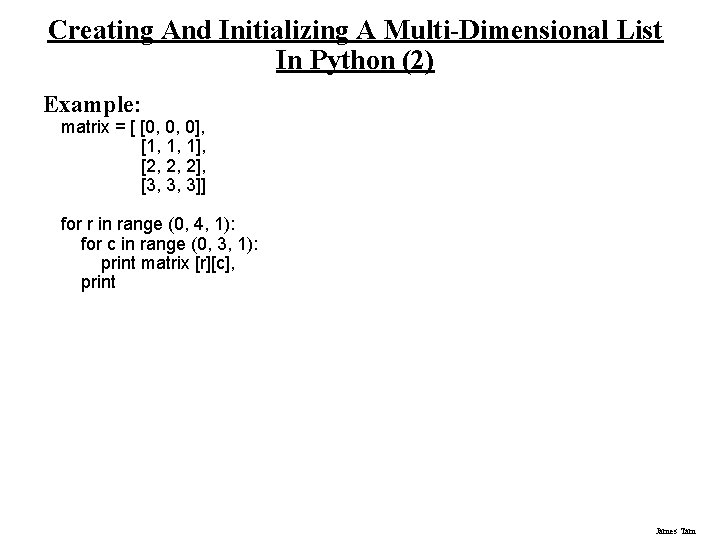
Creating And Initializing A Multi-Dimensional List In Python (2) Example: matrix = [ [0, 0, 0], [1, 1, 1], [2, 2, 2], [3, 3, 3]] for r in range (0, 4, 1): for c in range (0, 3, 1): print matrix [r][c], print James Tam
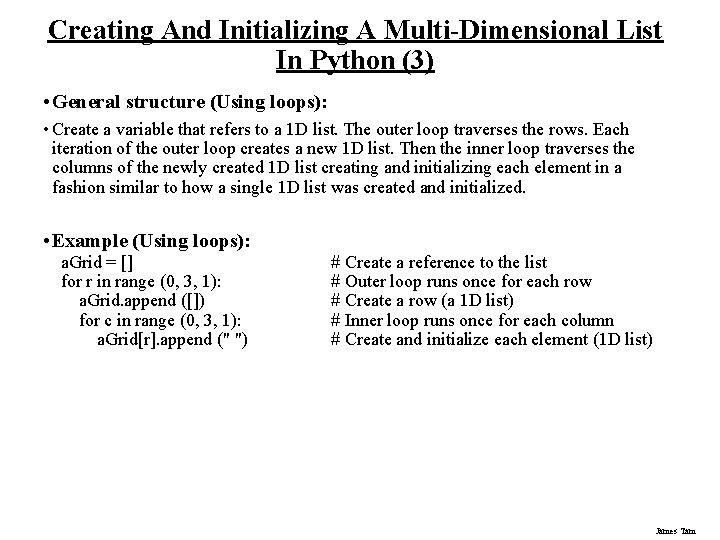
Creating And Initializing A Multi-Dimensional List In Python (3) • General structure (Using loops): • Create a variable that refers to a 1 D list. The outer loop traverses the rows. Each iteration of the outer loop creates a new 1 D list. Then the inner loop traverses the columns of the newly created 1 D list creating and initializing each element in a fashion similar to how a single 1 D list was created and initialized. • Example (Using loops): a. Grid = [] for r in range (0, 3, 1): a. Grid. append ([]) for c in range (0, 3, 1): a. Grid[r]. append (" ") # Create a reference to the list # Outer loop runs once for each row # Create a row (a 1 D list) # Inner loop runs once for each column # Create and initialize each element (1 D list) James Tam
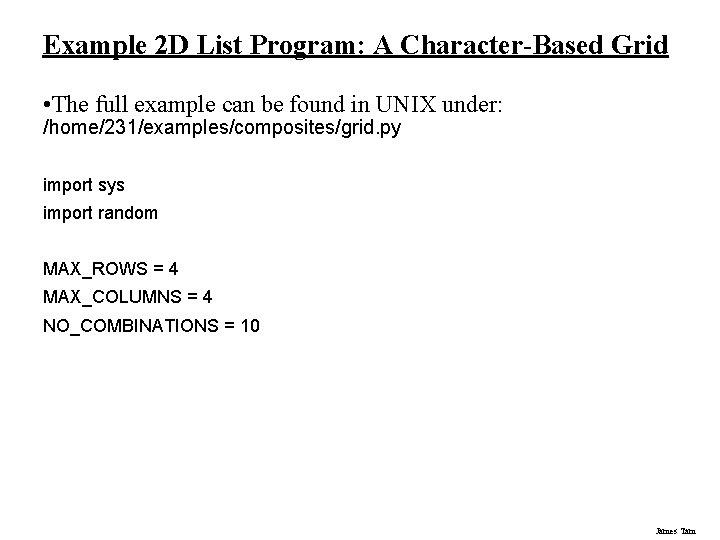
Example 2 D List Program: A Character-Based Grid • The full example can be found in UNIX under: /home/231/examples/composites/grid. py import sys import random MAX_ROWS = 4 MAX_COLUMNS = 4 NO_COMBINATIONS = 10 James Tam
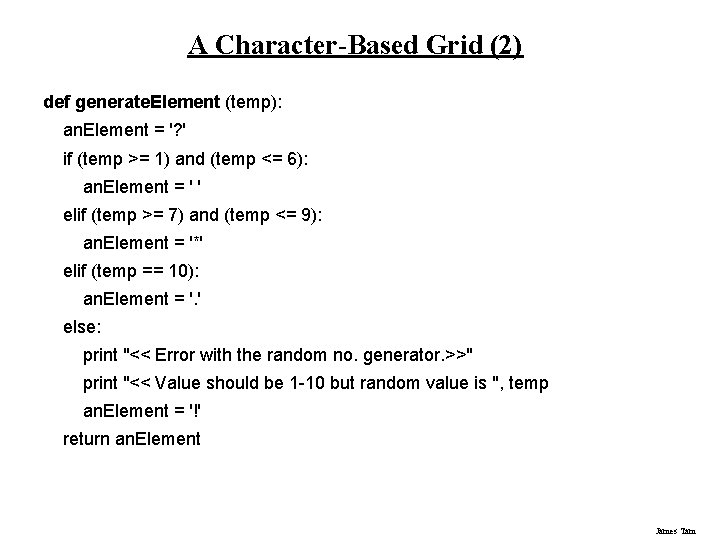
A Character-Based Grid (2) def generate. Element (temp): an. Element = '? ' if (temp >= 1) and (temp <= 6): an. Element = ' ' elif (temp >= 7) and (temp <= 9): an. Element = '*' elif (temp == 10): an. Element = '. ' else: print "<< Error with the random no. generator. >>" print "<< Value should be 1 -10 but random value is ", temp an. Element = '!' return an. Element James Tam
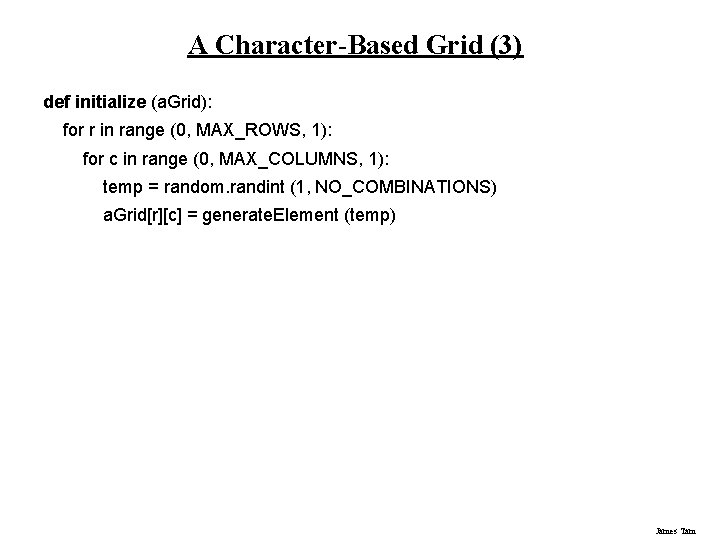
A Character-Based Grid (3) def initialize (a. Grid): for r in range (0, MAX_ROWS, 1): for c in range (0, MAX_COLUMNS, 1): temp = random. randint (1, NO_COMBINATIONS) a. Grid[r][c] = generate. Element (temp) James Tam
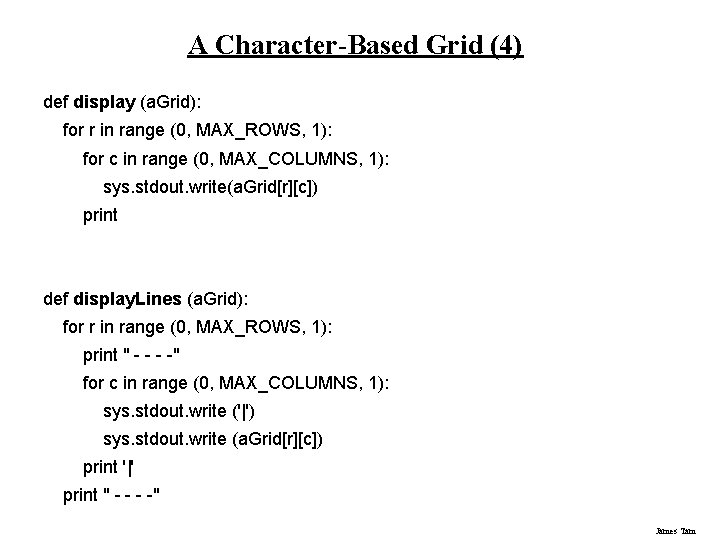
A Character-Based Grid (4) def display (a. Grid): for r in range (0, MAX_ROWS, 1): for c in range (0, MAX_COLUMNS, 1): sys. stdout. write(a. Grid[r][c]) print def display. Lines (a. Grid): for r in range (0, MAX_ROWS, 1): print " - -" for c in range (0, MAX_COLUMNS, 1): sys. stdout. write ('|') sys. stdout. write (a. Grid[r][c]) print '|' print " - -" James Tam
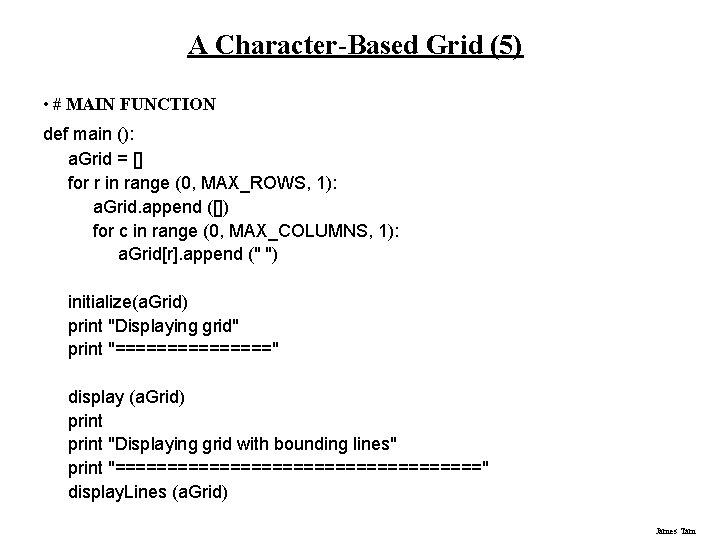
A Character-Based Grid (5) • # MAIN FUNCTION def main (): a. Grid = [] for r in range (0, MAX_ROWS, 1): a. Grid. append ([]) for c in range (0, MAX_COLUMNS, 1): a. Grid[r]. append (" ") initialize(a. Grid) print "Displaying grid" print "========" display (a. Grid) print "Displaying grid with bounding lines" print "==================" display. Lines (a. Grid) James Tam
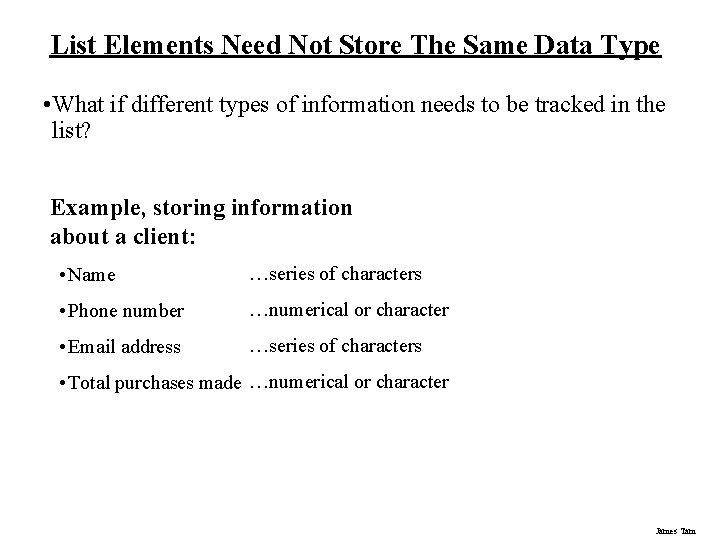
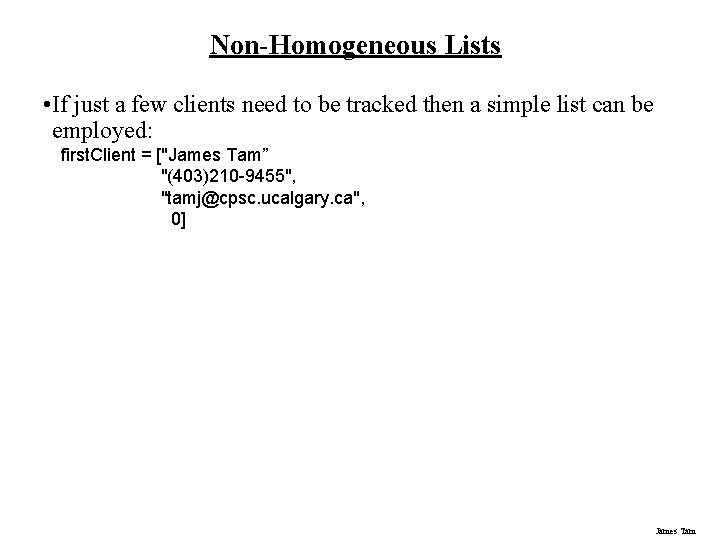
List Elements Need Not Store The Same Data Type • What if different types of information needs to be tracked in the list? Example, storing information about a client: • Name …series of characters • Phone number …numerical or character • Email address …series of characters • Total purchases made …numerical or character James Tam
Non-Homogeneous Lists • If just a few clients need to be tracked then a simple list can be employed: first. Client = ["James Tam” "(403)210 -9455", "tamj@cpsc. ucalgary. ca", 0] James Tam
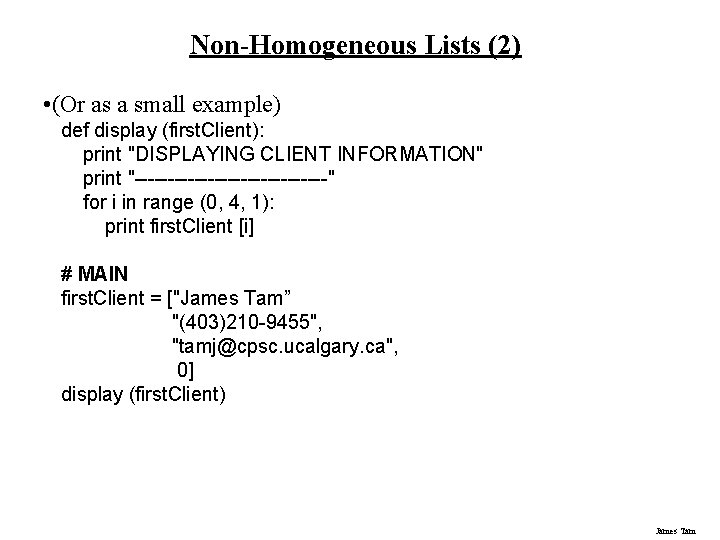
Non-Homogeneous Lists (2) • (Or as a small example) def display (first. Client): print "DISPLAYING CLIENT INFORMATION" print "---------------" for i in range (0, 4, 1): print first. Client [i] # MAIN first. Client = ["James Tam” "(403)210 -9455", "tamj@cpsc. ucalgary. ca", 0] display (first. Client) James Tam
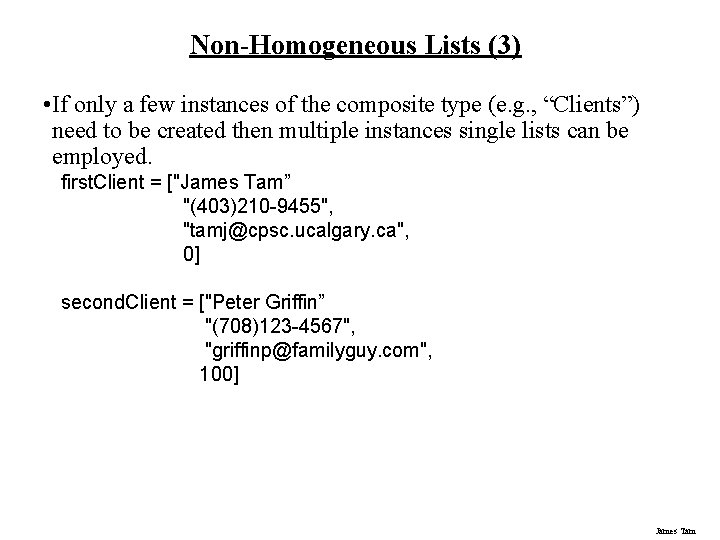
Non-Homogeneous Lists (3) • If only a few instances of the composite type (e. g. , “Clients”) need to be created then multiple instances single lists can be employed. first. Client = ["James Tam” "(403)210 -9455", "tamj@cpsc. ucalgary. ca", 0] second. Client = ["Peter Griffin” "(708)123 -4567", "griffinp@familyguy. com", 100] James Tam
Small Example Programs Using Lists • The examples can be found in UNIX under /home/231/examples/composites/ - list 1. py (concatenation and repetition) - list 2. py (membership) James Tam
Some List Operations Operation name Operator Description Indexing [] Access a list element Concatenation + Combine lists Repetition * Concatenate a repeated number of times Membership in Query whether an item is a member of a list Membership not in Query whether an item is not a member of a list Length len Return the number of items in a list Slicing [: ] Extract a part of a list James Tam
Examples: Concatenation And Repetition list 1 = [1, 2. 0, "foo"] list 2 = [[1, 2, 3], "salam"] print list 1 print list 2 list 1 = list 1 * 2 print list 1 list 3 = list 1 + list 2 print list 3 James Tam
Examples: Membership print "Example 1: " recall_list = ["vpn 123", "ncc 1946", "gst 7"] item = raw_input ("Product code: ") if item in recall_list: print "Your product was on the recall list, take it back" else: print "You're safe" print "Example 2: " days = ["Sun", "Mon", "Tue", "Wed", "Thur", "Fri", "Sat"] for temp in days: print temp James Tam
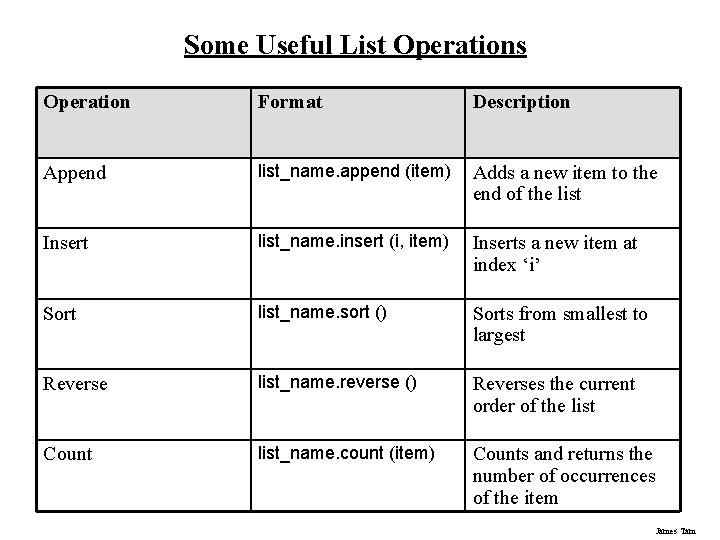
Some Useful List Operations Operation Format Description Append list_name. append (item) Adds a new item to the end of the list Insert list_name. insert (i, item) Inserts a new item at index ‘i’ Sort list_name. sort () Sorts from smallest to largest Reverse list_name. reverse () Reverses the current order of the list Count list_name. count (item) Counts and returns the number of occurrences of the item James Tam
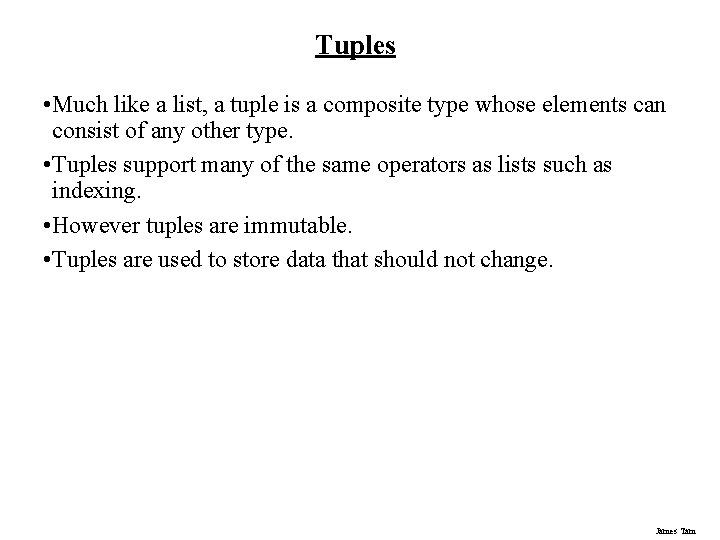
Tuples • Much like a list, a tuple is a composite type whose elements can consist of any other type. • Tuples support many of the same operators as lists such as indexing. • However tuples are immutable. • Tuples are used to store data that should not change. James Tam
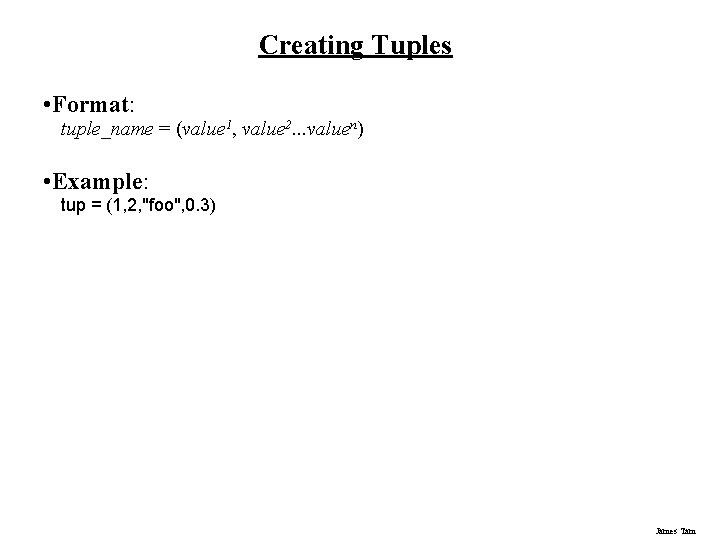
Creating Tuples • Format: tuple_name = (value 1, value 2. . . valuen) • Example: tup = (1, 2, "foo", 0. 3) James Tam
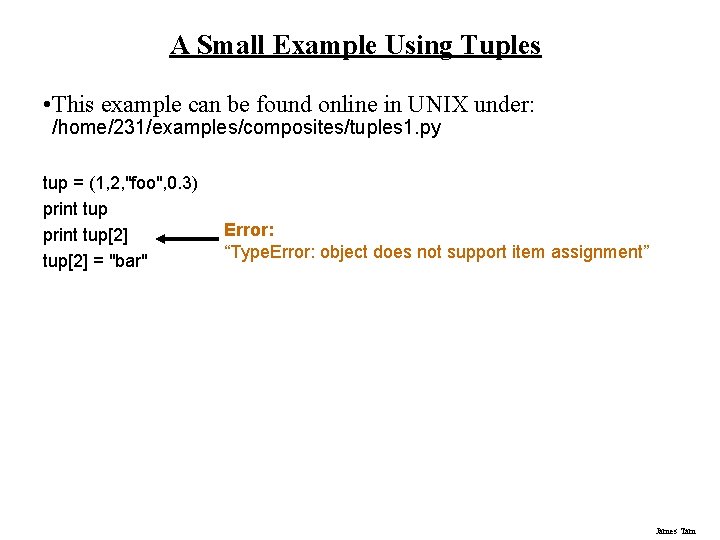
A Small Example Using Tuples • This example can be found online in UNIX under: /home/231/examples/composites/tuples 1. py tup = (1, 2, "foo", 0. 3) print tup[2] = "bar" Error: “Type. Error: object does not support item assignment” James Tam
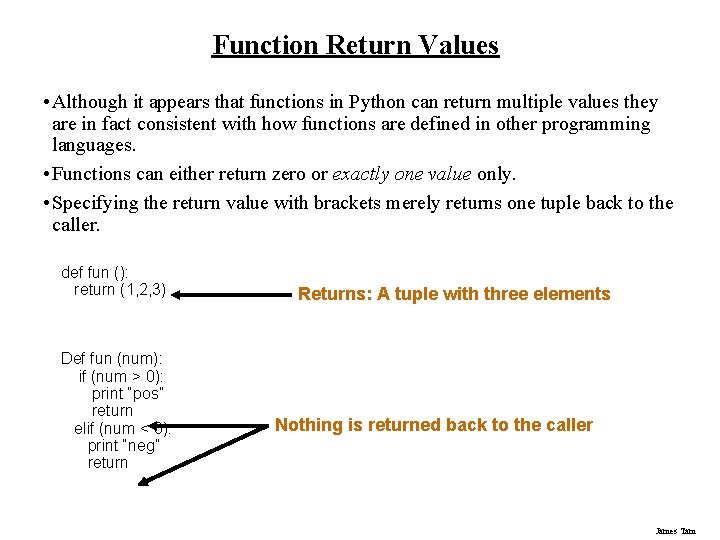
Function Return Values • Although it appears that functions in Python can return multiple values they are in fact consistent with how functions are defined in other programming languages. • Functions can either return zero or exactly one value only. • Specifying the return value with brackets merely returns one tuple back to the caller. def fun (): return (1, 2, 3) Def fun (num): if (num > 0): print “pos” return elif (num < 0): print “neg” return Returns: A tuple with three elements Nothing is returned back to the caller James Tam
Dictionaries • A special purpose composite type that maps keys (which can be any immutable type) to a value (like lists it can be any value). • The keys can be used to later lookup information about the value e. g. , looking up the definition for a word in a dictionary. James Tam
Small Example Programs Using Dictionaries • The examples can be found online in UNIX under: /home/231/examples/composites/ - dictionary 1. py (creating dictionaries) - dictionary 2. py (deleting entries from the dictionary, checking for membership) James Tam
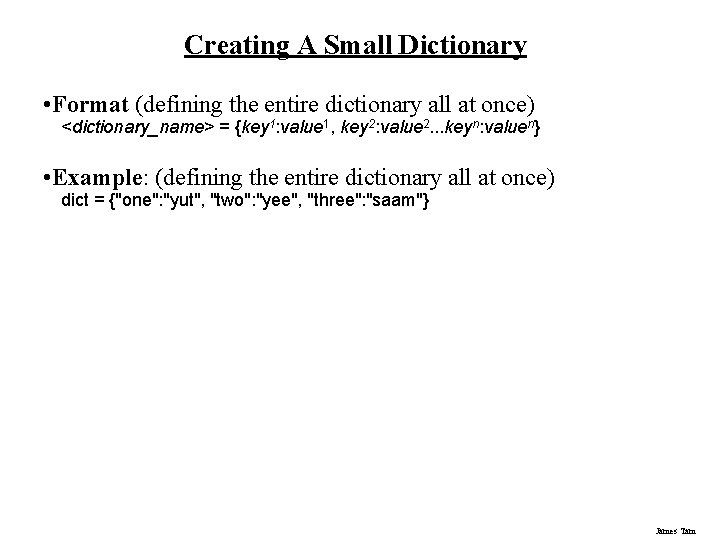
Creating A Small Dictionary • Format (defining the entire dictionary all at once) <dictionary_name> = {key 1: value 1, key 2: value 2. . . keyn: valuen} • Example: (defining the entire dictionary all at once) dict = {"one": "yut", "two": "yee", "three": "saam"} James Tam
Creating A Large Dictionary • Format: - dictionary_name = {} - dictionary_name [key 1] = value 1 - dictionary_name [key 2] = value 2 : : : - dictionary_name [keyn] = valuen • Example: dict = {} dict ["word 1"] = ["Dictionary definition for word 1"] dict ["word 2"] = ["Dictionary definition for word 2"] James Tam
Examples Of Creating Dictionaries dict = {} dict ["word 1"] = ["Dictionary definition for word 1"] dict ["word 2"] = ["Dictionary definition for word 2"] dict ["word 3"] = ["Dictionary definition for word 3"] temp = raw_input ("Enter dictionary definition for word 4: ") dict ["word 4"] = [temp] print dict = {"one" : "yut", "two" : "yee", "three" : "saam"} print dict word = raw_input ("Enter word to translate: ") print "English: ", word, "t", "Chinese", dict[word] James Tam
Removing Dictionary Entries • Format: - del <dictionary_name> [key] • Example: del dict ["one"] James Tam
Example: Deletion And Checking For Membership dict = {} dict ["one"] = "Sentence one" dict ["two"] = "Sentence two" dict ["three"] = "Sentence three" if "one" in dict: print "key one is in the dictionary" del dict["one"] if "one" not in dict: print "key one is NOT in the dictionary" James Tam
You Should Now Know • What is the difference between a mutable and an immutable type • How strings are actually a composite type • Common string functions and operations • Why and when a list should be used • How to create and initialize a list • How to access or change the elements of a list • Issues associated with copying lists and passing lists as parameters into functions • When to use lists of different dimensions • How to use the 'in' operator in conjunction with lists • How a list can be used to store different types of information (non-homogeneous composite type) James Tam
You Should Now Know (2) • Common list operations and functions • How to define an arbitrary composite type using a class • What is a tuple and how do they differ from other composite types James Tam
You Should Now Know (2) • How to create a tuple and access the elements • Why functions at most return a single value • What is a dictionary and when can they can be used • How to create a dictionary, access and remove elements James Tam