
COMPONENTS TEACHER S Njoroge SCHOOL Loreto Kiambu SUBJECT
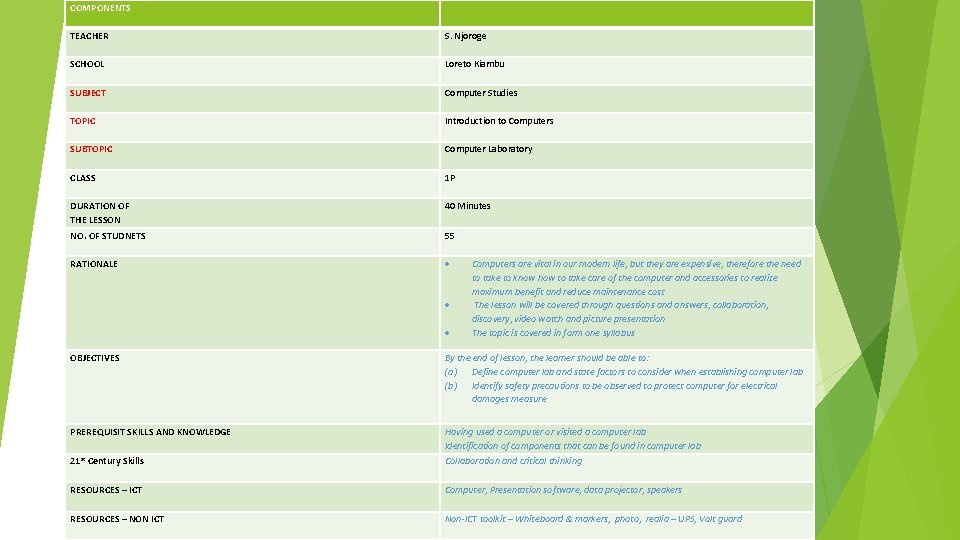
COMPONENTS TEACHER S. Njoroge SCHOOL Loreto Kiambu SUBJECT Computer Studies TOPIC Introduction to Computers SUBTOPIC Computer Laboratory CLASS 1 P DURATION OF THE LESSON 40 Minutes NO. OF STUDNETS 55 RATIONALE Computers are vital in our modern life, but they are expensive, therefore the need to take to know how to take care of the computer and accessories to realize maximum benefit and reduce maintenance cost The lesson will be covered through questions and answers, collaboration, discovery, video watch and picture presentation The topic is covered in form one syllabus OBJECTIVES By the end of lesson, the learner should be able to: (a) Define computer lab and state factors to consider when establishing computer lab (b) Identify safety precautions to be observed to protect computer for electrical damages measure PREREQUISIT SKILLS AND KNOWLEDGE Having used a computer or visited a computer lab Identification of components that can be found in computer lab 21 st Century Skills Collaboration and critical thinking RESOURCES – ICT Computer, Presentation software, data projector, speakers RESOURCES – NON ICT Non-ICT toolkit – Whiteboard & markers, photo, realia – UPS, Volt guard
INTRODUCTION TO COMPUTERS COMPUTER LABORATORY AND SAFETY
What is a computer? lab
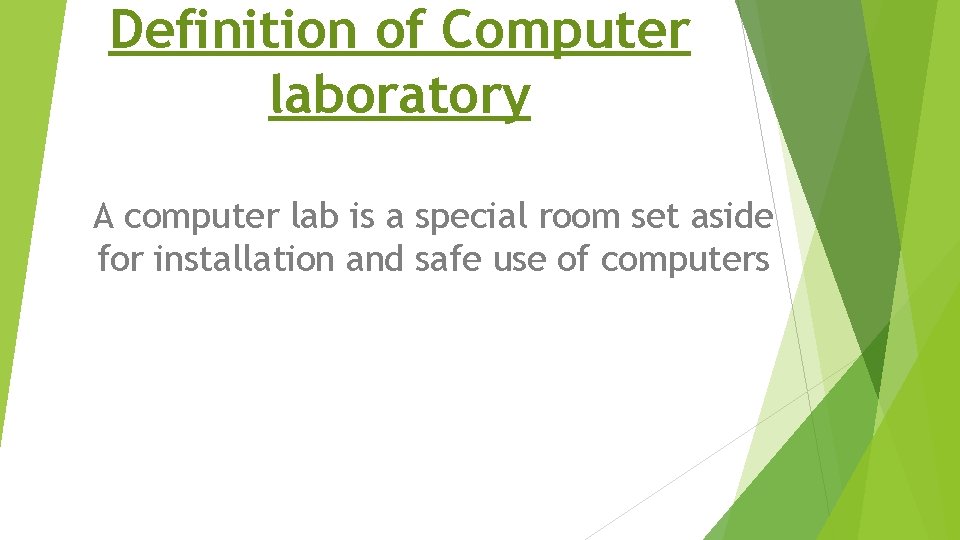
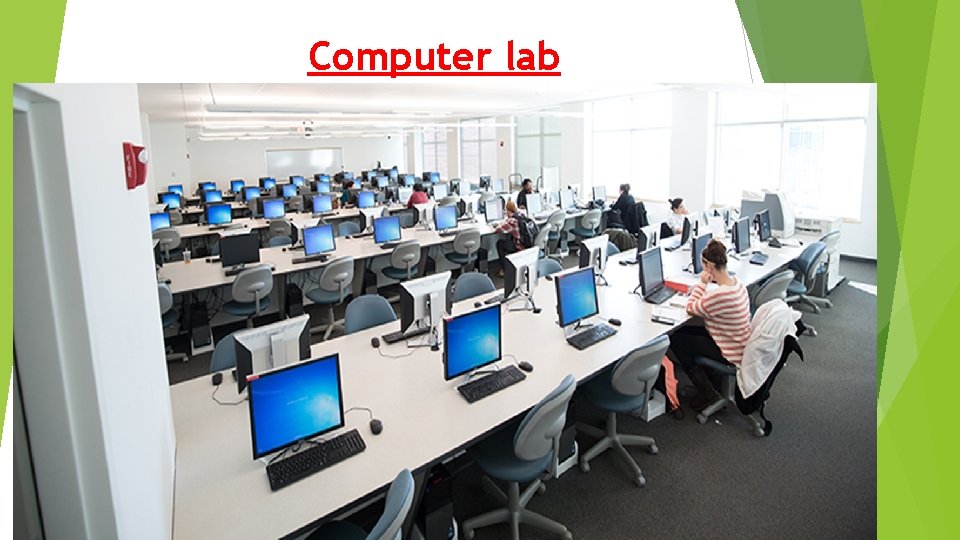
Definition of Computer laboratory A computer lab is a special room set aside for installation and safe use of computers
TASK Define computer lab
Computer lab
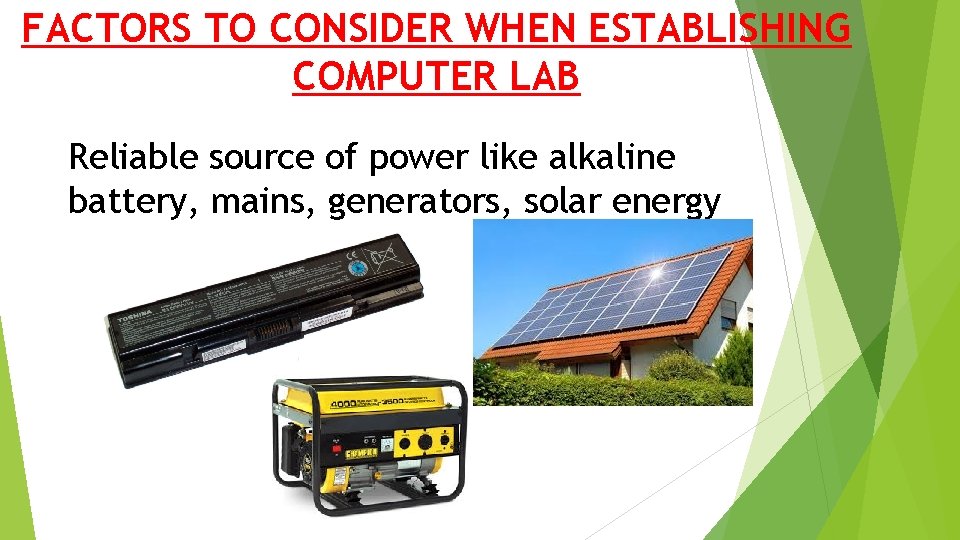
FACTORS TO CONSIDER WHEN ESTABLISHING COMPUTER LAB Reliable source of power like alkaline battery, mains, generators, solar energy
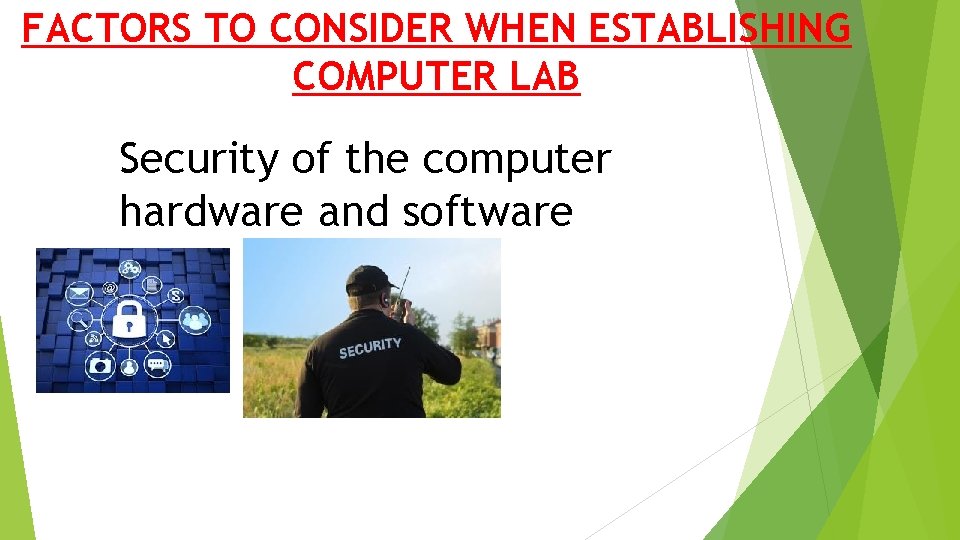
FACTORS TO CONSIDER WHEN ESTABLISHING COMPUTER LAB Security of the computer hardware and software
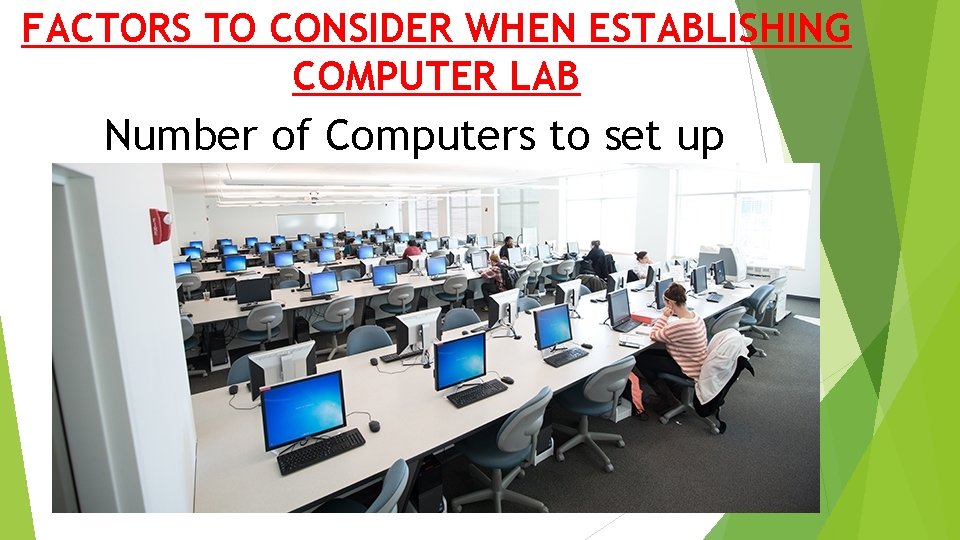
FACTORS TO CONSIDER WHEN ESTABLISHING COMPUTER LAB Number of Computers to set up
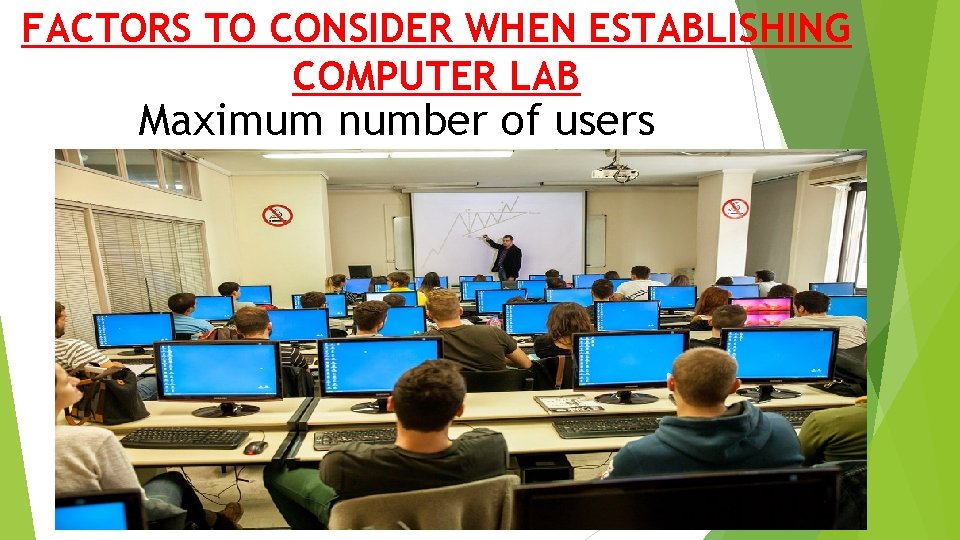
FACTORS TO CONSIDER WHEN ESTABLISHING COMPUTER LAB Maximum number of users
Computer Lab set up Watch video Links Computer Lab. mp 4 Computer Lab_HD. mp 4 Computer laboratory. pptx
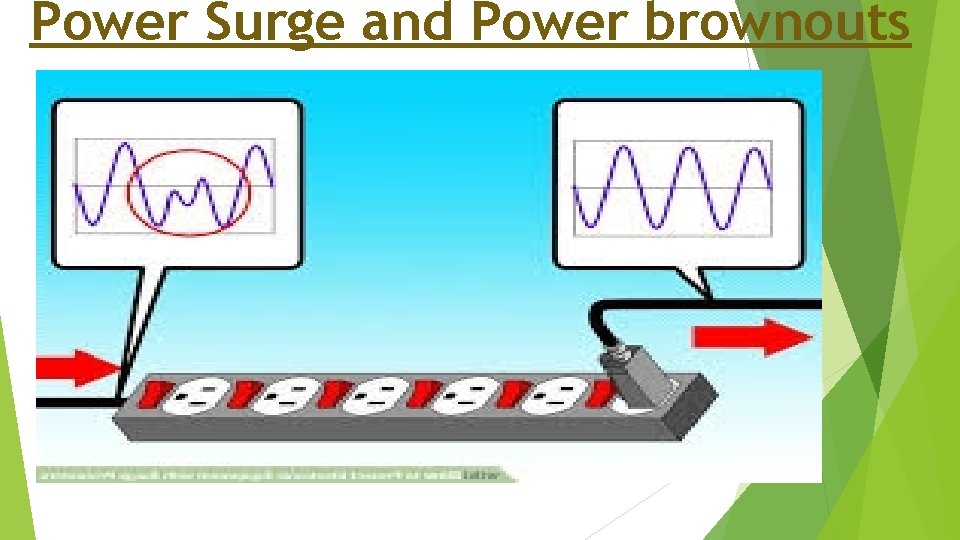
Power Surge and Power brownouts
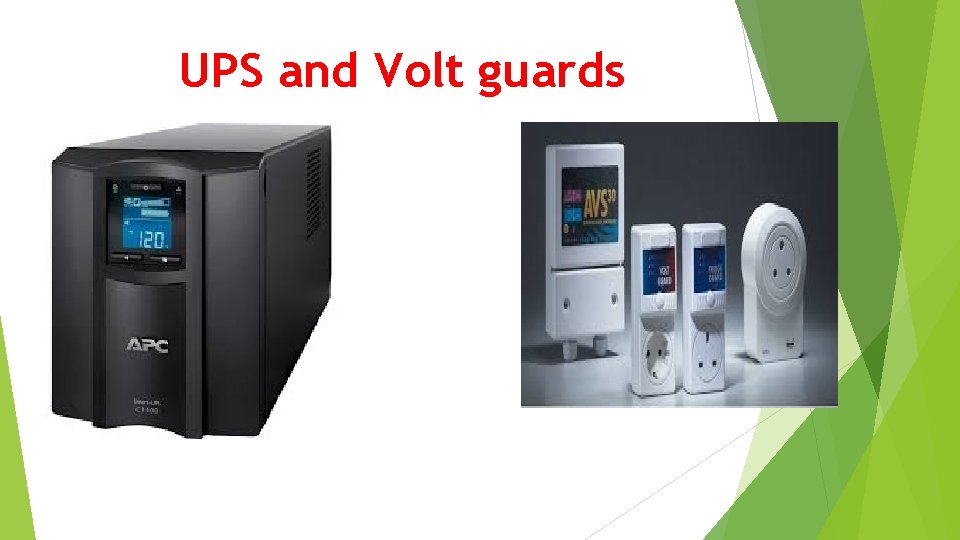
UPS and Volt guards
Causes of Electrical damages • • • Power surge Power brownouts Overloading sockets Short circuits Live naked wire
Causes of Fire in computer lab • Chemicals • Overloading sockets • Arson
Measure to protect computer from fire • Use of Gas based fire extinguisher • Not overloading sockets • Not storing chemicals in computer lab
Assignment state reasons why powder based and liquid based fire extinguishers are not used in computer lab to fight fire 2) State 4 uses of UPS in computer lab 3) What is a power back-up and why are they important in computer lab 1)
Sources � https: //www. newegg. com/UPS/Sub. Category/ID-72 � https: //en. wikipedia. org/wiki/Computer_lab � www. cl. cam. ac. uk/ � http: //www. technologystudent. com/comps/comp 1. htm � https: //www. informationq. com/about-the-basic-parts-of-a-computer-with-devices/ Books � Longhorn Secondary Computer studies form 1 by S. Mburu and G. Chemwa � Computer Studies Book 1 by Dr J. Onunga and Renu Shah � Everything You Wanted to Know About Computer Hardware and Peripherals (2016) by Mini Gulat
- Slides: 18