
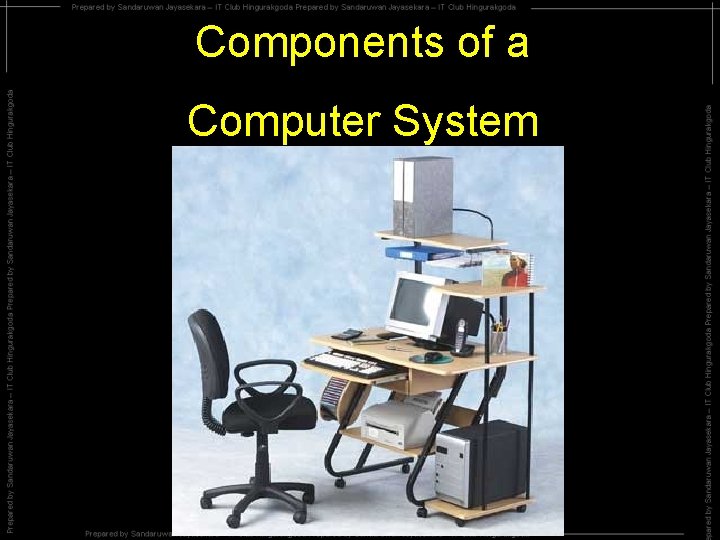
Components of a Computer System Components of a
- Slides: 49
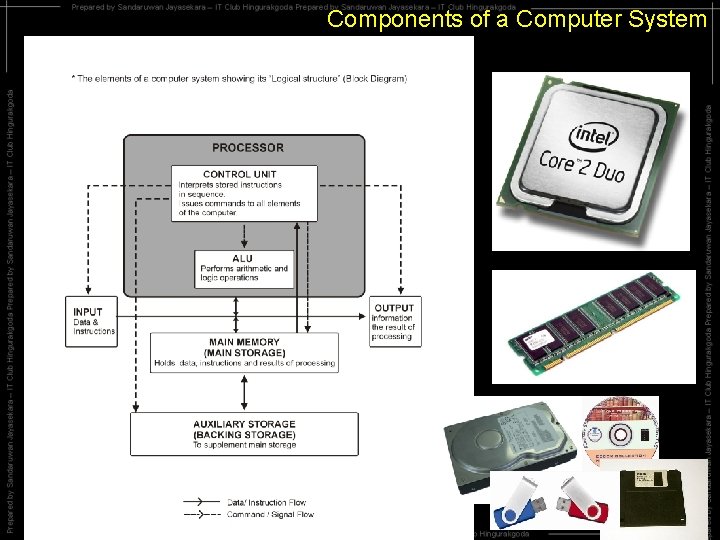
Components of a Computer System
Components of a Computer System
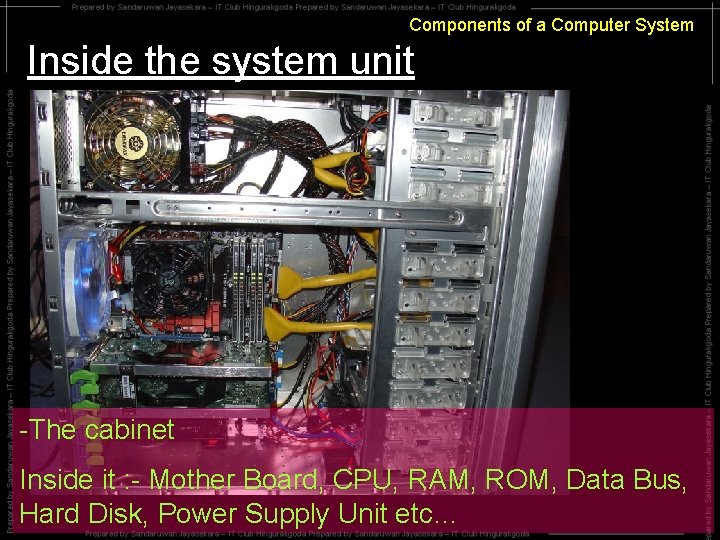
Components of a Computer System Inside the system unit -The cabinet Inside it : - Mother Board, CPU, RAM, ROM, Data Bus, Hard Disk, Power Supply Unit etc…
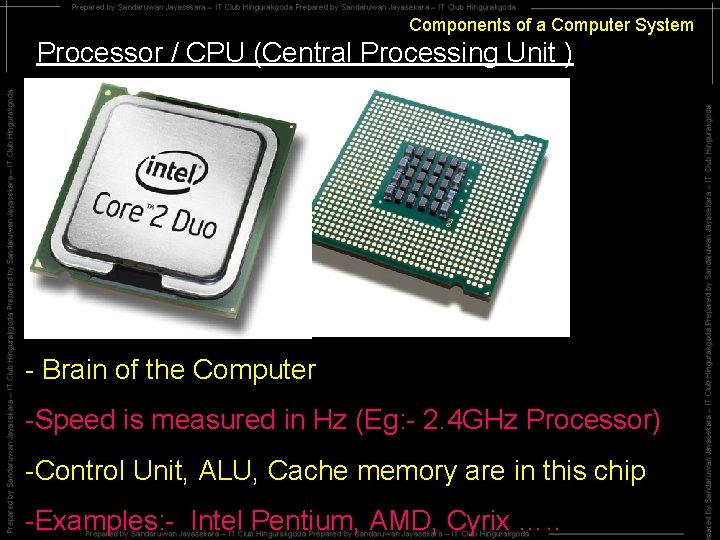
Components of a Computer System Processor / CPU (Central Processing Unit ) - Brain of the Computer -Speed is measured in Hz (Eg: - 2. 4 GHz Processor) -Control Unit, ALU, Cache memory are in this chip -Examples: - Intel Pentium, AMD, Cyrix …. .
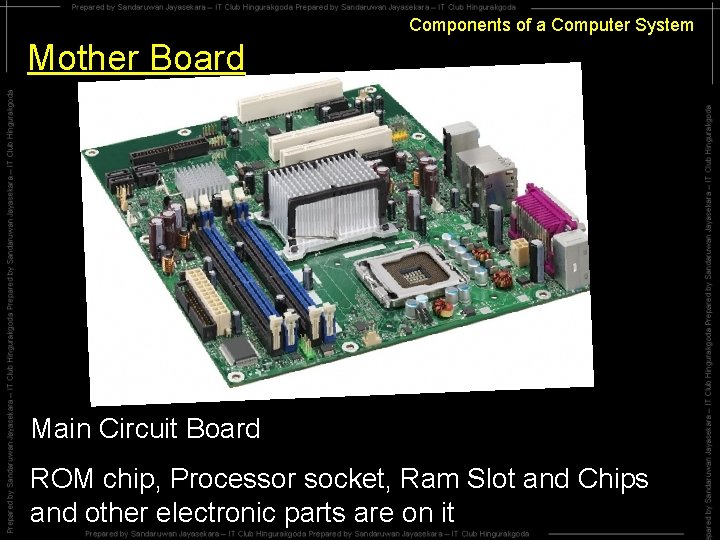
Components of a Computer System Mother Board Main Circuit Board ROM chip, Processor socket, Ram Slot and Chips and other electronic parts are on it
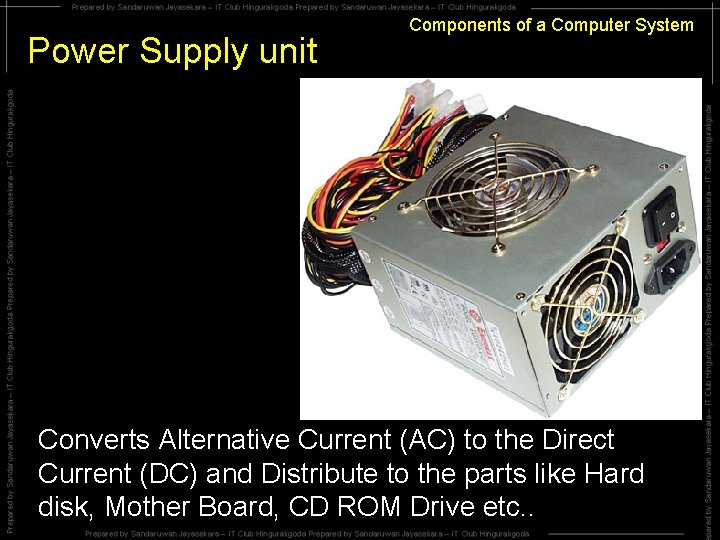
Power Supply unit Components of a Computer System Converts Alternative Current (AC) to the Direct Current (DC) and Distribute to the parts like Hard disk, Mother Board, CD ROM Drive etc. .
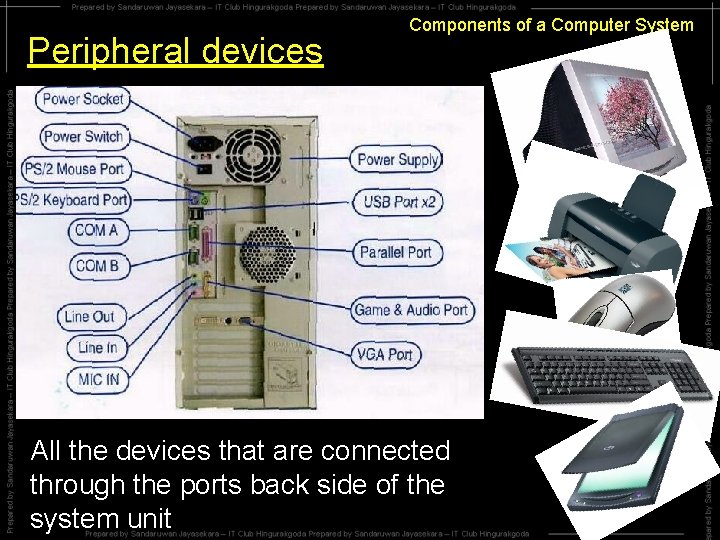
Peripheral devices Components of a Computer System All the devices that are connected through the ports back side of the system unit
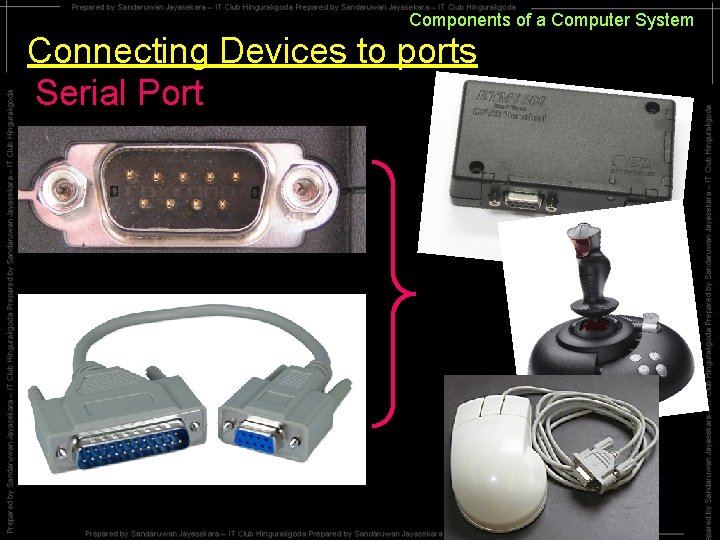
Components of a Computer System Connecting Devices to ports Serial Port
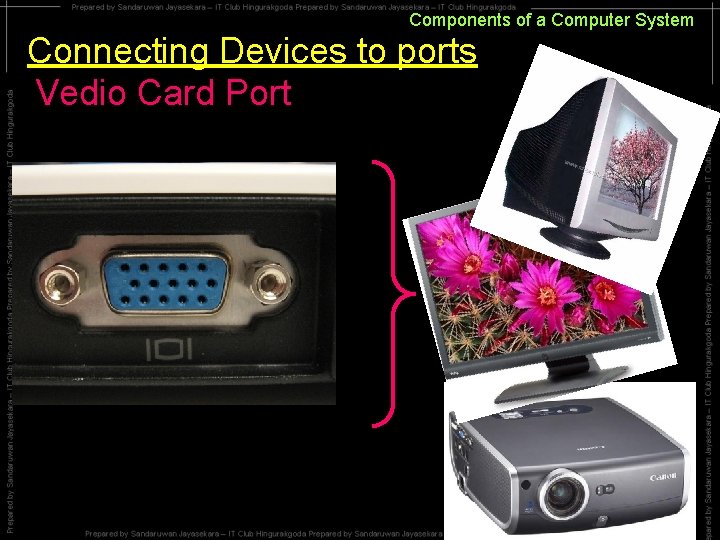
Components of a Computer System Connecting Devices to ports Vedio Card Port
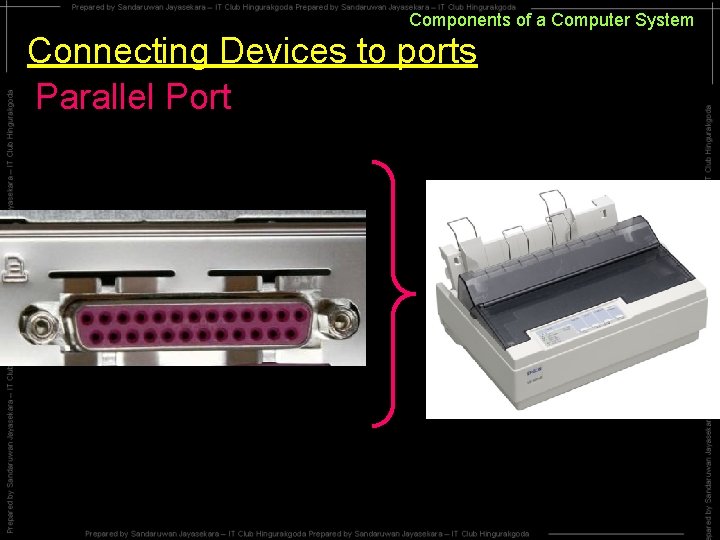
Components of a Computer System Connecting Devices to ports Parallel Port
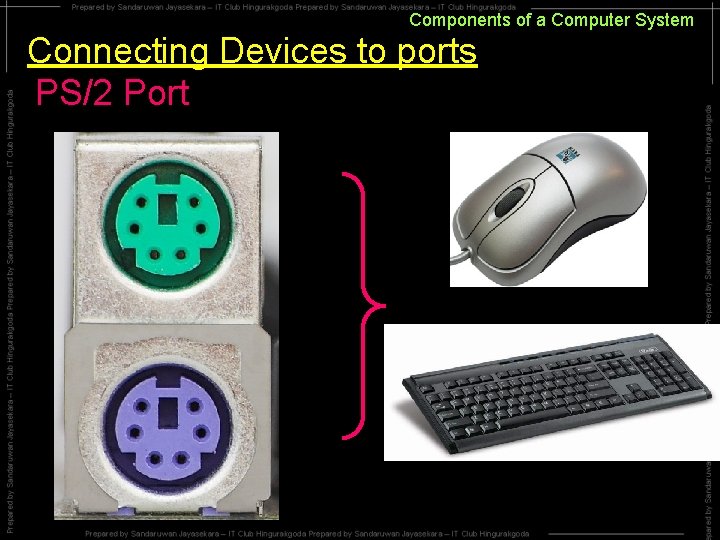
Components of a Computer System Connecting Devices to ports PS/2 Port
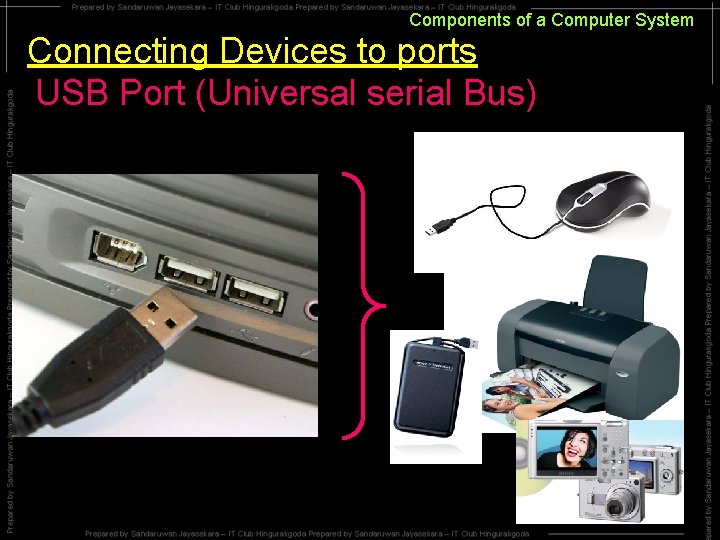
Components of a Computer System Connecting Devices to ports USB Port (Universal serial Bus)
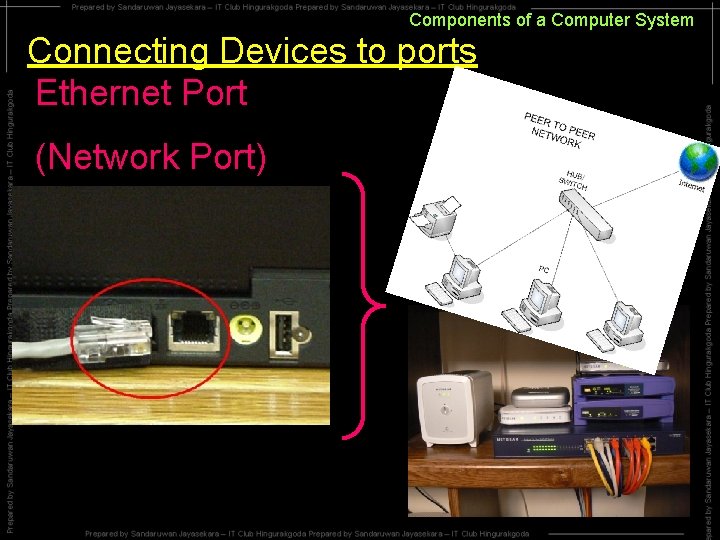
Components of a Computer System Connecting Devices to ports Ethernet Port (Network Port)
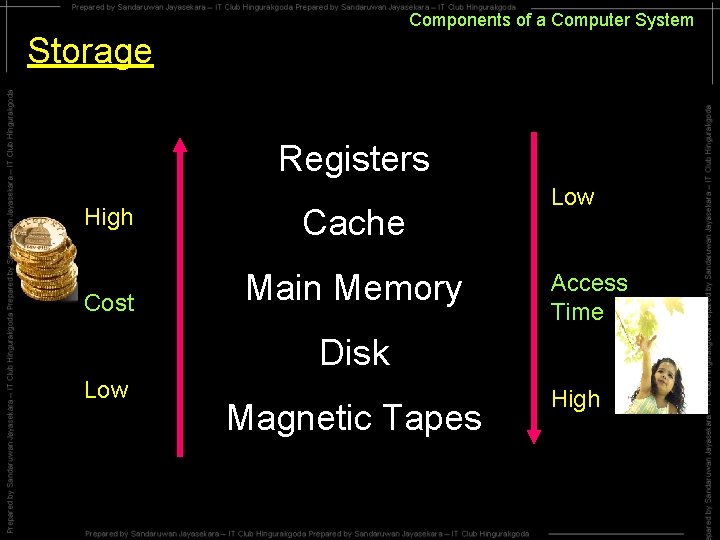
Components of a Computer System Storage Registers High Cost Cache Main Memory Low Access Time Disk Low Magnetic Tapes High
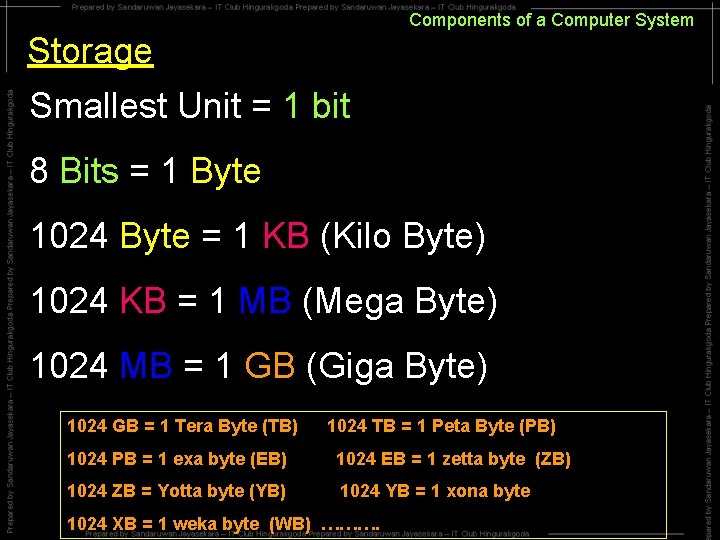
Components of a Computer System Storage Smallest Unit = 1 bit 8 Bits = 1 Byte 1024 Byte = 1 KB (Kilo Byte) 1024 KB = 1 MB (Mega Byte) 1024 MB = 1 GB (Giga Byte) 1024 GB = 1 Tera Byte (TB) 1024 TB = 1 Peta Byte (PB) 1024 PB = 1 exa byte (EB) 1024 EB = 1 zetta byte (ZB) 1024 ZB = Yotta byte (YB) 1024 YB = 1 xona byte 1024 XB = 1 weka byte (WB) ……….
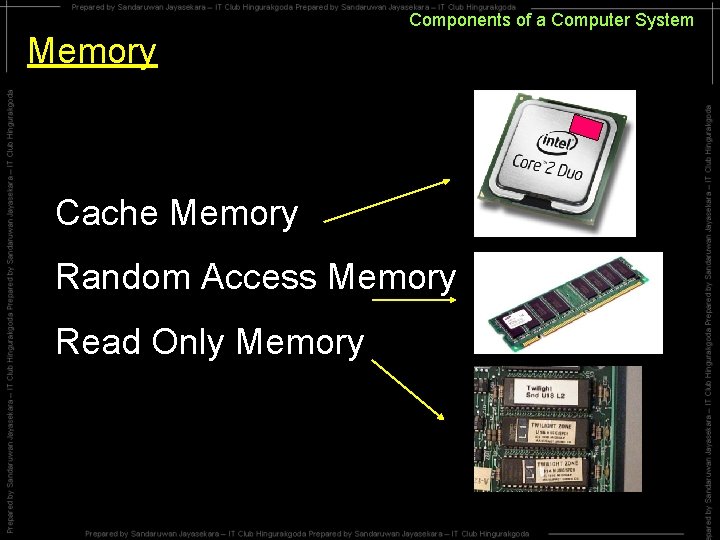
Components of a Computer System Memory Cache Memory Random Access Memory Read Only Memory
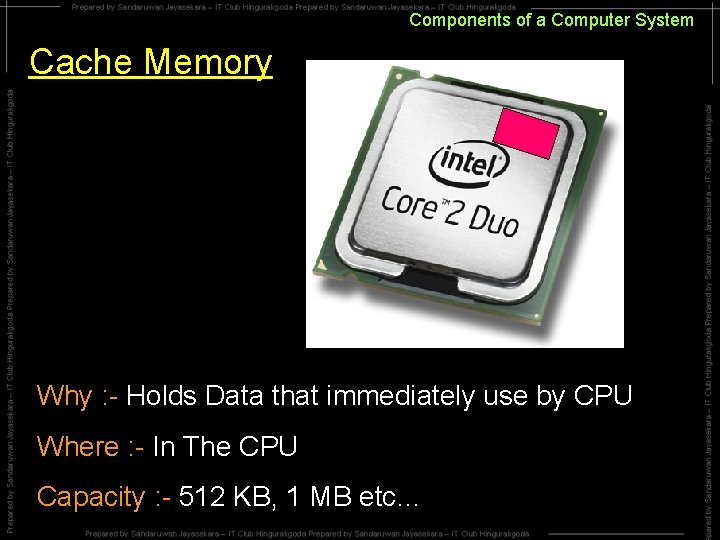
Components of a Computer System Cache Memory Why : - Holds Data that immediately use by CPU Where : - In The CPU Capacity : - 512 KB, 1 MB etc…
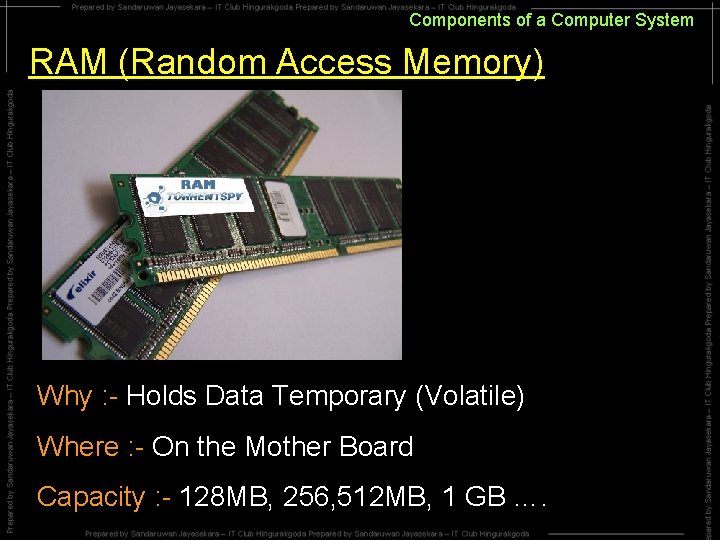
Components of a Computer System RAM (Random Access Memory) Why : - Holds Data Temporary (Volatile) Where : - On the Mother Board Capacity : - 128 MB, 256, 512 MB, 1 GB ….
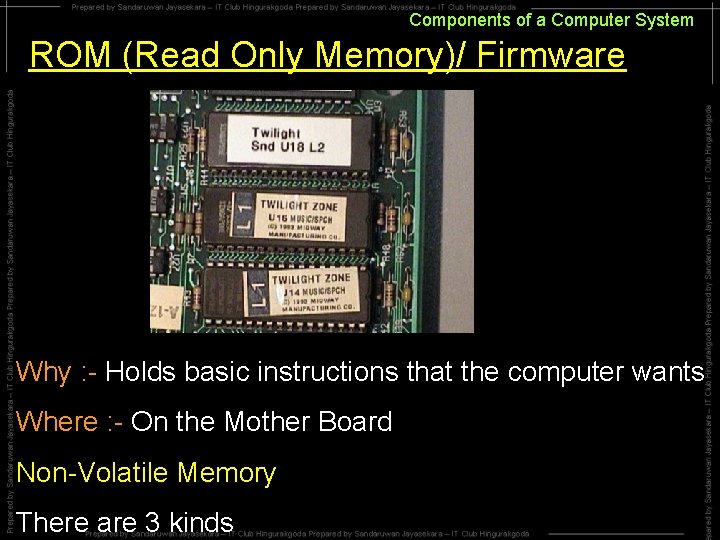
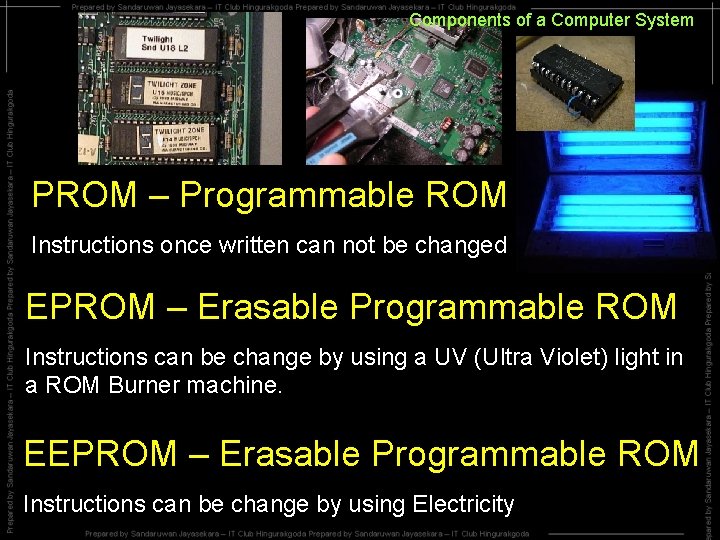
Components of a Computer System ROM (Read Only Memory)/ Firmware Why : - Holds basic instructions that the computer wants Where : - On the Mother Board Non-Volatile Memory There are 3 kinds
Components of a Computer System PROM – Programmable ROM Instructions once written can not be changed EPROM – Erasable Programmable ROM Instructions can be change by using a UV (Ultra Violet) light in a ROM Burner machine. EEPROM – Erasable Programmable ROM Instructions can be change by using Electricity
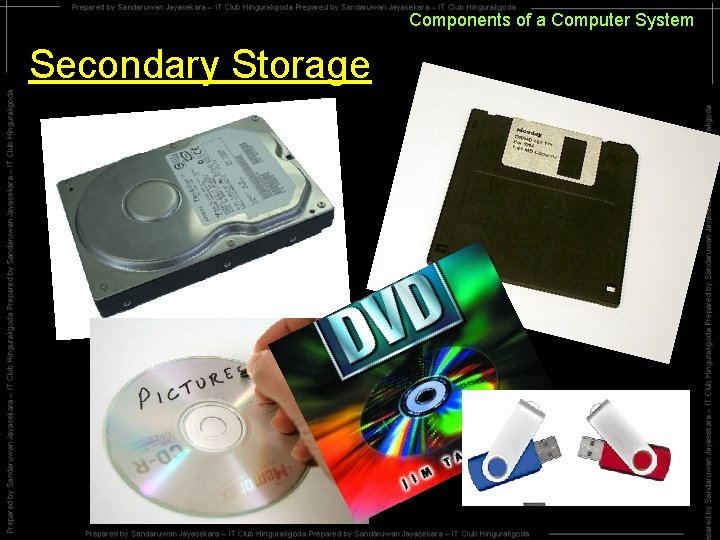
Components of a Computer System Secondary Storage
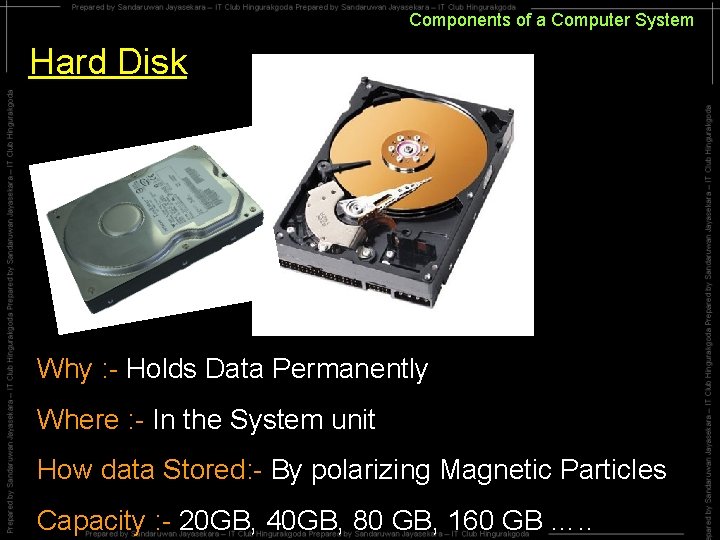
Components of a Computer System Hard Disk Why : - Holds Data Permanently Where : - In the System unit How data Stored: - By polarizing Magnetic Particles Capacity : - 20 GB, 40 GB, 80 GB, 160 GB …. .
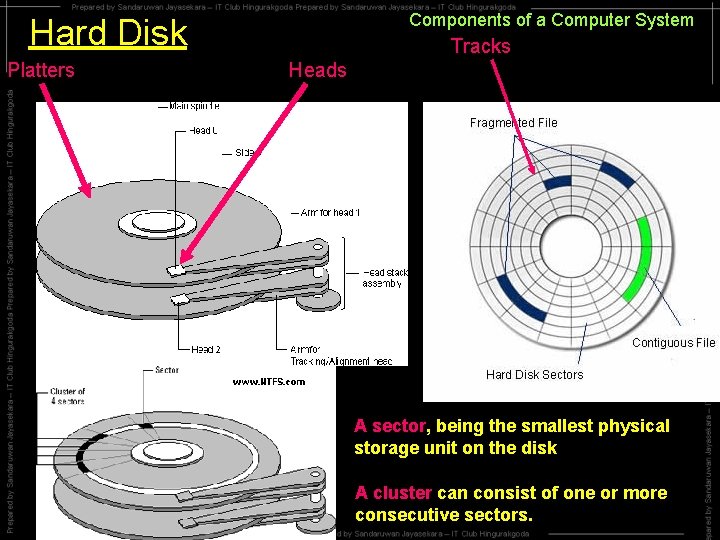
Components of a Computer System Hard Disk Platters Tracks Heads A sector, being the smallest physical storage unit on the disk A cluster can consist of one or more consecutive sectors.
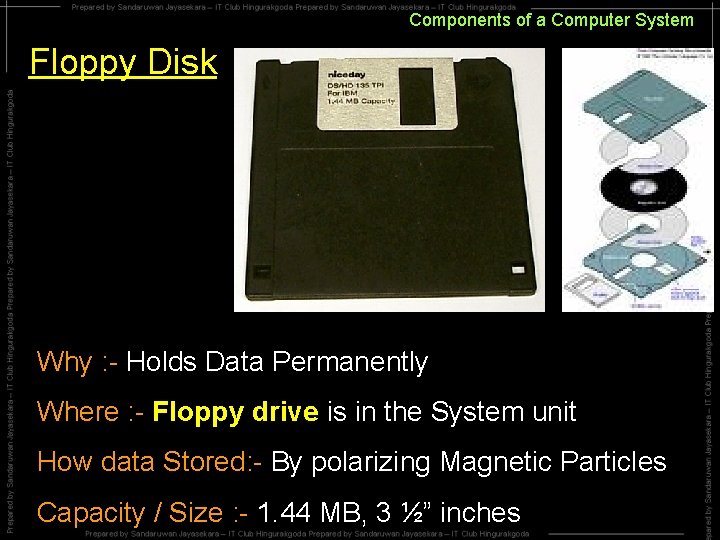
Components of a Computer System Floppy Disk Why : - Holds Data Permanently Where : - Floppy drive is in the System unit How data Stored: - By polarizing Magnetic Particles Capacity / Size : - 1. 44 MB, 3 ½” inches
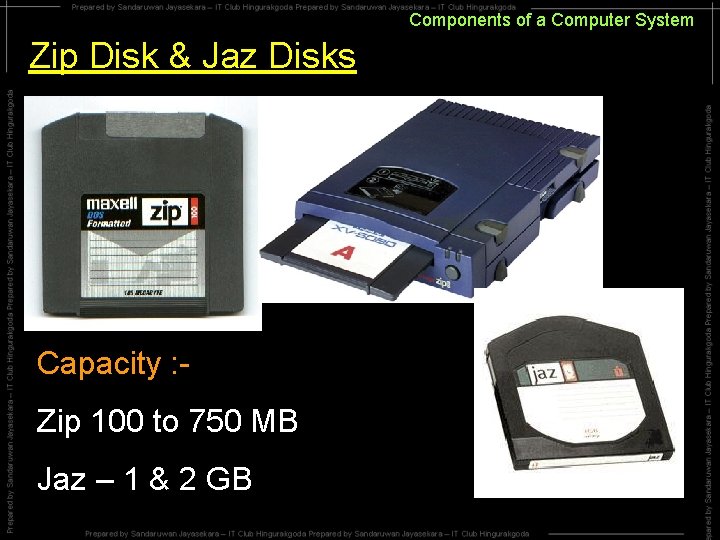
Components of a Computer System Zip Disk & Jaz Disks Capacity : Zip 100 to 750 MB Jaz – 1 & 2 GB
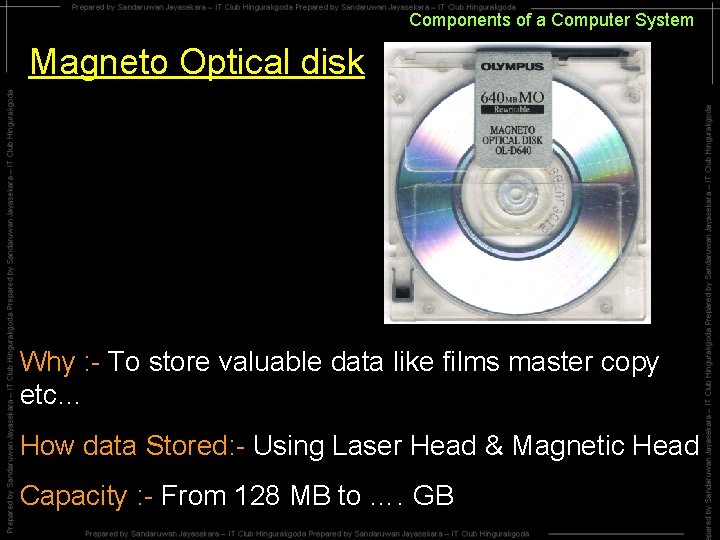
Components of a Computer System Magneto Optical disk Why : - To store valuable data like films master copy etc… How data Stored: - Using Laser Head & Magnetic Head Capacity : - From 128 MB to …. GB
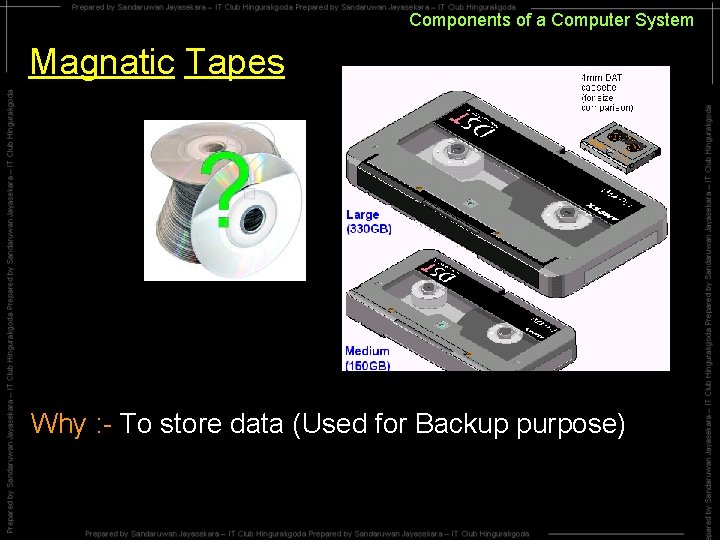
Components of a Computer System Magnatic Tapes Why : - To store data (Used for Backup purpose)
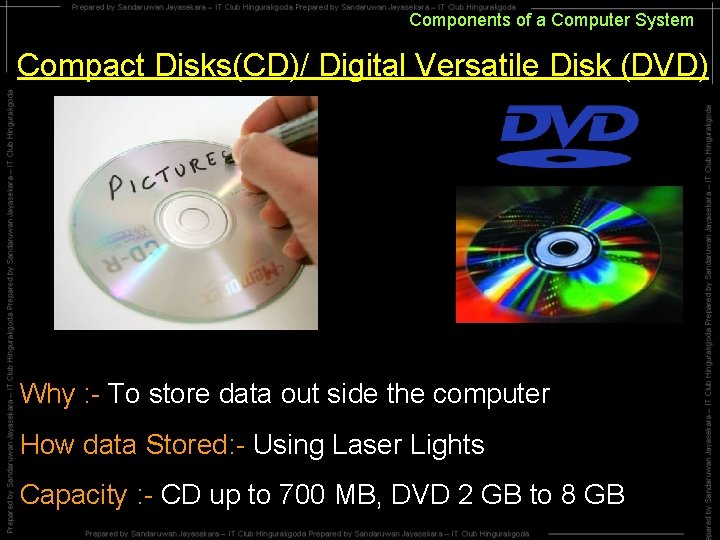
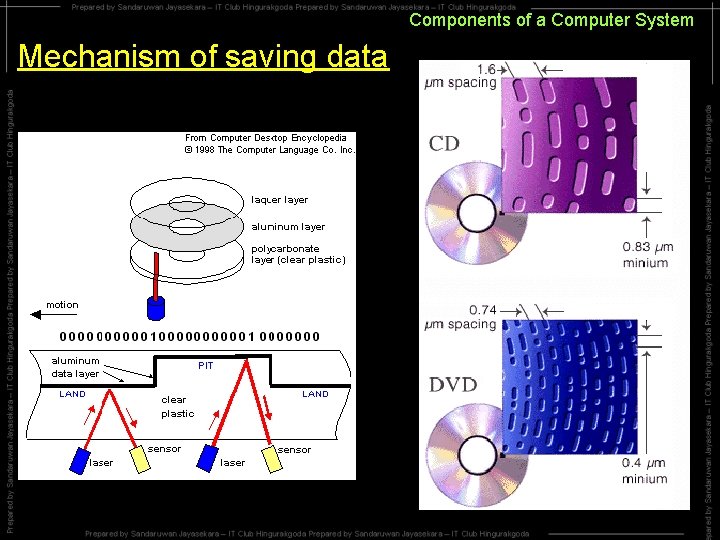
Components of a Computer System Compact Disks(CD)/ Digital Versatile Disk (DVD) Why : - To store data out side the computer How data Stored: - Using Laser Lights Capacity : - CD up to 700 MB, DVD 2 GB to 8 GB
Components of a Computer System Mechanism of saving data
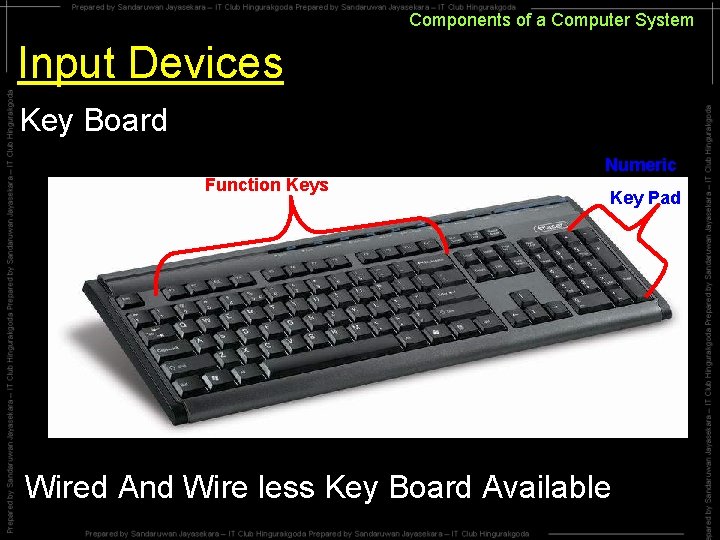
Components of a Computer System Input Devices Key Board Function Keys Numeric Key Pad Wired And Wire less Key Board Available
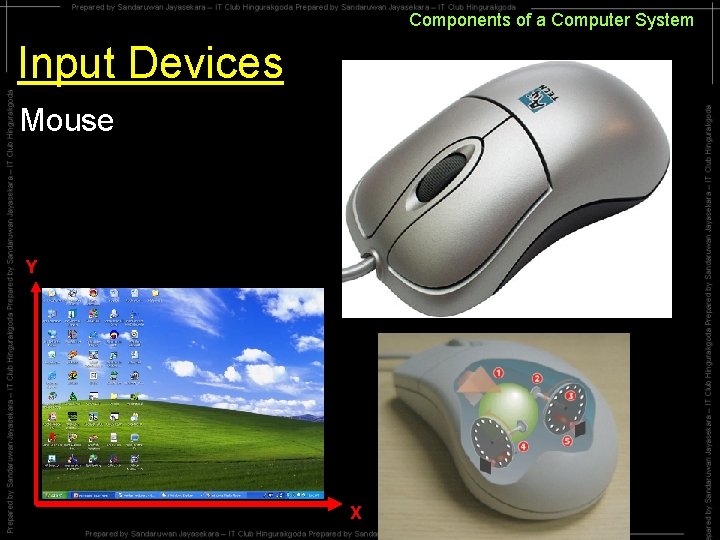
Components of a Computer System Input Devices Mouse Y X
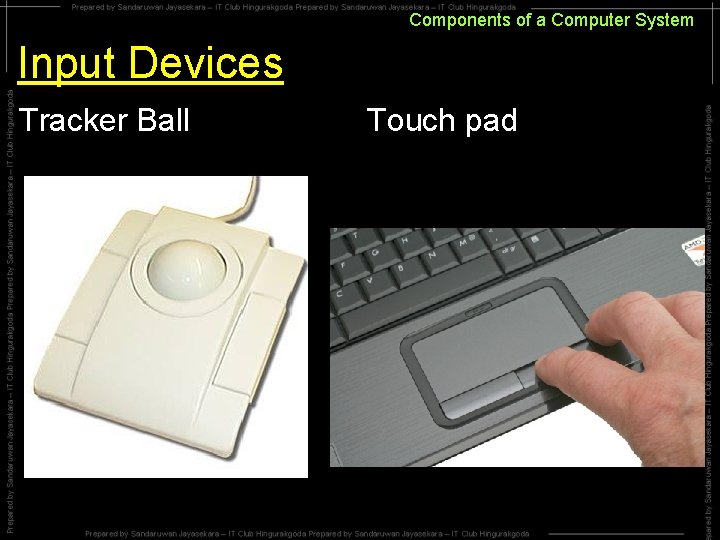
Components of a Computer System Input Devices Tracker Ball Touch pad
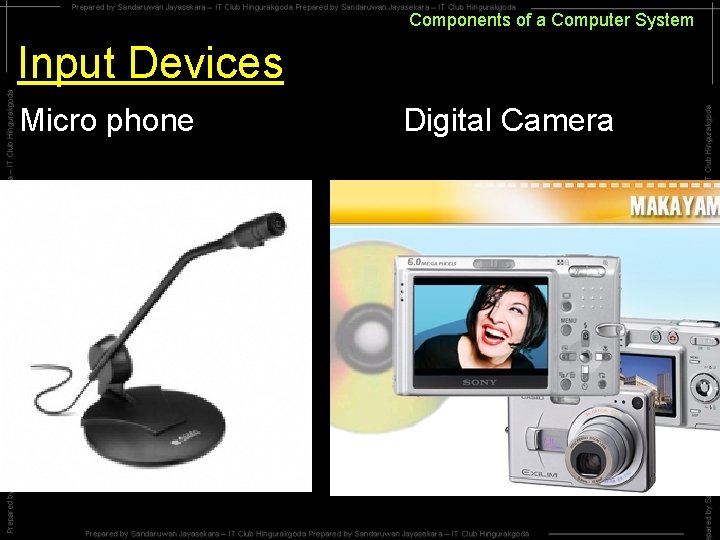
Components of a Computer System Input Devices Micro phone Digital Camera
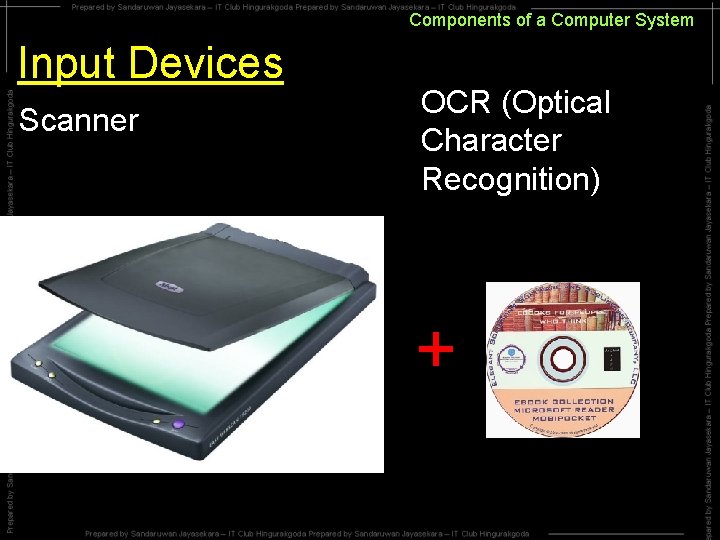
Components of a Computer System Input Devices Scanner OCR (Optical Character Recognition) +
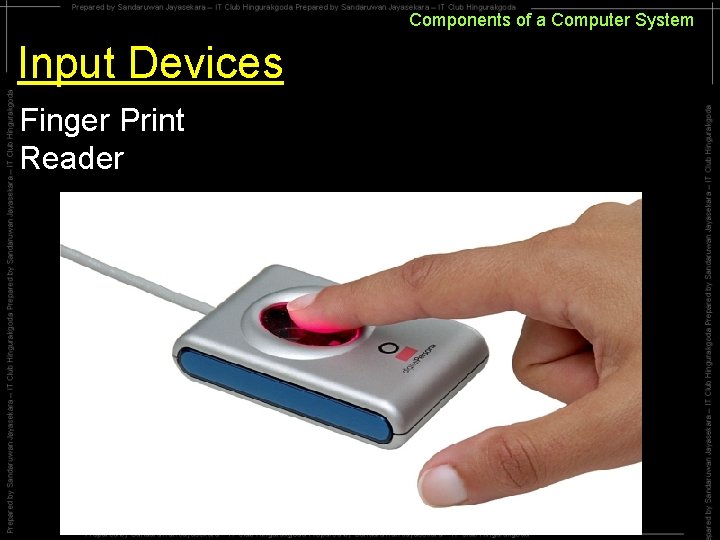
Components of a Computer System Input Devices Finger Print Reader
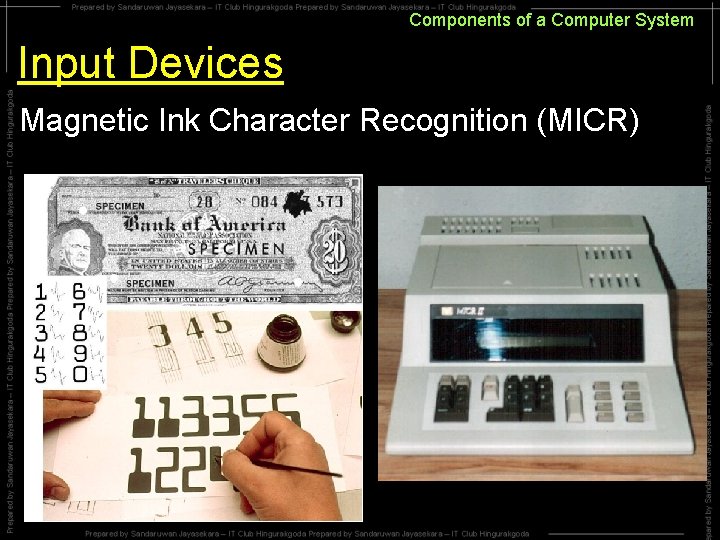
Components of a Computer System Input Devices Magnetic Ink Character Recognition (MICR)
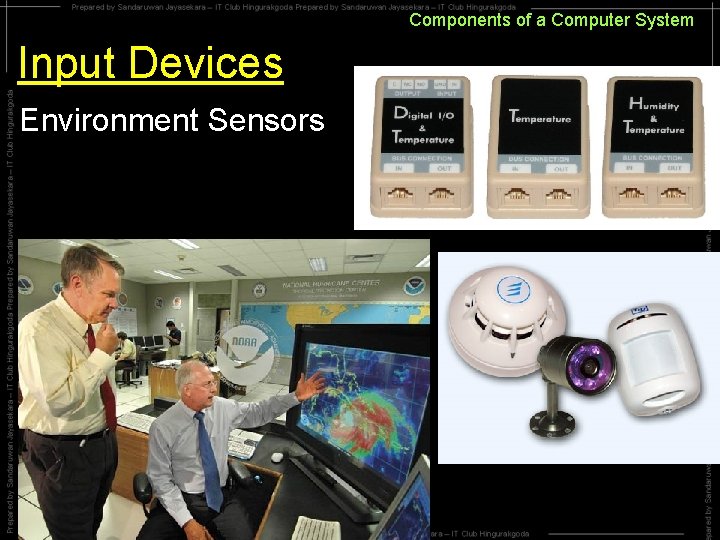
Components of a Computer System Input Devices Environment Sensors
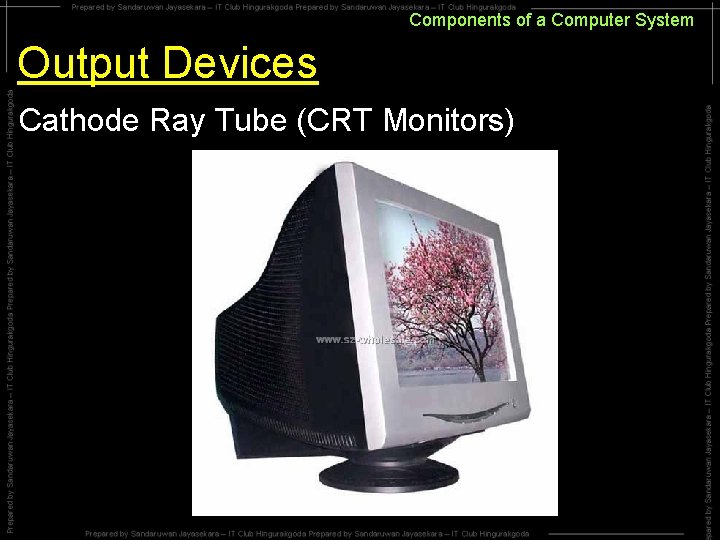
Components of a Computer System Output Devices Cathode Ray Tube (CRT Monitors)
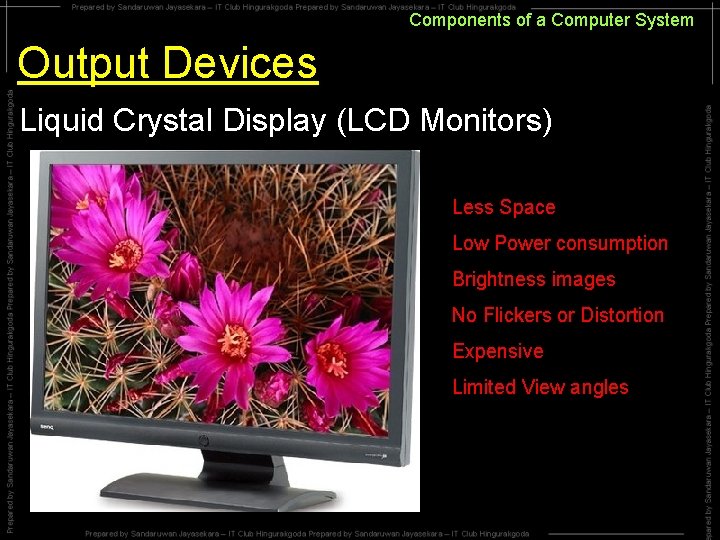
Components of a Computer System Output Devices Liquid Crystal Display (LCD Monitors) Less Space Low Power consumption Brightness images No Flickers or Distortion Expensive Limited View angles
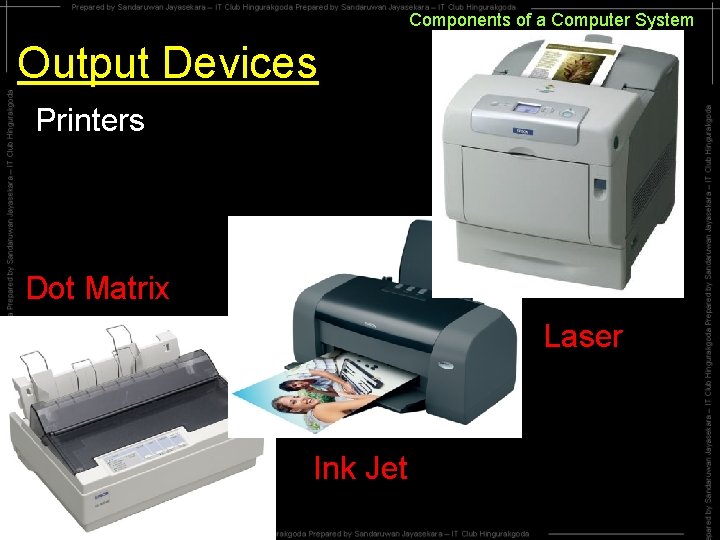
Components of a Computer System Output Devices Printers Dot Matrix Laser Ink Jet
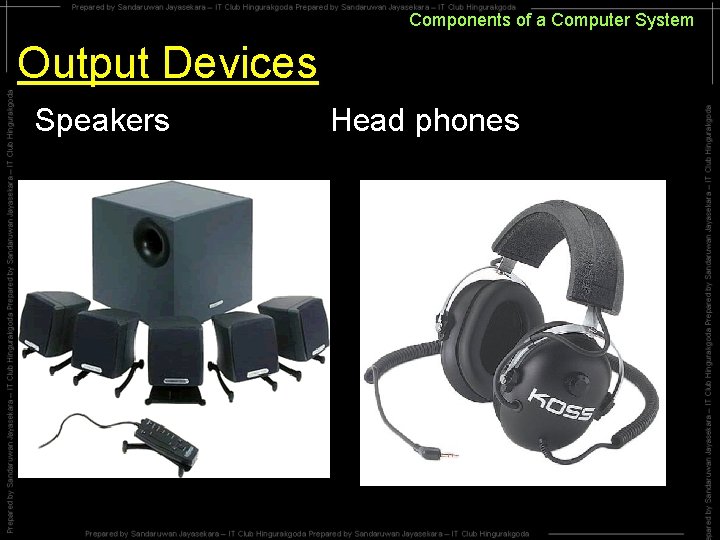
Components of a Computer System Output Devices Speakers Head phones
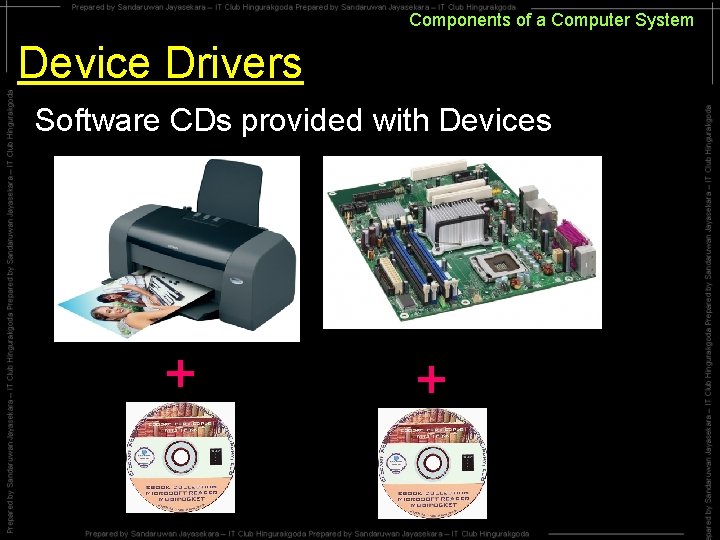
Components of a Computer System Device Drivers Software CDs provided with Devices + +
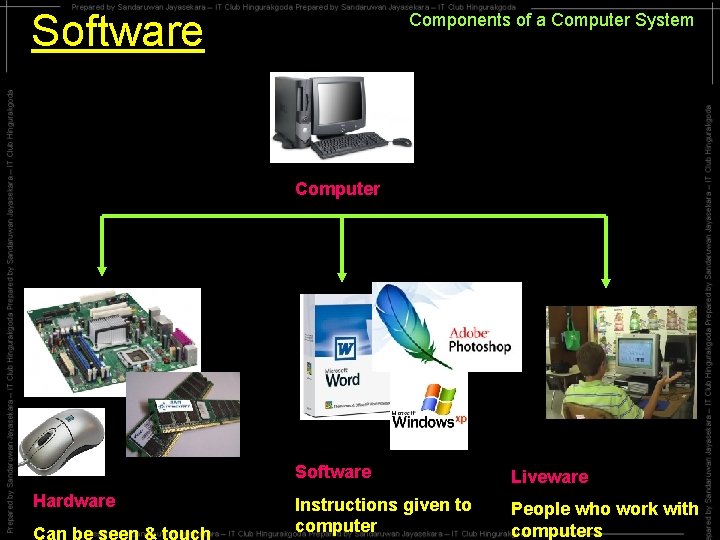
Software Components of a Computer System Computer Hardware Can be seen & touch Software Liveware Instructions given to computer People who work with computers
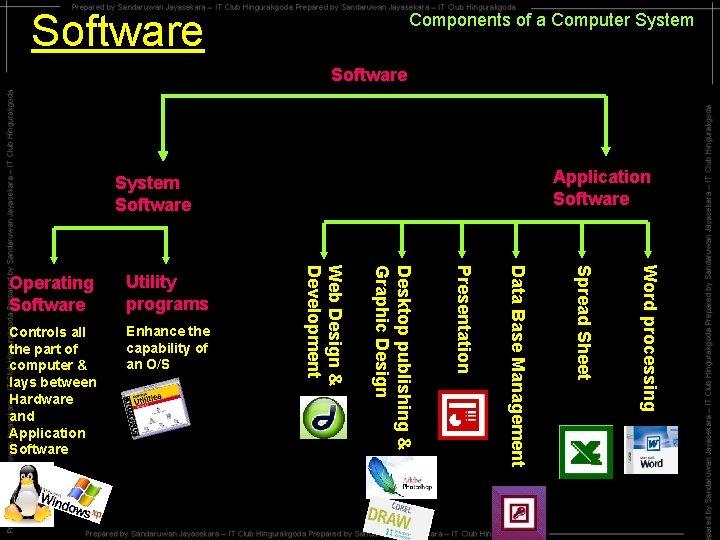
Software Components of a Computer System Software Application Software System Software Word processing Spread Sheet Data Base Management Enhance the capability of an O/S Presentation Controls all the part of computer & lays between Hardware and Application Software Desktop publishing & Graphic Design Utility programs Web Design & Development Operating Software
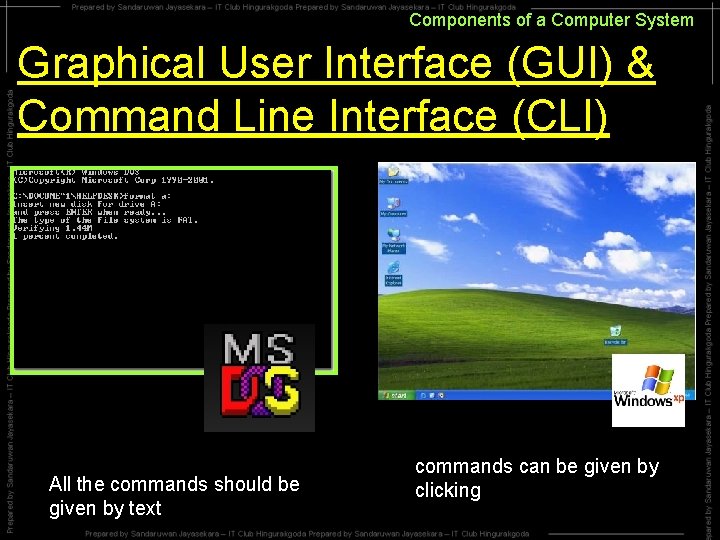
Components of a Computer System Graphical User Interface (GUI) & Command Line Interface (CLI) All the commands should be given by text commands can be given by clicking
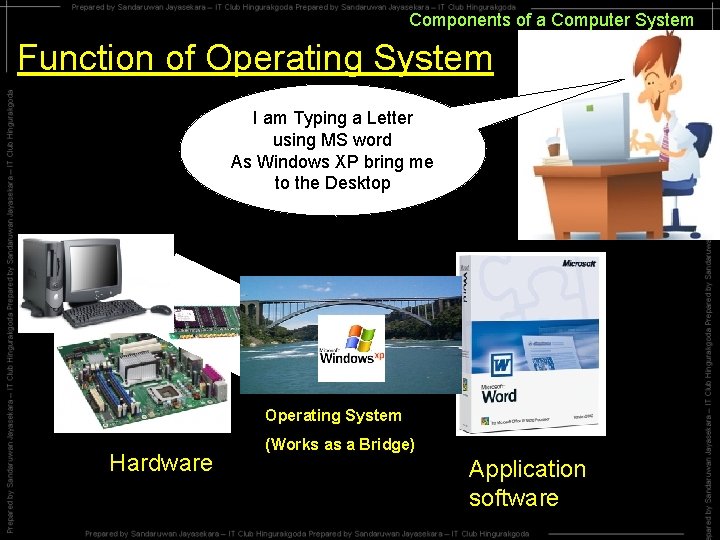
Components of a Computer System Function of Operating System I am Typing a Letter using MS word As Windows XP bring me to the Desktop Operating System Hardware (Works as a Bridge) Application software
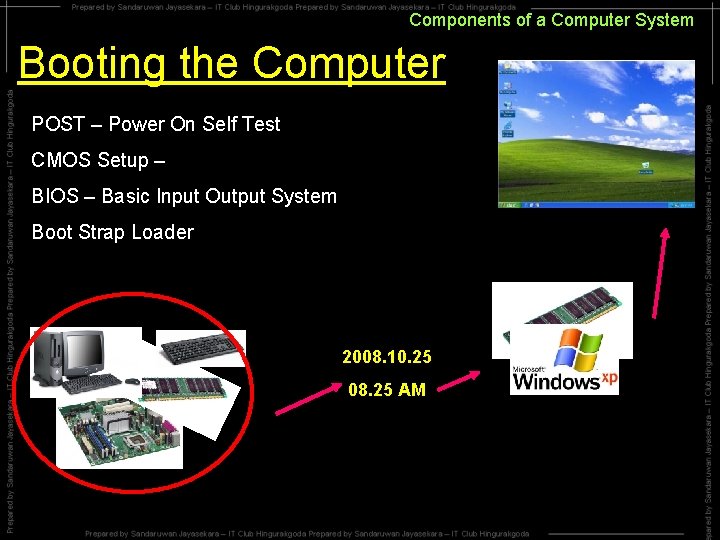
Components of a Computer System Booting the Computer POST – Power On Self Test CMOS Setup – BIOS – Basic Input Output System Boot Strap Loader 2008. 10. 25 08. 25 AM