
Component Based Launching Launch Actions Work in Progress
Component Based Launching (Launch Actions) Work in Progress at Wind River martin. oberhuber@windriver. com Confidential | Date | Other Information, if necessary © Wind River Systems, released under EPL 1. 0. All logos are TM of their respective companies. © 2002 IBM Corporation
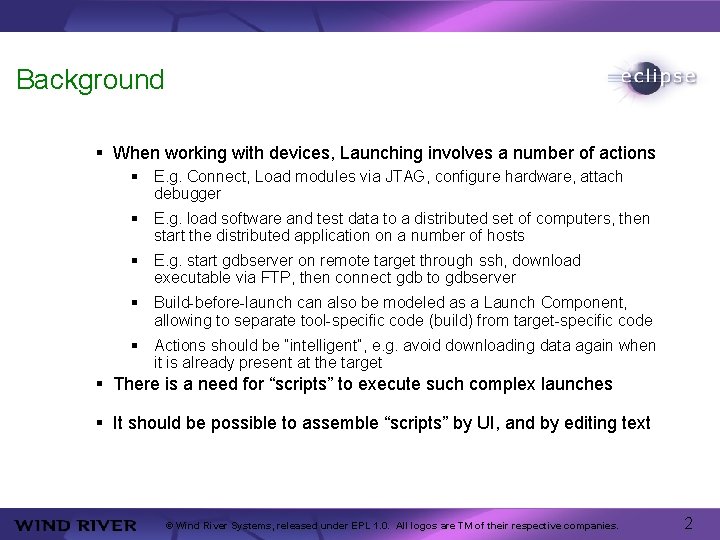
Background § When working with devices, Launching involves a number of actions § E. g. Connect, Load modules via JTAG, configure hardware, attach debugger § E. g. load software and test data to a distributed set of computers, then start the distributed application on a number of hosts § E. g. start gdbserver on remote target through ssh, download executable via FTP, then connect gdb to gdbserver § Build-before-launch can also be modeled as a Launch Component, allowing to separate tool-specific code (build) from target-specific code § Actions should be “intelligent”, e. g. avoid downloading data again when it is already present at the target § There is a need for “scripts” to execute such complex launches § It should be possible to assemble “scripts” by UI, and by editing text © Wind River Systems, released under EPL 1. 0. All logos are TM of their respective companies. 2
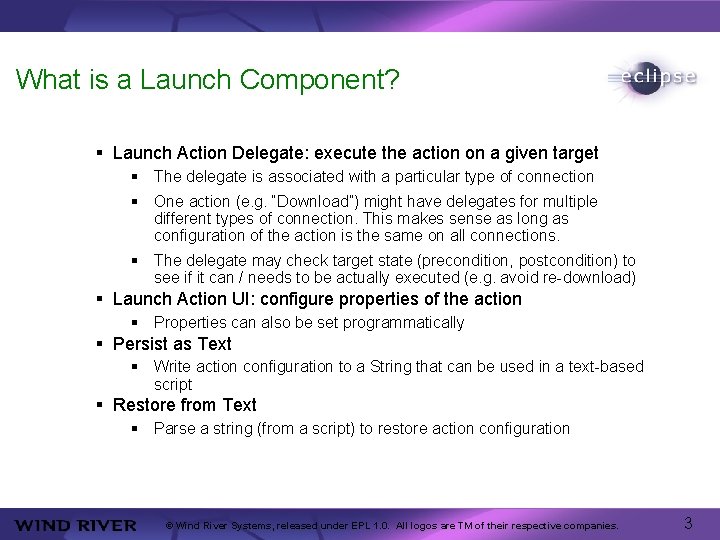
What is a Launch Component? § Launch Action Delegate: execute the action on a given target § The delegate is associated with a particular type of connection § One action (e. g. “Download”) might have delegates for multiple different types of connection. This makes sense as long as configuration of the action is the same on all connections. § The delegate may check target state (precondition, postcondition) to see if it can / needs to be actually executed (e. g. avoid re-download) § Launch Action UI: configure properties of the action § Properties can also be set programmatically § Persist as Text § Write action configuration to a String that can be used in a text-based script § Restore from Text § Parse a string (from a script) to restore action configuration © Wind River Systems, released under EPL 1. 0. All logos are TM of their respective companies. 3

Launch Sequencer § A Generic Launch Configuration § Launch Components (registered by extension point) are assembled into a list of actions. § Each Action operates on one selected node (context) from the RSE Target Tree: Connection, Subsystem, Core, Process, Task… § The Launch has a notion of “Current Context” (e. g. current connection). § Actions that create a new context set it as the new current context. § By UI, only a simple (linear) list of actions is possible. § Future: the script can be edited in order to allow conditionals based on target state, loops and parallel execution § In addition to the global target state, the Sequencer maintains a Launching State (property map). Actions can set and query properties in the Launching State. © Wind River Systems, released under EPL 1. 0. All logos are TM of their respective companies. 4
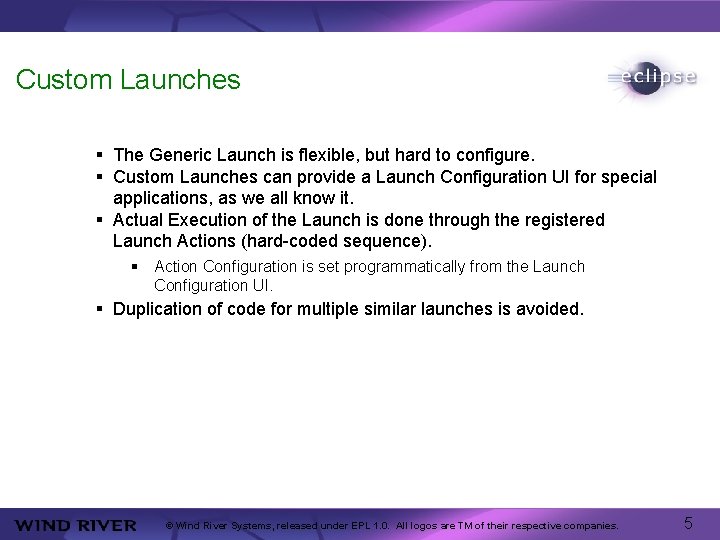
Custom Launches § The Generic Launch is flexible, but hard to configure. § Custom Launches can provide a Launch Configuration UI for special applications, as we all know it. § Actual Execution of the Launch is done through the registered Launch Actions (hard-coded sequence). § Action Configuration is set programmatically from the Launch Configuration UI. § Duplication of code for multiple similar launches is avoided. © Wind River Systems, released under EPL 1. 0. All logos are TM of their respective companies. 5
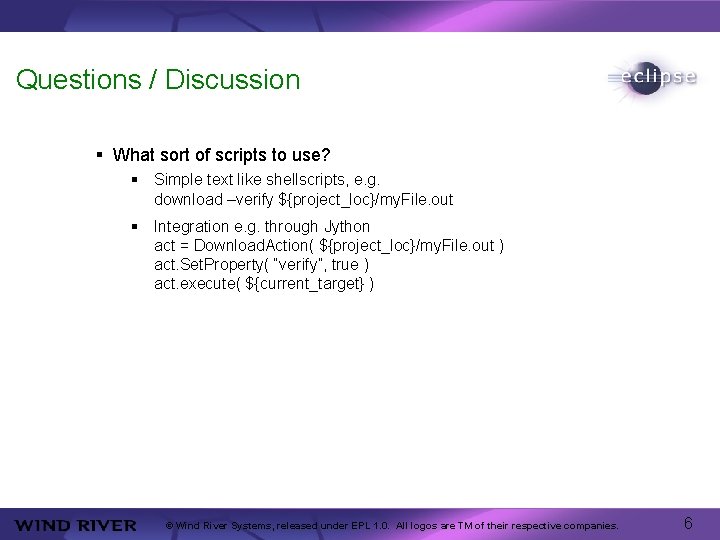
Questions / Discussion § What sort of scripts to use? § Simple text like shellscripts, e. g. download –verify ${project_loc}/my. File. out § Integration e. g. through Jython act = Download. Action( ${project_loc}/my. File. out ) act. Set. Property( “verify”, true ) act. execute( ${current_target} ) © Wind River Systems, released under EPL 1. 0. All logos are TM of their respective companies. 6
- Slides: 6