
Component 4 Introduction to Information and Computer Science
- Slides: 20
Component 4: Introduction to Information and Computer Science Unit 1: Basic Computing Concepts, Including History Lecture 1 This material was developed by Oregon Health & Science University, funded by the Department of Health and Human Services, Office of the National Coordinator for Health Information Technology under Award Number IU 24 OC 000015.
Unit 1 Objectives • Define what a computer is • List different types of computers (PCs, mobile devices, embedded computers, etc. ) • Define common elements of computer systems • Describe the various hardware and software options for typical desktop, laptop and server systems for home/business use (focusing on healthcare systems) • Explain the development of computers and the Internet, including healthcare systems up until the present time Component 4/Unit 1 -1 Health IT Workforce Curriculum 2. 0/Spring 2011 Version 2
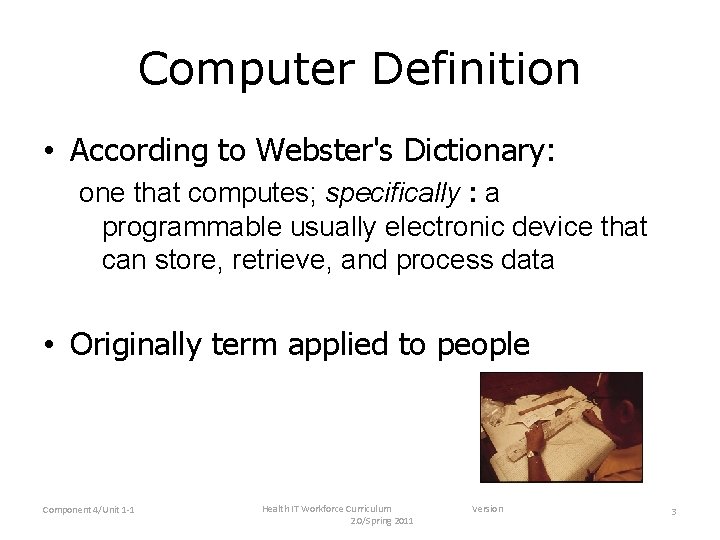
Computer Definition • According to Webster's Dictionary: one that computes; specifically : a programmable usually electronic device that can store, retrieve, and process data • Originally term applied to people Component 4/Unit 1 -1 Health IT Workforce Curriculum 2. 0/Spring 2011 Version 3
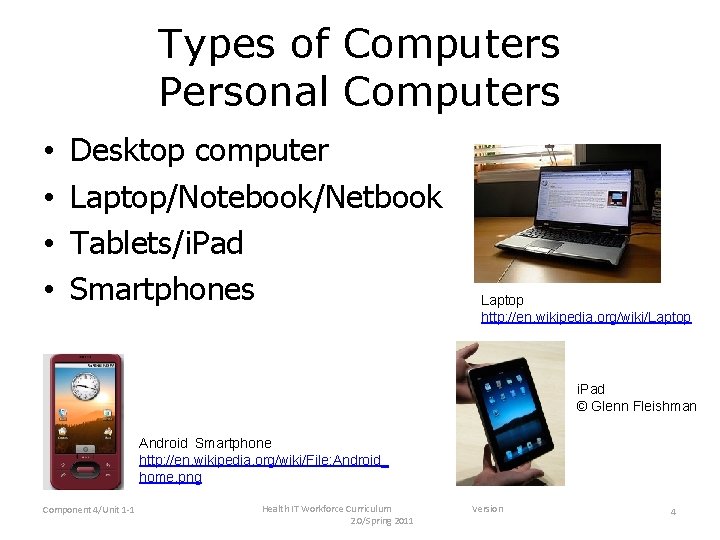
Types of Computers Personal Computers • • Desktop computer Laptop/Notebook/Netbook Tablets/i. Pad Smartphones Laptop http: //en. wikipedia. org/wiki/Laptop i. Pad © Glenn Fleishman Android Smartphone http: //en. wikipedia. org/wiki/File: Android_ home. png Component 4/Unit 1 -1 Health IT Workforce Curriculum 2. 0/Spring 2011 Version 4
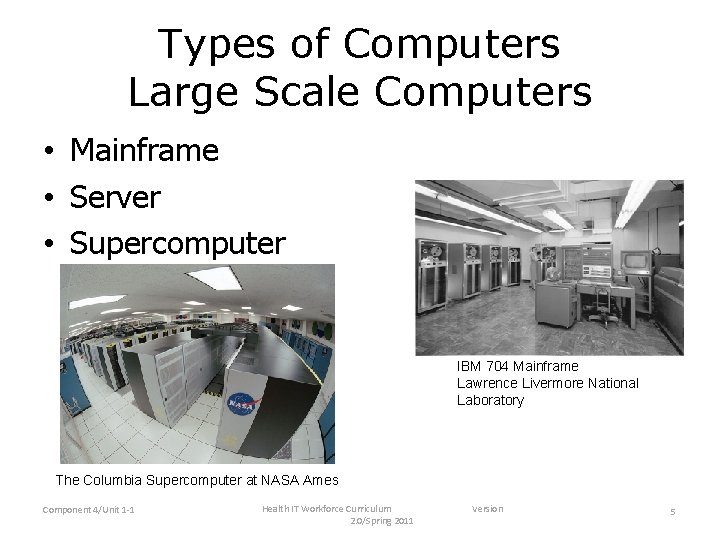
Types of Computers Large Scale Computers • Mainframe • Server • Supercomputer IBM 704 Mainframe Lawrence Livermore National Laboratory The Columbia Supercomputer at NASA Ames Component 4/Unit 1 -1 Health IT Workforce Curriculum 2. 0/Spring 2011 Version 5
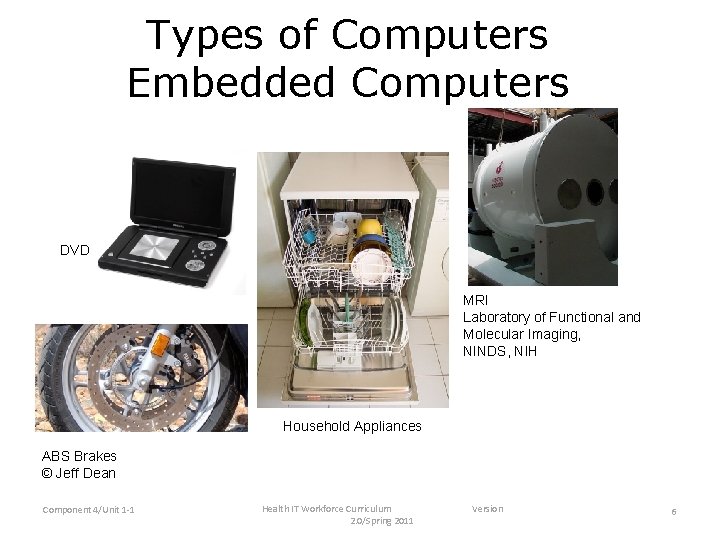
Types of Computers Embedded Computers DVD MRI Laboratory of Functional and Molecular Imaging, NINDS, NIH Household Appliances ABS Brakes © Jeff Dean Component 4/Unit 1 -1 Health IT Workforce Curriculum 2. 0/Spring 2011 Version 6
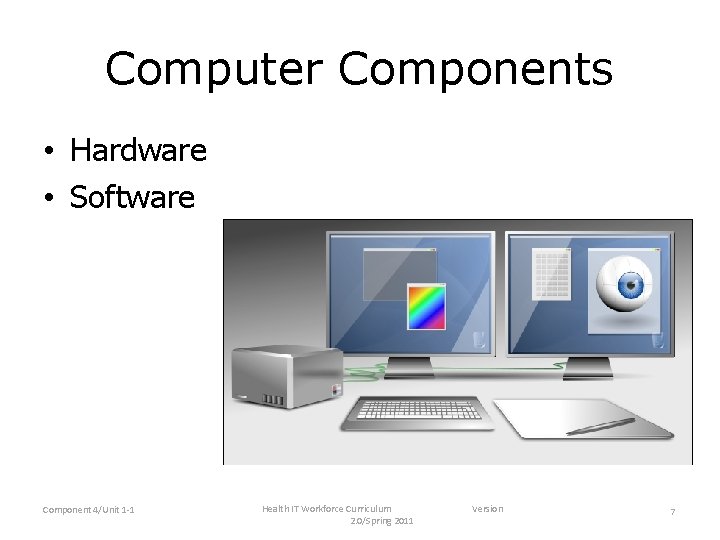
Computer Components • Hardware • Software Component 4/Unit 1 -1 Health IT Workforce Curriculum 2. 0/Spring 2011 Version 7
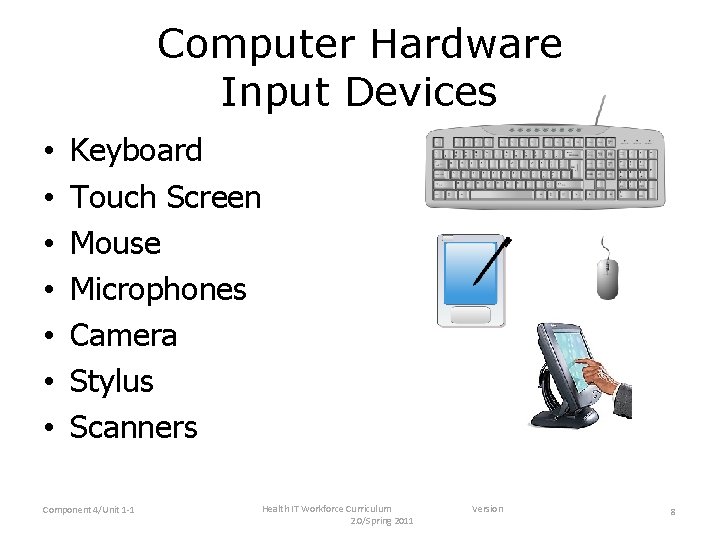
Computer Hardware Input Devices • • Keyboard Touch Screen Mouse Microphones Camera Stylus Scanners Component 4/Unit 1 -1 Health IT Workforce Curriculum 2. 0/Spring 2011 Version 8
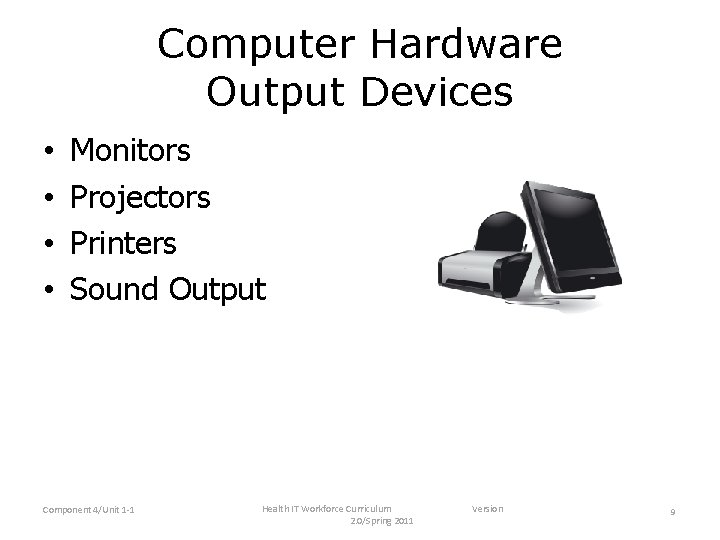
Computer Hardware Output Devices • • Monitors Projectors Printers Sound Output Component 4/Unit 1 -1 Health IT Workforce Curriculum 2. 0/Spring 2011 Version 9
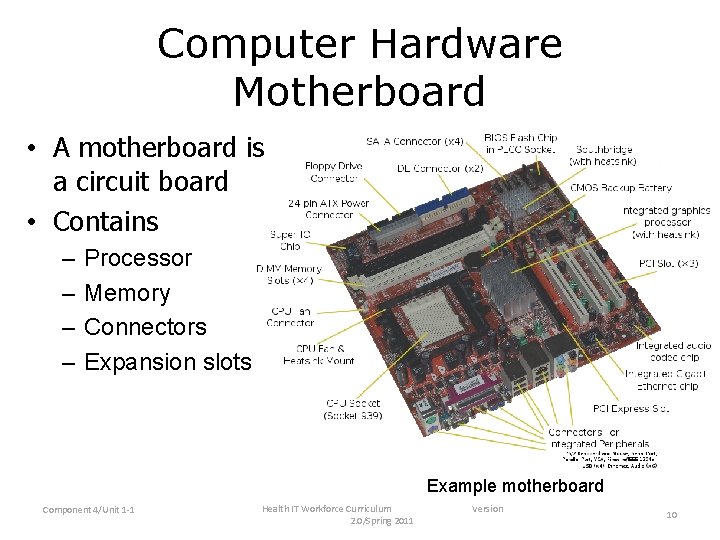
Computer Hardware Motherboard • A motherboard is a circuit board • Contains – – Processor Memory Connectors Expansion slots Example motherboard Component 4/Unit 1 -1 Health IT Workforce Curriculum 2. 0/Spring 2011 Version 10
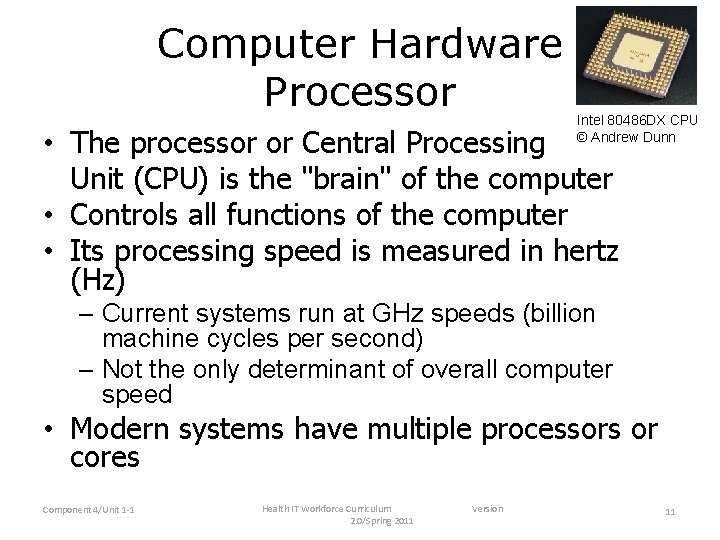
Computer Hardware Processor Intel 80486 DX CPU © Andrew Dunn • The processor or Central Processing Unit (CPU) is the "brain" of the computer • Controls all functions of the computer • Its processing speed is measured in hertz (Hz) – Current systems run at GHz speeds (billion machine cycles per second) – Not the only determinant of overall computer speed • Modern systems have multiple processors or cores Component 4/Unit 1 -1 Health IT Workforce Curriculum 2. 0/Spring 2011 Version 11
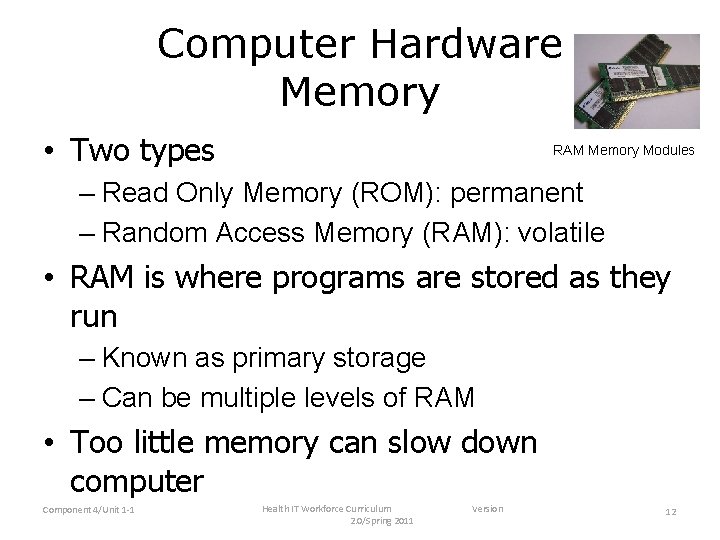
Computer Hardware Memory • Two types RAM Memory Modules – Read Only Memory (ROM): permanent – Random Access Memory (RAM): volatile • RAM is where programs are stored as they run – Known as primary storage – Can be multiple levels of RAM • Too little memory can slow down computer Component 4/Unit 1 -1 Health IT Workforce Curriculum 2. 0/Spring 2011 Version 12
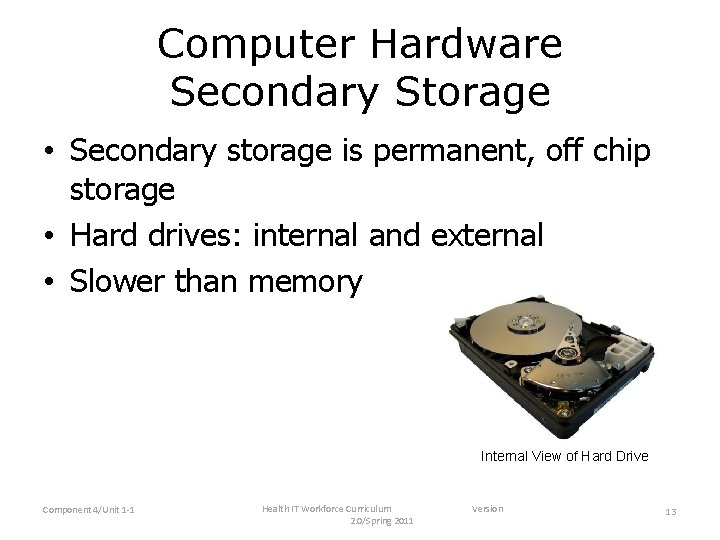
Computer Hardware Secondary Storage • Secondary storage is permanent, off chip storage • Hard drives: internal and external • Slower than memory Internal View of Hard Drive Component 4/Unit 1 -1 Health IT Workforce Curriculum 2. 0/Spring 2011 Version 13
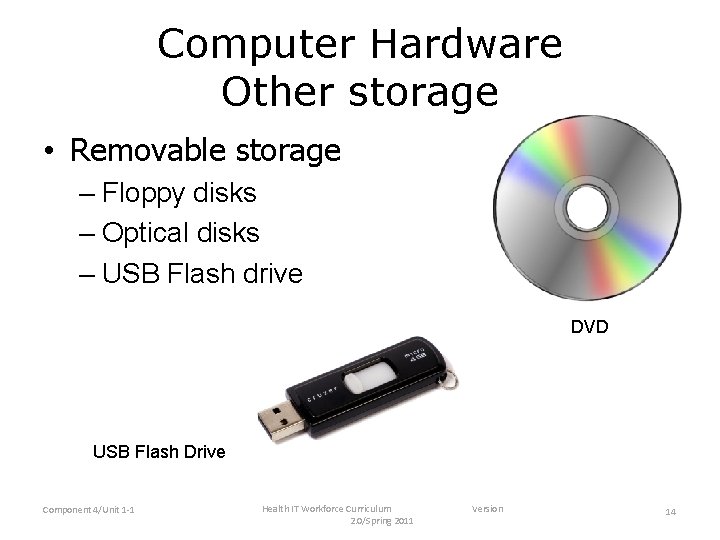
Computer Hardware Other storage • Removable storage – Floppy disks – Optical disks – USB Flash drive DVD USB Flash Drive Component 4/Unit 1 -1 Health IT Workforce Curriculum 2. 0/Spring 2011 Version 14
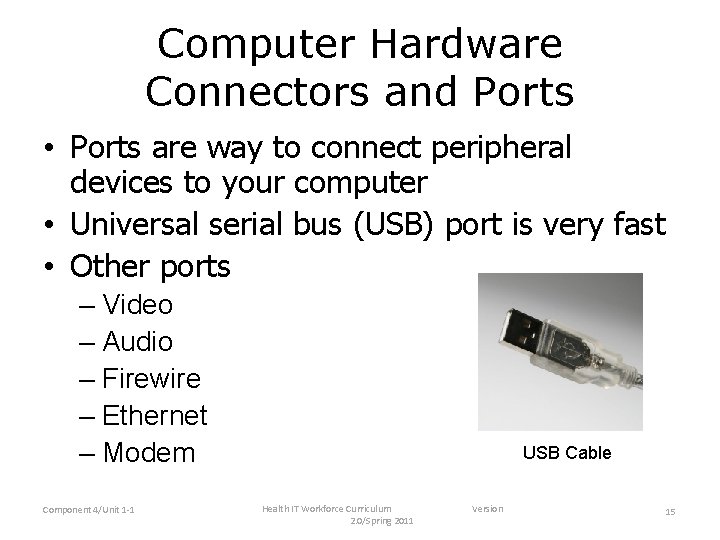
Computer Hardware Connectors and Ports • Ports are way to connect peripheral devices to your computer • Universal serial bus (USB) port is very fast • Other ports – Video – Audio – Firewire – Ethernet – Modem Component 4/Unit 1 -1 USB Cable Health IT Workforce Curriculum 2. 0/Spring 2011 Version 15
Computer Software Operating System • The operating system (OS) coordinates hardware and software • Computers cannot run without an OS • Allows users to interact with the computer • Manages tasks in the CPU, memory, storage, peripheral devices, programs, etc. • Examples – Microsoft Windows – Mac OS – Linux Component 4/Unit 1 -1 Health IT Workforce Curriculum 2. 0/Spring 2011 Version 16
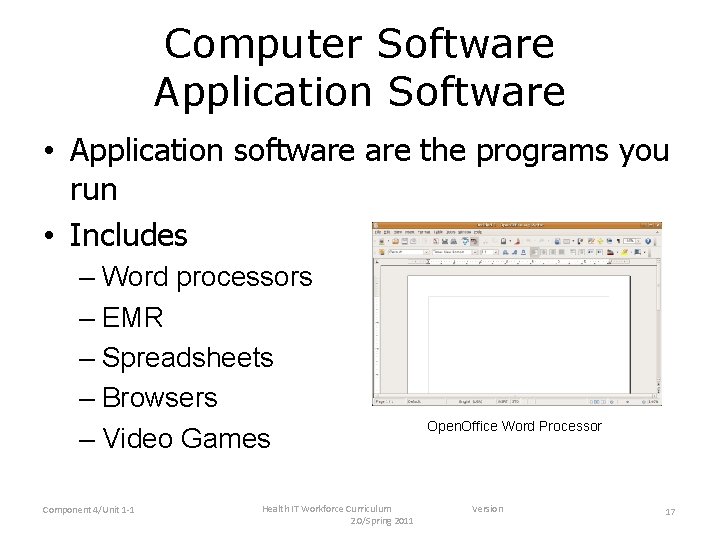
Computer Software Application Software • Application software the programs you run • Includes – Word processors – EMR – Spreadsheets – Browsers – Video Games Component 4/Unit 1 -1 Health IT Workforce Curriculum 2. 0/Spring 2011 Open. Office Word Processor Version 17
More Components • Networks – Allow computer to connect to others and to Internet – Hardware: network ports, connections, routers – Software: OS and NOS • Databases – Collection of data easily stored and retrieved – Hardware: server (computer and storage) – Software: DBMS Component 4/Unit 1 -1 Health IT Workforce Curriculum 2. 0/Spring 2011 Version 18
Computer Software and Hardware • Software is the interface between the user and the computer • Without meaningful, easy to use applications, people wouldn't use computers • If the hardware is slow, people won't use the applications • Important to get a good balance Component 4/Unit 1 -1 Health IT Workforce Curriculum 2. 0/Spring 2011 Version 19
Summary • Computers are electronic devices that input, calculate and output data • Computers range from PCs to large mainframes and supercomputers • Computers are also found in most electronic devices today • Composed of hardware and software Component 4/Unit 1 -1 Health IT Workforce Curriculum 2. 0/Spring 2011 Version 20