
Completing the Redetermination Form GOIEP Revised 2014 Click

- Slides: 11
Completing the Redetermination Form GO-IEP Revised 2014
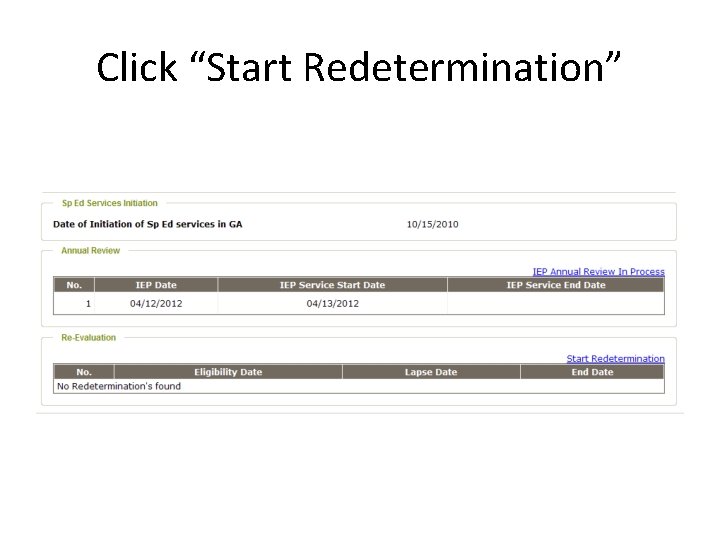
Click “Start Redetermination”
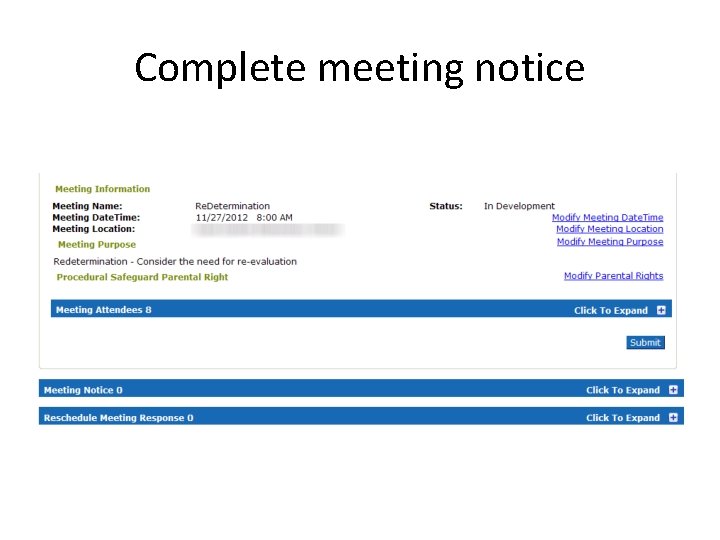
Complete meeting notice
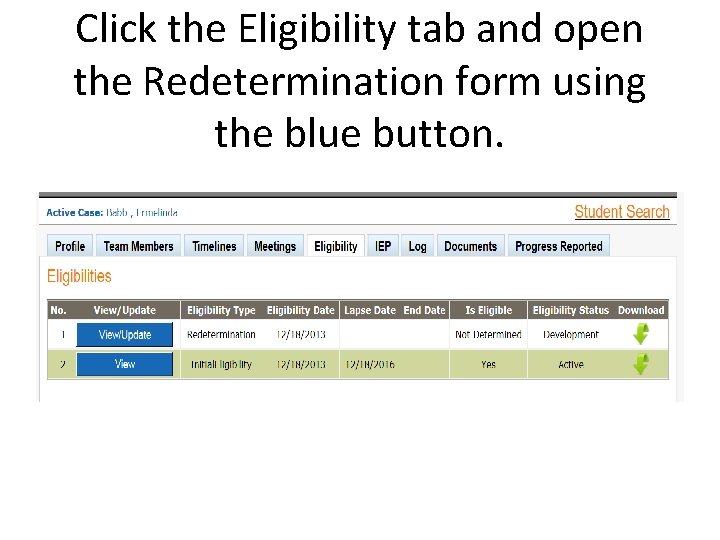
Click the Eligibility tab and open the Redetermination form using the blue button.
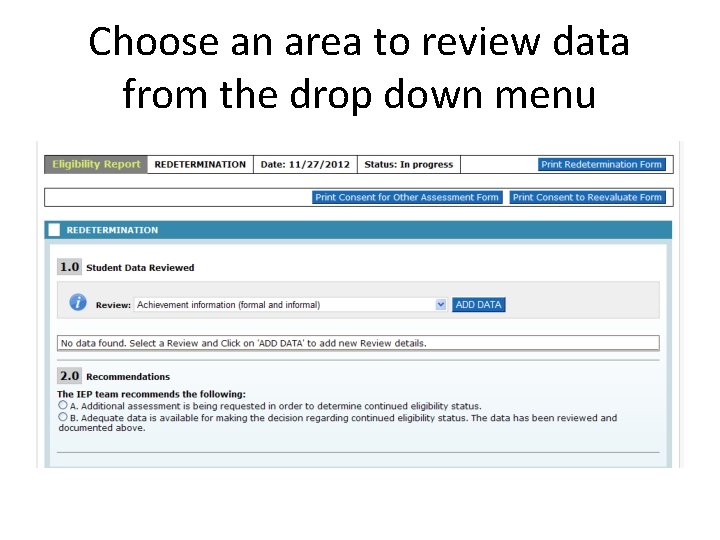
Choose an area to review data from the drop down menu
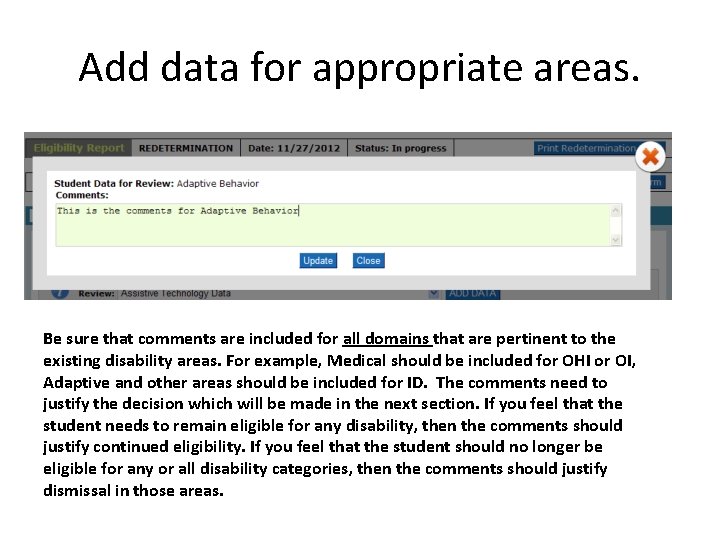
Add data for appropriate areas. Be sure that comments are included for all domains that are pertinent to the existing disability areas. For example, Medical should be included for OHI or OI, Adaptive and other areas should be included for ID. The comments need to justify the decision which will be made in the next section. If you feel that the student needs to remain eligible for any disability, then the comments should justify continued eligibility. If you feel that the student should no longer be eligible for any or all disability categories, then the comments should justify dismissal in those areas.
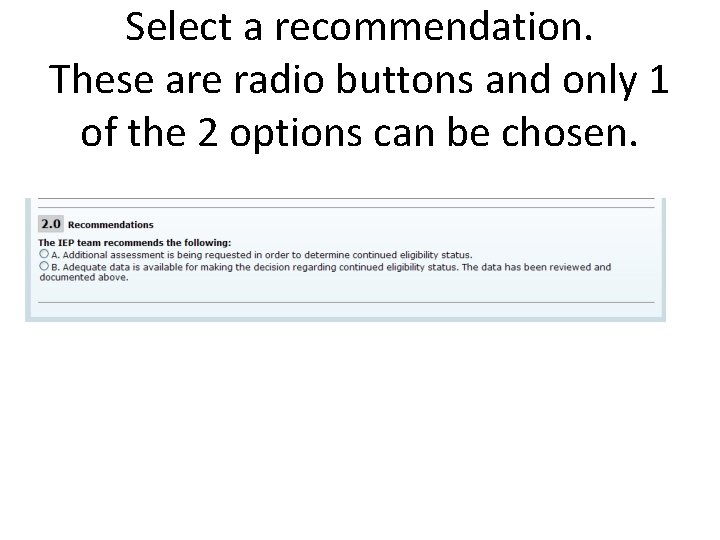
Select a recommendation. These are radio buttons and only 1 of the 2 options can be chosen.
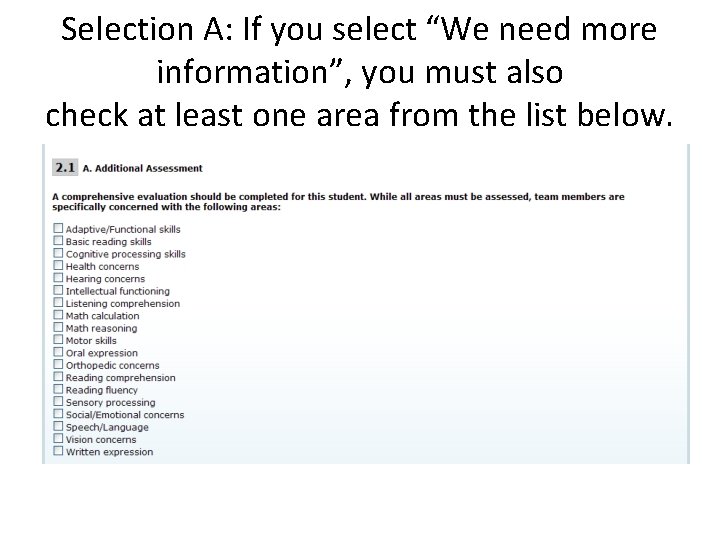
Selection A: If you select “We need more information”, you must also check at least one area from the list below. .
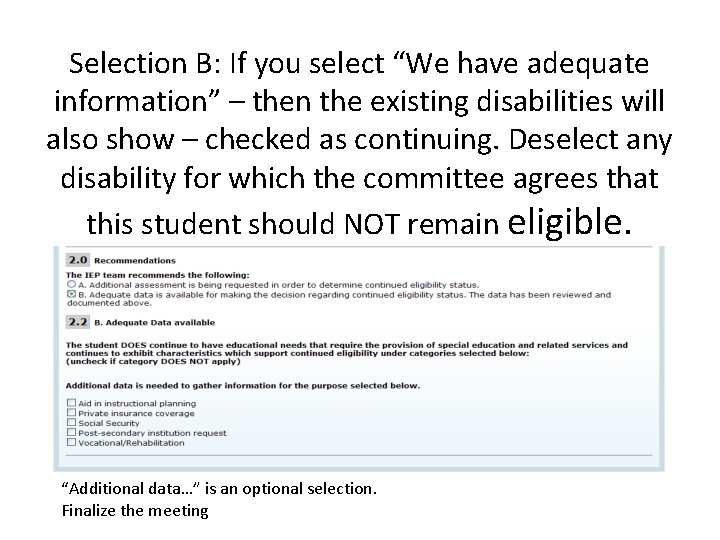
Selection B: If you select “We have adequate information” – then the existing disabilities will also show – checked as continuing. Deselect any disability for which the committee agrees that this student should NOT remain eligible. “Additional data…” is an optional selection. Finalize the meeting
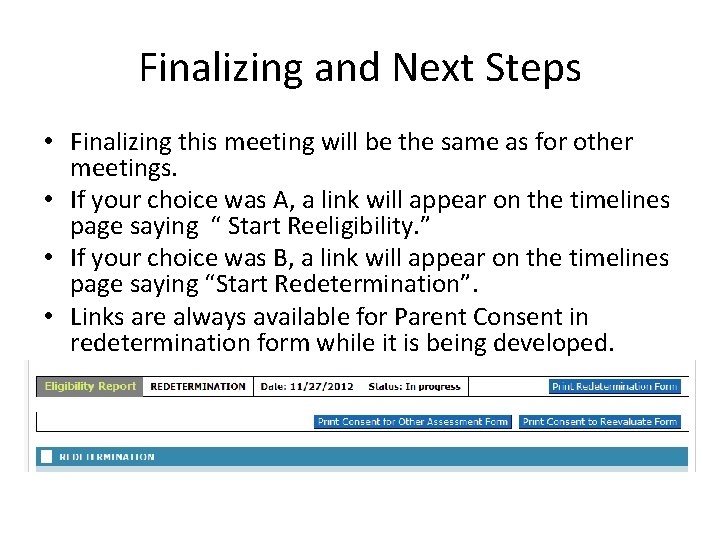
Finalizing and Next Steps • Finalizing this meeting will be the same as for other meetings. • If your choice was A, a link will appear on the timelines page saying “ Start Reeligibility. ” • If your choice was B, a link will appear on the timelines page saying “Start Redetermination”. • Links are always available for Parent Consent in redetermination form while it is being developed.
Final words • The form is quite easy to use and should guide you through the process. • If your student needs more testing, the Reeligibility process will look almost exactly like initial eligibility.