
Complete Event Log Viewing Monitoring and Management Event
- Slides: 30
Complete Event Log Viewing, Monitoring and Management
Event Log Sentry & View Functionality Summary Ø Remote viewing of multiple event logs with filtering capabilities Ø Real-time notification of critical events Ø Automatic response to selected events Ø Automatic event storage in MS SQL Database Ø Automatic clearing and archiving of event logs Ø Centralized management of Audit Policies and event log settings
Event Log Suite integration with Demandtech Software Ø Out-of-the-box templates for viewing, monitoring, and managing specifics events generated by Performance Gallery/Performance Sentry Ø When? ØMay 2002
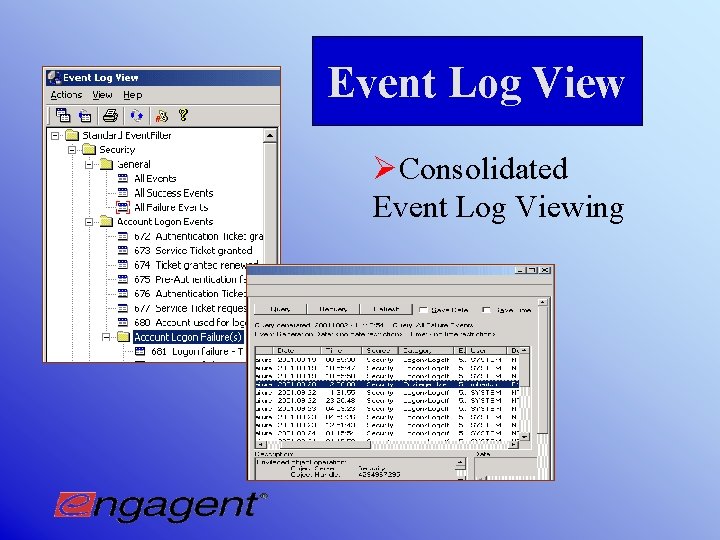
Event Log View ØConsolidated Event Log Viewing
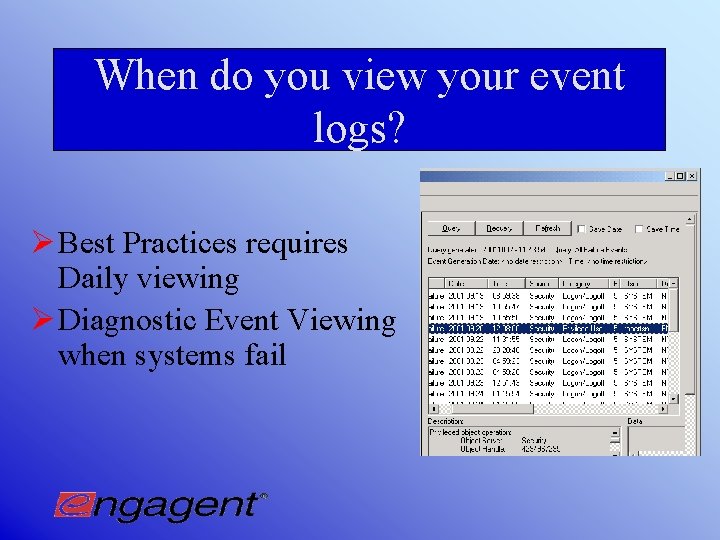
When do you view your event logs? Ø Best Practices requires Daily viewing Ø Diagnostic Event Viewing when systems fail
Functionality of Event Log View Ø Consolidated view of Event Logs ØGrouped machines for strategic viewing ØComplete event log information presented Ø Detailed filtering capabilities ØCreate and store custom filters ØCustom filters for 3 rd party applications (in development)
Why use Event Log View? Ø Best practices requires daily viewing of all event logs. Event Log View makes it possible to satisfy best practices by streamlining and simplifying the viewing process Ø Event Log View reduces the time and resources spent viewing event logs and, as a result, reduces the related TCO (Total Cost of Operations)
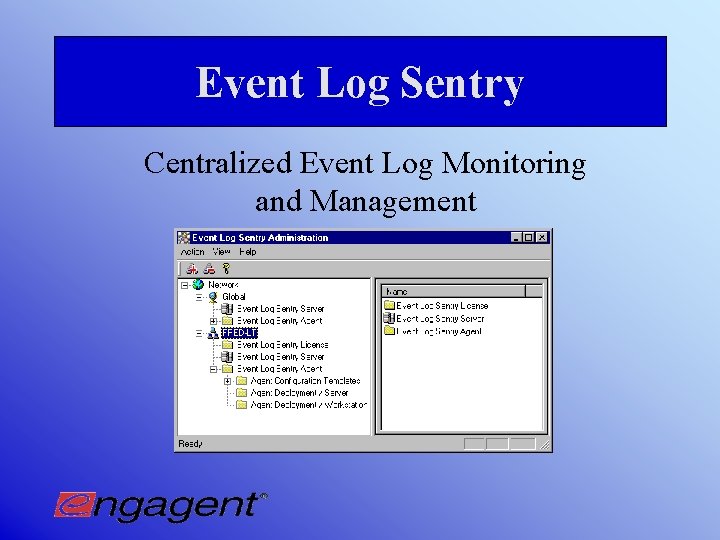
Event Log Sentry Centralized Event Log Monitoring and Management
Monitoring Functionality of Event Log Sentry Ø Monitor event logs for critical events and receive immediate notification when they occur Ø Multiple notifications in response to events Ø Email (Pager, Cell phone, Blackberry, etc. ) Ø Popup Ø Customizable messages in notifications, including macros (variables) Ø Integrated templates for 3 rd party solutions
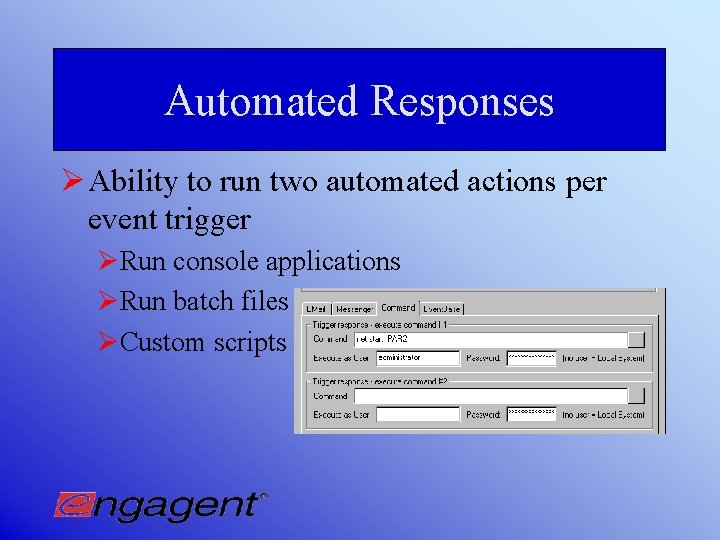
Automated Responses Ø Ability to run two automated actions per event trigger ØRun console applications ØRun batch files ØCustom scripts
Why monitor your event logs with Event Log Sentry? Ø Decrease administrative response time to critical events to prevent system failures Ø Uninterrupted end-user productivity due to automated triggers Ø Proactive Monitoring means: Ø Reduces TCO associated with repairing system failures since problems are resolved before system failures occur Ø Administrators’ time spent on priority projects instead of reactive repair and analysis
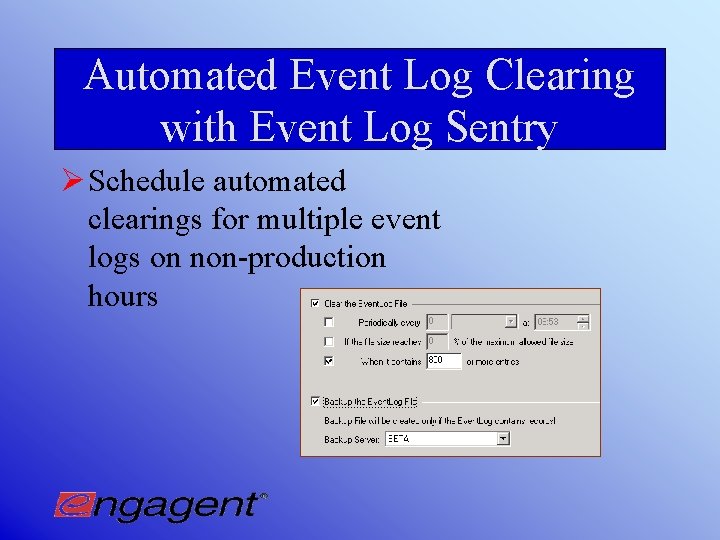
Automated Event Log Clearing with Event Log Sentry Ø Schedule automated clearings for multiple event logs on non-production hours
Why Automate Event Log Clearing? Ø Event logs never reach maximum capacity– no loss of information Ø Reduces TCO since Administrative resources are not used to clear event logs
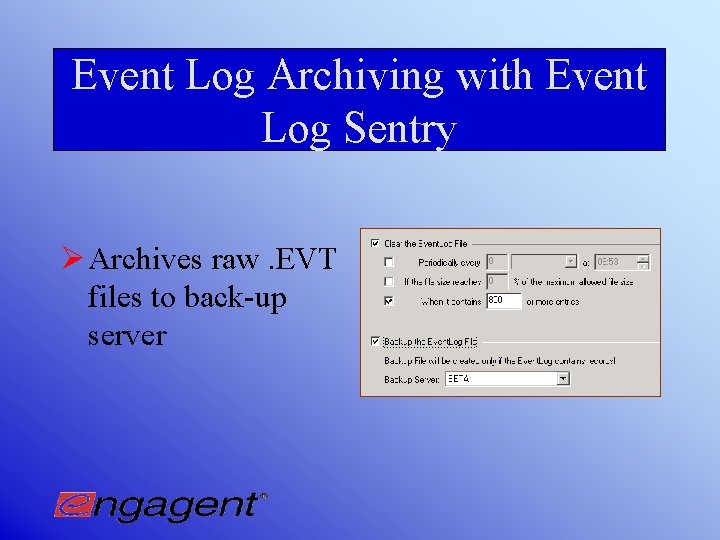
Event Log Archiving with Event Log Sentry Ø Archives raw. EVT files to back-up server
Why do you need to automate event log archiving? Ø Automation ensures that archiving occurs Ø Second source of original event information for diagnostics and audit trail purposes Ø Best Practices requires back up of all critical event log information
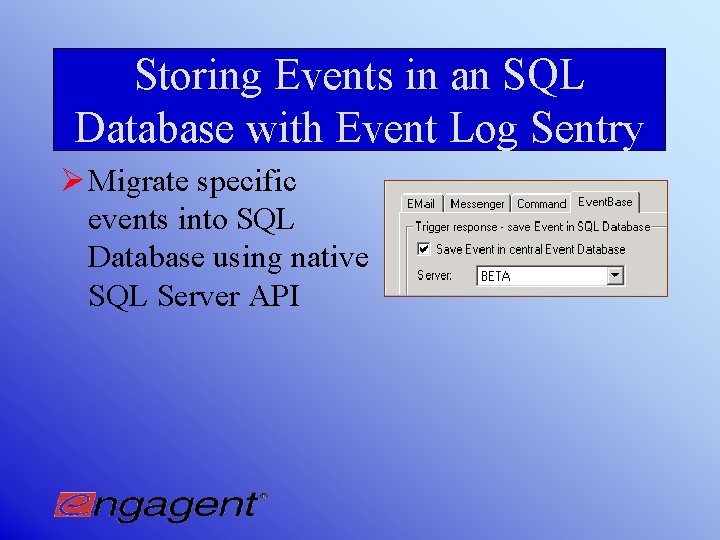
Storing Events in an SQL Database with Event Log Sentry Ø Migrate specific events into SQL Database using native SQL Server API
Why store events in an SQL Database? Ø Long-term data analysis ØUse standard reports with Seagate Crystal Reports or create customized reports Ø Provides Audit trail Ø Uses MS SQL Server proprietary API calls ØFaster than ODBC ØNon-interference with other SQL Clients that may be running
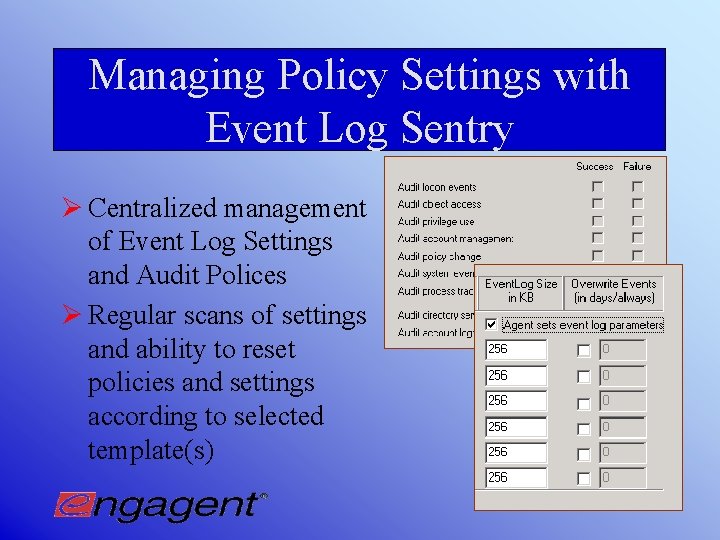
Managing Policy Settings with Event Log Sentry Ø Centralized management of Event Log Settings and Audit Polices Ø Regular scans of settings and ability to reset policies and settings according to selected template(s)
Why centralize Policy and Auditing Settings? Ø Ensures correct event information is written to Security Log Ø Enforces consistent conformance with corporate security policies across all machines
Managing Event Log Sentry Ø Easy distribution of agents to servers or workstations in all domains. Ø Template-based design so that changes to multiple machines are performed with ease Ø Global templates and domain-level templates for simplified management
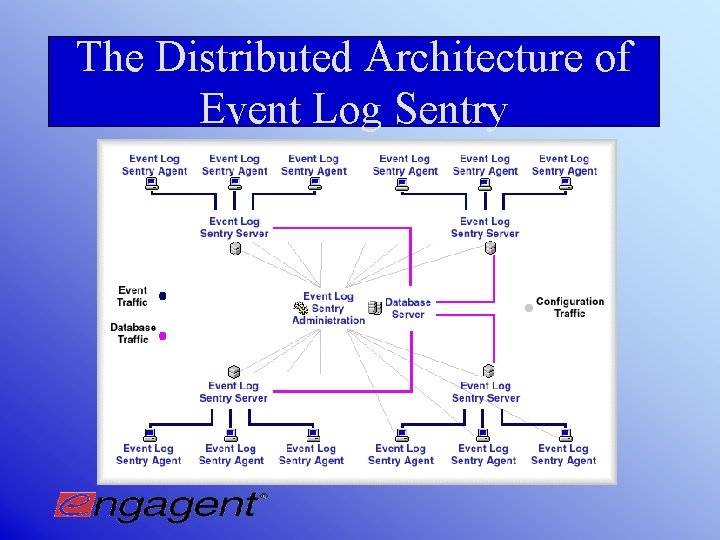
The Distributed Architecture of Event Log Sentry
How does Event Log Sentry Work? Ø Event Log Sentry Server for Database Migration and. EVT Backup Ø Event Log Sentry Admin Console on Admin workstation Ø Event Log Sentry Agents on any machine whose event logs will be processed
Benefits of Event Log Sentry’s Distributed Architecture Design Ø Centralized management Ø Easily manages multiple domains Ø Load Balancing for continued monitoring and management Ø Efficient network/processor utilization Ø Scalable for large enterprises
How scalable is Event Log Sentry? Ø Test environment Ø 50 Servers Ø 200 Workstations Ø Tasks Performed ØMonitoring selected events ØMigrating selected events ØArchiving
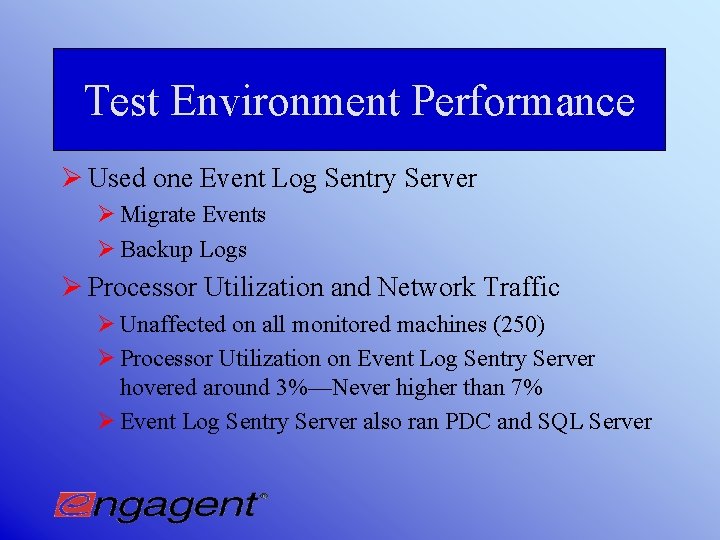
Test Environment Performance Ø Used one Event Log Sentry Server Ø Migrate Events Ø Backup Logs Ø Processor Utilization and Network Traffic Ø Unaffected on all monitored machines (250) Ø Processor Utilization on Event Log Sentry Server hovered around 3%—Never higher than 7% Ø Event Log Sentry Server also ran PDC and SQL Server
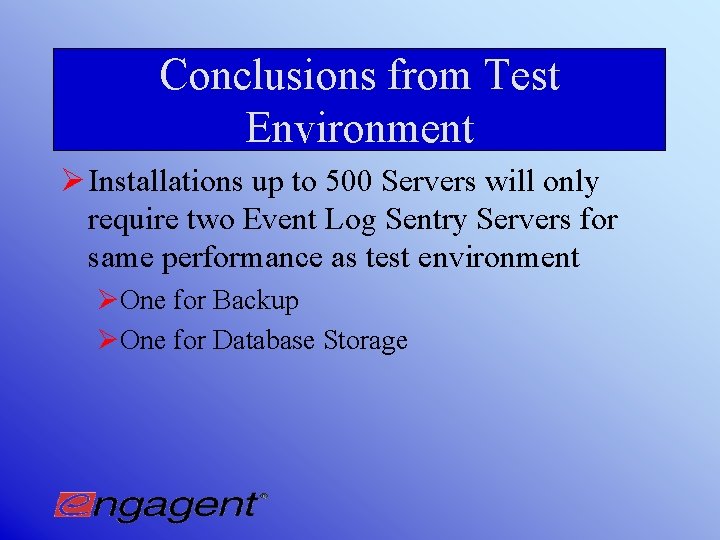
Conclusions from Test Environment Ø Installations up to 500 Servers will only require two Event Log Sentry Servers for same performance as test environment ØOne for Backup ØOne for Database Storage
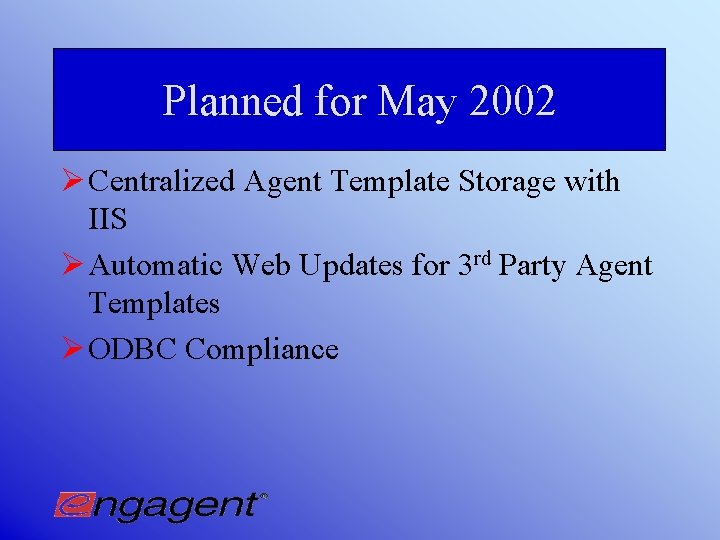
Planned for May 2002 Ø Centralized Agent Template Storage with IIS Ø Automatic Web Updates for 3 rd Party Agent Templates Ø ODBC Compliance
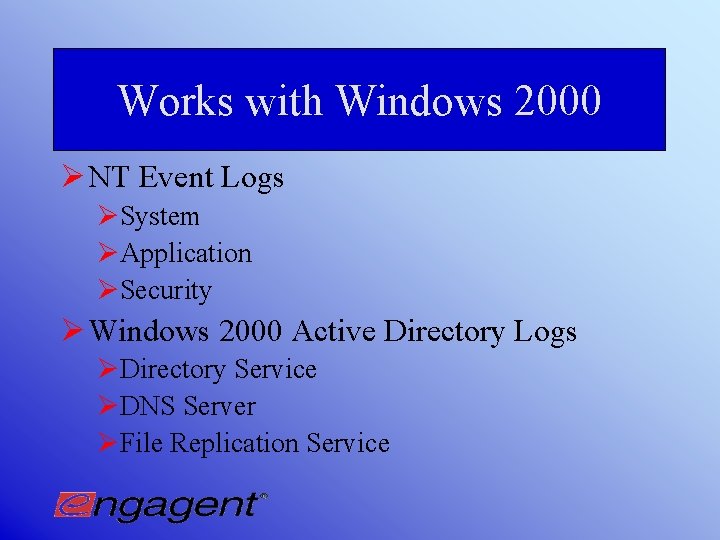
Works with Windows 2000 Ø NT Event Logs ØSystem ØApplication ØSecurity Ø Windows 2000 Active Directory Logs ØDirectory Service ØDNS Server ØFile Replication Service
Event Log Sentry and Event Log View Overall Benefits Ø Immediately isolate and prevent system and security threats through real-time notifications and automated actions Ø Research failures and breaches through an archived repository Ø Increase network visibility to improve security and systems management Ø Reduces TCO by reducing time spent viewing, monitoring, and managing event logs
Engagent Inc. Engagent 11889 98 th Ave NE Kirkland, WA 98036 (877)820 -7980 www. engagent. com sales@engagent. com