
Compiled from various Internet sources Presented by Mr
Compiled from various Internet sources Presented by Mr. Hatfield ROBOTICS WEEK 3 BEGINNING WHEEL CONTROL
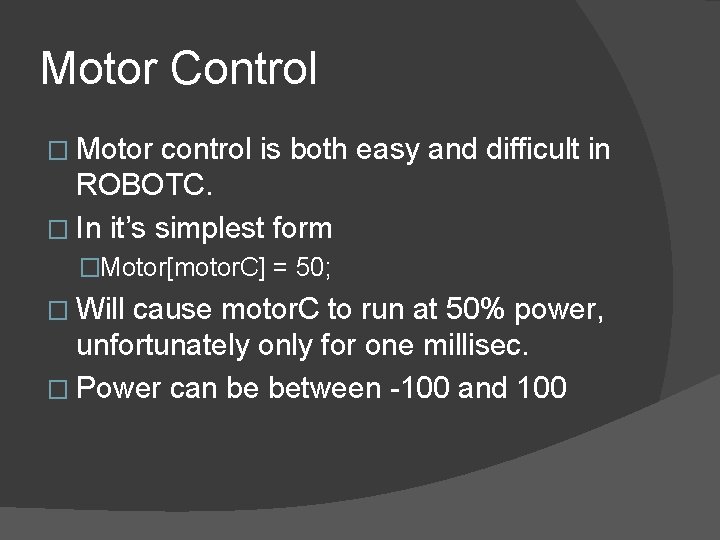
Motor Control � Motor control is both easy and difficult in ROBOTC. � In it’s simplest form �Motor[motor. C] = 50; � Will cause motor. C to run at 50% power, unfortunately only for one millisec. � Power can be between -100 and 100
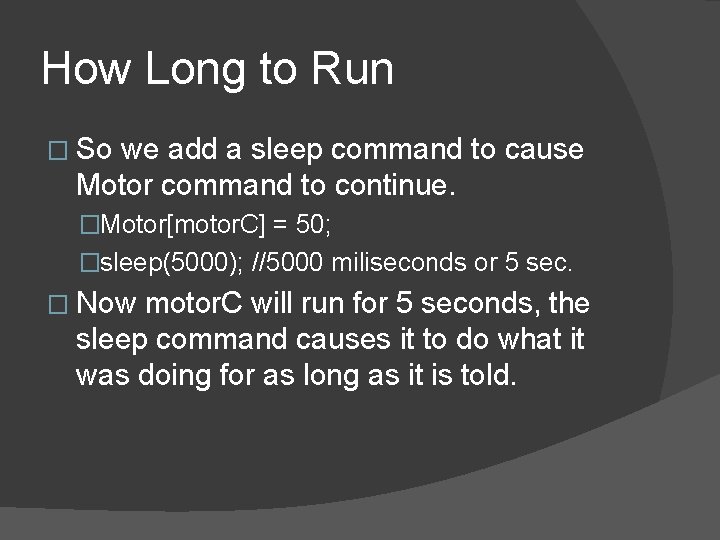
How Long to Run � So we add a sleep command to cause Motor command to continue. �Motor[motor. C] = 50; �sleep(5000); //5000 miliseconds or 5 sec. � Now motor. C will run for 5 seconds, the sleep command causes it to do what it was doing for as long as it is told.
![What About 2 Wheels � Easy, just add another Motor command �Motor[motor. B] =](http://slidetodoc.com/presentation_image_h2/a3a532cb4944f43b4f6f192705555a60/image-4.jpg "What About 2 Wheels � Easy, just add another Motor command �Motor[motor. B] =")
What About 2 Wheels � Easy, just add another Motor command �Motor[motor. B] = 50; �Motor[motor. C] = 50; �sleep(5000); //5000 miliseconds or 5 sec. � Now both motor. B and motor. C will move at 50% power for 5 seconds
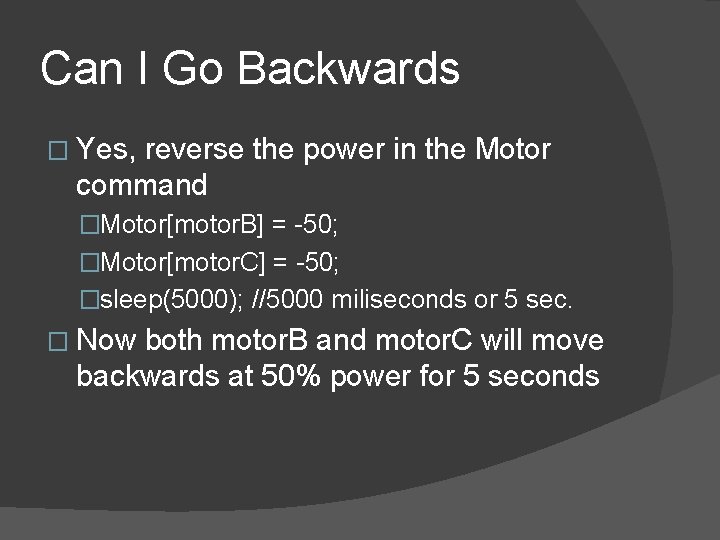
Can I Go Backwards � Yes, reverse the power in the Motor command �Motor[motor. B] = -50; �Motor[motor. C] = -50; �sleep(5000); //5000 miliseconds or 5 sec. � Now both motor. B and motor. C will move backwards at 50% power for 5 seconds
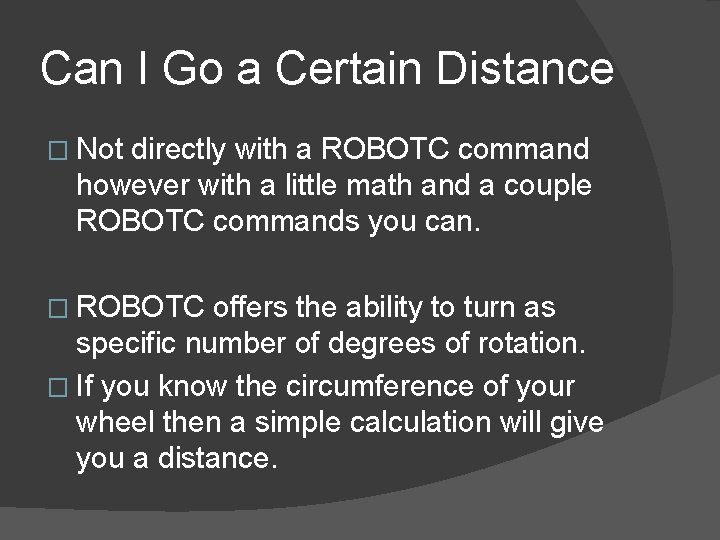
Can I Go a Certain Distance � Not directly with a ROBOTC command however with a little math and a couple ROBOTC commands you can. � ROBOTC offers the ability to turn as specific number of degrees of rotation. � If you know the circumference of your wheel then a simple calculation will give you a distance.
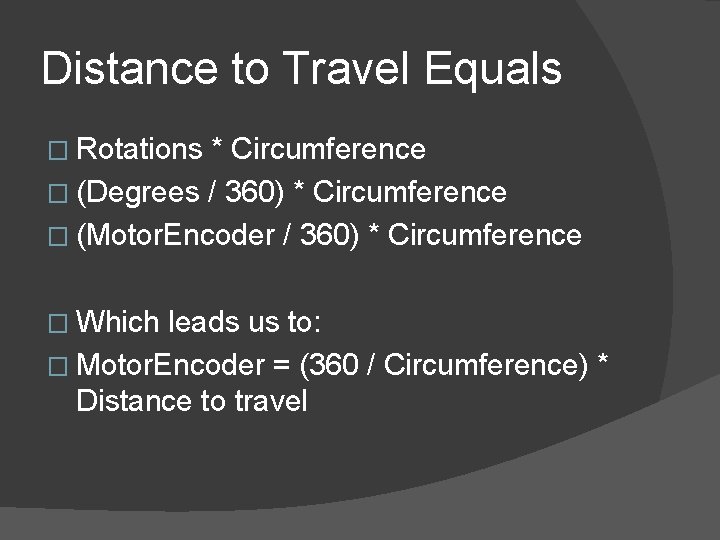
Distance to Travel Equals � Rotations * Circumference � (Degrees / 360) * Circumference � (Motor. Encoder / 360) * Circumference � Which leads us to: � Motor. Encoder = (360 / Circumference) * Distance to travel
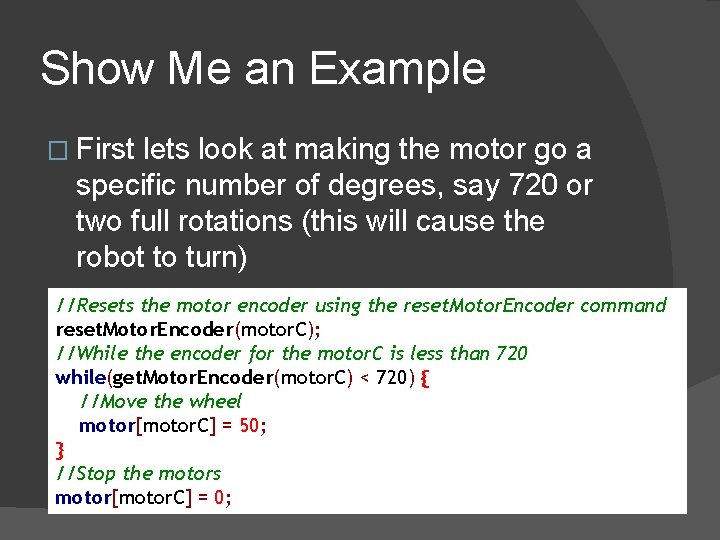
Show Me an Example � First lets look at making the motor go a specific number of degrees, say 720 or two full rotations (this will cause the robot to turn) //Resets the motor encoder using the reset. Motor. Encoder command reset. Motor. Encoder(motor. C); //While the encoder for the motor. C is less than 720 while(get. Motor. Encoder(motor. C) < 720) { //Move the wheel motor[motor. C] = 50; } //Stop the motors motor[motor. C] = 0;
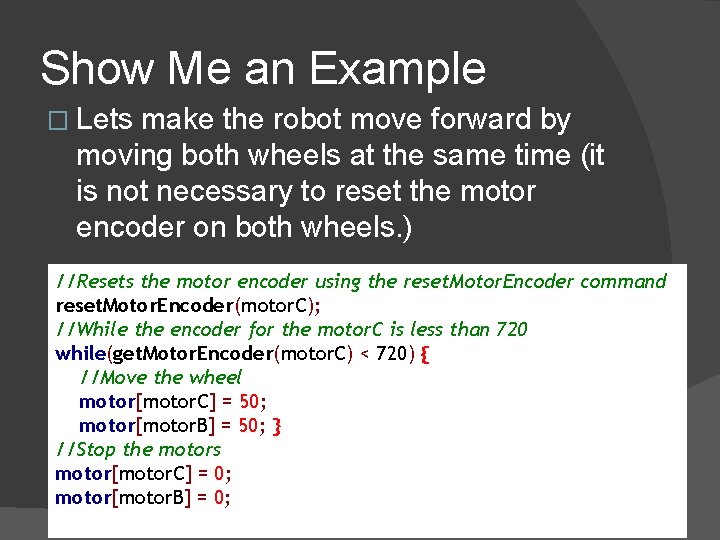
Show Me an Example � Lets make the robot move forward by moving both wheels at the same time (it is not necessary to reset the motor encoder on both wheels. ) //Resets the motor encoder using the reset. Motor. Encoder command reset. Motor. Encoder(motor. C); //While the encoder for the motor. C is less than 720 while(get. Motor. Encoder(motor. C) < 720) { //Move the wheel motor[motor. C] = 50; motor[motor. B] = 50; } //Stop the motors motor[motor. C] = 0; motor[motor. B] = 0;
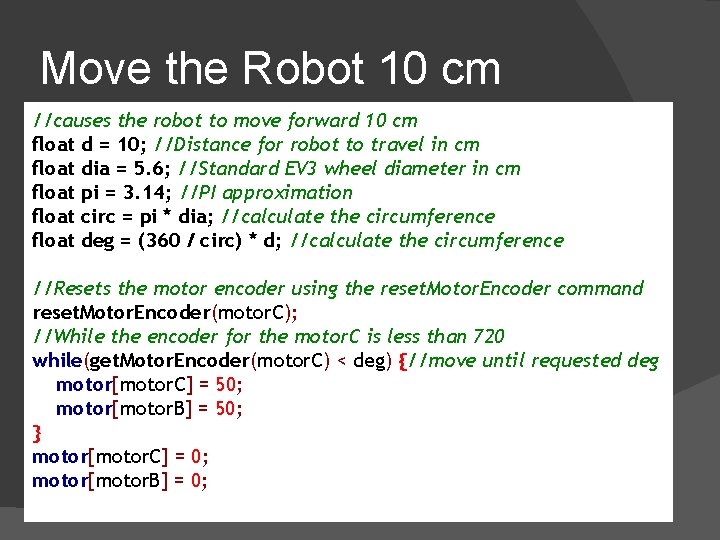
Move the Robot 10 cm //causes the robot to move forward 10 cm float d = 10; //Distance for robot to travel in cm float dia = 5. 6; //Standard EV 3 wheel diameter in cm float pi = 3. 14; //PI approximation float circ = pi * dia; //calculate the circumference float deg = (360 / circ) * d; //calculate the circumference //Resets the motor encoder using the reset. Motor. Encoder command reset. Motor. Encoder(motor. C); //While the encoder for the motor. C is less than 720 while(get. Motor. Encoder(motor. C) < deg) {//move until requested deg motor[motor. C] = 50; motor[motor. B] = 50; } motor[motor. C] = 0; motor[motor. B] = 0;
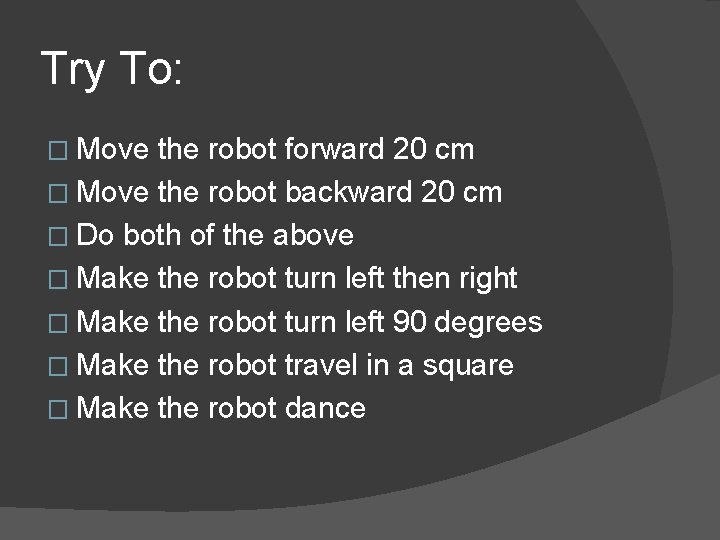
Try To: � Move the robot forward 20 cm � Move the robot backward 20 cm � Do both of the above � Make the robot turn left then right � Make the robot turn left 90 degrees � Make the robot travel in a square � Make the robot dance
Congratulations!!! �I am assuming that you have a functioning EV 3 with ROBOTC � I am assuming that you were able to make your robot move according to the instructions in the previous slide
- Slides: 12