
Comparative Usability Study Research Plan Robert Murphy Study
Comparative Usability Study Research Plan Robert Murphy
Study Overview • Comparative usability study evaluating Site-A and Site-B • Objectives of study – Collect data on both performance and user feedback measures from observed site usage – Evaluate data to determine strengths and weaknesses of the user experience on each site evaluated – Provide recommendations for enhancements to improve the user experience on Site-A • Areas of concentration – Search Feature – Various Navigational Elements – Product Listing 2
Measures for Evaluation • Evaluation will be based on the following measures – Performance: • Success of task • Use of navigational elements • Time on task – User Feedback: • • • Satisfaction Ease of Use Relevancy of search results Quantity of results Preferences Any additional verbal feedback 3
Participants • Follow established user segments as defined by both marketing research and user account activities • Three levels of experience: – Experienced users • 5+ years; 10+ purchases; 1+ purchase in last year – Novice users • <1 year exp; 1 -2 purchases – Inexperienced users • No experience; 1 -2 ecommerce purchases in last year • Three age groups to include: – Elderly 55+ – Mid-age 30 -54 years – Younger 18 -29 years 4
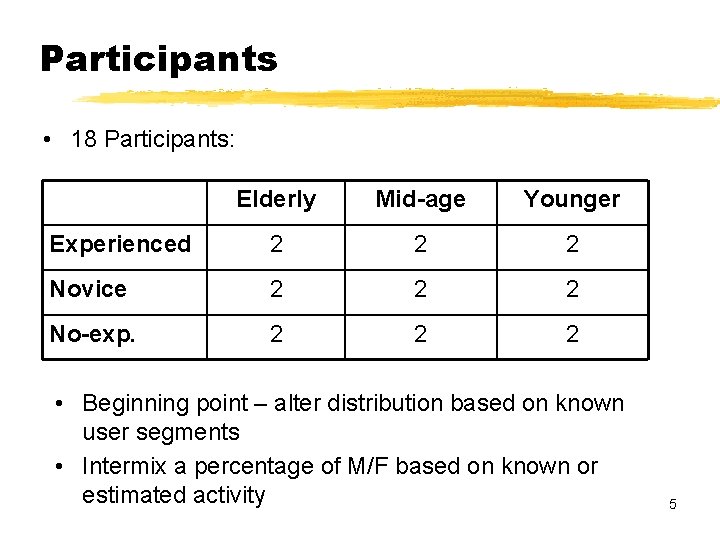
Participants • 18 Participants: Elderly Mid-age Younger Experienced 2 2 2 Novice 2 2 2 No-exp. 2 2 2 • Beginning point – alter distribution based on known user segments • Intermix a percentage of M/F based on known or estimated activity 5
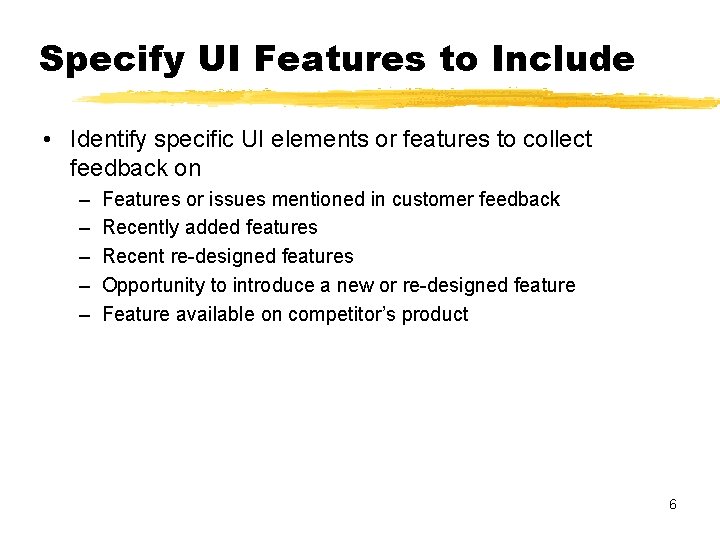
Specify UI Features to Include • Identify specific UI elements or features to collect feedback on – – – Features or issues mentioned in customer feedback Recently added features Recent re-designed features Opportunity to introduce a new or re-designed feature Feature available on competitor’s product 6
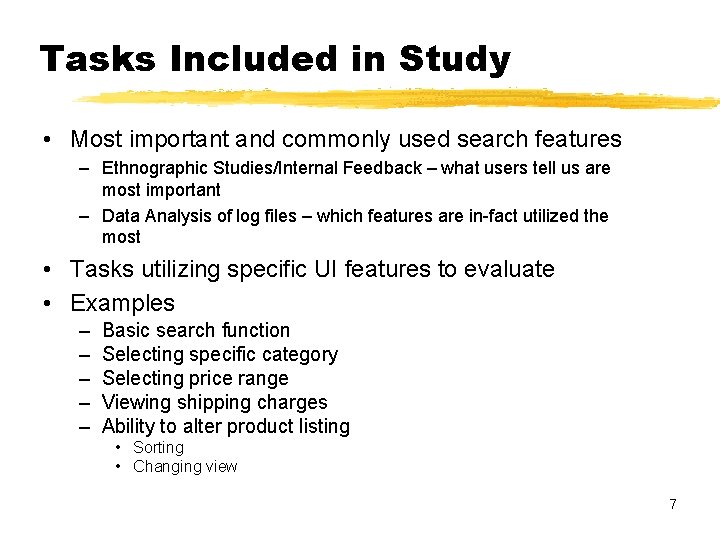
Tasks Included in Study • Most important and commonly used search features – Ethnographic Studies/Internal Feedback – what users tell us are most important – Data Analysis of log files – which features are in-fact utilized the most • Tasks utilizing specific UI features to evaluate • Examples – – – Basic search function Selecting specific category Selecting price range Viewing shipping charges Ability to alter product listing • Sorting • Changing view 7
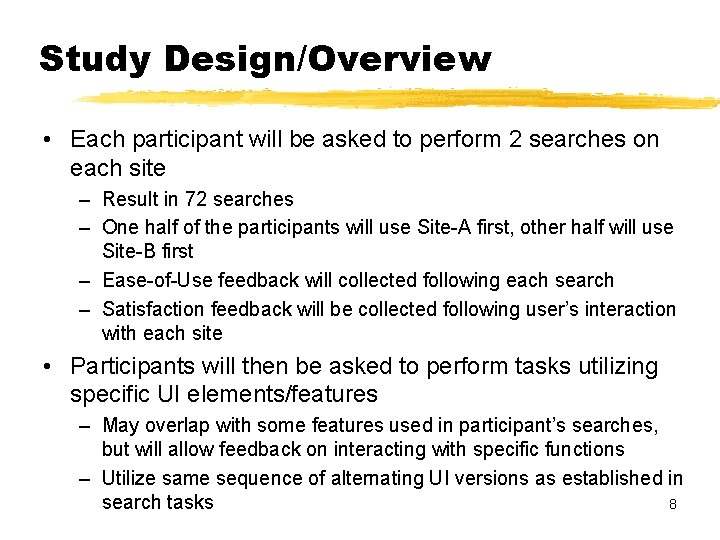
Study Design/Overview • Each participant will be asked to perform 2 searches on each site – Result in 72 searches – One half of the participants will use Site-A first, other half will use Site-B first – Ease-of-Use feedback will collected following each search – Satisfaction feedback will be collected following user’s interaction with each site • Participants will then be asked to perform tasks utilizing specific UI elements/features – May overlap with some features used in participant’s searches, but will allow feedback on interacting with specific functions – Utilize same sequence of alternating UI versions as established in search tasks 8
Study Introduction • Greeting and introductions • Thanks for participating • Conduct short survey – Confirm participant’s experience – More details about on-line shopping behavior/experience • Explanation of study • Emphasize participant him/herself is not being “tested” but they are testing the UI for us • Questions and comments are welcomed, but may not necessarily be answered – attempting to simulate unassisted interaction with the product 9
Task 1 – User-Defined Search • Have user perform an unaided search for product of their choosing – Ask participant if they have any product in mind they intend on purchasing on-line, or a recent product they’ve purchased on-line • Allows user to find and navigate to their product using their own means – Striving for realist search behavior – Can identify what feature user would interact with • Ask user’s feedback on ease of performing task – “Using a scale of 1 -5 (1 being very difficult; 5 being very easy) how would you rate the ease of searching for your product? 10
Task 2 – Task-Defined Search • Provide specific products for user to select from – Ex: Nikon digital SLR camera with 6 mega-pixels of memory for under $250 • Provide specific parameters for user to refine their search – Ex: You’d like shipping to be “free” or simply included in the sale price • Encourage / ensure user will interact with specific features within the UI • Ask user’s feedback on ease of performing task – “Using a scale of 1 -5 (1 being very difficult; 5 being very easy) how would you rate the ease of searching for your product? 11
Task 1 and 2 • Following completion of tasks 1 and 2 on first site – Inquire into shopper’s satisfaction in using the site • “Using a scale of 1 -5 (1 being very dissatisfied; 5 being very satisfied) how would you rate your satisfaction in using this site? • Repeat tasks 1 and 2 for second site – Repeat satisfaction survey question for second UI • After competing tasks 1 and 2 on both sites – Inquire into shopper’s preference of using one version of the UI over the other 12
Feature Specific Tasks • Tasks addressing specific features and UI elements – Left Navigation • Ex: View only offers within a certain price range or product attribute – Search Function • Ex: Evaluate usage of search drop-down (to select a category) • Ex: Narrow their search with additional terms – Product listings of results • Ex: Altering the view of results (row vs. grid) • Ex: Sorting of results 13
Feature Specific Tasks • Each of group of tasks would be performed on each site • Encourage more verbal feedback from participant – Any verbal feedback indicating likes or dislikes provided while user interacts with the feature will be documented • Ease-of-use and satisfaction measures would be collected following performing tasks on each site • Preference measures will be collected after completing tasks on both sites 14
Data Analysis / Reporting • Quantitative and qualitative feedback would be reported comparing results from tasks conducted on each site – Success Rates • Were all tasks completed successfully? • Could all functions be found on each site? – Time on task • Did one site allow quicker task completion times in general? • Did one site cause excessive completion times for specific functions? – Use of Navigational Elements • Document which navigational elements were used • Were navigational elements accessed and used equally between 2 sites? 15
Data Analysis / Reporting • Measures (continued) – Satisfaction • Did one site prove to be a more satisfying experience over the other? – Ease of Use • Did one site prove to be easier to use over the other? • Did any function stand out as being excessively easy or difficult to use? – Preferences • Which site was preferred over the other? • Were there any specific areas or functions of either site that were preferred over the other? 16
Data Analysis / Reporting • Analyze results on Site-A by user groups – Identify any difference in measure between user groups • Did more experienced users have better performance results? • Did more experienced users utilize different feature? • Include any relevant comments, questions or concerns participants provided – Identify likes and dislikes about each site – Identify specific preferences from each site • Include any UI recommendations based on findings and user feedback 17
Thank You! • Questions & Answers 18
- Slides: 18