
Comp Sci 101 Introduction to Computer Science Sep
- Slides: 24
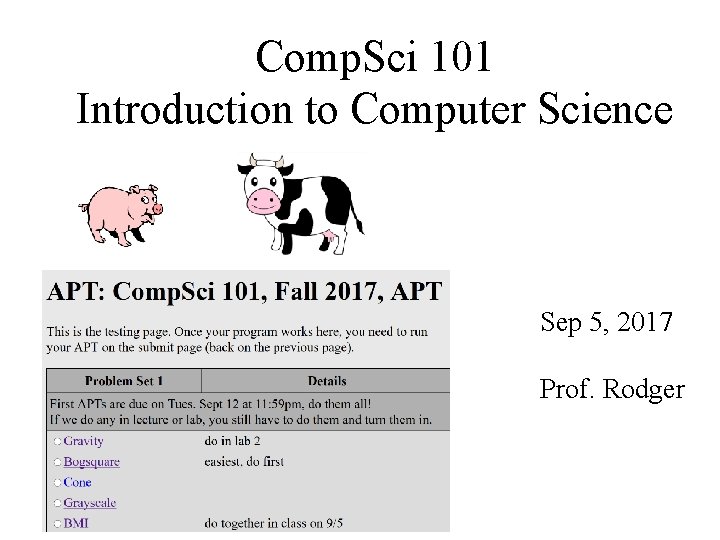
Comp. Sci 101 Introduction to Computer Science Sep 5, 2017 Prof. Rodger
Announcements • Reading and RQ 3 due next class • Assignment 1 due today! – See the catch up schedule – for everyone! • • APT 1 out and due on Tuesday, Sep 12 Need a pin to add class – fill out form Exam accommodations – fill out form Lab 2 this week • Today –Variables and Functions, Solve an APT, Problem solving cps 101 fall 2017 2
The Online Textbook • Text part describes Python Version 3 • My version of the book, Python Version 2 just in the code boxes • Main Differences: – Divide, not using // • Use / for division, 7/2 will be 3 • 7. 0/2 will be 3. 5 – Print • We will use: print x • Not using with parenthesis: print(x) cps 101 fall 2017 3
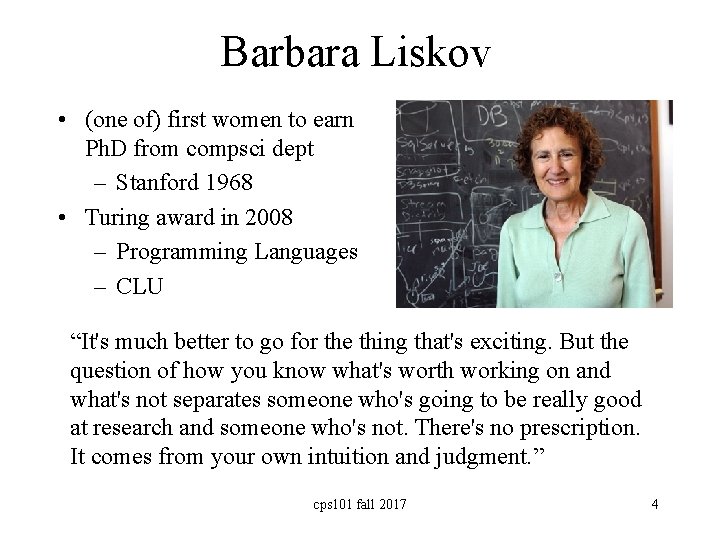
Barbara Liskov • (one of) first women to earn Ph. D from compsci dept – Stanford 1968 • Turing award in 2008 – Programming Languages – CLU “It's much better to go for the thing that's exciting. But the question of how you know what's worth working on and what's not separates someone who's going to be really good at research and someone who's not. There's no prescription. It comes from your own intuition and judgment. ” cps 101 fall 2017 4
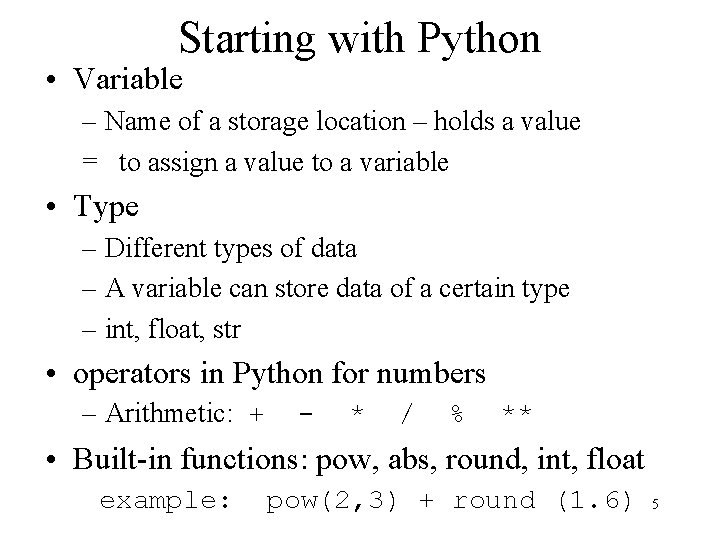
Starting with Python • Variable – Name of a storage location – holds a value = to assign a value to a variable • Type – Different types of data – A variable can store data of a certain type – int, float, str • operators in Python for numbers – Arithmetic: + - * / % ** • Built-in functions: pow, abs, round, int, float example: pow(2, 3) + round (1. 6) 5
Starting with Python http: //bit. ly/101 f 17 -0905 -1 cps 101 fall 2017 6
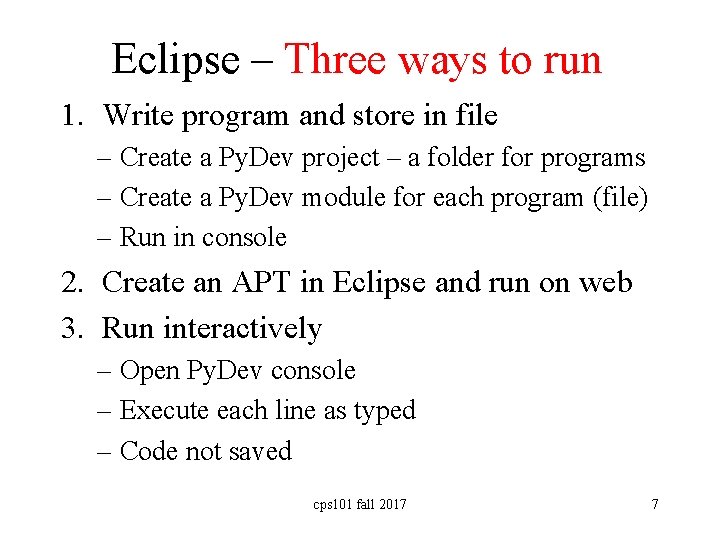
Eclipse – Three ways to run 1. Write program and store in file – Create a Py. Dev project – a folder for programs – Create a Py. Dev module for each program (file) – Run in console 2. Create an APT in Eclipse and run on web 3. Run interactively – Open Py. Dev console – Execute each line as typed – Code not saved cps 101 fall 2017 7
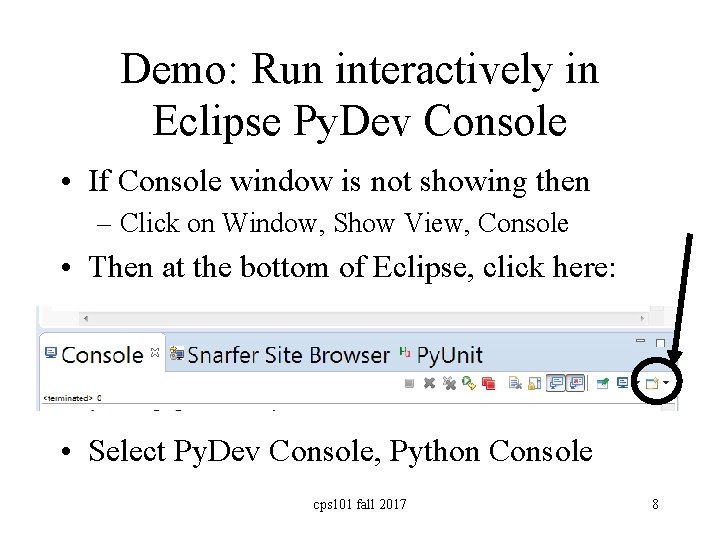
Demo: Run interactively in Eclipse Py. Dev Console • If Console window is not showing then – Click on Window, Show View, Console • Then at the bottom of Eclipse, click here: • Select Py. Dev Console, Python Console cps 101 fall 2017 8
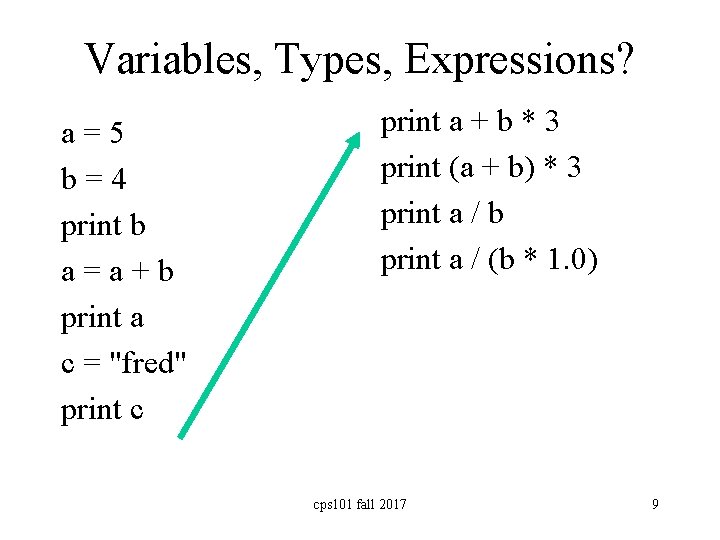
Variables, Types, Expressions? a=5 b=4 print b a=a+b print a c = "fred" print c print a + b * 3 print (a + b) * 3 print a / b print a / (b * 1. 0) cps 101 fall 2017 9
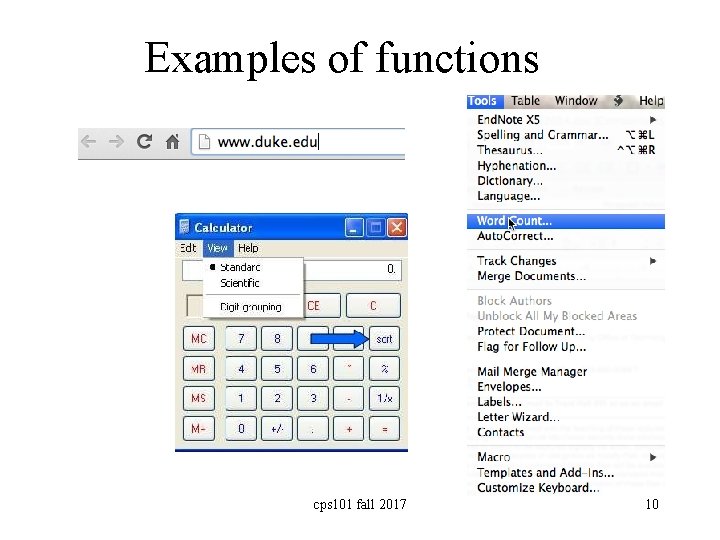
Examples of functions cps 101 fall 2017 10
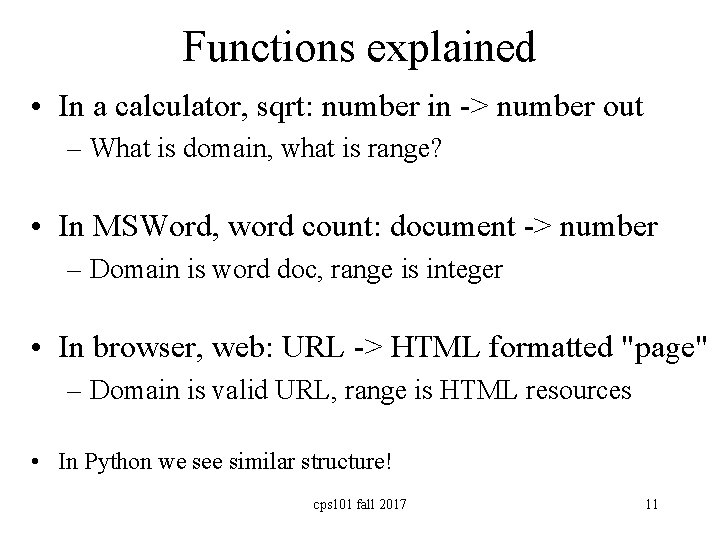
Functions explained • In a calculator, sqrt: number in -> number out – What is domain, what is range? • In MSWord, word count: document -> number – Domain is word doc, range is integer • In browser, web: URL -> HTML formatted "page" – Domain is valid URL, range is HTML resources • In Python we see similar structure! cps 101 fall 2017 11
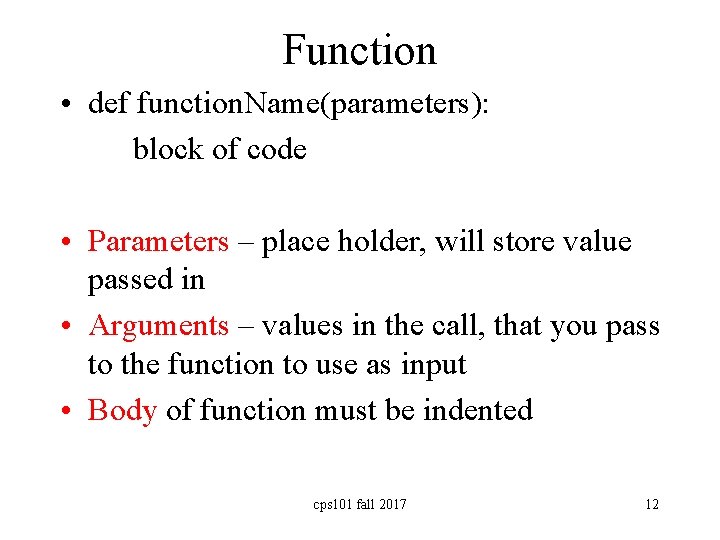
Function • def function. Name(parameters): block of code • Parameters – place holder, will store value passed in • Arguments – values in the call, that you pass to the function to use as input • Body of function must be indented cps 101 fall 2017 12
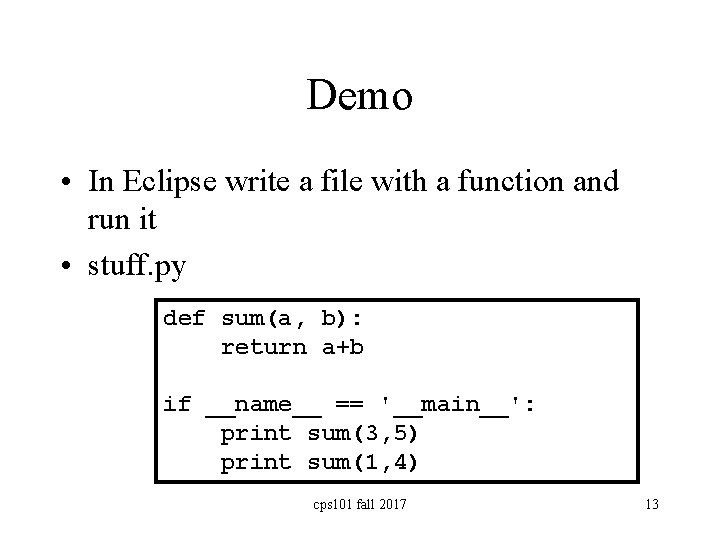
Demo • In Eclipse write a file with a function and run it • stuff. py def sum(a, b): return a+b if __name__ == '__main__': print sum(3, 5) print sum(1, 4) cps 101 fall 2017 13
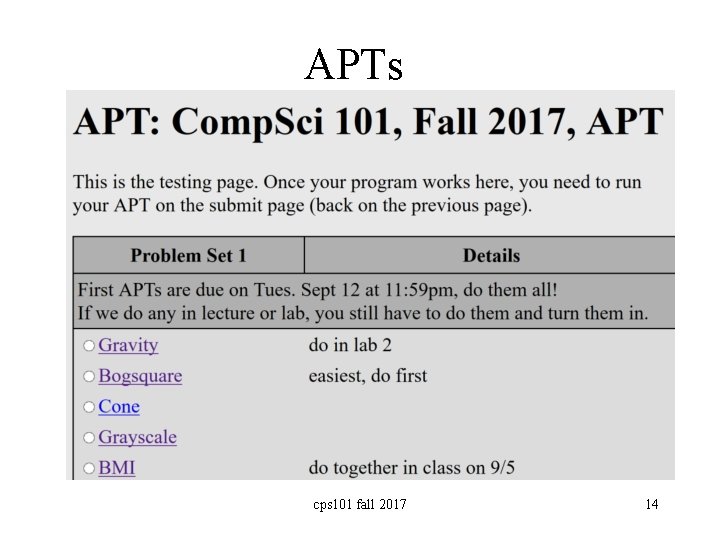
APTs cps 101 fall 2017 14
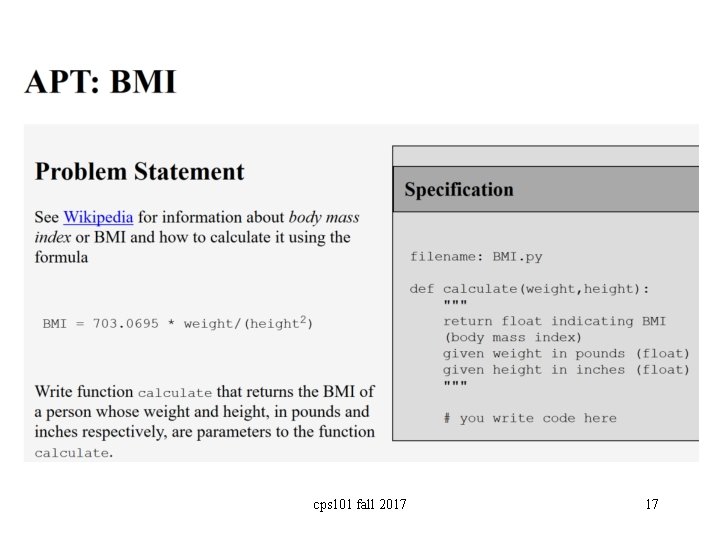
What is an APT? BMI APT • Automated/Algorithmic Problem Testing – Write one function, 2 -30 lines, solve a problem – Tested automagically in Eclipse or the browser – Lots of test cases – test • Start simple, build toward more complex – What is a function? A function call? – What is a parameter? Argument? – How do you run/execute a program cps 101 fall 2017 15
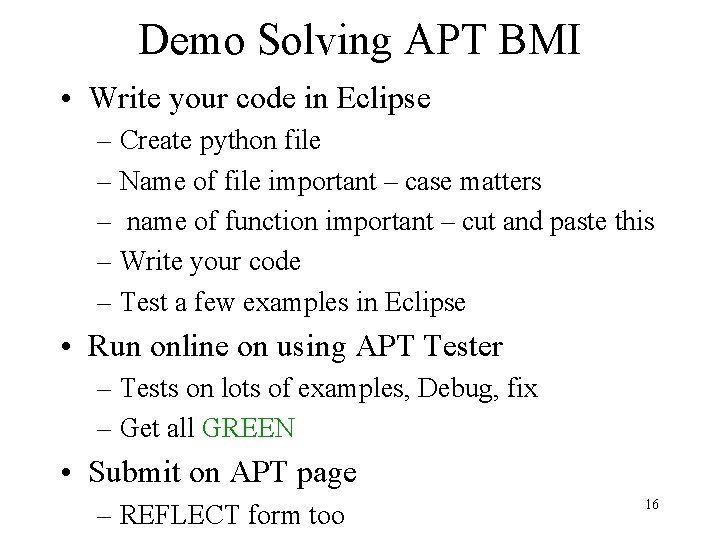
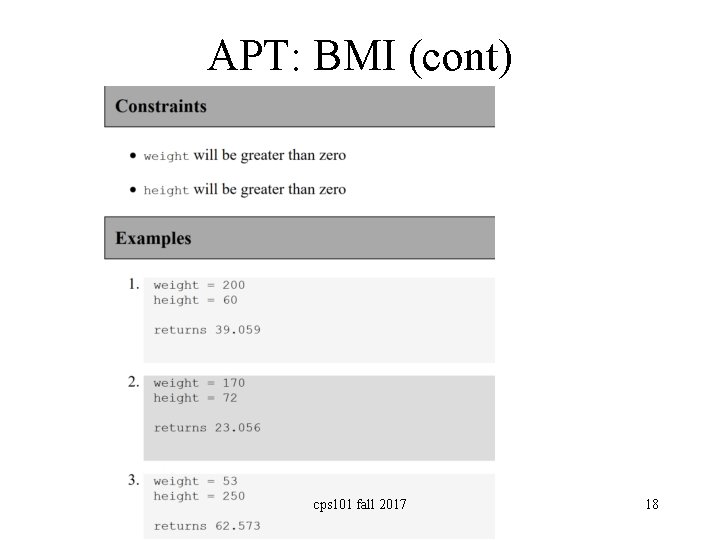
Demo Solving APT BMI • Write your code in Eclipse – Create python file – Name of file important – case matters – name of function important – cut and paste this – Write your code – Test a few examples in Eclipse • Run online on using APT Tester – Tests on lots of examples, Debug, fix – Get all GREEN • Submit on APT page – REFLECT form too 16
cps 101 fall 2017 17
APT: BMI (cont) cps 101 fall 2017 18
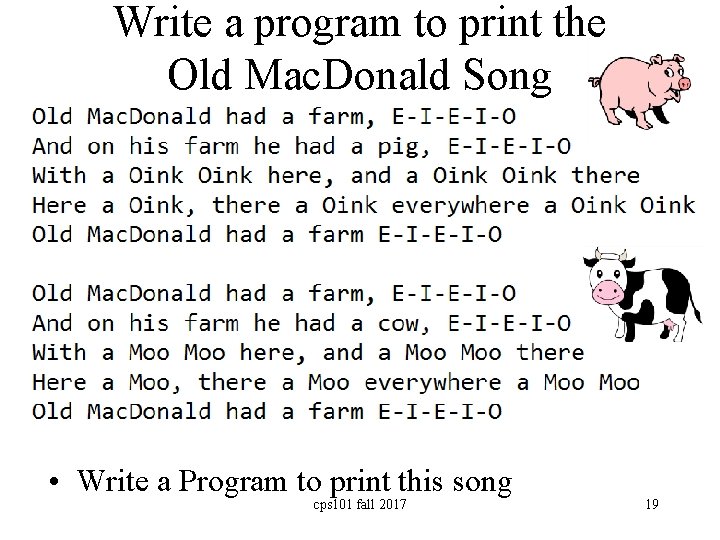
Write a program to print the Old Mac. Donald Song • Write a Program to print this song cps 101 fall 2017 19
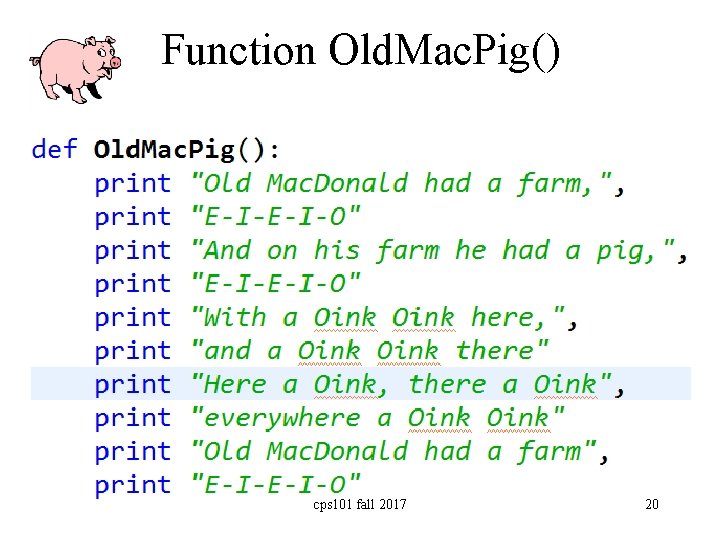
Function Old. Mac. Pig() cps 101 fall 2017 20
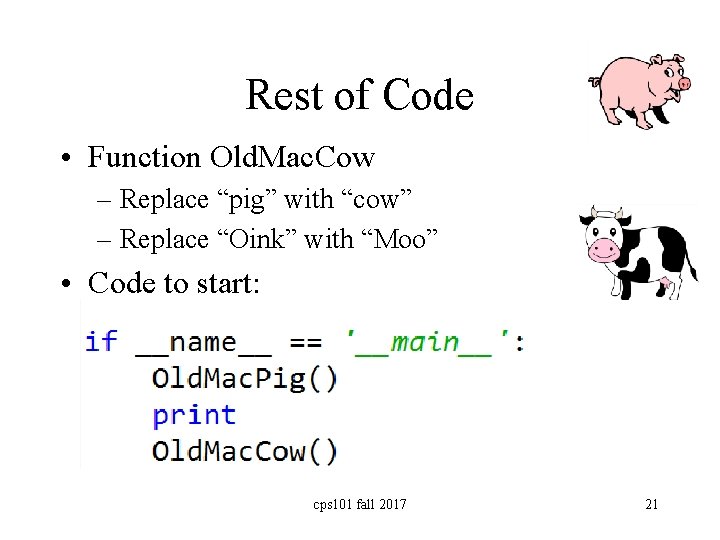
Rest of Code • Function Old. Mac. Cow – Replace “pig” with “cow” – Replace “Oink” with “Moo” • Code to start: cps 101 fall 2017 21
Discuss how to make code better bit. ly/101 f 17 -0905 -2 • Describe in words how you can make the code better? More efficient? – Fewer lines of code? – Use more functions? – Discuss your changes. • What advantages do the changes you make have? cps 101 fall 2017 22
Demo – Old Mac improvements • What does the horse say? • What does the cow say? • What does the fox say? cps 101 fall 2017 23
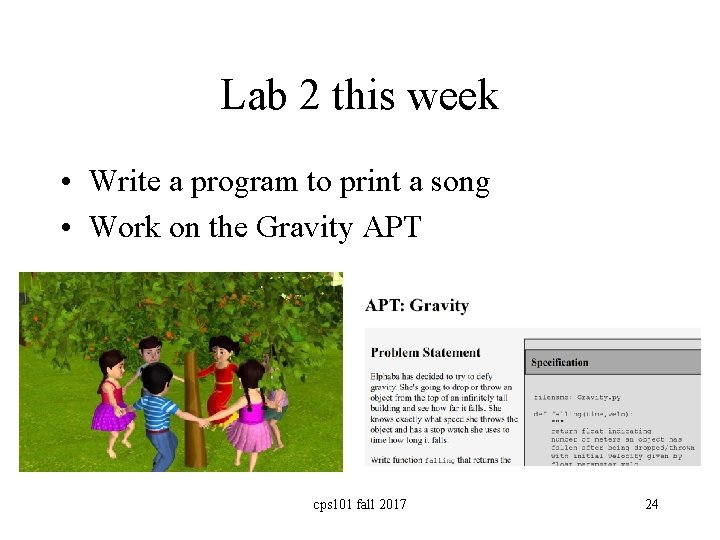
Lab 2 this week • Write a program to print a song • Work on the Gravity APT cps 101 fall 2017 24